

Pinterest for businesses

Since launching its new range of advertising options, Instagram has recently enjoyed a great deal of attention in the world of marketing. With all this hype, it’s easy to forget that there’s another major player quietly contending with the photo sharing platform: Pinterest. The network boasts over 100 million registered users worldwide - a number that just keeps growing. The virtual pinboard is an interesting social media platform for individual users and businesses alike, and can be used to attract potential customers, whatever your service, product, or brand might be. Pinterest can be used as part of a comprehensive social marketing media strategy in order to help businesses promote targeted content on a wide-ranging platform and therefore expand their outreach to attract potential customers. This comprehensive introduction presents Pinterest’s most important features and functions and gives tips on how to find the right strategy for your curating your corporate online presence using Pinterest.
What is Pinterest?
As an image-sharing network, Pinterest isn’t a social media network in the typical sense; in fact, it’s generally regarded as a source of inspiration. Registered users can create a series of themed virtual pinboards, made up of individual ‘pins’ - images and videos relating to their personal interests. Images can be pinned on any number of pinboards, which are then shared publicly with other users.

Pinterest allows its users to follow specific accounts or individual pinboards. If you’re looking for inspiration and ideas on a particular subject, you can use the keyword search to find fitting pinboards. Relevant pins can then be added to your own pinboard. New entries from your subscriptions appear in chronological order on your news feed. The more users and pinboards you follow, the more precise and relevant to your interests the newsfeed will be. You can streamline this process when setting up your profile by specifying the topics that interest you. Pinterest then displays pins that are relevant to your chosen topics and keywords in your news feed.
How can I use Pinterest for my business?
There are two ways to pin posts on your Pinterest pinboards; either by directly uploading a file, or using the ‘Pin it’ button. This button makes visual content accessible to Pinterest users - with one click, a Pinterest user can mark the image and add it to a pinboard. Alternatively, you can click on the pin to access the source website of the image. This way, websites can generate referral traffic via Pinterest.
As Pinterest is widely regarded as a catalogue of images relating to their personal interests and tastes, advertisers and businesses can use the platform as an opportunity to build a visual library of links. This provides a great opportunity to generate targeted traffic for your website, thus extending your online outreach, Every pin uploaded onto the platform is linked to a URL; therefore, the more content from your company website you put on Pinterest, the more your URL will be accessed and shared, in turn generating more links to your site.


- Sell on social media in minutes
- Manage everything from one platform
- Works with any product or service
Marketing mix: using Pinterest for businesses
In addition to generating traffic, Pinterest can be a powerful tool for creating and marketing your brand. Expanding your outreach with pins means you are also indirectly growing brand awareness. Pinterest is therefore useful for promoting products or offers or to extending an image campaign, with the platform itself fostering stronger ties to customers and improving customer retention. Business owners are increasingly starting to realizeise the potential of displaying two separate sides to their business: a professional side, and a more human, emotional side. This model facilitates the opening up of a dialogue and a mutual interaction between customer and company.
Specific communication goals such as brand awareness, customer retention, and curating a particular image should always be considered as just part of your long-term digital communications strategy, and your actions on Pinterest should also reflect your ultimate goals. Only after you’ve defined a social media strategy and set an appropriate style guide that spans your company’s communications platforms, should you begin to develop a plan specifically for your Pinterest activity and engagements. Intelligent interactions with other channels is of central importance for a cohesive communications strategy, which entails well-planned networking, primarily with your own web presence and the company website or blog, as well as with other social media channels.
How do you use Pinterest for businesses?
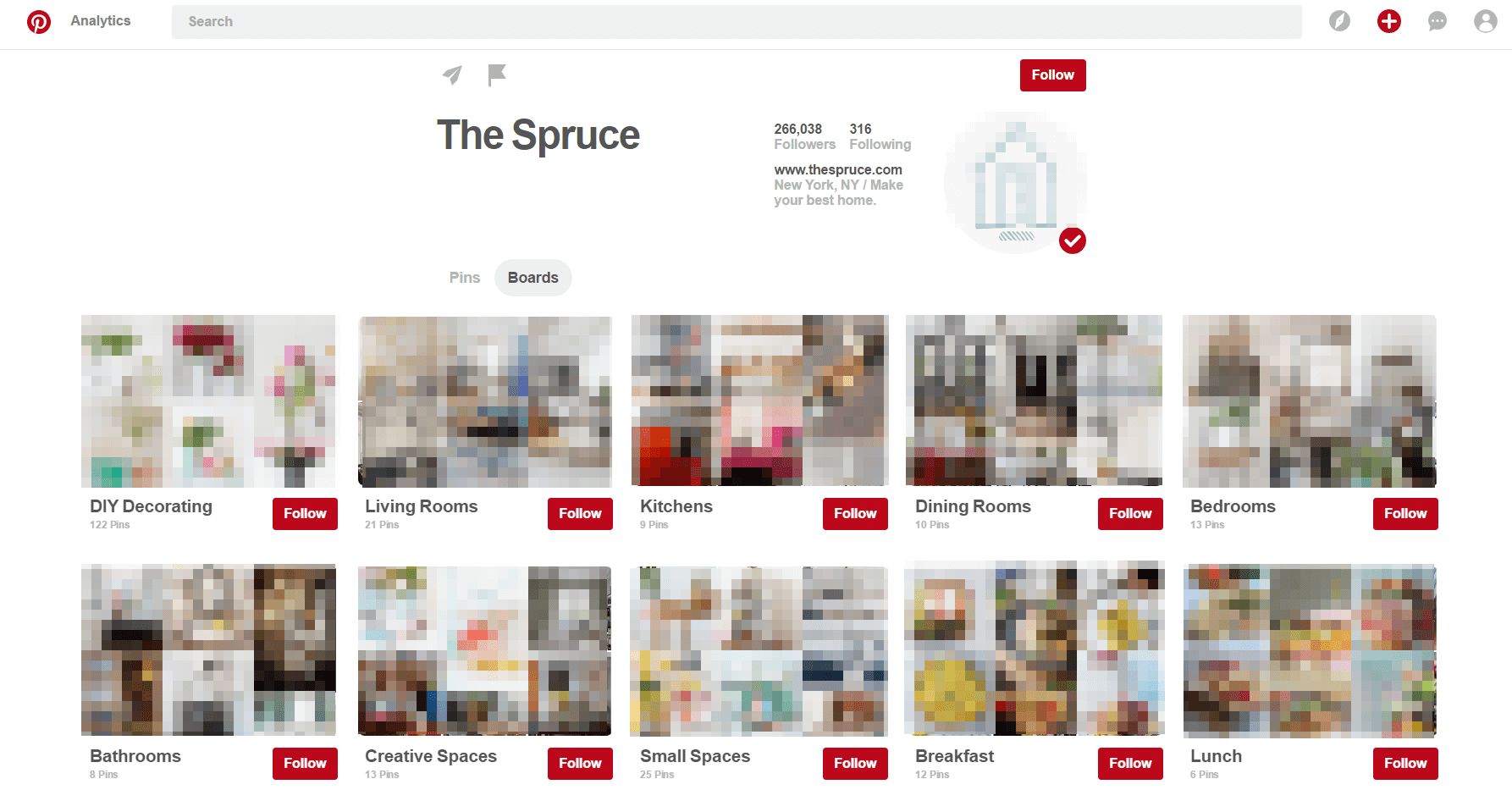
Before getting into the strategy planning and creating pins and pinboards, the bare essentials need to be taken care of. First, you need to set up a Pinterest business account and start building up a follower base. This section provides a brief description of how to do this and the most important features to keep in mind.
Setting up a Pinterest business account
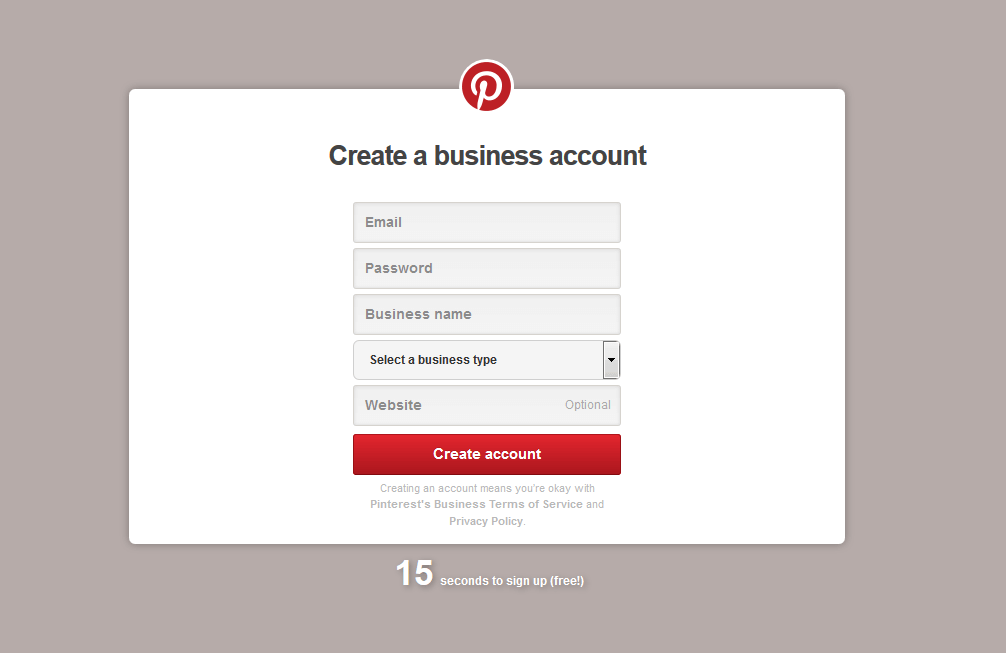
To set up your Pinterest business account, you can either convert a private profile, or simply set up an official Pinterest account from scratch. Either way, it’s necessary to verify the account with your website, which you can do easily with an HTML file or a meta tag. You will then be able to see your logo or profile picture next to pins that users later save from your site.
Having a verified business account has two clear advantages: firstly, it signals to Pinterest users that your profile is officially linked to your company, whilst also conveying an air of professionalism and trustworthiness. Additionally, a Pinterest business account permits access to analytics functions after you have completed your verification. When setting up your profile, don’t forget to adjust the settings to make it visible in search engine results pages. It’s also a good idea to link the account to your other social networks, i.e. Facebook, Twitter, Google+.
Setting up your profile
First, choose a suitable profile picture for your Pinterest business account; preferably, one that is clear, distinct and identifiably related to your brand. The majority of businesses use their company logo as it is the most informative and easily recognizable image associated with your company. Beneath the 200 x 200 pixels image, you can add a short description, which you can use to introduce the brand and briefly indicate the focus and inspiration of the Pinterest account and what users can expect to find there.
Building up a following on Pinterest
In order to start gaining followers, it’s important to understand how a user network develops. On Pinterest, users mostly discover new things via their news feed, as opposed to directly visiting a company profile. This is because users tend to use Pinterest via their news feed, and this is where they discover and share new sources of inspiration. With this format, Pinterest follows in the footsteps of Facebook; on this platform too, most users view individual posts from their news stream, rather than directly accessing a company’s page. Users normally only go straight to a company’s Facebook page if they already know the brand and are searching for specific information.
Although the search function is also one of Pinterest‘s key features, marketers should remain focused on the news feed. To build up your company’s outreach, you need to ask yourself how it can appear in user’s news feeds.
Pinn vs. repin
One way to generate followers on Pinterest is to pin images from your own website, while another method is to repin images found on Pinterest. Both of these actions are important and dependent upon one another. With integrated widgets, Pinterest users can share photos to their network at any time. The number of shares is a decisive factor in extending your total outreach, as each user-generated pin can be a potential multiplier for possible re-pins on the platform.
Building an outreach starts on your website
If users are unable to pin photos from your website, then this will also result in no re-pins. To build a following on Pinterest, therefore, a key requirement is to ensure that your website is designed in such a way that users can easily pin any of your media. Pinning images must be a smooth process, free of any technical obstacles. The ‘Pin it’ button is among Pinterest’s basic tools, used for pinning and repinning images. It’s also possible to embed this button onto other websites. Pinterest‘s Widget builder allows users to create buttons and widgets, which can later be embedded in a website or app. In addition to pin and follow buttons, it’s also possible to integrate pins, pinboards, and entire profiles. It’s here important to keep in mind the page display on both desktop and mobile devices. ‘Pin it’ buttons are available for both iOS and android devices. Ideally, users should start by pinning media from their own website. Most images find their way onto the platform through customers, fans of a brand, or the company’s own social media managers. However, that is only the first step, and there is still no guarantee that the media will be found or shared by other users who might not yet have had any contact with the brand. What counts here is the quality of the content, including the later pins.
What makes a good pin?
In addition to the technical requirements, the most important criterion to fulfil is to have attractive, appealing images. In this respect, Pinterest provides competition for businesses. To stand out from the crowd, your images must be original and of high quality. Whether your style is provocative, exciting, romantic, or minimalistic, you need to have engaging and attractive images that users want to share with their contacts. Not only that, but every image that appears on your pinboard must fit in thematically and stylistically with the brand’s style and website.
Smartphones generally display images better in portrait format, as this occupies a larger proportion of the screen and have a far more striking and engaging effect than the same image in a landscape format. Recent studies have shown that bright and colorful images with warm tones such as orange, red, or yellow make far more impact than dark pictures with low contrast and saturation.
The number of repins your images obtain provides a strong indication of which images are interesting to your target audience. As with Instagram and other similar platforms, user engagement is a reliable way to deduce patterns, trends, and orientate your advertising and communication campaigns. It’s also possible to actively appeal to individual users to pin and repin media through actions and prize draws, both of which are fairly common practice. Should you choose to go down this path, it’s important to follow Pinterest’s brand guidelines.
Creating your first pinboard
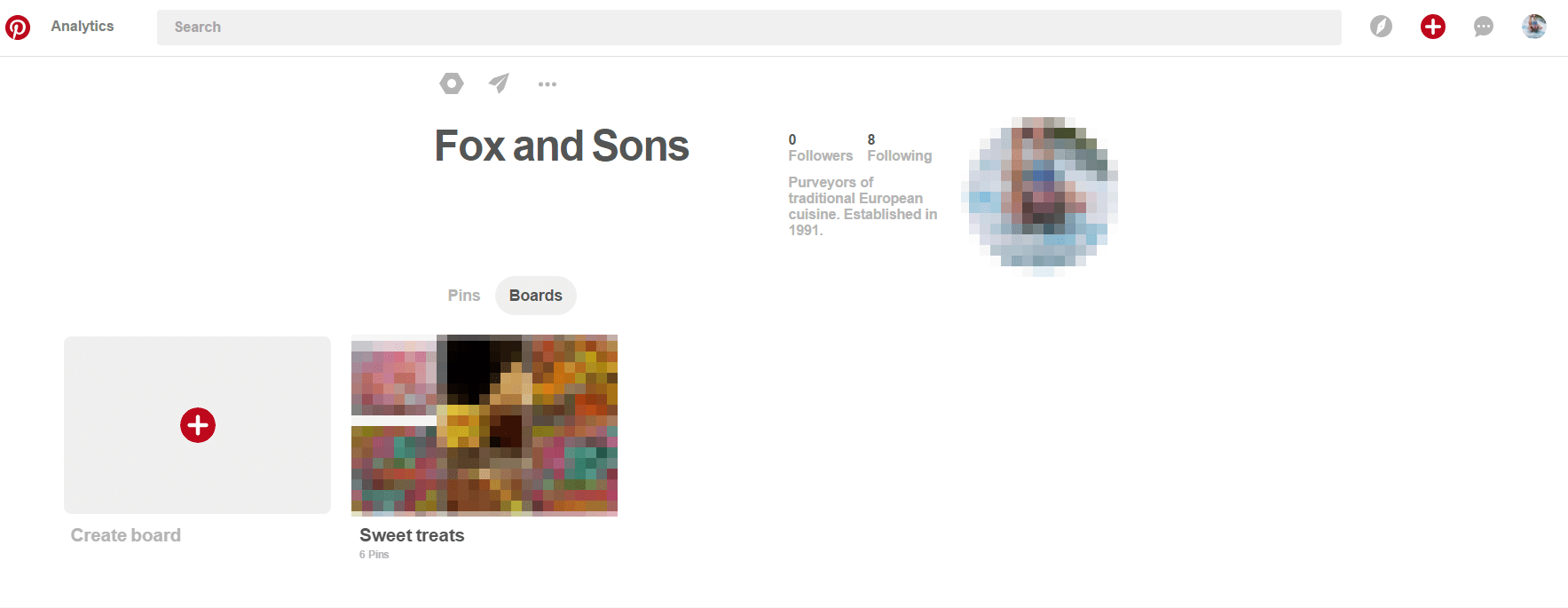
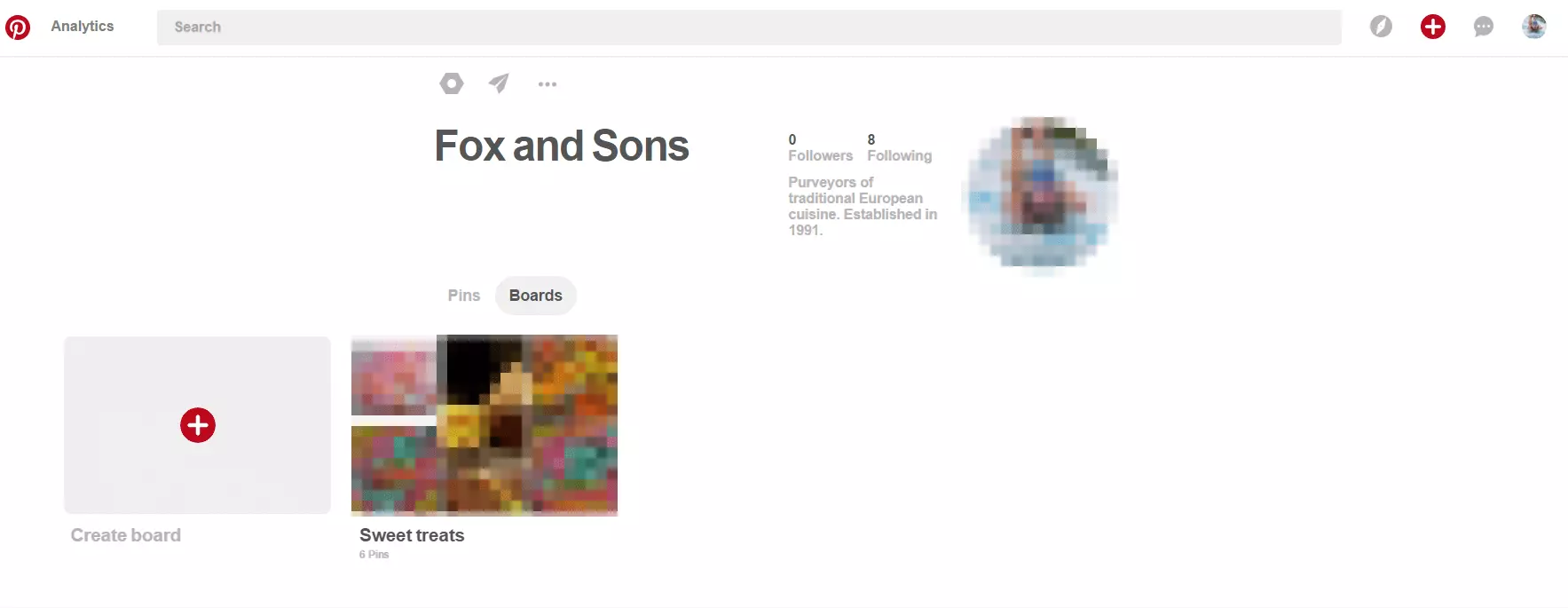
You can create a new pinboard using the ‘Create a board’ button on your profile.
To start, you just need to enter your desired name and choose the most appropriate category, and then you can choose to add a short description. As an online marketer, it’s important to include relevant keywords here, as this will naturally make your board easier to find via the Pinterest search. If the board is associated with a specific region, you can also link the board to a map.
It is also possible to invite specific users and contacts to follow your profile or pinboards via email. Further optional settings include adding a cover photo and setting the board to private, so that it is not visible to the public. After setting up a profile, the temptation to start putting together your first boards straight away can be strong. As a company, however, you need to apply strategy and common sense and first consider how you want to create and manage the pinboards.
Strategy for pins and pinboards
When starting out, it’s sometimes useful to have a loose collection of material. For this, you can create a ‘secret’ board and collect and organise appropriate content. In addition to images from your company website, you can also pin media from other sources.
Any Pinterest user can upload photos with a URL to the source site. However, for your success, it’s crucial that the image and URL are compatible. To fuel high expectations and then let users down by using spectacular pictures and a misleading URL will ultimately damage your reputation. It’s also possible to pin videos. This is particularly useful if, for example, you are running an active YouTube channel that you can specify as a source. In this case, separate video boards are also well worth considering.
Categorisation and design
Already got your pool of content ready? The next thing to consider is structure and categorisation. Try to put yourself into your target audience’s shoes: what key terms are they looking for in titles and descriptions? Which categories interest them? What will users expect to find when they see the name and title of your pinboard?
Successful boards are always clear with concise titles and descriptions while remaining visually appealing and useful. Boards are not the same as online stores and should therefore not rely too heavily on plain sales or advertising jargon. For example, a pinboard defined as ‘Product category XYZ’ would not be regarded as accessible or engaging. It’s therefore better to define your categories thematically in order to cover different aspects of your product portfolio, using evocative and exciting names to entice potential followers.
One of the most popular Pinterest business profiles is that of American fashion chain Nordstrom. Instead of simply labelling their pinboards ‘shoes’, ‘dresses’, or ‘jewellery’, they have chosen more creative theme titles, such as ‘Shoe Lust’, ‘All Dressed Up’, and ‘Shiny Things’.
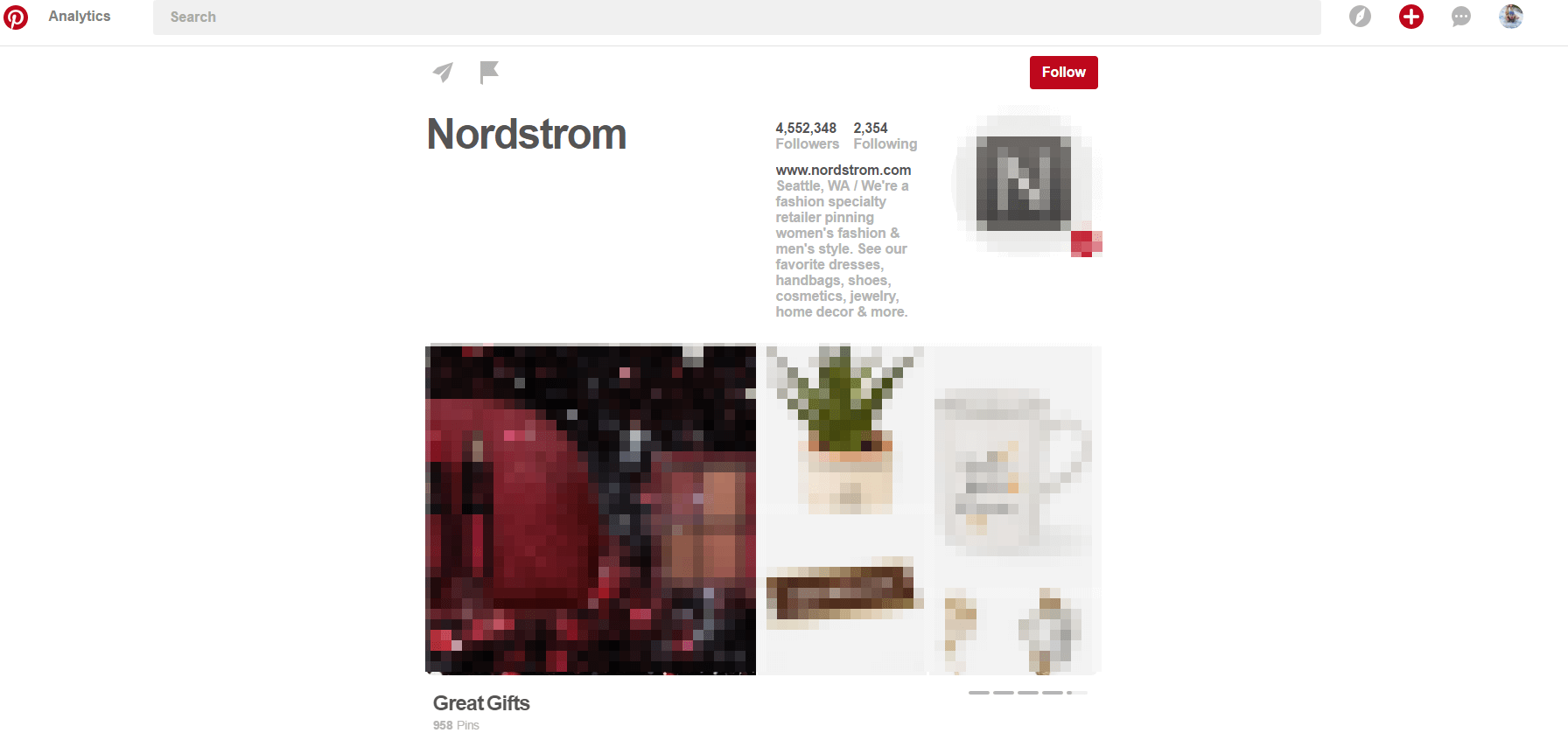
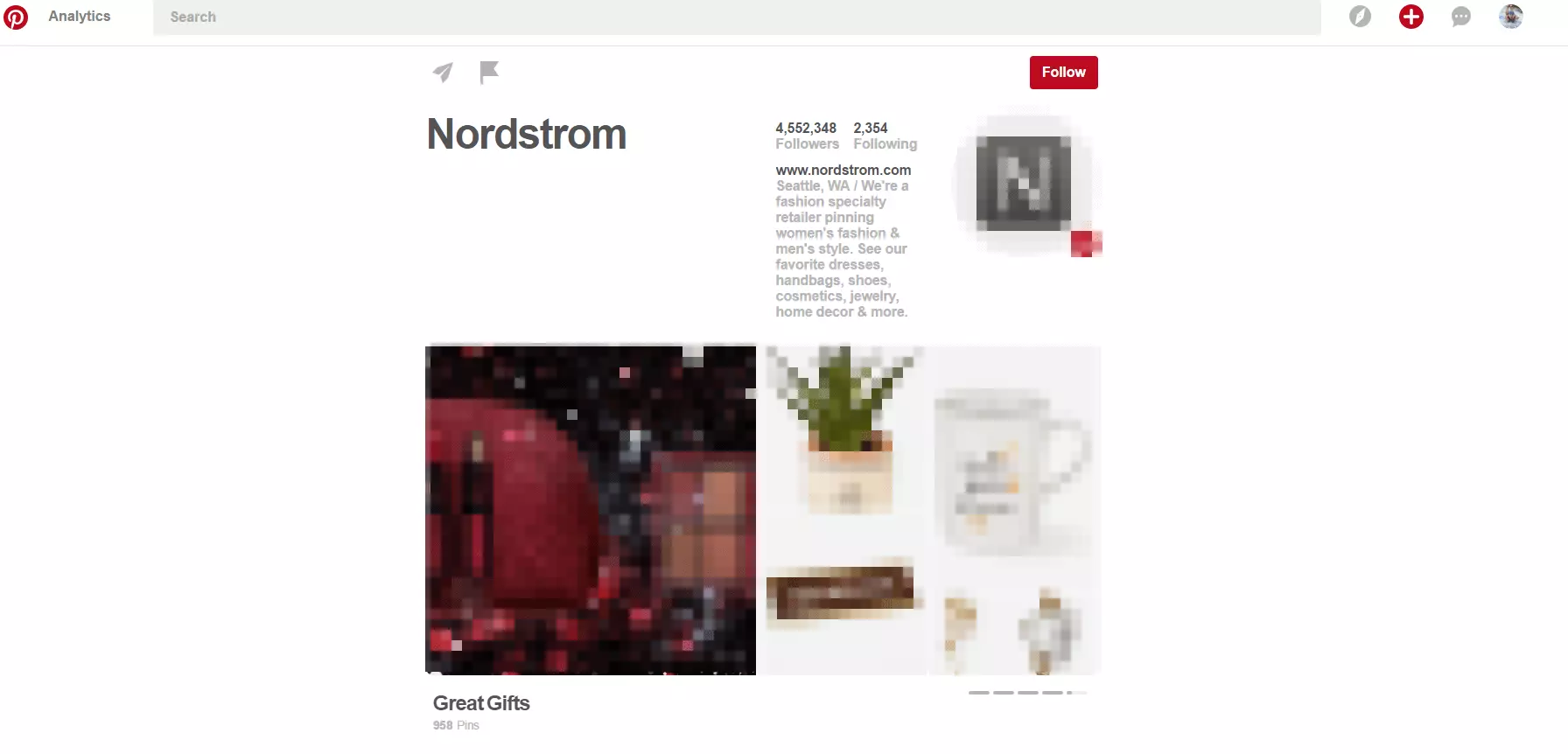
It’s recommended to start designing at least five different pinboards. Don’t forget to include relevant keywords in your pinboard’s title or description. Try to create and maintain an appealing look and ensure that all your images and videos are of a high quality and have equally captivating, captions that fit thematically.
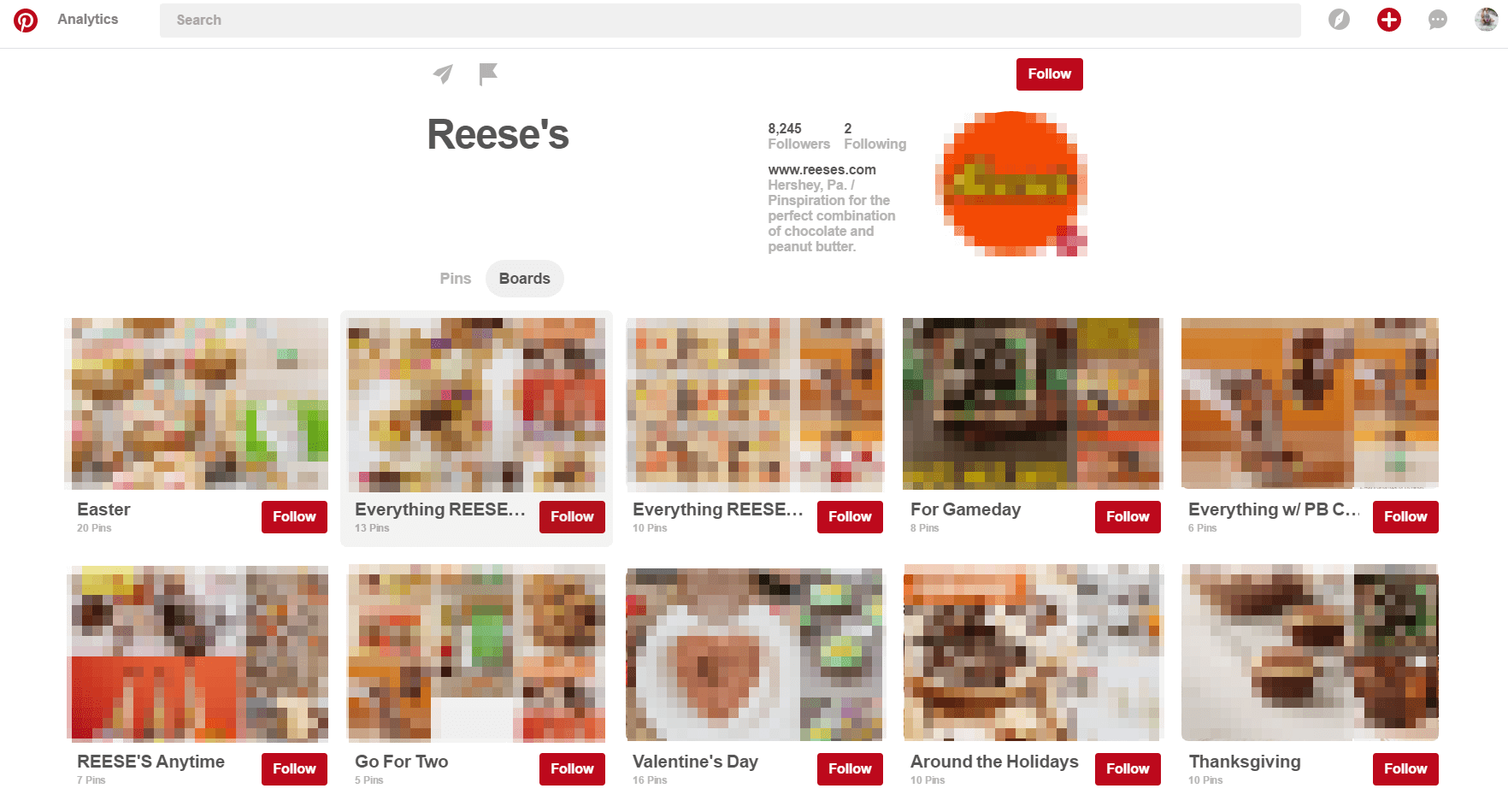
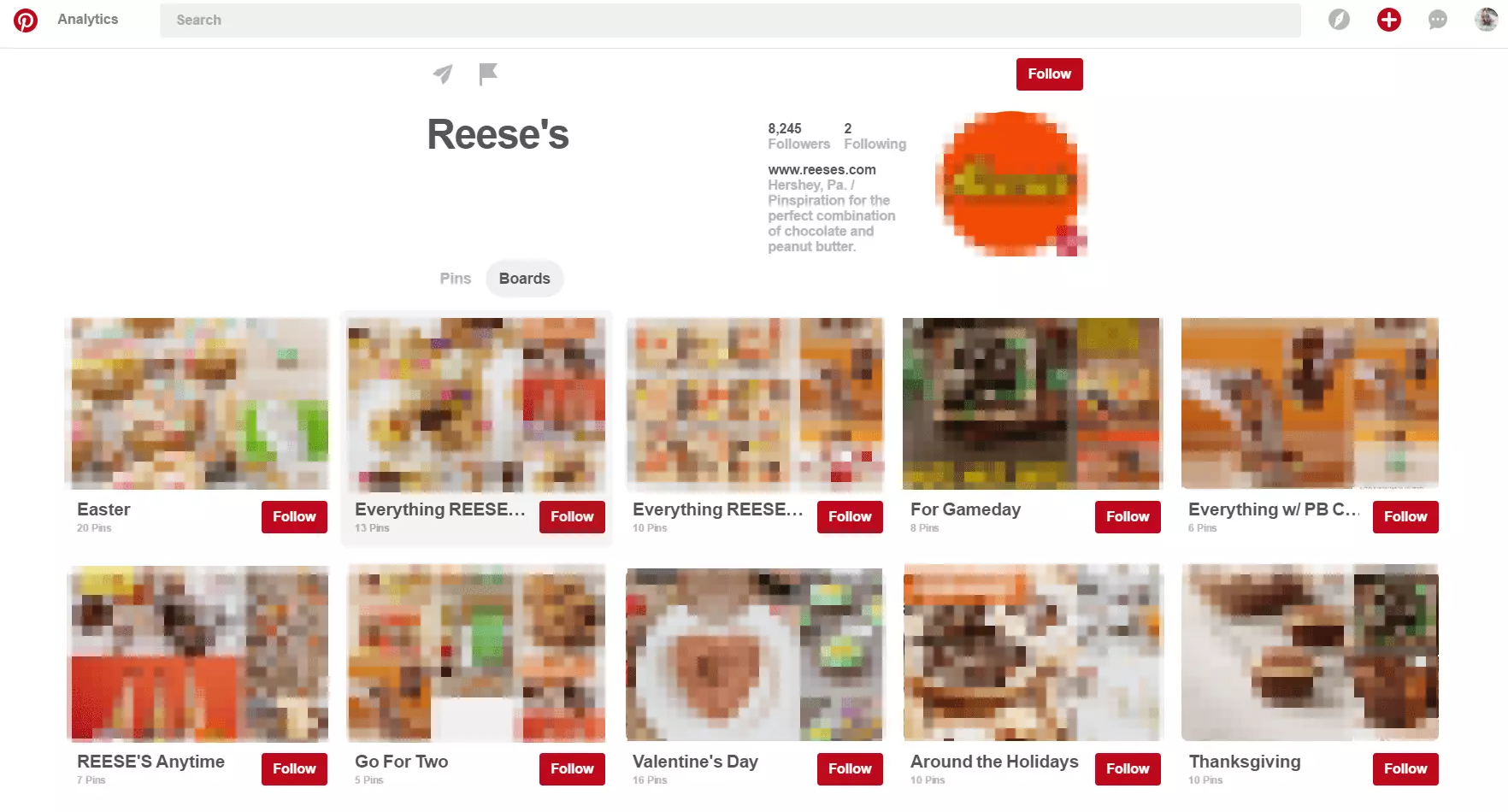
Another successful American Pinterest profile is that of the food brand, Reese’s. Across the individual pinboards, you can see a clear pattern - all their pinboards follow a seasonal theme with their titles and content, and the images all adhere to Reese’s distinctive colour scheme.
Creating Rich Pins
Users also have the option to create Rich Pins, which contain more information than regular pins. The six types of Rich Pins that are currently available are:
- Apps
- Films
- Recipes
- Articles
- Products
- Locations
Pinterest has to approve a Rich Pin before it can be implemented. After embedding the corresponding meta-tags on your website, you request Pinterest to publish your Rich Pins.
Community management on Pinterest
Once you’ve taken all the preparatory steps, it’s time to get active on the platform. As on other social networks, community management is crucial for success; that is to increase the outreach of your pins and generate more followers. The first step is usually to connect with popular users. Pinterest has a great number of influencers, whose profiles and pinboards have specific themes and a high follower count. You need to first identify these users and, if possible, convert them into your own followers. The easiest way is to do this is to follow them yourself, repin their images, and like their boards. Across social media, it’s typical for businesses to engage in reciprocal, mutually beneficial interactions, such as exchanging likes and following each other – Pinterest is no exception.
Doing this will help you gain attention and eventually your follower count and the amount of re-pins should increase. Another way to be noticed by other users is Pinterest’s tagging function, which is a method of creating links using the @ symbol. When a user is tagged, for example, in a caption, they receive a notification, thus making it easier for that user to find your profile. Even when repinning posts of third parties, it’s possible to mention users by name, which again attracts attention.
Pinterest is also currently trialing sponsored posts. Businesses based in the United States, Canada, and the United Kingdom now have the option to use Promoted Pins, which enables you to buy spots to artificially boost the outreach of individual pins. For most companies, however, daily community management is the crucial factor for building a Pinterest following for your business and increasing the outreach of your pins.
Pinterest analytics
Monitoring the success rate of your posts is a central topic in online marketing – naturally, no successful business will invest time or money into a marketing strategy without first carefully considering each step to ensure maximum effectiveness. As with any social media platform, using Pinterest for business requires regular maintenance of your chosen content strategy. For this, you can get the right analytical tools and business insights directly from Pinterest. Users with Pinterest business accounts have automatic access to the ‘Pinterest Analytics’ section, where you can find the following statistics:
- Pinterest profile: here you can see up to date numbers relating to pins and repins, allowing you to determine the most successful pins and pinboards. Profile data can reveal which posts have the desired effect, and which are less successful. It’s also possible to glean a good deal of information from the numbers relating to views, clicks, repins and like data.
- Target groups (user data): in this area, you can learn more about the type of people who follow your pinboards. In addition to typical demographic data such as country, city, language, and gender, you can find out exactly how users interact with the company and what else they are interested in. The most important questions to consider in this area include: what other profiles do users follow? What do their own pinboards look like? And which of their themes could potentially be relevant for your own strategy?
- Activity on your company website: the analysis of referral traffic is of particular interest to marketers. The number of clicks indicates how many users access your website via Pinterest and which pins and pinboards generate these visitors. You also have access to an analysis of the Pinterest search and a list of your so-called power pins, which are the posts that have generated the most engagements.
Pinterest or Instagram?
In order to have sustained, long-term success with Pinterest, you need to have time, patience, and most importantly, a wide range of high quality image and video content. Similarly, Instagram can be used to increase sales and brand awareness using high quality images, but while Instagram profiles tend to have a more personal and unique twist, Pinterest is generally used for curating galleries of professional, high quality product images. Furthermore, with Pinterest, you can attract customers to your online store directly; each individual pin has the potential to lead users to your website or web store – thus generating valuable traffic. With Instagram, on the other hand, it’s only possible to create CTAs and links to your website with promoted posts, i.e. paid ad formats. Find out more on this topic in our guide, Pinterest and Instagram: comparing two image-sharing networks.