

YouTube Download: 4 tools for video download

Watching YouTube videos without a fast Internet connection is possible if you have the right software downloaded on your device. Keep reading to discover which software for PC and Mac will allow you to download YouTube videos and what you should look out for when choosing and using the software.
- Free website protection with SSL Wildcard included
- Free private registration for greater privacy
- Free Domain Connect for easy DNS setup
Compare the YouTube downloaders
| 4K Video Downloader | WinX HD Video Converter | Wondershare UniConverter | ClipGrab | |
|---|---|---|---|---|
| Costs | Free trial, upgrade from $15 (around £11) | Free trial, upgrade from $24.95 (around £19) | Free trial, upgrade from $39.99 (around £30) | Completely free |
| YouTube downloads (trial version) | 30 a day | 5 minutes | 1 video | Unlimited |
| Supported formats | MPEG4, FLV3, 3GP, WEBM | MP4, MKV | MP4, WEBM, MP3 | MPEG4, WMV (Windows), OGG, MP3 (Audio only) |
| Other functions | - Automatic download on subscribed playlists and channels | - Convert videos- Record videos- Camera | - Convert videos- Edit videos- Record videos and audio- Music Player- Burn DVD |
For music and video content: Learn more about the formats YouTube MP3 and YouTube MP4 in our guides.
YouTube download software in detail
4K Video Downloader
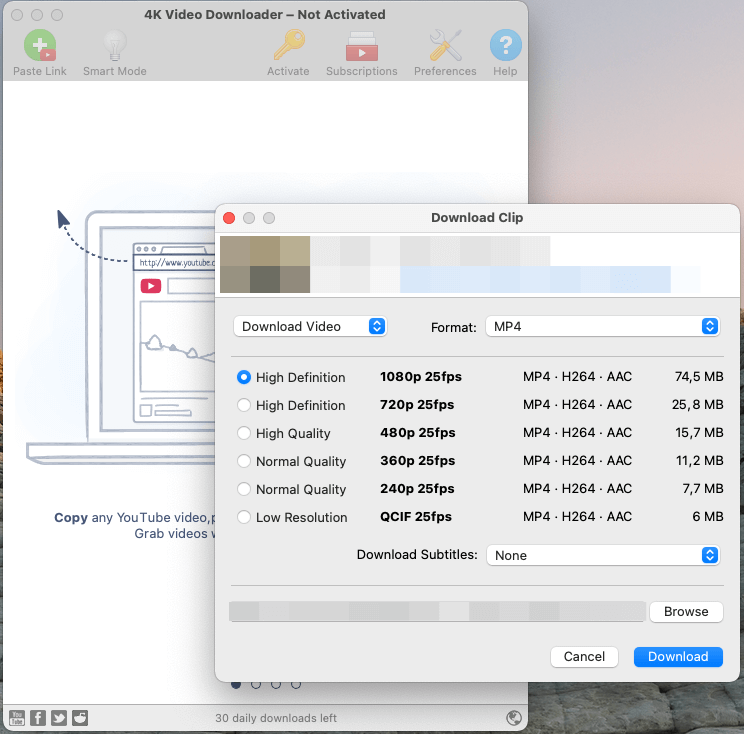
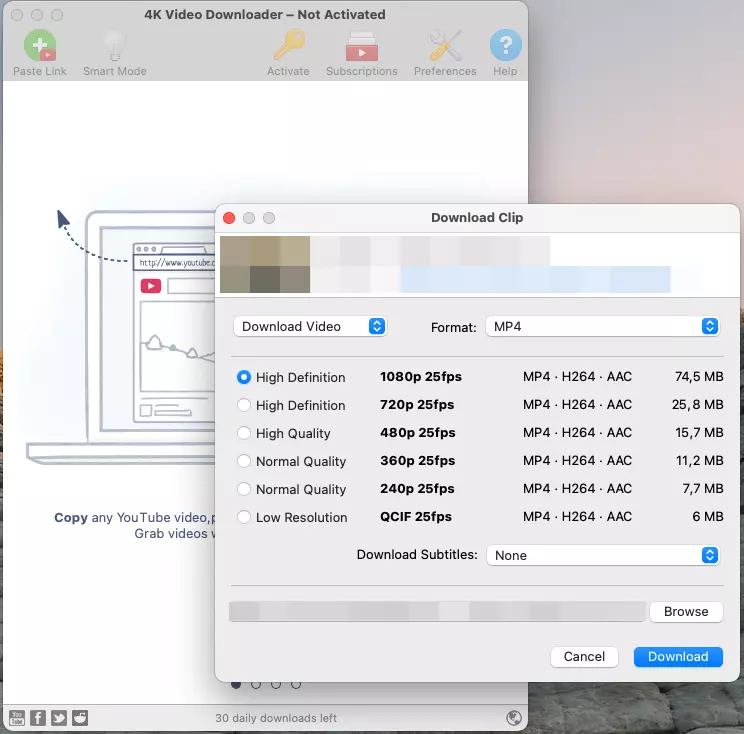
A very simple but useful software for downloading YouTube videos is the 4K Video Downloader. In the free basic version, the number of daily downloads is limited to 30 and you can choose different video formats and resolutions. The download starts by adding the respective link or as soon as you have copied a link to your clipboard.
For around 11 pounds, you can unlock additional features, such new videos published on subscribed channels and playlists downloading automatically. The number of daily downloads also becomes unlimited.
WinX HD Video Converter
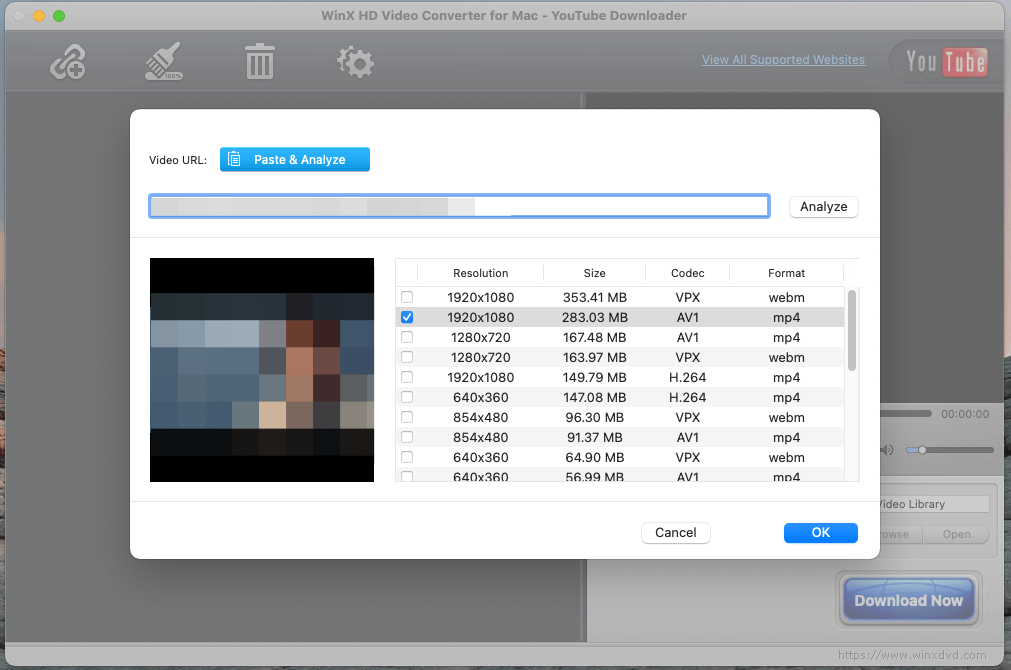
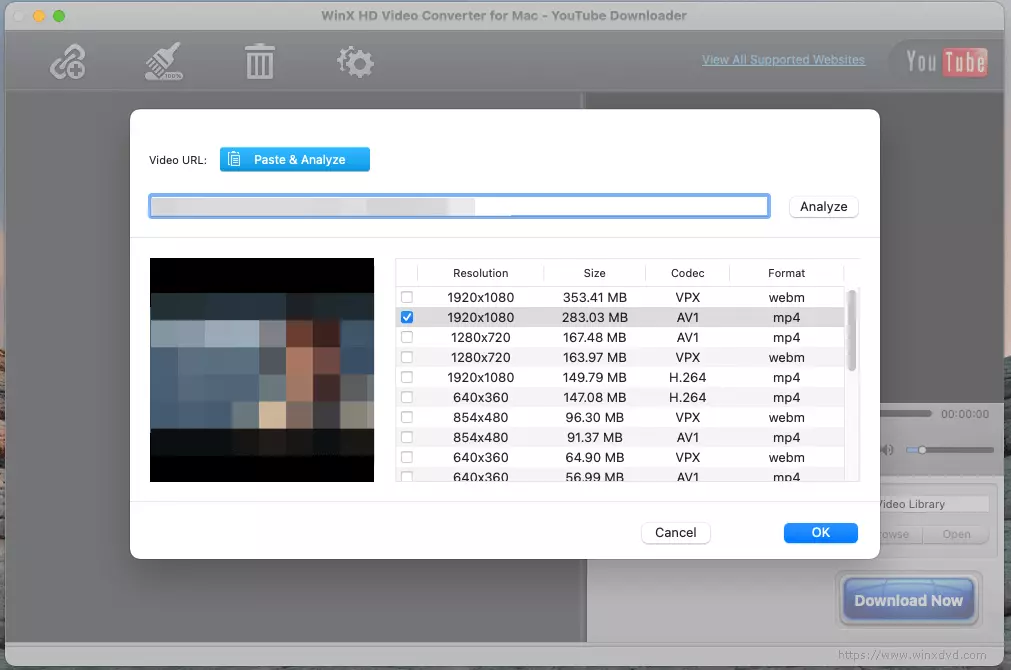
The WinX HD Video Converter can also be trialed for free, but only 5 minutes of video material can be converted or downloaded in the free trial. The tool also supports numerous other platforms. WinX is very simple to use, but the main advantage is the conversion of video formats.
To enjoy WinX without the time limit and unlock all the features, various subscriptions are available, starting at around 19 pounds for three months. A lifetime upgrade will cost a one-time payment of around 40 pounds.
Wondershare UniConverter
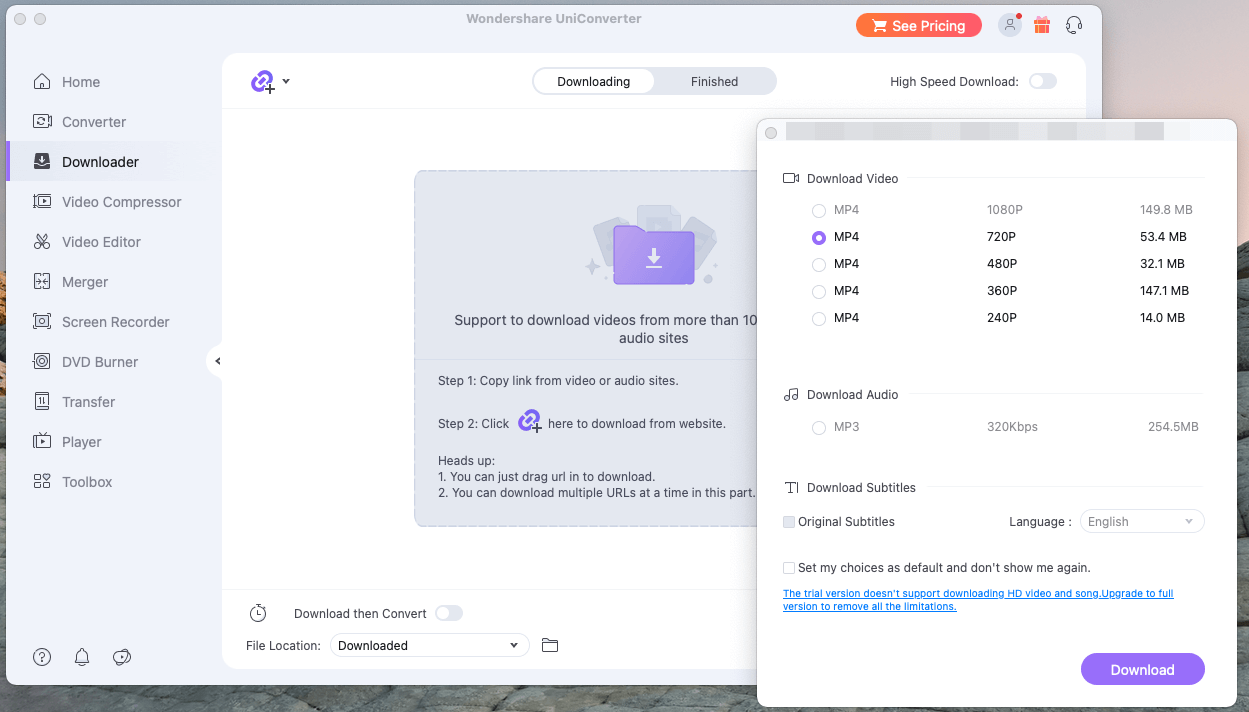
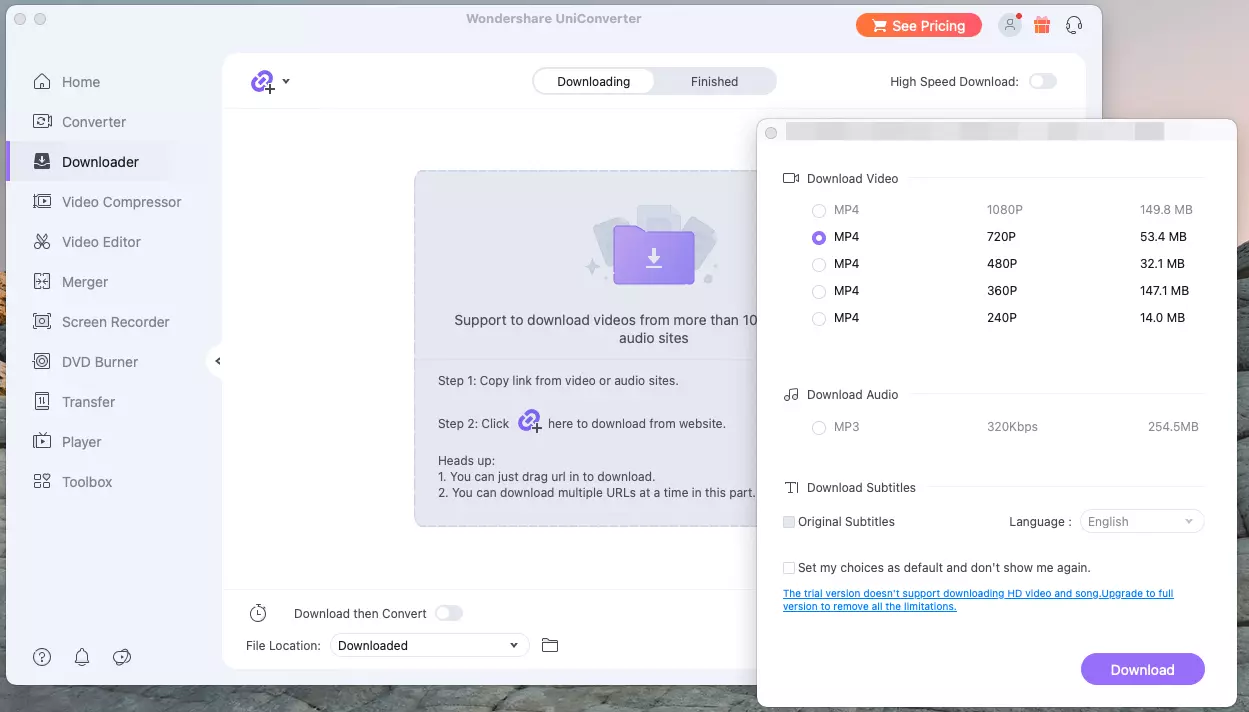
UniConverter from Wondershare is perhaps the most comprehensive software for downloading YouTube videos, however it is very limited in the free basic version on PC and Mac. You can download videos from different platforms, choose between different resolutions and formats, convert videos and audio files, as well as compress videos and edit them.
As freeware, only one download possible — after that you will have to pay for an upgrade. The annual subscription starts at around 30 pounds, a permanent license costs a one-time payment of around 60 pounds. UniConverter is probably the most suitable if you want to download YouTube videos and use all of the previously mentioned additional features.
ClipGrab
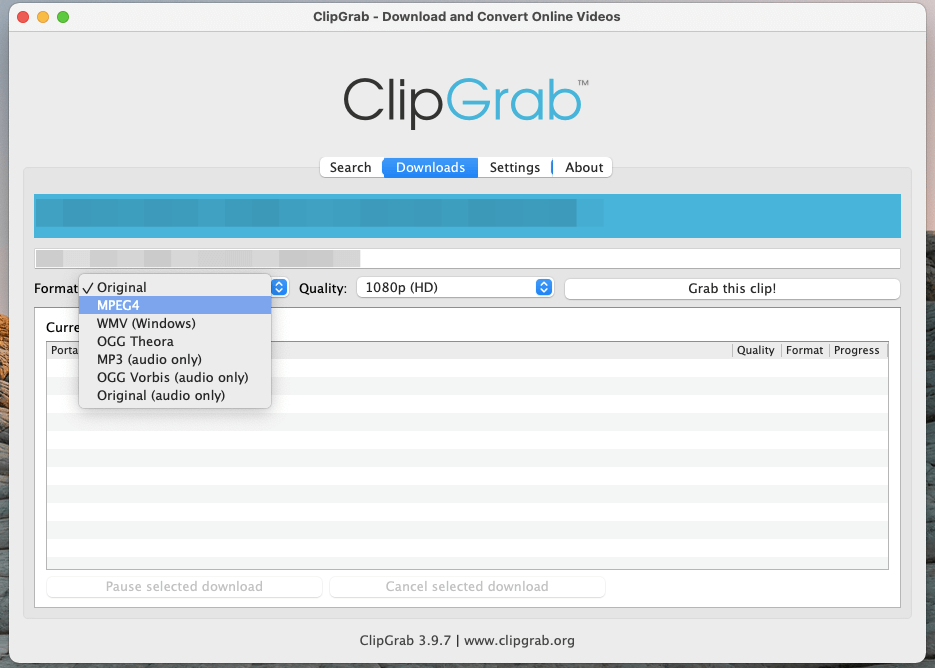
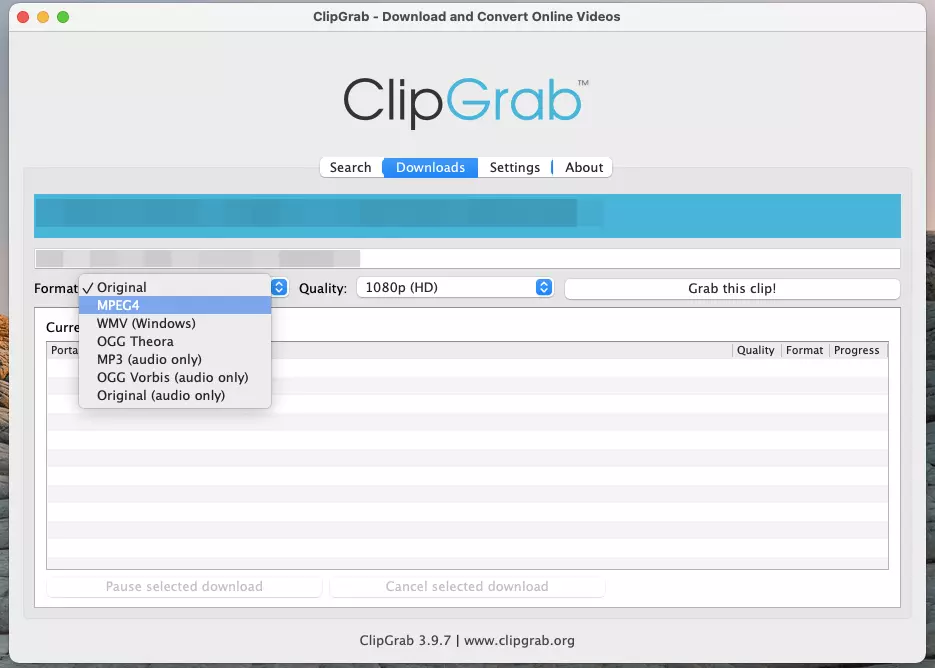
Unlike the three options to download YouTube videos which have been explained so far, the small program ClipGrab is always completely free. Developed and published under a GPL (General Public Lincense), the security of the code is guaranteed. The software allows you to search for videos on YouTube or directly copy a URL into it. Then select the target format and quality and start the download. There are no limits with this option!
Things to know: Is the YouTube download even legal?
The programs presented above will allow you to download YouTube videos, and often videos from other platforms, and watch them offline at any time. From a purely legal point of view, however, there are a few things to keep in mind, as YouTube prohibits the downloading of content in its terms of use.
However, you may download public domain content. If there is no copyright present in the video, private individuals may download content for their own (non-commercial) purposes.
Another option to download YouTube content offline is offered by YouTube itself: A premium subscription is available from £11.99 per month.