What are the best website traffic checkers? An overview

How many people visit a website each day? This question is especially relevant for website owners who want to run a competitive analysis. But even if you simply manage your own site and need a quick traffic check, there are tools that can help. In this guide, we present different ways to access free website statistics—without relying on Google Analytics.
Why determine website traffic?
Website traffic is a key indicator of how popular content and offers are. For website owners, this metric also shows how much reach is needed to achieve comparable success. For instance, if you want to build a profitable blog on a specific topic, it’s important to know how much traffic the leading bloggers in that niche generate. A detailed competitive analysis helps reveal which strategies work well for others and which don’t—insights you can apply directly to your own site.
Traffic data is also valuable if you plan to use another website for advertising. Placing ads on blogs and platforms that attract your target audience allows you to reach a broad potential customer base. In this context, a website traffic analysis makes sense: the more visitors a site receives, the more people will see your ad.
What is website traffic exactly?
Traffic shows how many people visit a website, making it a key success factor for any online presence. Where does your traffic come from? How can you grow it? These are essential questions if you want your site to thrive. The necessary data can be gathered with analysis tools—one of the most common being Google Analytics. This external service from Google can be seamlessly integrated into your website’s source code. Many web hosts also provide built-in options for monitoring traffic. Such tools are especially useful if you mainly want to analyse the performance of your own site. If, on the other hand, you want a quick overview of traffic on other websites, there are free online tools available that provide a simple website traffic check.
| Advantages | Disadvantages |
|---|---|
| Quick assessment possible: Websites can be compared in a short time | Data is often not accurate |
| Top players can be quickly identified | Data collection sometimes involves questionable browser extensions |
| Free and easy to use | Provide little data for detailed analysis and success monitoring |
- Improve your Google ranking without paying an agency
- Reply to reviews and generate social media posts faster
- No SEO or online marketing skills needed
6 free website traffic checkers
Many websites don’t make their traffic numbers public, which often makes it difficult to get accurate figures. Some commercial sites, however, provide media kits as PDFs or maintain dedicated advertising pages where you’ll find key traffic data—and sometimes even demographic insights about their audience. This kind of information is especially valuable for businesses interested in placing ads, as traffic and audience details help demonstrate the site’s reach. For this reason, many website owners publish traffic data in their own interest.
If such data isn’t available, you can turn to external web services to estimate a site’s traffic. Below, we introduce six free tools you can use.
The numbers from free website traffic checkers are never 100% accurate—tests show that results can vary widely. It’s best to treat them as estimates and general guidelines. These tools are most useful for quickly comparing the traffic of different websites, rather than for obtaining precise figures.
Important: For meaningful comparisons, always stick to the same tool. Using different services can distort the results significantly.
SimilarWeb for an overview of different traffic channels
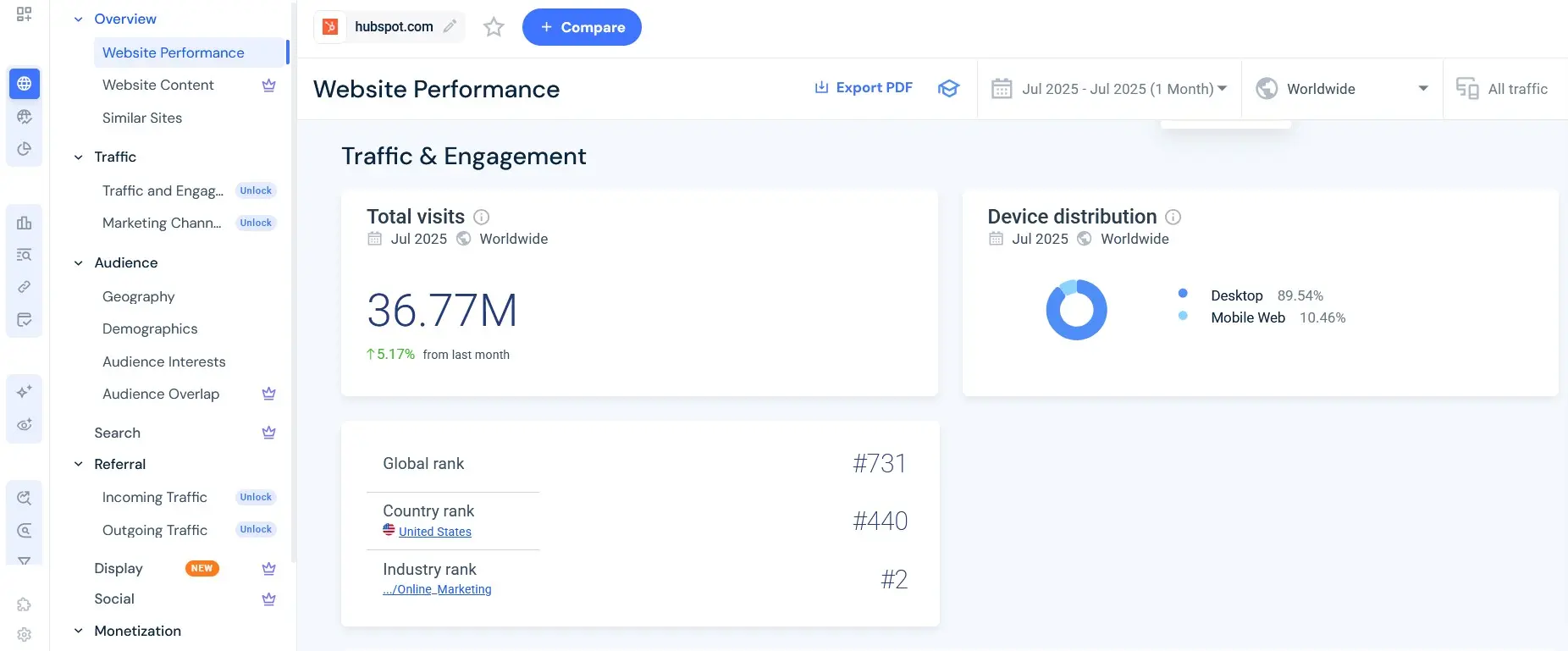
One of the most popular tools for website traffic analysis is SimilarWeb. Simply enter a domain, and you’ll quickly receive a wide range of data. In terms of scope and presentation, the tool is somewhat similar to Google Analytics. The results are displayed in a clear and compelling way: you can track the development of traffic over time and view the different traffic sources, such as social media, direct visits, or email.
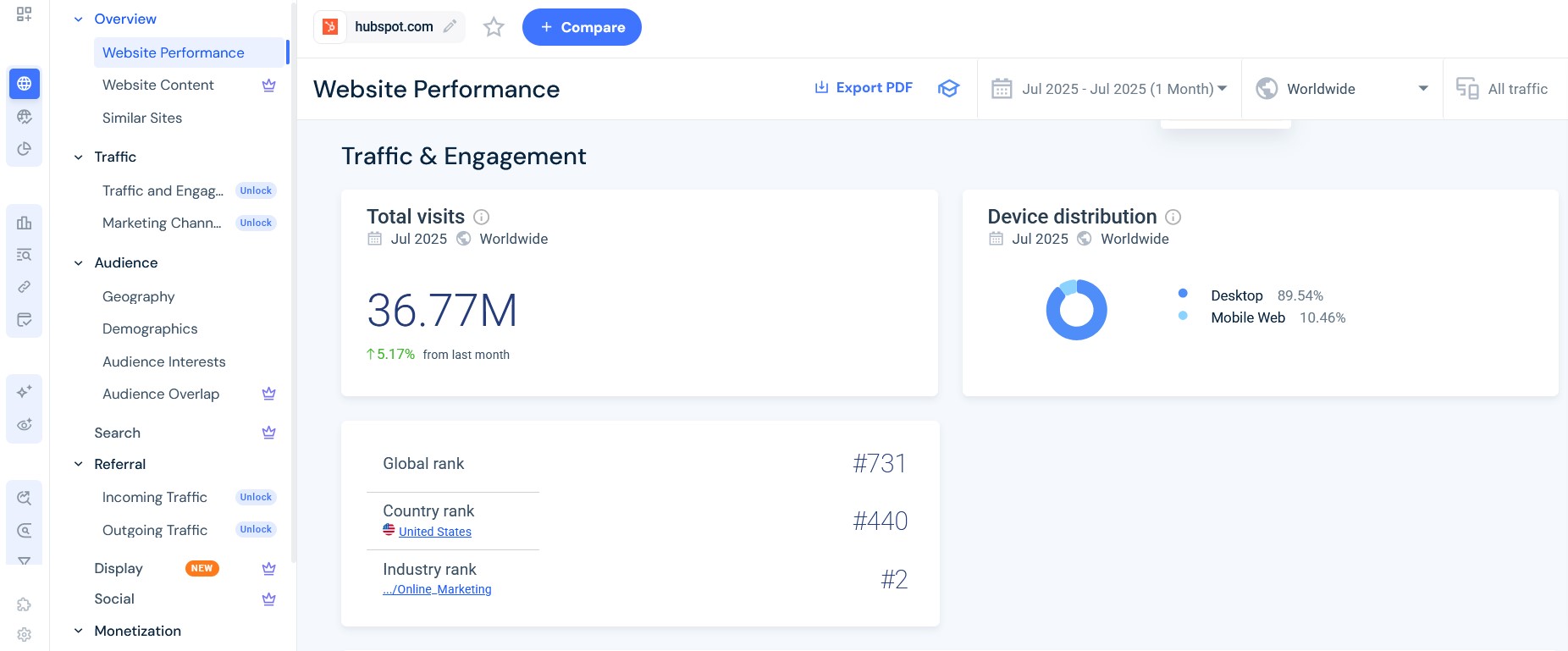
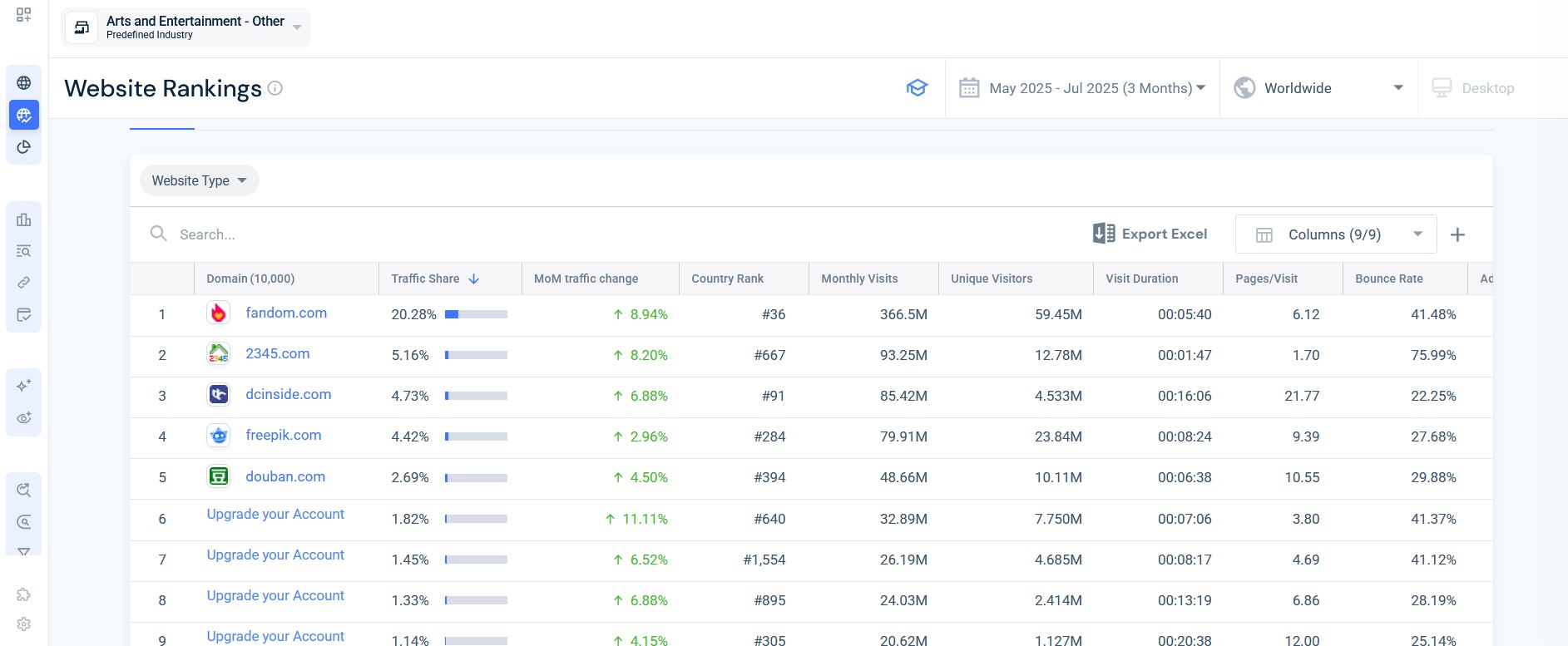
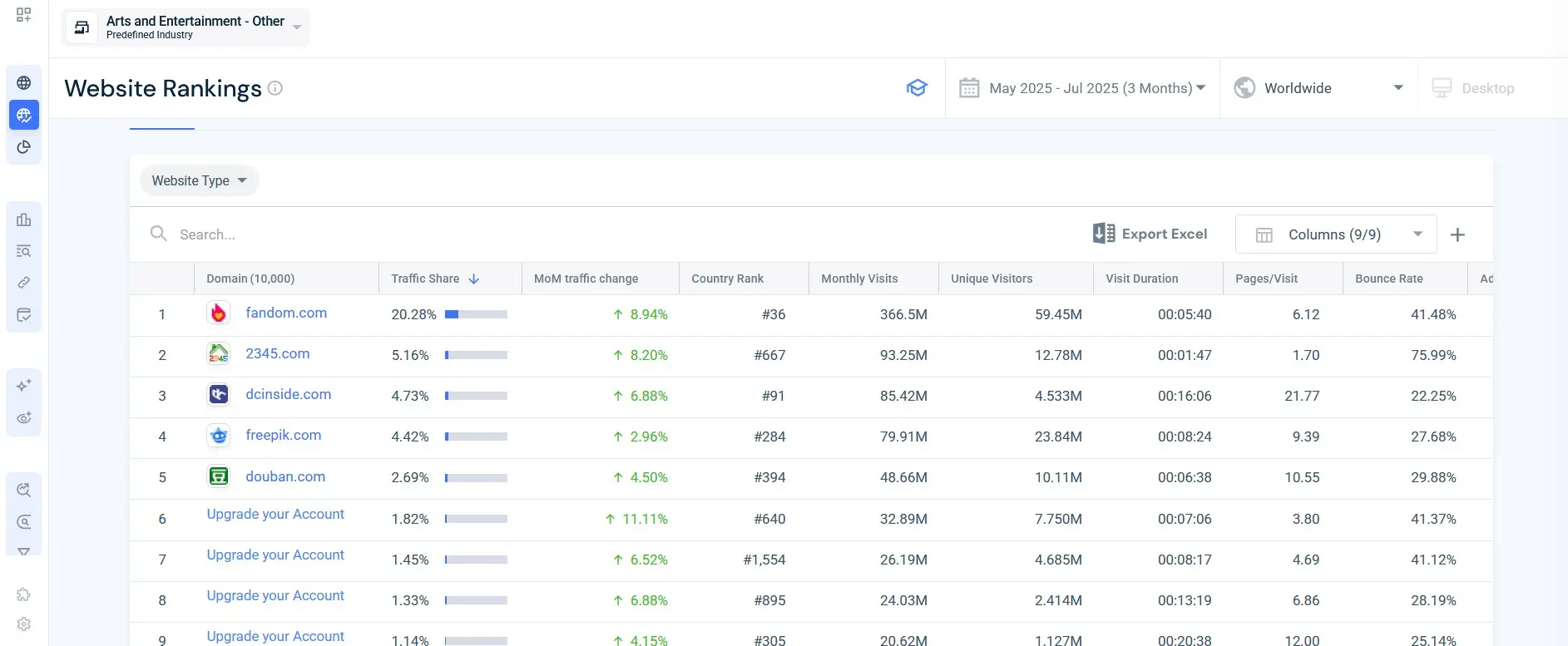
SimilarWeb also stands out with its Top Websites Ranking feature. Instead of entering a domain, you select an industry—such as fashion, fitness, or electronics—and a country. The tool then lists the websites with the highest traffic in that category. In the free version, however, only the top five sites are shown, and detailed figures or time periods longer than three months are reserved for the paid version. Even so, this feature is a useful way to gauge your competition.
According to its own statements, SimilarWeb collects its data through the following methods and means:
- International panel
- Crawling
- ISP data
- Direct measurements
The direct measurements are particularly interesting: companies can link their Google Analytics data with SimilarWeb, allowing exact numbers to be displayed. These are marked with the label ‘verified’.
Accurate information on traffic is not always obtainable with SimilarWeb. Nevertheless, the tool provides a good overview and also breaks down individual traffic sources. The Top Websites Ranking is excellent for identifying the most successful websites in specific industries with just a few clicks.
SE Ranking Traffic Checker to monitor traffic and keywords
The SE Ranking Traffic Checker provides estimated values for organic and paid traffic, a selection of key keywords, and distribution by countries after entering a domain. Initial traffic trends over time are also viewable, allowing you to see if a website is gaining or losing reach.
Additionally, the tool provides insights into the backlink structure: it displays referring domains, individual backlinks, and their quality. This allows you to track which sources a website benefits from.
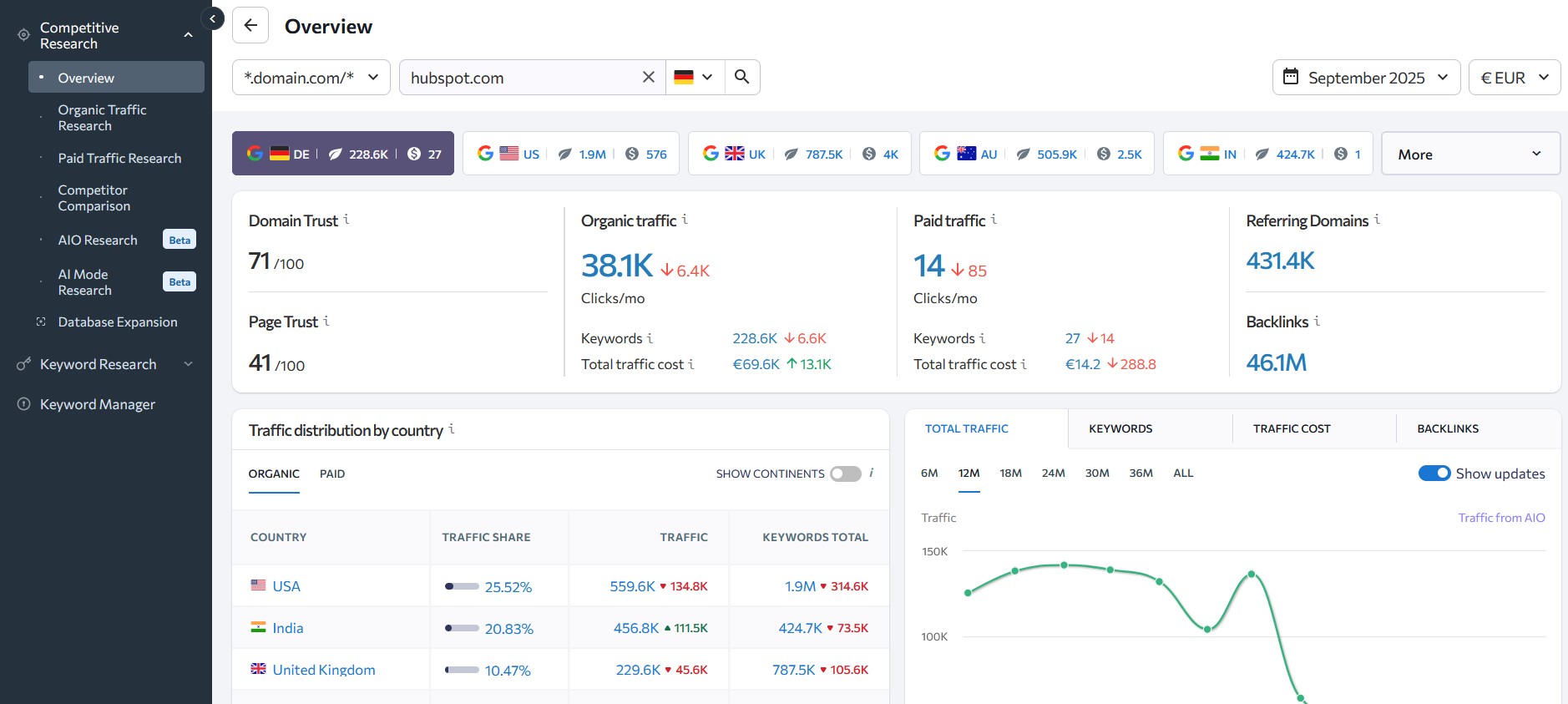
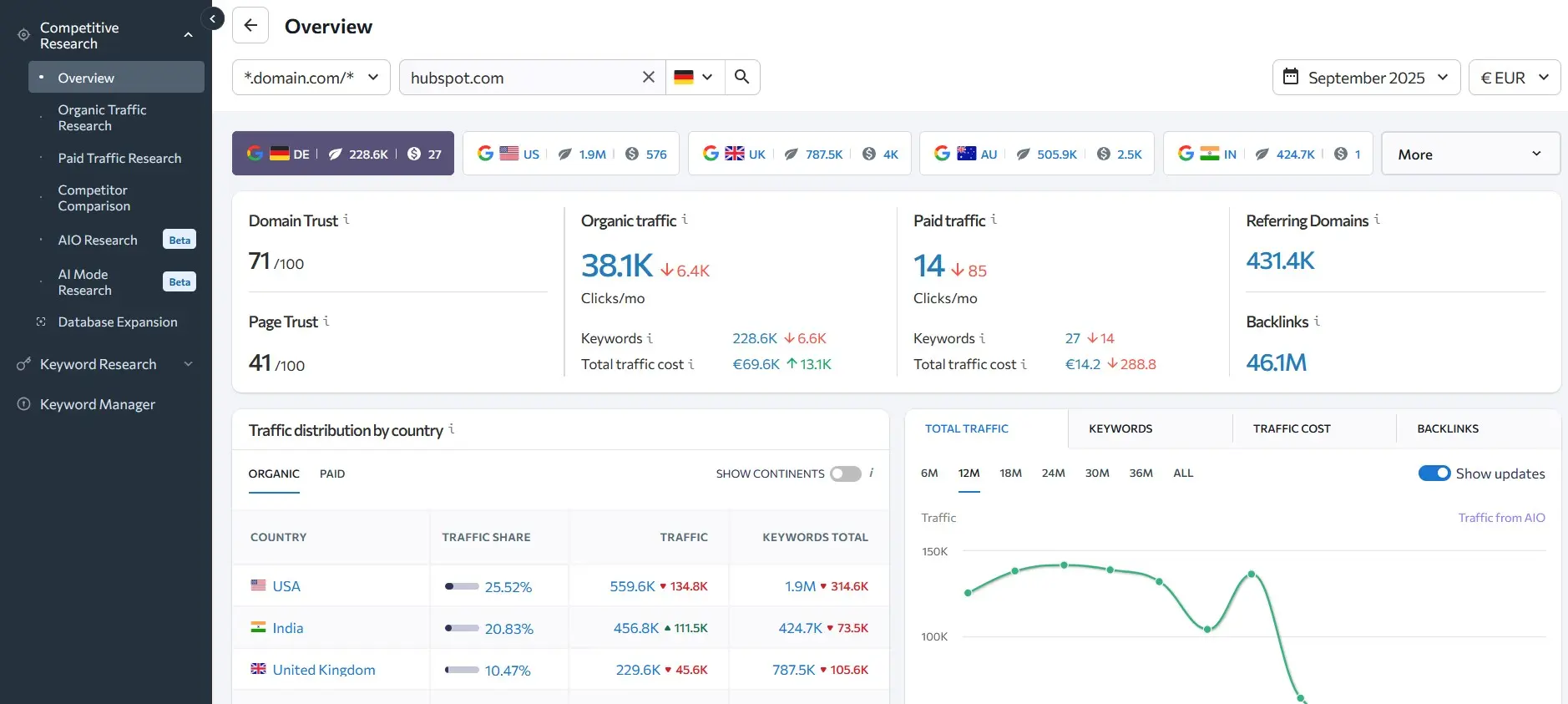
Another feature is the Domain Comparison, which allows you to analyse multiple sites side by side. This way, you can directly compare the rankings, traffic patterns, and backlinks of your competitors.
SE Ranking combines traffic estimates with keyword and backlink data, revealing how a website attracts visitors. With trends and competitor comparisons, the tool is excellent for quick market analysis, though detailed reports are only available in the paid version.
Ahrefs for insights into traffic and backlinks
With the Webmaster Tools (AWT) from Ahrefs, you can analyse your own domain after verification for free. You then have access to data on organic traffic, keywords, backlinks, and a technical site audit. This allows you to quickly see which search terms your pages rank for, how much organic traffic they are likely to bring, and which external links refer to your website.
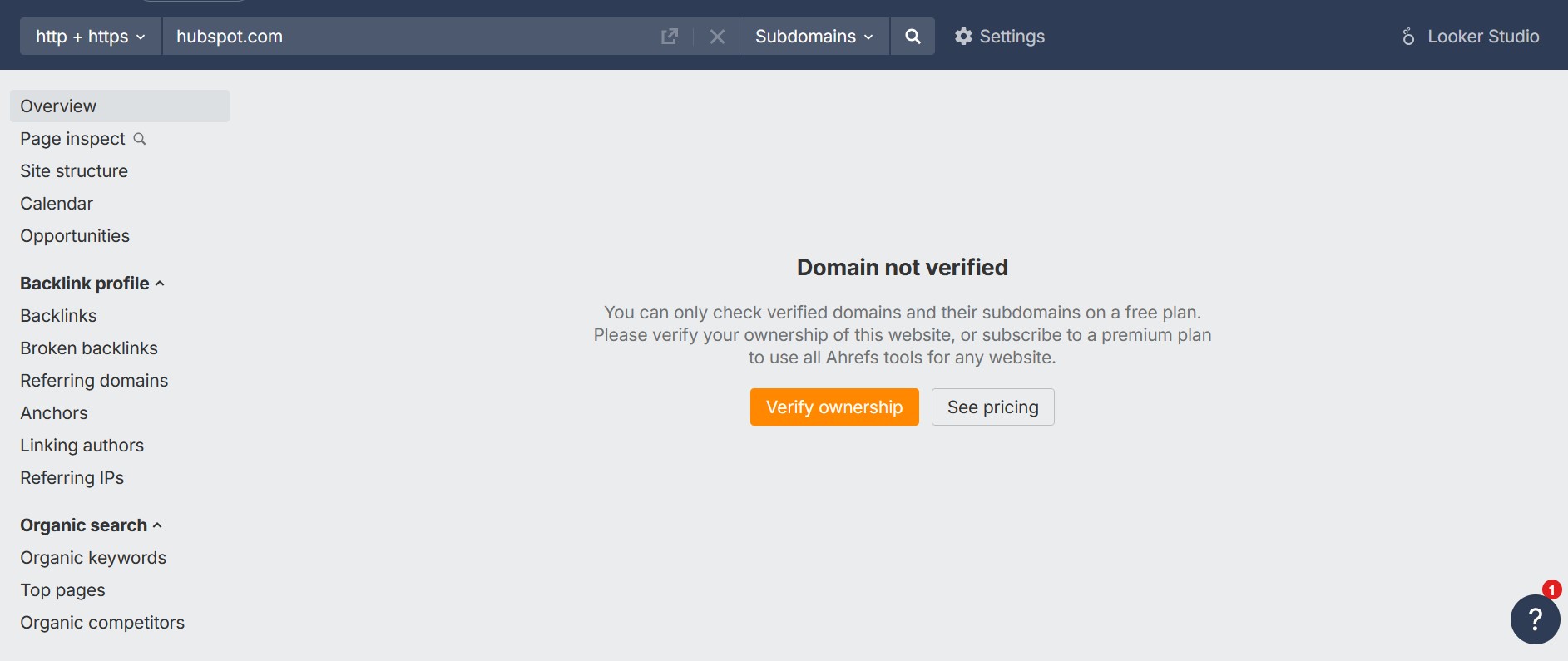
The backlink analysis includes up to 1,000 links and also shows which domains they originate from and how strong their authority is estimated to be. The site audit uncovers technical weaknesses such as crawling issues, slow load times, or missing meta tags and provides concrete improvement suggestions.
The Ahrefs Webmaster Tools are a practical free toolset for monitoring your own website in terms of backlinks, keywords, organic traffic, and technical SEO. An upgrade is necessary for competitive analysis or more in-depth data.
Ubersuggest for keyword research with traffic and backlink data
Ubersuggest is an SEO tool that, even in its free version, can be used to check website visits. After entering a domain, it provides an estimate of organic and paid traffic, highlights the main keywords, and displays a selection of backlink data. This gives you a quick overview of how a website generates traffic and which pages perform best.
You can also view simple traffic trends, along with previews of content ideas and popular pages. The free package is limited to just three searches per day, and backlink data covers only a small sample. For detailed analyses, historical data, or in-depth competitor comparisons, a paid upgrade is required. However, Ubersuggest offers a seven-day free trial of its subscription packages, making it easy to explore more features. For a quick traffic check, though, the free version works well.
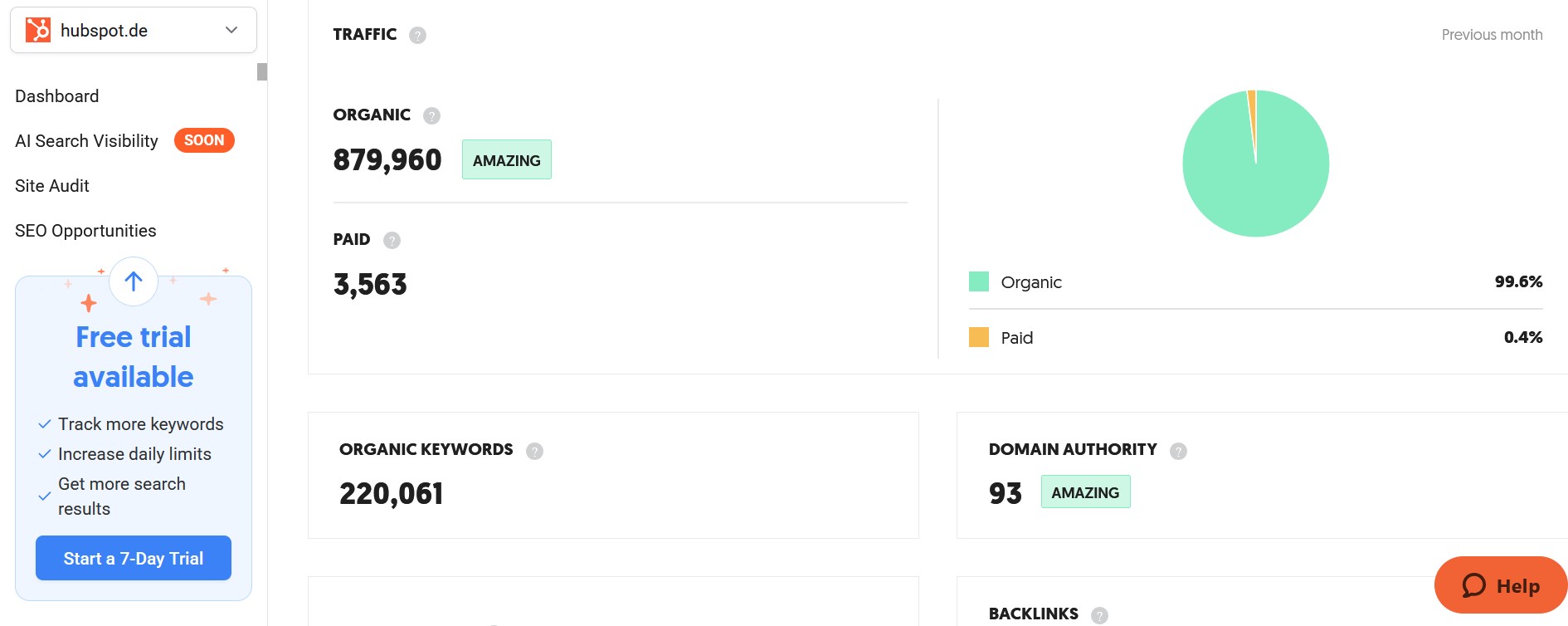
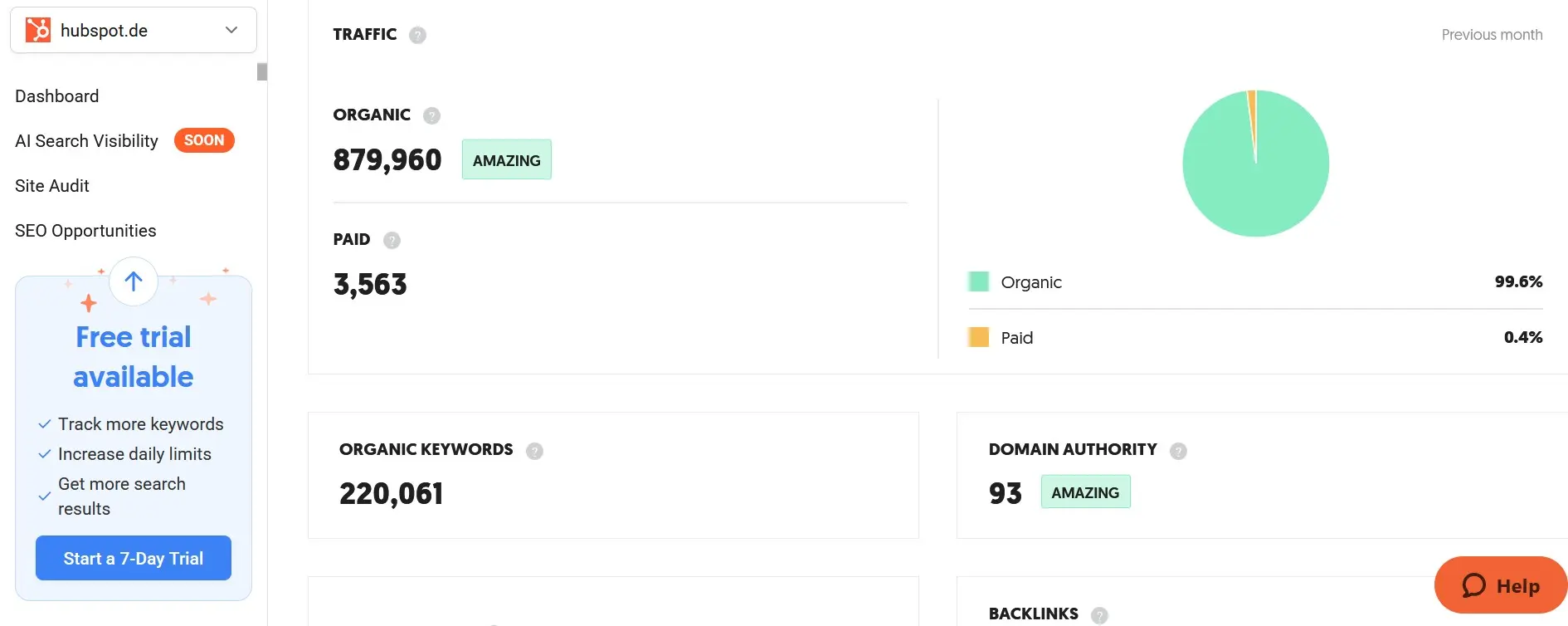
Ubersuggest is well-suited for quick keyword checks and getting a first impression of website traffic and backlinks with three free queries per day. However, for more extensive analyses and detailed competitor comparisons, a paid subscription is necessary.
Backlinko Free Traffic Checker for fast and comprehensive results
With the Backlinko Free Website Traffic Checker, you instantly receive an estimate of monthly visitor numbers after entering a domain. The tool also highlights traffic sources, the most frequently used keywords, and the backlink profile. Engagement metrics such as pages per visit or average time on site are also included. No registration is required, and the tool is completely free to use.
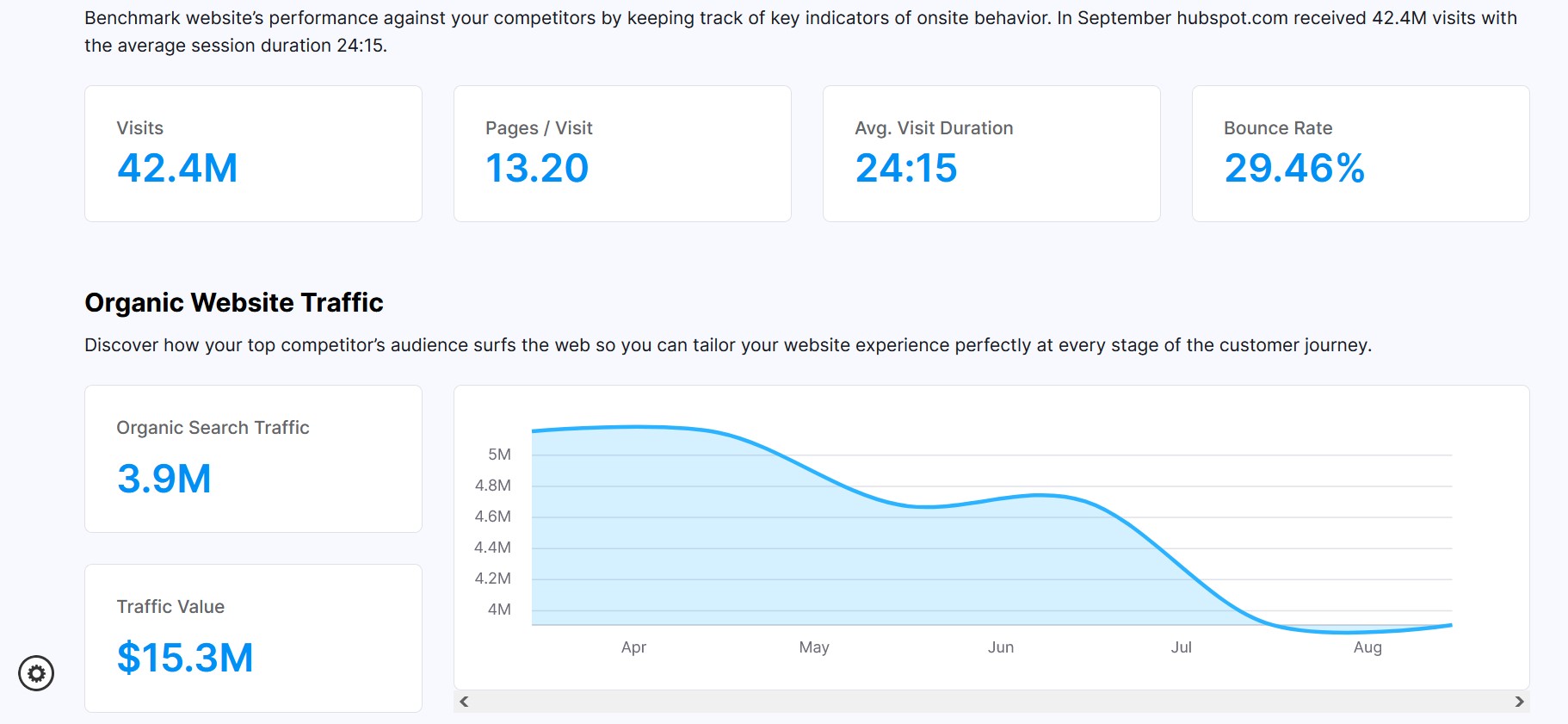
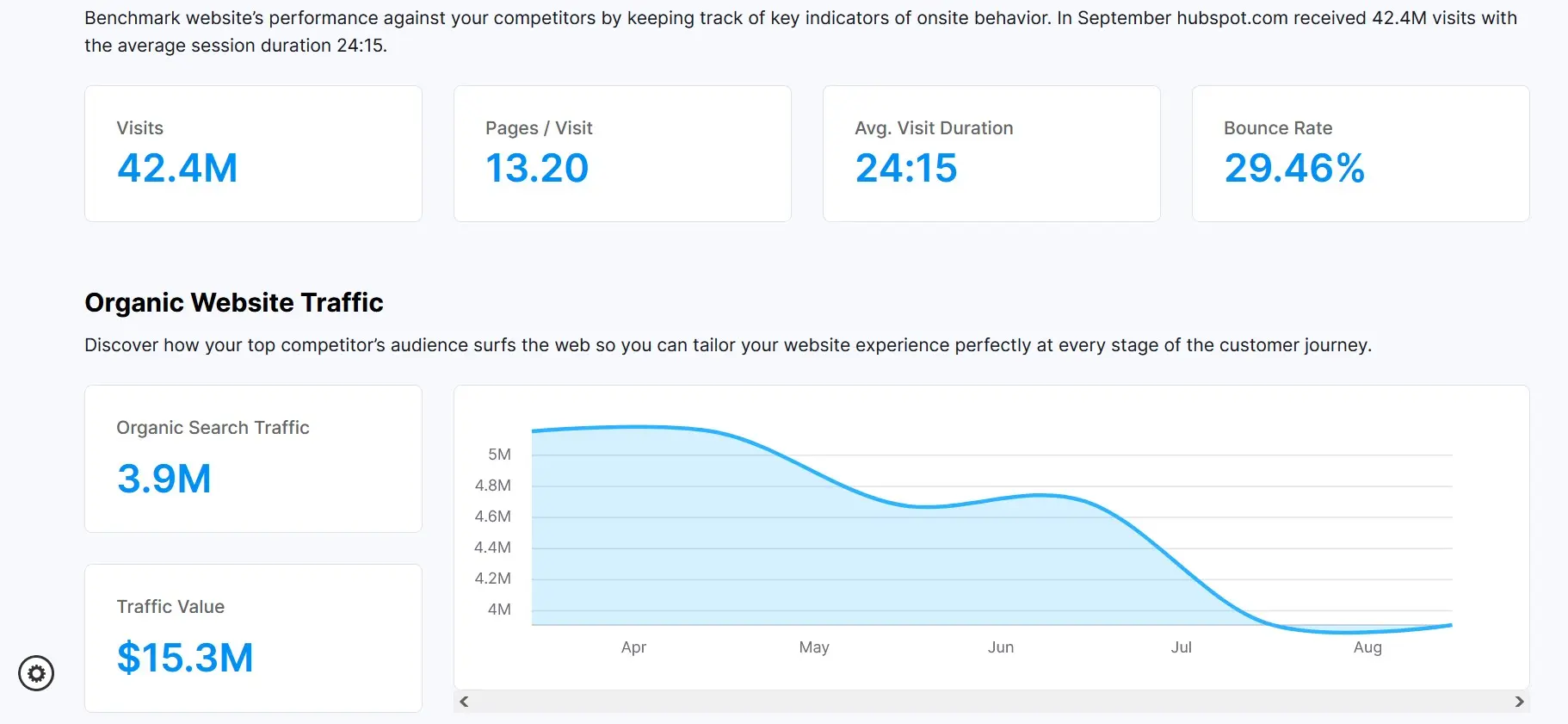
The Backlinko Free Website Traffic Checker provides a clear overview of website traffic, keywords, backlinks, and engagement data. It’s ideal for quick competitor analysis and initial SEO assessments, with no registration required and no costs.
Spyfu for competitive analysis with traffic and keyword data
With SpyFu, you can view a site’s estimated organic and paid traffic simply by entering a domain. The tool also reveals which keywords drive visitors, which terms are used in ads, and how these metrics have developed over time. Thanks to its ability to compare multiple domains, SpyFu is a practical tool for competitive analysis.
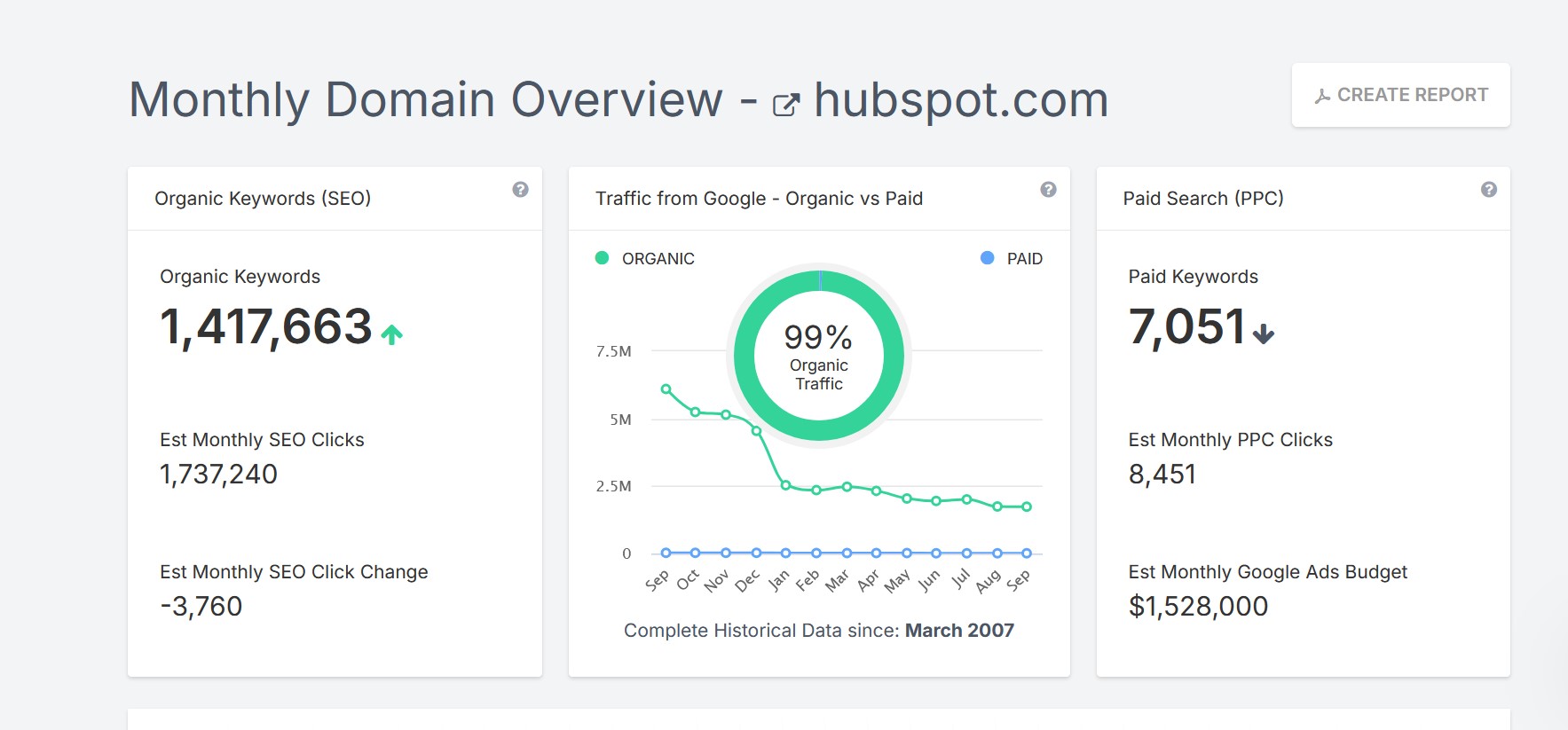
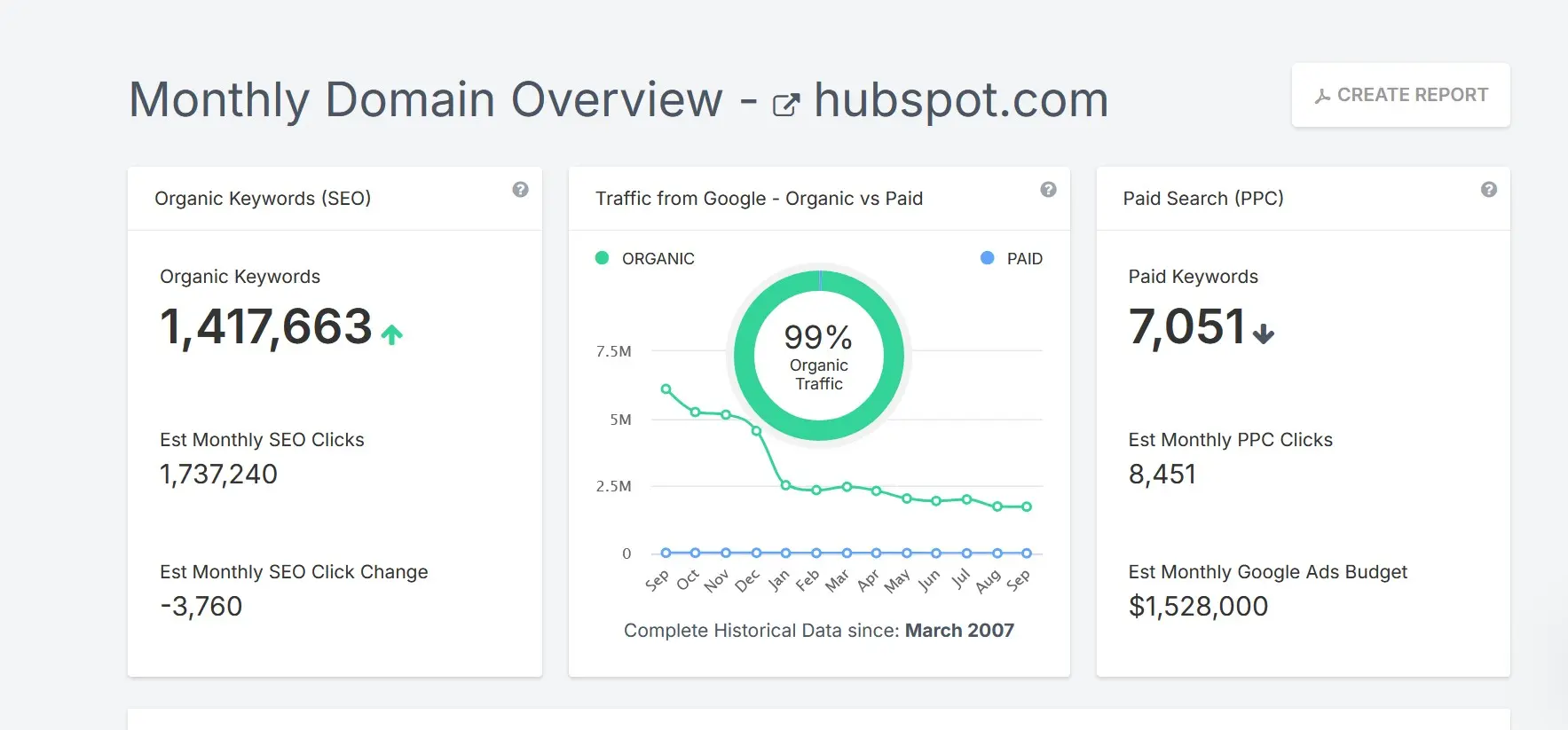
Additionally, SpyFu offers an automatic AI summary that highlights a domain’s key keywords, ads, and traffic trends. Actionable recommendations—such as profitable keywords or ad strategies—are already included in the free version. Paid packages unlock more advanced AI analyses, with access to longer timeframes and expanded comparison options. A 14-day trial lets you test all premium features before committing to a subscription.
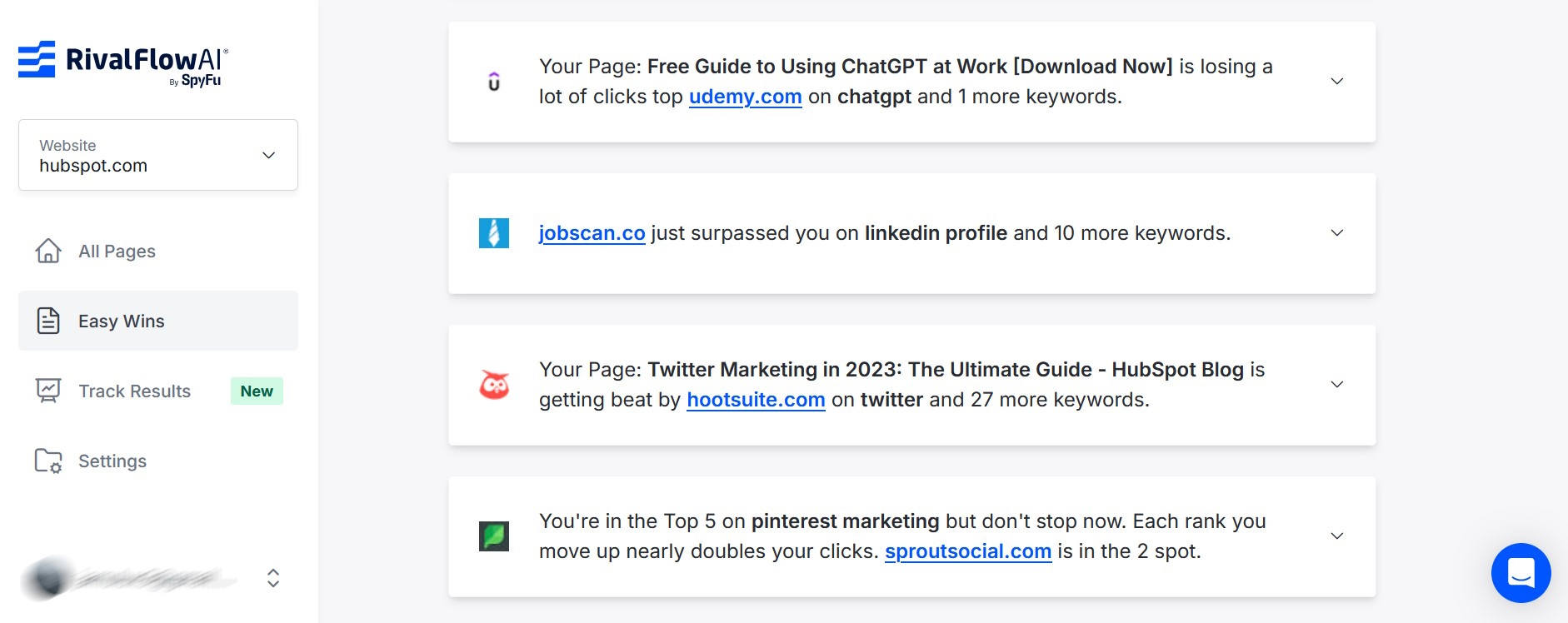
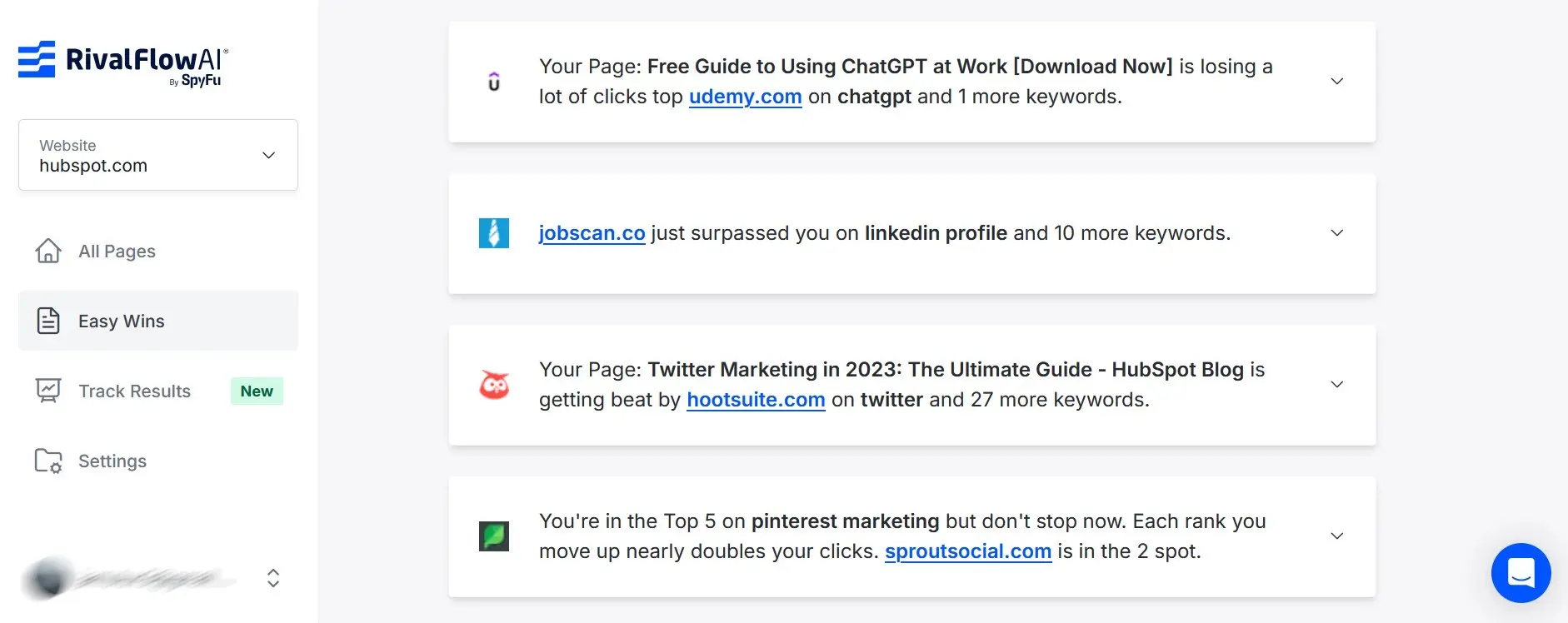
SpyFu combines traditional traffic and keyword data with practical AI evaluations. Without even signing up, you receive recommendations for SEO and ad optimisation, while more in-depth analyses are reserved for the paid version.
The best website traffic checkers compared
On the internet, you can find numerous tools for website traffic analysis. This list represents just a small selection of the available tools.
| Tool | Advantages | Disadvantages |
|---|---|---|
| SimilarWeb |
|
Numbers are inaccurate |
| SE Ranking |
|
|
| Ahrefs (AWT) |
|
|
| Ubersuggest |
|
|
| Backlinko Free Traffic Checker |
|
|
| SpyFu |
|
|