

Which is the best virtualisation software? A comparison

Virtualisation software decouples the operating system from the underlying hardware dividing powerful IT resources into smaller units. Among other things, virtualisation software can be used to operate several virtual machines (VM) on a single physical server. Scalable IT infrastructures are achieved through extensive computing farms. Here, we provide a comparison of the top virtualisation software solutions.
- Great price-to-performance ratio with no virtualisation costs
- Migration assistance from IONOS Cloud experts included
- No vendor lock-in & open source based
The best VM software in comparison
The table below summarises the most important features of the best VM programs. For details, please consult the respective sections further down in the article.
Last updated: April 2024
| Software | Host OS | Price |
|---|---|---|
| Microsoft Hyper-V Manager | 64-Bit Windows 10 Enterprise / Pro / Education | Free |
| VMware Workstation Pro | 64-Bit Windows or Linux; from Windows 8 onwards / Windows Server 2012 | ££ |
| Oracle VirtualBox | 64-Bit Windows or Linux; from Windows 8.1 onwards / Windows Server 2012 | Free |
| VMware Fusion Pro | macOS | £££ |
| Parallels Desktop for Mac | macOS 10.13 ‘High Sierra’ until 12 ‘Monterey’ | £ |
| KVM | 32- and 64-Bit Linux | Free |
| QEMU | 32- and 64-Bit macOS, Windows and Linux | Free |
| OpenVZ | 32- and 64-Bit Linux | Free |
What is virtualisation?
Virtualisation is a fundamental concept in computer science. In general, it involves the provision of an abstraction layer that sits between the physical hardware and the operating system, or the operating system and application program. By abstracting physical IT resources such as hardware, software, storage, and network components, the aim is to provide resources at a virtual level and distribute them flexibly and in line with demand to different recipients, which is a key advantage of virtualisation.
How does virtualisation software work?
Depending on the type of virtualisation software used, the underlying mechanisms differ. In the case of hardware virtualisation, hypervisor software is used. The hypervisor acts as an interface between physical hardware and virtual machines. Usually, a hypervisor runs on a specific operating system (OS), the host OS, and provides virtualised hardware to a guest OS. Here are the differences between the two types of hypervisors:
| Hypervisor type | Designation | Description | Examples |
|---|---|---|---|
| Type 1 Hypervisor | ‘native’ or ‘bare metal’ | A type-1 hypervisor runs directly on the physical hardware (bare-metal) or is integrated with the host operating system (native): Hardware → Hypervisor / Host OS → Guest OS | Hyper-V, KVM |
| Type 2 Hypervisor | ‘hosted’ | A type-2 hypervisor runs on a host operating system: Hardware → Host OS → Hypervisor → Guest OS | VirtualBox, VMware Fusion |
Some guest operating systems require a specific host OS. For example, you can run macOS only as a guest on a macOS host.
In the case of operating system level virtualisation, special software is used which creates isolated execution environments based on the operating system. Docker, Kubernetes, and OpenVZ are well-known examples of virtualisation software at the operating system level.
What is virtualisation software used for?
Virtualisation software is used to create a virtual machine based on physical hardware. This process, known as ‘provisioning’, forms the basis for scalable cloud platforms. AWS and alternatives thus enable Infrastructure as a Service (IaaS), i.e. automated provisioning of virtualised hardware at the push of a button.
In contrast to operating systems installed on physical hardware, virtual machines (VM) offer another decisive advantage. The state of a VM can be saved as a ‘snapshot’. If something goes wrong while working with the VM, you can quickly revert to the last snapshot.
Another advantage of using VM software is that some allow access to remote systems. When it comes to desktop virtualisation, VM software runs locally while the virtual machine runs on a remote host. Separating the operating system into multiple, isolated systems is also attractive from a security perspective.
The best virtualisation software
Below, we take a closer look at some of the top VM software available. We have excluded bare-metal hypervisors like ESXi and Xen, and tools for pure container virtualisation, like Docker, Kubernetes, and OpenShift from our comparison and instead focus on VM software for users, grouped by their guest operating system. It is important to note that VM software counterparts running on the server may be slightly more expensive.
The best virtualisation software for Windows
Traditionally, Windows has been relatively weak in terms of virtualisation, as Linux has always been the stronghold of virtualisation. That said, Windows has been quick to catch up. For example, Microsoft’s Hyper-V hypervisor is an integral part of modern Windows versions. The technology also forms the basis for the Windows Subsystem for Linux (WSL / WSL2). Running various Linux distributions under Windows in high-performance virtual machines is particularly interesting for developers.
With Windows in particular, using virtualisation software is worthwhile. After all, the operating system has been plagued by driver issues, viruses, and Trojans for decades. Using virtual machines makes it easier to work securely in isolated environments. For example, online banking can be done in a guaranteed virus-free Linux environment. Furthermore, VMs allow snapshots to be created. Should the system be damaged, it is possible to revert to a safe initial state.
Microsoft Hyper-V Manager
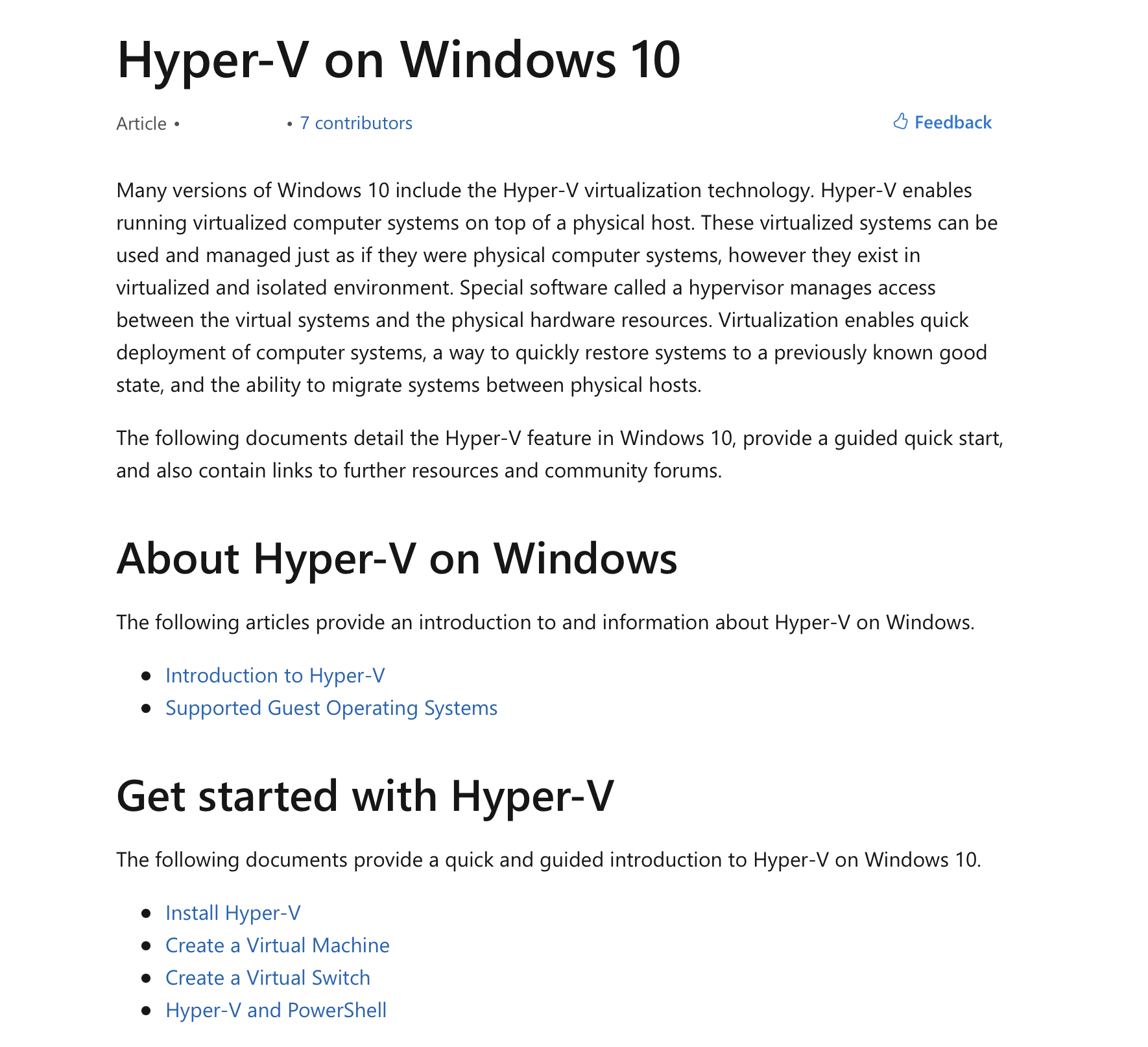

Microsoft’s Hyper-V Manager is part of Windows Server 2008 and newer versions. The virtualisation software enables virtual machine (VM) management on Windows 10 Enterprise, Pro and Education editions. The VM program can be used free of charge, although a Windows 10 license may apply.
The Hyper-V Manager is used to manage Hyper-V hosts and virtual machines. These can be located locally or on remote machines. A graphical user interface enables easy management of virtual environments from a central platform.
VMware Workstation Pro
The virtualisation software Workstation Pro from virtualisation heavyweight VMware is aimed at IT professionals, developers, and companies. The VM program enables virtualisation of most x86 operating systems on a standard desktop PC. Remote access to remote vSphere environments is also possible. But Workstation Pro can do a lot more.
Workstation Pro simplifies building, testing, and deploying software across a wide range of devices, platforms, and clouds. The virtualisation software enables configuration of virtual networks and other virtualised resources. Furthermore, local OCI containers and Kubernetes clusters can be run with VM isolation. In addition to the graphical user interface, the command line tool ‘vctl’ is available to automate workflows.
As usual with VM programs, snapshots of the virtual machines can be created and restored later. Furthermore, the virtualisation software can be used to run a second desktop, secured by stricter privacy and network settings. The inclusion of 3D technologies such as DirectX 11 and OpenGL 4.3 within virtual machines is particularly beneficial for gaming and high-performance graphic applications.
Despite the high level of functionality, the VM software is quite affordable with a price of around £150. Current and future college or university students, their parents and faculty members and employees of educational institutions receive a discount. A trial version can be used free of charge for 30 days.
Oracle VirtualBox
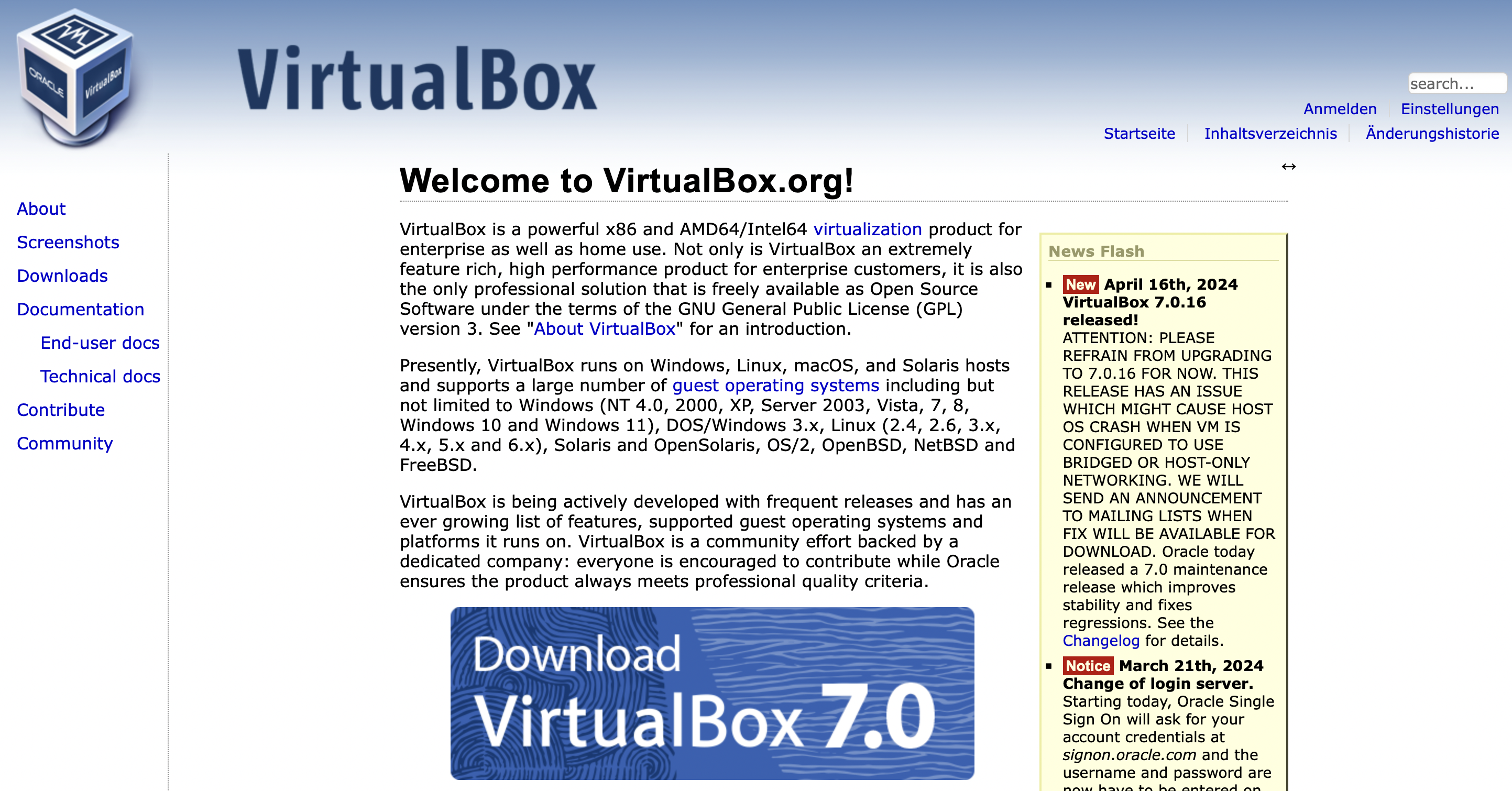
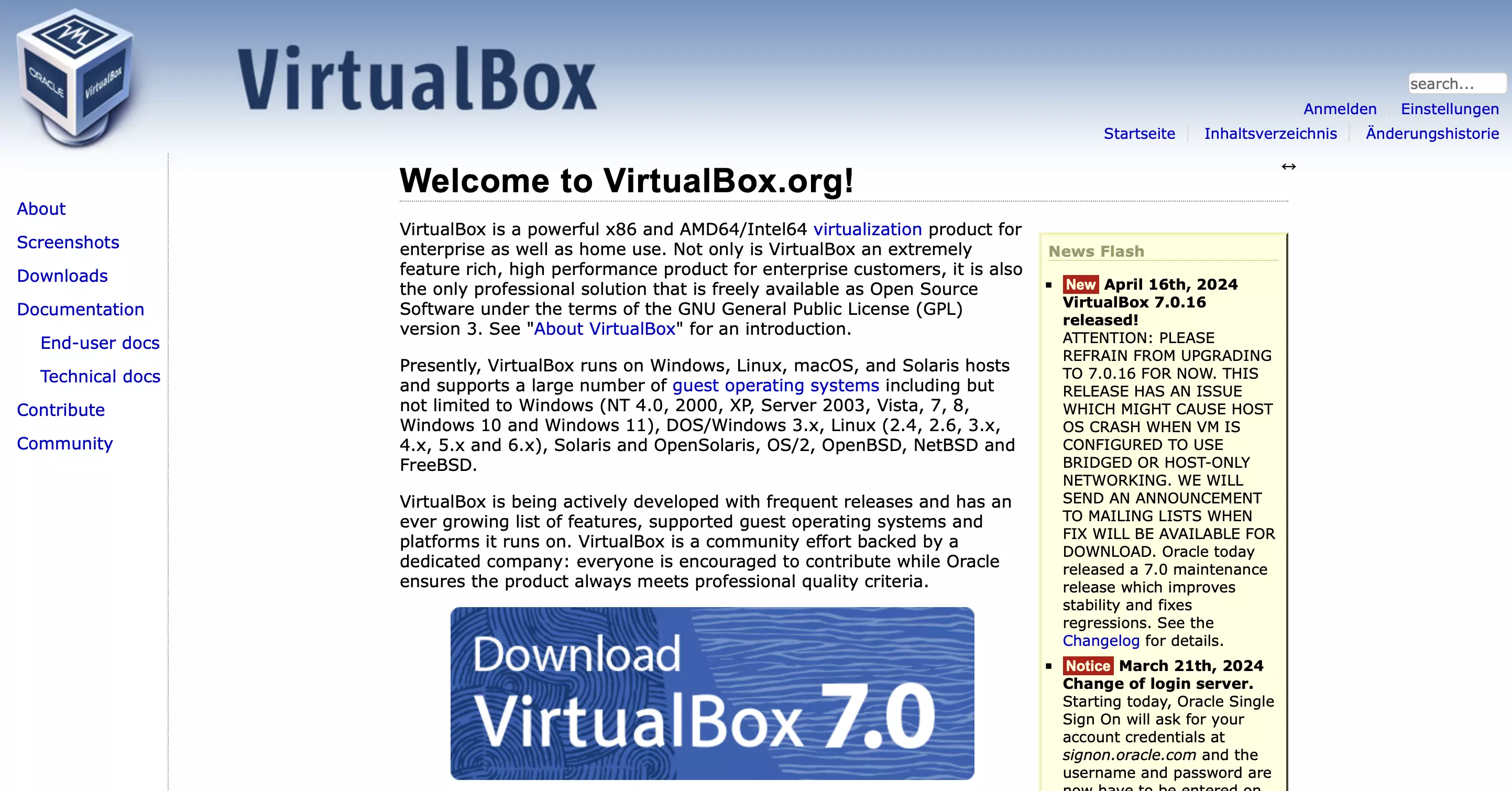
The VirtualBox from Oracle is the father of all virtualisation software. VirtualBox enables the use of virtual machines (VM) from a home desktop with ease. Even if the user interface seems a bit dusty now, the VM software impresses with its user friendliness. Furthermore, VirtualBox is published as a ‘Free and Open Source Software’ (FOSS) – a special feature among VM programs from commercial providers.
VirtualBox serves as the basis for operating virtual machines on a host system and is often used in conjunction with other, specialised software. For example, the popular tool ‘Vagrant’ automates the creation of reproducible development environments. Vagrant acts as an interface between virtualisation software such as VirtualBox, VMware, Hyper-V, and Docker and provisioning software such as Puppet, Chef, and Ansible.
The best virtualisation software for Mac
In principle, virtualisation software allows a guest operating system to run on a host operating system. Thus, a Linux distribution can be launched from a Windows desktop or a Windows installation can be run on Linux. With Mac, however, there is a special feature. Because macOS as a guest system can (legally) only be run on a macOS host.
VMware Fusion Pro
Fusion Pro from VMware is more or less the Mac counterpart to VMware Workstation. The VM software became widely known because users can run Windows on a Mac. When the virtualisation software was released in 2007, that was a sensational achievement. Nowadays, the tool has plenty more to offer.
Fusion Pro enables Mac virtual machines (VM) to run macOS, Windows, and Linux operating systems. The virtualisation software also boasts functionality for creating, managing, and running OCI containers and Kubernetes clusters. The high security and strong isolation of virtual machines come into play here. This allows a complete cloud stack to be run and tested on a single Mac.
Built-in snapshot functionality makes it easy to revert to secure storage points as required. The graphical user interface allows you to connect to remote vSphere and ESXi servers. Virtual machines and physical hosts are easy to control and manage while VMs can be dragged and dropped between hosts.
A license costs around £150 and upgrading an existing one costs half of the full price. Like VMware’s big brother Workstation Pro, Fusion Pro can be tested free of charge for 30 days.
Parallels Desktop for Mac
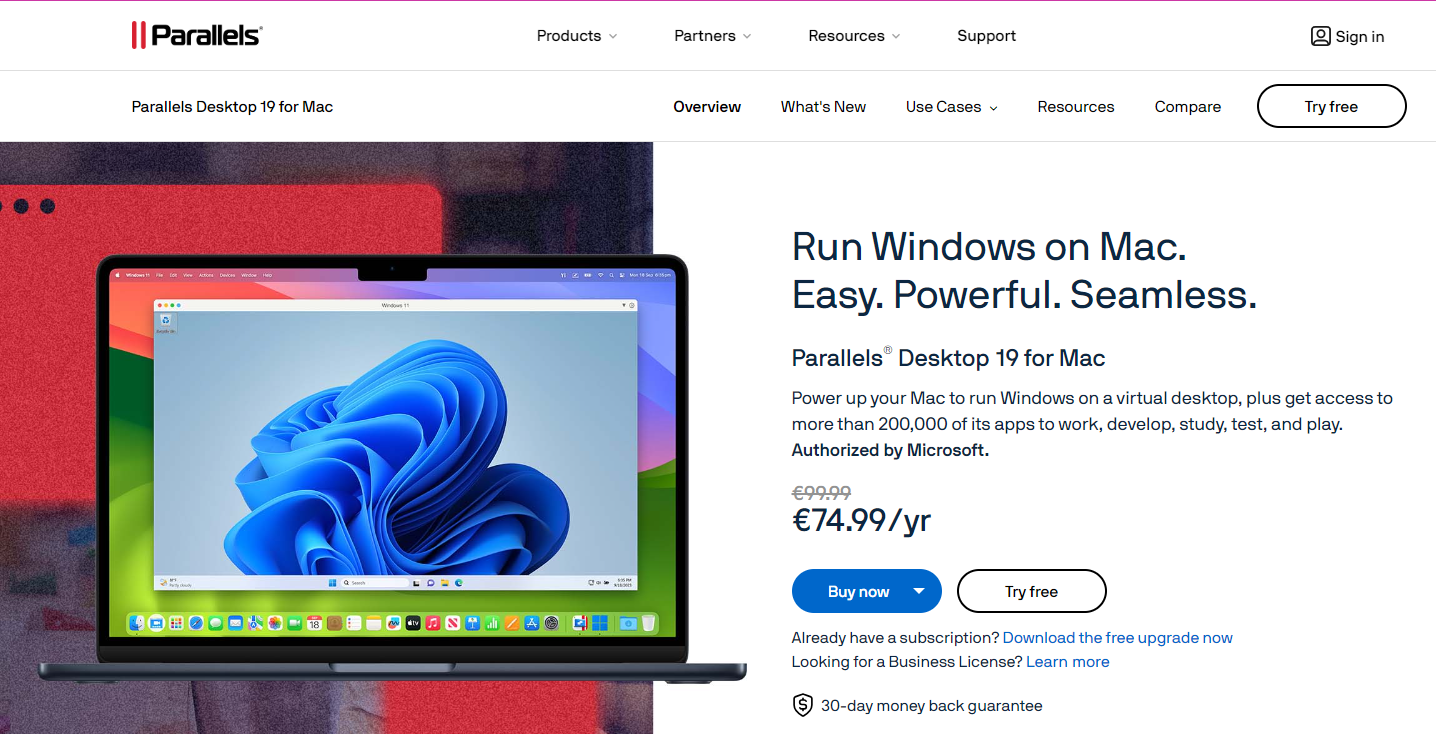
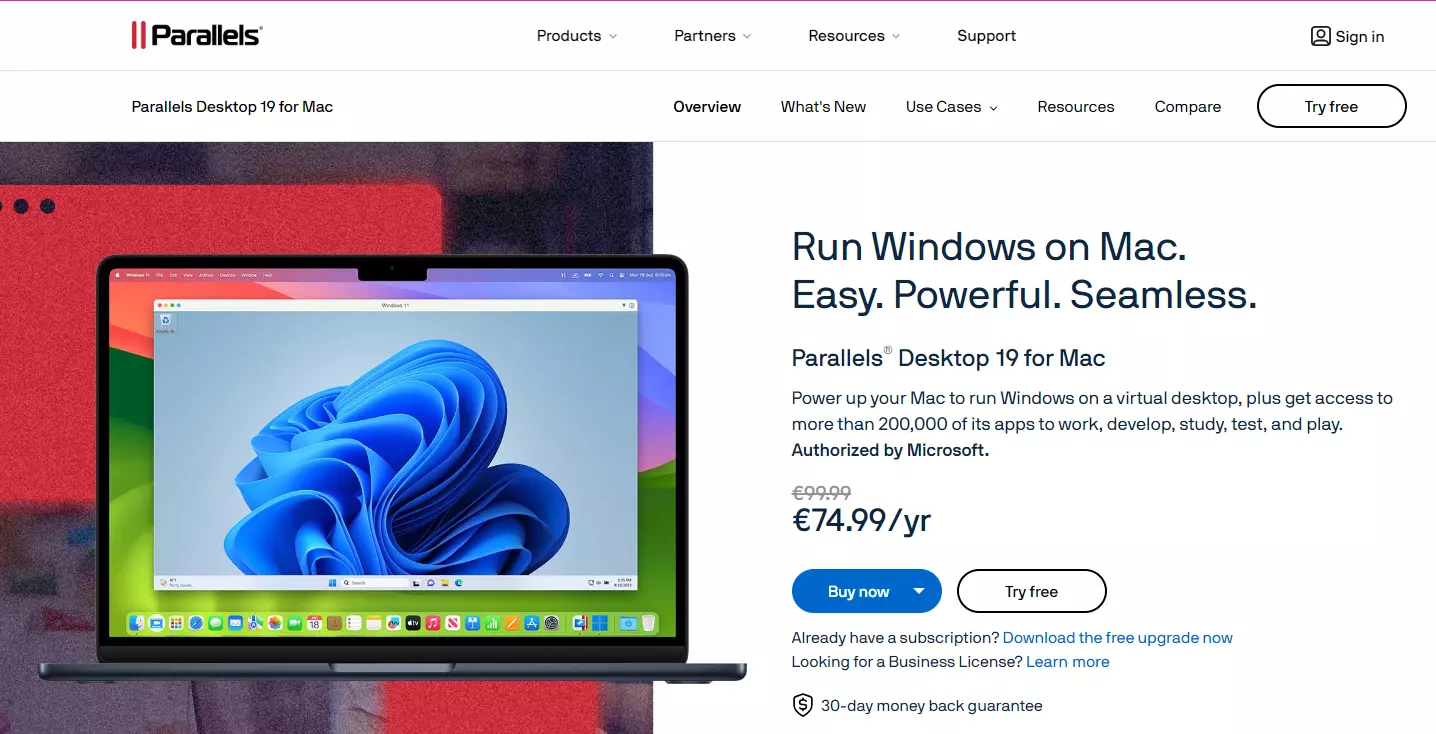
Besides VMware Fusion, Parallels Desktop for Mac is the classic VM program for Mac. Developers and users can work with multiple operating systems on Mac without a dual boot setup. Using the virtualisation software eliminates the need for frequent reboots.
Parallels Desktop focuses heavily on providing a Windows desktop environment that runs ‘in parallel’ with macOS. The virtualisation software makes for seamless moving and sharing of content between Mac and Windows. With the ‘Coherence mode’, Windows applications can be used like Mac applications.
A license costs approximately £80, making it one of the cheaper commercially available VM software. Private users and students receive a discount; upgrading an existing license costs about £40.
Oracle VirtualBox
VirtualBox can also be run on macOS. However, there are some restrictions. Only Mac OS X Leopard or Snow Leopard can be used as guest operating systems. Unfortunately, VirtualBox can only be used up to macOS 10.15 ‘Catalina’. Modern Macs are not supported at all because VirtualBox requires x86 hardware and is not compatible with the new ARM-based Apple silicon chips.
The best virtualisation software for Linux
The free operating system Linux is the ‘primordial soup’ from which virtualisation technology emerged. Today, basic building blocks for virtualisation are deeply embedded in the operating system’s kernel. This results in the widest spectrum of VM programs for users. Alongside many freely available solutions, there are also some commercial options.
KVM
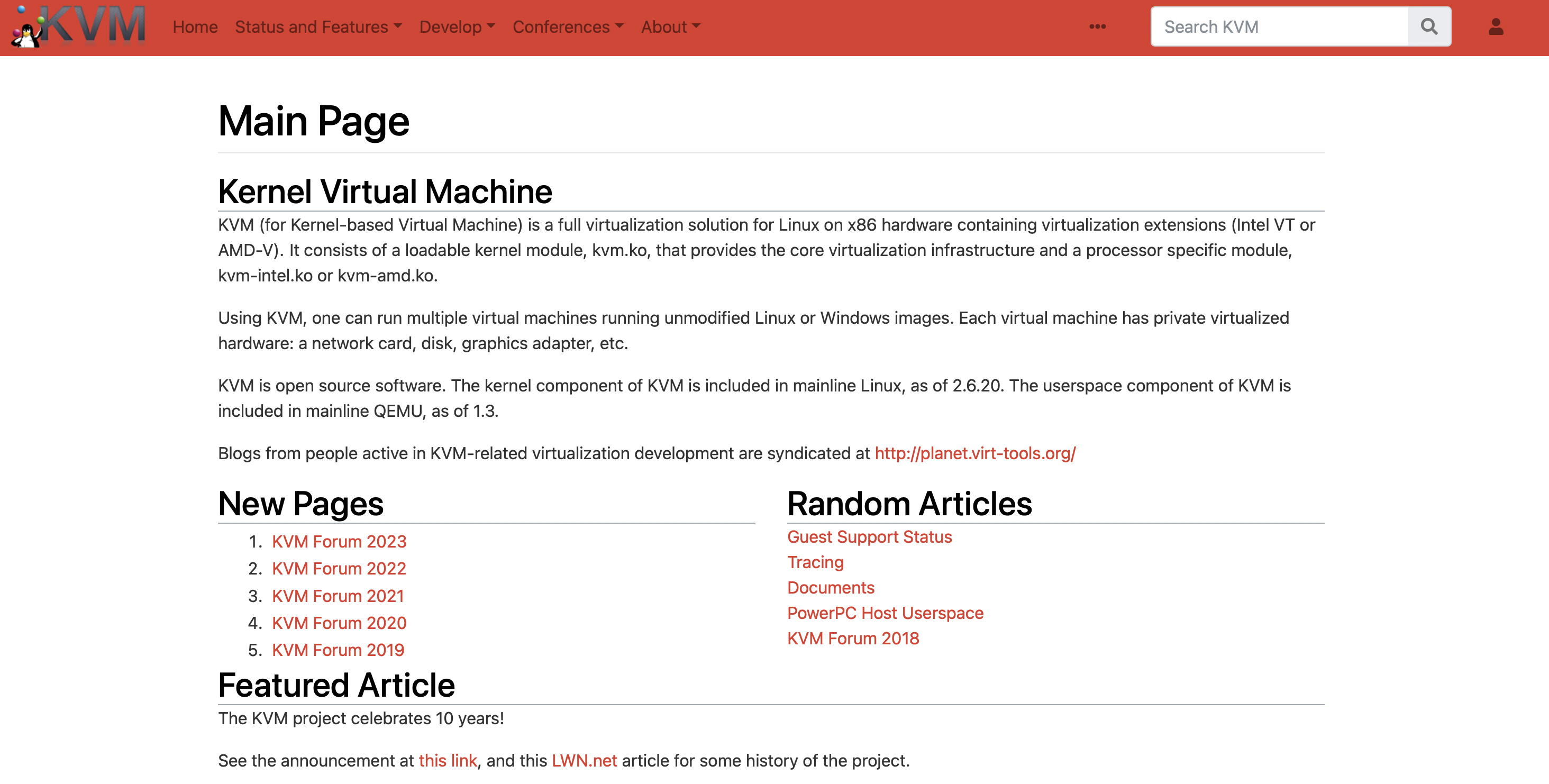
The Kernel-based virtual machine (KVM) is embedded in the Linux kernel as a basic virtualisation technology. With the help of KVM, the kernel becomes a hypervisor on which Linux and Windows virtual machines are run. In addition to x86 hardware, PowerPC and some ARM processors are supported. Intel’s VT-x or AMD-V are used, if available, to improve the performance of virtual machines at processor level.
KVM enables multiple virtual machines (VM) to be run on a Linux host. Each VM is assigned its own virtualised hardware. In addition to processor cores and RAM, this includes network and graphics adapters and mass storage. Unmodified Linux and Windows VM images are used to set up the VMs.
Many other virtualisation programs from the Linux universe are built on KVM. Thus, a variety of user interfaces can be used to manage the virtual machines (VM). A virtual machine manager serves as a graphical user interface on the desktop. KVM and the hosted VMs can be accessed via the browser using ‘Kimchi’ or ‘Foreman’. There are also command line interfaces that can be used to automate frequently used workflows. Under the hood, KVM is controlled via the libvirt API.
QEMU
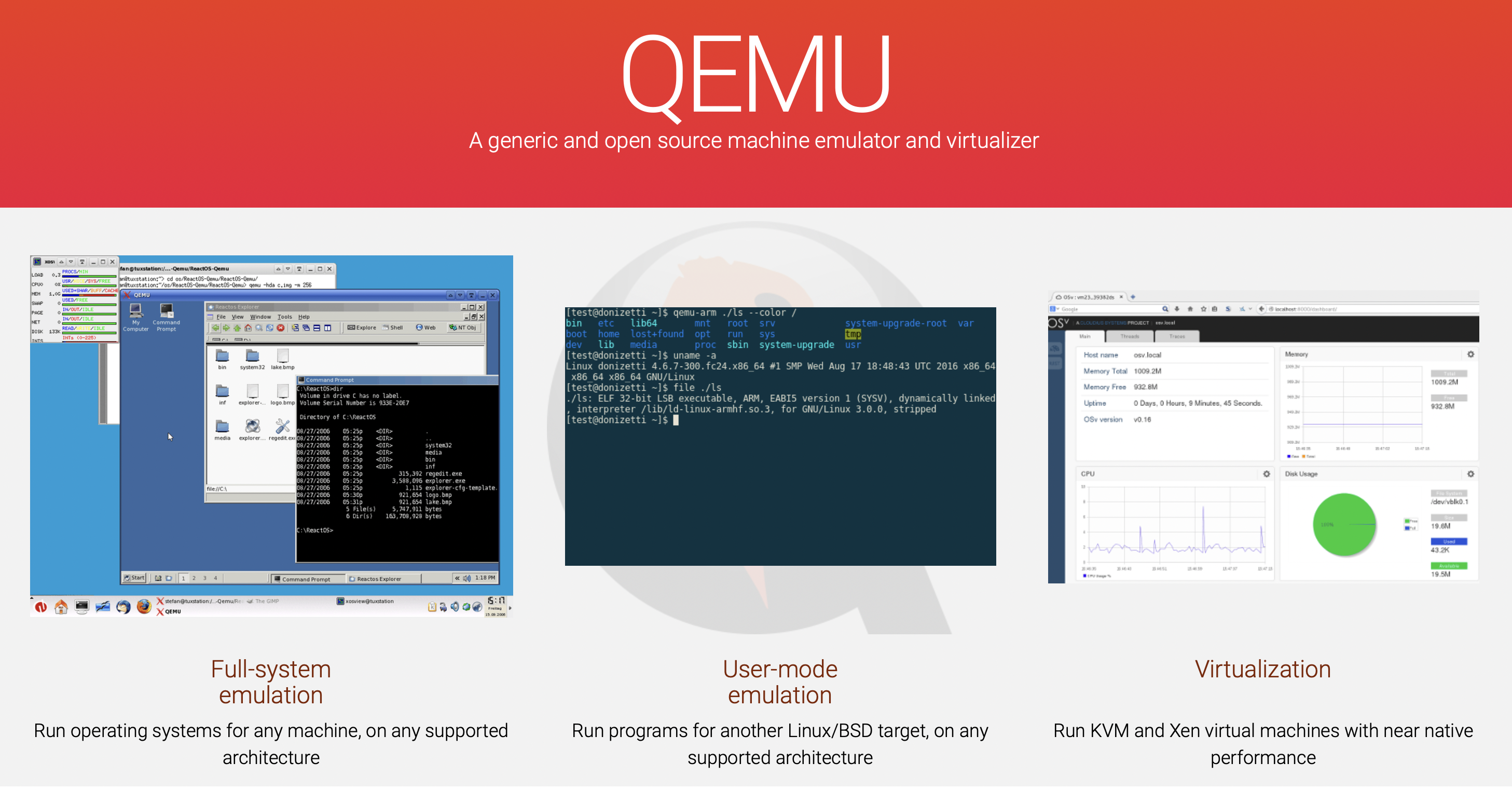
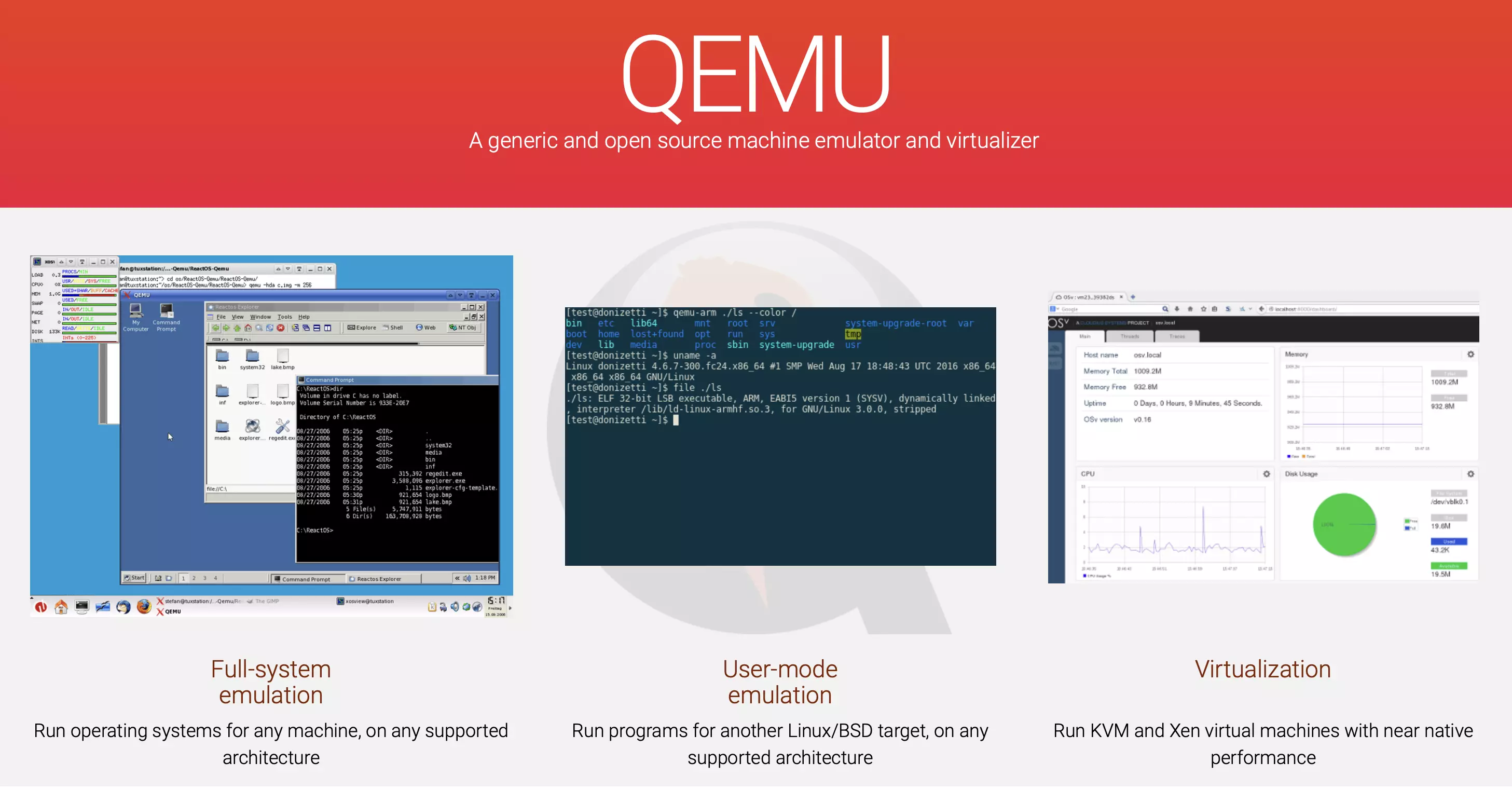
The Quick Emulator (QEMU) is a complex virtualisation software. QEMU is capable of full virtualisation of x86 hardware and the emulation of other processor architectures. Thus binary files written for processors not physically present in a system can be executed. It is even possible to live-compile individual programs for execution.
QEMU is integrated with other VM programs by default. The virtualisation software can be used with hypervisors such as VirtualBox, KVM and Xen. Because of its hardware-based ‘accelerators’, it achieves near-native performance when running virtual machines. The tool is available free of charge and runs on an open-source license.
OpenVZ
With OpenVZ Linux users can test a very interesting virtualisation software. The open-source project emerged from the development of the commercial software ‘Virtuozzo’. The name is an abbreviation for ‘Open Virtuozzo’. Nowadays, OpenVZ serves as the open-source core component of the commercial offshoot.
What makes OpenVZ special is the absence of a hypervisor. Instead, virtualisation takes place at the operating system level; containers are used. However, no application containers are executed, as is the case with Docker. Instead, OpenVZ virtualises multiple, isolated operating systems based on a single, specially adapted Linux kernel. The use of OpenVZ is particularly suitable to consolidate server resources.
VMware Workstation Pro
VMware Workstation Pro is also available under Linux. The functionality is comparable to the Windows version of the software. However, there are some Linux-specific peculiarities. Instead of DirectX, which is only available under Windows, the ‘Vulkan’ rendering engine is supported. A wide range of Linux and Unix distributions such as Ubuntu, CentOS, Debian, Fedora, RHEL and SUSE can be run as guest operating systems.
Oracle VirtualBox
VirtualBox is the only VM software that also runs on Linux in addition to Windows and macOS (apart from modern Macs). The functionality is similar to the Windows version.