

What ownCloud alternatives are there?

If you’re in search of file hosting software alternatives to ownCloud and Dropbox, there are several options available that are secure. Take a look at our detailed overview to see what sets them apart from ownCloud.
An overview of ownCloud alternatives
| Provider | AI | Features | Disadvantages |
|---|---|---|---|
| Seafile | Automatic file description & tagging with AI | Fast, secure, and collaboration capability | Some missing sync functions |
| Nextcloud | AI assistant & AI agent (texts, emails, scheduling, chat) | Easy migration, ambitious development | Fork of ownCloud |
| Syncthing | No AI functions | Good web interface | No file system monitoring |
| Resilio Sync | Smart caching (DemandCache) | Recommended for file sharing | No file system monitoring |
| GoodSync | No AI functions | Complex with many features in the full version | Only truly worthwhile in the paid full version |
Updated: April 2025
What makes ownCloud unique?
The open-source software for file hosting is designed both for collaboration among multiple users and for providing private file areas. A key advantage of ownCloud is its user and group management for access rights to stored files. In addition to a free community version, ownCloud also offers paid versions with expanded features, professional support, scaling options, and integration of Single Sign-On (SSO).
 To display this video, third-party cookies are required. You can access and change your cookie settings here.
A notable disadvantage of ownCloud is its approach to encryption. While the open-source application supports encryption, it is inherently server-side unless expanded through additional modules. Additionally, the performance can be suboptimal, especially when managing a large volume of smaller files.
Seafile
As one of the most prominent ownCloud alternatives, Seafile is very popular among users who value open source. The software works similarly to Dropbox, but both the server and the client have open-source code. Seafile also supports end-to-end encryption and scores points with a comparatively simple installation.
Still, Seafile tends to focus more on file sharing and collaboration. As a result, it lacks some functions, such as synchronisation services like CalDAV or CardDAV sync. However, Seafile impresses with high performance and reliability—especially when synchronising large amounts of data in teams.
Since version 13.0, Seafile has also been using AI functions, such as for the automatic generation of file descriptions and intelligent tagging. These features facilitate content organisation and improve the findability of files, especially in extensive project environments.

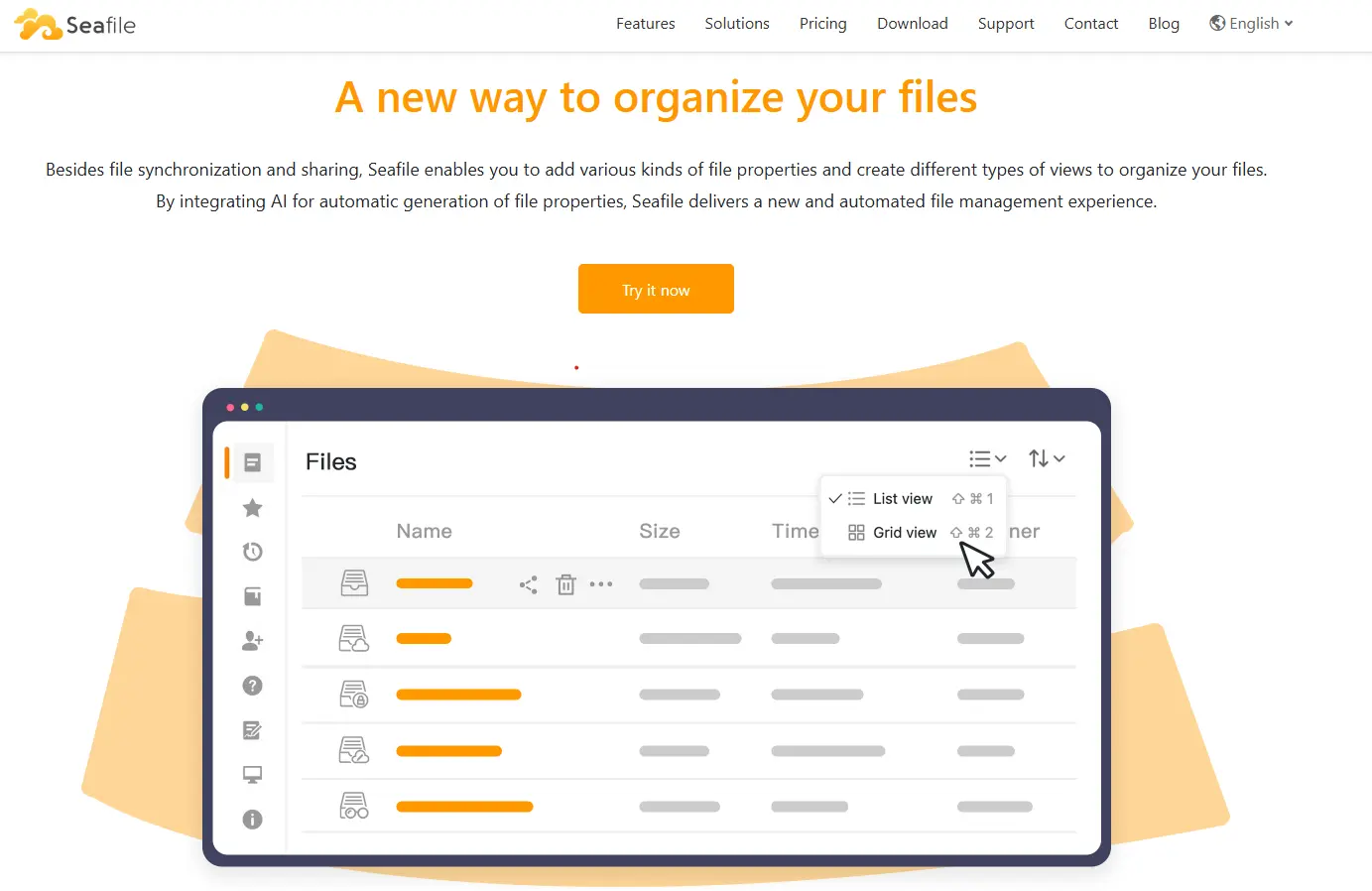
This ownCloud alternative offers a good range of features when it comes to file administration and user collaboration. It comes with a commenting and messaging function as well as versioning, making it particularly appealing for team projects. A high level of reliability and speedy synchronisation add to the program’s attractive nature. Seafile has clients for macOS, Windows and Linux as well as for iOS and Android, whereby the servers can run under Linux, via Docker or on Raspberry Pi. While the Community Edition is available for free, subscribers to the Professional Edition gain access to features that enhance security and administration.
Nextcloud
Nextcloud is a modern open-source platform for cloud storage and collaboration, originating as a fork from ownCloud. Its familiar structure makes the transition especially easy for users. Migration from ownCloud is also very straightforward. The team is continuously working on improving the cloud storage service, focusing on better inclusion of the user community to potentially implement desired features.
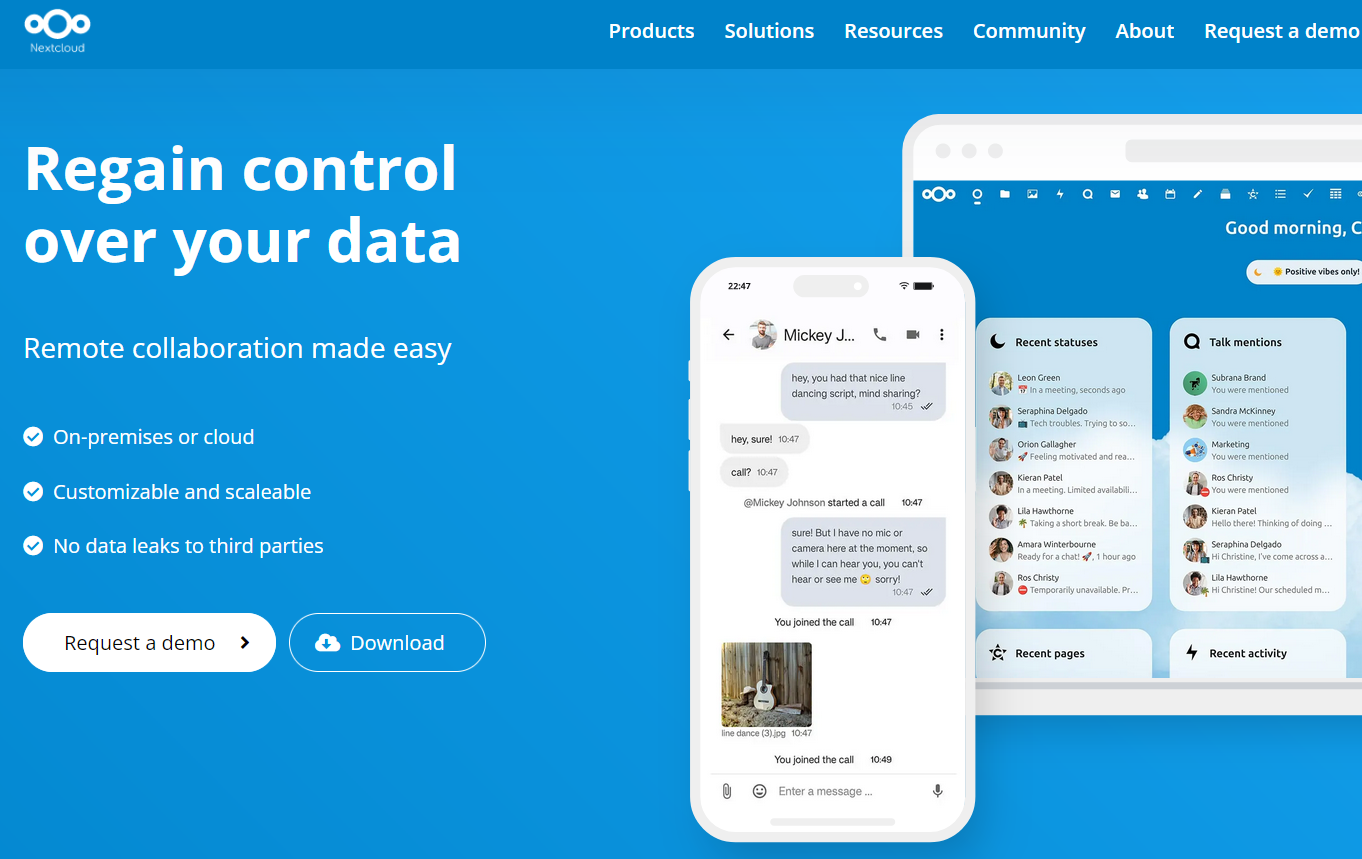
Nextcloud is an innovative cloud platform designed to empower individuals and organisations to manage their data securely. It facilitates collaboration through seamless file sharing, communication tools, and more. As a self-hosted solution, Nextcloud allows users to maintain complete control over their data and customise their experience. With a strong emphasis on privacy, Nextcloud is built to meet the growing demand for secure and private cloud services.
The platform’s flexibility supports integration with various tools and services, enabling users to create a tailored environment for collaboration. It continues to evolve with a focus on user needs, fostering an engaged community that contributes to its ongoing development. Ideal for teams and enterprises, Nextcloud enables efficient workflow management, all while ensuring data protection and compliance with industry standards.
Syncthing
Syncthing is an open-source peer-to-peer tool for file synchronisation between multiple devices without a central server. It is an open-source version of BitTorrent Sync, now known as Resilio Sync. Syncthing is particularly suitable for technically skilled users who want to synchronise their data in a decentralised and privacy-friendly manner. An advantage is the continuous development of the project and the complete control over all data streams.
The ambitious project is continuously developed, features an appealing web interface and offers a good solution for peer-to-peer synchronisation. However, it lacks an integrated file system monitoring: when data changes, the entire sync repository must be scanned, which can significantly weaken performance.
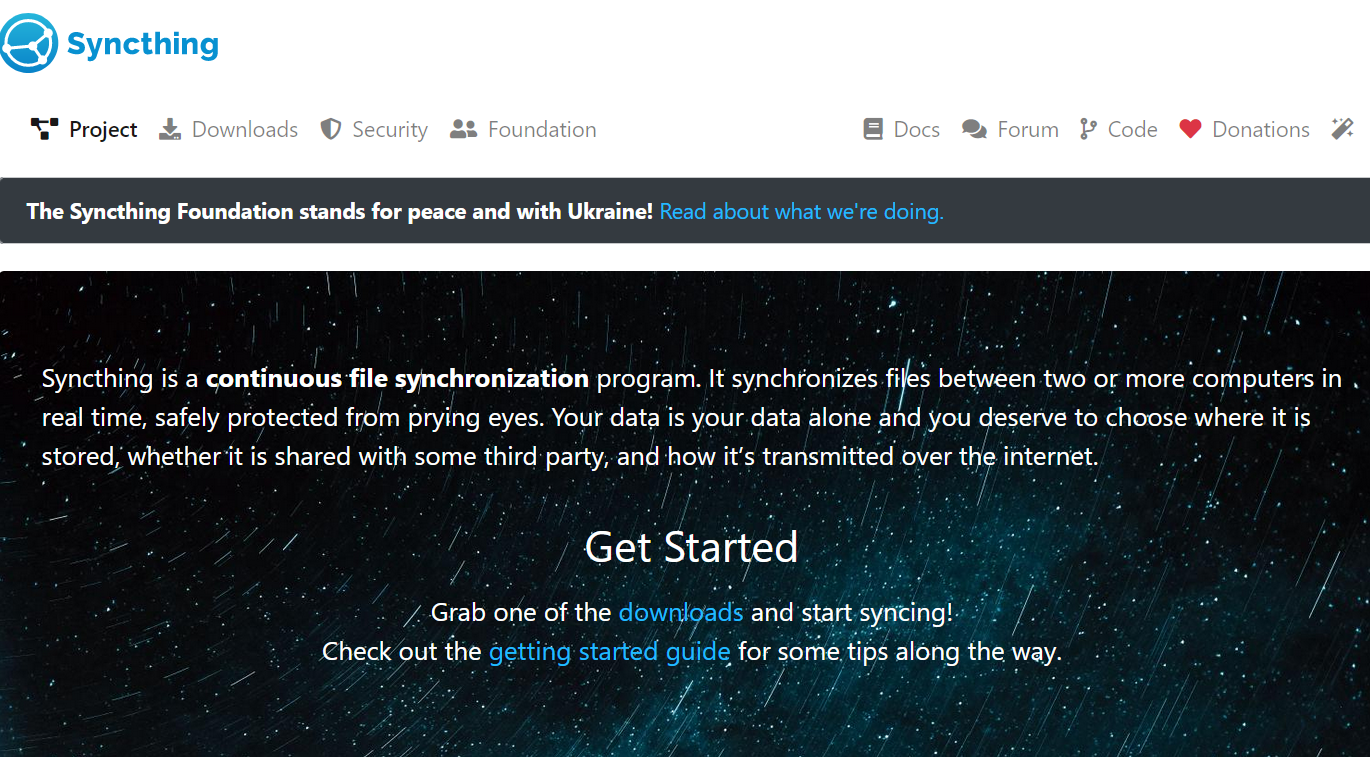
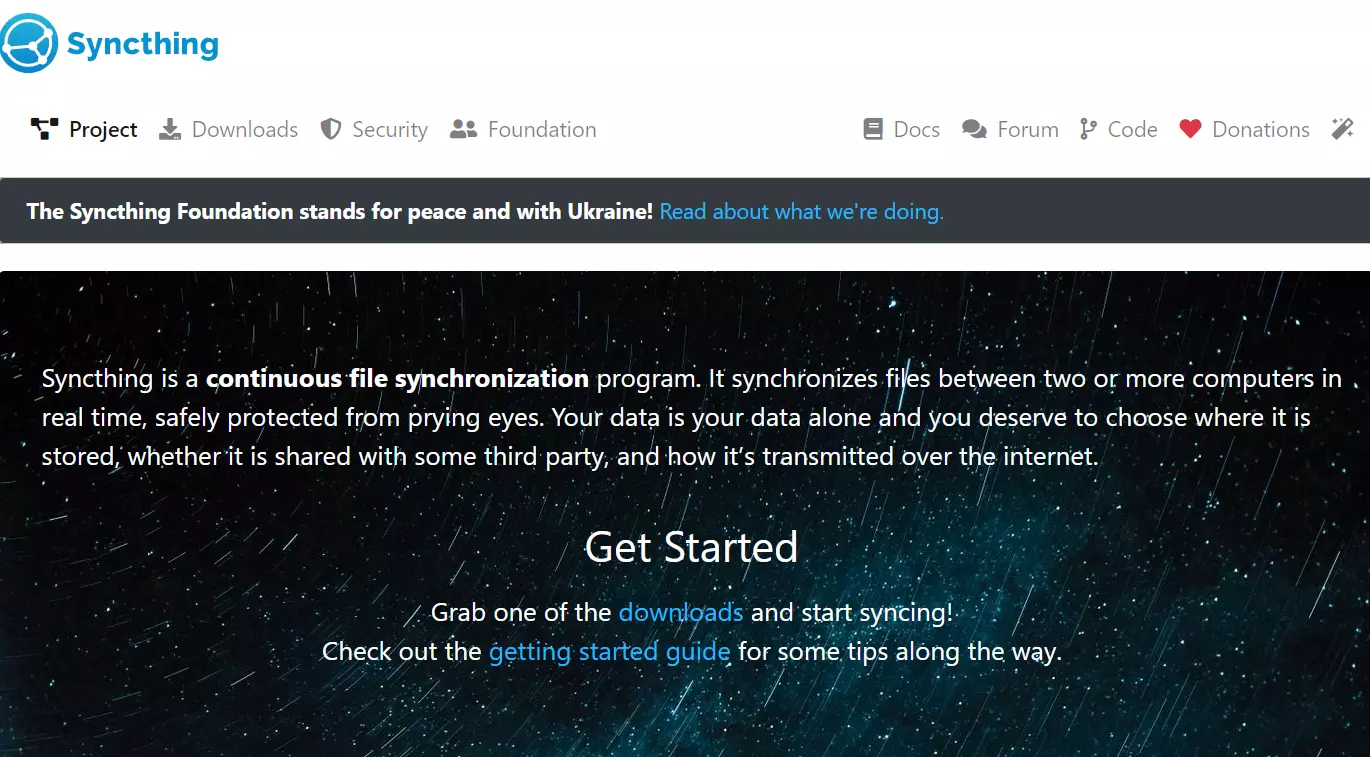
During setup, it becomes clear that Syncthing is a service for more advanced users. If you’ve got used to the simple structure of ownCloud and want something similar, Syncthing is probably not the right choice for you. However, if you want to get involved with this open-source alternative to ownCloud, you won’t regret putting in the effort that is required to adapt to the structure of Syncthing.
Resilio Sync
Resilio Sync is a decentralised synchronisation solution without a cloud server, based on the BitTorrent protocol, enabling fast file transfer between any number of devices. With Resilio Sync, data can be synchronised across any number of computers. This is made possible by the BitTorrent protocol used, which is otherwise employed in file-sharing tools. As a user, you can build a decentralised network of synchronised devices in this way. Compatible clients are available for macOS, Windows, Linux, and Android. This makes it easy to keep documents in sync and simultaneously create a backup with a mobile device.
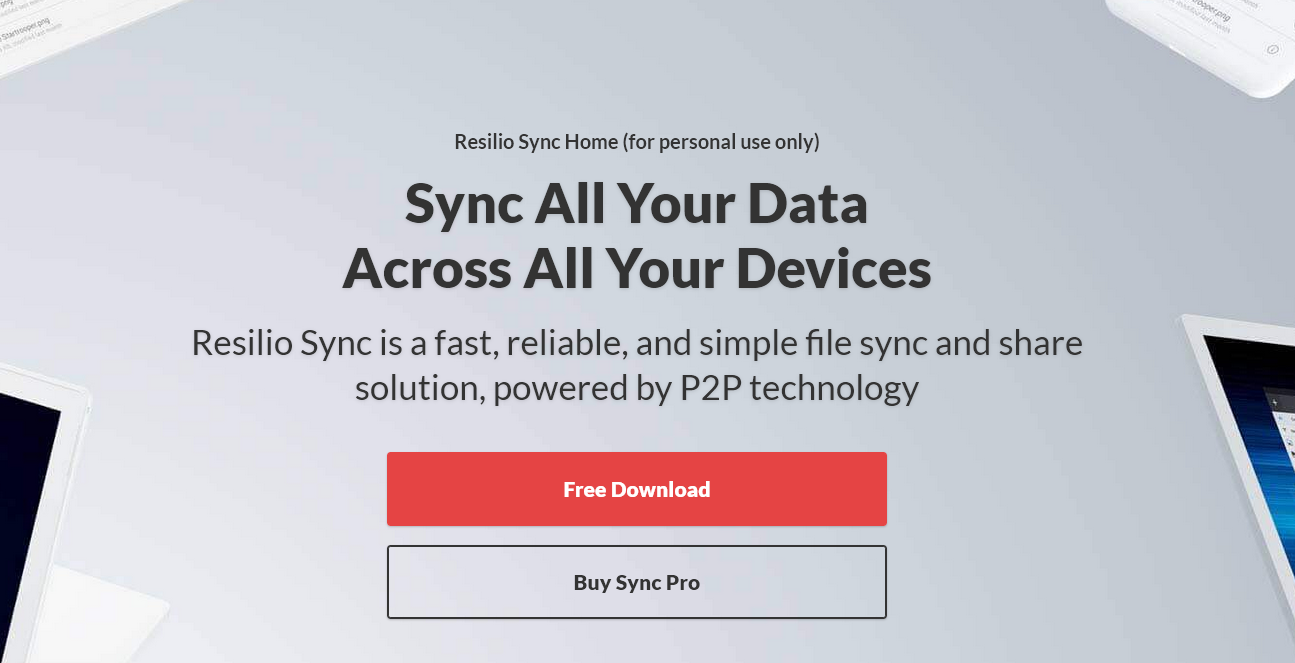
In the free version of this alternative to ownCloud, you can select any folder from your hard drive for syncing, similar to Dropbox, without needing an account. Each folder is assigned a Secret, a randomly generated combination of letters and numbers that ensures encryption. To sync on another device, simply enter the Secret. Resilio Sync is ideal for file distribution, offering features like a read-only secret for downloads only, or a one-time secret that provides 24-hour access to the folder.
Although Resilio Sync doesn’t officially integrate traditional AI, the system uses DemandCache, an intelligent method for cache management. This feature analyses usage behaviour and automatically caches frequently used files locally to optimise loading times—especially in distributed teams or over slow connections. For companies with many locations, this can significantly speed up synchronisation and save bandwidth.
Goodsync
GoodSync is a feature-rich synchronisation software and ownCloud alternative, mainly aimed at experienced users. When it comes to synchronising data across all common operating systems, GoodSync is one of the best-known alternatives to ownCloud. However, a drawback of GoodSync is the complex setup of the program. The setup requires technical know-how, such as defining job rules, filter settings, or network connectivity. The software thus offers many options to customise the initialisation and synchronisation individually and to structure the entire file system according to your own preferences.
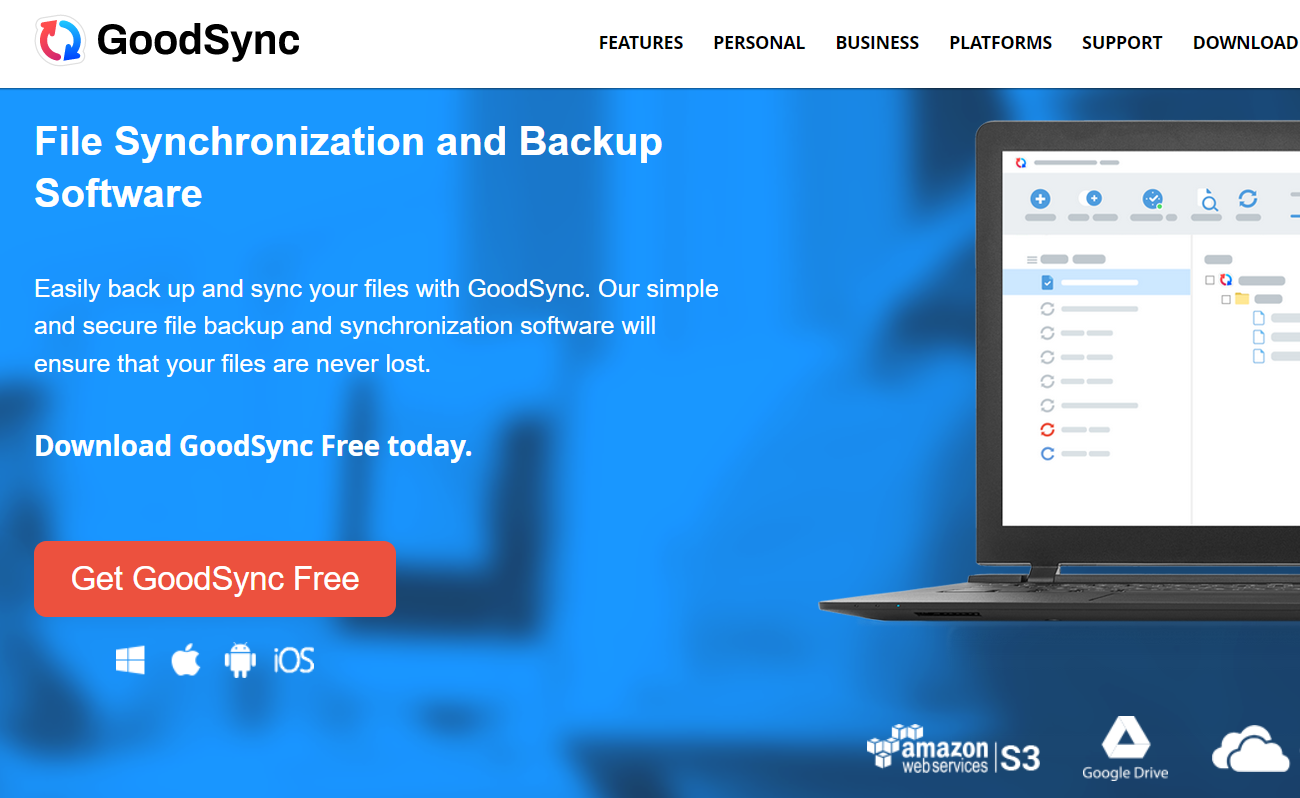
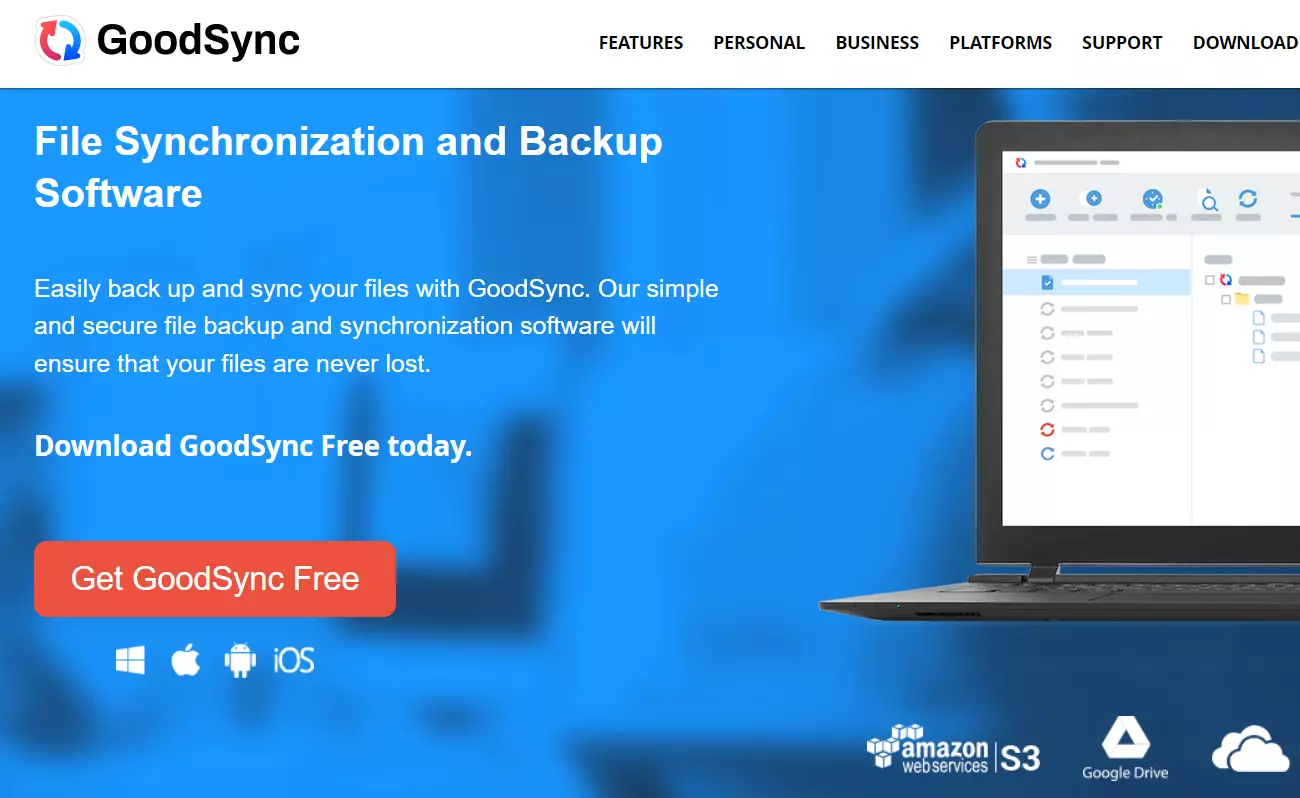
The ownCloud alternative is available in both a free and a paid version: The free basic edition allows users to back up or synchronise up to three jobs and 100 files. Those willing to spend money on their file hosting solution gain access to a powerful software without these limitations, available for Windows, macOS, Linux, Android, and iOS.
Which ownCloud alternative fits best depends on individual requirements, such as regarding open source, privacy, or AI functions. Nextcloud and Seafile are particularly suitable for collaborative use and modern features. Syncthing, Resilio Sync, and GoodSync offer flexible solutions for privacy-friendly or complex synchronisation scenarios.
Reviewer

Jeanna Raffa
With over 18 years of experience in online marketing, Jeanna Raffa possesses extensive expertise in digital marketing. Since 2020, her focus has been on providing practical information regarding email, office, and cloud storage solutions.