

How secure is a data centre?

When people talk about the security of cloud services, the first things that come to mind are usually data protection and defense against cyber-attacks. A major fire at a French cloud provider in early March raised questions about how well Internet data centres are protected against physical threats like fire. What should cloud users take into consideration when choosing their provider and is there anything thy can do themselves to ensure the security of their data?
- Cost-effective vCPUs and powerful dedicated cores
- Flexibility with no minimum contract
- 24/7 expert support included
Building security
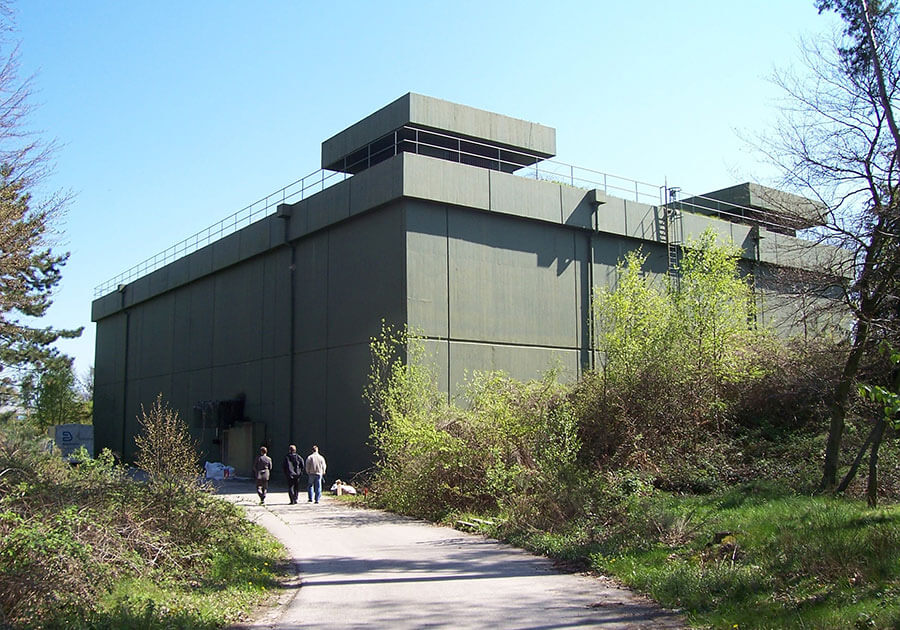
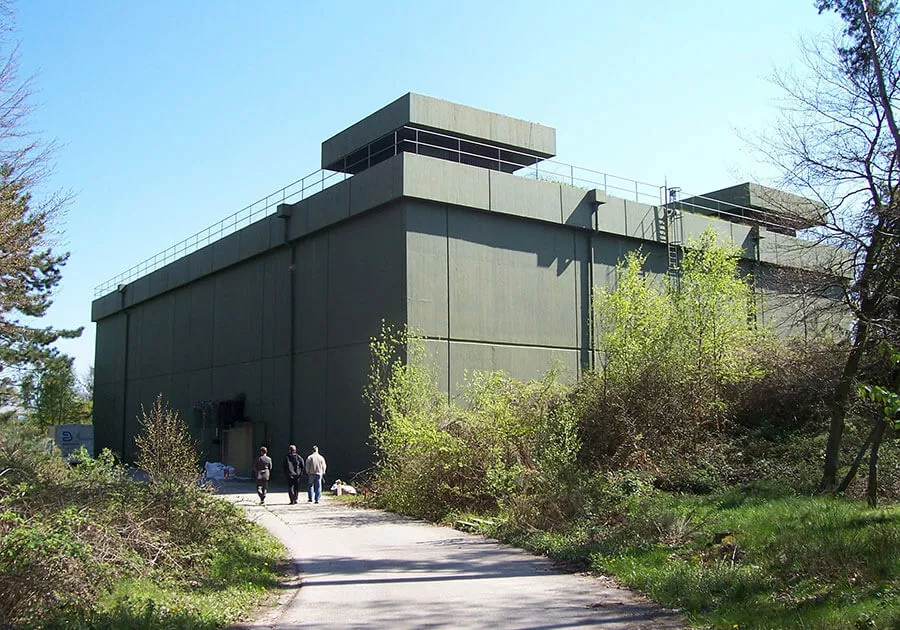
Data centre security starts with selecting the location. Modern data centres are usually built away from residential areas. But if they are built in industrial estates, they should have a minimum distance between them and other buildings so that if a fire starts in one building, it cannot engulf the one next to it.
If possible, the building itself shouldn’t be made out of any combustible materials. Ideally, offices should be separated from the data centre. Electrical operating rooms, where the risk of fire is particularly high, should be placed in separate fire protection zones.
To ensure that a fire is detected as quickly as possible, early fire detection through an aspirating smoke detector (ASD) is recommended in addition to classic smoke detectors. Room air is continuously sucked in and examined by an optical system for the smallest smoke particles. A fire source can often be discovered way before an actual fire breaks out. In addition, it is often possible to connect fire alarm systems to fire stations or police stations at some locations, so that in the event of an emergency, you don’t have to raise the alarm manually.
Fire fighting
If a fire does break out in the data centre, there are several ways to fight it. Due to the high currents flowing around server rooms and supply rooms, using water to extinguish the fire is not an option. Although water mist suppression is an exception. Instead, you have to deprive the fire of oxygen to put it out.
For preventing fires from occurring, there are oxygen reduction systems. These reduce the oxygen content in the room air to well below 20 percent, preventing a fire from developing in the first place.
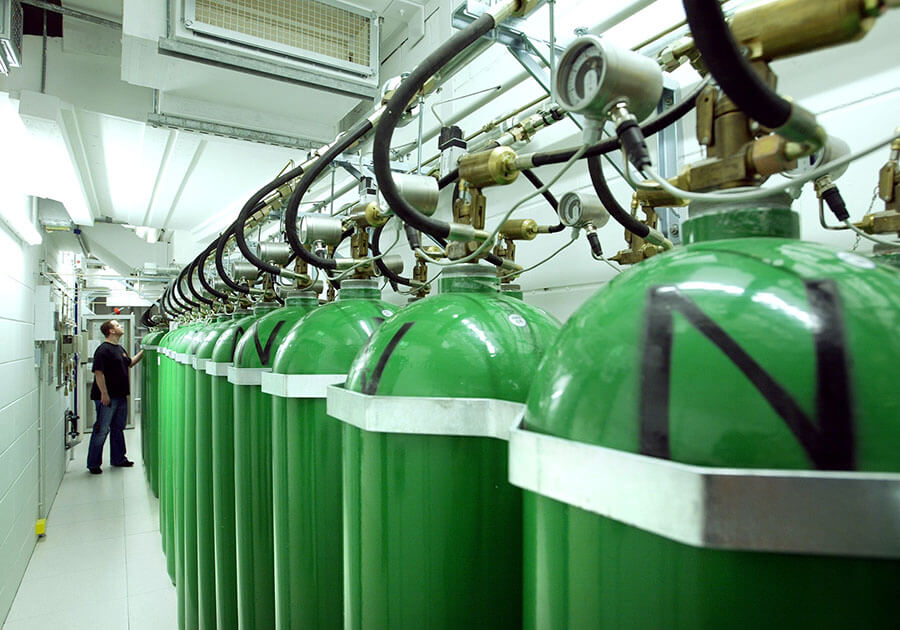
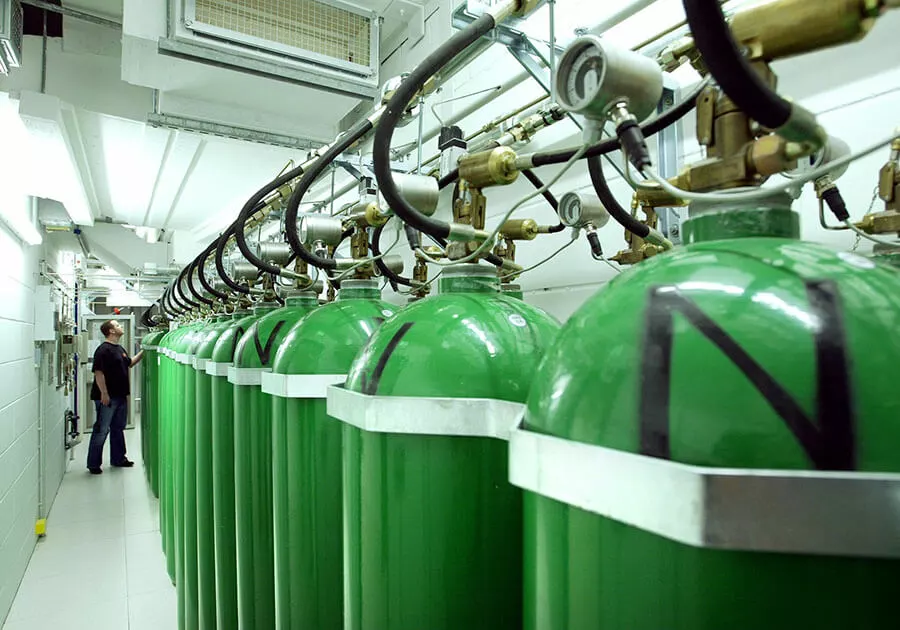
Alternatively, gas extinguishing systems can be used. In the event of a fire, these systems blow an inert gas - usually noble gases, nitrogen or CO² - into the affected rooms at high pressure. This displaces a large part of the oxygen in the room and suffocates the flames.
Redundancy
Fire or major faults cannot be completely avoided, of course. For this reason, all relevant systems should be designed redundantly, i.e., multiple parts available. This applies to critical systems such as emergency power generators, UPS systems, and network equipment. The standard case is the N+1 redundancy, in which at least one more component is available than is necessary for regular operation. With 2N redundancy, all components are available twice.
Redundancy is also often used for the core of a data centre. RAID systems are data storage virtualisation technology that combines multiple physical disk drive components into one or more logical units for the purposes of data redundancy. However, if a server is destroyed by fire, this is of little help, as all data is then lost. For this reason, the hosting provider should make a separate backup of all the critical data, which is kept as up to date as possible, stored somewhere else, and can be used to restore data in an emergency.
The supreme discipline here is geo-redundancy. Here, data is stored - synchronously if possible - in a second, geographically separate data centre. For example, IONOS uses two data centres that are about 60 kilometres apart to store websites, emails, and databases. In the event of an emergency, it is possible to switch automatically from one data centre to the other without having to reload the data. If, as is the case with IONOS, the data is then additionally backed up in a third data centre, protection against data loss is even greater. The latter protects data in case it is accidentally changed or deleted, as it contains a backup of the data that was accidentally changed or deleted, so it can be used to restore it.
What should cloud and hosting users keep in mind?
Which data is backed up and how varies from provider to provider and from product to product? In general, the hosting provider should back up all systems that it operates itself, such as shared hosting systems, email servers, and databases.
However, this is not possible with server systems where the customer has root access and operational responsibility. This is because the provider does not know the access data to perform data backups. Many providers offer optional backup solutions so that server customers can also back up their data locally. The same applies to cloud packages – customers are usually able to explicitly select different data centres.
Reviewer

Christian Heldmaier
Christian Heldmaier is an experienced online marketing and SEO specialist from Karlsruhe. He has been working as an SEO Manager at IONOS since July 2020.