

What is the best way to store photos online? A solution overview

Digital photos are priceless, yet they quickly fill up device storage and aren’t fully protected against loss when saved locally. Cloud storage offers a secure backup solution with easy access from anywhere. But which service is the best fit for your photo library? This article compares the most widely used providers so you can choose a safe, reliable, and budget-friendly option for your images.
Why should you store photos online?
There are many different reasons why people want to save their photos online. With the cloud, for example, you have a secure storage location that can be accessed from different devices at any time. This not only gives you more freedom, it also saves local storage space. Another reason is because of the sharing capabilities. Whether it’s a child’s birthday party, family celebration or another special occasion, by saving photos online, you can make them easily accessible to people you want to share them with.
The services presented below — Google Photos, OneDrive, IONOS HiDrive Next, Dropbox, iCloud and pCloud — differ from each other in various aspects such as security, storage capacity and price. Once you’ve chosen an option, all that’s left is to set it up before you can finally start backing up your photos online.
- Set it up effortlessly and start saving files straight away
- Your data is available anywhere and on all devices
- 100% GDPR compliant in European data centres
What are the best providers for storing photos online?
Google Photos
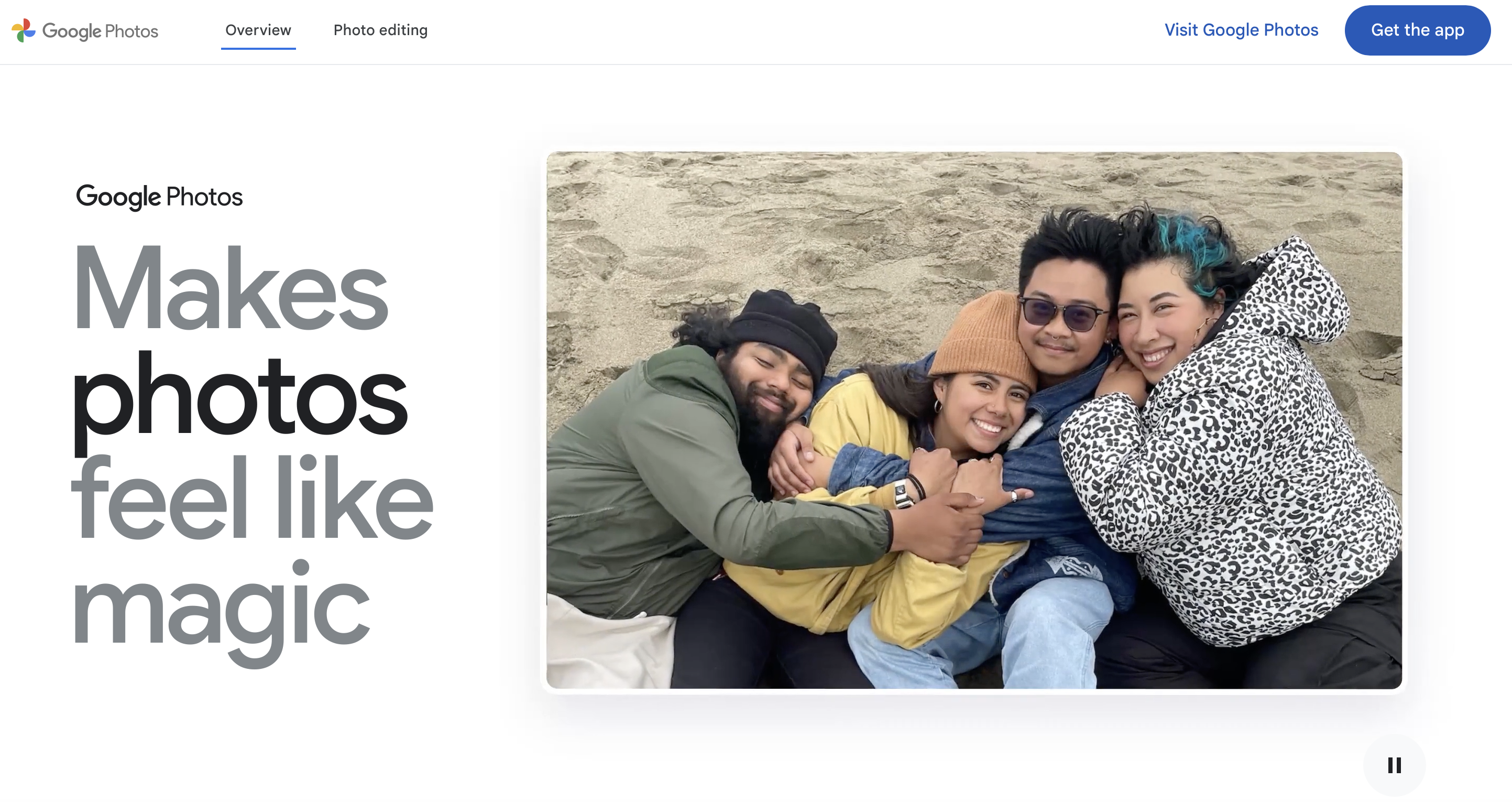
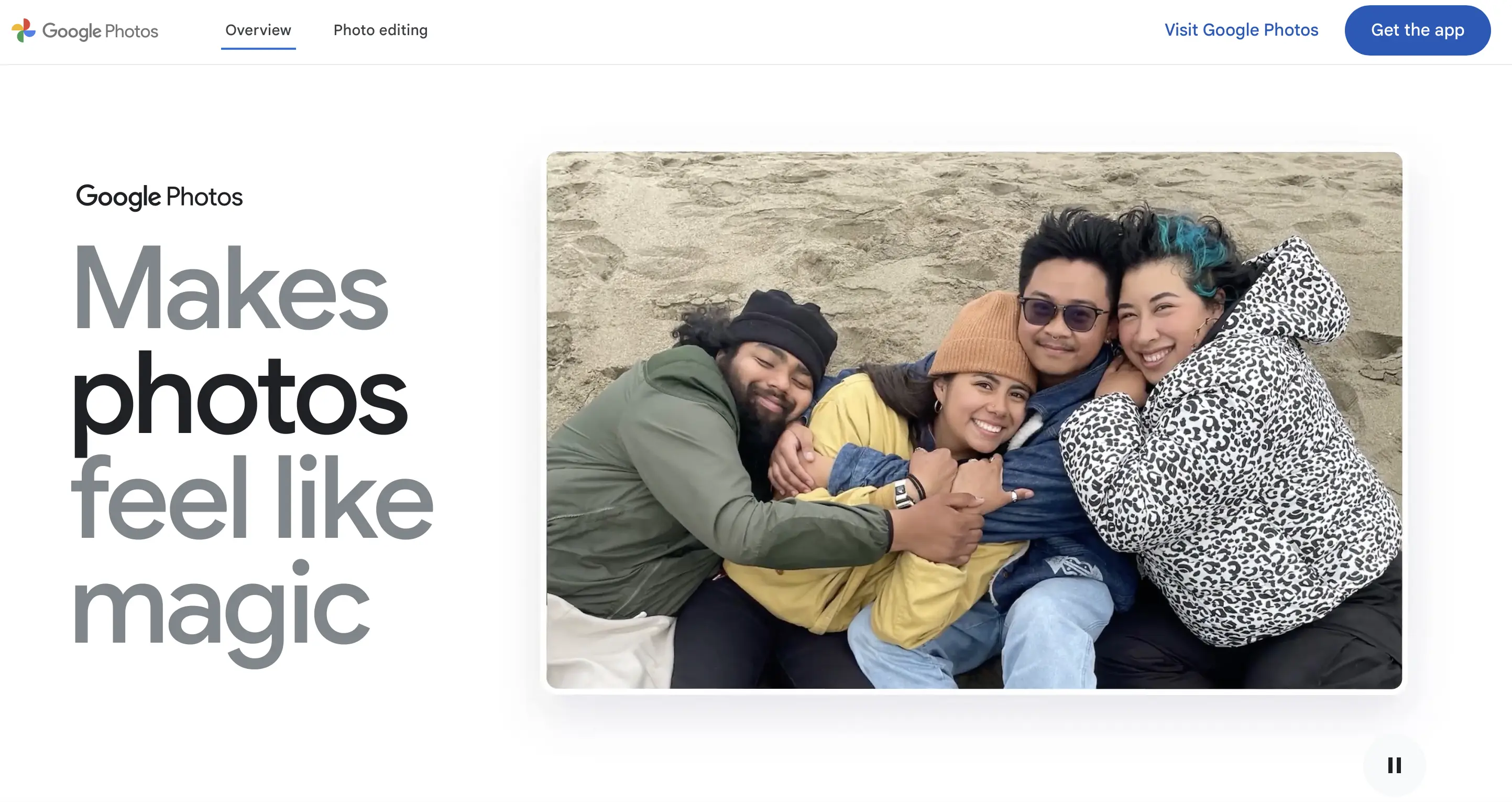
The photo management service Google Photos was released in 2015 and offers Google users the ability to securely manage photos and videos online. One of the biggest advantages here is cross-device usage. This means you can access your backed-up photos from any device. Not only that, but Google’s smart search feature makes finding specific images effortless. Another plus are the tools and filters that you can use to visually enhance your snapshots. This makes Google Photos not only a powerful storage place, but it also holds its own as an image-editing program.
To use the service, you need a Google account. This gives you 15 gigabytes of free storage. The storage limit applies to your entire Google account — meaning Gmail, for example, also uses this space. If you want more storage, you can upgrade to a paid Google One package. If you choose not to upgrade and exceed your free storage limit for more than two years, Google may delete your photos and other content. Google also notes that content may be deleted if your account stays inactive for more than two years.
| Advantages | Disadvantages |
|---|---|
| ✓ Store and share photos and videos | ✗ Requires a Google account |
| ✓ Use across multiple devices | ✗ Paid Google One package required for additional storage |
| ✓ Various photo-editing tools | ✗ Risk of content being deleted after 2 years of inactivity |
| ✓ 15 GB of free storage | ✗ Risk of content being deleted if storage limit is exceeded for 2 years |
| ✓ Smart search function | ✗ Storage space is shared with Gmail and Google Drive |
In addition to Google Photos, you can also use Google Drive as cloud storage for your pictures. The file-hosting service lets you back up, share, and edit files, and its seamless integration with tools like Google Docs makes it a popular choice. Just remember that Google Photos and Google Drive haven’t synced automatically since 2019 — you now need to upload or manage photos in Drive manually.
- Familiar Google tools all in one place
- Configure business Gmail for your domain
- Gemini AI assistant to help you work smarter
OneDrive
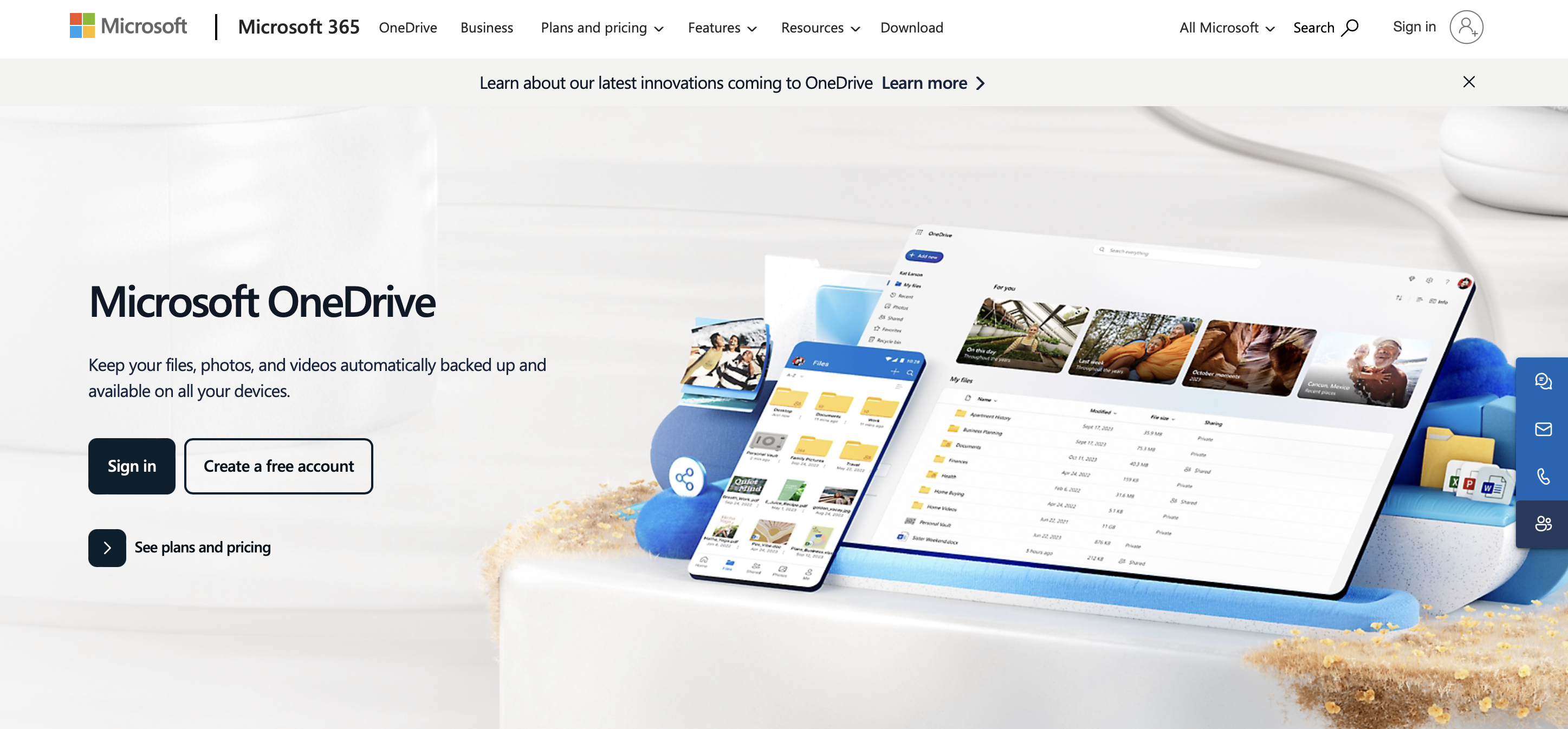
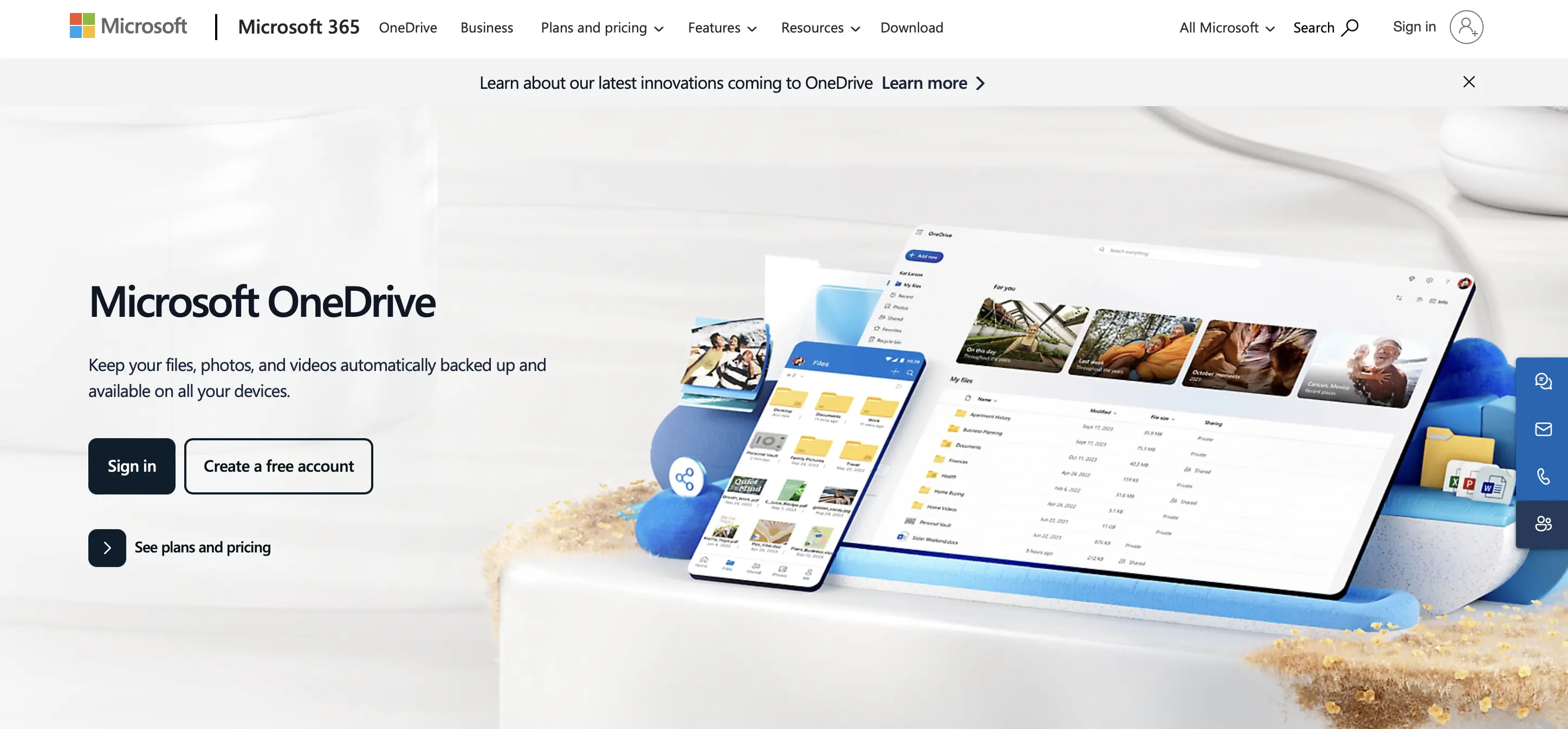
The cloud storage service OneDrive from Microsoft appeared in 2007 under the name Windows Live Folders and is still popular today. Its mobile version even ranks among the best iOS and Android cloud apps. Other variants include the website version and the desktop app.
With the help of OneDrive, you can not only store your photos online, but also privately share them with others. Just like Google Photos, you also benefit from cross-device usage here. Other features where the cloud storage scores points are with its automatic photo albums and advanced security features. The latter includes the ‘Personal Vault’ where photos can be stored behind several layers of protection, such as facial recognition, PIN and so on. However, it should be noted that this feature can only be used to a very limited extent in the basic version. In the free version, you can store only up to three files in the Personal Vault.
In the free version of OneDrive, you get up to 5 GB of storage. If that’s not enough, you can upgrade to one of the paid packages. For 100 GB, you pay £19.99 per year, and you not only get additional cloud storage but also basic access to the entire Microsoft 365 suite.
| Advantages | Disadvantages |
|---|---|
| ✓ Use across multiple devices | ✗ Personal Vault is only truly useful in the paid version |
| ✓ Store, share, and manage photos and other files | ✗ Free package limited to 5 GB |
| ✓ Automatically generated photo albums | ✗ In the free version, only up to three files can be stored in the Personal Vault |
| ✓ Advanced security features |
- Up to 50 GB Exchange email account
- Outlook Web App and collaboration tools
- Expert support & setup service
IONOS HiDrive Next Cloud Storage
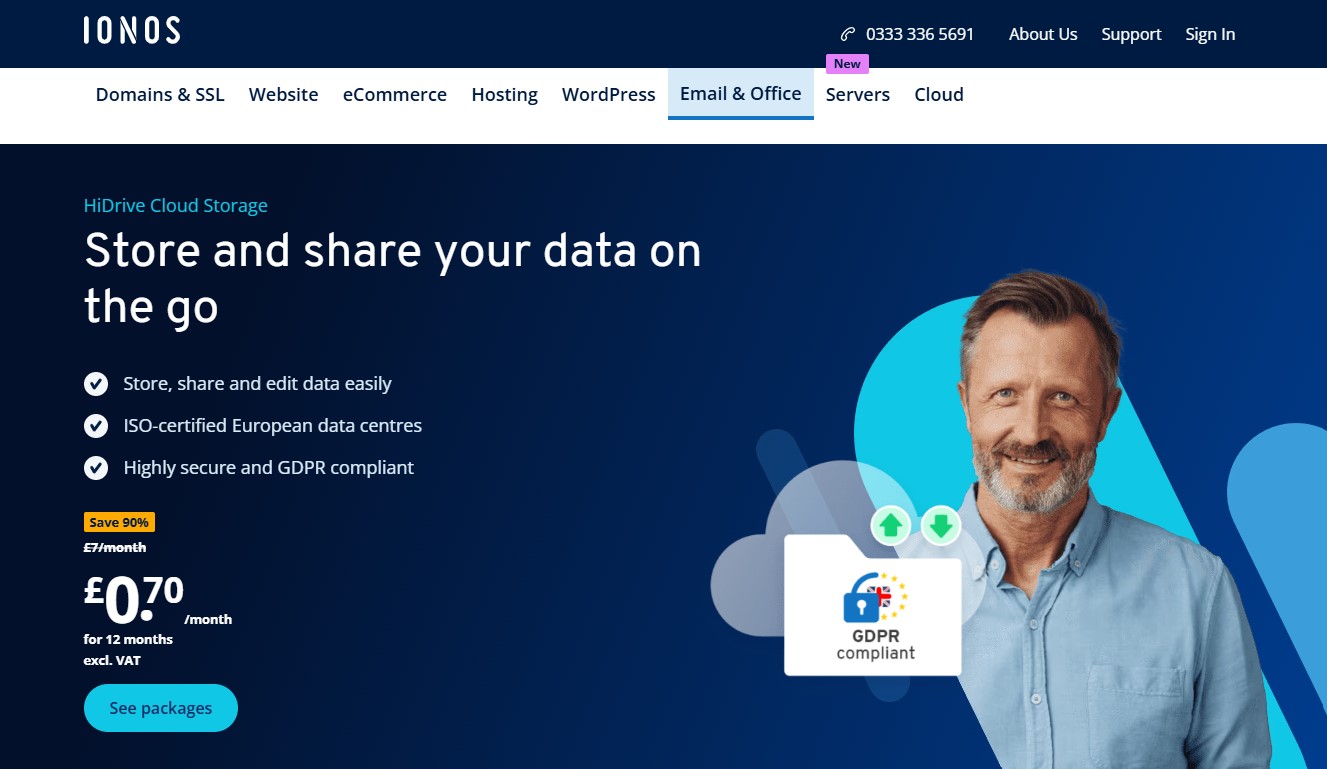
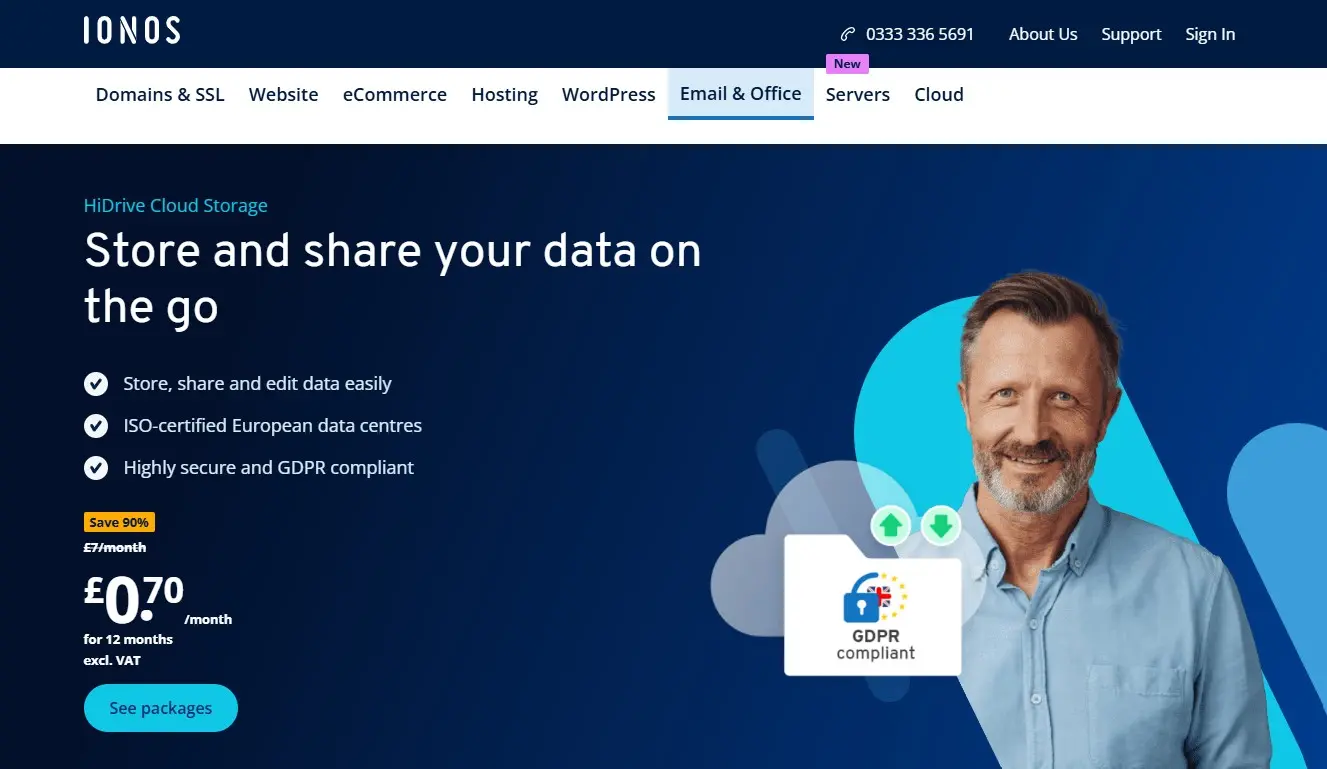
The German cloud storage service IONOS HiDrive Next has been on the market for many years and is used by both private and business customers — including many small and medium-sized companies across Europe. As a product of the Germany-based hosting provider IONOS, HiDrive Next benefits from strict data protection regulations and infrastructure hosted in ISO-certified data centres.
HiDrive Next includes all essential features of a modern cloud storage service and stands out especially for its strong data security, flexibility, and team-friendly features. You can easily upload, organise, and share photos, videos, and other files. Automatic uploads are available through the mobile apps, ensuring new images are instantly stored in the cloud. HiDrive Next also allows you to set up folders for different devices and use cases, and offers features like file versioning and secure share links. If you place particular importance on privacy, you can enable client-side encryption, which encrypts files before they are uploaded.
HiDrive Next is available as a web version and as an app for iOS, Android, Windows, and macOS. You can also connect via WebDAV, SMB, FTP, or rsync — a major advantage for users who want to integrate cloud storage into existing systems. All you need to get started is an email address. While there is no free version of the full cloud storage service, IONOS offers HiDrive Share, a separate free tool for sharing files (up to 2 GB) without registration. Paid storage packages start at 100 GB (from £1.50/month), with additional options at 250 GB (from £3.00/month), 1 TB (from £7.00/month), and 2 TB (from £20.00/month). You can choose between monthly and yearly billing.
| Advantages | Disadvantages |
|---|---|
| ✓ High security thanks to ISO 27001-certified data centres | ✗ No free basic version |
| ✓ Client-side encryption available | ✗ Less specialised in photo-specific features than other services |
| ✓ Automatic uploads via app | |
| ✓ Flexible integration via WebDAV, FTP, SMB & more |
- Set it up effortlessly and start saving files straight away
- Your data is available anywhere and on all devices
- 100% GDPR compliant in European data centres
Dropbox
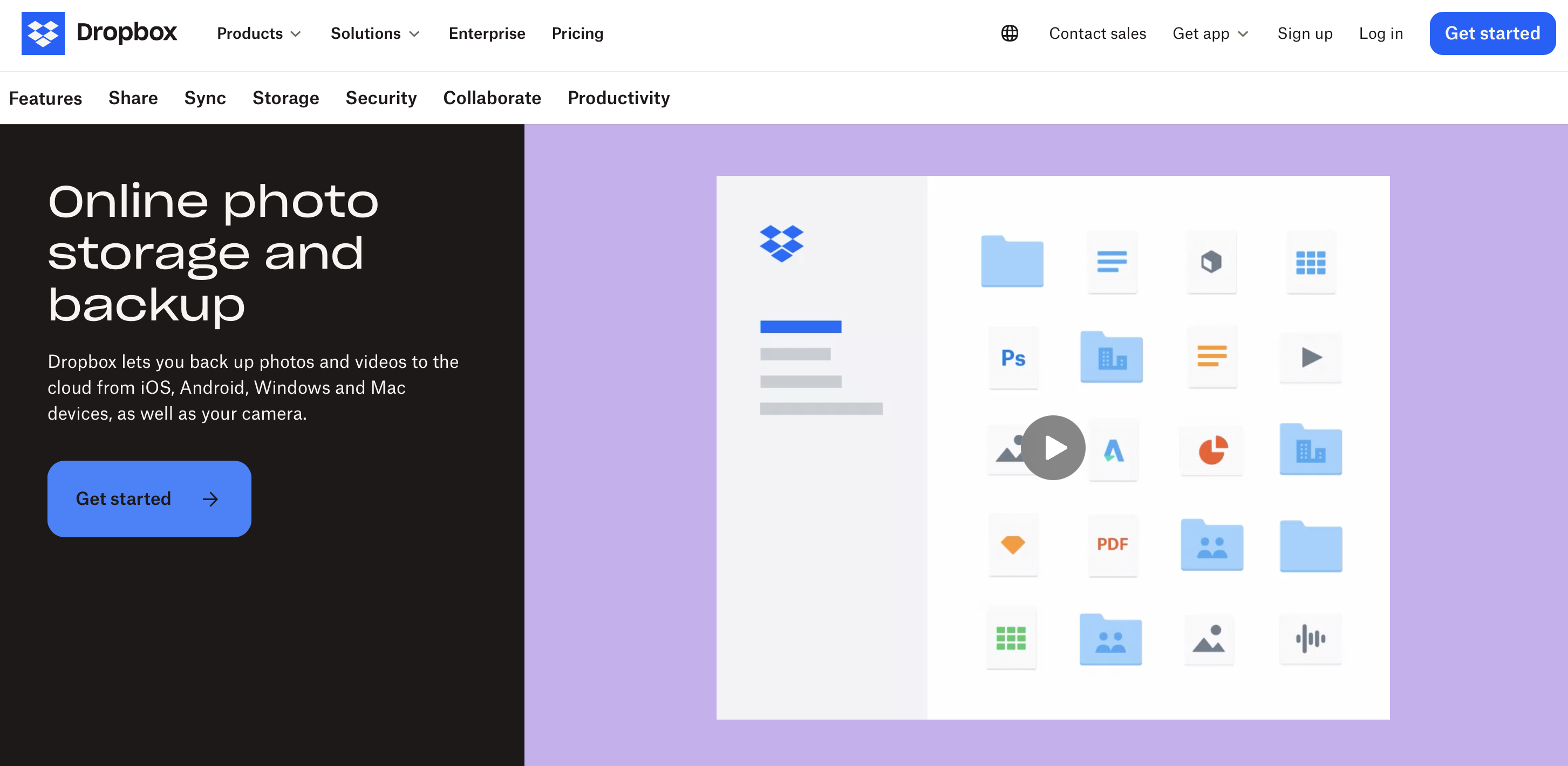
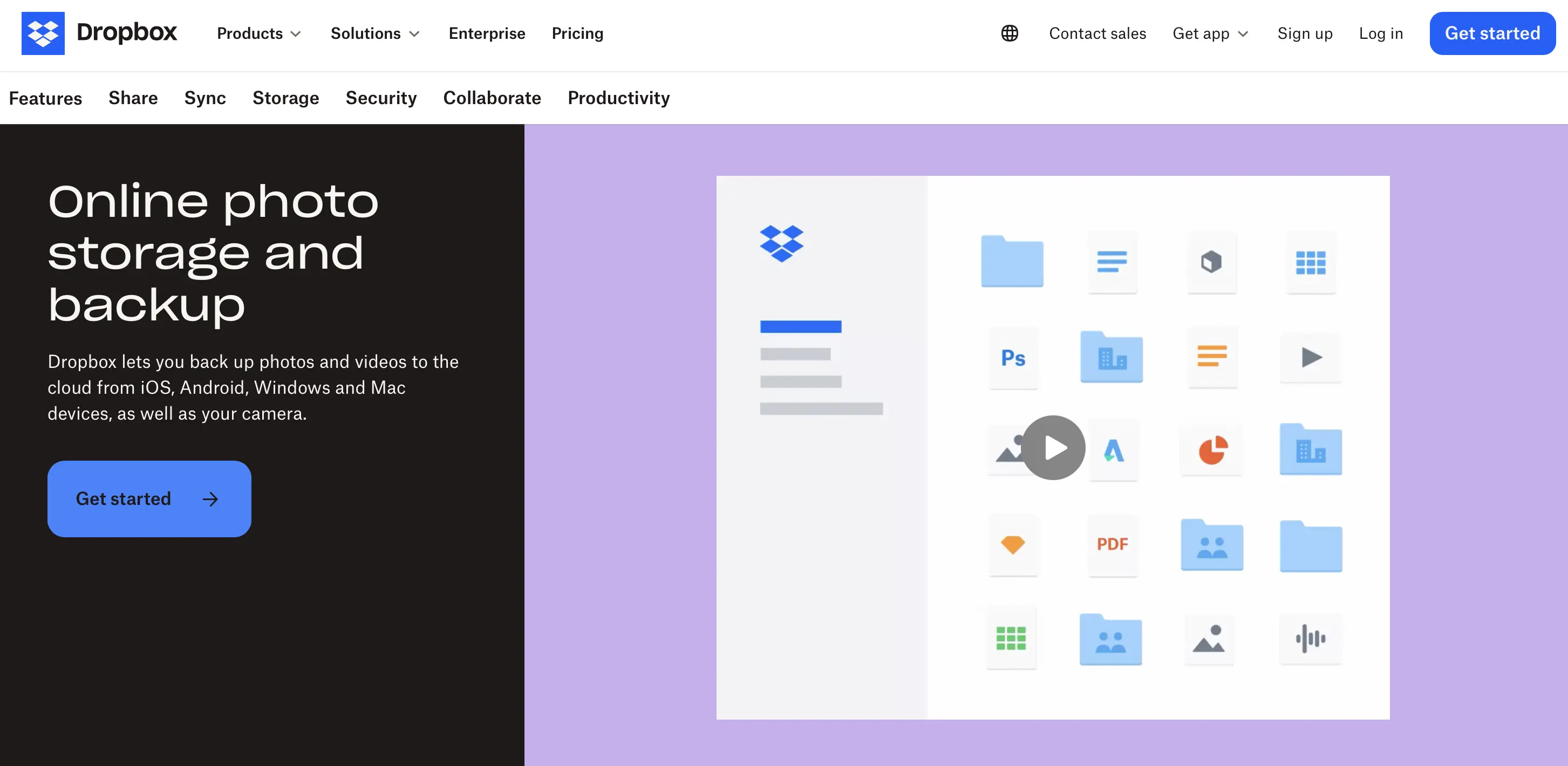
Launched in 2007, cloud storage service Dropbox is among the most popular online services for storing photos and other data online. Just like the previous services, Dropbox can be used across devices and for various systems. These include Windows (also S Mode), Mac, Linux, Android and iOS. You can even sync between Windows and Mac using the Dropbox desktop app, which allows you to access your photos in both Explorer and Finder, the file managers of the respective systems.
Dropbox stands out with its clean user interface, which even has a dedicated Photos tab. Organise your backed-up images here and adjust them (for example, by making changes to the names) as necessary. These changes are then automatically applied to all your devices. Dropbox’s image preview supports over 175 different file types. Image tagging is also possible, although this only works in the website version.
Unlike many Dropbox alternatives, the free Basic version of the original offers only 2 GB of storage, but it does allow you to link up to three devices. If that’s not enough, you can upgrade to one of the paid packages. The ‘Plus’ option provides 2 TB (2,000 GB) of storage and currently costs £7.99 per month with an annual subscription.
| Advantages | Disadvantages |
|---|---|
| ✓ Store and share photos and more | ✗ Image tagging available only on the website |
| ✓ Use across multiple devices | ✗ Basic version limited to 2 GB |
| ✓ Syncing between Windows and Mac | |
| ✓ Clean interface, Photos tab, and more | |
| ✓ Multiple subscription options for personal and business use |
iCloud
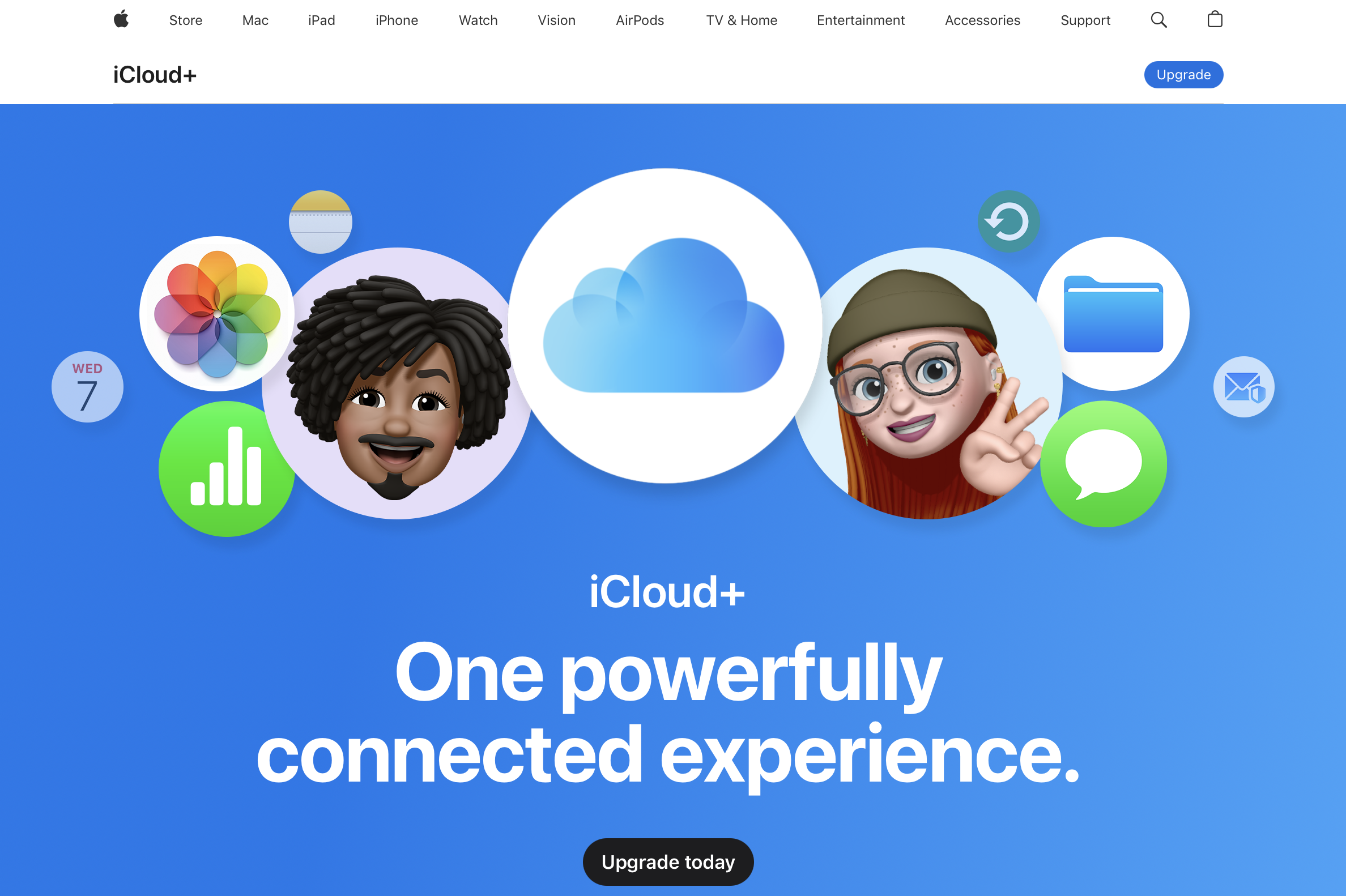
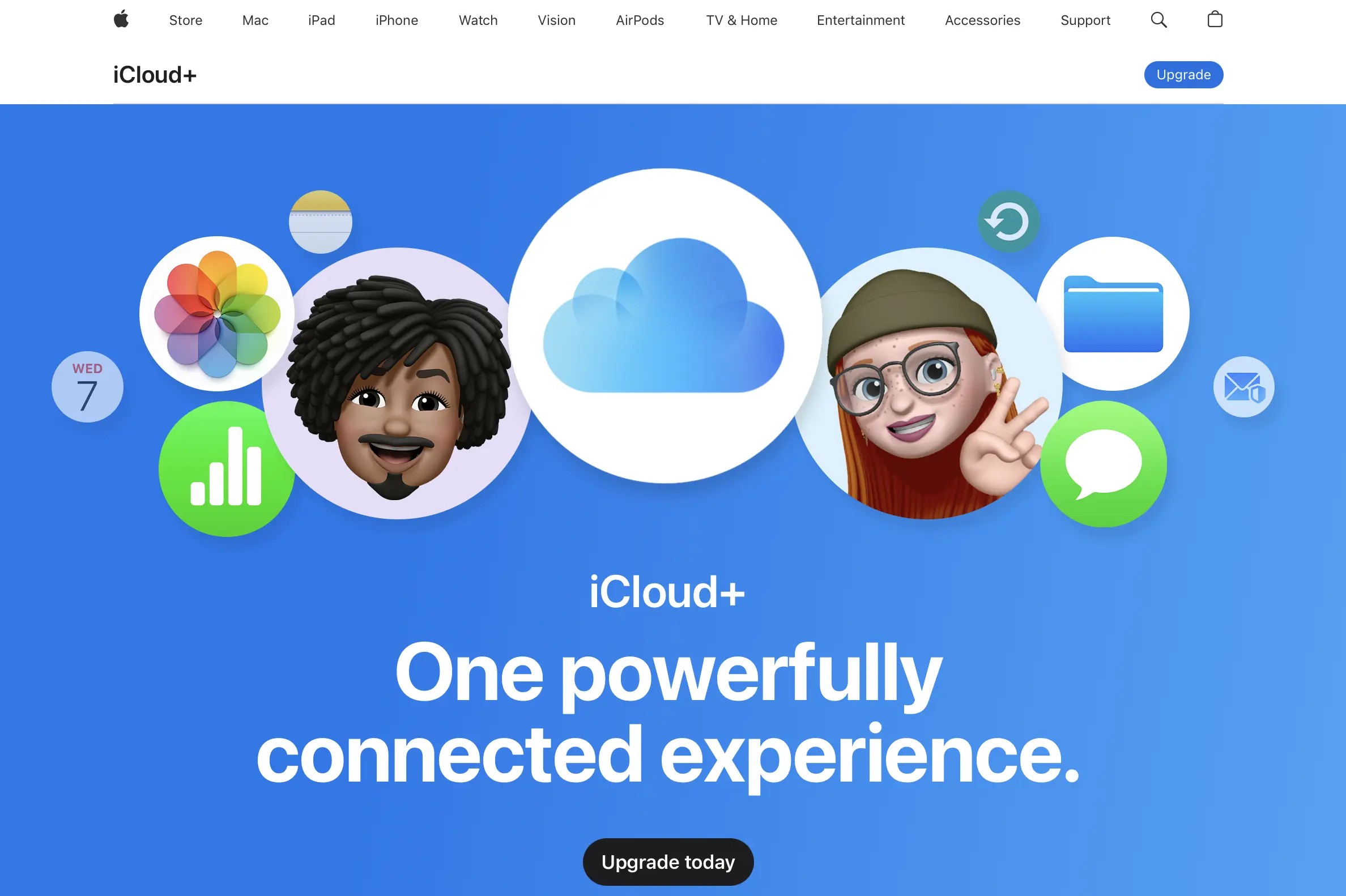
iCloud is Apple’s storage service for storing photos online. The service was released in 2011 and has been purchased by millions of people since then. There are versions for iOS, Mac, Watch, Windows and Apple TV. While an Apple product is usually required, iCloud is not exclusive to Apple products and their operating systems. However, an Apple ID is always required.
As with other providers, iCloud lets you store, view, and share photos online. Depending on your settings, your device can keep a smaller version of your photos while the full-resolution originals are stored in the cloud. You can also share not just individual photos but entire albums with others. You decide who can access them, leave comments, and add their own content. iCloud also offers additional benefits, such as automatically saving messages and creating backups of your iOS devices. This means that not only your photos, but all your data, are well protected if your device is ever lost.
The free basic version of iCloud is built into every Apple device right from the start. It includes 5 GB of storage. If you need more, you can upgrade to a paid iCloud+ package. This upgrade offers additional features, such as the ability to hide your email address, and is available in various storage capacities — from 50 GB (£0.99/month) and 200 GB (£2.99/month) all the way up to 12 TB (£54.99/month).
| Advantages | Disadvantages |
|---|---|
| ✓ Store and share photos | ✗ Primarily designed for Apple devices |
| ✓ Share and collaboratively edit albums | ✗ Requires an Apple ID |
| ✓ Automatic message storage and backups | ✗ Basic version limited to 5 GB |
| ✓ Basic version included on every Apple device |
pCloud
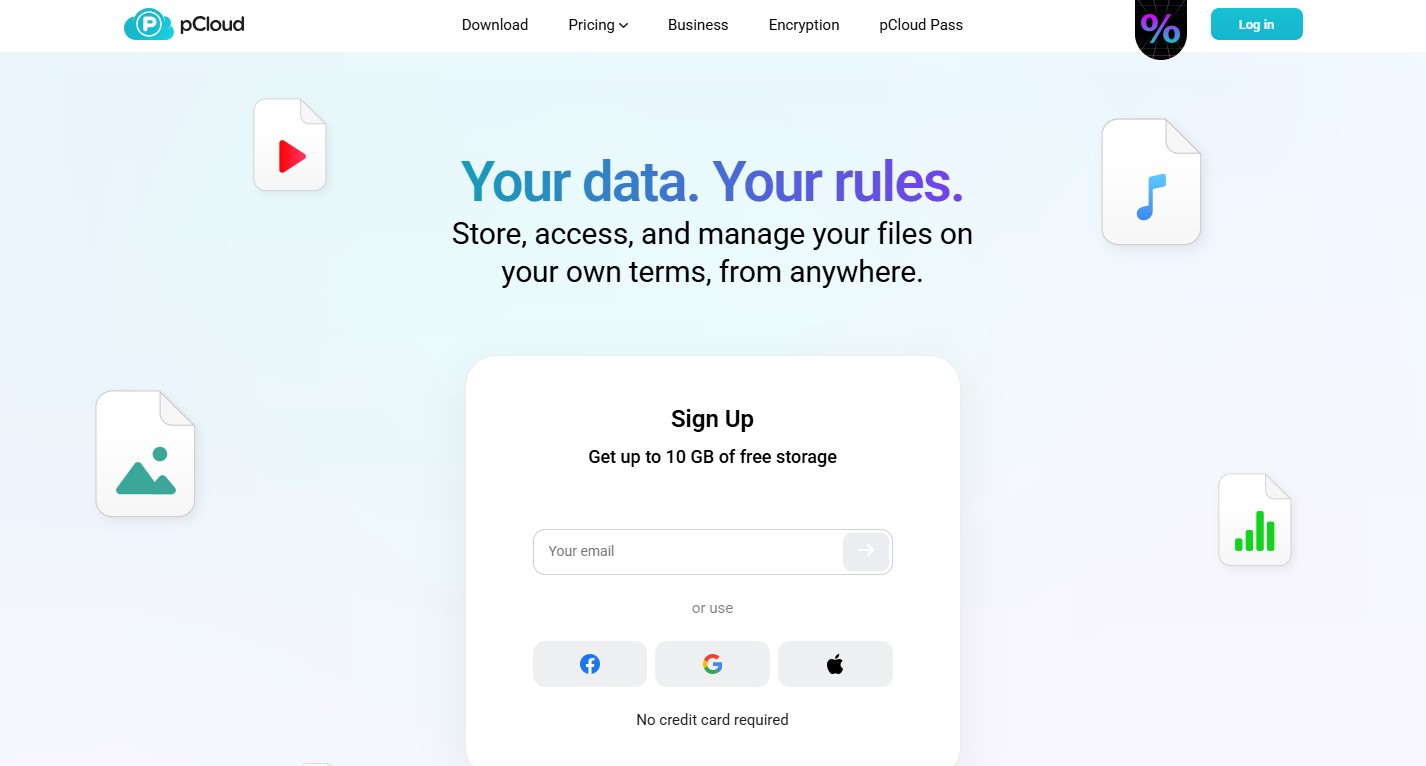
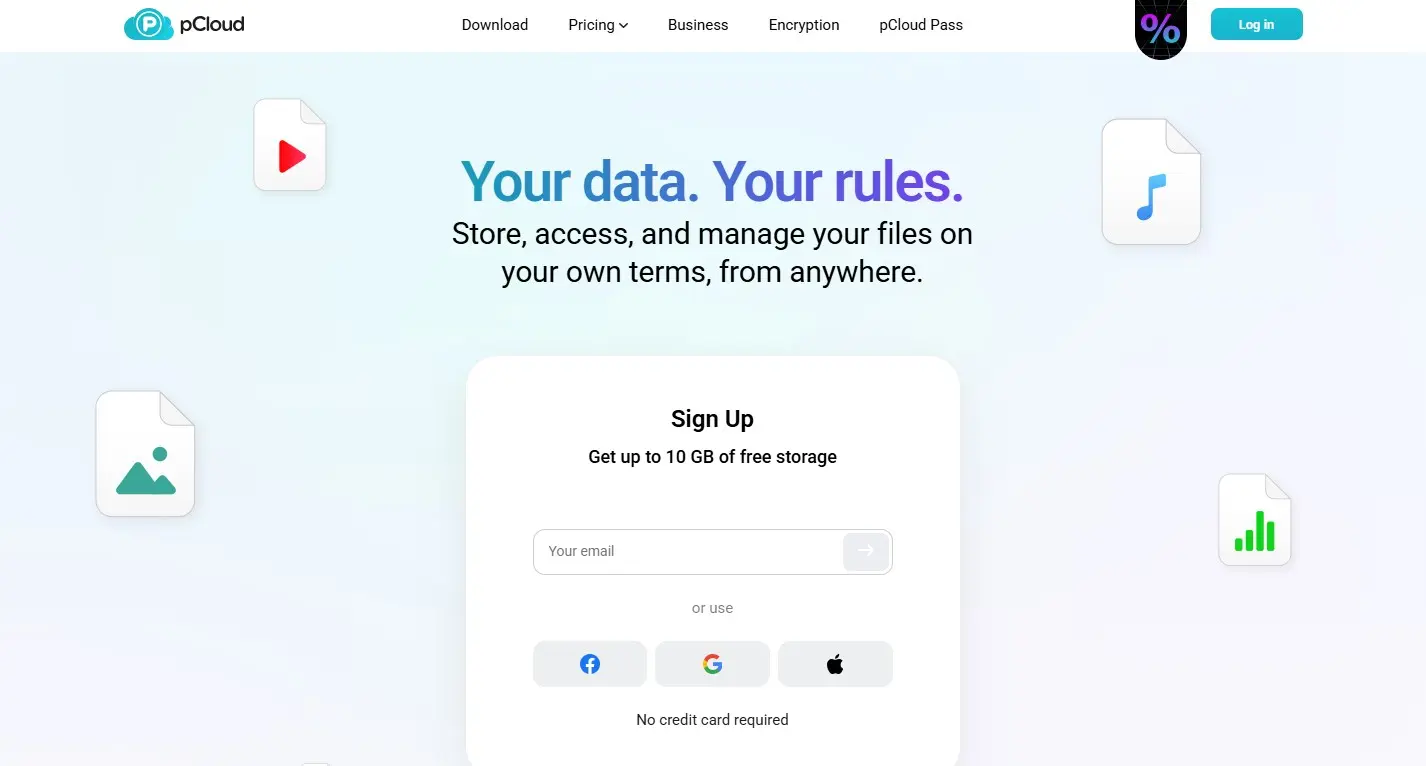
The Swiss file hosting service pCloud was launched in 2013 and has won over 22 million people so far. This includes well-known brands such as Nike, X and Coca-Cola.
pCloud has the usual features of an online storage service but stands out from its competitors with a high level of user-friendliness and security. Thanks to automatic uploads (which can be activated in the app), your photos are stored in the cloud all by themselves. Folders specifically for your pictures and other content are available right from the start. In the ‘Backups’ section, you can also store photos from social media platforms and other cloud services. Those who want additional security can take advantage of the pCloud Encryption service. However, this does cost extra.
pCloud offers a web version, but it’s also available as a mobile app for iOS and Android, as well as for Windows, Mac, and Linux. To use the online storage, you need to register with an email address or through Google and similar services. The free version provides up to 10 GB of storage (after completing a few small tasks). You can also choose from premium packages with 500 GB, 2 TB, or 10 TB of storage. These packages are available on a monthly or yearly basis, or as a one-time lifetime payment. The lifetime option is only worthwhile if you plan to use pCloud for more than three years.
| Advantages | Disadvantages |
|---|---|
| ✓ Trusted by well-known brands | ✗ Additional encryption add-on is expensive |
| ✓ High usability and strong security | |
| ✓ Automatic uploads available | |
| ✓ Backups from social media platforms and other cloud services | |
| ✓ Free basic version with 10 GB |
Of course, there are also storage services that focus on tools rather than storage capacity. So if you place more value on photo editing, providers such as Adobe Creative Cloud, which has programs like Adobe Photoshop or Lightroom, are a good option. This way you can professionally edit your images even via an app.
Quick summary of why storing photos online is a good idea
While photo albums used to be filled to the brim and were only sporadically taken out of the drawer to be looked at, today you’re able to access countless pictures anytime and anywhere. Sending photos to others is also child’s play if you have saved your pictures online. Sharing pictures after events like birthday parties and weddings, which was once time-consuming and tedious, can now be done in just a few clicks.
Professionals who sell photos on the internet or do product photography also benefit from saving photos online. The bottom line, however, is that the core structure of these services is largely the same. Factors such as storage capacity, price, security level, and additional features ultimately make the difference — depending on what matters most to you when storing your photos.
Reviewer

Jeanna Raffa
With over 18 years of experience in online marketing, Jeanna Raffa possesses extensive expertise in digital marketing. Since 2020, her focus has been on providing practical information regarding email, office, and cloud storage solutions.