

8 Jira alternative solutions at a glance

Jira is one of the most popular solutions for managing and planning projects. The tool can be extended at any time with over 3,000 add-ons. It is also compatible with hundreds of other third-party developer tools. But what are the alternatives to Jira?
What are the Jira alternatives?
| Monthly costs | Cloud storage | Mobile apps | |
|---|---|---|---|
| OpenProject | free | ✗ | ✗ |
| Redmine | free | ✗ | ✓ |
| ClickUp | from £4 per user | from 100 MB | ✓ |
| Zammad | from £5 per user | from 10 GB | ✗ |
| Sprintly | from £2 per user | from 5 GB | ✗ |
| Stackfield | from £9 per user | from 10 GB | ✓ |
| Kanbanize | from £8 per user | from 100 GB | ✓ |
| Hive | from £9 per user | unlimited | ✓ |
Information pertaining to prices and features from July 2023
Are Jira alternatives worth it?
Jira can quickly become very costly if more than ten users require access. For highly scalable projects, you need to use the relatively expensive Enterprise edition, which offers a corresponding performance-oriented option. Often further costs are incurred for various extensions, which can then put you over budget.
Searching for a free alternative to Jira can be worthwhile for smaller companies because it’s unlikely that you will be able to make use of all the functions that Jira offers. Some of the Jira alternatives listed here are from the open source sector. We’ve also included paid programs as well. We’ll cover the various Jira alternatives in more detail below.
OpenProject
OpenProject GmbH, in cooperation with the OpenProject Foundation (OPF), has been responsible for the project management tool OpenProject since 2012. The German company was able to optimise and develop the free alternative to Jira (in the Community edition) by working together with a broad community. The community edition, which is available for the Linux distributions CentOS, Debian, Ubuntu, and openSUSE, can be downloaded from the website and installed on a server. Alternatively, OpenProject GmbH also offers variants with additional functions and professional support in the form of the fee-based Enterprise Cloud (hosting included) and Enterprise on premises.
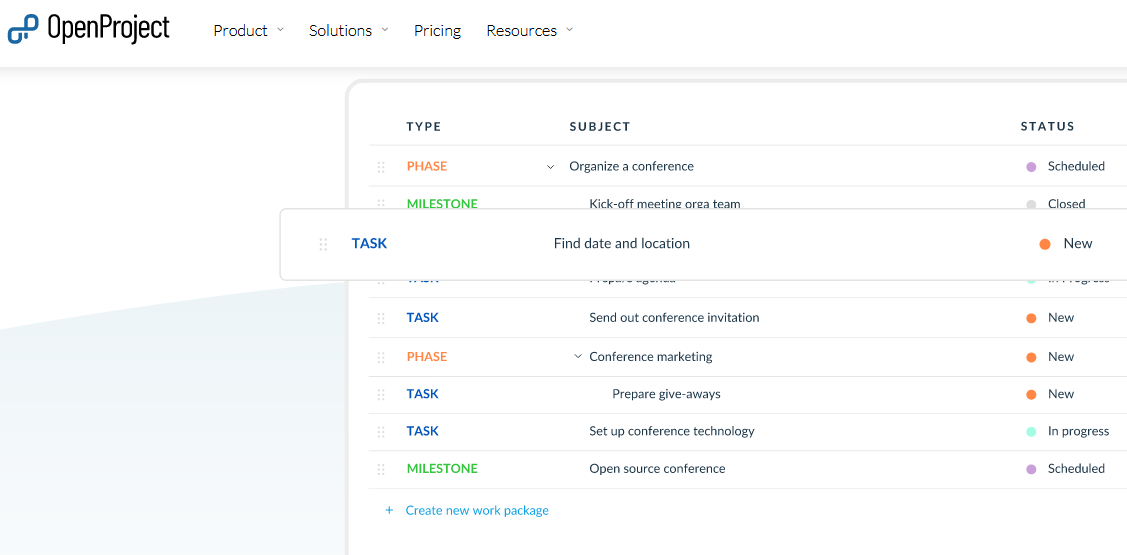
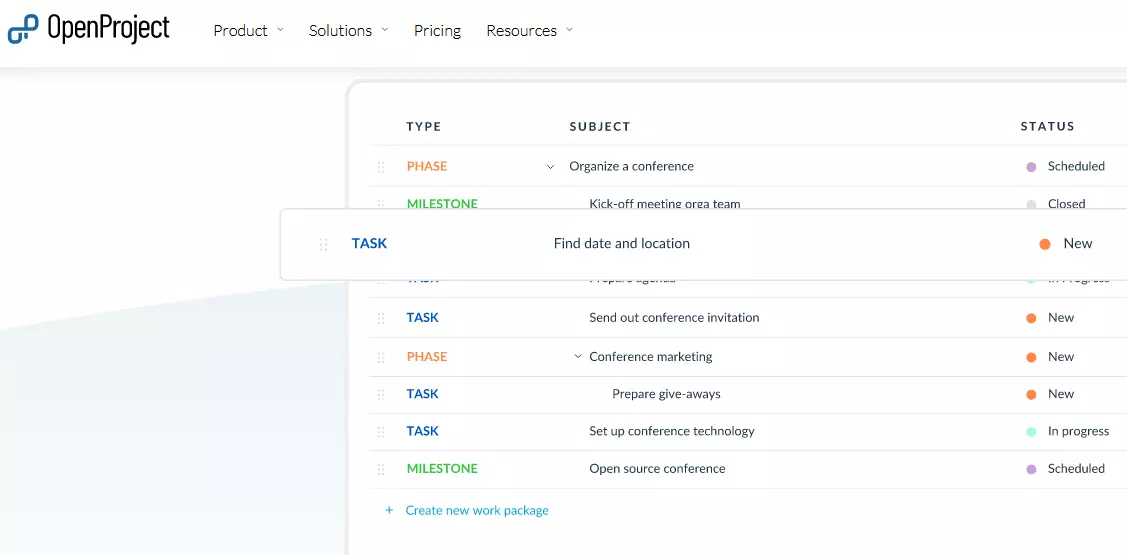
OpenProject is part of the IONOS Cloud Server apps. With just one click, you can set up your Cloud Server with the pre-installed Jira alternative and get started with your projects directly.
The clear user interface of this Jira alternative means that all kinds of projects can be managed simultaneously. Thanks to the modular structure of the open-source application, you can select which functions are required for your project. The default installation of OpenProject includes the following modules:
- Time and cost recording
- Team planner
- GitHub
- Wiki
- Forums
- Calendar
It’s not just its functional range that puts OpenProject on the same level as fee-based alternatives like Jira. In just a few steps, you can create user profiles or entire user groups and assign them specific roles and rights. You can either access the predefined types or develop your own system. The same applies to individual work steps as well as the complete workflow. When configuring the system, it is also possible to define basic settings such as the maximum file size, the preferred protocol (HTTP, HTTPS) or login parameters (password length, allowed characters, automatic blocking with incorrect password input, etc.).
Advantages and disadvantages of OpenProject
| Advantages | Disadvantages |
|---|---|
| ✓ First-class configuration options | ✗ Lots of familiarisation time required |
| ✓ License-free and free of charge | |
| ✓ Modular construction |
Redmine
A free alternative to Jira is the open-source tool, Redmine, released for the first time in 2006 under the GPLv2 license. It is written in Ruby and is based on the Ruby on Rails framework, meaning it is independent of the platform or database used. To use the project management program, all you need is a suitable hosting environment, a current Ruby version and a database, for example MySQL, Microsoft SQL Server, PostgreSQL or SQLite.
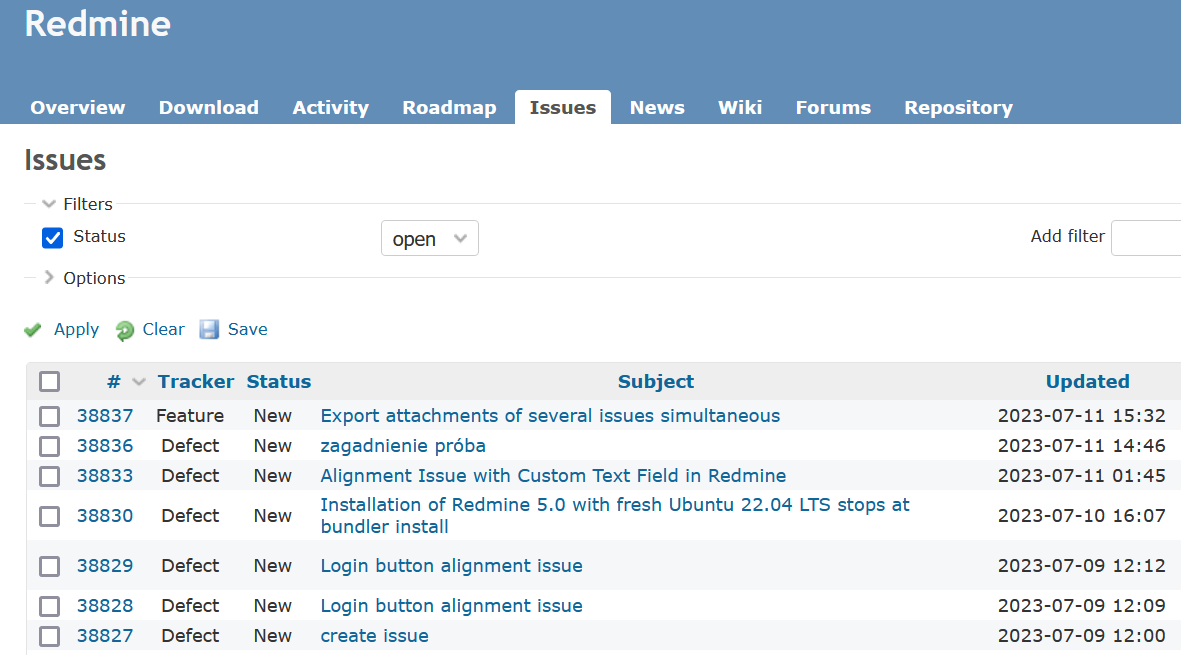
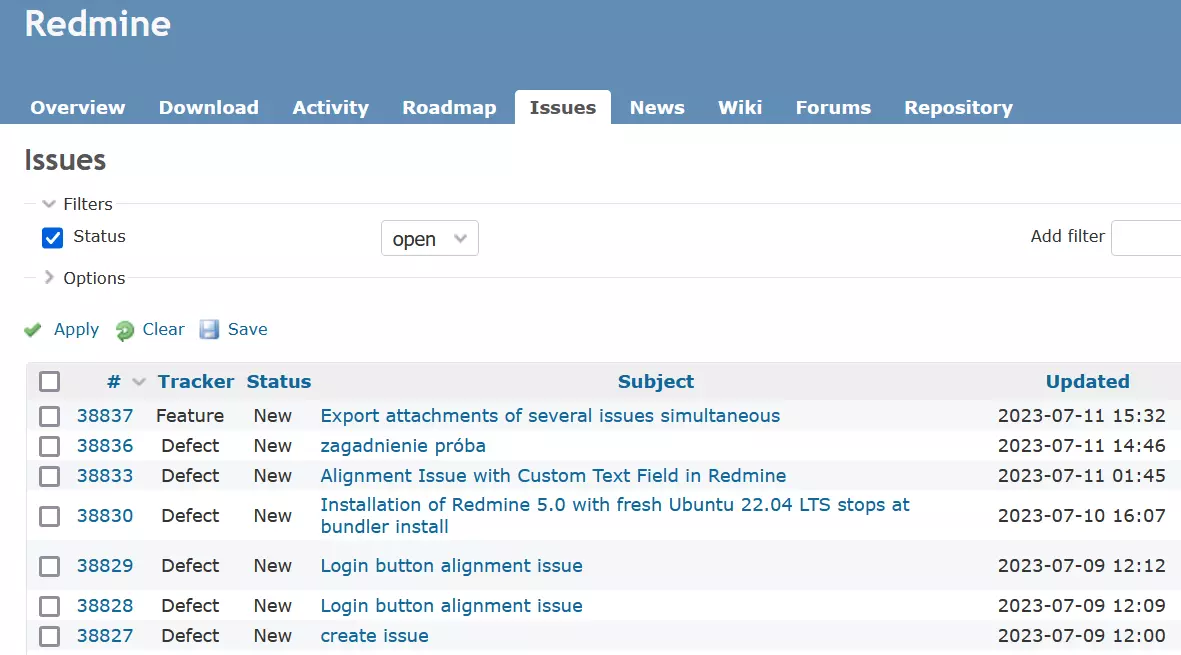
Redmine is available as an IONOS Cloud Server app. You can easily install the project management app when setting up a new IONOS Cloud Server and start using it right away!
Although using the original software is free and you only have to pay for the hosting, Redmine is a comprehensive tool for planning and developing projects. You can specify the individual tasks and progress down to the smallest detail for different projects at the same time. The open-source tool also includes the following features:
- Flexible ticket system, which can be adapted to the desired workflow (separately for each user role)
- Automatically or manually create Gantt charts and calendars (for example, based on the tickets created)
- Wiki and forum in the simplified markup language Textile (per project)
- Has its own repository as well as access to various version management systems such as CVS, SVN, Mercurial, Barzaar and Git
- News and notification system
These standard features make Redmine a first-class Jira alternative for smaller projects. Using plugins from its own plugin directory, you can extend the functional radius of the software, allowing you to carry out more complex development processes.
Advantages and disadvantages of Redmine
| Advantages | Disadvantages |
|---|---|
| ✓ License-free and free of charge | ✗ Workflow isn’t configurable |
| ✓ Expandability (plugins, themes) | ✗ Complex, time-consuming setup |
| ✓ High compatibility |
The company Easy Software offers a supported version of Redmine, which contains an enhanced array of resources, customer support and a hosting solution (optional). This fee-based offer can be tried out free for one month thanks to Easy Redmine.
ClickUp
About half a year after its founding, the San Diego-based company ClickUp released its Jira alternative of the same name in September 2017. The software is available as a web application and as amobile and desktop app for Windows, macOS, Linux, Android and iOS. The high number of features makes ClickUp a good choice for any type of project management, but it can also quickly overwhelm inexperienced users. However, if you allow enough time to get familiar with it, you will find all the necessary tools to optimally manage your team’s work, including extensive and customisable boards, calendars, workspaces, and lists.
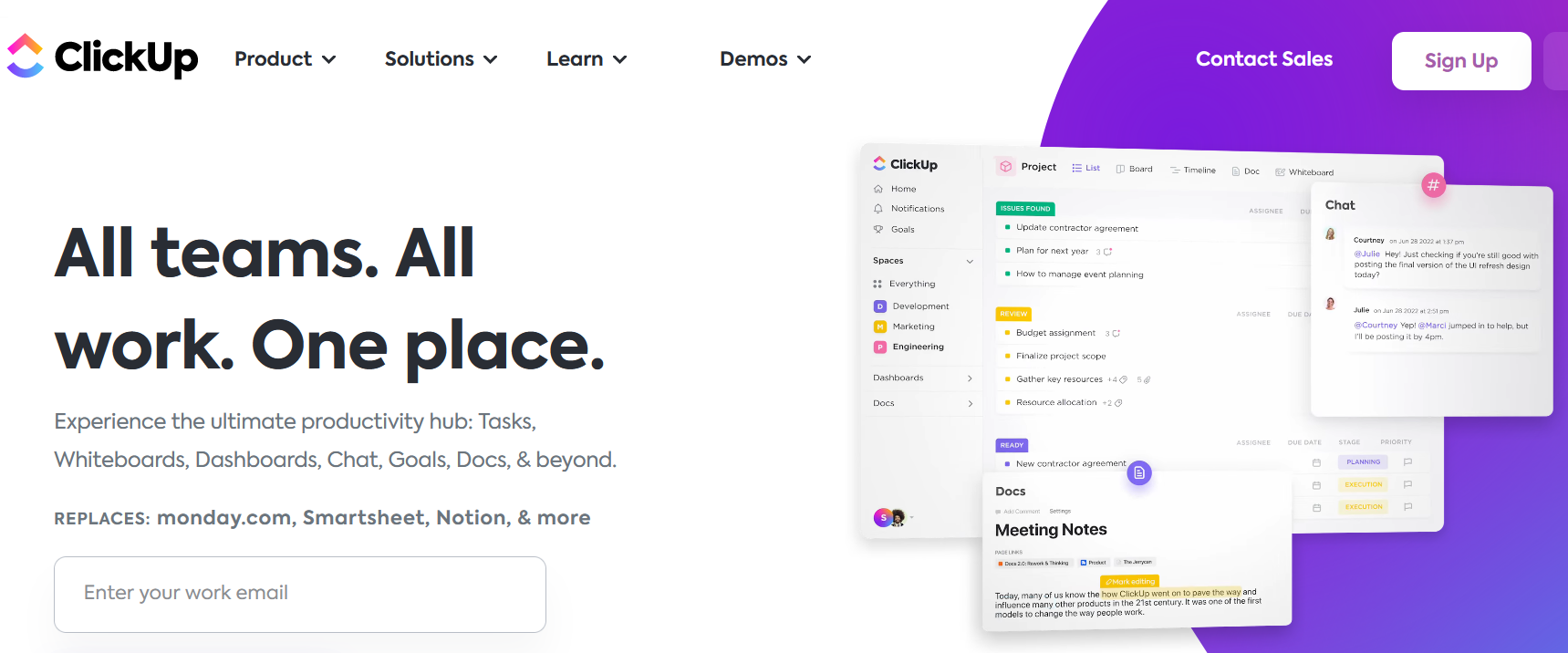

With ClickUp, you can manage any number of workspaces. It’s up to you how many users you integrate into a space and how many tasks are listed and processed in all plans. Finally, over 1,000 available integrations from third-party programs such as Zapier or Google Drive ensure an optimal workflow.
Here’s an overview of further features that this impressive alternative to Jira offers:
- KanBan boards
- Unlimited cloud storage (free version: 100 MB)
- In-app video recording
- Email client integration
- Two-factor authentication
ClickUp can basically be used as a free alternative to Jira because no payments are required for the basic edition. All you need is a ClickUp account, which you can get by registering with a valid email address. However, the version has some key limitations in terms of app integration, security, and available features that makes purchasing a paid plan essential for larger projects.
Advantages and disadvantages of ClickUp
| Advantages | Disadvantages |
|---|---|
| ✓ Unlimited memory in the paid plans | ✗ Lots of familiarisation time required |
| ✓ Workspaces can be designed as desired |
Zammad
open-source Jira alternative Zammad has been on the market since 2016. The project management solution from Germany is aimed in particular at companies that want to better set up their support. You can host and set up the software yourself to get your own ticket system up and running for free. Alternatively, Zammad offers paid plans that include hosting. With paid plans, the application runs on Zammad’s servers, so you don’t have to worry about performance, updates and backups.
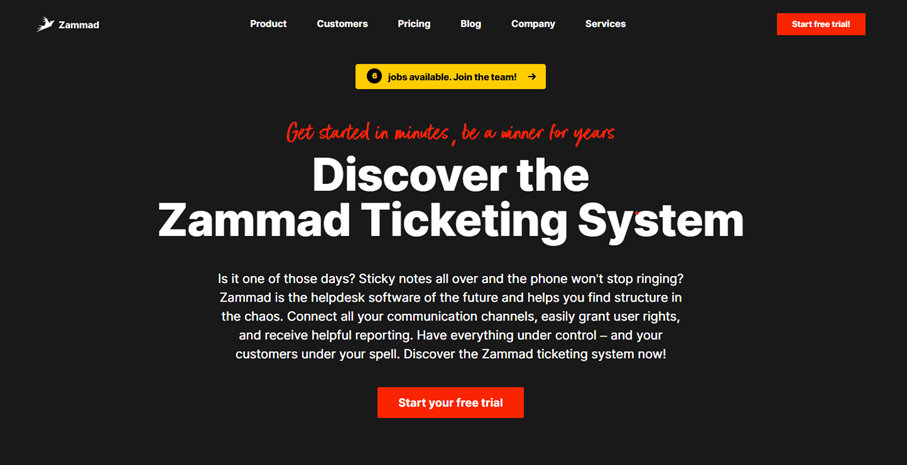

Zammad makes team collaboration more effective with several smart features. Combining or splitting tickets is as easy as opening and editing several tasks at the same time, and you can do so without having to switch between different browser windows. The tool also scores points with the following features:
- Multilingual knowledge bases
- Text modules and shortcuts for recurring tasks and processes
- Time recording
- Automatic duplicate detection to prevent duplicate tickets/tasks
Thanks to various integrations, you can link Zammad with various third-party tools. Among others, you can integrate the popular calendar iCal, the office suite Microsoft 365 or the developer platform GitHub. With the help of SMS integration, you can even use the mobile messaging service for project management and to send push notifications via SMS to employees or to your customers.
Advantages and disadvantages of Zammad
| Advantages | Disadvantages |
|---|---|
| ✓ Self-hosting possible | ✗ Strong focus on support processes |
| ✓ Various templates and building blocks |
Sprintly
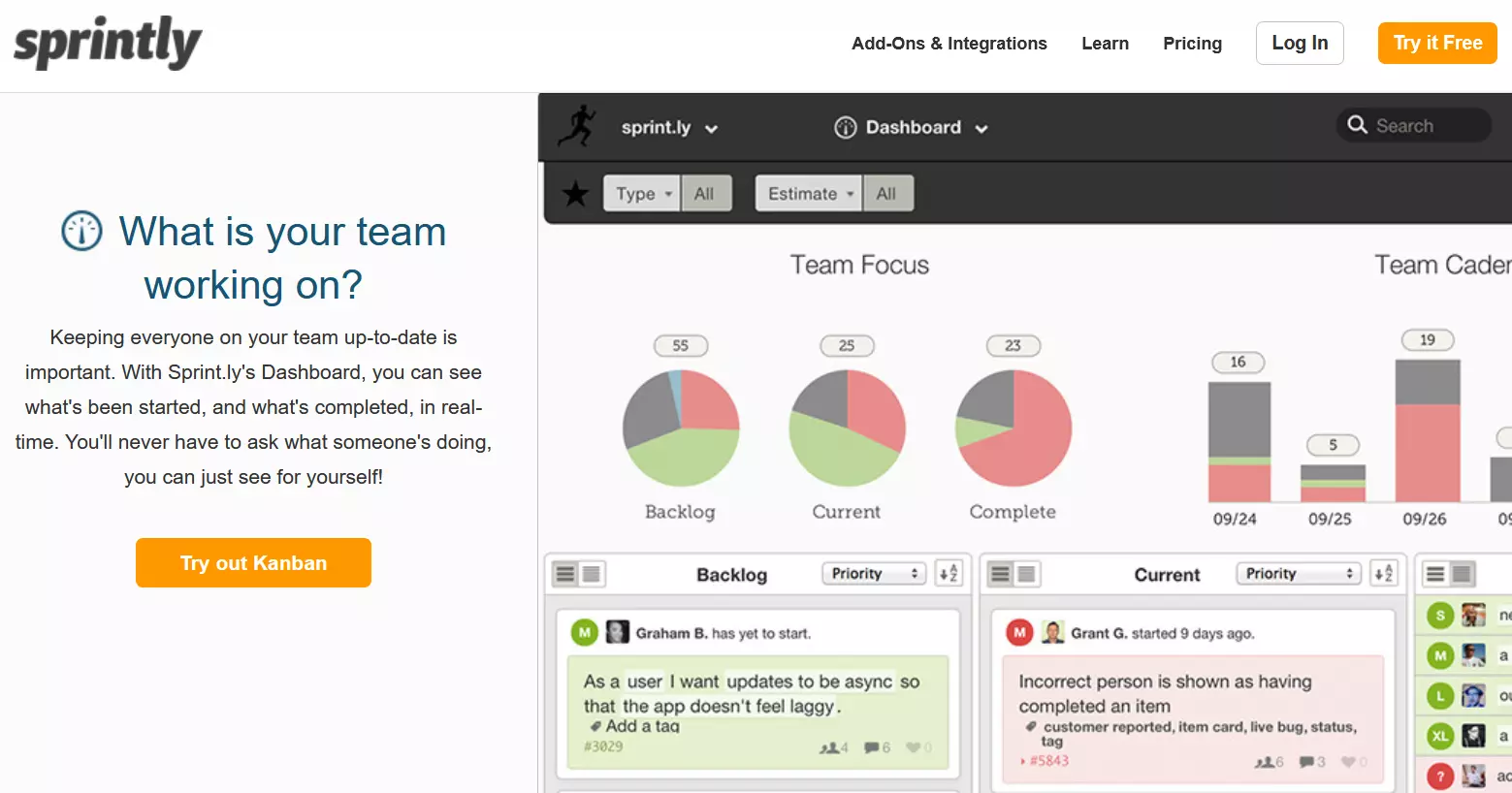
After its founding in 2011, Sprintly, a company based in Portland, released its web-based solution for project planning. In contrast to Jira, Sprintly is only available as a web app. The great strength of the tool is its clear dashboard, which provides a detailed overview of individual projects as well as the entire portfolio of projects that a company is managing. Thanks to the first-class search and filter engine including auto-completion, the user’s own task area can be isolated within a very short time.
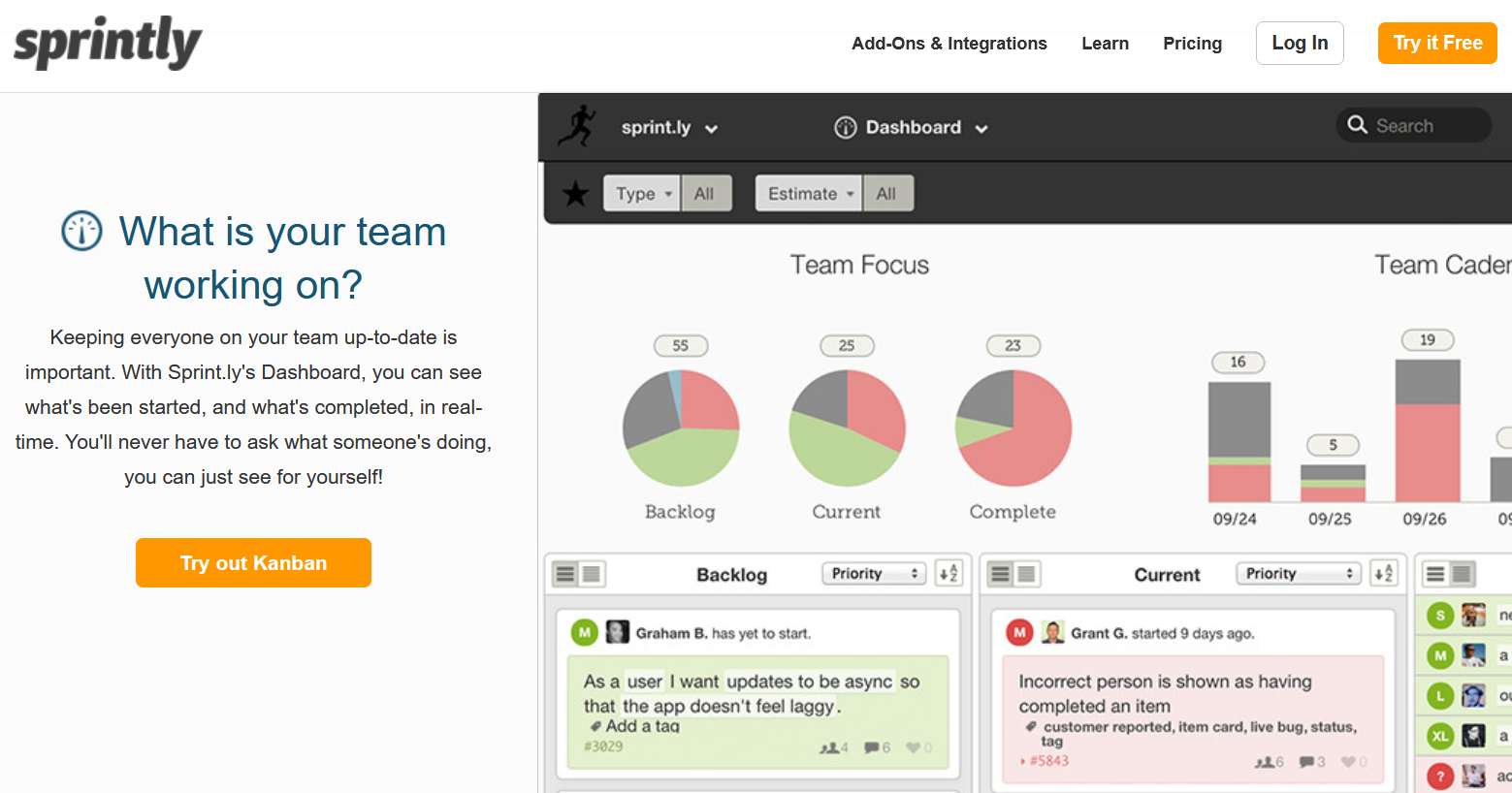
Just like with Jira, the functionality of Sprintly can be extended by integrating third-party applications and add-ons. The integration platform, Zapier, and the online service GitHub are supported among others. Other benefits include the following features:
- Activity logs and productivity analyses in real time
- API for integrating external services and ad metrics
- Simplified keyword shortcuts
- Tickets can be created via email
Sprintly is a fee-based alternative to Jira, being offered in various price classes from ‘Startup’ to ‘Enterprise’. Depending on the plan you choose, up to 75 subscribers have full access to all functions and features. Regardless of your subscription, you can manage an unlimited number of projects at the same time.
Advantages and disadvantages of Sprintly
| Advantages | Disadvantages |
|---|---|
| ✓ Possible to create tickets by email | ✗ Limited storage space |
| ✓ Clear dashboard |
Stackfield
German-based Stackfield GmbH has launched a Jira alternative called Stackfield, which places emphasis on security and data protection. For example, the servers that the web-based project management solution is hosted on are located exclusively in German ISO-27001-certified data centres. All data rooms are encrypted using a combination of AES and RSA algorithms (AES-256 and RSA-2048).
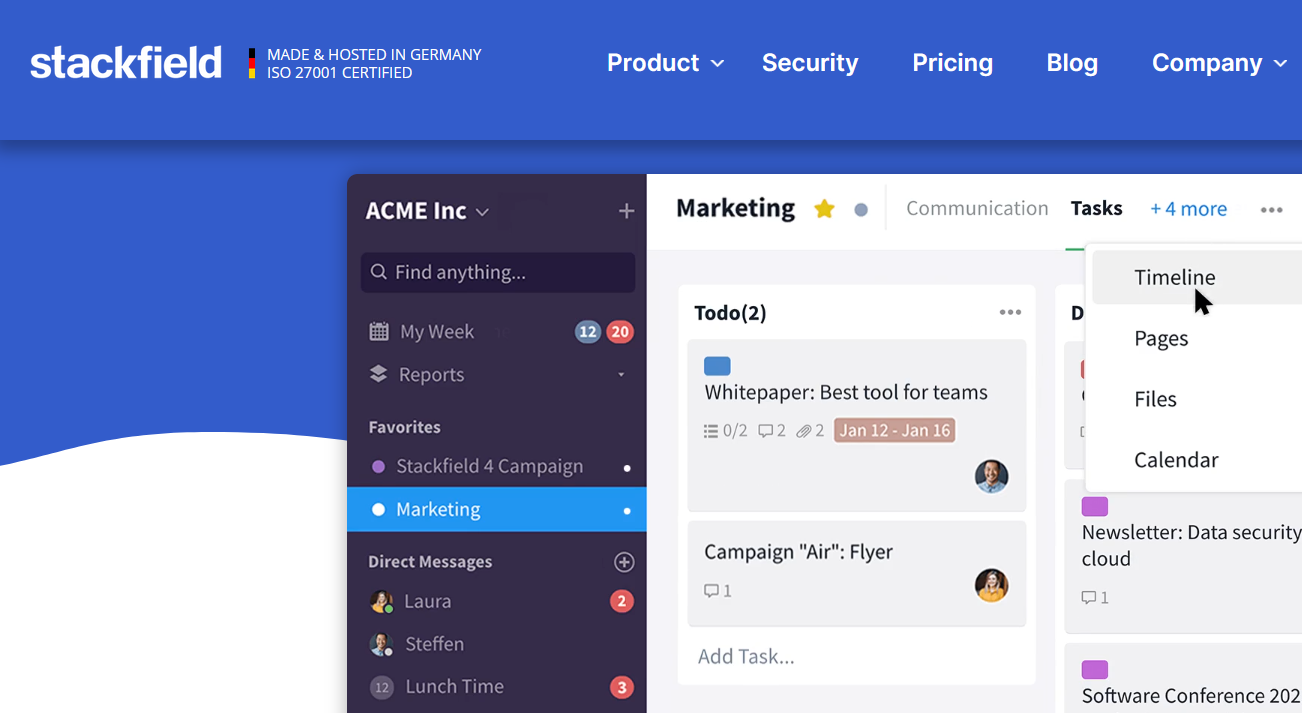
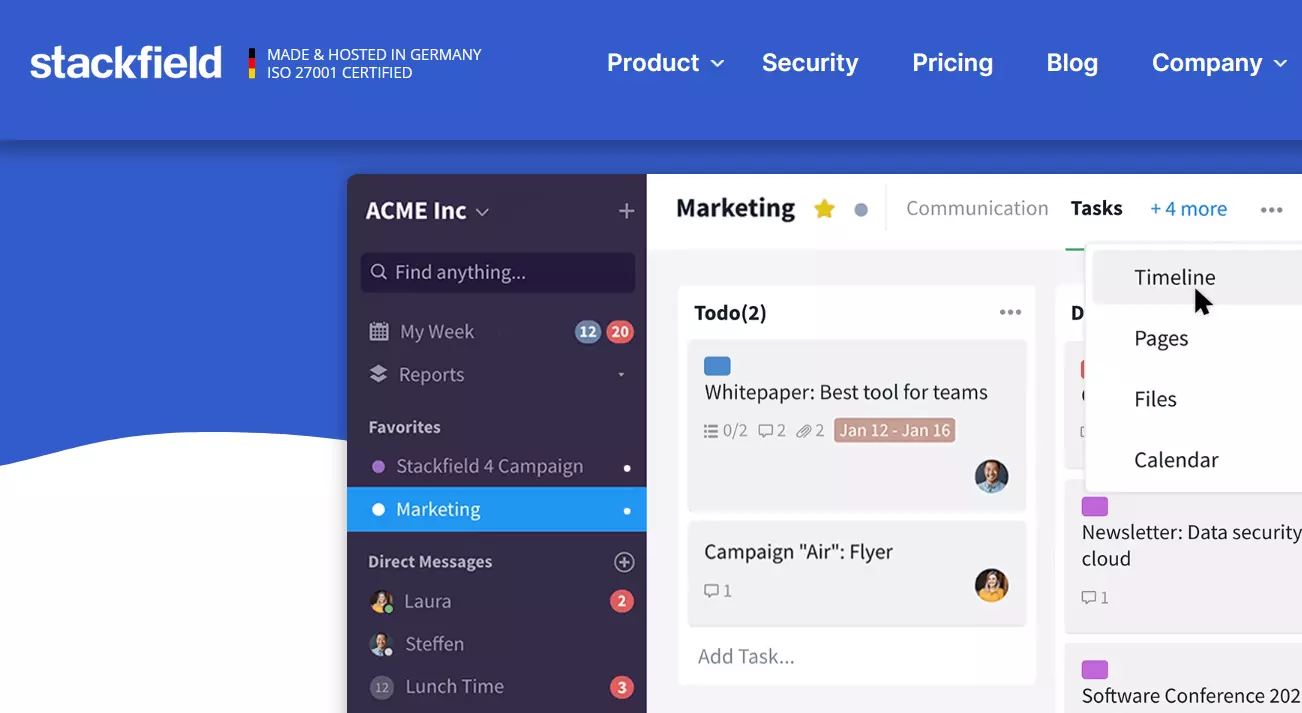
With Stackfield, you can also manage several projects simultaneously with Jira. You can do this by creating team profiles and allocating specific roles and rights for participating users (administrator, member, guest) and data rooms. The configuration doesn’t take long thanks to the intuitive user interface that can be customised at any time. You also have access to the following features:
- Group chat for exchanging messages and files in real-time
- Individual compliance and rights management
- Chronological, filterable activity logs
- Audio and video telephony
With its versatility and comprehensive security structures, Stackfield is undoubtedly one of the best alternatives to Jira when it comes to managing sensitive projects. In this way, you benefit from the opportunities provided in the areas of product development and research as well as in the PR sector or in corporate consulting.
Advantages and disadvantages of Stackfield
| Advantages | Disadvantages |
|---|---|
| ✓ High security standards | ✗ To ensure maximum security, the number of external integrations is limited |
| ✓ Flexible roles and rights system | |
| ✓ Hosting on own server possible |
Kanbanize
The Kanban platform Kanbanize is a great Jira alternative especially when it comes to software and product development and project and IT service management. The Bulgarian development company Businessmap Ltd. has been active in the industry since 2008. You can choose between the cross-platform web application or the native apps for iOS and Android.
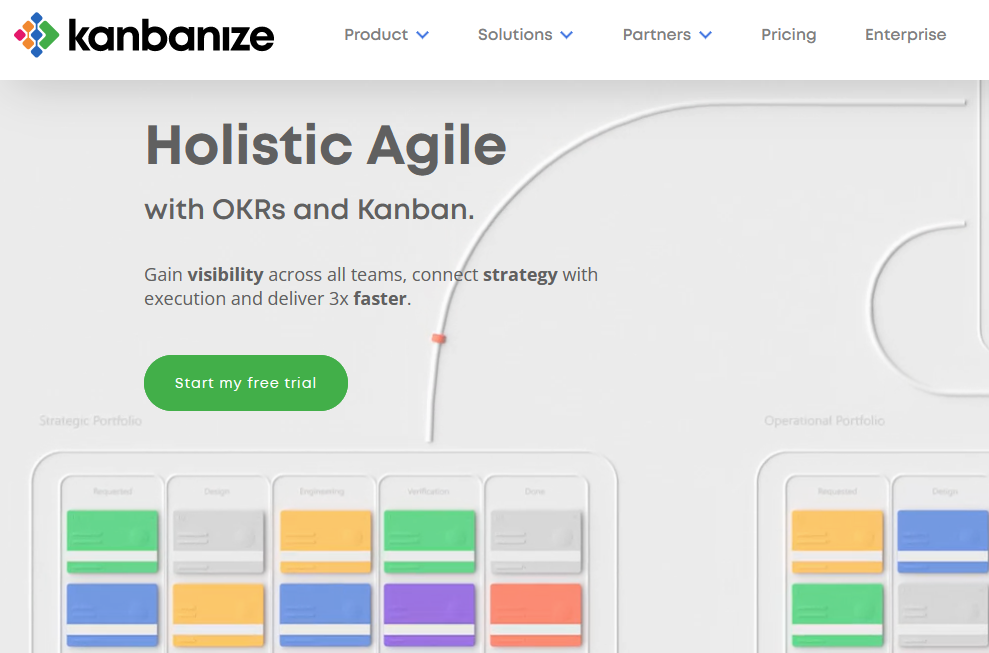

The price for the fee-based alternative to Jira depends on how many rules (between 0 and 90) you need for the automation of your workflows and how many users (from 15 to 500+) should be able to access the Kanbanize projects created. How exactly you activate the individual workspaces for individual users later is entirely up to you thanks to extensive user and role management. Here you can also individually determine whether a participant is required to use two-factor authentication or not. Apart from the great options for user management, Kanbanize is characterised by the following features:
- Business rule system for maximum degree of automation
- Adaptable, trackable workflows
- Email integration
- Time recording
To provide the best possible platform for managing diverse projects, the Kanbanize team offers the possibility to integrate third-party tools. This allows you to connect the Jira alternative with Zapier, Google Drive, GitLab, and Bitbucket as well as other tools. By default, all data is stored on servers in the U.S. However, upon request, you can have your account and all project data transferred to European data centres.
Advantages and disadvantages of Kanbanize
| Advantages | Disadvantages |
|---|---|
| ✓ Access via API possible | ✗ Lots of familiarisation time required |
| ✓ Simple process automation through ‘business’ rules | ✗ Comparatively low number of standard integrations |
Hive
After more than a year of development, the New York-based company Hive released its software solution for efficiently managing projects in October 2016. You can choose between a Gantt chart, a calendar view, a Kanban board or work in tables the classic way. But you don’t have to commit to just one because it is possible to switch between the different views at any time.
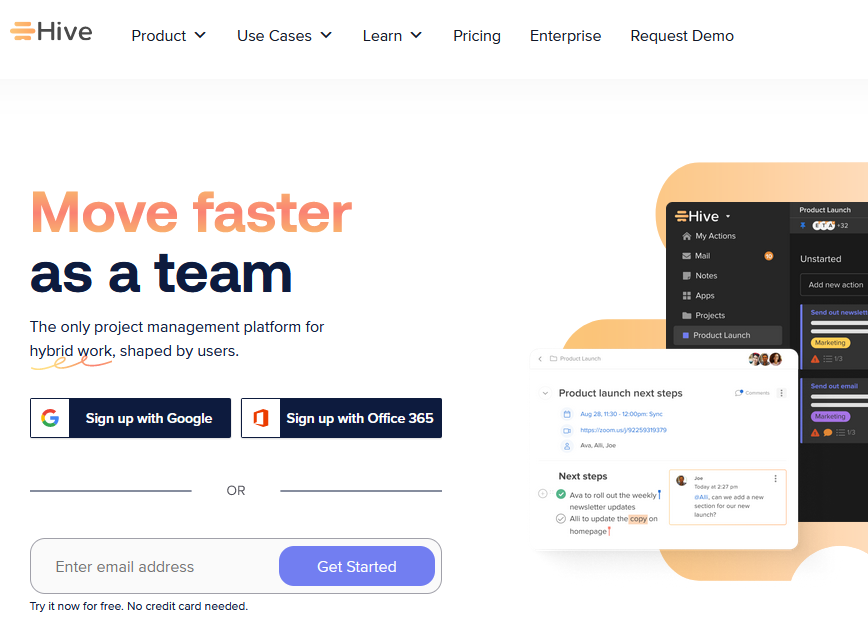
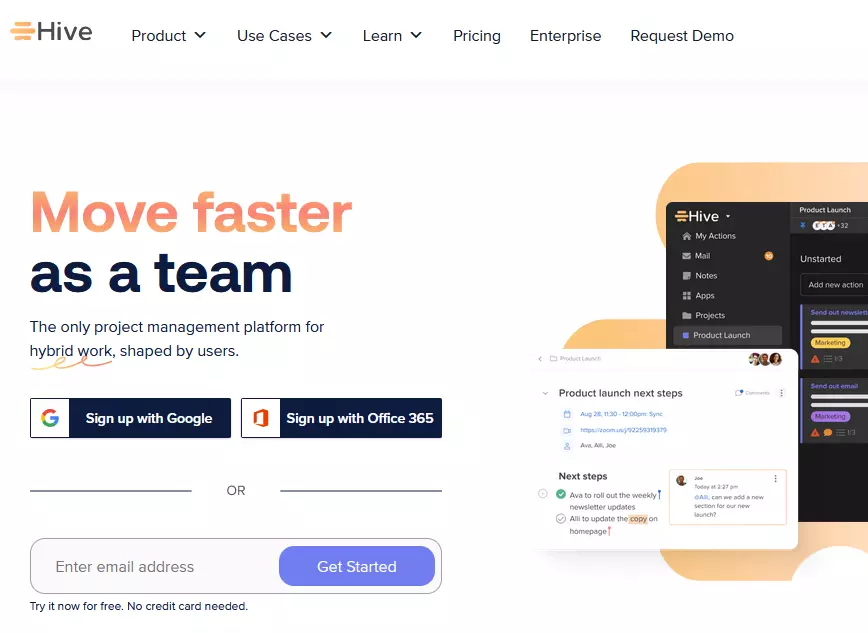
Hive also provides various tools for optimal coordination of information, data and processes. Customisable forms, group chats, and a direct messaging feature help teams communicate. Here are more features included in the fee-based Jira alternative (14-day trial):
- Shareable forms
- Time recording
- In-app calendar
- Cloud storage integration
As is typical for the industry, Hive also offers the possibility to expand the functionality of the project management platform. It’s possible to integrate over 1,000 suitable tools such as Google Drive, Salesforce, GitHub, and iCal. Those who have the necessary know-how can also access and expand the Jira alternative themselves via the REST API provided by the developer.
Advantages and disadvantages of Hive
| Advantages | Disadvantages |
|---|---|
| ✓ Access via API possible | ✗ Mobile app has significantly reduced functionality compared to desktop |
| ✓ Over 1,000 integrations available for third-party tools |