

How to create an OpenWeather API key

The weather service OpenWeather offers a range of special APIs to display weather data and forecasts. We’ll show you how to generate an OpenWeather API key for the API you want to integrate.
What is OpenWeather?
OpenWeather is an online service that provides global weather data and weather forecasts via dedicated application programming interfaces, also known as APIs. Data you can integrate includes worldwide real-time weather data, weather forecasts and weather warnings, as well as historical weather data for different geographical regions.
This process sees machine learning combine with an artificial neural network. The data processed for the forecasts and analyses includes weather data from airport weather stations, radar stations, weather satellites, automated weather stations, as well as data from meteorological weather services.
What are OpenWeather APIs?
There are various APIs to integrate weather data from OpenWeather into your app or website. These APIs give you legitimate access to the information you want and are based on secure, error-free data transfers. OpenWeather provides a wide range of APIs for different types of weather data, depending on your needs.
As standard, both the free and paid OpenWeather plan include an API for current weather data as well as 5-day forecasts. Both free APIs include weather data for every region and for over 200,000 cities, data formats like HTML, XML, or JSON, as well as weather info from various professional sources. The 5-day forecasts, in turn, are made at 3-hour intervals for each region worldwide.
Depending on your needs, you can choose between the following OpenWeather APIs:
One Call API 3.0
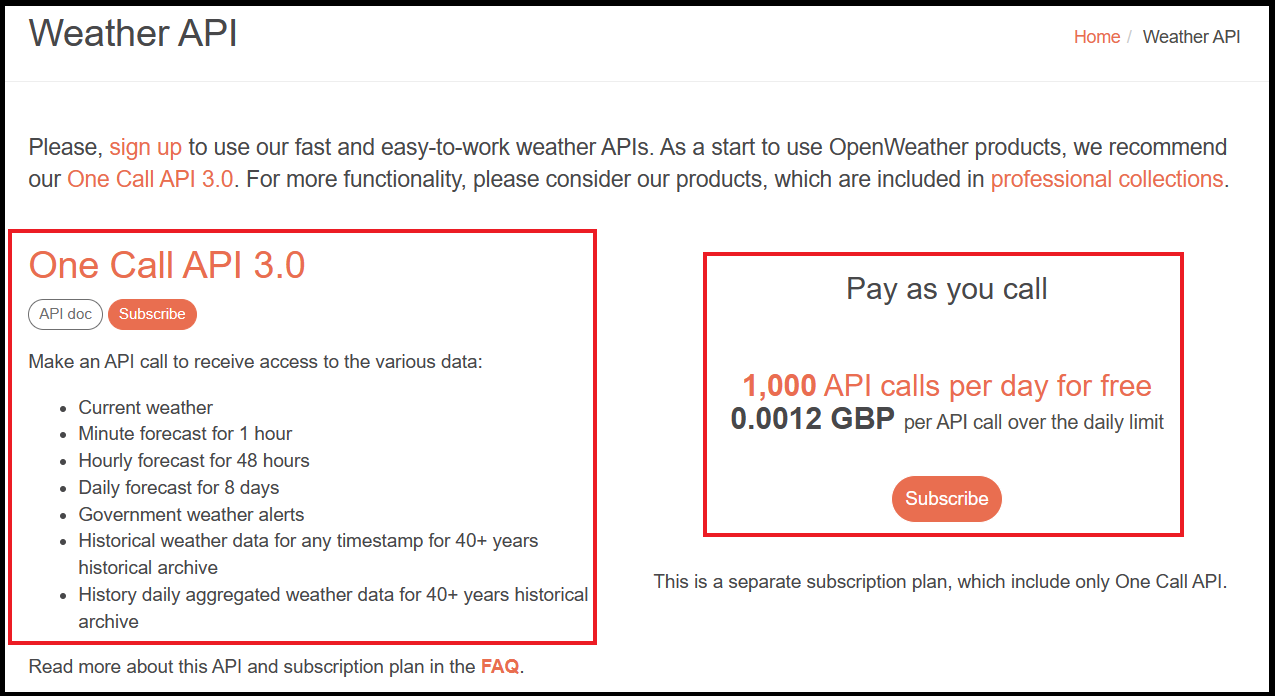
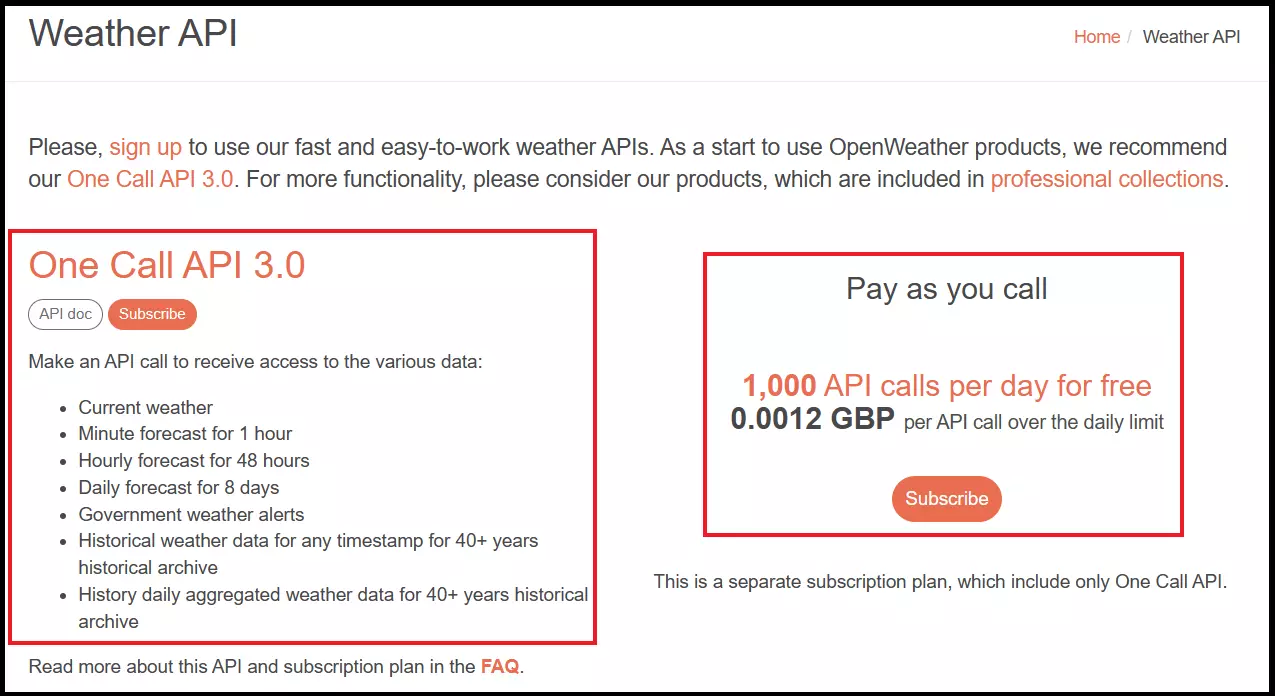
The One Call API 3.0 includes 1,000 free API calls per day. If the limit is exceeded, OpenWeather will offer you an alternate payment plan or the ‘Pay as you call’ plan with 0.0012 GBP per API call. The following weather data is available, among others:
- Real-time weather data and forecasts for the next hour
- Hourly forecasts up to 48 hours in advance
- Weather forecasts for the next 8 days
- Historical weather data backdated to up to 40 years
- Weather warnings
APIs for professional integration
Whether you’re integrating weather data for medium-sized or large projects, OpenWeather offers plans for professionals, specialists, and businesses. These include but are not limited to:
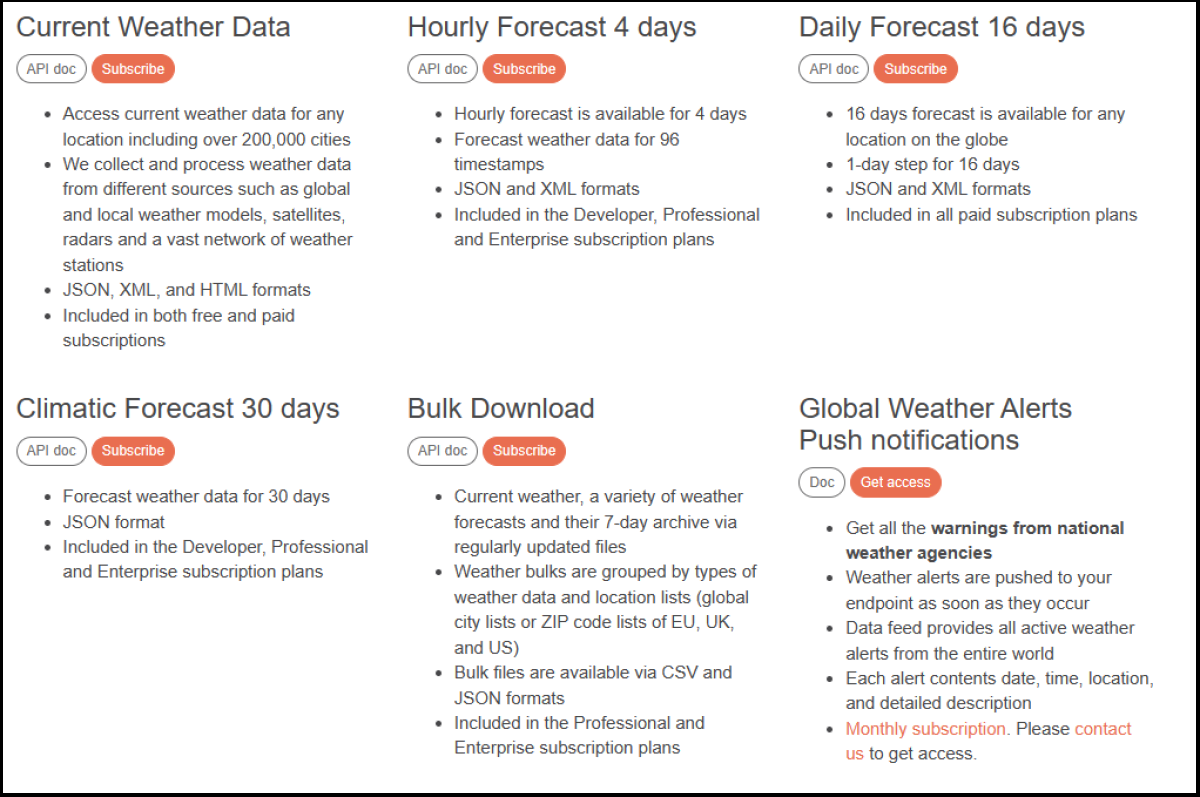
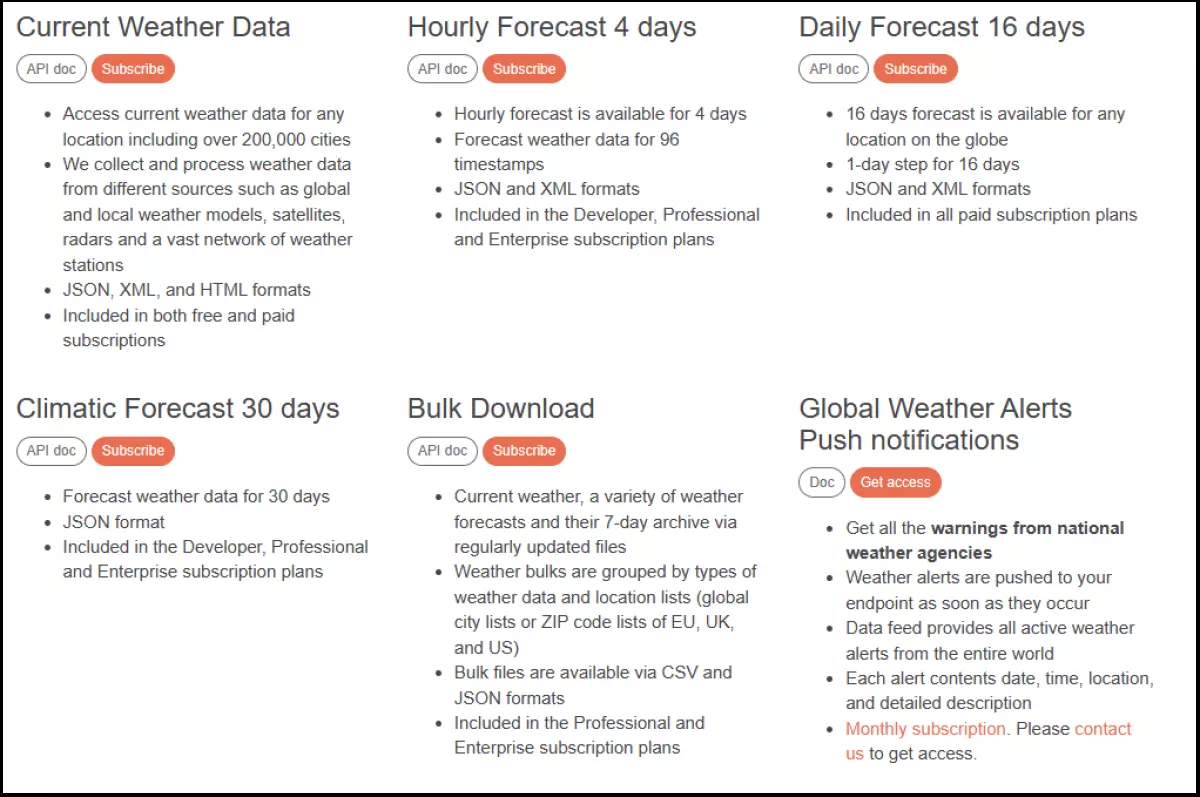
- Hourly Forecast 4 days: Up-to-date, real-time weather data + hourly weather forecasts for up to four days + data for up to 96 timestamps + JSON and XML formats
- Daily Forecast 16 days: Global weather forecasts for up to 16 days + JSON and XML + daily updated forecast data
- Climatic Forecast 30 days: Global weather forecasts for up to 30 days + JSON format
- Bulk Download: Downloads of real-time weather data, various weather forecasts, and 7-day archive + sorted by data type and region + CSV and JSON formats
- Global Weather Alerts Push notifications: Includes all weather alerts from national weather agencies + real-time push notifications for all active weather alerts worldwide + notifications include time, location, and description
- Road Risk API: Specific weather data and weather warnings for selected driving routes + real-time data, forecasts, and historical weather data for the selected route
You can explore all OpenWeather APIs for free and paid plans on the OpenWeather API landing page.
- DNS management
- Easy SSL admin
- API documentation
How to create an OpenWeather API key
To include OpenWeather features, you need an API key to access the OpenWeather API. An API key guarantees reliable data exchanges depending on the data plan, and gives you authorised access via authorised accounts. In addition, OpenWeather uses API keys to count the number of API accesses to check whether an access limit is exceeded.
Free OpenWeather API keys
To create an API key for a free OpenWeather plan like ‘Current Weather’ or ‘5 Days/3 Hours’, follow these steps:
- Step 1: Sign in to OpenWeather or create a new account on OpenWeather’s registration page.
- Step 2: When registering for the first time, provide your email address and wait for a confirmation email from OpenWeather. The email will hold the API key linked to your free plan.
Keen to create API keys not only for OpenWeather, but also for Google Maps, Steam, or YouTube? Our guides will help you get started:
Paid professional OpenWeather API keys
To take advantage of paid Professional or Enterpise API plans, follow these steps:
- Step 1: Sign in to your account or create a new account.
- Step 2: If you want to use a paid plan for selected OpenWeather APIs, go to the OpenWeather APIs page, choose an API, and click on ‘Subscribe’.
- Step 3: Fill out the invoice form and complete sign up. Make sure to link your plan to your API key for API calls.
- Step 4: Find your server IP for the paid API plan in your confirmation email.
How to find OpenWeather API keys
If you want to create new API keys or see an overview of already created keys, follow these steps:
- Sign in to your OpenWeather account.
- In your account dashboard, go to your account name in the top-right corner and click on ‘My API’ in the drop-down menu. Here you’ll find all created API keys with some information.
- You can also create a new key under ‘Create key’ and assign it to a project.
What if the API call limit is reached?
API keys let OpenWeather count the number of calls through your account. Both free and paid API plans have a maximum call limit. Once you reach the limit for your API calls, you’ll receive an automatic notification. In it, OpenWeather will offer suggestions for an API alternative with more available calls.
If you don’t respond to the notification, the API key will be deactivated. To reactivate the API key and account, you’ll need to contact customer service.