

How do you create a professional email signature?

Whether for work or personal emails, a well-crafted email signature helps you appear professional. This article explains which details are essential, how to design an attractive signature, and which templates and tools can make the process easier.
What should be included in an email signature?
A good email signature contains all key contact information, is clearly structured, and professionally designed. In the U.K., legal requirements apply to business signatures, while personal signatures can be created freely.
Details for business email signatures
Under the Companies Act 2006, certain information is legally required in business email signatures for limited companies (Ltd, LLP, PLC). To remain compliant and professional, include the following:
Mandatory elements:
- Registered company name (as listed with Companies House)
- Company registration number
- Place of registration (e.g., England and Wales, Scotland)
- Registered office address
Additional recommended elements:
- Full name of the sender
- Job title or position
- Company phone number and email address
- Company website
Optional elements:
- Social media links
- Office hours or holiday notes
- Confidentiality or liability disclaimers
While optional elements can help enhance branding and communication, the mandatory details ensure legal compliance for U.K. companies.
- Write perfect emails with optional AI features
- Includes domain, spam filter and email forwarding
- Best of all, it's ad-free
Personal signatures
There is no legal obligation for personal emails, but a signature can be useful – for example, to provide alternative contact options or to reference your own projects.
Typical information includes:
- First and last name
- Phone or mobile number
- Email address
- Personal website
- Social media profiles
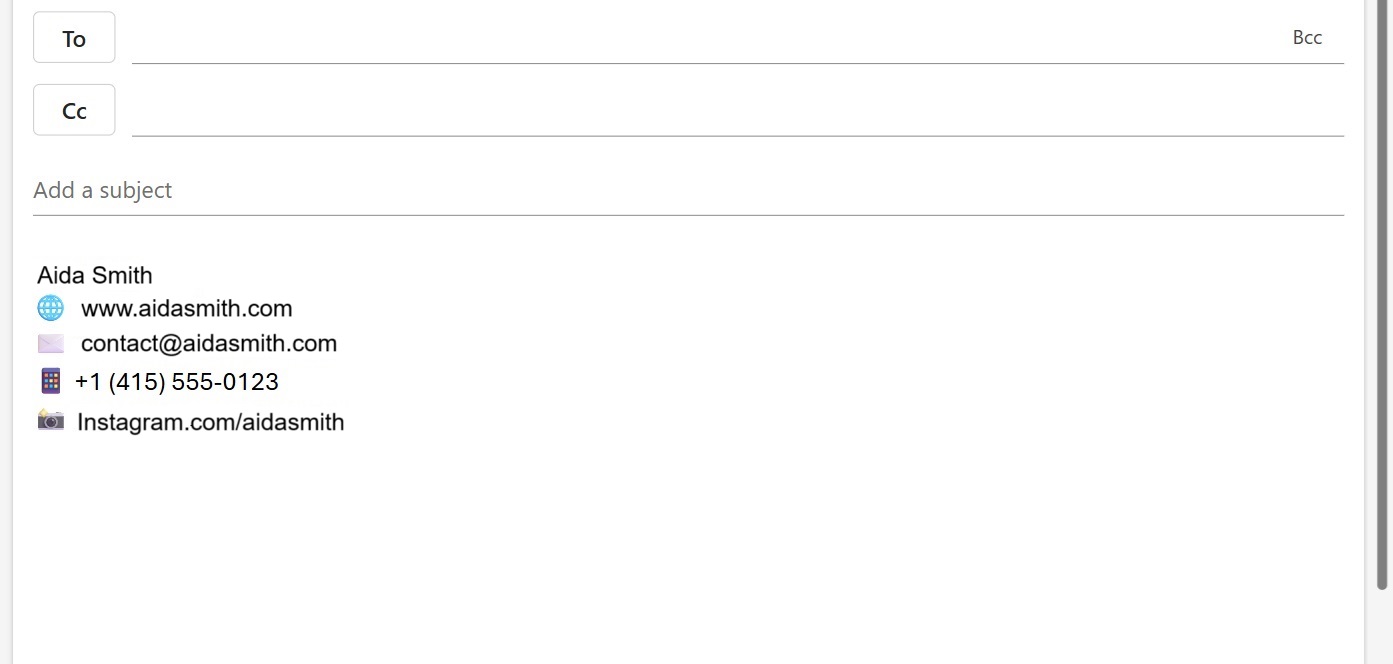
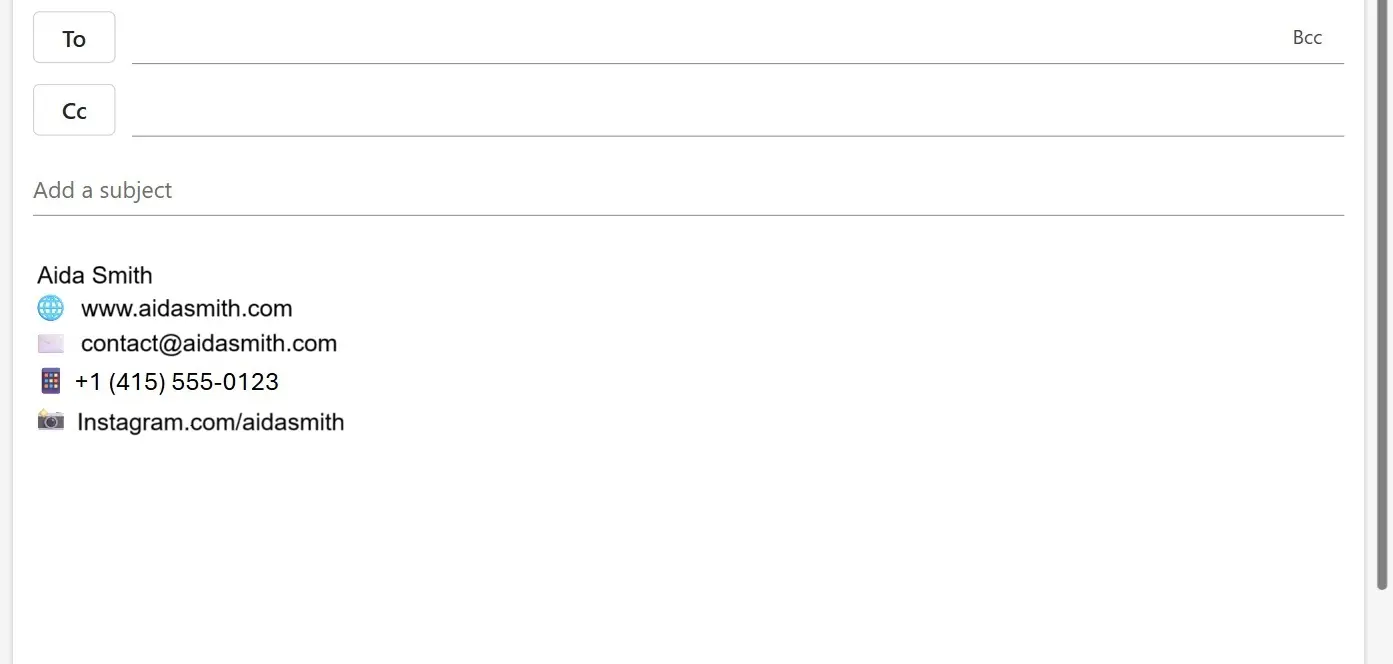
Extra elements such as quotes or emojis are best used only when appropriate and in moderation.
It is possible to create an email signature directly in Outlook, Gmail, or Apple Mail.
How should an email signature look?
The design of the email signature affects how professional it appears. A clear structure and subtle formatting are essential.
Recommendations for a good design
- Paragraphs or vertical lines visually separate information
- Maximum of two fonts
- Use company colours only subtly
- White spaces for better readability
- Optional: Image or logo (use sparingly)
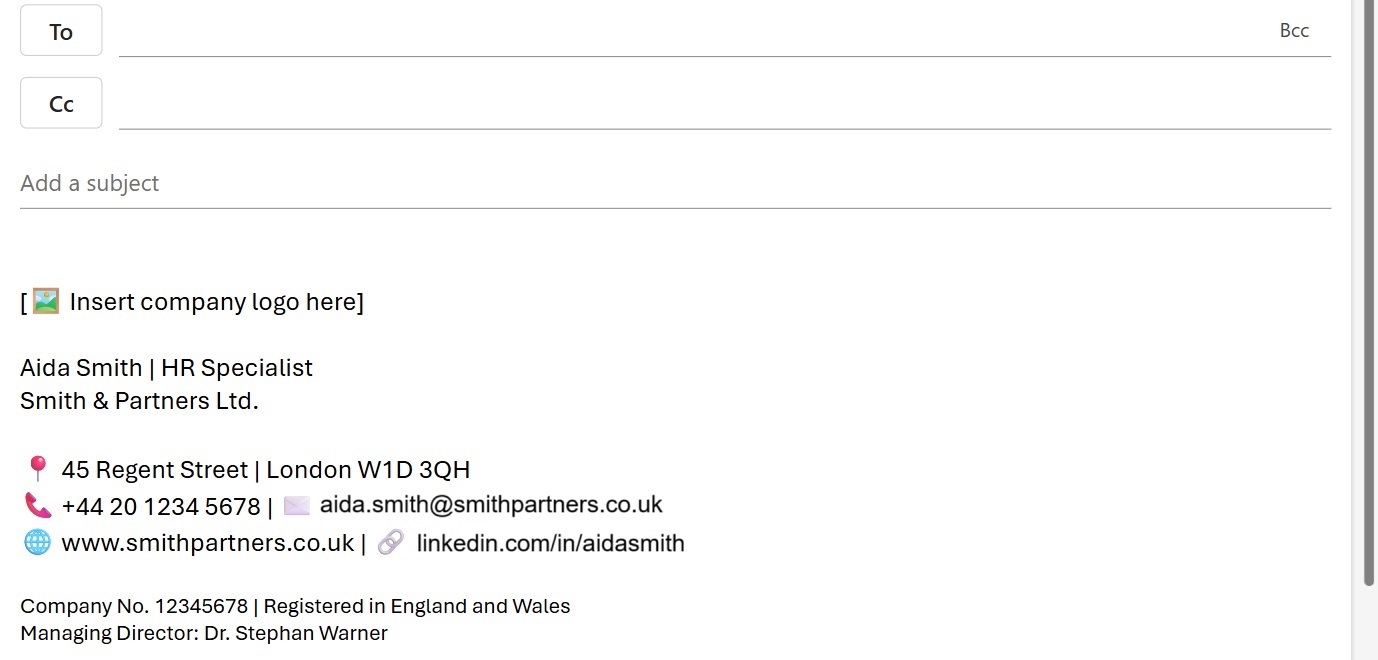
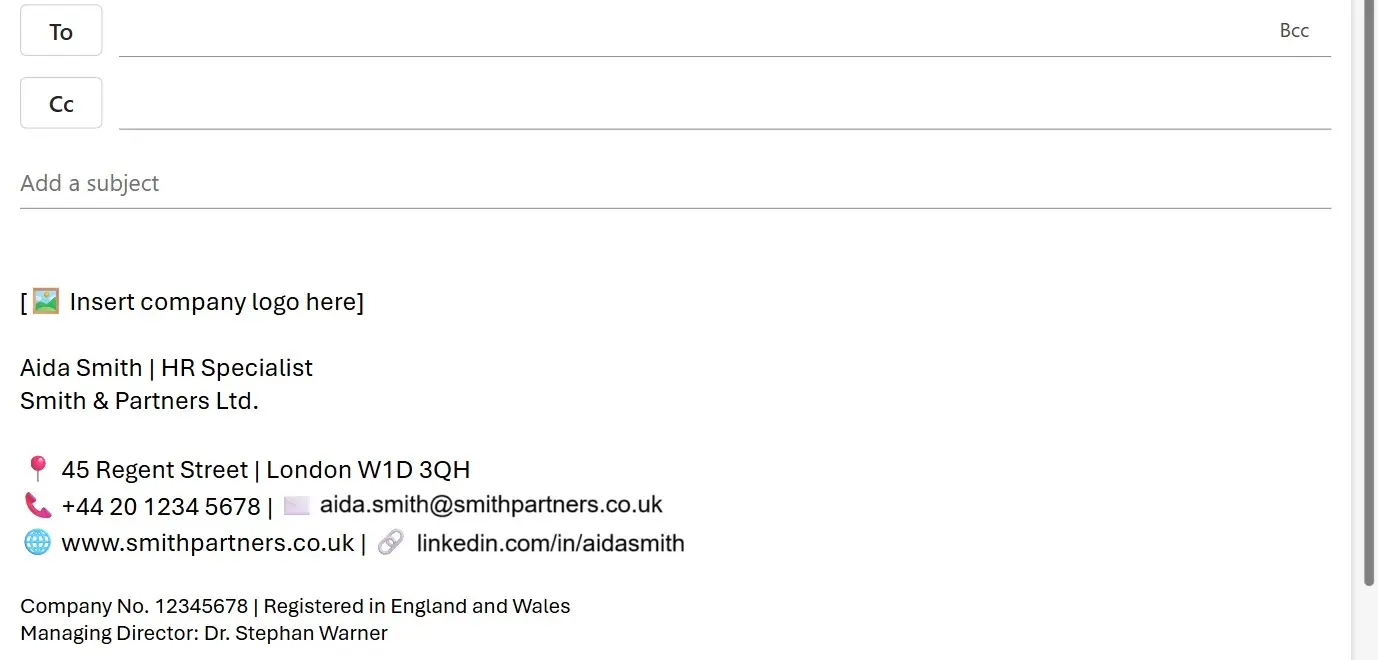
Formatting tips
- Bold for name or position
- Smaller font for legal information
- HTML or Rich Text format instead of Plain Text (but test compatibility)
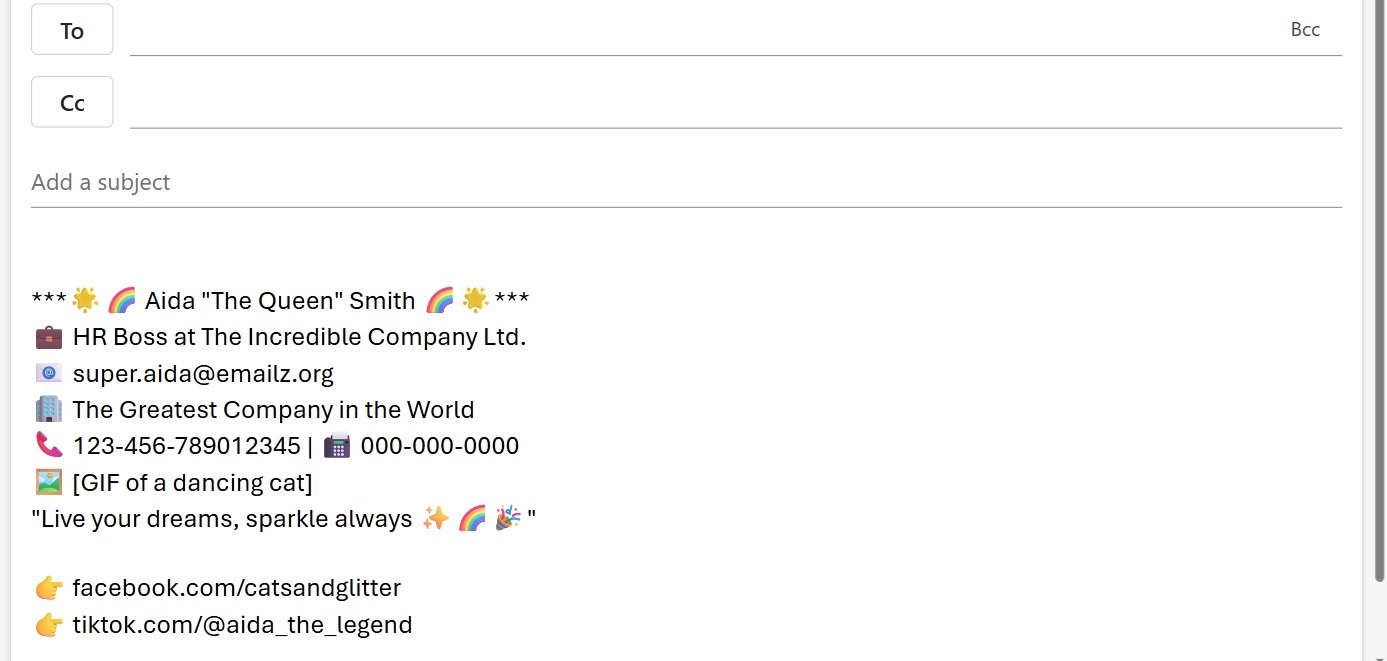
Avoid overly playful designs—they appear unprofessional and make readability difficult, as shown in the following example.
Optional design elements
- Company logo
- Sender’s photo
- Company slogan or tagline
- Notices of company holidays
- Links to social media
Make sure images are embedded correctly and the data load remains low.
Email signature templates for various professions
Use these templates to quickly create your email signature. Simply copy the examples for business use and tailor them to your needs.
Template 1: Marketing / Sales
John Brown | Senior Marketing Manager
IONOS · 123 High Street · London · SW1A 1AA
🕿 020 7946 0123 | 🖂 john.brown@ionos.co.uk 🌐
www.ionos.co.uk | 🔗 LinkedIn Profile
🖼 [Insert company logo]
Template 2: Medical Practice
Dr. Carol Fisher
General Practitioner
Example Medical Practice
58 Church Road
Manchester M1 2AB
🕿 0161 496 0123 | 📠 0161 496 0124
🌐 www.example-practice.co.uk
🖼 Opening hours as PDF
🖼 [Insert logo here]
Template 3: Real Estate Agents
Michael Turner
Real Estate Agent (Licensed)
🏢 Turner & Associates Ltd.
📍 42 Queen Street, Edinburgh EH2 3NH
📘 0131 496 0123
🖂 michael.turner@turnerassociates.co.uk
🌐 www.turnerassociates.co.uk
📘 Facebook Profile
🖼 [Insert logo optionally]
- Fast drag and drop editing
- AI-powered text generation
- Seamless syncing with IONOS eCommerce