How to build a multilingual WordPress website

To access international markets, it is necessary to publish your website in different languages. With a multisite installation or a plugin for multilingualism, you can quickly create a multilingual WordPress site.
- Free website protection with SSL Wildcard included
- Free private registration for greater privacy
- Free Domain Connect for easy DNS setup
The advantages of creating a multilingual WordPress website
Improving the SEO ranking of a multilingual WordPress page
Multilingual content is welcome across major search engines because content is evaluated separately for each language. In this way, your site contributes more content to search results – by outputting search results in the language of the end user. With a search engine optimised, multilingual website you can open up international markets and increase your traffic.
Create a multilingual WordPress site and extend the reach of your audience
Improved visibility in multilingual search engines extends your reach and opens your company up to international markets. Addressing users in their native language makes it easier for them to navigate and explore a WordPress multi language site. Important key figures such as conversion rate, bounce rate, and time on site can thus be positively influenced.
A multilingual WordPress page creates trust
Addressing visitors in their native language not only provides a better user experience, but creates trust and improves your brand image. A WordPress website that is multilingual is often perceived as more professional by users, provided the translations are of a high standard. In this way, you may be able to convert visitors into potential customers.
How do you know if your WordPress should include a multiple-language option?
There are several ways to find out if additional languages may benefit your web project. You can check internal data to see which languages customers used in their support requests or view country-specific revenues. Or you check with Google Analytics whether it is worth setting up WordPress in multiple languages. To do this, simply select ‘Audience > Geo > Language’ and ‘Audience > Geo > Location’ in the menu. The former targets the set browser language of the visitors, while the latter checks the location. The numbers of page visitors can be improved with a multilingual WordPress page.
To get started with WordPress quickly and easily, choose Hosting for WordPress from IONOS and benefit from a platform optimised specifically for WordPress.
What to look for in a WordPress multi language website
Whether you’re using a WordPress multisite installation or a plugin – before creating a multilingual WordPress, here’s what you should consider:
The right URL structure
Before you set up a WordPress site as multi language, you should consider the URL structure you wish to use. Besides a top level domain or sub domain, you may want to consider adding a subdirectory.
Top level domain
https://www.example.co.uk/
https://www.example.com/
https://www.example.es/
Using top-level domains is an elaborate way to set up a multilingual WordPress. In this case for every country you add, you’ll need a separate website and a separate SEO strategy. Thus, the work required is more extensive. A WordPress multi language website can be set up via a multisite installation and domain mapping or as a stand-alone installation.
Subdomain
https://en.example.com/
https://es.example.com/
https://fr.example.com/
Setting up a multilingual WordPress page using subdomains is far more common. Like a top-level domain, WordPress can be set up multilingually as a stand-alone installation or multisite.
Sub-directory
https://www.example.com/
https://www.example.com/de/
https://www.example.com/es/
Much like the subdomain, setting up a WordPress multilingual site as a sub-directory is the most commonly used method. Besides the standalone and multisite installation, a multilingual website with a subdirectory can also be set up as a single site with plugin.
With an additional domain from IONOS you can easily secure the domain of your choice for your WordPress multi language website.
Hreflang tags
In order for search engines to correctly match languages and avoid duplicate content for pages of the same language from different regions, you should set hreflang tags.
For a bilingual WordPress page in German and English, the hreflang tags would look like:
German page:
<link rel="alternate" href=“https://www.example.com/" hreflang="de" />
<link rel="alternate" href=“https://www.example.com/en/" hreflang="en" />
English page:
<link rel="alternate" href=“https://www.example.com/" hreflang="de" />
<link rel="alternate" href=“https:// www.example.com/en/" hreflang="en" />
For additional languages, add the appropriate hreflang tags to your WordPress multi language site.
Extensive translations
On your multilingual WordPress page, even small features like captions, keywords, or contact information should be translated correctly. An only partially translated page does not deliver the same user experience as a fully translated website. In addition, you should try to translate every single page. If a user swaps language on a subpage, it is important they can view the exact page in their language. Often, website owners redirect users to their home page where translations are not available. This practice may increase your site’s bounce rate because the user does not get the information they need.
Search engines read URLs and file names in addition to the text on the page. Therefore, you should translate URLs, image files, and PDFs into the respective language as well.
Automated translation tools such as DeepL, Google Translate, and others are tempting to use to translate your pages free of charge and little effort. But these tools are not sophisticated enough to produce the right choice of words for the respective context. Technical terms and information that requires adaptation for a select target country (localisation) require an understanding of the target language, additional research, or manual editing. Similarly, if you work with keywords, direct translation often fails. Language usage and the culture of the target country strongly influence word choice. Depending on the purpose of your WordPress site, you should work with professional translators.
Placing your language selection menu prominently
So that users can immediately see available languages it is advisable to place your language selection menu prominently. Make it as easy as possible for your visitors to find their way around your multi language website.
Different language, similar website structure
If visitors switch language, the structure of the website should remain the same. This way, they are still able to navigate the page and refer to a structure they may already be familiar with.
Testing various WordPress multi language plugins
If you are not sure which plugin suits your needs you can test several for their multilingualism capabilities. Test them one after another to avoid simultaneous use of plugins interfering and producing errors.
Backup and development environment
Before you set up your WordPress multi language site, you should back up your existing site. For the implementation, it is recommended to set up a test environment to prevent errors on the live site. The WordPress Staging plugin lets you create a duplicate of your website on a development system.
- Stress-free, no matter your skill level with easy AI tools
- Full customisation with themes and plugins
- Hassle-free updates and less admin
WordPress multi language plugins or multisite
To set up a bilingual or multilingual WordPress website, you’ve got several options. In addition to a variety of plugins for multilingualism, the content management system offers the option of multisite installation without additional extensions.
Multilingual WordPress with multisite installation
WordPress allows you to deploy a website in multiple languages via multisite installation. Multisite installation itself lets you run multiple websites in a single WordPress installation. Use this step-by-step guide to get started.
Step 1: Using an FTP program – e.g. FileZilla – upload the wp-config.php file from the WordPress root directory.
Step 2: To set up a WordPress multi language website, look for the following code snippet in the wp-config.php file:
For the English WordPress installation:
/* That's all, stop editing! Happy publishing. */For the German WordPress installation:
/* Das war’s, Schluss mit dem Bearbeiten! Viel Spaß beim Bloggen. */Above this code snippet, add the following line of code:
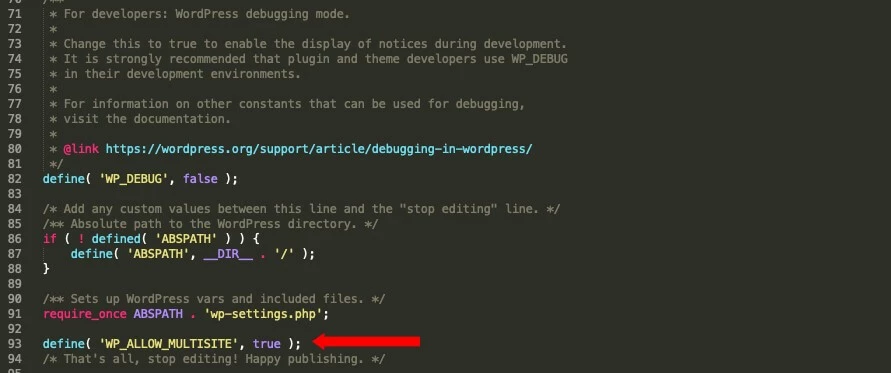
define( 'WP_ALLOW_MULTISITE', true );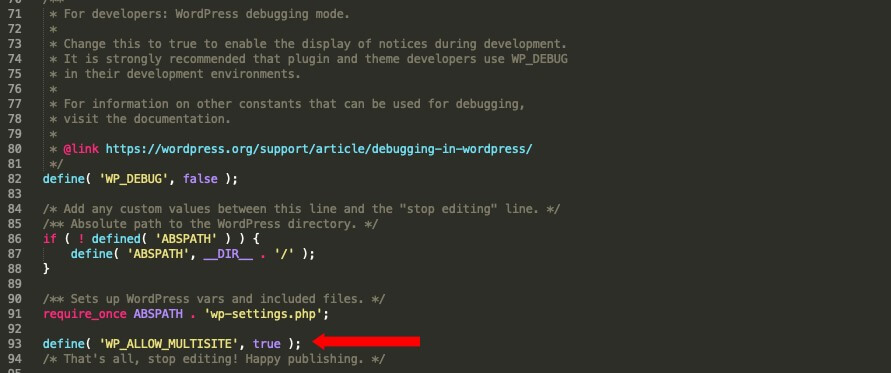
Step 3: Upload the modified file to your server.
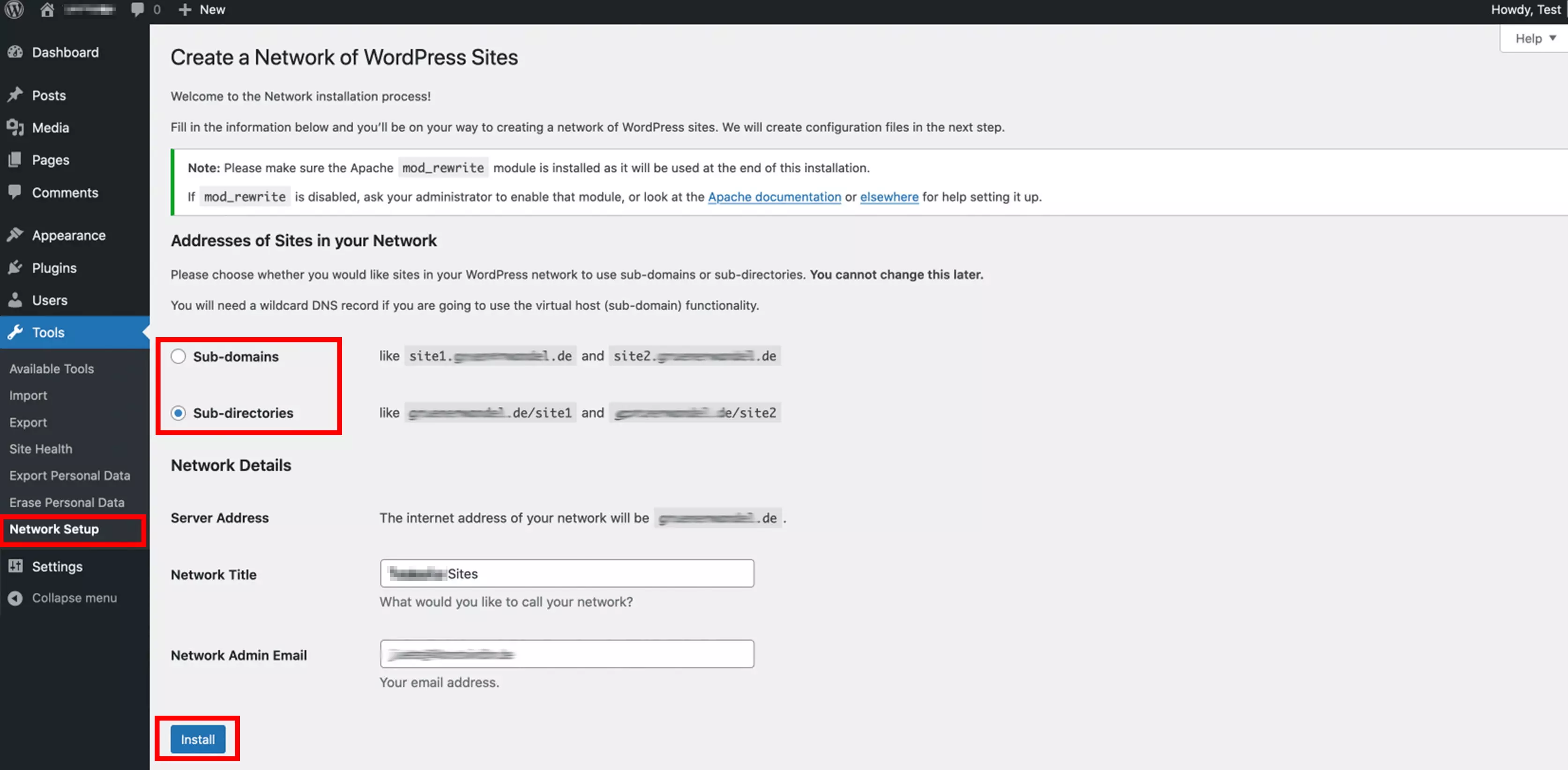
Step 4: Open the WordPress backend. Under the menu item ‘Tools’ you will now find the submenu item ‘Network Setup’. Here you can set the appropriate URL structure and network title. Hit ‘Install’ once you’ve made your selection.
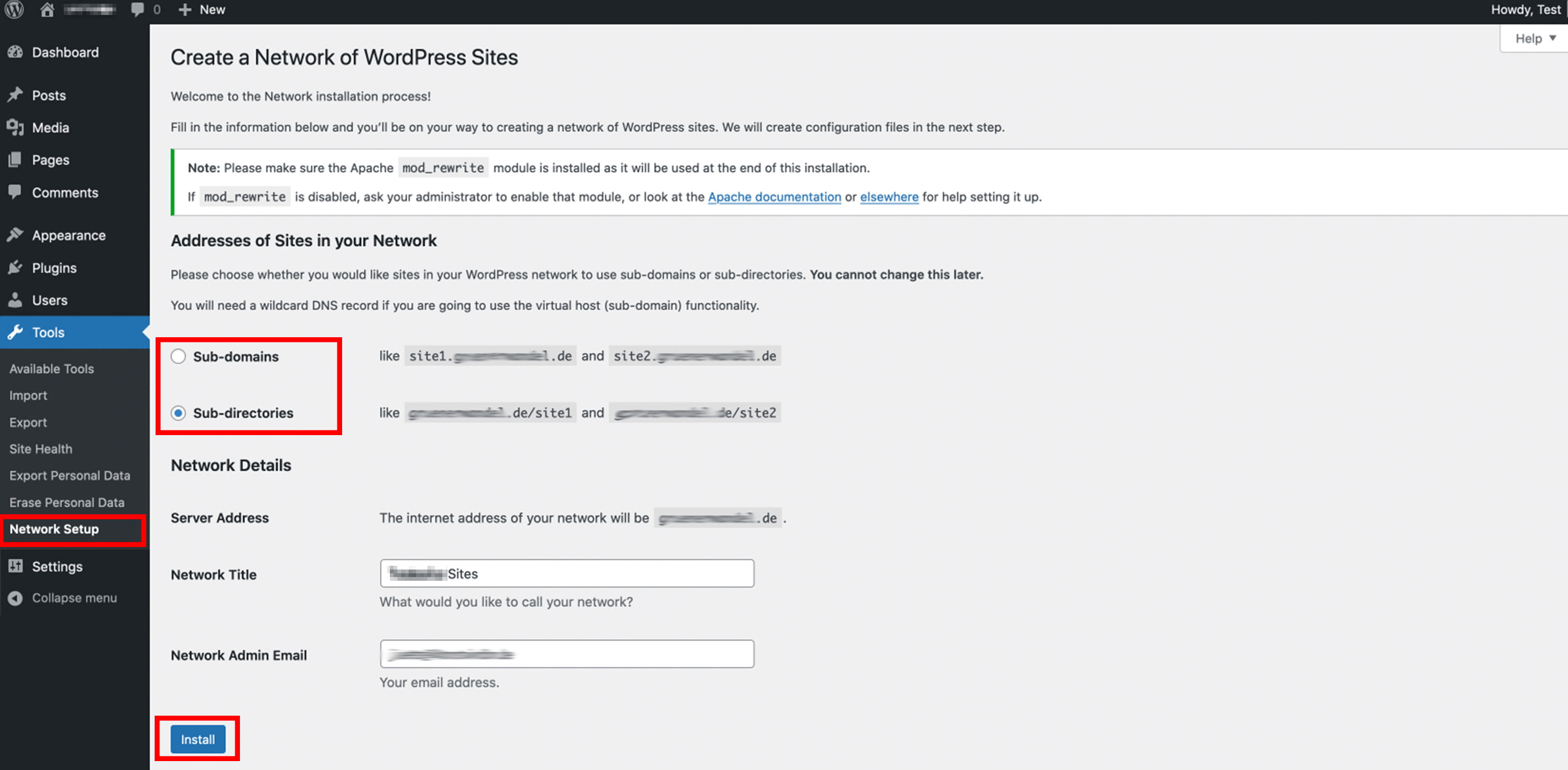
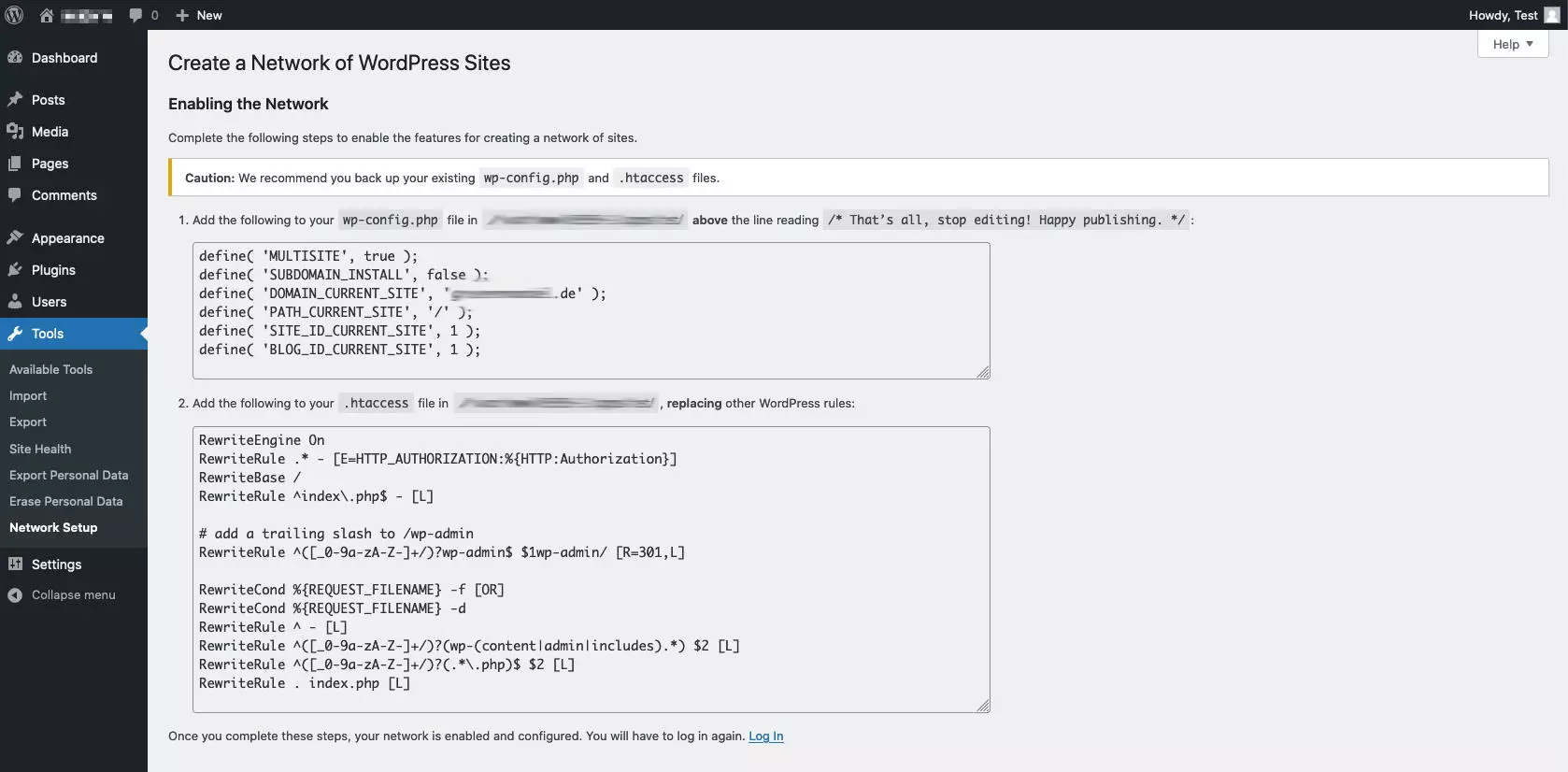
Step 5: Paste the provided lines of code into the wp-config.php and the .htaccess file and upload the modified files to the server. Be sure to make a backup of the two files beforehand.
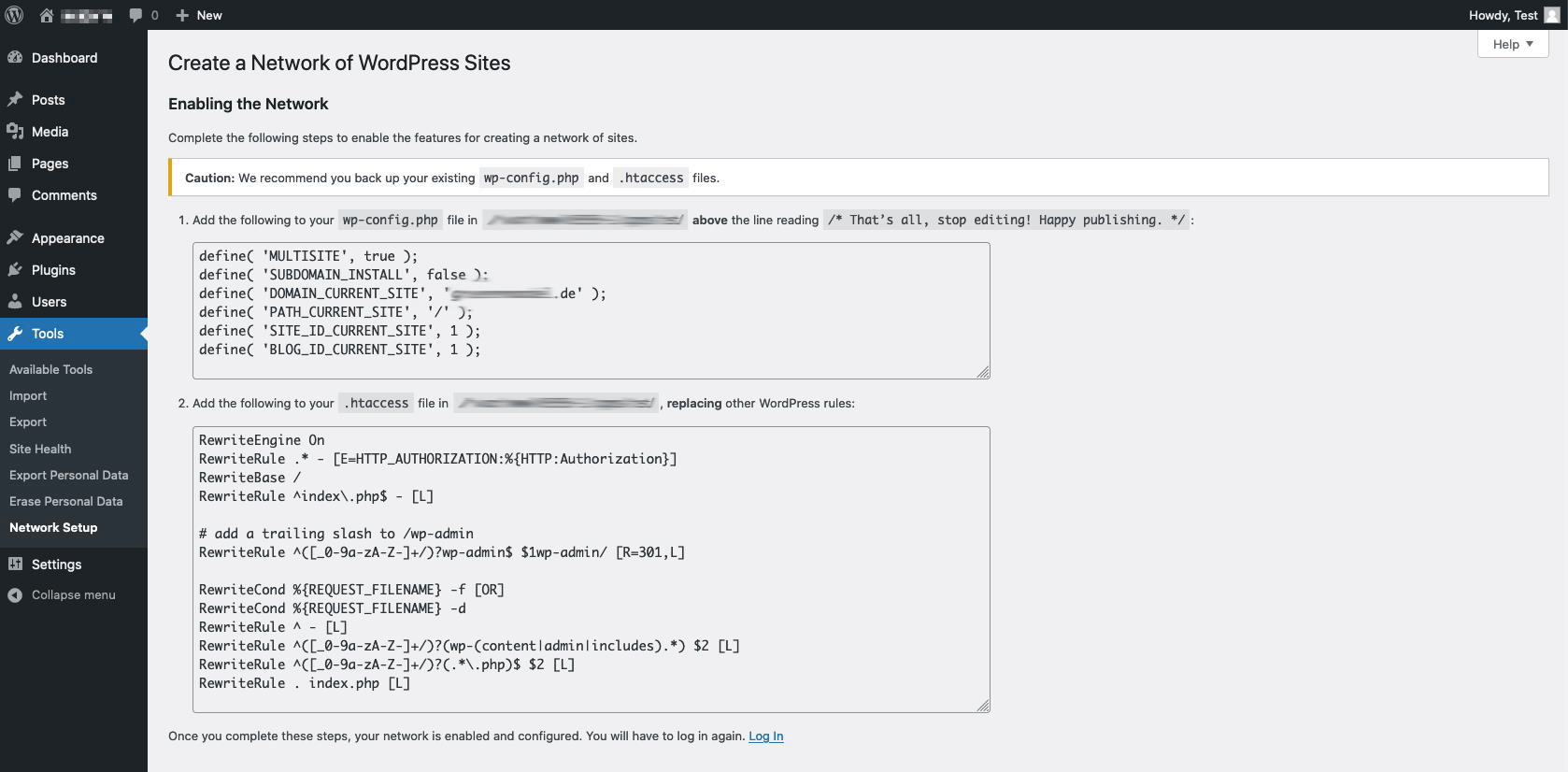
Step 6: After adding the files, log in to the backend. You should be auto-directed to the network dashboard, from where you can access all web pages.
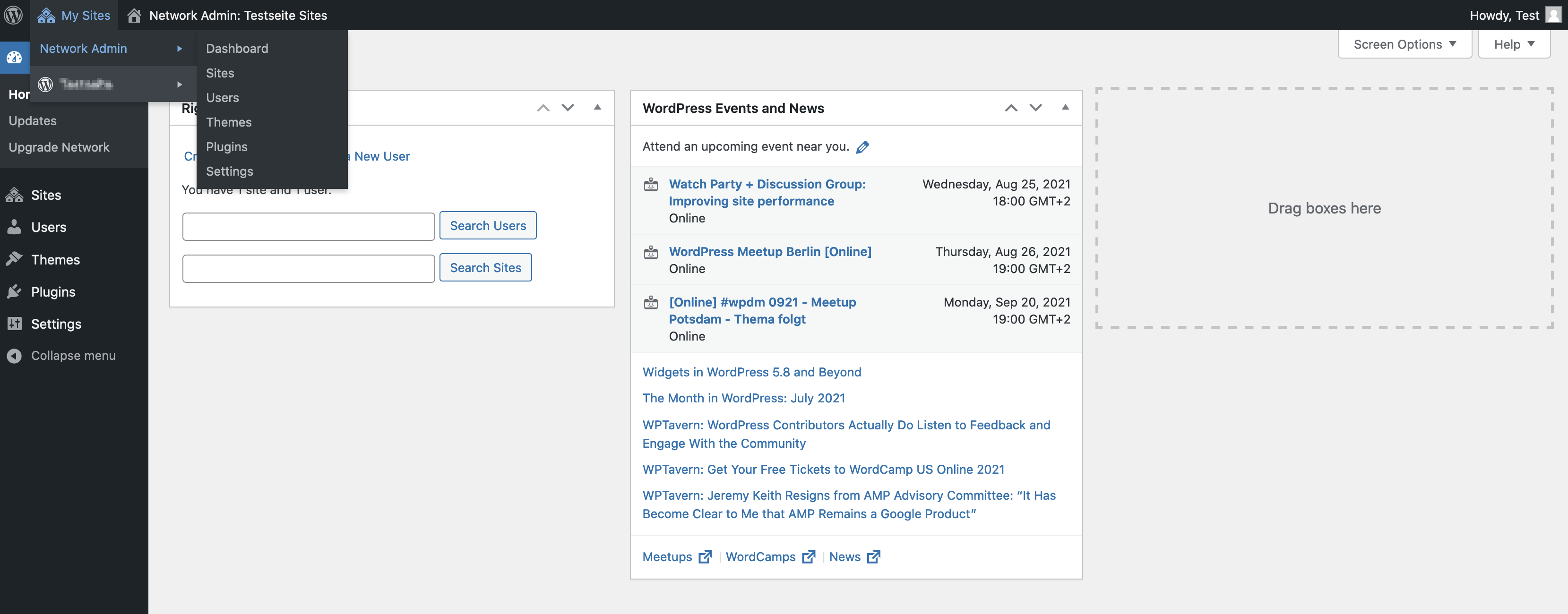
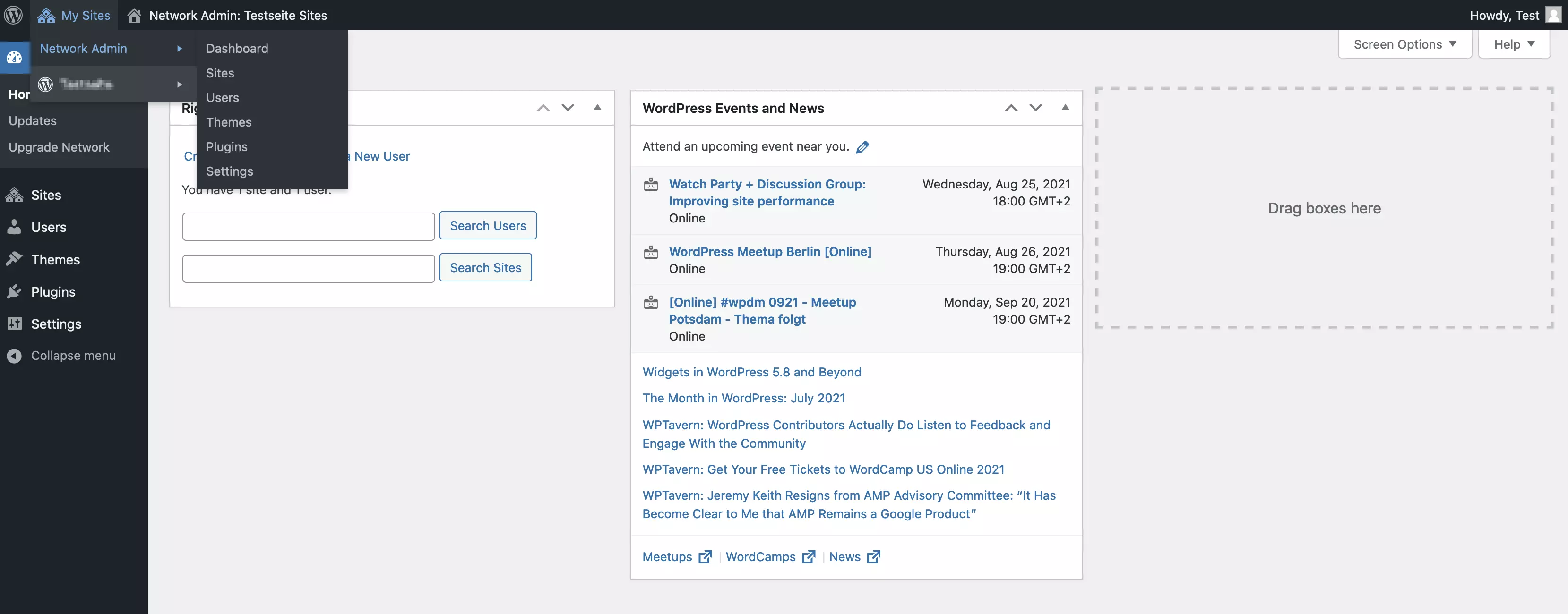
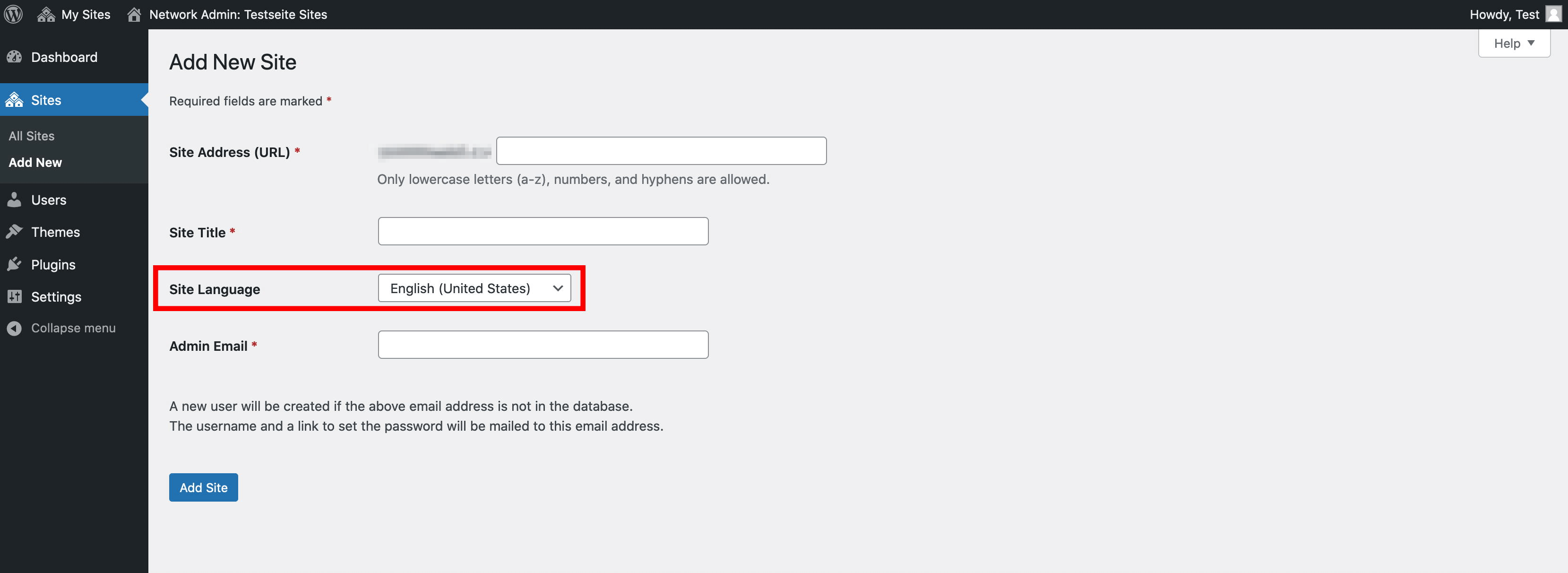
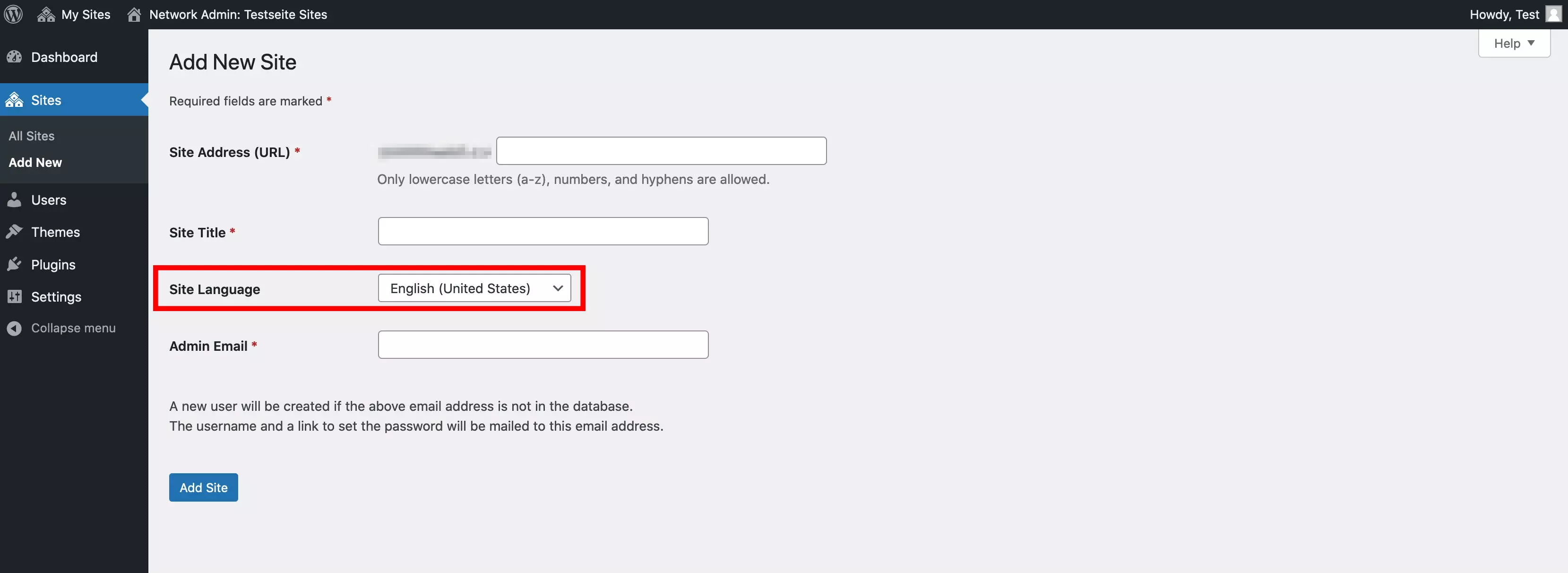
Step 7: To set up WordPress in multiple languages, create a sub-domain or sub-directory for each language under ‘Sites’. Use ‘Site Language’ to specify the language for which the page is created.
Step 8: Install the Multisite Language Switcher plugin to manage your WordPress multisite website more easily. For each site, you can find the appropriate configuration under ‘Settings > Multisite Language Switcher’. It is important that the ‘reference user’ is the same everywhere so that the sites are linked. If the plugin is configured for all pages, you can view the corresponding country flags for posts and pages, and can navigate directly to the translation. In addition, the display provides a good overview of missing translations.
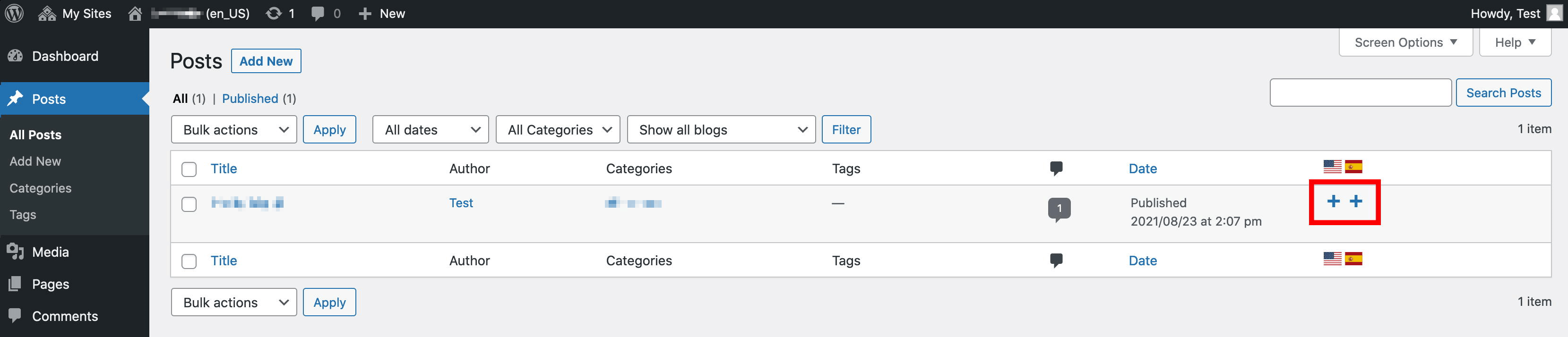
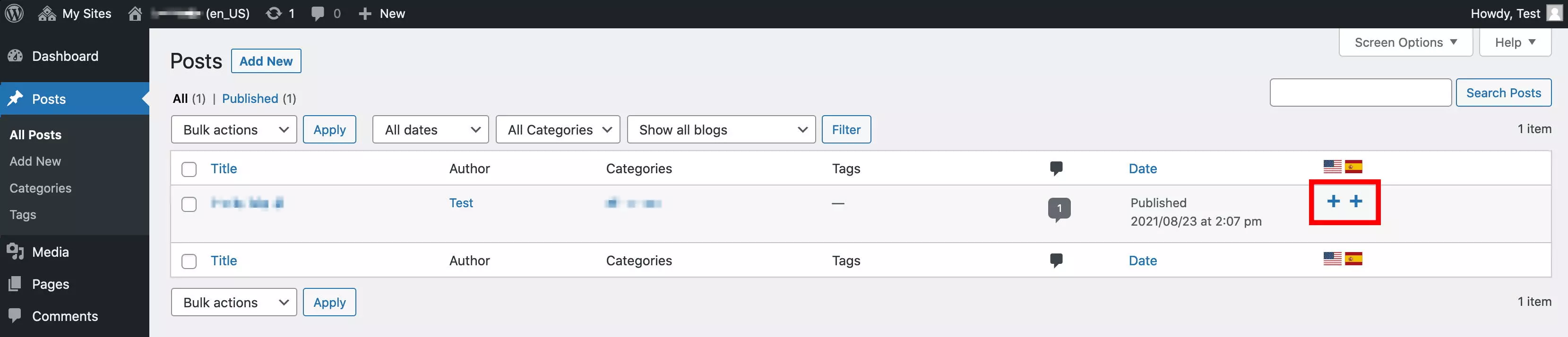
Setting up a multilingual WordPress site with a multisite installation has the advantage that you don't need an additional extension. This way, you’re not dependent on third-party providers, which is of particular interest to larger companies. However, the setup is a bit more complicated and the speed performance of WordPress and individual pages can be a bit slower.
Using WordPress multi language plugins
In addition to the multisite solution, there are a variety of plugins to create a multilingual WordPress website.
WordPress multi language website with WPML
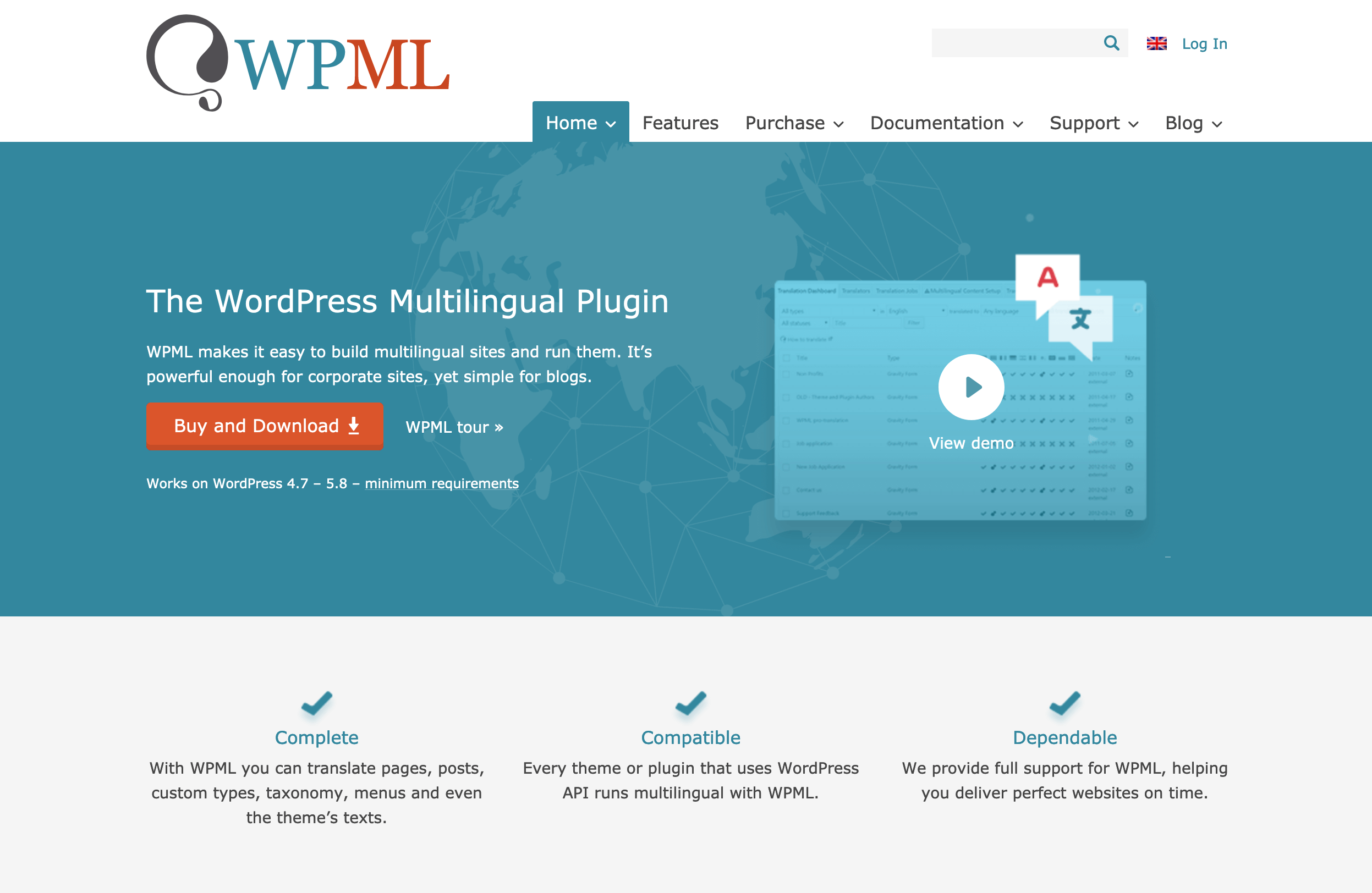
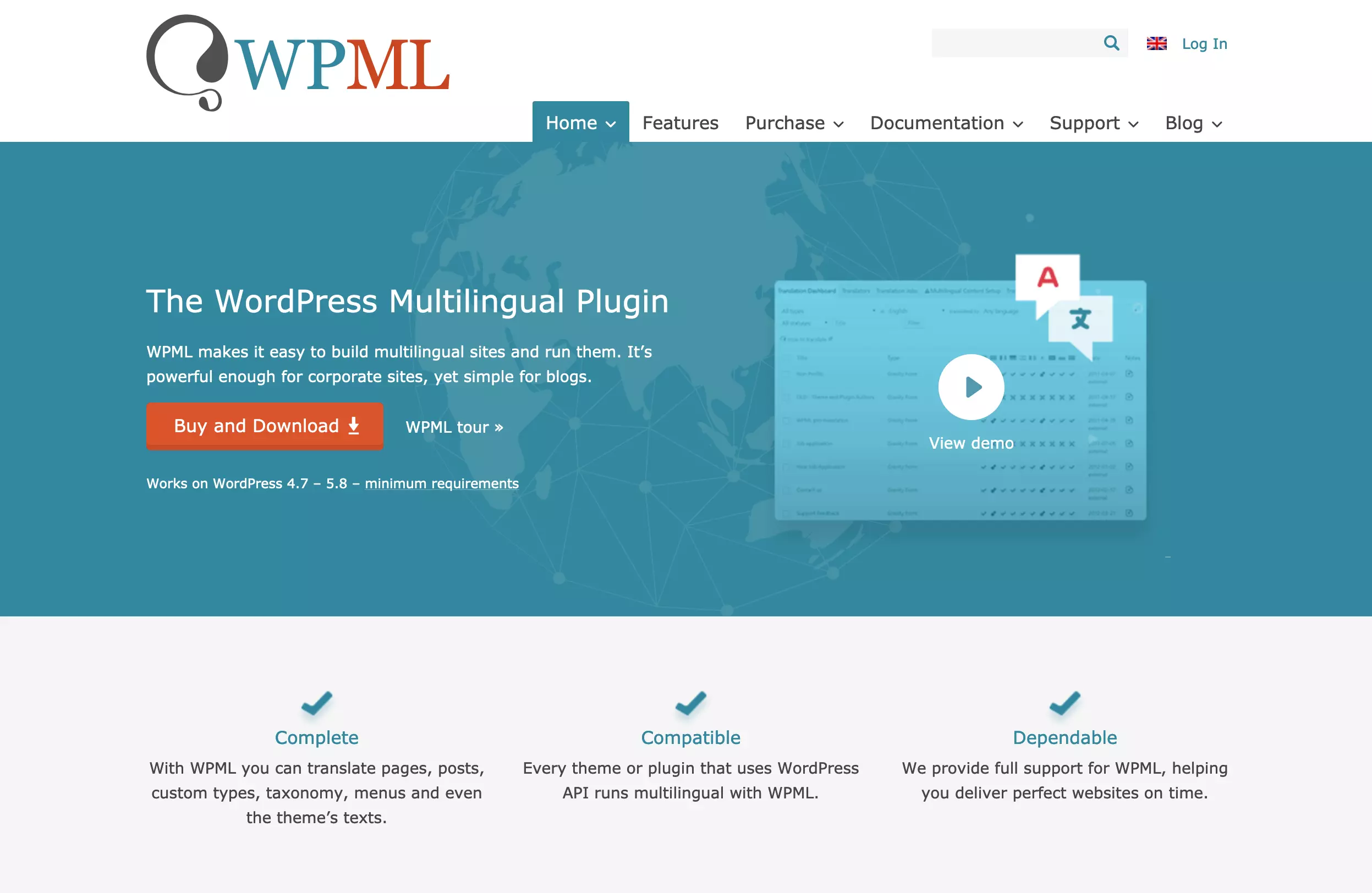
Among the plugins for multilingualism, WPML (WordPress Multilingual Plugin) is one of the most popular. The plugin is available from around £25 per year, which is worth it because of its excellent support and extensive features. With over 40 languages and integrated WooCommerce translation, you can quickly create an international WordPress multilingual website. Besides widgets and page titles, the plugin translates meta title and descriptions, among others.
A special feature that makes WPML stand out from the competition is its translation management. You can quickly and easily assign translations to people or teams. Automated translations are integrated and can be individually edited. Automatic translation is billed via a monthly credit plan or via purchased credits.
WPML is a good solution to set up a multilingual WordPress site thanks to its numerous features. However, because of the wide range of functions it may take a little longer to get your head around it.
Multilingualism fast and easy with Polylang
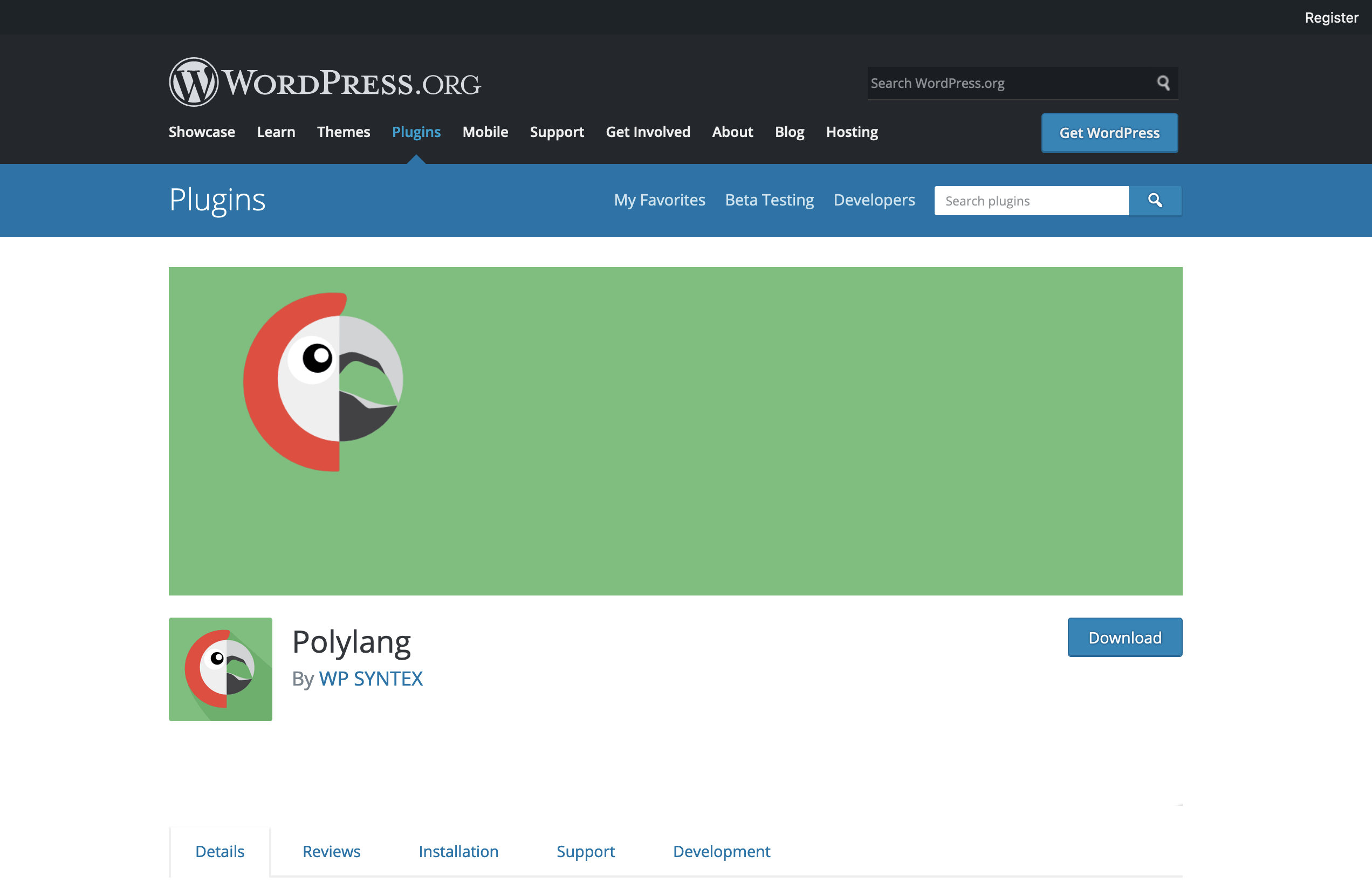
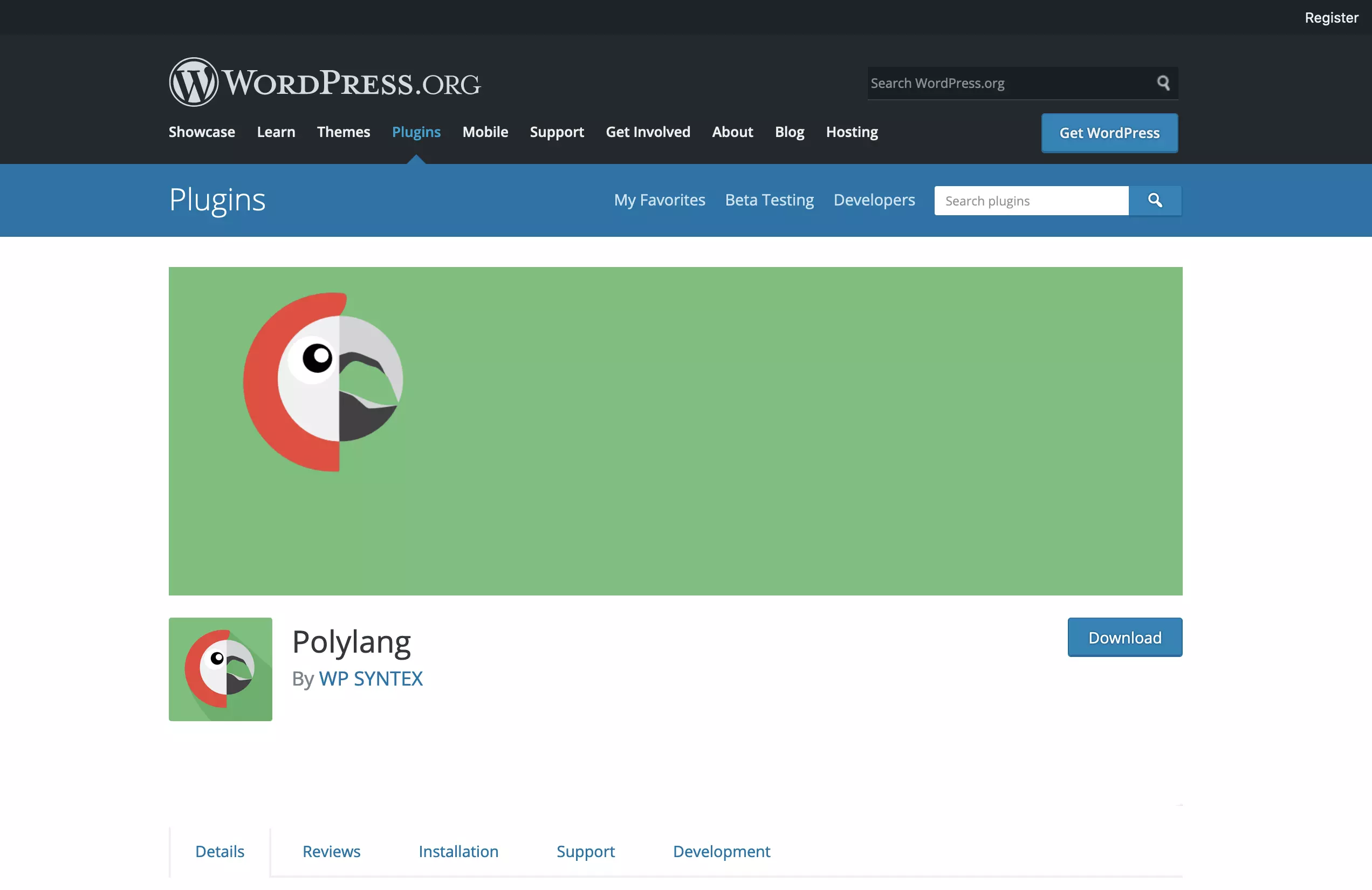
Polylang is a free alternative to set up a smaller multilingual WordPress site. It supports numerous languages, including some with right-to-left writing direction. WordPress language packs are downloaded automatically. In addition to standard WordPress widgets, post formats, RSS feeds and taxonomies, meta data, categories, and keywords can also be translated.
The handling of Polylang is easier than WPML thanks to the lean feature set. For more features, e.g. WooCommerce support, Polylang offers a paid version. However, this is significantly more expensive compared to other plugins.
WPML vs. Polylang: an overview of the most important functions
| Function | WPML | Polylang |
| Translation of posts, pages, and custom types | Yes | Yes |
| WordPress menu translation | Yes (from multilingual CMS) | Yes |
| Translation of tags, categories, and other taxonomies | Yes | Yes |
| Widget translation | Yes | Yes |
| Translation management | Yes | No (only via third-party provider Lingotek) |
| Page builder support | Yes | Yes |
| WooCommerce support | Yes | Yes (free version) |
| Number of languages | 40 | Over 100 |
| Excellent support | Yes | Yes (paid version) |
| Automatic translation | Yes | Yes (paid version) |
| Right-to-left editing | Yes | Yes |
| Price | From around $2£259 per page per year | From $99around £89 per page per year |