

WordPress slider: An overview of the seven best slider plugins

A slider offers the possibility to present different pieces of content prominently on a website and to summarise them clearly in one module. WordPress has practical plugins that enable the user to add professional sliders to their website. We present the best WordPress slider plugins.
Ask, create and research with the European alternative to ChatGPT. Robust security and unlimited chats give you peace of mind.
What can sliders be used for?
Sliders are well suited, for example, for prominently displaying the most important website content in the header and for linking to subpages. This means that new blog posts, shop deals, or other updated content can be advertised at the top in an eye-catching way.
Sliders are also frequently used for image galleries, for example, on subpages. When using sliders, make sure that the amount of content shown in the slider is limited to what is necessary. A slider consisting of ten slides for various subpages distracts from the important content and therefore you’re missing the actual point of this form of presentation.
Hosting your own website is easy and quick with Hosting for WordPress from IONOS.
WordPress slider plugins should include these features
WordPress has lots of plugins to make creating sliders a lot easier.
Plugins that can be used to create WordPress sliders differ in their functionality and operation depending on the provider. Good WordPress plugins should be easy to use, especially for WordPress beginners, so that results can be achieved with just a few clicks. For this purpose, a simple integration of the plugin is just as helpful as the drag-and-drop arrangement of the content.
Most important is the compatibility of the WordPress slider with the most common WordPress themes and other frequently used CMS plugins. Regular updates ensure that the slider also adapts to any updates these themes may need to carry out.
Image elements, due to their file size, also have a significant impact on a website’s loading speed and therefore on search engine ranking. Therefore, WordPress slider plugins should offer additional options to reduce the size of image files. This ensures that pages load quickly, which results in a positive ranking from search engines. The WordPress slider plugins presented here offer options for search engine optimisation. There are also other ways that you can make WordPress faster.
Additionally, a WordPress slider should be responsive. This ensures that the embedded content such as photos and text are automatically scaled for different devices. There are also plugins that remove the slider, for example, when viewed on a mobile device, so that the content is displayed statically. This can help to direct the user’s gaze to the essentials.
A slider’s customisation options when it comes to design ensure that a slider can be integrated optically into an existing website. Many WordPress slider plugins provide design elements within a library and also allow images to be edited, for example, by cropping them directly in the slider. This makes it a lot easier to adapt them to the desired design and means there is no need for image editing programs.
Still looking for a unique domain with matching extension for your website? With IONOS you can quickly and easily register your individual domain.
An overview of the best plugins for WordPress sliders
The WordPress slider plugins presented here meet most of the above criteria for a good plugin.
| Name | Drag-and-drop operation | Responsive display | Price | Search engine optimisation |
| MetaSlider | Yes | Yes | Free basic package | Yes |
| Slider Revolution | Yes | Yes | From around 23 pounds | Yes |
| RoyalSlider | Yes | Yes | From around 11 pounds | Yes |
| Master Slider | Yes | Yes | Free basic package | Yes |
| Slider by 10Web | Yes | Yes | Free basic package | Yes |
| LayerSlider | Yes | Yes | From around 18 pounds | Yes |
| TouchCarousel | No | Not automatic | From around 9 pounds | Yes |
Last updated: April 2022
Would you like to get to know the basic functions of WordPress more intensively? Our WordPress e-book for beginners teaches many helpful basics that facilitate your first steps with the content management system.

Create a WordPress slider: The best plugins in detail
MetaSlider: All important functions are available free of charge
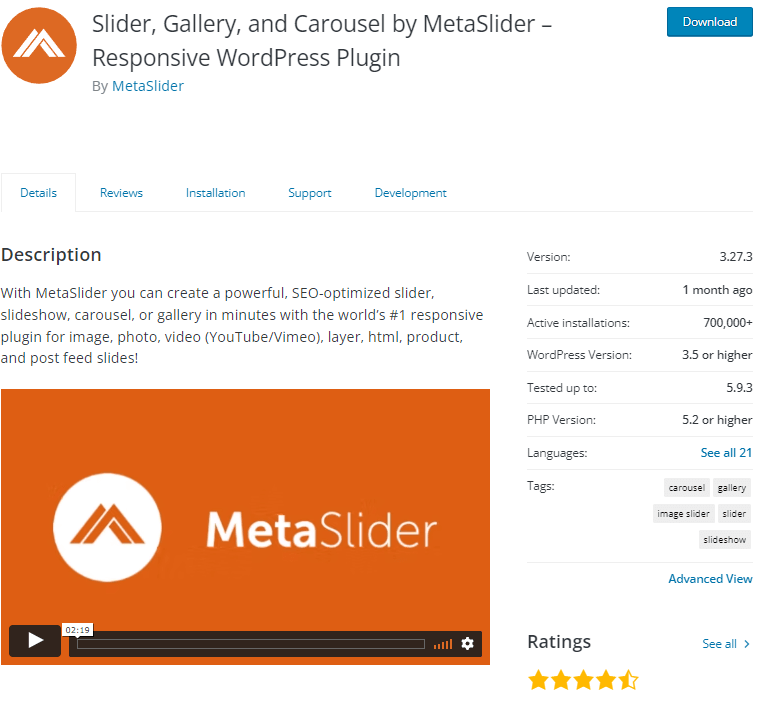
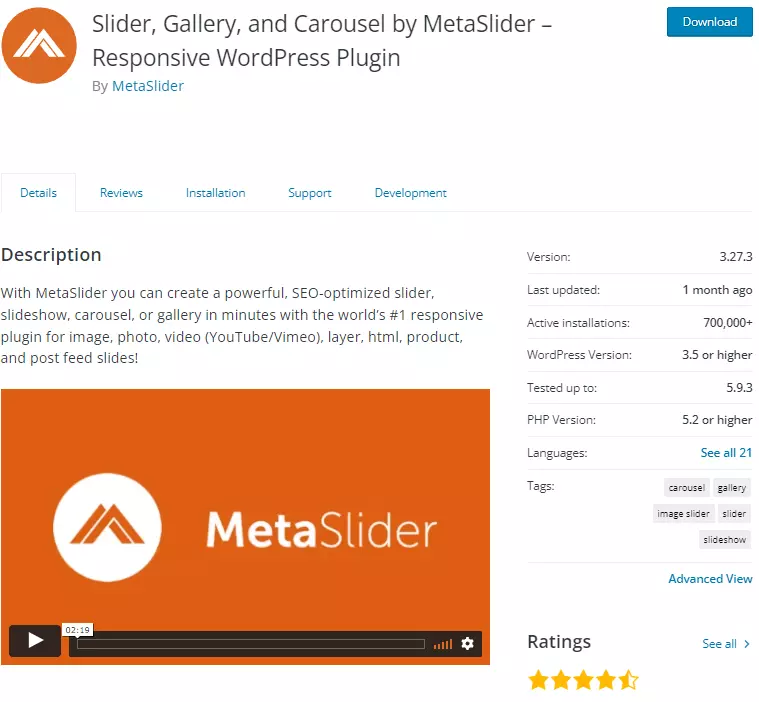
With MetaSlider you get an easy-to-use plugin that even beginners can achieve good results with. The plugin is available with a limited range of functions as a free version. The most important functions such as theme editor or editing options for integrated images are included in this version. The fee-based packages start at around £32 per year and offer additional functions, such as the option to embed YouTube or Vimeo content.
This means that, in addition to image galleries, thumbnails can also be created via drag-and-drop. Video galleries can be integrated into a website as well. The free variant allows image titles and descriptions to be adapted for optimal search engine optimisation.
The fee-based version of the plugin is rounded off by various themes and designs you can select. This makes it easier to adapt the slides to your existing website’s design.
| Advantages | Disadvantages |
| ✓ All important functions are free to use | ✗ Design customisations only possible with Premium package |
| ✓ Automatic image optimisation is included in the free version | ✗ Free to use only for one website |
Slider Revolution: The WordPress slider plugin for advanced users
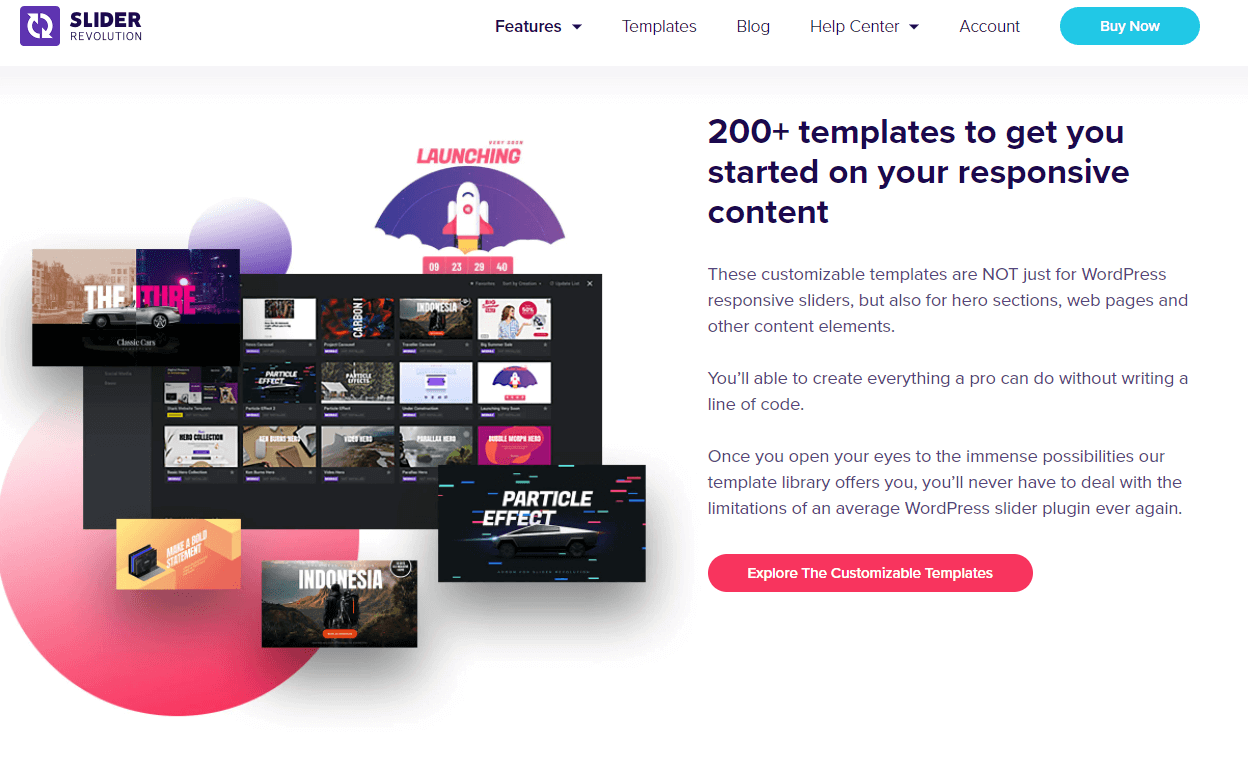
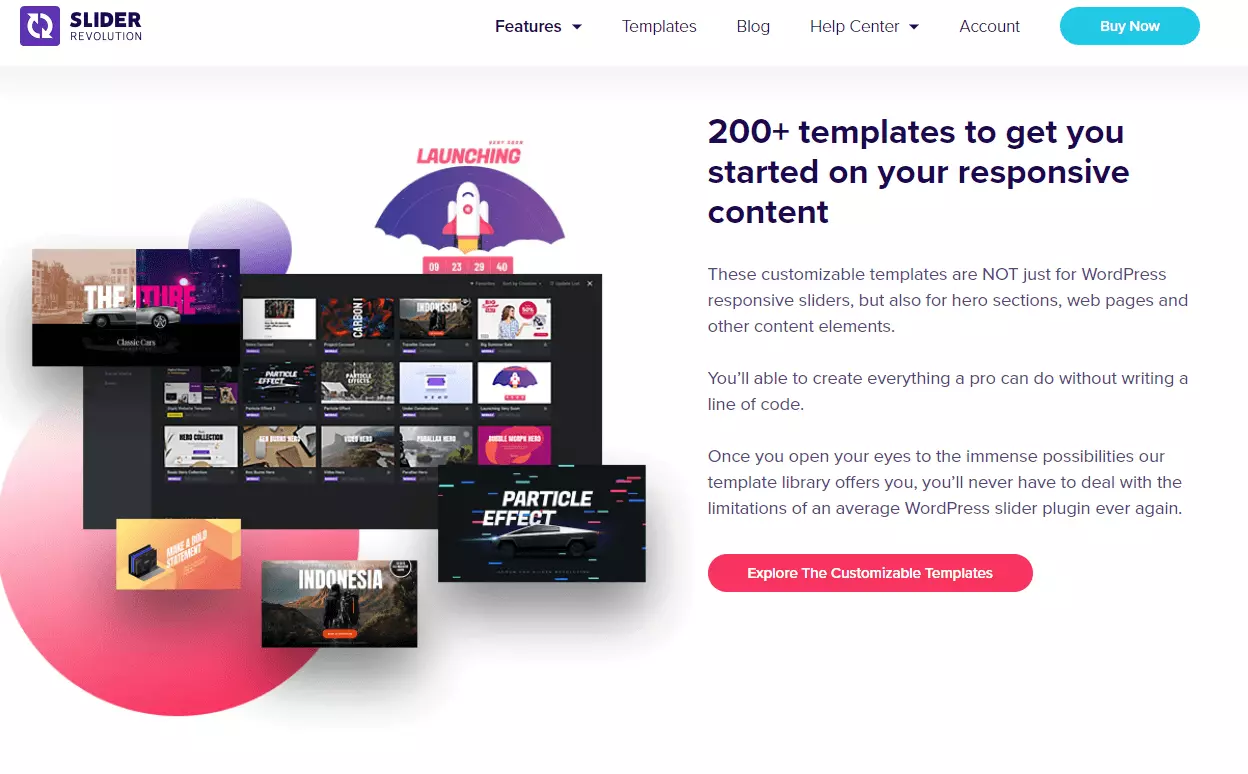
Slider Revolution’s plugin scores points by offering a variety of design templates and themes with which you can create graphically appealing WordPress sliders. According to what’s written on the website, the plugin is primarily aimed at experienced web designers.
Slider Revolution is not available as a free plugin. Instead, you can choose between three different packages, with the cheapest one starting at around £23 per year. As usual, the number of features increases the more expensive the package.
Due to the functions that this WordPress slider plugin offers, it’s clear its target group is primarily designers. There are more than 200 templates for designs of hero elements, special effects or carousels for image galleries, a separate media library for animations of all kinds, and the option to adapt responsive effects to certain types of end devices. All these emphasise the focus on design aspects in the WordPress slider.
| Advantages | Disadvantages |
| ✓ Many templates for different slider types | ✗ No free version |
| ✓ Lazy loading for better loading times | ✗ Many customisation options so can be overwhelming for the inexperienced |
RoyalSlider: The WordPress slider plugin with the essential functions
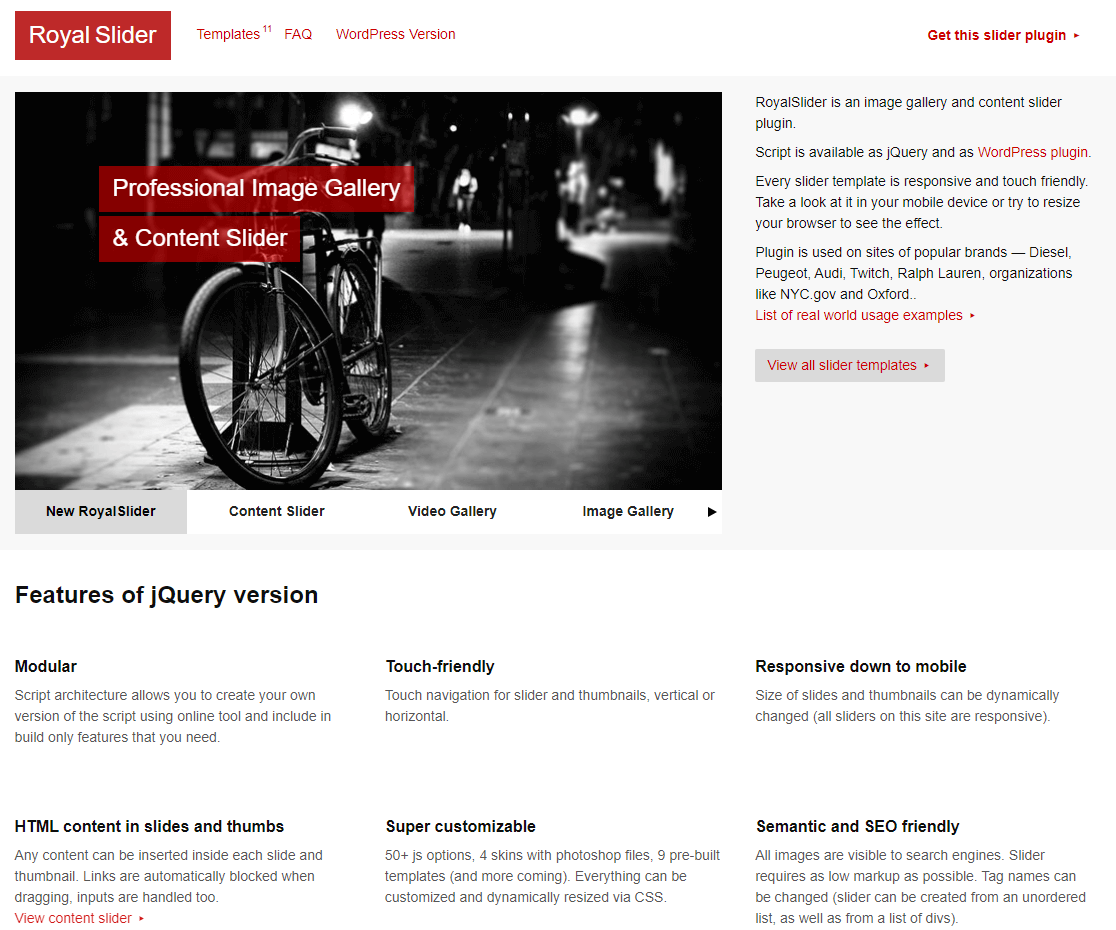
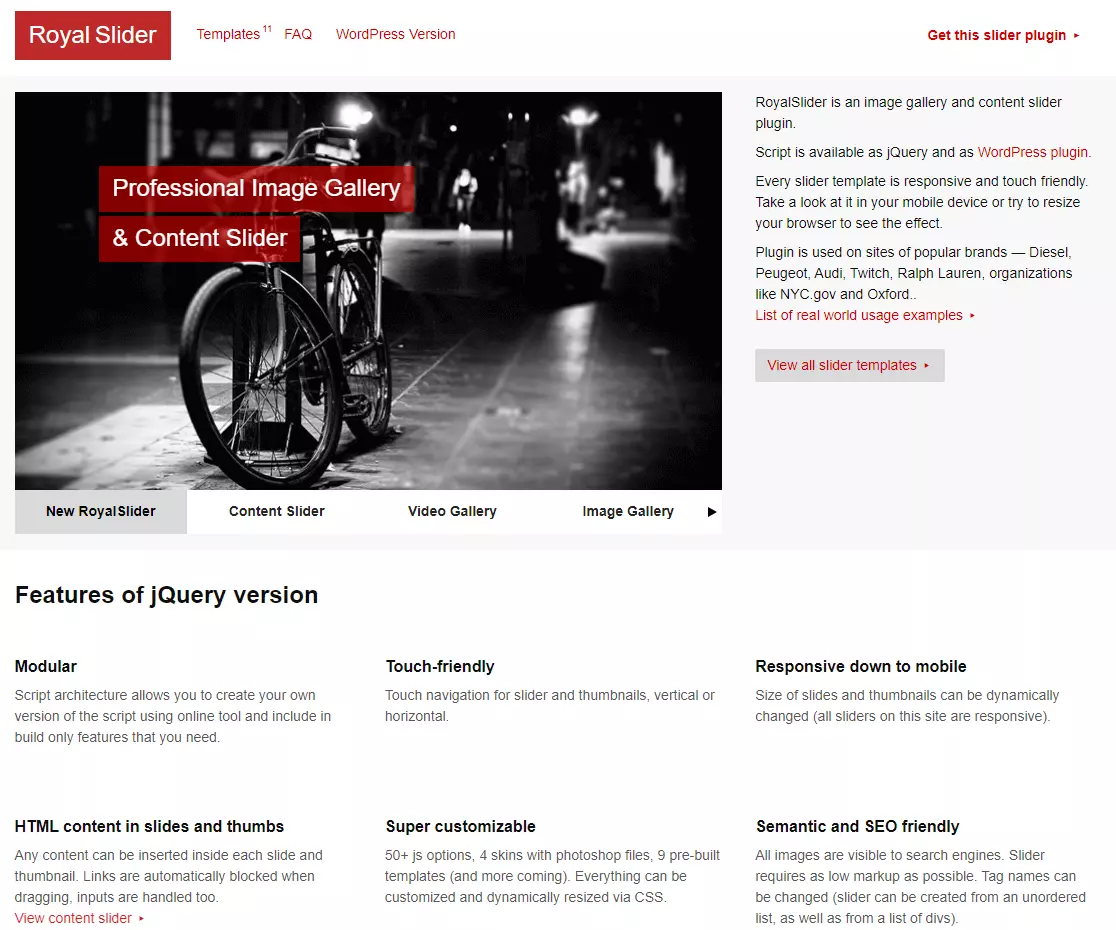
For those who mainly want to integrate a slider into their website without additional gimmicks, RoyalSlider is a good place to start. The plugin is especially suitable for beginners, as the range of functions is reduced to a minimum.
RoyalSlider provides a total of ten templates and five designs so that simple slider modules can be integrated into a website. Image galleries can also be created quickly with the plugin. However, this can also be achieved with special WordPress gallery plugins.
The WordPress slider plugin is one of the more affordable fee-based solutions at around £11 and provides the option to connect to YouTube, Flickr, or Vimeo as well as slider integration.
| Advantages | Disadvantages |
| ✓ Well suited for entry level | ✗ No free version |
| ✓ Lazy loading for better loading times | ✗ Limited range of functions |
- Stress-free, no matter your skill level with easy AI tools
- Full customisation with themes and plugins
- Hassle-free updates and less admin
Master Slider: The right WordPress slider in just a few clicks
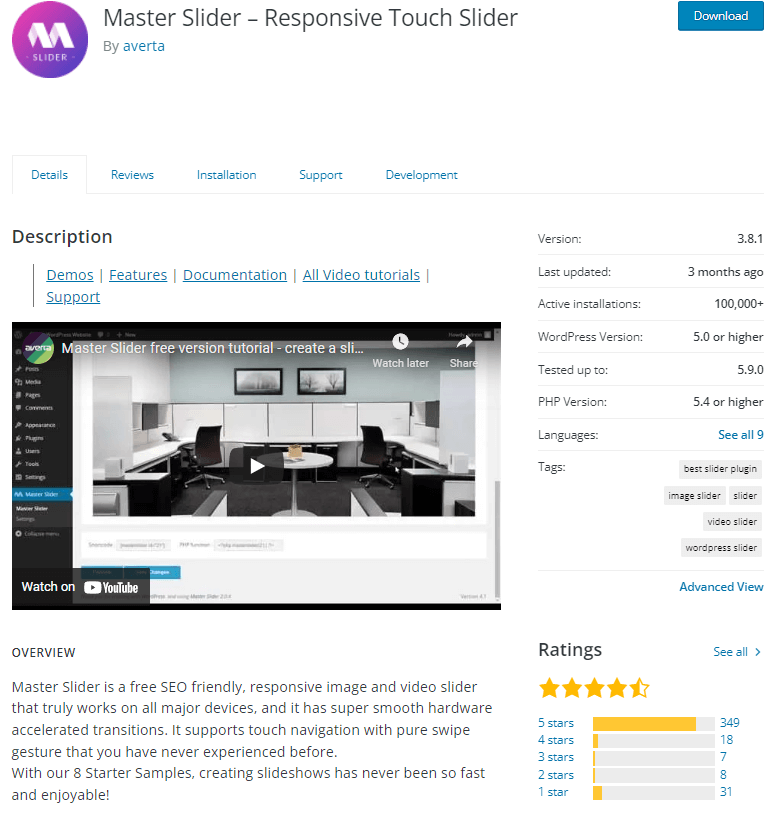
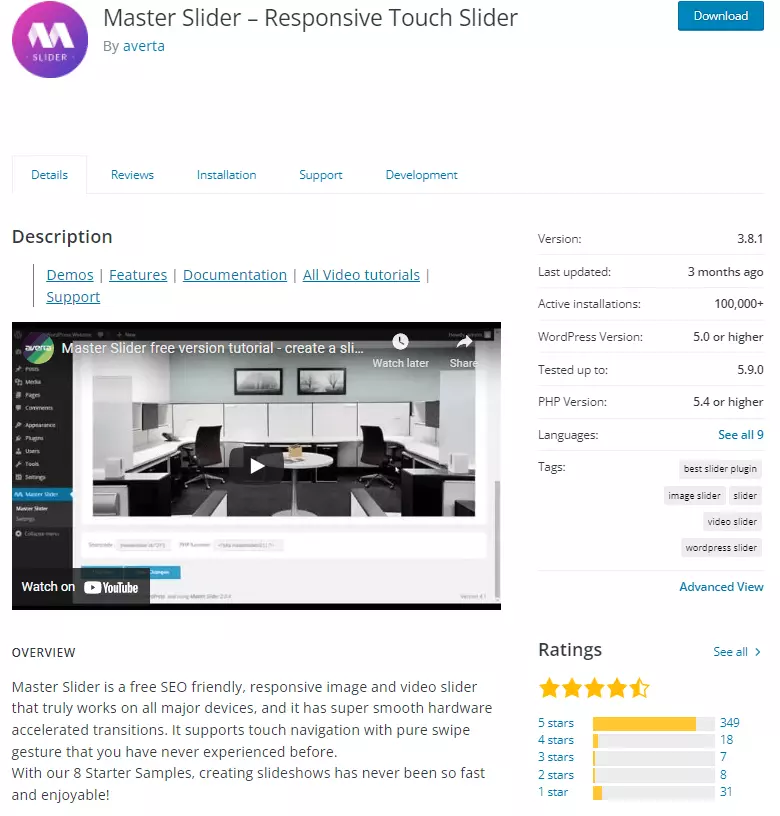
The Master Slider plugin gives you a comprehensive package of different templates and functions, with which you can not only design and embed sliders, but also make additional customisations. Master Slider relies on an easy-to-use drag-and-drop mechanism that allows you to quickly create professional WordPress sliders even without prior knowledge.
Master Slider is free in terms of basic functionality — you get additional features with the WordPress edition, which is available for a one-time fee of around £27. This includes around 100 slider templates as well as further customisation options such as parallax effects or extensive customisation options for the slider templates.
| Advantages | Disadvantages |
| ✓ Very large range of functions | ✗ Extended functions subject to a fee |
| ✓ Simple operation | |
| ✓ Basic functions free of charge |
Slider by 10Web: Unique function for graphics and photography
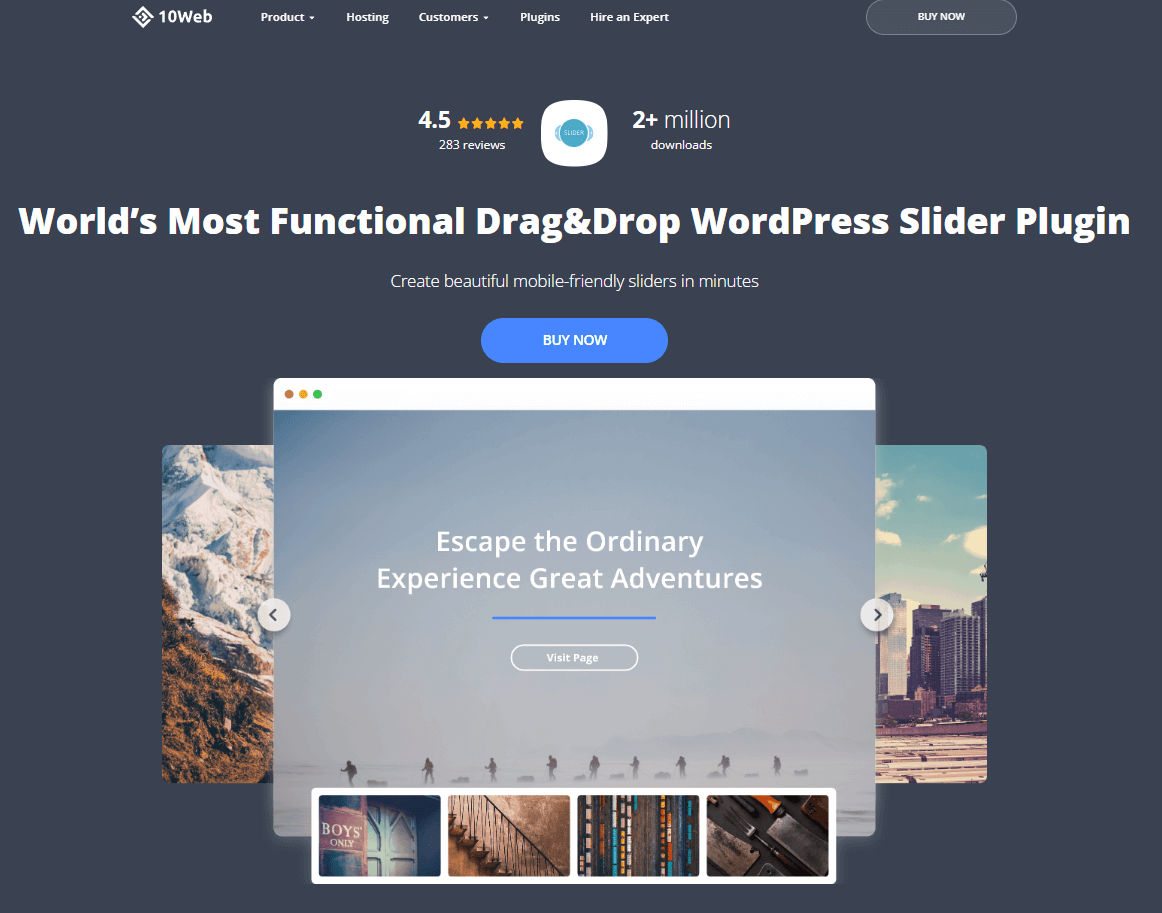
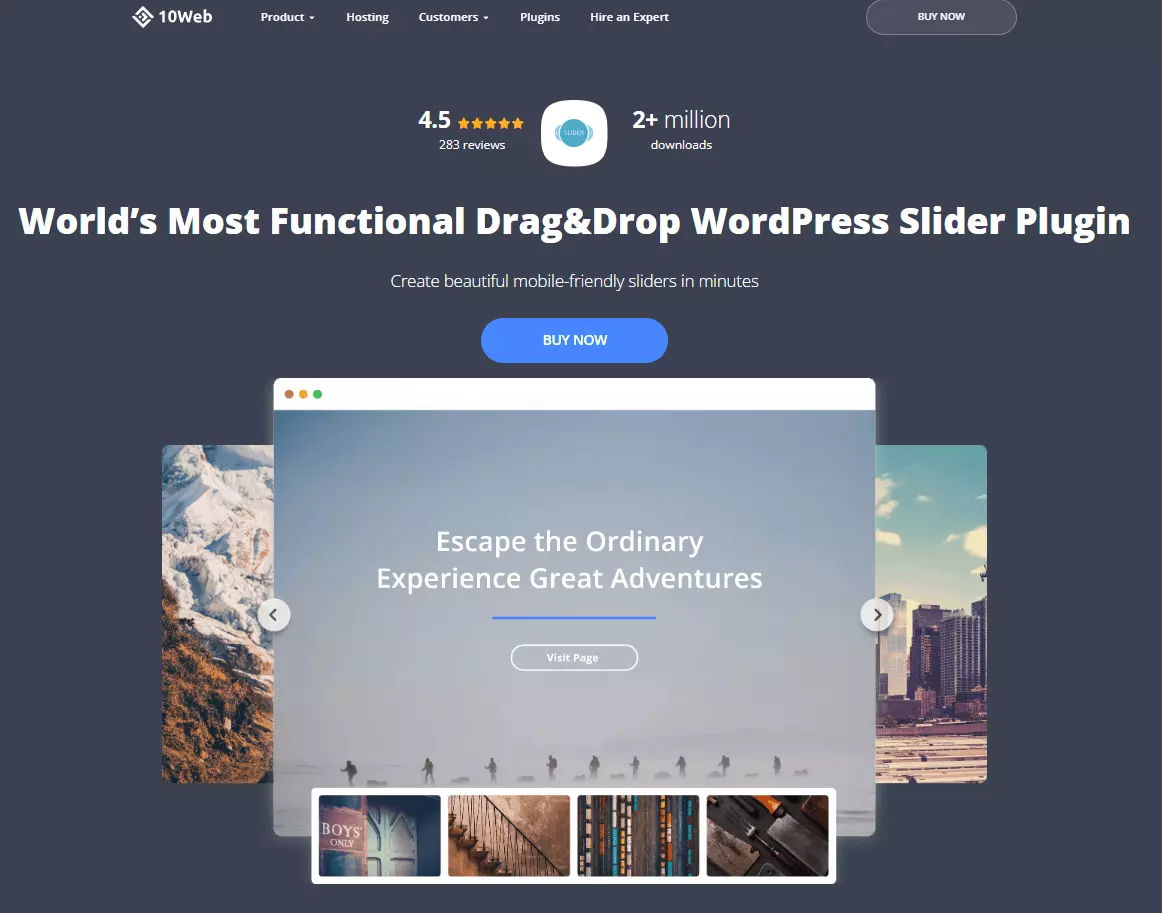
You can get a WordPress slider plugin that is strongly designed to look professional with Slider by 10Web. In addition to many graphic templates for different types of sliders such as galleries and carousels or zoom sliders, the plugin also offers the unique possibility to watermark image elements. This means that the slider is aimed primarily at graphic designers and photographers who are then able to protect their work.
With Slider by 10Web, slider elements full of impressive effects can be added to a website in just a few steps. Search engine optimisation options and connecting videos via YouTube or Vimeo round off the overall package. WordPress SEO plugins, however, offer a more extensive search engine optimisation of your existing content.
Slider by 10Web offers a free variant with limited features that can be gradually expanded with the Premium package starting at around £16.
| Advantages | Disadvantages |
| ✓ Many effects available for sliders | ✗ Greater range of functions subject to a fee |
| ✓ Basic functions free of charge | ✗ Long-term support through updates only available with Premium package |
LayerSlider: The WordPress slider plugin with many functions for agencies
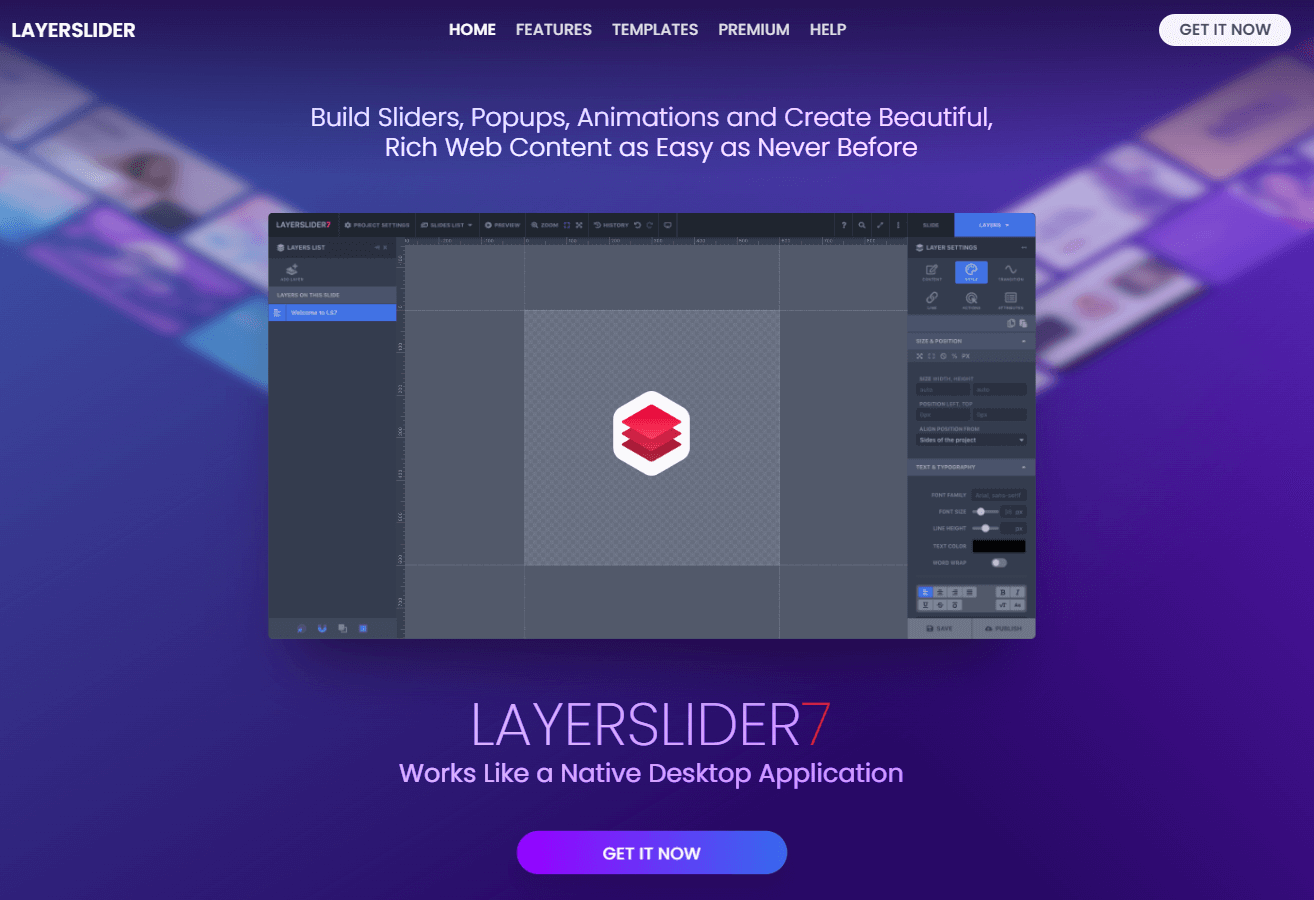
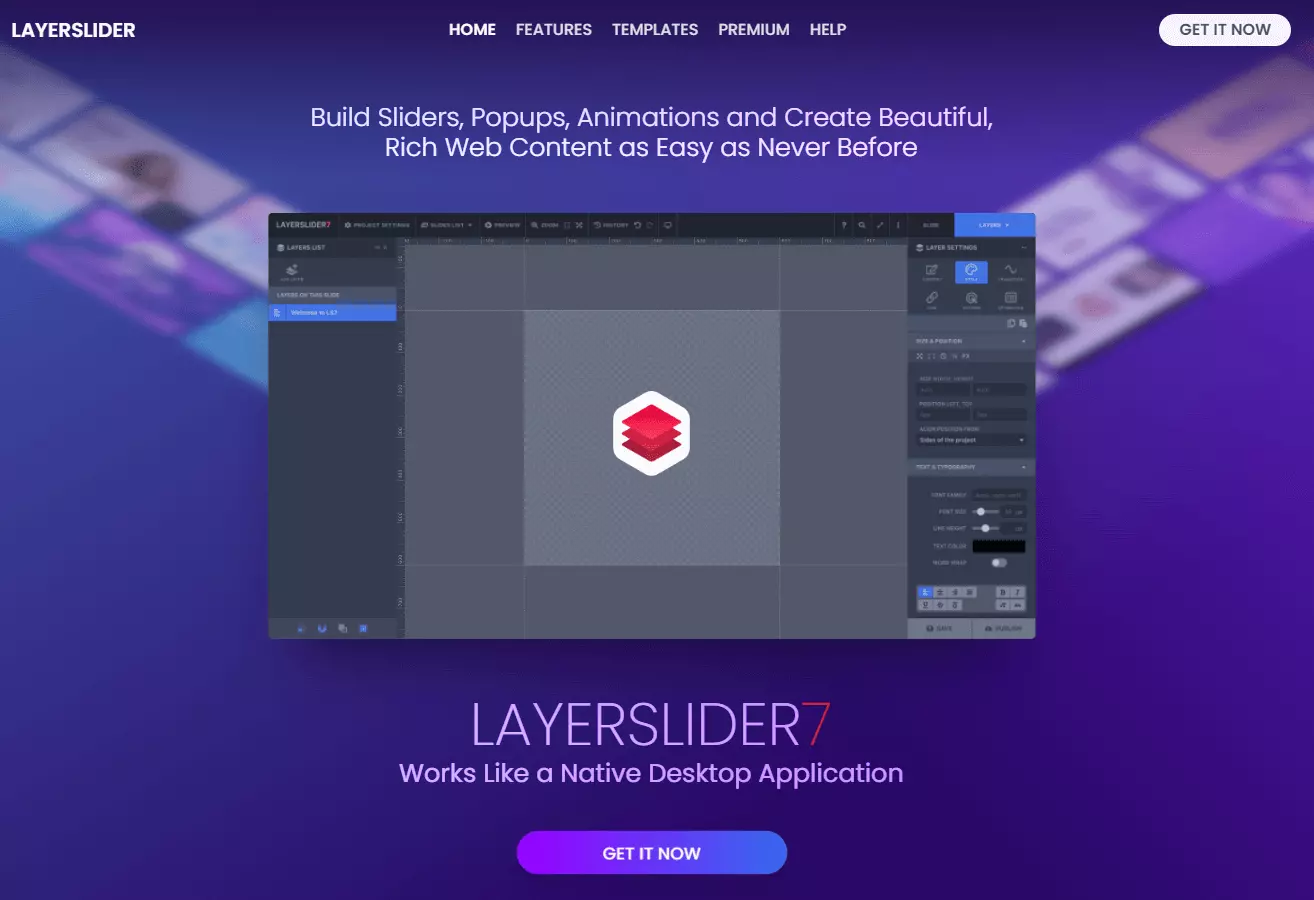
WordPress slider plugin LayerSlider is another solution for all website owners who want to create suitable WordPress sliders with a variety of different templates and designs and use them for different purposes.
A variety of visual effects and ease of use allow you to customise sliders to your own requirements and also to your website’s existing design, and to edit images in a slider even after the slider is finished.
LayerSlider is only available as a fee-based solution, which starts at around £18 per year. The extensive Professional version costs around £53 per year. A special feature is offered to companies such as agencies that want to offer a slider solution to their customers: The In-Stock solution for a one-time fee of around £112 enables the slider to be adapted to the customer’s existing themes.
| Advantages | Disadvantages |
| ✓ Many design templates | ✗ No free version |
| ✓ Extensive image editing capabilities |
TouchCarousel: The WordPress slider for regular blog updates
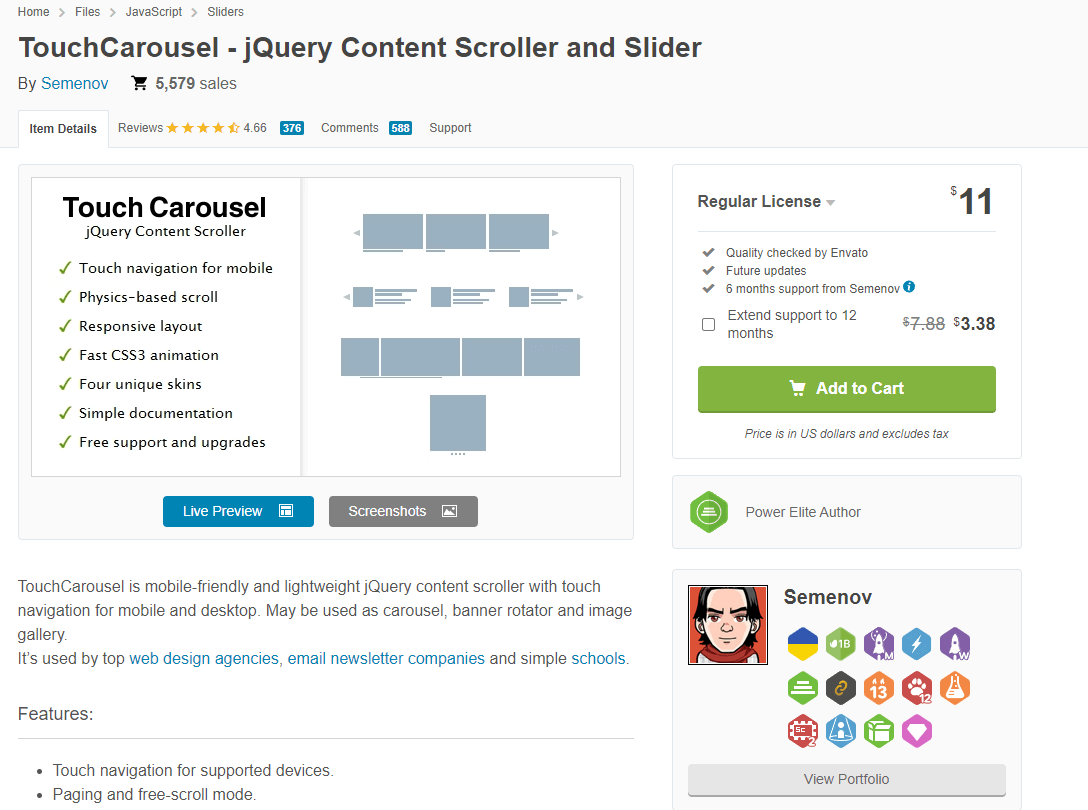
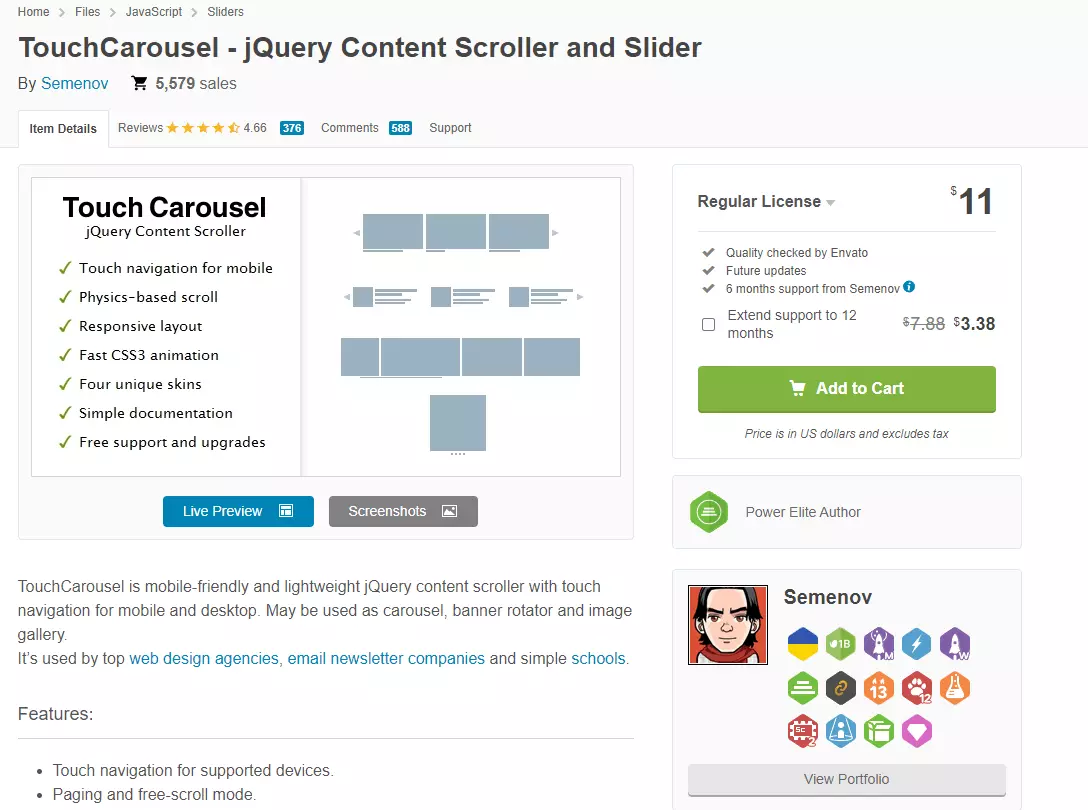
Unlike the abovementioned ways to create WordPress sliders, TouchCarousel is limited to combining a slider with blog posts. For this purpose, a post is marked with a specific post type after creation, which is connected to the slider plugin in the next step.
From this, TouchCarousel generates a slideshow that updates automatically as soon as a new blog entry is posted. The plugin’s complete operation takes place in the WordPress dashboard, meaning that all functions are controlled centrally.
This makes the plugin particularly suitable for websites that regularly post new content in the form of articles. These can be prepared with TouchCarousel for the readers in a more visually appealing form. The plugin is available for around £9.
| Advantages | Disadvantages |
| ✓ Easy to use from the WordPress dashboard | ✗ Strongly limited range of functions |
| ✓ Clearly defined design options | ✗ No search engine optimisation |
Read more about WordPress in the Digital Guide:
- How to integrate a WordPress video
- All about WordPress cookie plugins
- How to set up WordPress staging
- The best Instagram plugins for WordPress
- The most important WordPress shortcodes
Reviewer

Julia Hertler
With over 18 years of experience in content marketing, Julia Hertler has deep expertise in digital communications. For the past 10 years, she has specialised in the areas of domains and hosting at the IONOS Digital Guide, making complex technical topics easy to understand.