

WooCommerce payments: default types and other payment gateways

WooCommerce is a popular solution for retailers to sell their goods or services online. But budding retailers and online brands should also consider the payment options they provide for customers to enable quick and secure checkouts. WooCommerce offers numerous payment gateways. Find out more about individual payment options in WooCommerce and their pros and cons.
Ask, create and research with the European alternative to ChatGPT. Robust security and unlimited chats give you peace of mind.
Choosing the right WooCommerce payment methods
Considering the number and types of WooCommerce payments is an important component of setting up your online store. Too few options may lead to potential customers flocking elsewhere. Too many could confuse customers and turn them away. Add to that the fact that maintaining multiple online payment services increases your organisational load and, in the worst case, could affect the performance of your website.
Finding a happy middle ground is what you are after. WooCommerce provides access to several payment methods by default and you can add additional payment options.
IONOS is your partner for WooCommerce Hosting! With three packages to choose from, you’ll be sure to find the right one for you! SSL wildcard certificate, large SSD storage, and (at least) one domain are always included in the price.
Default WooCommerce payments
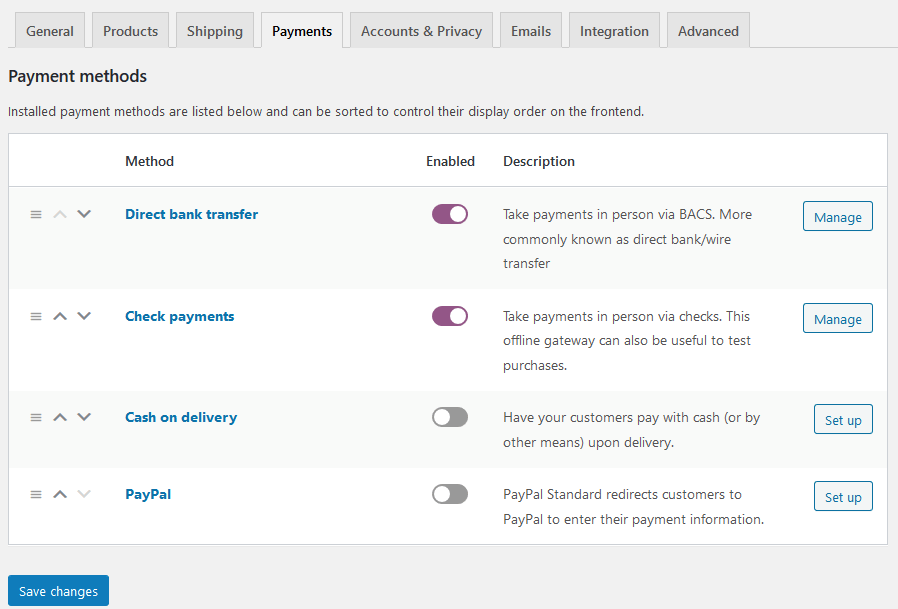
As a default, WooCommerce offers four payment methods. You can disable the ones you don’t wish to use. While the defaults are a good start, they won’t suffice for larger online shops. Default payment methods on WooCommerce include direct bank transfer, cheque payments, cash on delivery, and PayPal.
Direct bank transfer
Direct bank transfer is not necessarily the most practical solution for customers. The option means that a customer transfers a payment from their account to the retailer’s. Once the transfer is confirmed, the goods are shipped. While the option is safe for the seller, it can lead to delays in shipping. Items that have been purchased are blocked to avoid double sales. However, the payment method requires a bigger effort from buyers who carry most of the risk since they are paying in advance.
Cheque payments
Paying by cheque may seem like a relic from olden days, but the WooCommerce payment is still used widely. The option is advantageous for sales made to customers abroad. Sellers should remain cautious of potential fraud. The payment process is similar to direct bank transfer in that the buyer receives the requested information so they can make the cheque out. The goods are delivered once payment has gone through, offering similar advantages and disadvantages to a bank transfer.
Cash on delivery
With cash on delivery, the risk lies more heavily with the seller, because payment is only made upon delivery. If offered, it makes sense to include or exclude certain shipping methods to ensure that payment reaches you as fast as possible without incurring unexpected costs. Sellers should include the service fee that’s usually charged by the shipping contractor and pass it on to the customer in a transparent manner. Principally, you could add your own service fees, but are subject to strict legal restrictions.
PayPal
PayPal is among the most popular payment gateways and not just in WooCommerce. The online payment service is available globally and is super easy to use. It’s a secure option for customer and sellers alike. One disadvantage for sellers are PayPal’s transaction fees which can be high. You will need to sign up for a business account to use PayPal on your site. Although it is technically available as a default payment in WooCommerce, setting up an account can take some time. There are numerous alternatives to PayPal if you prefer a different option.
- Smart, AI tools for any skill level make it easy
- Faster WordPress platform with an optimised database
- Free SSL for secure transactions
Other WooCommerce payment gateways
In addition to the standard payment methods, you can integrate other payment providers with WooCommerce. The ones that are most suitable for your needs will depend on the type of your store. Below are five of the best providers available right now.
Stripe
Stripe is a popular WooCommerce payment option, especially in the United States. The plugin is free and setup is relatively simple. Stripe adds credit card payments to your WooCommerce payment gateways and also integrates Apple Pay and Google Pay. Stripe charges a fee of 1.4 percent and a flat rate sum of £0.20 per transaction. For international bank cards, the fee is 2.9 percent.
Braintree


Another WooCommerce payment method is Braintree. The integration is free, and fees are only due for individual transactions. At 1.9 percent plus a flat rate of £0.20, they are comparatively high. In return, however, Braintree, which is part of PayPal, provides subscription features and numerous payment options. PayPal, credit cards, Apple Pay, Google Pay, and GiroPay are included, among others.
The simple way to designing your own online store! Boost sales and benefit from numerous additional features with IONOS.
Mollie
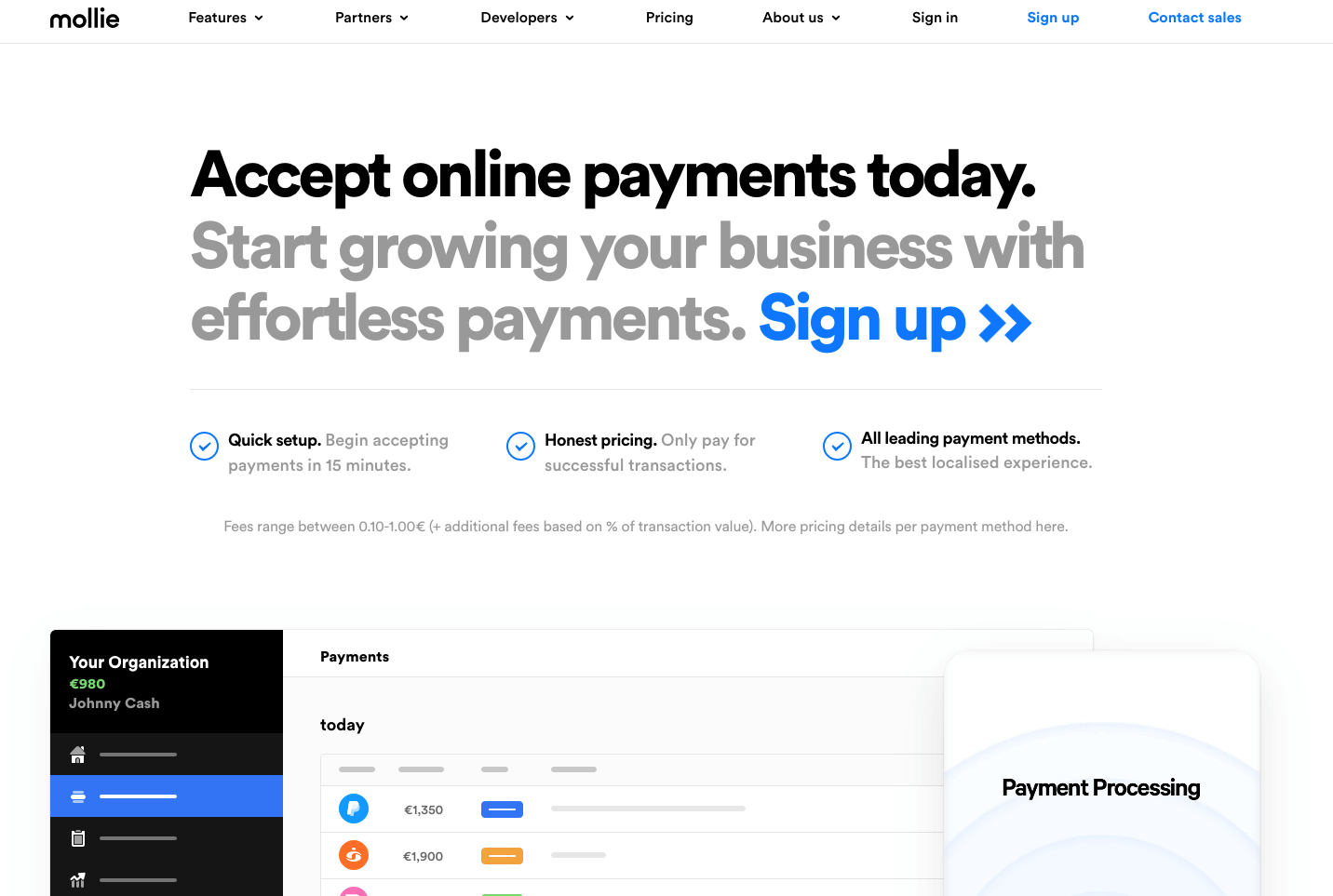
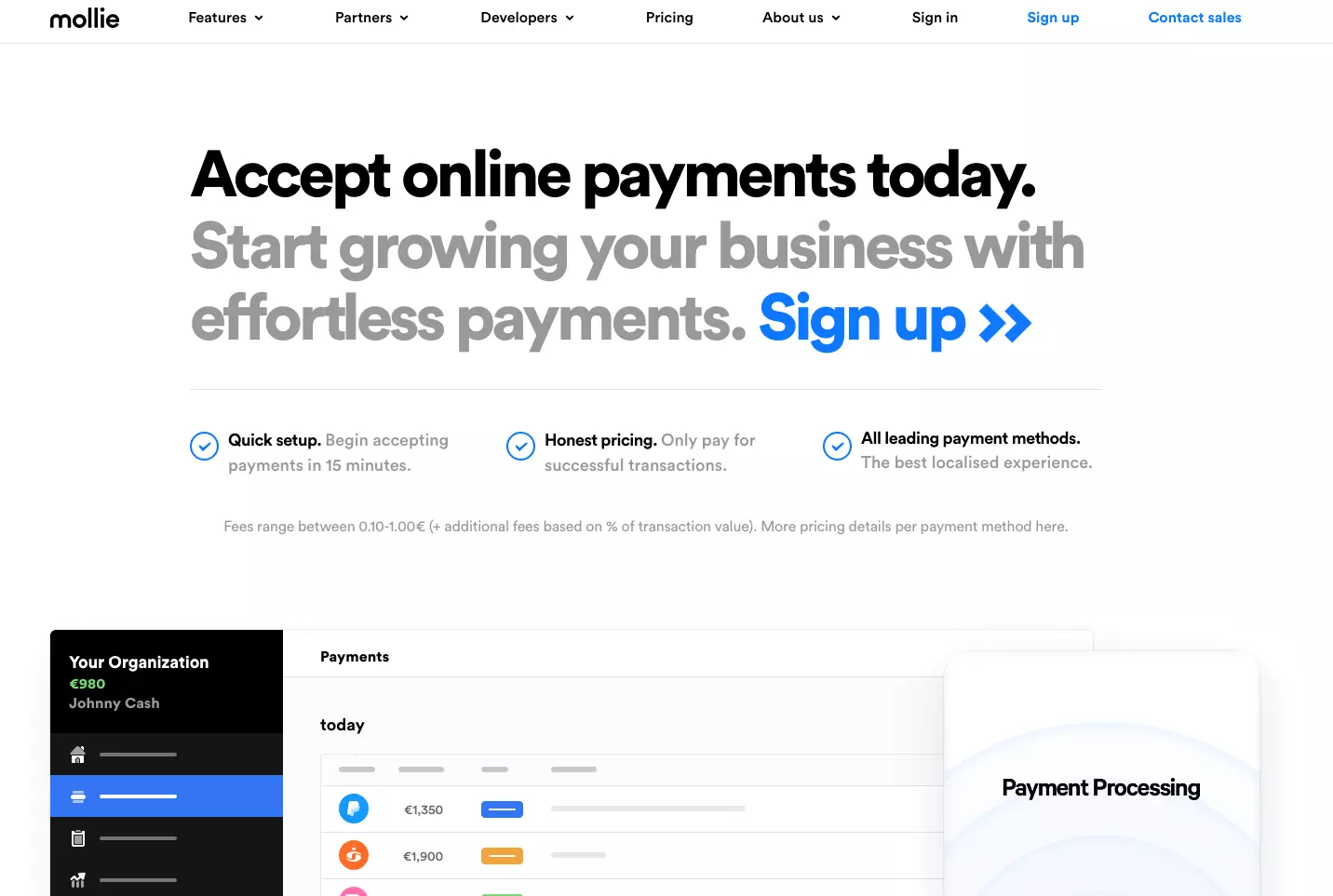
Mollie too provides popular payment options for WooCommerce. Credit cards, debit cards, PayPal, Klarna and numerous local payment methods are accepted. There are no set-up fees. Mollie charges per transaction, although the amount depends on the payment method. Mollie also scores well in terms of support, providing quick answers to technical queries and full or partial refunds.
Amazon Pay
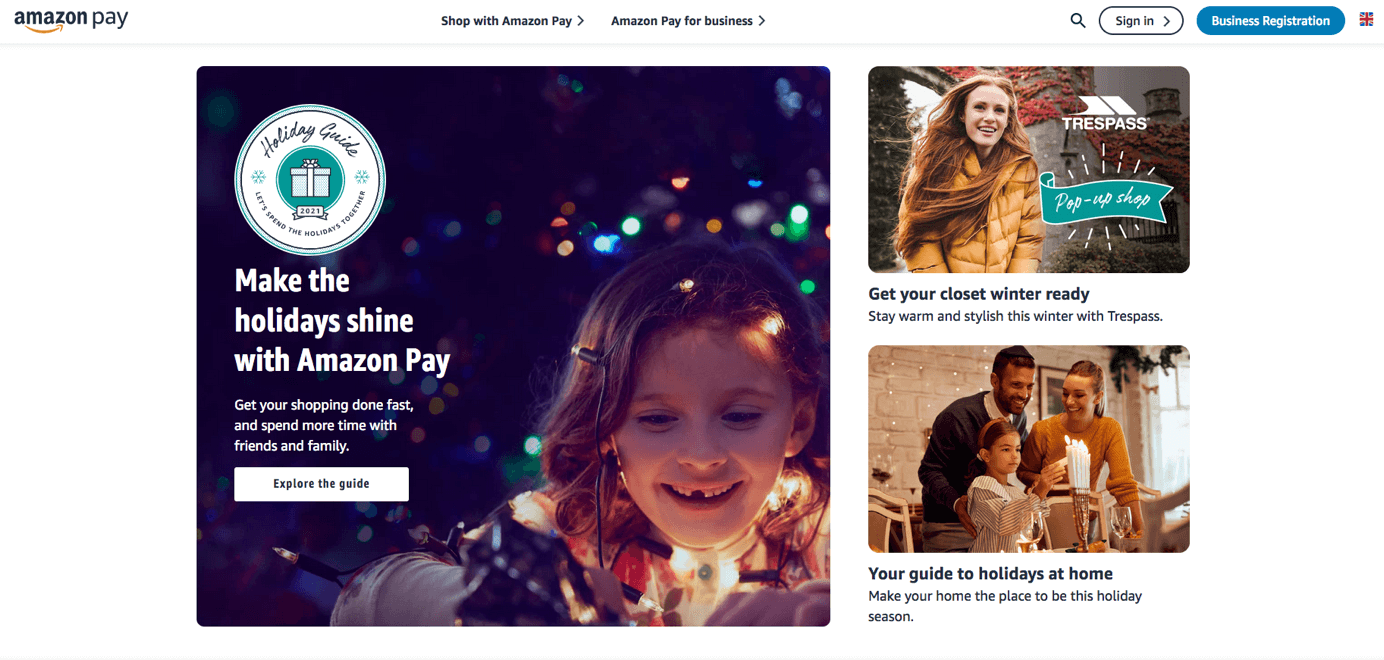
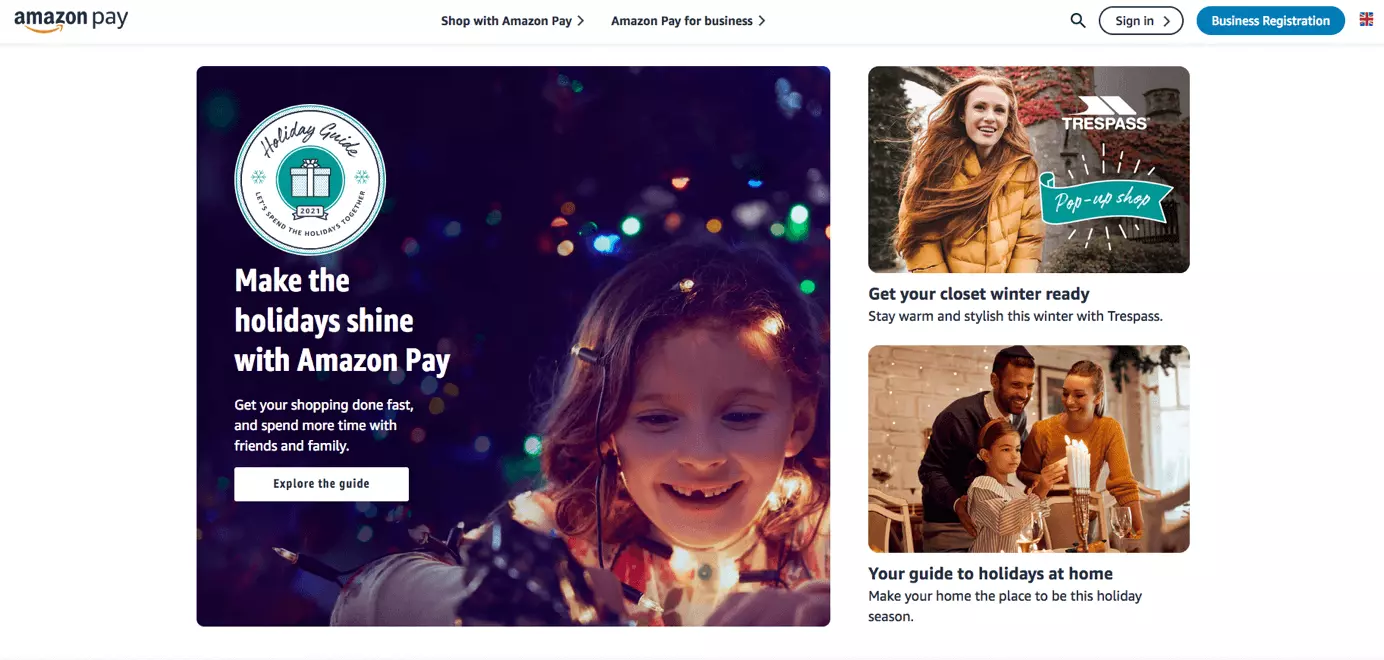
Amazon Pay will only work for customers with an existing Amazon account. Thus, it should only be added to your WooCommerce payment gateway as a supplemental option. Payments for customers are super simple and take just a few clicks, eliminating the need to re-enter personal data. Amazon Pay charges a flat rate of £0.30 per transaction and an additional fee of 2.7 percent up to a 50.000 payment volume.
Wallee
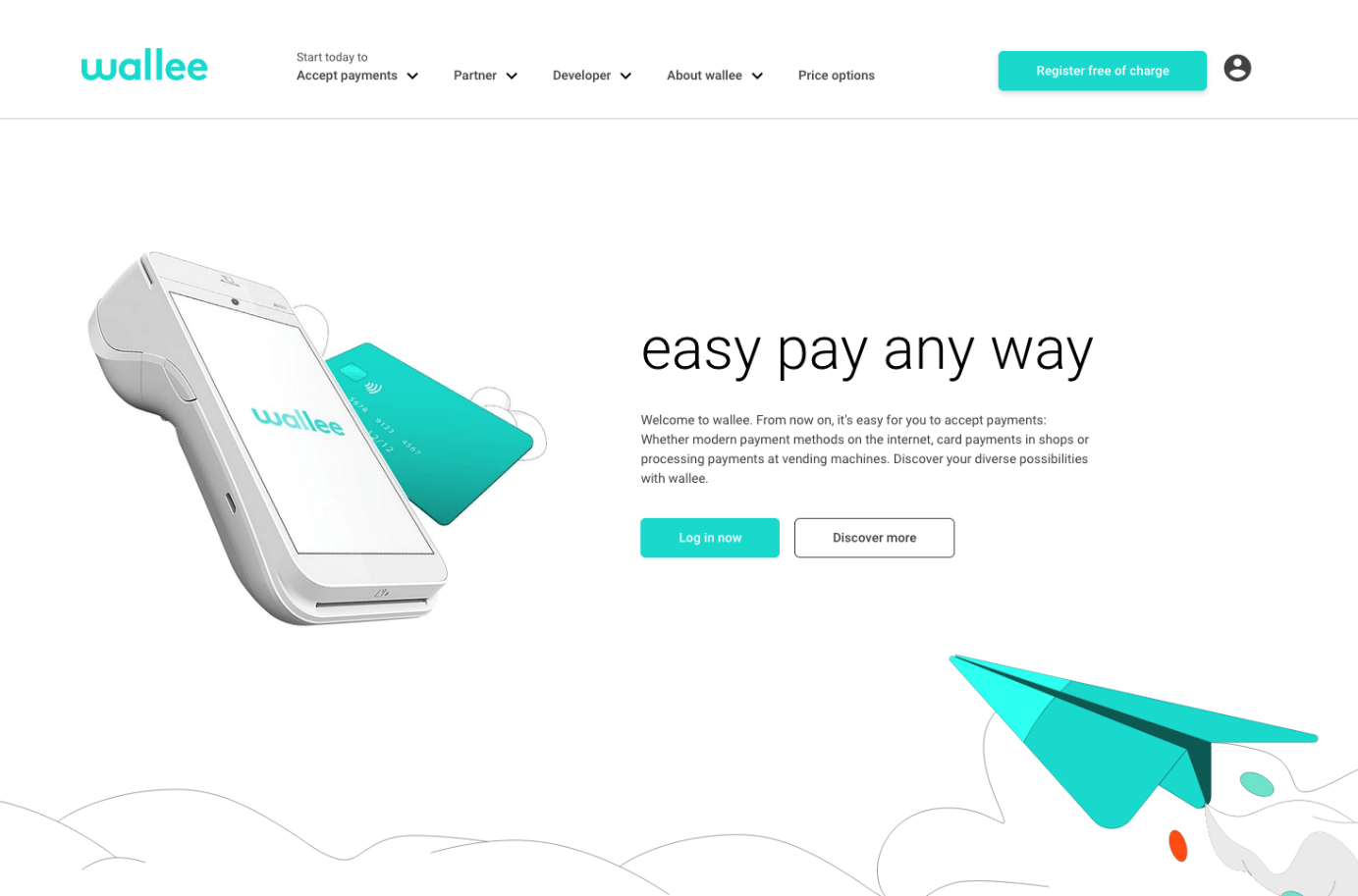
Wallee is a rather unknown payment provider for WooCommerce. While setup is free, the company charges a monthly usage fee. In the basic version, the monthly fee is approximately £18 per month. Transaction charges vary depending on payment method and are roughly £0.18 per purchase. Up to ten different payment methods for WooCommerce are included in the basic rate.
There are numerous WooCommerce payment methods available. Different payment providers enable easy checkout. Besides the default options, you should add at least one credit card option. Whether you want to add other payment methods will depend on the size of your store and customer preferences.
Reviewers

Melissa Senn
Melissa Senn has been with IONOS since 2016 and focuses on website, e-commerce, social media, and AI in the Digital Guide. As a digital strategist, she uses her extensive SEO and GEO experience to transform complex technological trends into practical content.

Julia Hertler
With over 18 years of experience in content marketing, Julia Hertler has deep expertise in digital communications. For the past 10 years, she has specialised in the areas of domains and hosting at the IONOS Digital Guide, making complex technical topics easy to understand.