

What are the best Podcast hosting providers?

If you want to share your podcast with the public, you’ll quickly face the issue of podcast hosting. There are currently a wide variety of podcast providers out there, each offering different features and having different pros and cons. We take a look at five of the most popular podcast hosting providers, as well as the option of self-hosting.
What is podcast hosting?
Put simply, podcast hosting allows your podcast to reach the public more easily. Most people find podcasts on music streaming services like Spotify, Apple Music, and Pandora. Podcast hosting providers make sure that your podcast makes it onto these platforms.
It works something like this: You sign up for a podcast hosting service of your choice and upload your episodes there. All of your audio files will then be saved on the hosting server, which will generate an RSS feed. This feed is passed onto the streaming platforms, so that the podcast feed is automatically updated with each new episode.
Comparison of podcasting hosting providers
As we just learned, if you want to ensure that your podcast reaches listeners, you can register with a podcast hosting provider and upload your episodes to their server. Your podcast will then appear on the various streaming platforms. So far, so good! The only ‘problem’ is that there are a very large number of podcast hosting providers on the market, making it hard to figure out which is the right one for you. Below we’ll describe five of the most popular podcast providers and compare their features and pros/cons. But first, here are some things you may want to keep in mind when reading this guide or trying out providers:
- How intuitive and user friendly is the podcast provider?
- If you’re considering a paid option, which features will be important for your podcast?
- Do you want the audio files that you upload to be automatically encoded?
- Does the provider have any limits on monthly uploads (either in the number of episodes or hours)?
- What extra features does the provider offer? (For example, ad insertion, email marketing integration, podcast promotion via third-party providers like Patreon, monetisation options)
- What metrics does the provider offer for evaluating podcast statistics?
| Anchor | Podigee | Captivate | Transistor | Buzzsprout | |
|---|---|---|---|---|---|
| Suitable for | Beginners | Beginners | Advanced users and teams | Advanced users and teams | Beginners |
| Price per month (Price per year) | Free | Around £15-120 (£115-1145) | Around £15–80 (£165–865) | Around £15–80 (£150–795) | Free or paid for around £10–20 |
| Audio encoding per month | Unlimited | 4–20 hours (After upload limit, around £5/hour) | Unlimited | Unlimited | 2–12 hours (After upload limit, around £1.50/hour) |
| Podcast website | Yes | Yes | Yes | Yes | Yes |
| Podcast player | Yes | Yes | Yes | Yes | Yes |
| Distribution to popular streaming platforms | Yes | Yes | Yes | Yes | Yes |
| Podcast analytics | Comprehensive | Only comprehensive for Advanced and Professional packages | Comprehensive for every pricing package | Comprehensive for every pricing package | Comprehensive for every pricing package |
| Additional features | Podcast subscriptions, option to record podcast in the tool | GDPR conformity | Dynamic advertisements, Growth Lab with numerous tutorials | Podcast subscriptions | Numerous tutorials available in backend, integrated transcription |
Information last updated March 2022.
Anchor
Anchor is Spotify’s podcast hosting provider and offers unlimited hosting and optimised distribution – all for free. That means that podcasters can upload as many shows and episodes as they want, without any monthly upload limits.
This podcast provider is a great place for beginners to start, given that it’s completely free and comes with a number of useful features. Thanks to their minimalistic approach and simple user interface, you can easily find your way around without any background knowledge in podcast engineering, distribution, or audio quality.
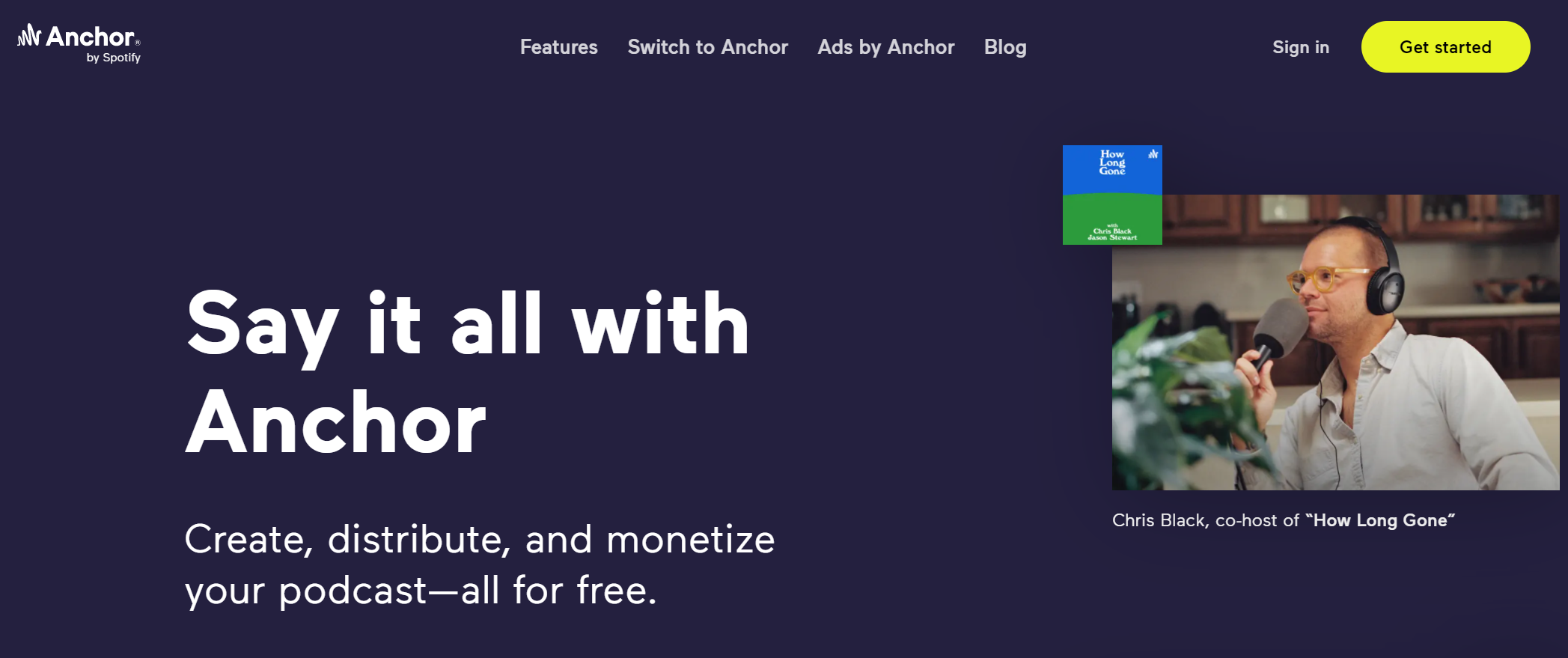
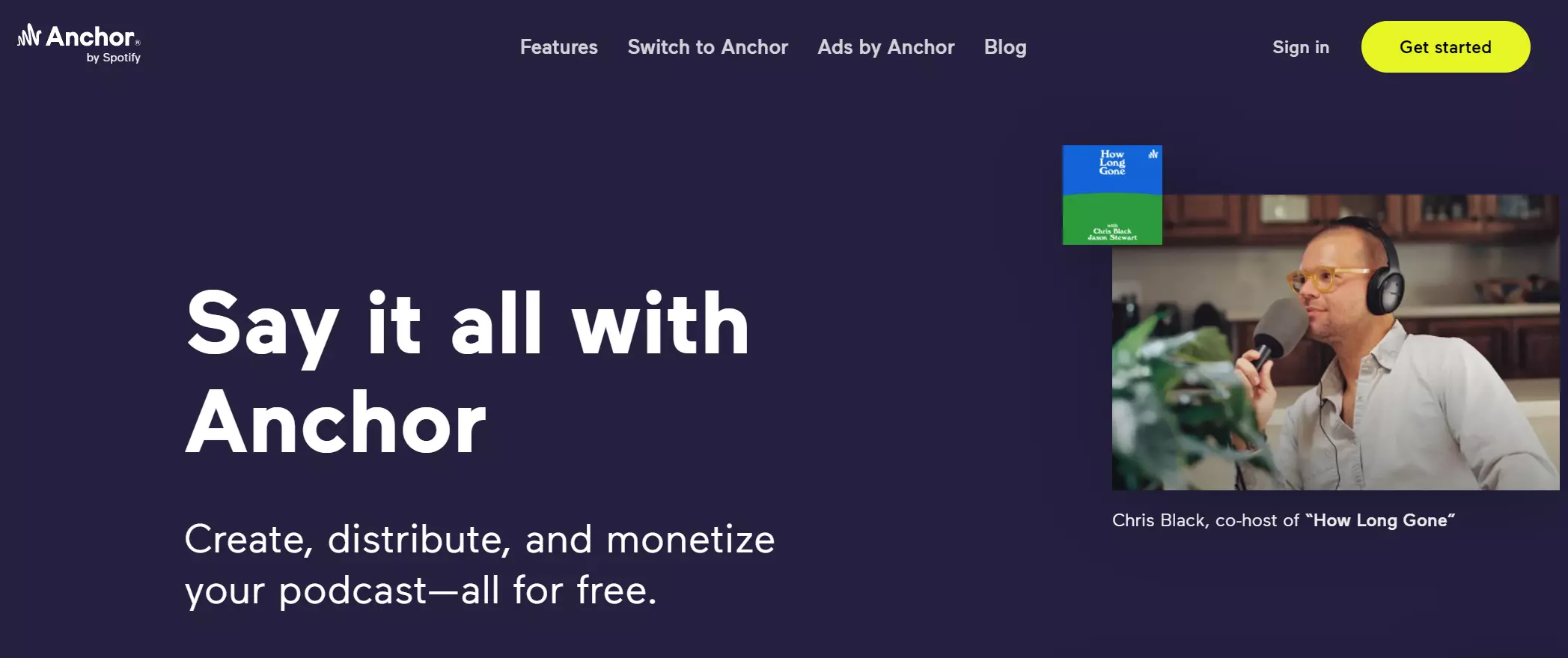
Of course, free programs always come with a price. There are consistent reports of technical problems when uploading podcast episodes, leading to the episode not being visible online. And Anchor also isn’t known for quick and easy customer support.
| Pros | Cons |
|---|---|
| Free | Potential for technical problems with uploads |
| No background knowledge necessary | No customer support |
| Podcast statistics IAB 2.0 certified | |
| Podcast player and website |
Podigee
Podigee is great for beginners who don’t have a problem with a monthly upload limit. If you’re looking to upload one or two episodes a month, the most basic of the three available pricing packages may already be sufficient for your purposes.
Users often complain about the outdated and at times confusing user interface. Additionally, Podigee limits certain features that might also be relevant for beginners to the Advanced and Professional packages. For example, the podcast statistics available in the Basic package are minimal, just like the four hours of included audio encoding per month. Compared with the other podcast hosting services we mention, these limitations mean that Podigee isn’t necessarily recommended to budget users.
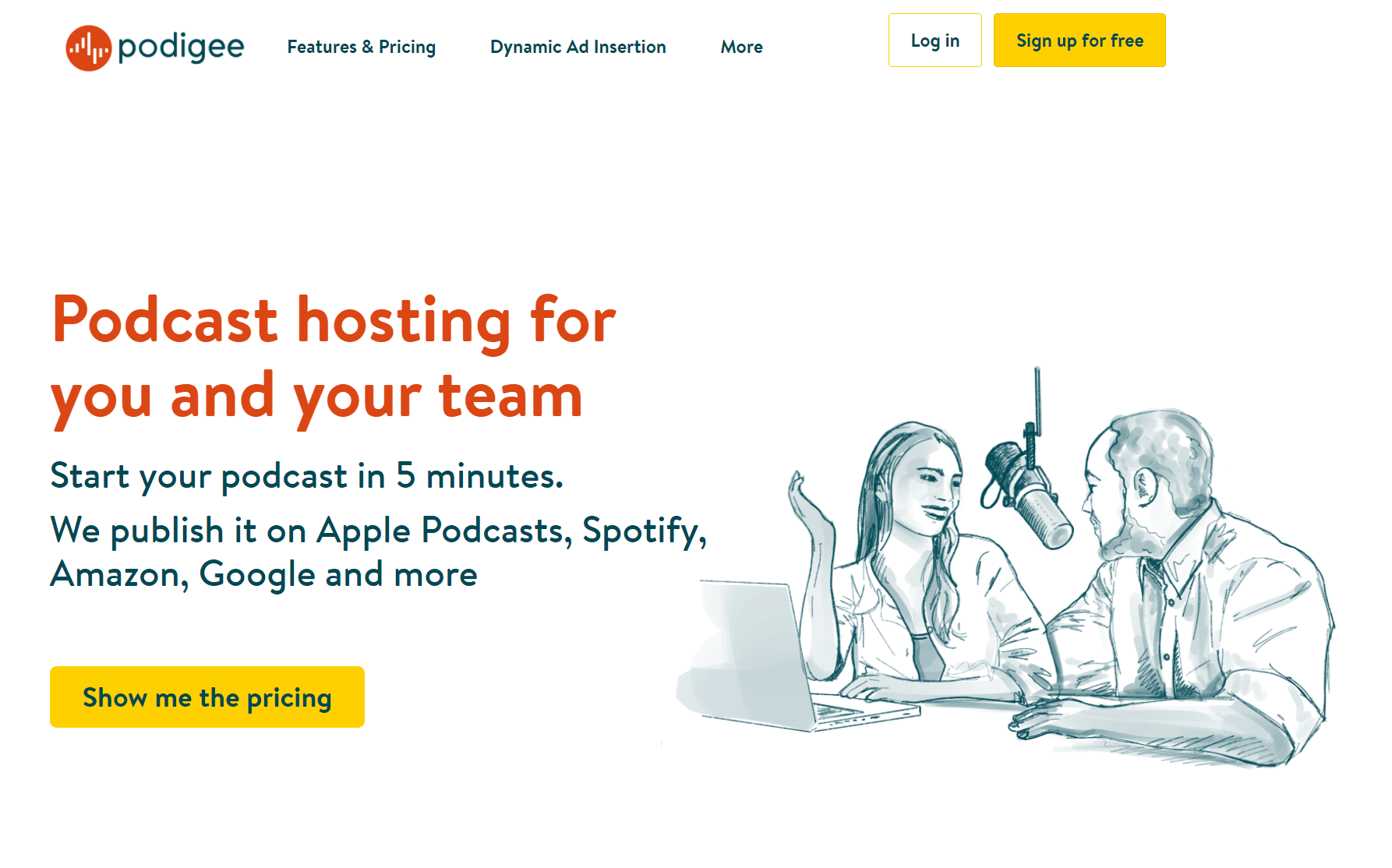
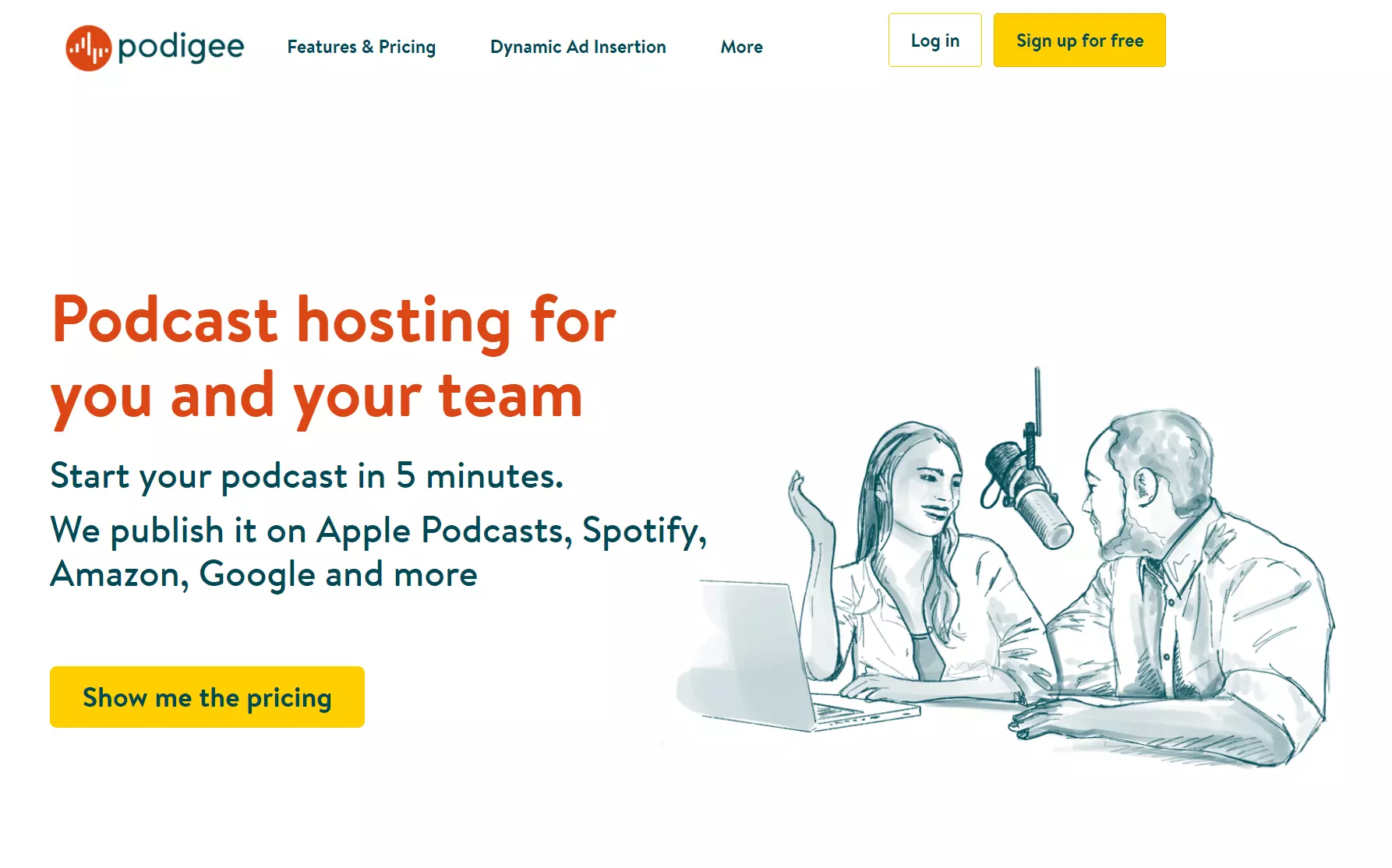
Podigee is particularly popular among business users thanks to its conformity with the European data privacy regulation GDPR. However, even if you’re aiming for a listenership in Europe, you shouldn’t have to worry too much about data privacy regulations unless you’re hosting a branded podcast for a company or a podcast produced for commercial purposes.
| Pros | Cons |
|---|---|
| Conforms with GDPR | Not great value for money |
| Podcast player and website | High-quality audio only available for more expensive packages |
Captivate
Captivate is a growing player on the market. It offers a number of features that go beyond the basic functions of a podcast hosting provider — for example, tutorials on how to properly set up a podcast and their own repository of content (called Growth Labs) on themes in podcast production such as podcast SEO, marketing, and monetisation.
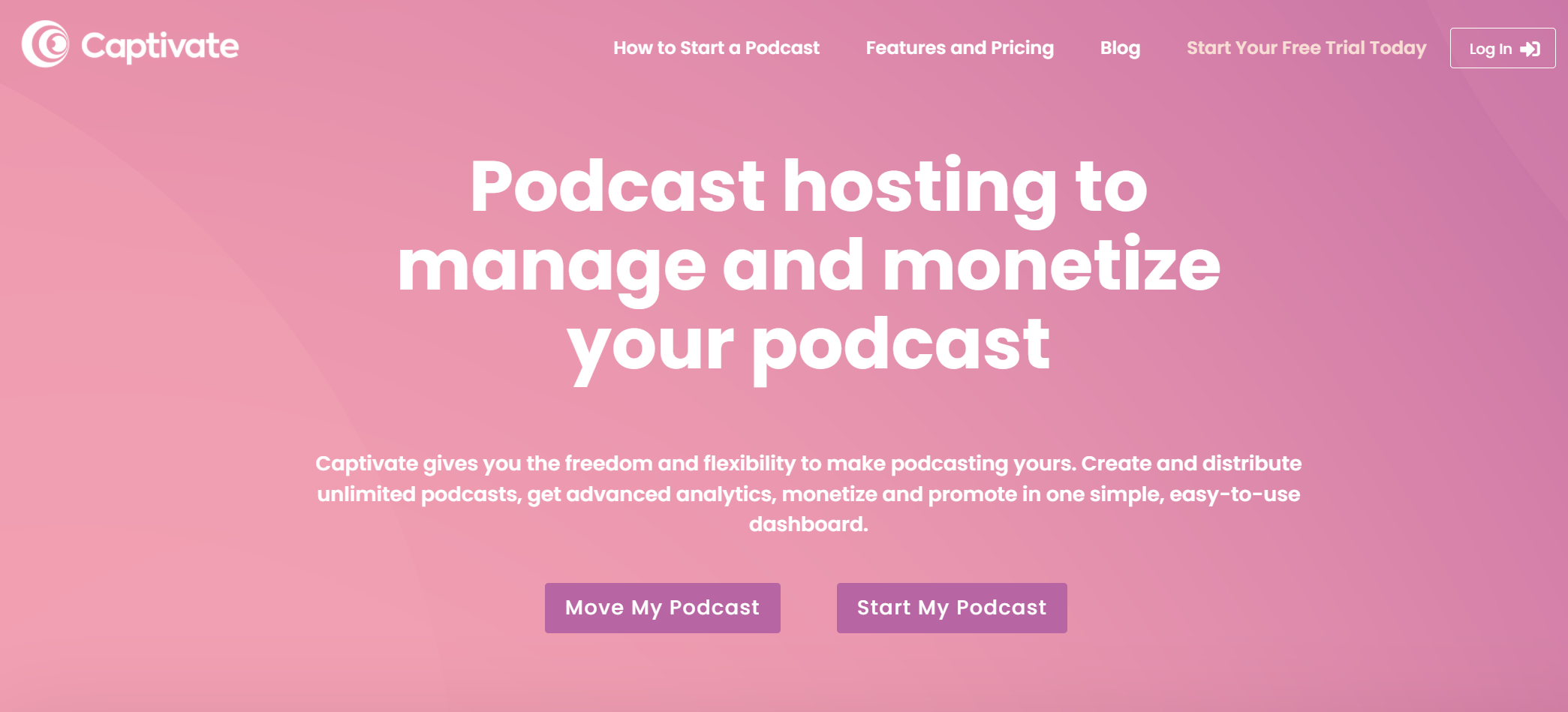

Captivate wins points with its clean, modern interface. With a one-click feature, you can either choose individual streaming platforms to upload your podcast to or upload it to all platforms at once.
Advanced podcasters will appreciate that there’s no monthly upload limit, meaning you can upload as many podcasts and hours of content as you want. The number of listener downloads is restricted, but this probably won’t be an issue for most users. The limit for the most basic package is 12,000 downloads per month.
| Pros | Cons |
|---|---|
| Clean, modern interface with many features | Beginners might be overwhelmed by the broad range of features |
| Podcast player and website, or WordPress integration with a plugin | |
| Comprehensive podcast content | |
| Extras for professionalisation, e.g. email integration, dynamic ads, sponsor kits, private podcasts |
Transistor
Transistor is one of the newer podcast hosting providers that is geared towards advanced podcasters with an interest in comprehensive analytics features and anyone who wants to host more than one show.
All the pricing packages offered by Transistor allow you to create private and public podcasts from the same account. The private podcast feature will be especially interesting for anyone who wants to monetise their podcast from the start and earn money with listener memberships.
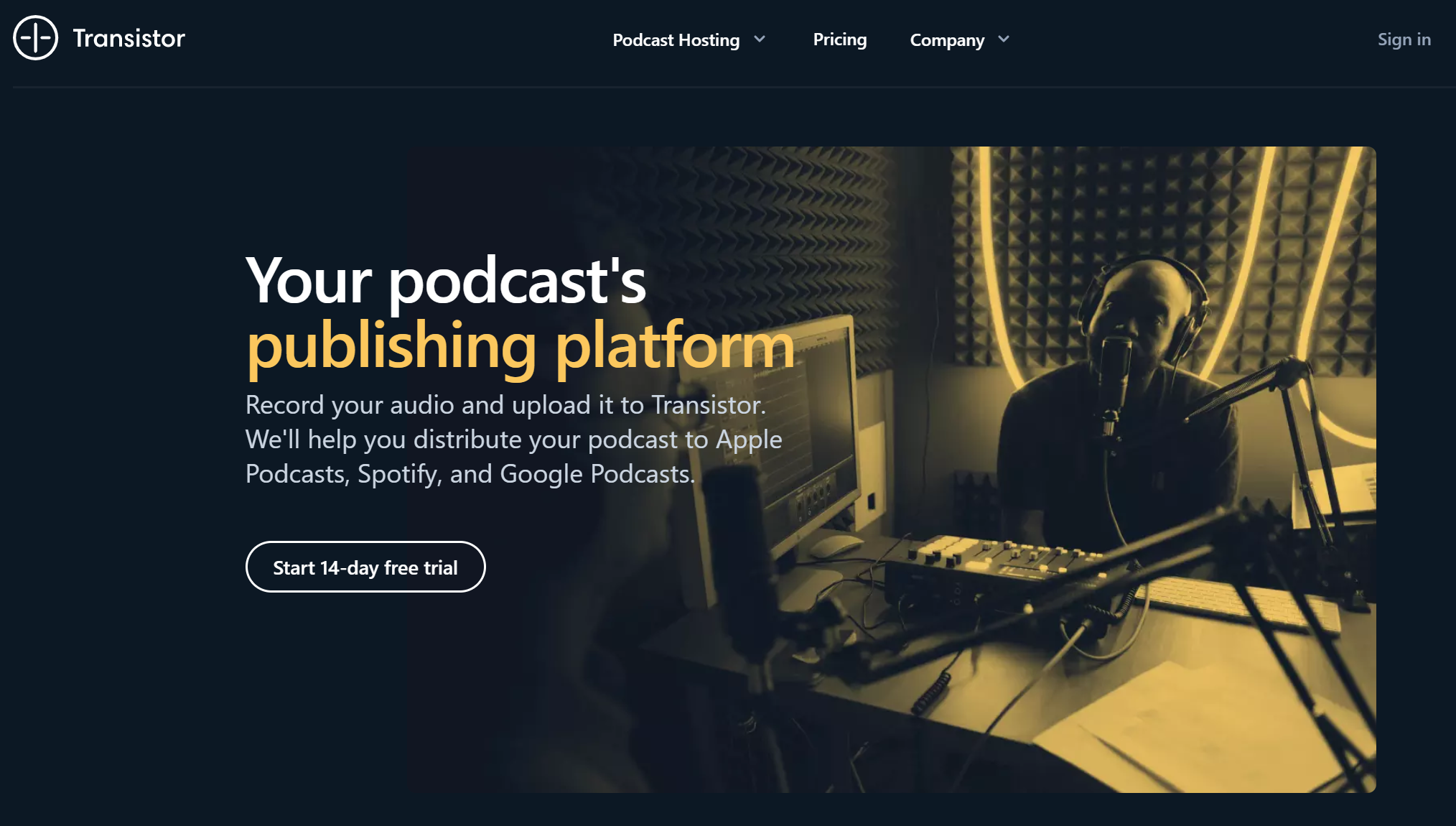
Transistor doesn’t have a monthly upload limit, but there is a limit on downloads. The most basic package costs around £15 a month (or around £150 a year) and comes with 15,000 downloads. Let’s be clear: Transistor is really made for professional podcasters, agencies, and large companies. It nonetheless offers great value for money, so if you’re a beginner looking to dive deep into the world of podcasting, consider testing out this provider with the 14-day free trial.
| Pros | Cons |
|---|---|
| No monthly upload limit | Likely too expensive and feature-heavy for beginners |
| Comprehensive podcast analytics | Dynamic ads only available with more expensive packages |
| Individualised podcast player with lots of settings |
Buzzsprout
Buzzsprout is regarded as particularly user friendly among podcasters. The podcast hosting provider markets itself using words like ‘speed’ and ‘simplicity’, referring to how quick and easy it is to get your podcast on Spotify, Deezer, and other streaming platforms. The user interface has a minimalistic design that allows for easy navigation of features. Buzzsprout also offers users tutorials on podcasting and the various features they provide.
If podcast analytics are important to you, you’ll be happy with the comprehensive statistics provided by Buzzsprout. How many users listened to your last episode and for how long? Which country do most of your users listen from? Which streaming service brings the most listeners? In addition to providing interesting insights for you as a podcast host, this information can be valuable for negotiating advertising deals.
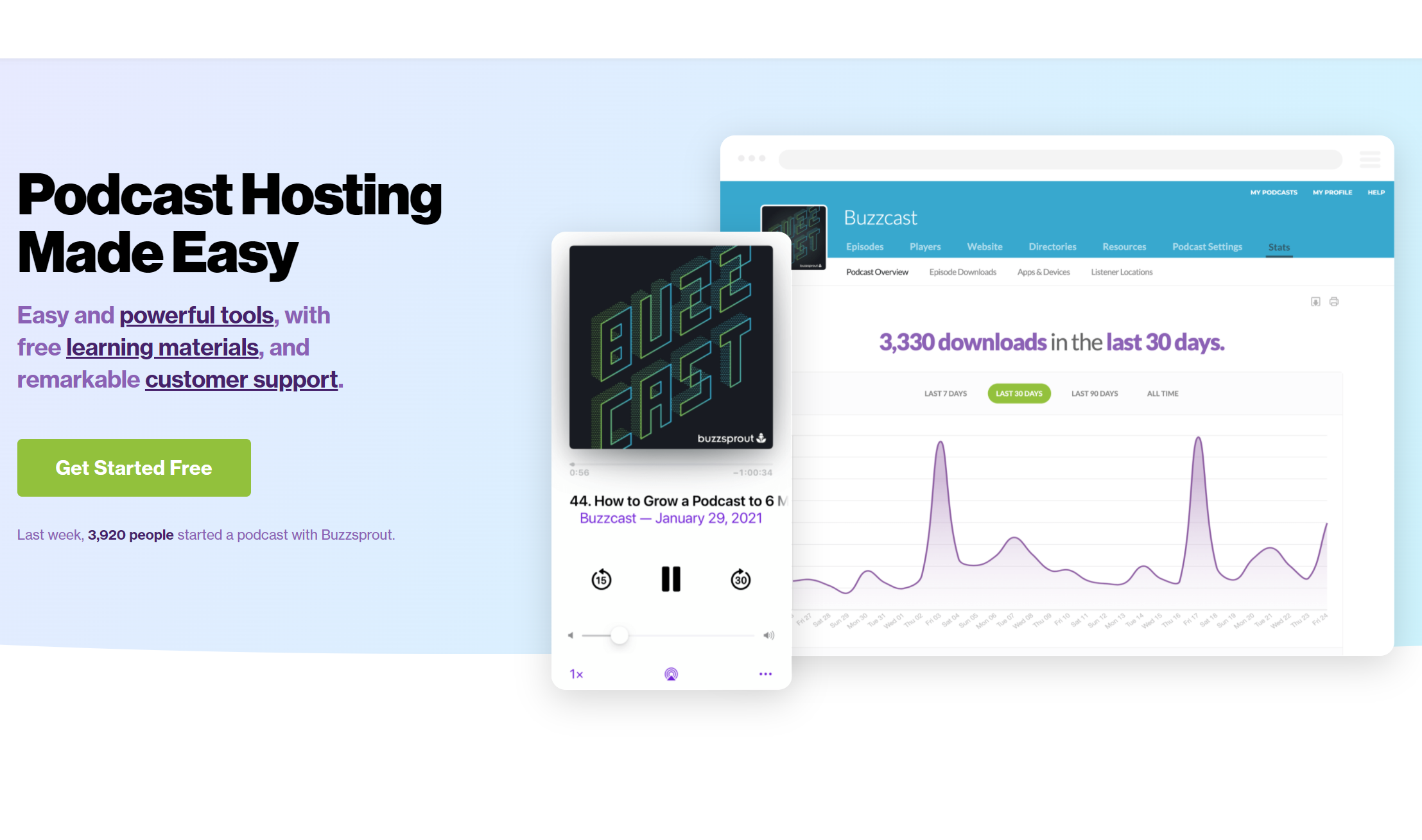
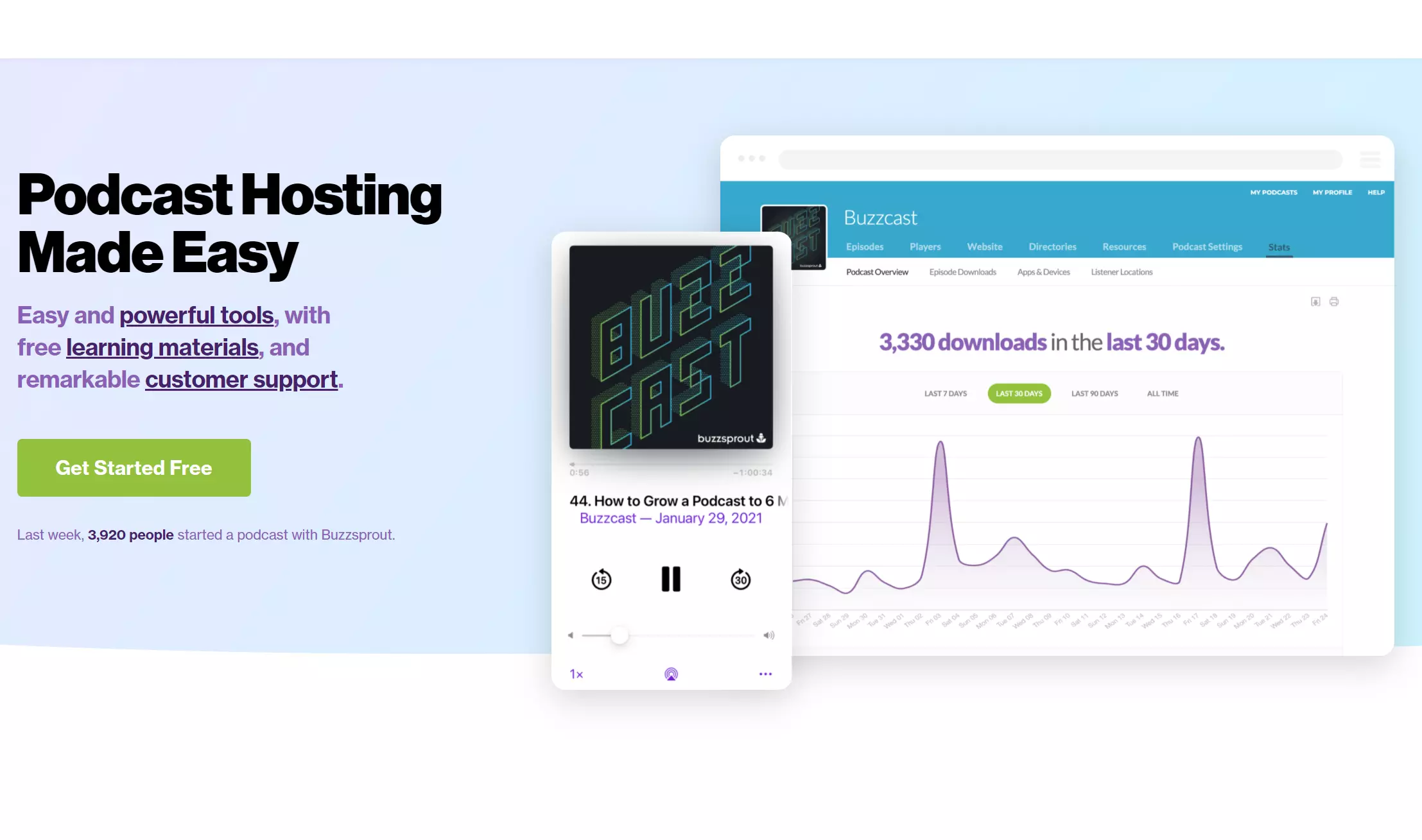
Buzzsprout can in theory be used for free, but episodes are deleted after 90 days with the free version. Paid packages are priced based on upload limits: the least expensive package (around £10/month) offers 3 hours of uploads a month; for 12 hours of monthly uploads, you’re looking at around £20/month.
| Pros | Cons |
|---|---|
| Intuitive, minimalistic user interface | Free version deletes episodes after 90 days |
| Comprehensive podcast statistics | Monthly upload limits; fees if limits exceeded |
| Numerous tutorials available in the backend |
What are the advantages of podcast hosting with a provider?
Using a podcast hosting provider like Podigee or Captivate makes it significantly easier to create a podcast. You’ll not only save a lot of time but also benefit from the numerous practical features offered by hosting services.
Here are some of the benefits of using a podcast hosting service:
- Automatic creation of an RSS feed for your podcast
- Podcast episodes are automatically forwarded to streaming services
- Many providers offer one-click distribution, meaning that you never need to submit your podcast to streaming services yourself
- You’ll likely get your own podcast website and a podcast player that can be embedded on websites
- Comprehensive analytics features for analysing listener behaviour
- Useful features for podcast marketing and expanding your reach
- Tool integration for social media (e.g. creation of audiogram videos)
Can I host my own podcast?
In theory, you can also ‘manually’ host your podcast on your own server. To do that, you’ll need your own webspace. The biggest disadvantage of self-hosting is time: If you decide to host your own podcast, you’ll need to make a creator account with each individual streaming service and upload your episodes separately to each service.
Embedding your podcast on your website
Consider creating a dedicated website for your podcast to spread the word about it. If your podcast still doesn’t have a lot of reach, a website with good SEO can go a long way.
Most podcast hosting providers provide tools for this, such as so-called ‘podcast players’. In addition, there are numerous WordPress podcast plugins that you can use to integrate your podcast content on your WordPress site.
Set up your new podcast website quickly and easily with IONOS’s website builder. With IONOS, you can also secure your own domain. Bonus tip: You can also create a dedicated email address for your podcast to make it look even more professional.
There are a number of factors that come into play when choosing a podcast hosting provider: What is your goal with the podcast? How many episodes do you plan to produce per month? This will be relevant for providers with upload limits. The various podcast hosting services also differ with regard to the number and depth of their features. If you’re just looking to try out podcasting and don’t want to invest any money in it, Anchor might be a good choice for you. If you want to host several different podcasts without a monthly limit on encoding hours, Transistor or Captivate could be for you. Or if you want to host your own podcast, you’ll need your own webspace and should plan on investing more time in your podcast project.