

How to delete a Kik account step by step

You can only delete your Kik account in the browser using the special Kik deactivation pages. We will show you what to do.
How to deactivate your Kik account quick guide
- Go to ws.kik.com/deactivate.
- Enter your registered email address.
- Click on ‘Go!’
- Click the link in the deactivation email.
How to delete your Kik account quick guide
- Go to ws.kik.com/delete.
- Enter your username and email address as well as the reason for deleting your account.
- Click on ‘Go!’
- Click the link in the confirmation email.
- Write perfect emails with optional AI features
- Includes domain, spam filter and email forwarding
- Best of all, it's ad-free
How to just deactivate your Kik account
Kik Messenger is one of the many popular alternatives to WhatsApp. It’s a messenger service that can be registered for using only a username and password; it does not require a private phone number. This makes this device-independent messenger particularly practical. Those who no longer want to use the messenger can delete or deactivate their Kik account via the browser. It is not possible to deactivate or delete the account via the smartphone app.
Kik accounts that have only been deactivated can easily be reactivated by logging in again. A deleted account, however, will be removed permanently.
Step 1: Go to the Kik website ws.kik.com/deactivate. This page is specifically for deactivating Kik accounts.
Step 2: Enter your registered email address and click ‘Go!’.
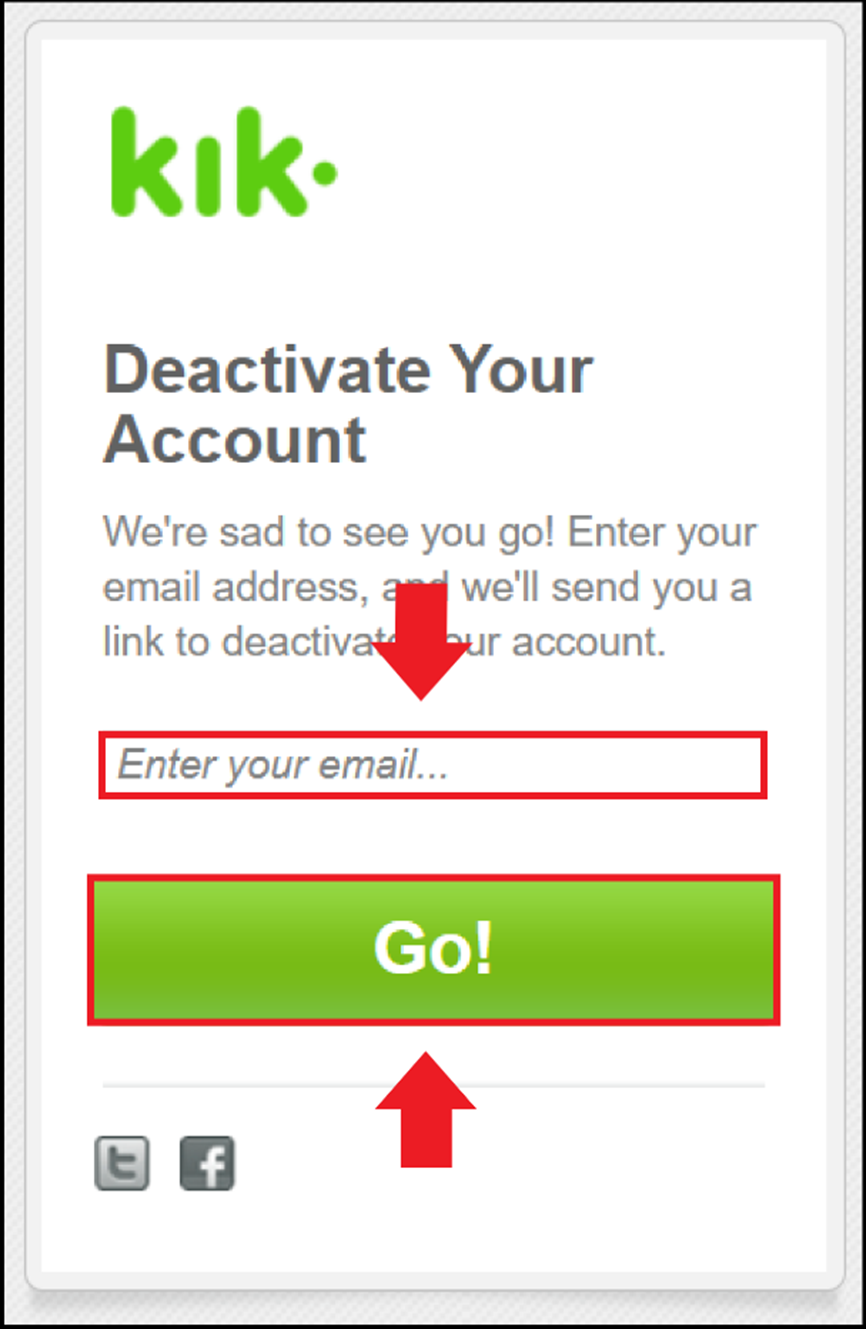
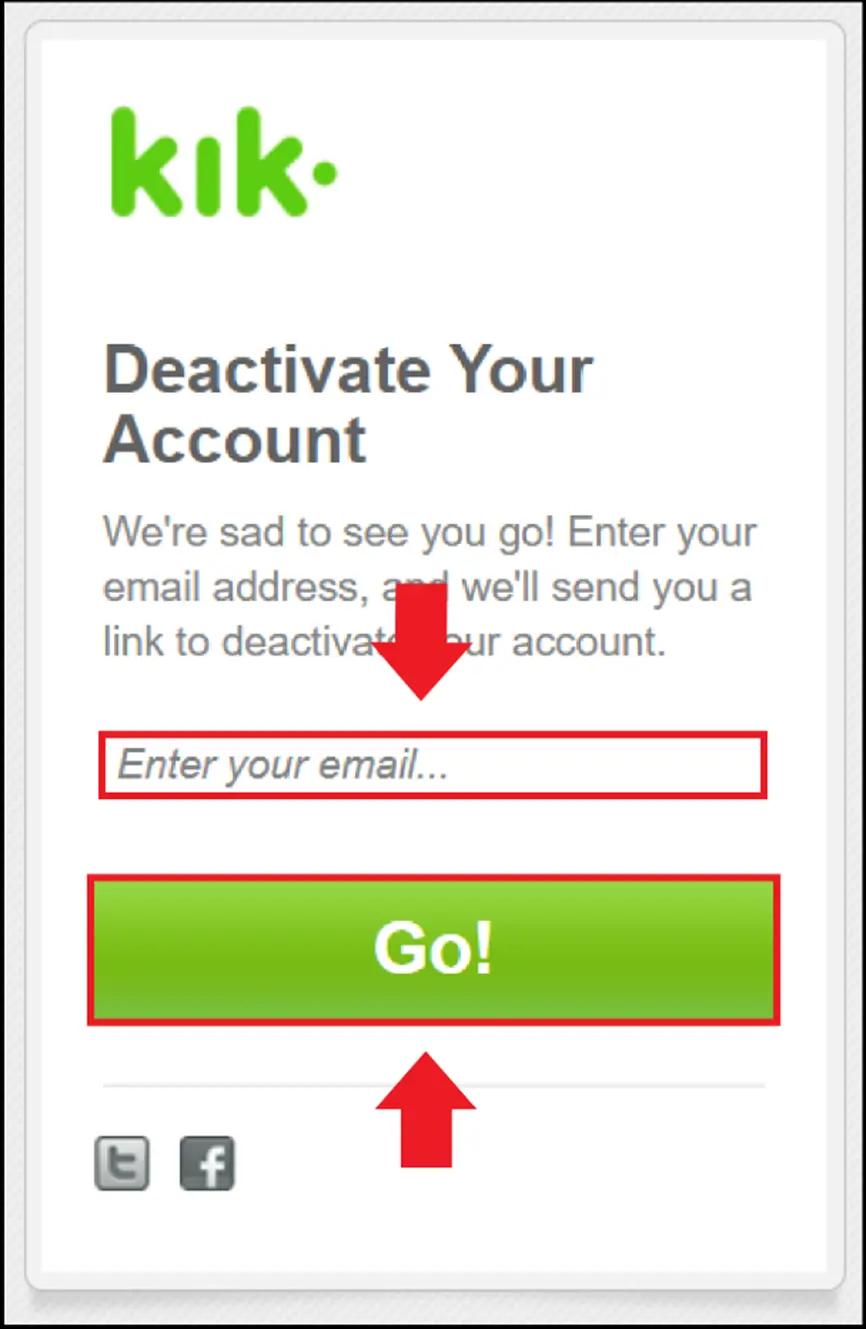
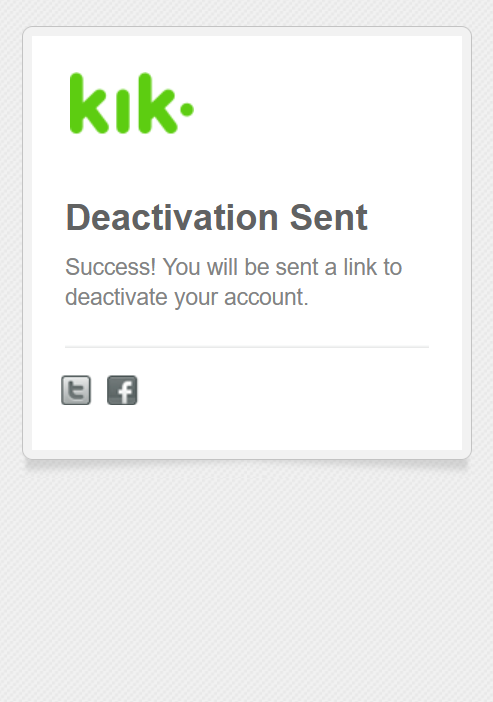
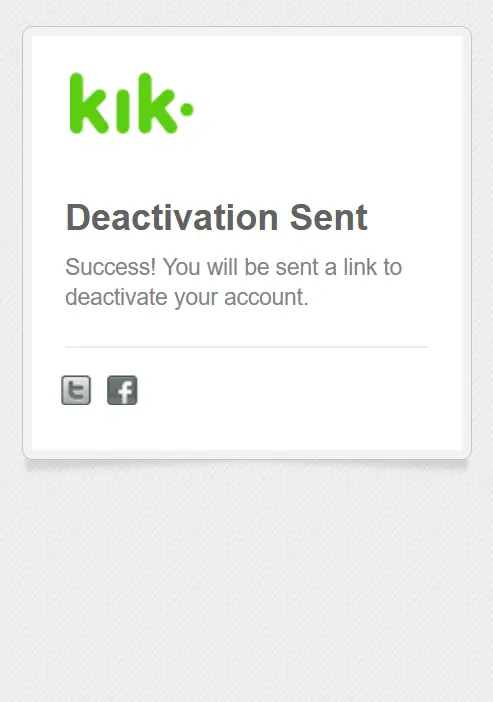
Step 3: You will now receive an email with a deactivation link. Click the link provided in the email to deactivate the account.
- Set it up effortlessly and start saving files straight away
- Your data is available anywhere and on all devices
- 100% GDPR compliant in European data centres
How to delete your Kik account
Step 1: Go to the Kik website ws.kik.com/delete to delete the account.
Step 2: Now enter your registered username and email address. You can also choose to enter a reason if you want, and then tick the box to give your consent.
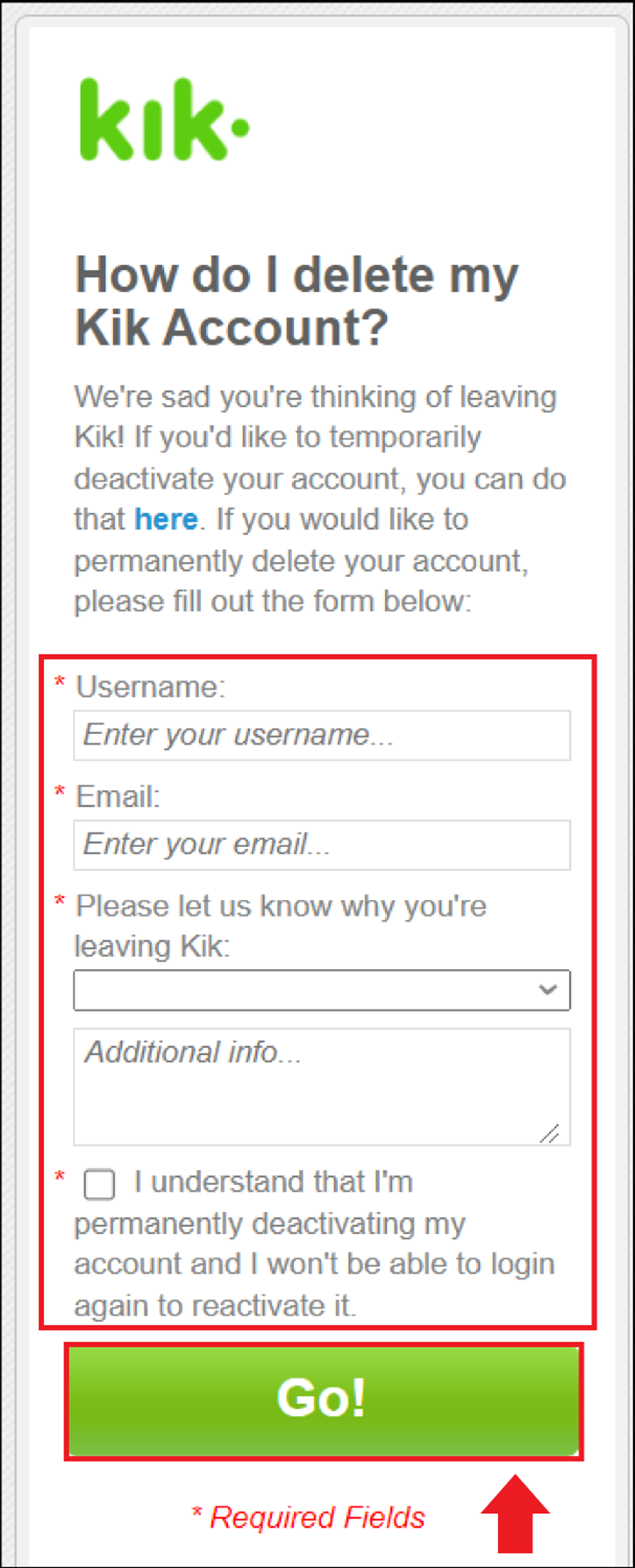
Step 3: Click the ‘Go!’ button to delete the Kik account.
Remember to remove the Kik Messenger app from your device after deleting your account. However, make sure to delete your Kik account first, as it is not tied to a specific device. Simply uninstalling the app is not enough.
- Free WordPress with .co.uk
- Free website protection with one Wildcard SSL
- Free Domain Connect for easy DNS setup
Reviewer

Jeanna Raffa
With over 18 years of experience in online marketing, Jeanna Raffa possesses extensive expertise in digital marketing. Since 2020, her focus has been on providing practical information regarding email, office, and cloud storage solutions.