

Instagram for business, part 1: What is Instagram?

Since starting life as the daughter of social media giant Facebook, Instagram has very much come into its own. The photo-sharing network has undergone a major transformation in becoming one of the most important social media platforms in the world in the space of just a few years. And when it comes to social media marketing, Instagram is top of the list in advertising opportunities for many businesses. To help you realise the potential that Instagram has as a marketing channel, we’ll introduce the platform and explain what it can do for you.

Why you should use a business Instagram
The main argument for using Instagram as a marketing instrument is the incredibly rapid growth in user figures that the site has seen in recent years, and the increased reach that has come with it. This photo and video-sharing network was founded in 2010, and by 2012 it had been purchased by social media giant Facebook. At first, Instagram was a popular spot for fashion and beauty bloggers, who used the platform to gain interest and attention from other fashion fans by posting attractively staged posts. But the days of Instagram just being an outlet for fashion are long gone. Today, this image-sharing platform is a serious marketing channel for all industries. When it comes to ranking the biggest social networks and messenger apps by monthly active users, Instagram currently ranks in 8th place (figures correct for June 2016). Facebook is of course top of the charts, with its ‘Messenger’ service, and WhatsApp, also highly placed, alongside other messenger services like QQ or WeChat (the most common instant messaging service in Asia). The full ranking list can be found here.
Over 500 million active users
Instagram achieved its latest milestone in the summer of 2016, when it surpassed 500 million active users. But to put this growth into perspective, user figures have doubled since the previous two years. Over 300 million people use the service daily, with more than 95 million posts made on a day-to-day basis.
User figures are already a convincing argument for creating a business presence on Instagram. But remember: Instagram is a social media platform based on images and videos, so it’s important to make sure your business Instagram account is focused on visuals as well. Visual identity is becoming more and more important for businesses, so Instagram is really the ideal platform to present this and increase your stature and reputation among potential customers. It doesn’t matter whether you’re a huge global player or a small local company: The opportunity to use Instagram as an effective marketing instrument for branding shouldn’t be wasted.
The king of social engagements
Statistical evidence over the past few years has clearly shown that images and videos have a much higher engagement rate than pure text content on the social web. User engagement – including likes, shares, and comments – is one of the central KPIs when it comes to social media. True, engaged fans and followers are valuable for companies, and represent and essential factor in growing brand awareness. Studies have shown that Instagram comes out on top as the best platform for user engagement. One study by Forrester assessed the engagement rate for the biggest brands across social media platforms. They found that a brand page with one million Facebook fans can generate an average of 700 comments, likes, and shares per post. This equates to an engagement rate of 0.7%. And the micro-blogging service Twitter has an even lower rate, with just 300 interactions per tweet for Twitter accounts of the same size. On Instagram, by comparison, you can expect an average engagement rate of 4.21%, making user engagement 58 times higher than on Facebook and 120 times higher than on Twitter. Instagram is also considered to be the network of the mobile generation. The importance of mobile use is enormous in all fields, but particularly so when it comes to search engine optimization. Last but not least: Young people and their relevant influencers are especially prominent on Instagram. The photo-sharing platform is the most popular and important platform for young people in the UK, making it an excellent opportunity if your target market is predominantly younger people.
How to use Instagram for business purposes
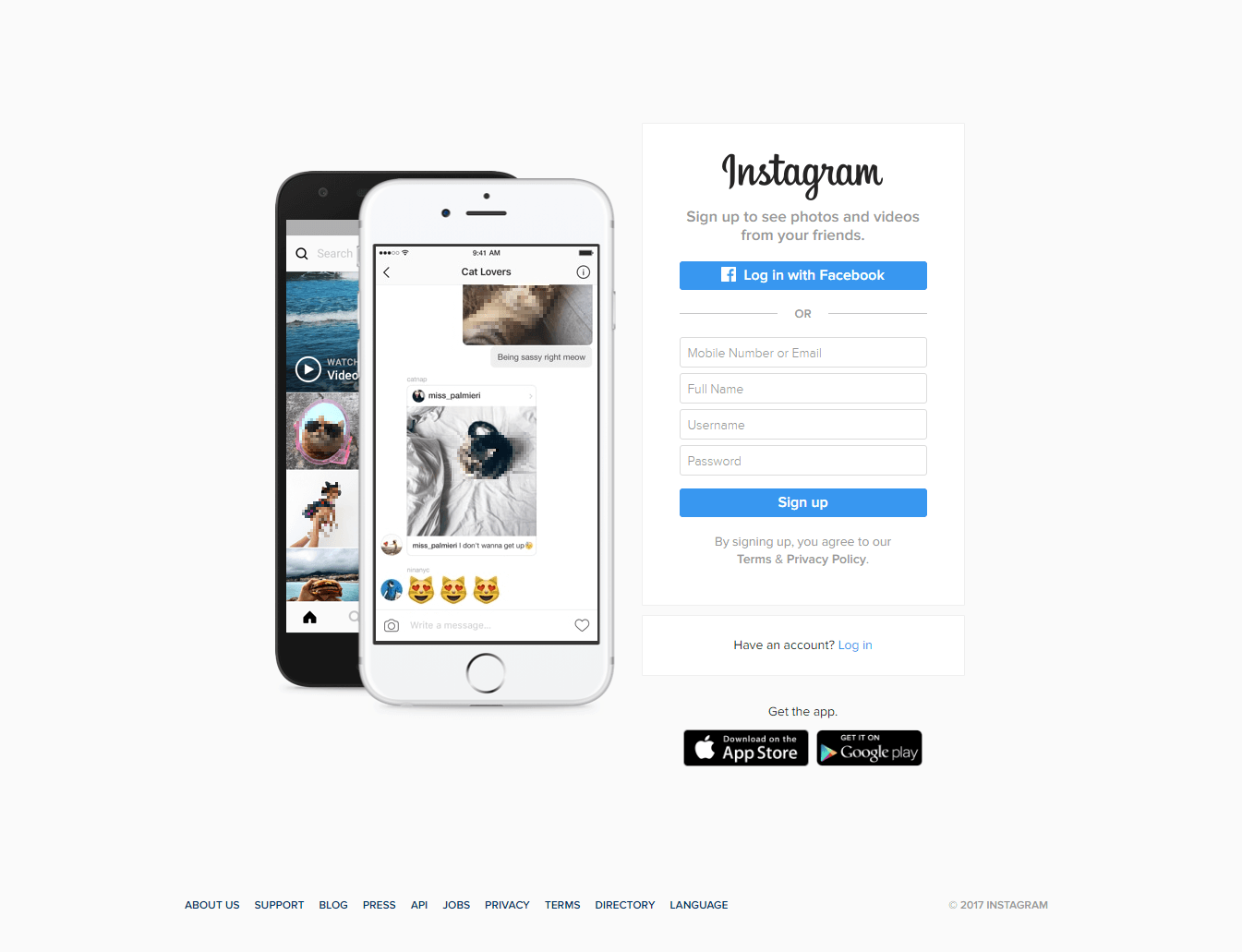
Instagram acts as a digital image app for smartphones and tablets, enabling you to share photos and videos with other Instagram users. The app is free to download and available for Android and iOS operating systems. Users sign up with an e-mail address and add basic information as well as a profile picture. Since 2012, the service is available via a normal web browser. Users can now create and manage a web profile independently of the app.
Makeup and most important features
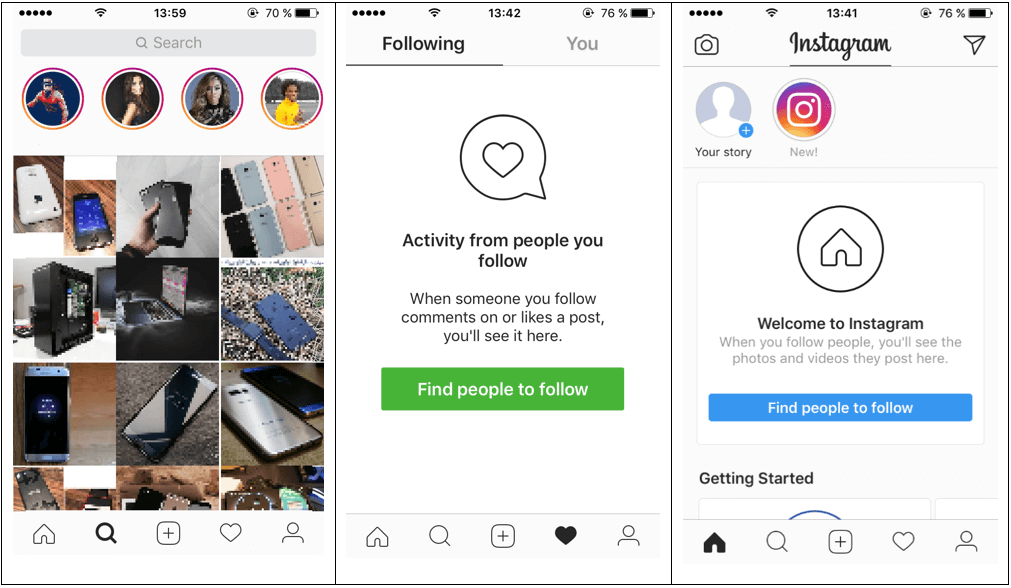
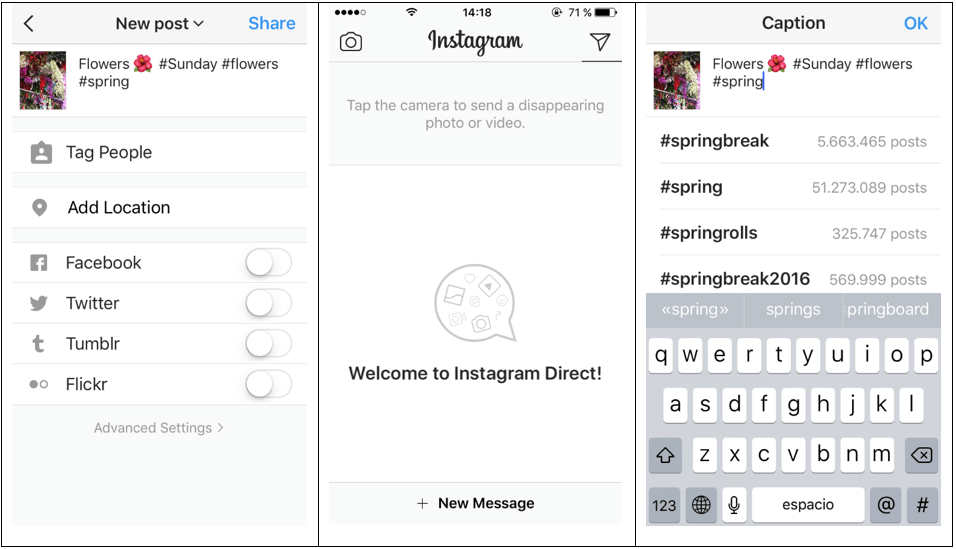
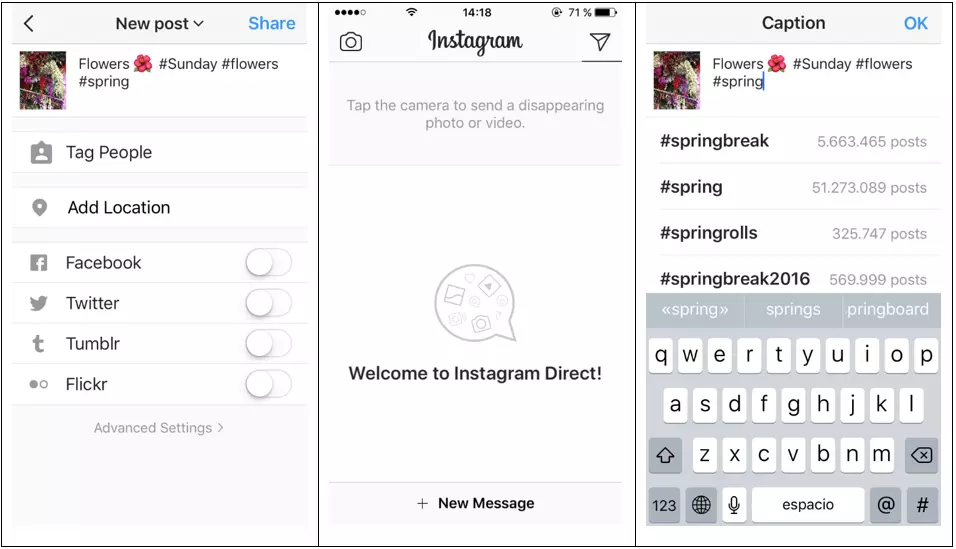
The app is very clearly structured: In addition to the photo function for uploading, editing, and sharing your media, there’s also a start page with a news feed, a page with a search, an inspiration function, notifications, and your own profile. Instagram offers a comment function and the option to like photos and videos. Meanwhile, Instagram Direct allows you to share content directly with an individual contact or a chat group privately.
Videos on Instagram
At first, Instagram was purely a platform for photos, but later, a moving snapshot function was added to allow users to post videos up to 15 seconds in length. Commercial users were later allowed to upload videos that were up to 60 seconds long. Since 2016, this option has also been available for private users, too. According to statements from the company, this development occurred after internal research showed that users were spending increasingly more time watching videos on Instagram. There’s another feature for iOS users: Videos can be put together from multiple clips directly in the app. Many have attributed the introduction of the new video features, particularly ‘My Story’ – a feature that allows you to temporarily upload a number of short video clips or images that are automatically deleted after 24 hours – to a way of battling the growing fan base of the short-video app Snapchat.
Designs and filters
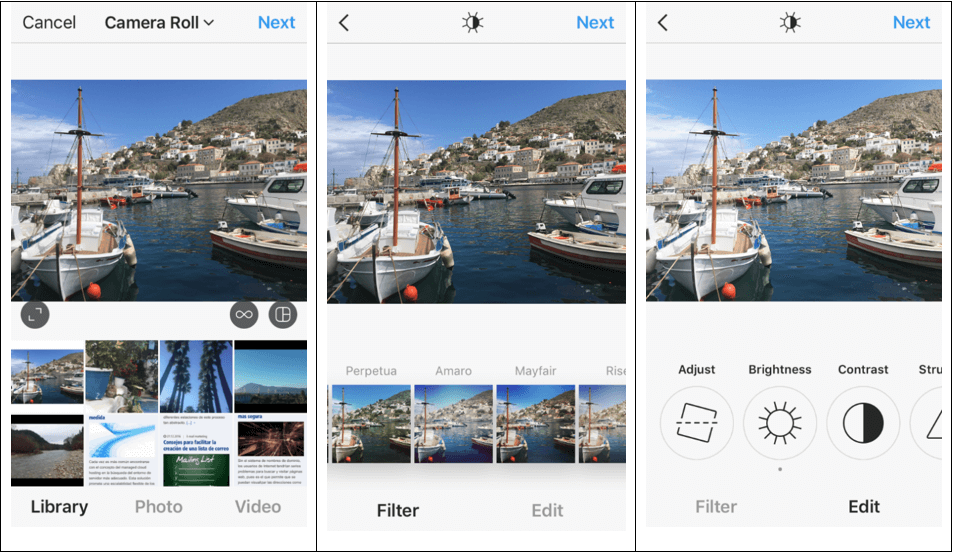
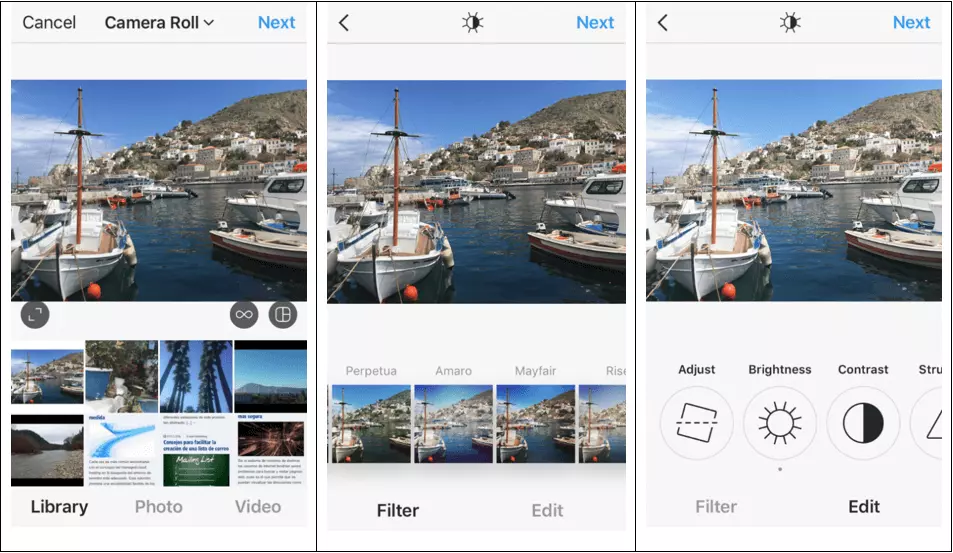
The square design of images is an important characteristic of Instagram. Photos can only be uploaded in a uniform, square format, although there are a number of layout apps available that can help you create collages and other combinations to post on Instagram. But the app is most famous for its simple photo filters for editing. Users can take advantage of numerous in-app filters and editing settings to perfect their photos before sharing them with the Instagram community.
Instagram Stream
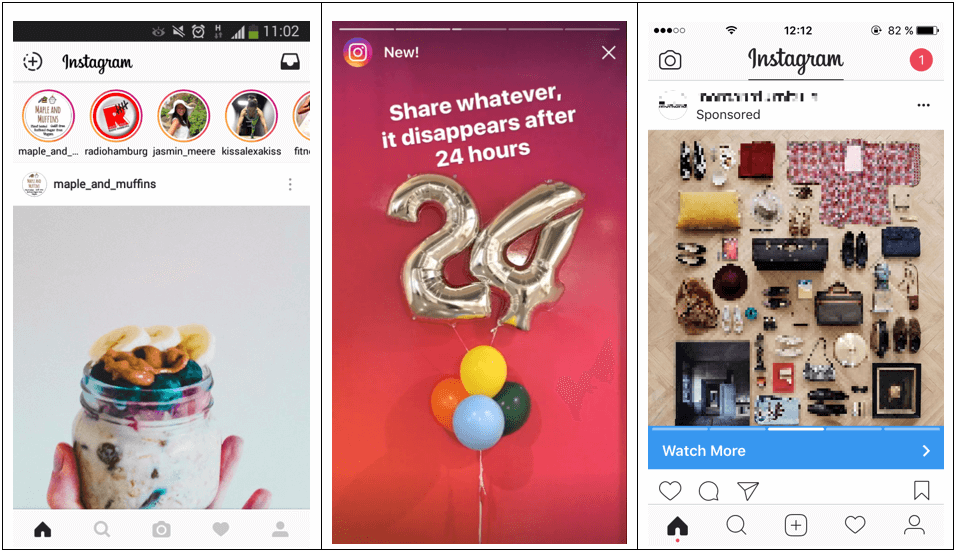
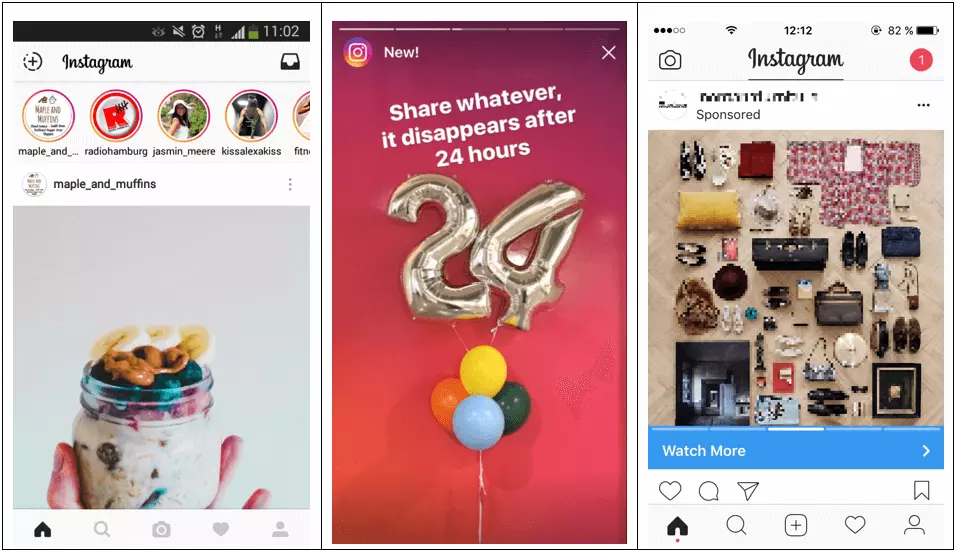
All media that’s uploaded to Instagram goes directly onto the Instagram Stream, which acts similarly to the Facebook News Feed. Here, you can find uploaded photos from all Instagram accounts that you follow, as well as sponsored posts. The Instagram algorithm organises the order in which the posts appear, making sure that the first content that each user sees is what’s deemed to be most relevant based on their activity (comments, likes, etc.). Unlike the Facebook algorithm that sometimes filters out content entirely, the Instagram algorithm only takes care of the order in which posts are displayed.
Hashtags on Instagram
Instagram aims to ‘inspire’ its users with suggestions to new accounts they might like based on their activity and interests. But there’s also a search function that gives you the option to search based on specific tags or key terms. Just as on Twitter, hashtags play a key role on Instagram, helping to categorise posts. Hashtags are the main way that Instagram posts can reach users who aren’t already followers of your page.
Linking to other platforms
Since Instagram is part of the Facebook cooperation, linking your account up with a Facebook page is very straightforward. This is useful in creating a unified front of content as well as helping users to find friends who use both services. Instagram photos can be shared directly and automatically to Facebook, Tumblr, Flickr, Twitter, and Swarm, so that fans can see your content on whichever social media network they are most comfortable using. There’s also the previously mentioned ‘Direct’ function that allows you to send private messages directly to users.
Your business Instagram profile
Marketers have the option of choosing between a standard profile and a special Instagram profile for businesses. In the next section of this guide to Instagram for business, we’ll take you through the steps to create a standard profile on Instagram and how to turn this into an official business account in just a few clicks.
How do I create a standard profile?
The Instagram app is free to download for both private users and businesses from the Google Play Store and the App Store. After downloading the app onto a mobile device with an Android or iOS operating system, you’ll need to enter an e-mail address and a password to create a profile. One of the benefits of Instagram is its simplicity – you’re only required to add a username, a short bio, and a profile picture in order to have a fully operational profile.
- Username: if you’re planning on using Instagram for business purposes, then it makes sense to choose a profile name that correlates to your presence on other platforms – usually the name of your company or brand. Your username will later appear on your profile underneath your profile picture.
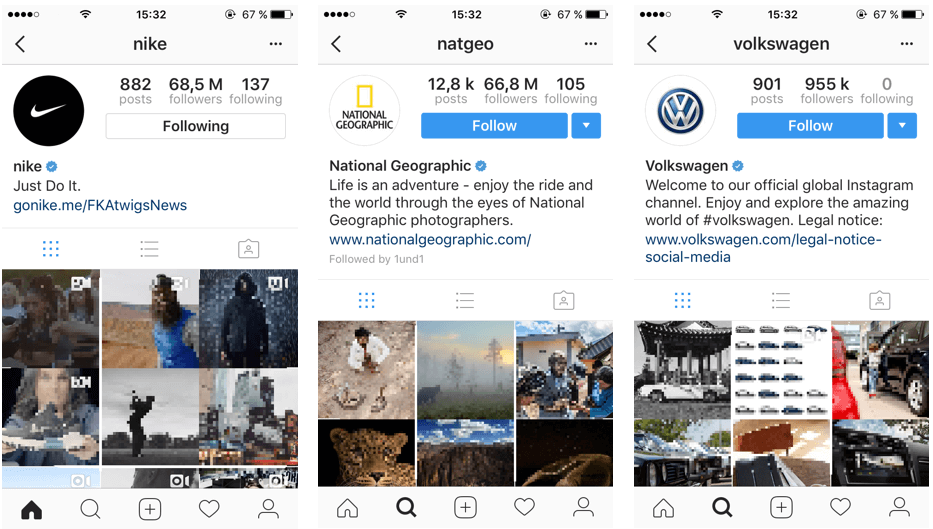
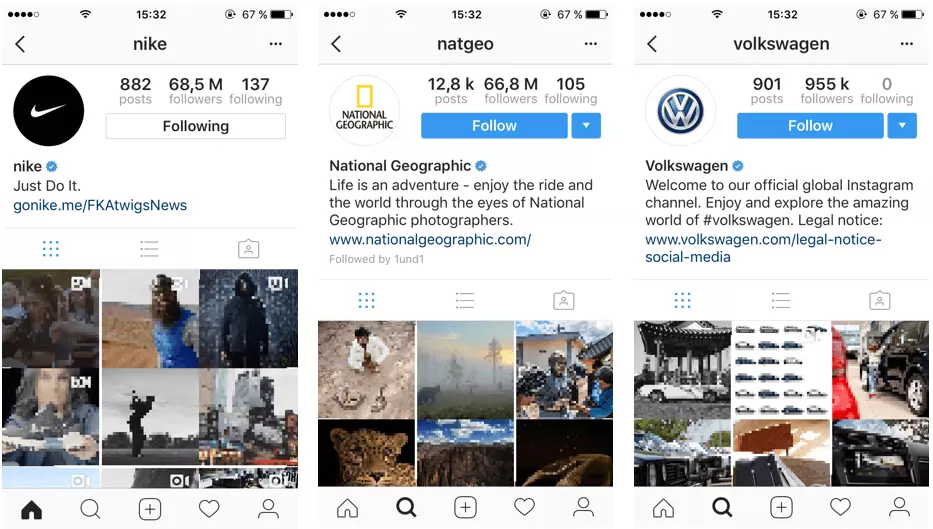
- Short bio: The second important part of your profile is a little biography with a maximum of 150 characters. There aren’t any real guidelines for the short bio; the limited space makes it a challenge to explain simply and directly what your company does and what Instagram users can expect from your profile. The more famous your brand is, the easier it will be to create a short bio. Sportswear producer Nike, for example, simply has their slogan ‘Just Do It’. Many businesses also use this space to include their relevant brand hashtags, to encourage Instagrammers to use them when mentioning the company (you should only include a maximum of the three most important hashtags).
It’s common to include a link to your website in your short bio – in fact, this is the only place you should link to external sites from Instagram. Since Instagram doesn’t offer a separate section for you to include business practices, legal notices, or terms and conditions, many firms choose to use this space to link to that specific section of their website.
- Profile picture: When it comes to selecting your profile picture, most businesses opt for their company logo. If you decide for something else, then you should make sure that it’s your profile picture on other social media platforms, too. This is because brand recognition is the key thing to consider in profile pictures. Site visitors that land on your Instagram page should know automatically that it’s your brand and that it’s authentic. This means you’ll need to make sure your photo is properly formatted and all the relevant details and information needed are clear and visible. When it comes to resolution quality, remember that the photo will also be displayed on the web. If you’re not certain of the resolution you need, it’s usually best to go for a bigger image with a higher resolution, even though the app profile picture only displays at an average of 100 pixels on smartphone and tablet screens.
Important settings
After you’ve created your business Instagram profile, you should take a look at the main settings available to you. One of the main things to consider here is whether or not to activate notifications. These ‘push’ notifications will give you updates of your new likes, comments, followers, and mentions in real time. This allows you to react to updates much more quickly and shows your followers and fans that you keep on top of things and don’t neglect your own account. Just as with other social networks, it’s extremely important to remain active on Instagram and to promote interaction and engagement with your followers regularly. Without doing these things, you’ll find that your social media marketing will fail to succeed on Instagram.
First steps
Once you’ve successfully created your profile, it’s time to take the initial steps in getting to know how the platform functions. You should look to your competitors for inspiration on how to create a basis for a successful presence on Instagram. At the same time, you should identify the key influencers and opinion-shapers within your industry. And the main thing to remember is: Every time you want to start a communication dialogue with others, you’ll need to like and comment on their posts. Search out relevant tags and keywords to help you with this. Let yourself be inspired by what others are doing on the app, and discover all the topics that interest your target group. You can use different tools to help you identify relevant hashtags, including Rite Tag. Hashtags really are the foundation of Instagram – so we’ll explore more about them in the second part of this article.
Instagram Business: how to use Instagram as a company
In the summer of 2016, Instagram launched the start of Instagram Business. In just a few clicks and the addition of some extra information, you can transform any standard profile into an Instagram business account. This represents the first time in the history of Instagram that private user profiles have significantly differed.
The reasons for having official Instagram profiles for business
The advantage of running a business profile on Instagram lies mainly in the fact that you can offer pre-prepared contact information, offering users a direct route to getting in touch with your team. You can also access statistics to measure the success of posts and campaigns without having to use a third-party tool. On the regular account setting, Instagram gives you precious little information about the origin and location of users or the reach of individual posts. But with user statistics, you can discover a lot more about your followers. There’s also the option to run targeted ads and promote individual posts to maximise their reach.
It’s very straightforward to turn a standard Instagram profile into an Instagram Business profile. But one requirement is a pre-existing Facebook profile. Anyone looking to run a business page on Instagram has to have a Facebook fan page and sync up the Instagram profile with the Facebook Business Manager.
Turning a standard profile into a business profile
Once you’ve logged in on your Instagram profile, find the setting ‘Switch to Business Profile’ in the options section of your account. This will open what’s known as the Instagram Business Tools.
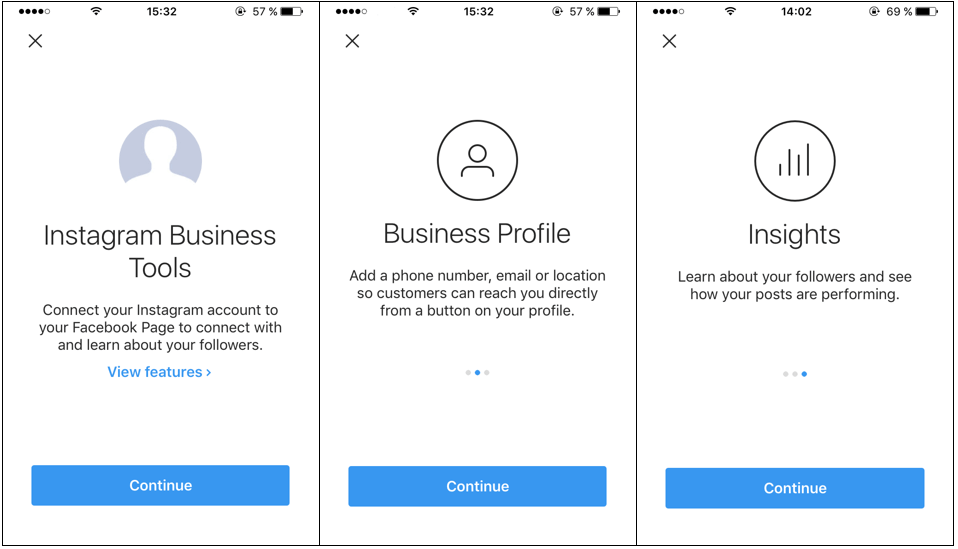
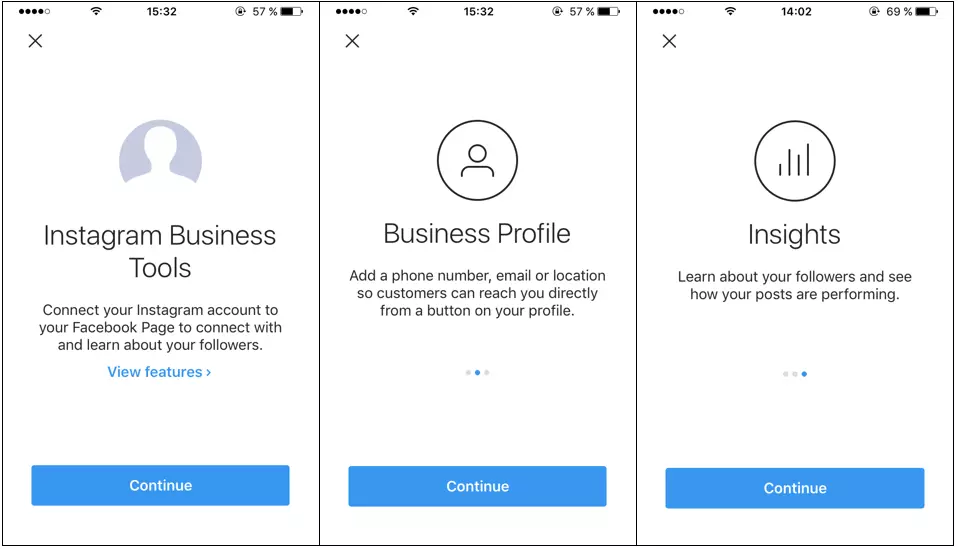
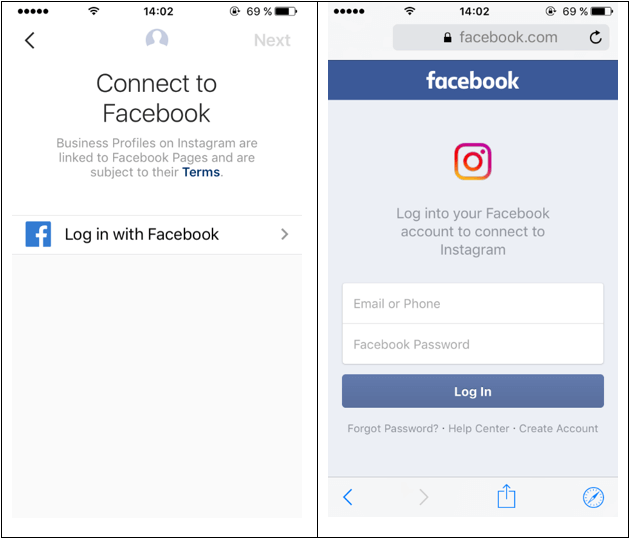
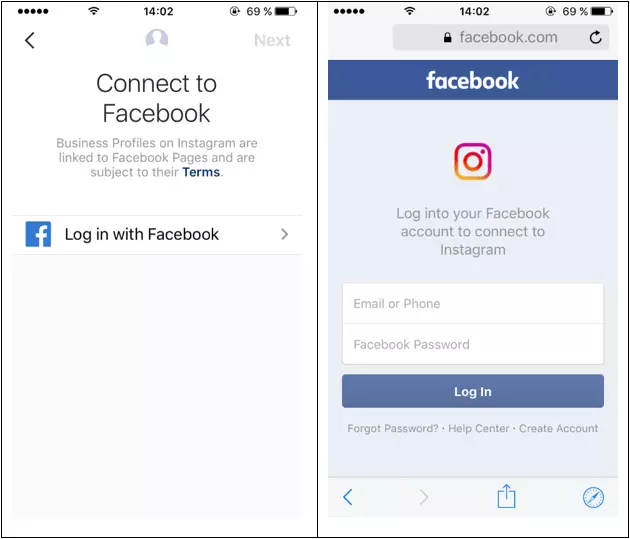
The first thing you’ll be asked to do is connect your profile with Facebook. As we’ve already mentioned, it’s a requirement to operate an existing Facebook business profile in order to take advantage of Instagram Business. Check out our Digital Guide for tips on creating your own professional Facebook page for your business.
The next steps require you to add information for a point of contact: You’ll need to provide a business address, a telephone number, and/or an e-mail address. One important new feature with a business profile is the inclusion of a Call-to-Action (CTA) button, which can be used to give users a communications channel, either with a phone number or an SMS. If you leave a business address for users, for example, if you offer a local service point like a restaurant, then you can also include a route planner that will open automatically from Instagram in Google Maps.
Another feature that’s only available with Instagram Business is the new Instagram statistics. This gives businesses an analysis of individual posts, statistics, and followers. The third additional feature that we’ve mentioned already is the option of increasing the reach of posts artificially. All posts can be converted into sponsored ads aimed at particular Instagram users. The most important thing here is that the sponsored posts have the option to include a CTA button in the form of a booking or contact point. This function is the only Instagram Business feature that comes at a price.
Instagram for businesses: don’t post without a strategy
After creating your business account, there are plenty of questions to answer: How do I present my company in the right way? How does social media marketing work on Instagram? What am I hoping to show my potential customers? Who do I want to share my posts with? How will I be able to speak accurately to my target market?
All of these questions are important to answer, because, like with any marketing measure, Instagram requires strategic planning for success. To find out how to create the right content strategy, build up your brand successfully on Instagram, and directly target your user group to turn followers into potential customers, check out part 2 of our guide to Instagram for business.