

How to integrate Icon Fonts

As described in our previous article on icon fonts, icon fonts are vector-based fonts that contain functional pictographs rather than letters. Web developers who use icon fonts benefit greatly from the freely scalable vectors. Unlike pixel fonts, vector fonts are defined in graphical primitives like lines, circles, polygons, and curves, independently of output devices. This enables an easy transformation without any data loss based on CSS; this way, the relevant icons don’t have to be loaded and adjusted separately in a graphics program. Instead, the formatting is done code-based by the web browser. For this purpose, the CSS file with icon fonts has to be included in the HTML header. Individual icons can subsequently be integrated using the HTML attribute ‘class’ on the webpage. Read on to find out how this works using the popular open source font, Font Awesome.


Embed icons with Font Awesome
Font Awesome boasts over 600 icons, making it one of the biggest collections of vector-based symbols. The pictographic fonts are available free of charge. To integrate the icon font into the webpage, you just need their installation kit. This is available to download from the Font Awesome website. Here are the three steps for integrating your icon fonts:
- Download the installation kit
- Integrate the stylesheet into the header of the required HTML document: in order to integrate Font Awesome into a webpage, the HTML document must be linked to the CSS file ‘font-awesome.min.css’ from the installation kit. This is done by embedding the following code in the HTML header:
<link rel="stylesheet" href="path/to/font-awesome/css/font-awesome.min.css">The placeholder “path/to/” represents the web project’s file path on the server. - Embed icons: when the connection to the CSS file has been established, you can use the icon font pictographs anywhere in the HTML source code. The following example uses an empty i-element in combination with the class attribute. The classes are derived from the CSS prefix ‘fa’ and the respective icon names:
<i></i>
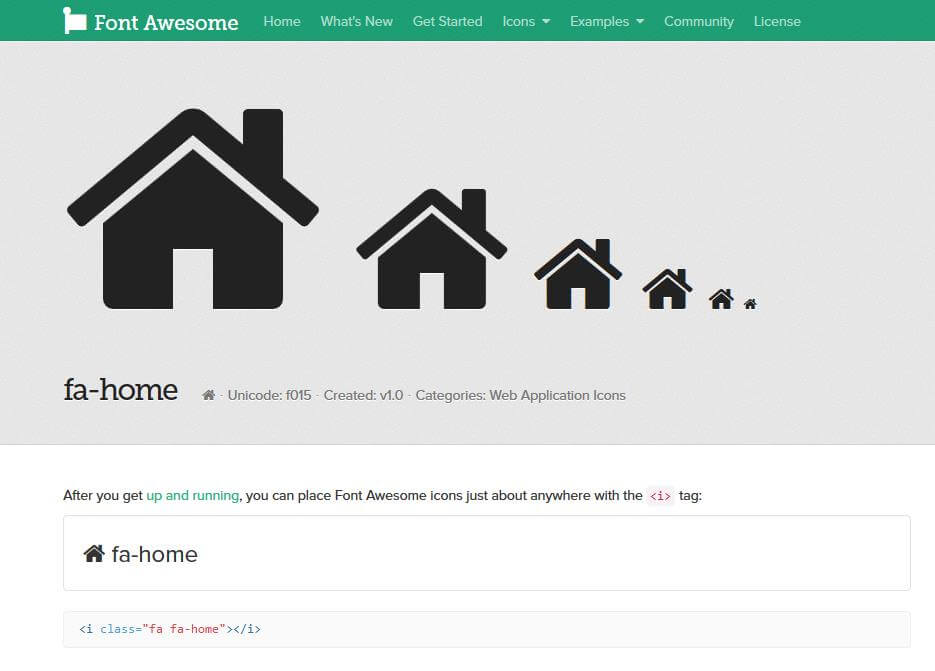
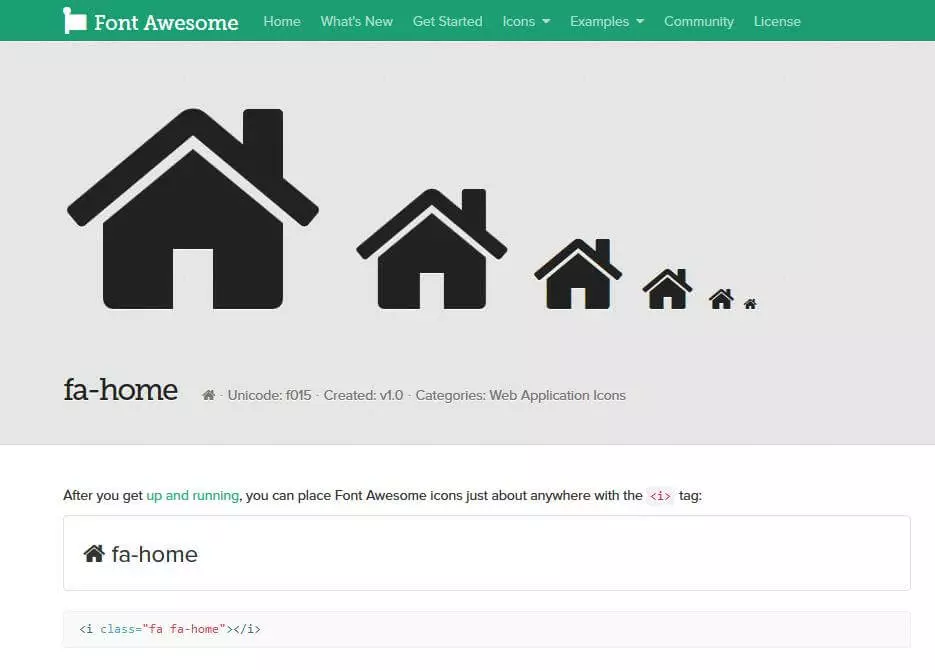
The embed code of each icon is documented on the Font Awesome website.
As an alternative to the i-element, you can also embed an icon via a semantically empty span-tag.
Author

Vladimir Simovic
Vladimir Simović has been building web projects with WordPress since 2004. He was one of the first German-speaking WordPress bloggers and has published several specialised books as well as over 60 expert articles, and has managed well over a hundred WordPress projects.
Reviewers

Sven Ignor
Sven Ignor is a TYPO3 web developer with over 15 years of experience and specialises in bespoke solutions based on TYPO3. He is happy to share his knowledge and is committed to TYPO3 and the community

Julia Hertler
With over 18 years of experience in content marketing, Julia Hertler has deep expertise in digital communications. For the past 10 years, she has specialised in the areas of domains and hosting at the IONOS Digital Guide, making complex technical topics easy to understand.