

How do WordPress contact form plugins compare?

Facilitating contact is often a primary goal when planning the user experience for a website. One of the most direct ways to do so is through a contact form. For WordPress sites, there are now countless form plugins that let you create a WordPress contact form easily. But what features should the plugin offer, and which WordPress form plugins are currently the best?
- Stress-free, no matter your skill level with easy AI tools
- Full customisation with themes and plugins
- Hassle-free updates and less admin
What features should a WordPress form plugin have?
Depending on your needs, different features are required for a WordPress contact form. The most important and commonly used ones include:
- Different field types: In addition to standard fields like text input and email address, special field types such as file uploads are often needed. A wide selection of field types gives you more flexibility to collect all the necessary information via your contact form.
- Conditional fields: Sometimes it’s necessary to show a field only under specific conditions. For example, should the form display an additional field only when a certain value is selected in another field? In this case, the field needs conditional logic.
- Email notifications: When users submit the form, the plugin sends a notification with the submitted data to designated recipients.
- Drag-and-drop editor: If you don’t have coding skills, a drag-and-drop or WYSIWYG editor is a big advantage. You can simply drag and position the fields where you want them. Most editors also allow you to adjust colours and layout.
- Spam protection: Opening your inbox to hundreds of spam messages can be frustrating and time-consuming. That’s why it’s essential to configure your WordPress contact form with reliable spam protection to block bots effectively.
To make your WordPress contact form GDPR-compliant, users must consent to the storage and use of their data via a tick box before submission. This also applies to comment forms. If you don’t want to use the comment feature, you can disable comments in the WordPress backend.
Data protection and WordPress form plugins
When using WordPress contact form plugins, data protection plays a crucial role. Since contact forms often collect personal data such as names, email addresses, and message content, it’s important that both website operators and users are aware of their responsibilities under data protection law. Compliance with the General Data Protection Regulation (GDPR) is essential in this context.
This includes not only the secure storage and processing of collected data, but also providing users with transparent information about what data is being collected and for what purpose. A well-implemented contact form plugin should therefore include an option for obtaining the user’s explicit consent—typically via a tick box indicating that their data will be processed. In addition, all transmitted data should be encrypted to protect it from unauthorised access.
Top WordPress contact form plugins at a glance
If you want to create a contact form in WordPress, you’ll quickly find yourself faced with a huge selection of WordPress form plugins in the official repository. But which plugins are best suited for building a form in WordPress? In this section, we take a closer look at four of the most popular contact form plugins.
Contact Form 7


Contact Form 7 is the most popular contact form plugin and for many reasons. For one, the plugin is completely free. In addition, the developers of Contact Form 7 provide extensive documentation, a FAQ page, a dedicated support forum, and an official website to assist users. On top of that, the plugin is included by default in many premium WordPress themes.
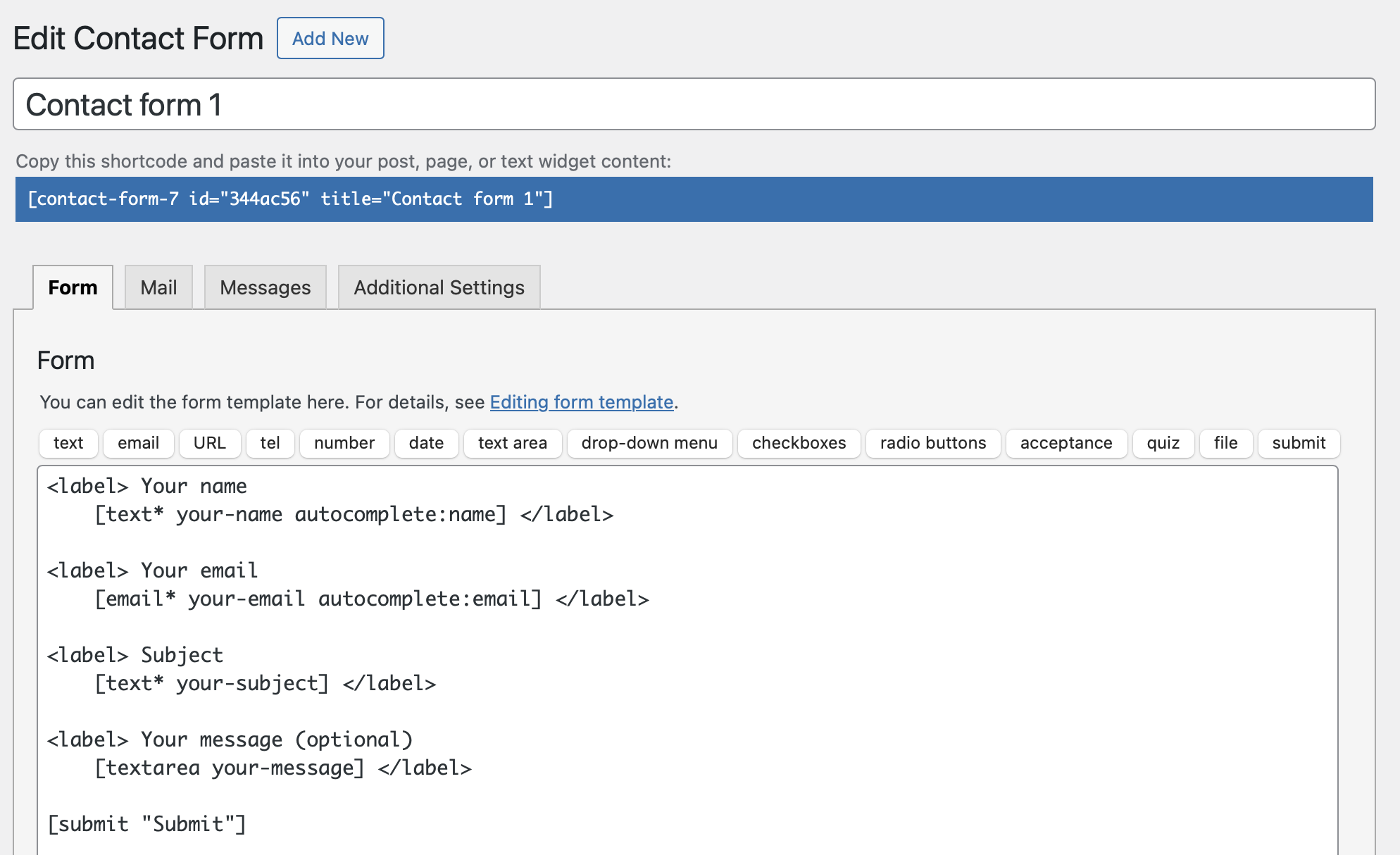
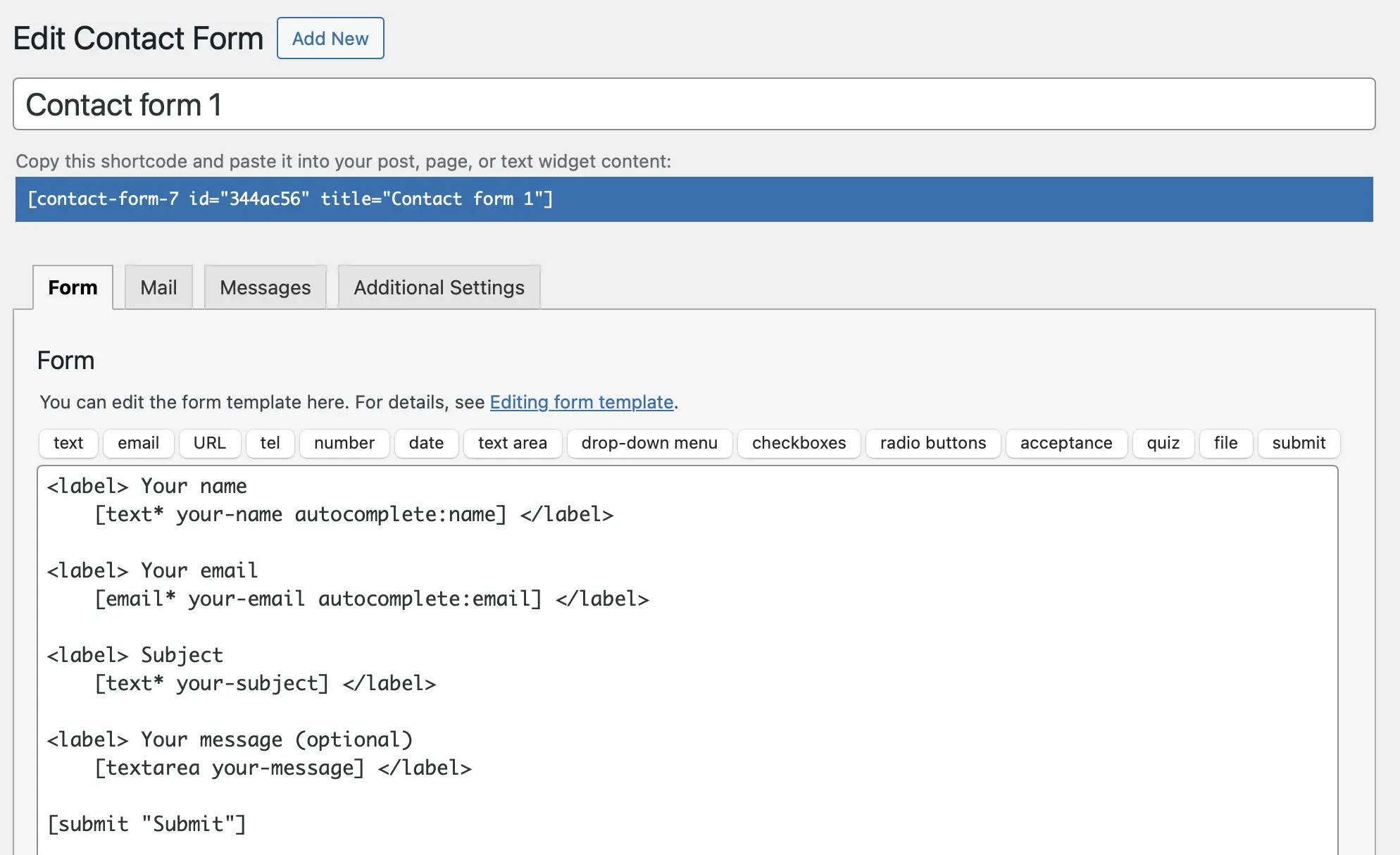
The interface of Contact Form 7 is very simple, yet it offers extensive functionality.
Key features of Contact Form 7
- Unlimited forms
- Supports various field types: quiz, file upload, dropdowns, tick boxes, etc.
- Shortcode generation for easy embedding
- Customisable email notifications, including confirmation emails
- Customisable success/error messages
- Spam protection via quiz or Honeypot plugin
Pros and cons of Contact Form 7
| Pros | Cons |
|---|---|
| ✓ Completely free and open source | ✗ Multi-column forms require knowledge of HTML and CSS |
| ✓ GDPR-compliant, as no data is stored | |
| ✓ Excellent compatibility with other themes and plugins | |
| ✓ Free extensions available for features like drag-and-drop editors, conditional logic, or multi-step forms |
WPForms
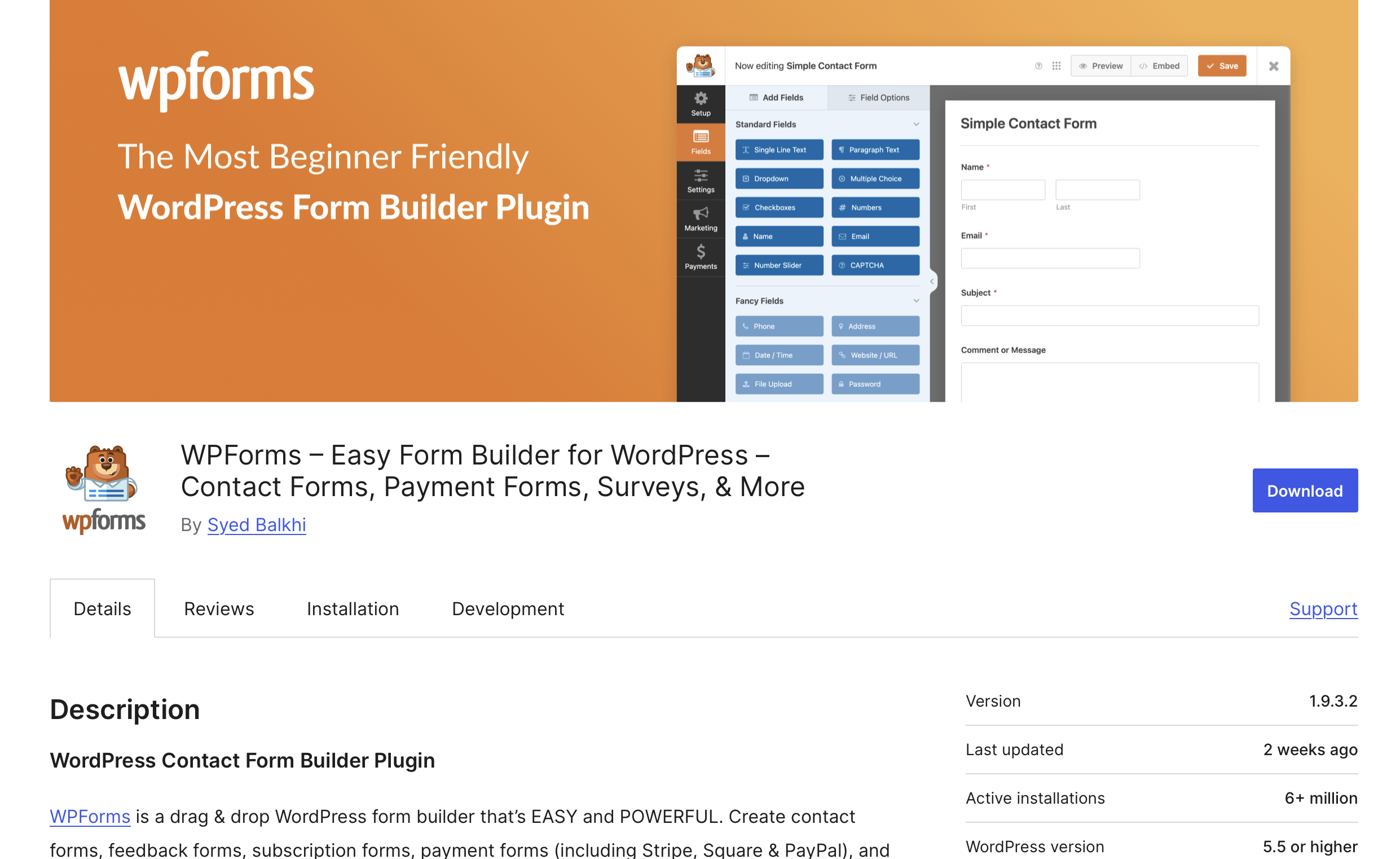
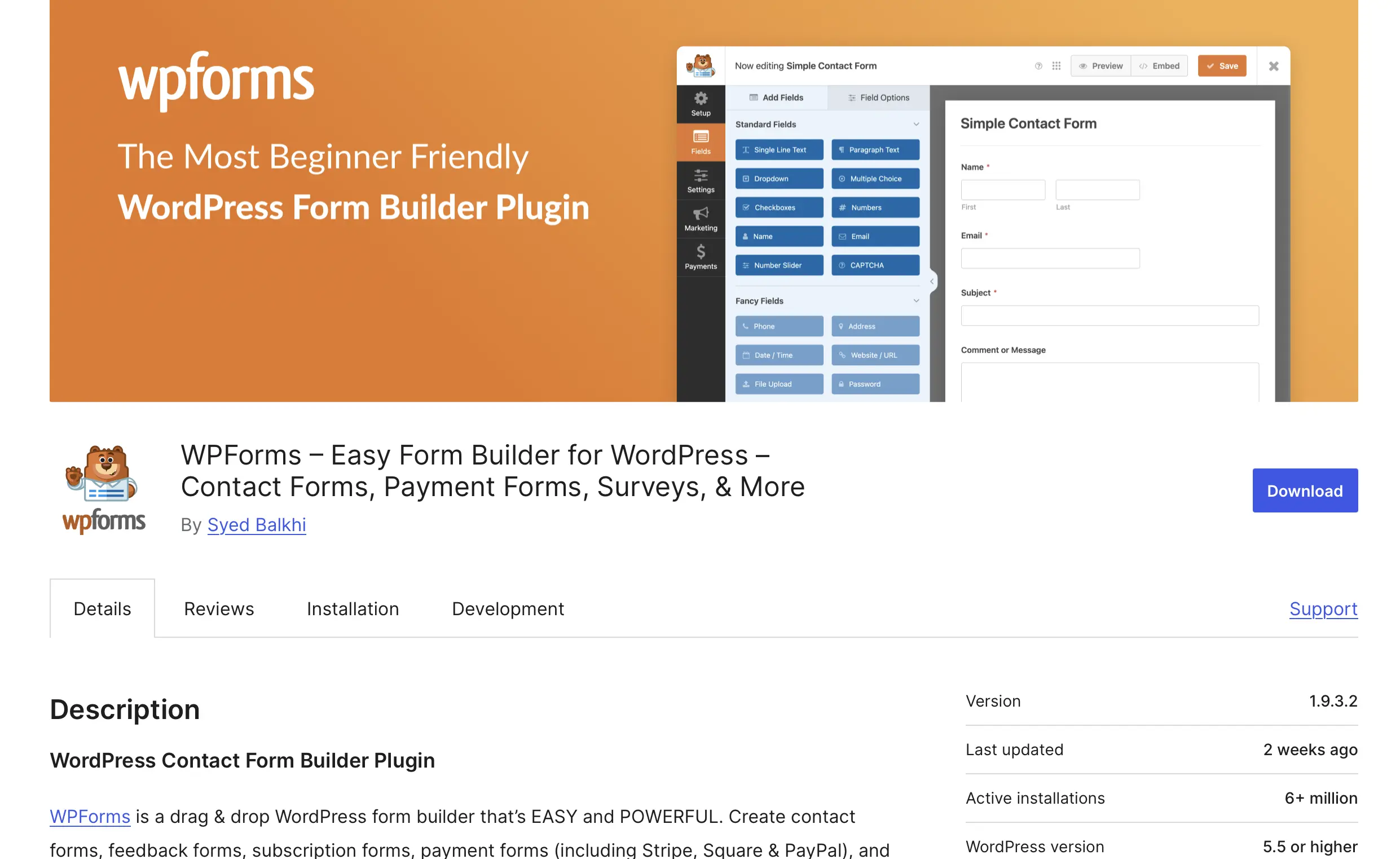
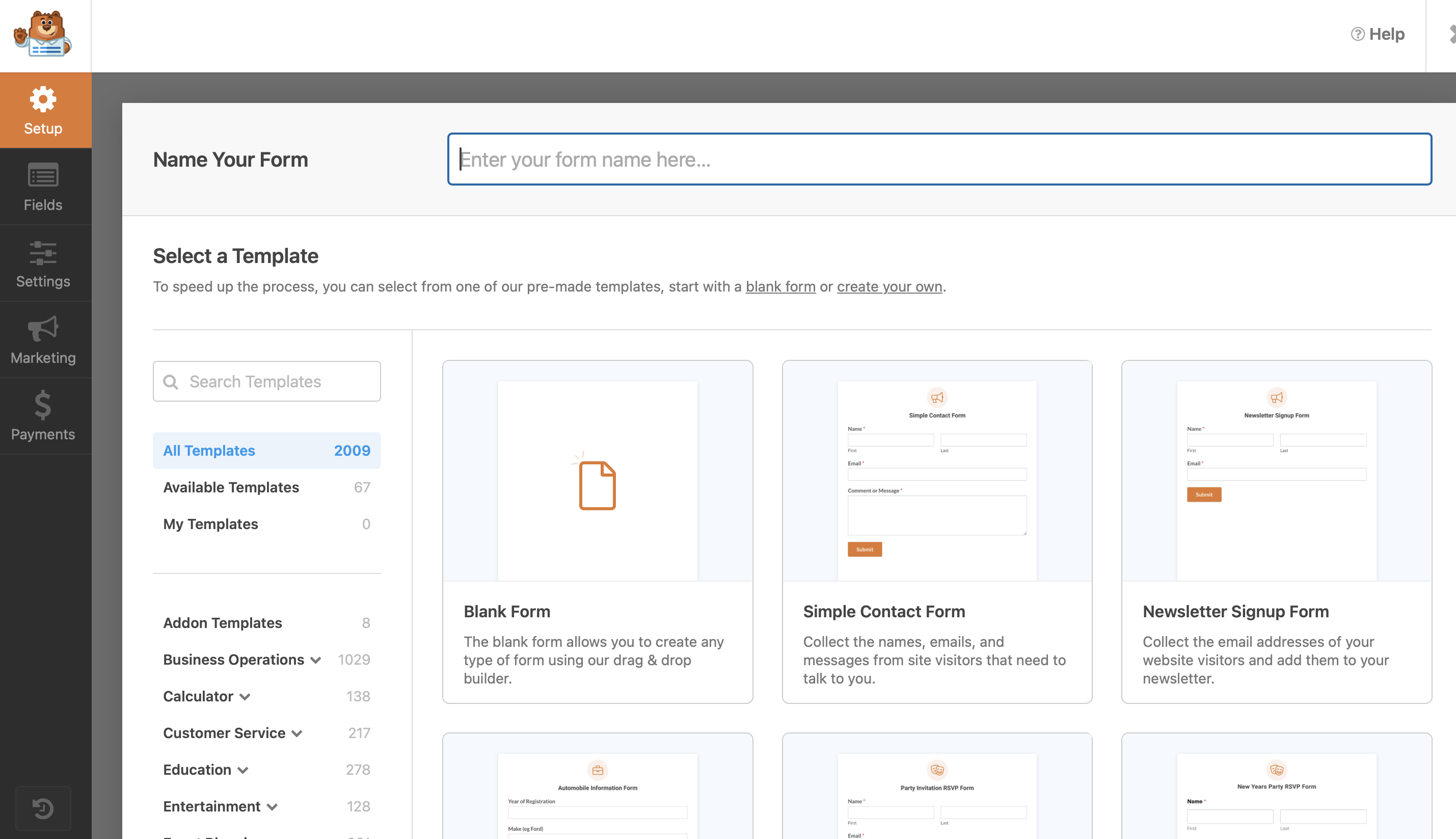
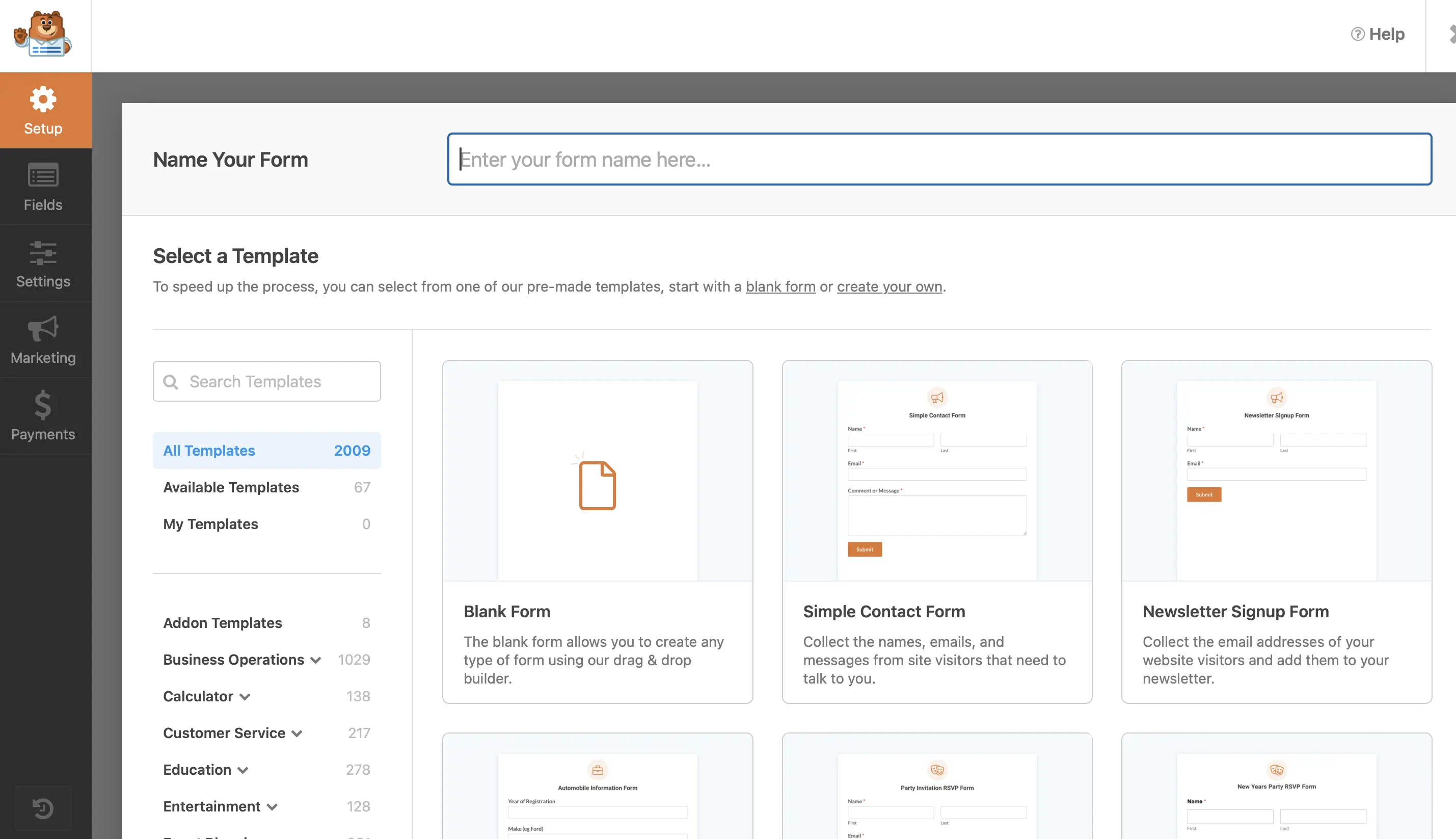
WPForms offers an intuitive drag-and-drop editor, making it especially easy for beginners to create a contact form in WordPress. The free version already includes several useful features that are more than enough for basic forms. For those who need more advanced functionality, WPForms offers four pricing packages with additional features.
Key features of WPForms
- Unlimited number of forms
- Wide selection of field types – including dropdowns, tick boxes, multiple choice, and a tick box for Mailchimp newsletter signup
- The Pro version of WPForms includes additional field types and payment integrations
- Forms can be easily embedded using a shortcode
- Intuitive drag-and-drop builder for customising layout, colours, and field sizes
- Customisable email notifications to specific recipients (Pro version required for additional emails)
- Custom confirmation email for the sender
- Multi-page forms available starting with the Pro version
- Prebuilt templates included in the free version; more templates available in the Pro version
- The contact form is responsive, adapting to all screen sizes
- Spam protection with reCAPTCHA and the Custom Captcha Addon
Pros and cons of WPForms
| Pros | Cons |
|---|---|
| ✓ Intuitive drag-and-drop editor | ✗ Additional features require the paid Pro version |
| ✓ Responsive forms | ✗ Free version offers enough, but fewer field types compared to other tools |
| ✓ Conditional logic |
Ninja Forms
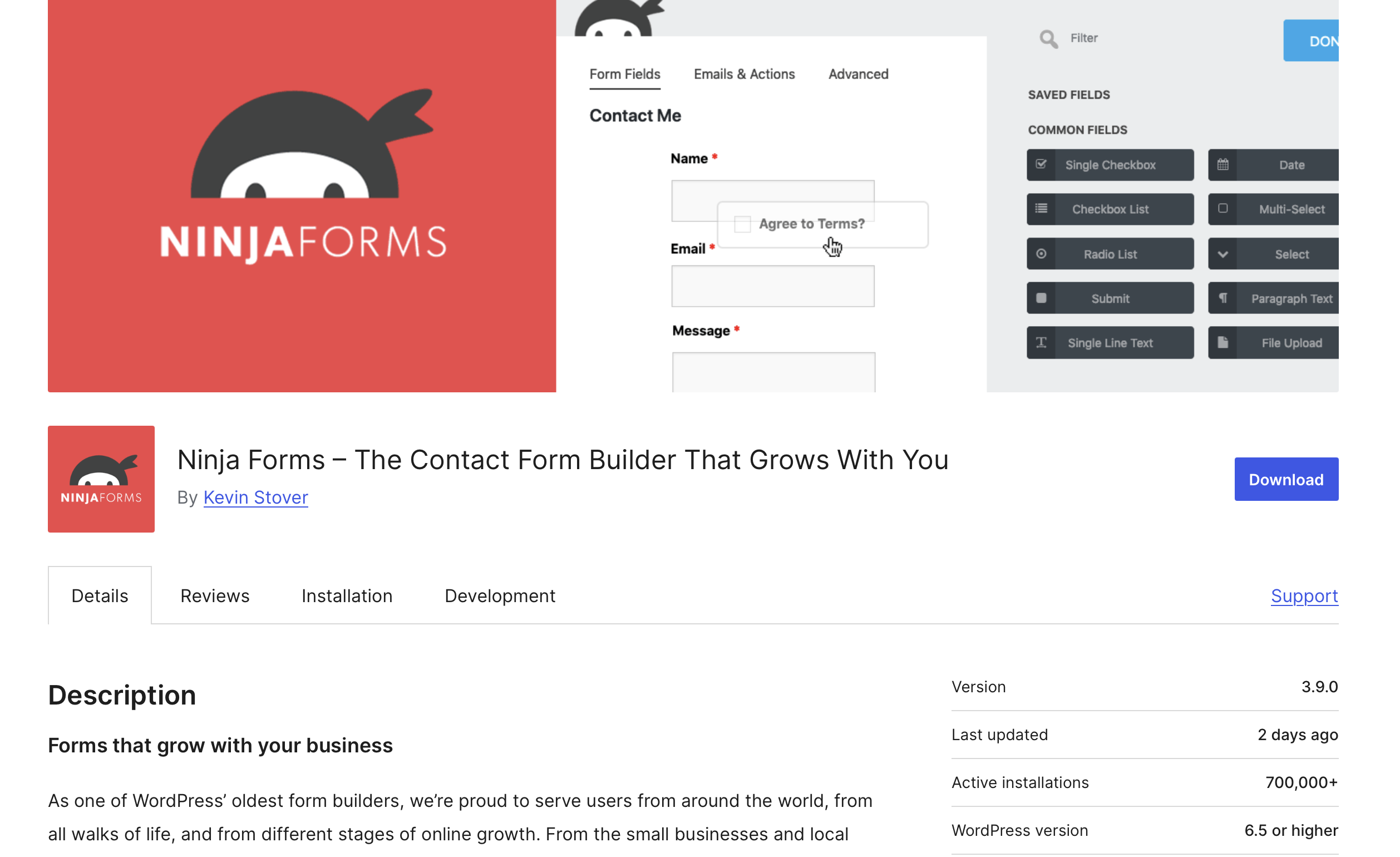
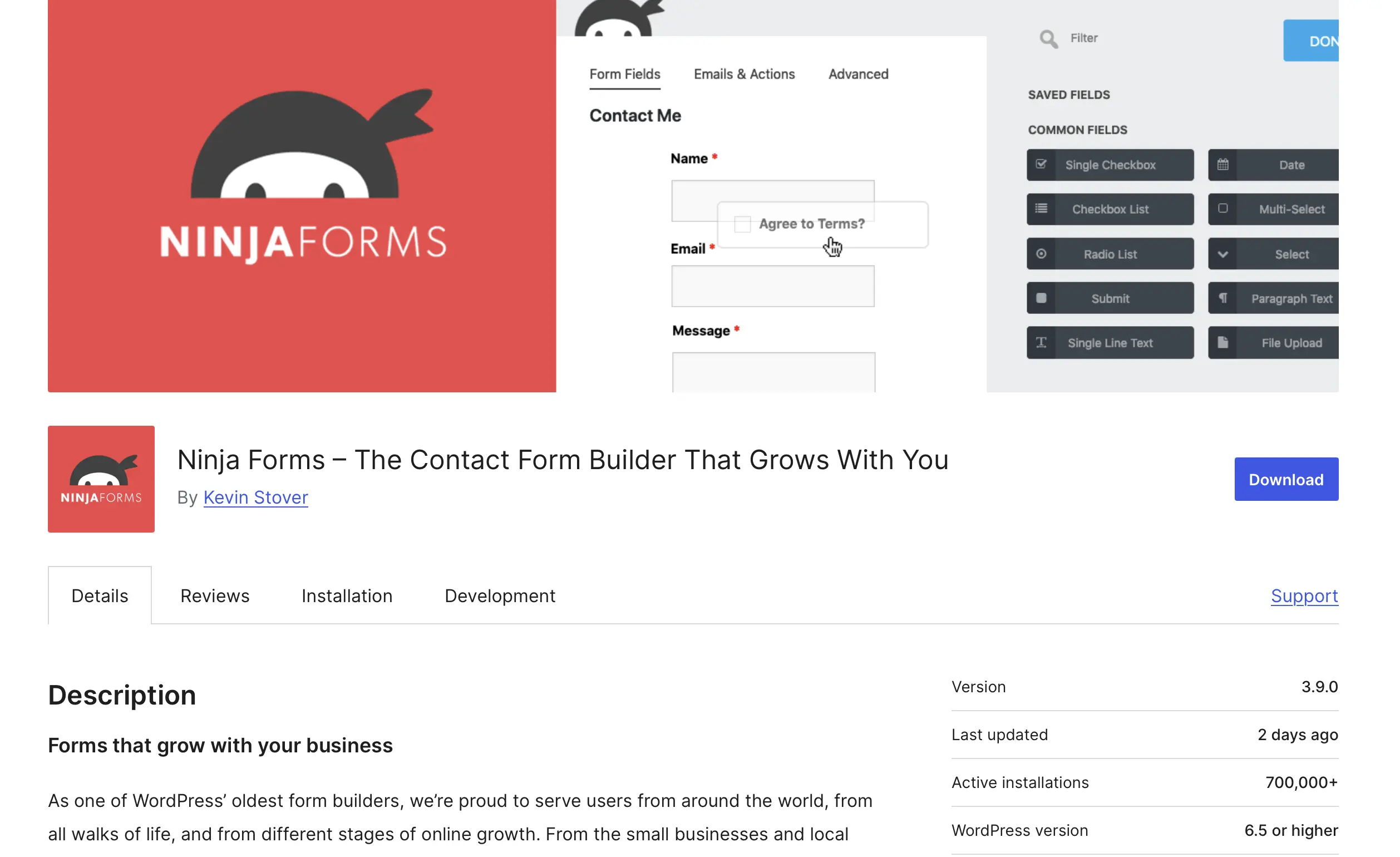
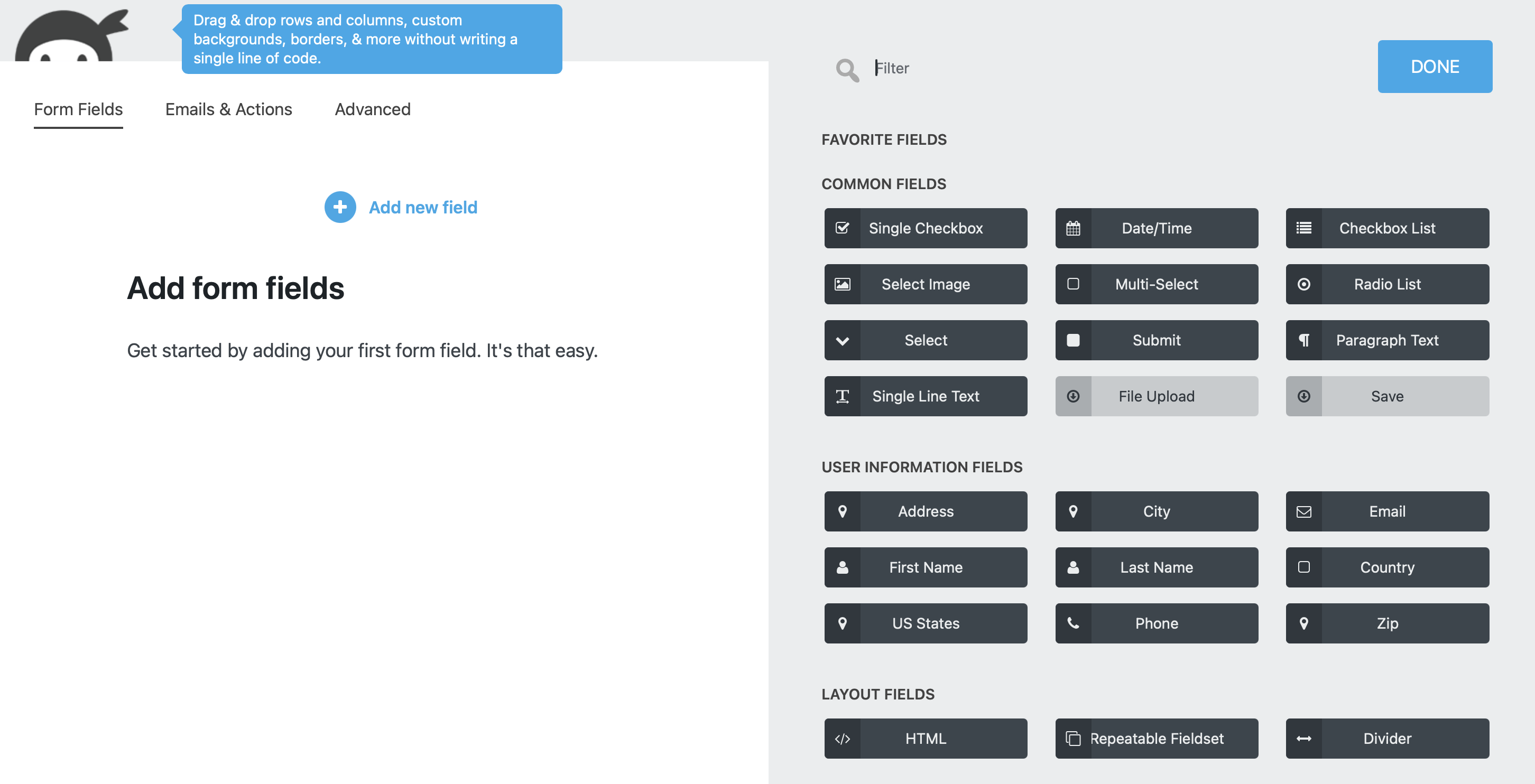
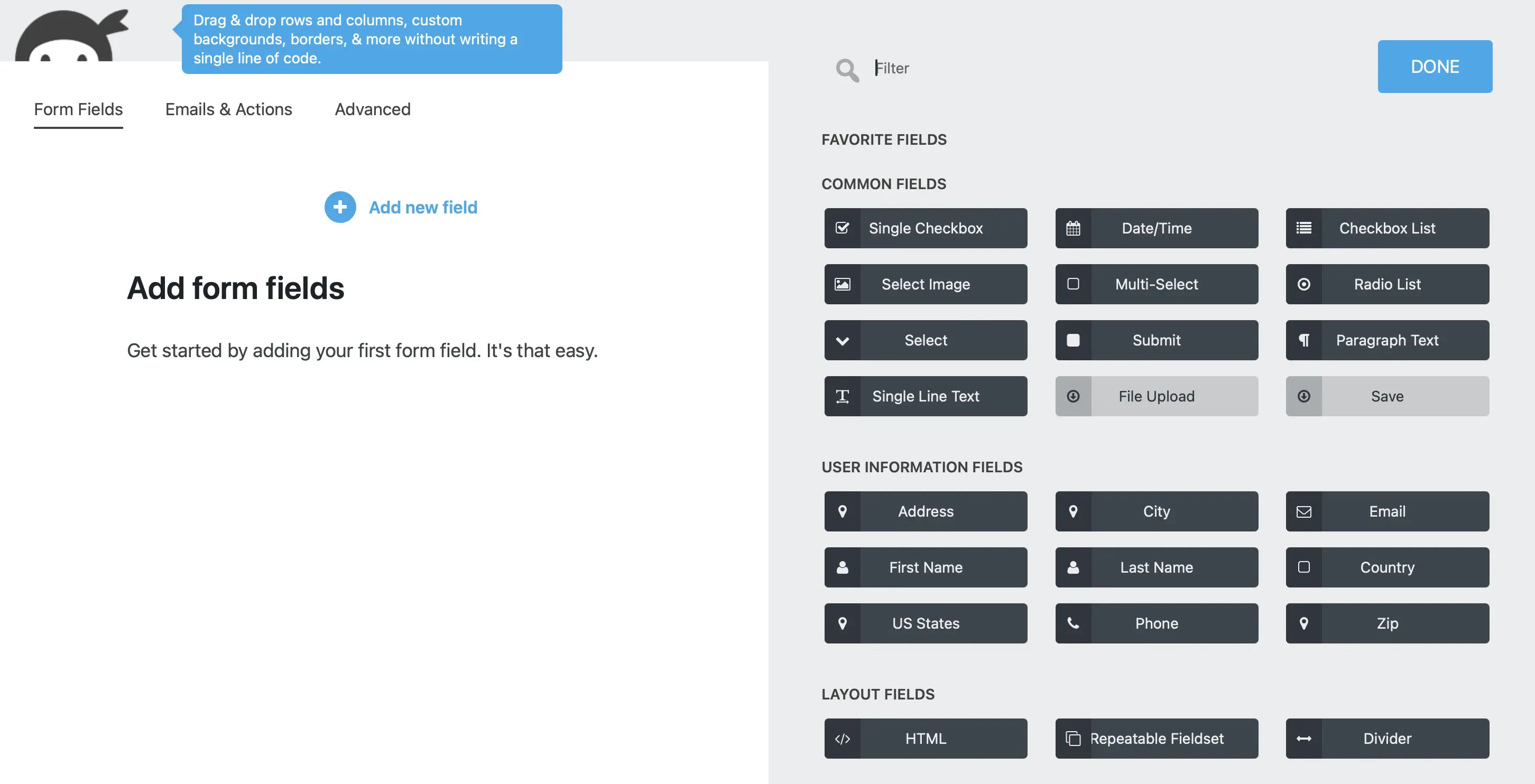
Ninja Forms also uses a drag-and-drop editor. You can add or reorder fields by dragging and dropping. The free version already includes many fields and some features. For more flexibility, there are three packages available as well as the option to purchase add-ons individually.
Key features of Ninja Forms
- Unlimited number of forms
- Many field types available even in the free version, including dropdown menus, date fields, tick boxes, and star ratings
- Customisable emails to recipients and senders
- Individually customisable error messages
- Intuitive drag-and-drop editor – with the ‘Layout & Styles’ add-on, you can split fields into multiple columns
- Shortcode for easy embedding anywhere on the website
- More than 40 add-ons extend functionality, including multi-page forms, conditional logic, file uploads, Zapier integration, multi-column forms, and payment processing with PayPal Express, Elavon, and Stripe
- Honeypot is included as spam protection, and bots can additionally be blocked using reCAPTCHA
Pros and cons of Ninja Forms
| Pros | Cons |
|---|---|
| ✓ Intuitive drag-and-drop editor | ✗ Relatively limited features in the free version |
| ✓ Responsive forms | |
| ✓ Almost all field types available in the free version | |
| ✓ Extensions available for individual purchase |
Gravity Forms
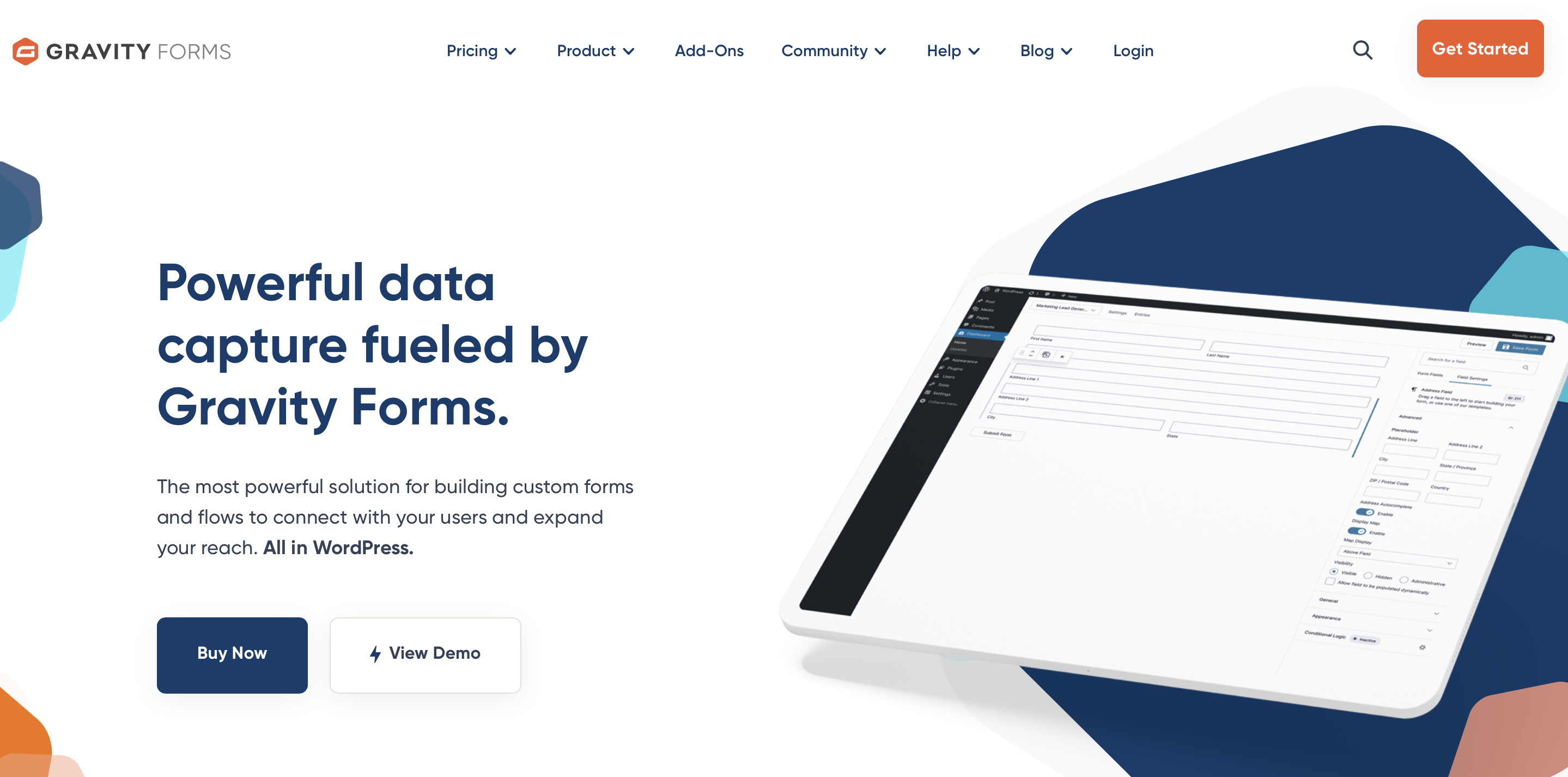
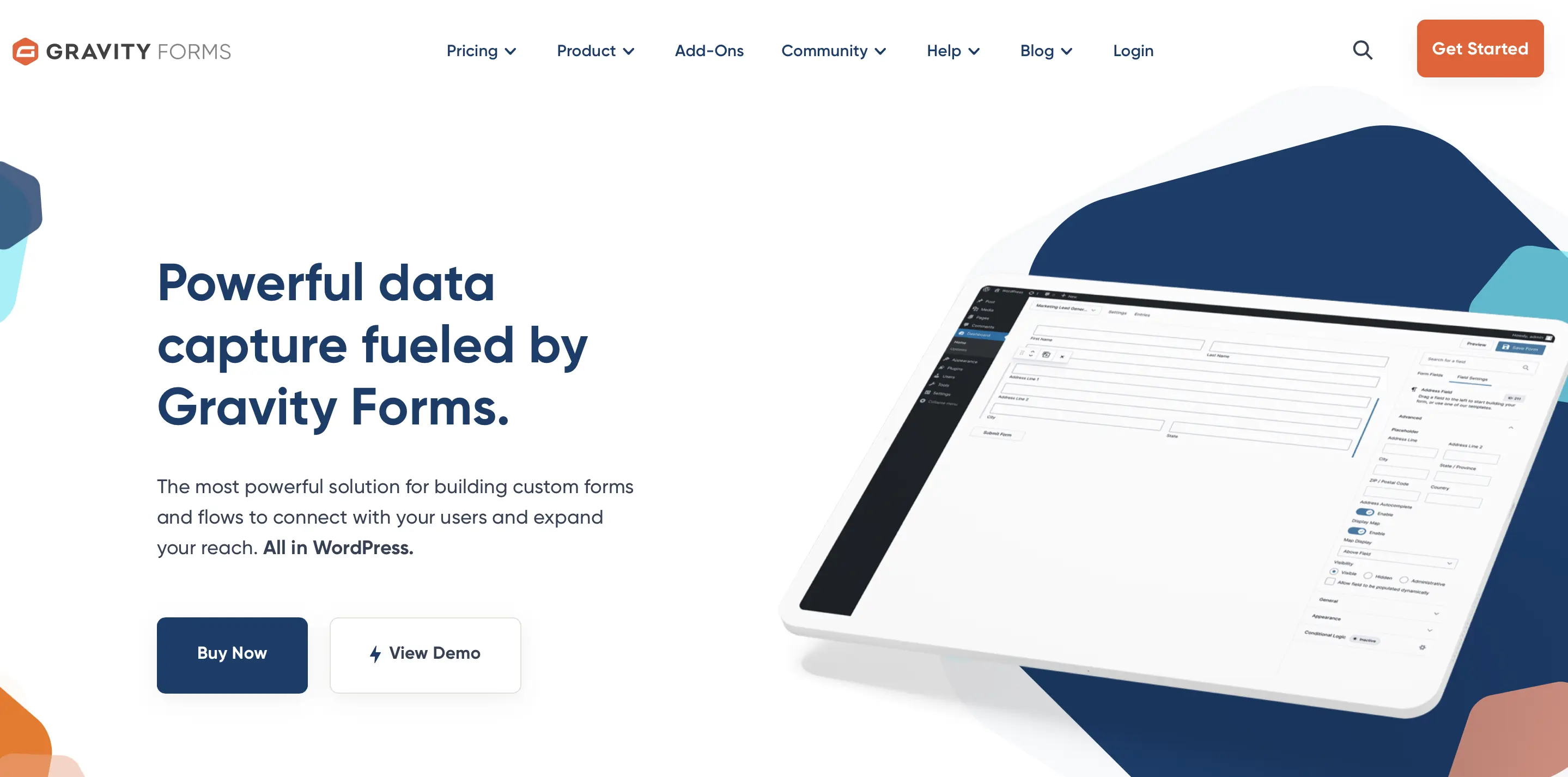
Gravity Forms is a paid WordPress form plugin. However, its pricing is quite reasonable considering the features offered.
Key features of Gravity Forms
- Unlimited number of forms
- Intuitive drag-and-drop editor that allows you to create forms quickly and easily
- Multi-page forms
- Conditional logic for fields
- Special field types such as file uploads and quizzes in addition to standard fields
- Many available add-ons including Zapier, Stripe, PayPal, Mailchimp, and more
- You can flexibly embed the WordPress contact form anywhere on your site using a shortcode
- Spam protection through quiz questions or reCAPTCHA to protect you from unwanted spam emails
Pros and cons of Gravity Forms
| Pros | Cons |
|---|---|
| ✓ Intuitive drag-and-drop editor | ✗ No free version available |
| ✓ Responsive forms | ✗ Add-ons are not sold individually |
| ✓ Pricing is reasonable |
Anyone familiar with WordPress knows that contact form plugins are just one category of the many available extensions. From the start, this former blogging system has stood out due to its high degree of extensibility. If you’re interested, take a look at our other plugin articles:
The four WordPress form plugins compared
After introducing various WordPress contact form plugins, the following table provides a clear comparison of the plugins mentioned above:
| Features | Contact Form 7 | WPForms | Ninja Forms | Gravity Forms |
|---|---|---|---|---|
| Unlimited forms | Yes | Yes | Yes | Yes |
| Various field types | Yes | Yes, but limited in the free version | Yes | Yes |
| Drag-and-drop editor | Yes, with free extension (but not very intuitive) | Yes, very intuitive | Yes, very intuitive | Yes, very intuitive |
| Email communication system | Yes | Yes | Yes | Yes |
| Shortcode | Yes | Yes | Yes | Yes |
| Mailchimp integration | Yes, with free extension | Yes, as an add-on in paid packages | Yes, as an add-on in paid packages | Yes, available as add-on |
| Multi-page forms | Yes, with free extension | Yes, from the Pro version | Yes, with an extension | Yes |
| Spam protection | Yes, quiz, reCAPTCHA, and honeypot extension | Yes, reCAPTCHA and Custom Captcha add-on | Yes, reCAPTCHA and honeypot | Yes, quiz and reCAPTCHA |
| Extensions sold individually | Yes | No | Yes | No |
| Price | Free | Free version available; packages from $99 (around £75))/year (often discounted) | Free version available; packages from $99 (around £75)/year (often discounted) | From $59 (around £45)/year |
All information is current as of February 2025.
IONOS Hosting for WordPress makes it easier for you to create a fast and secure WordPress website.

Reviewers

Melissa Senn
Melissa Senn has been with IONOS since 2016 and focuses on website, e-commerce, social media, and AI in the Digital Guide. As a digital strategist, she uses her extensive SEO and GEO experience to transform complex technological trends into practical content.

Julia Hertler
With over 18 years of experience in content marketing, Julia Hertler has deep expertise in digital communications. For the past 10 years, she has specialised in the areas of domains and hosting at the IONOS Digital Guide, making complex technical topics easy to understand.