The top 5 WordPress CRM plugins compared

WordPress CRM plugins are useful to improve the contact and communication with your customers. Both free and premium WordPress CRM solutions are available.
Ask, create and research with the European alternative to ChatGPT. Robust security and unlimited chats give you peace of mind.
What is WordPress CRM?
From brick-and-mortar stores, wholesalers, production facilities, market traders and digital sellers — for the vast majority of businesses excellent customer care is the be-all and end-all. Sellers willing to understand their customers’ needs are able to satisfy them and foster loyalty. Luckily, plenty of useful (and less useful) tools are available to monitor your Customer Relationship Management (CRM) easily and effectively. Analysis, marketing, sales, and customer service ideally should go hand in hand. And CRM is just as important for WordPress users.
To improve your business interaction with current and potential customers, various WordPress plugins are available. Communication is a particularly large and diverse category in plugins. While some companies require a one-stop shop for everything — from their eCommerce activities to detailed databases and monitoring — others make do with a simple WordPress CRM plugin to schedule activities and reach out to customers. Here’s an overview of the five best WordPress CRM plugins and their most important features.
The quickest and simplest solution is Hosting for WordPress from IONOS, which includes SSD storage, unlimited traffic and daily automated backups. Select the plan that suits your needs!
What a good WordPress CRM plugin needs to offer
The right WordPress CRM plugin lets you optimize your website and customer interactions. When selecting a CRM tool you’ll want to pay attention to the following features:
- Flexibility: As your business scales, your CRM plugin should scale too. Additional data, detailed reports or more extensive lists shouldn’t become an issue.
- Add-ons: Even though you may only need a few basic functions to begin with, your needs may change over time. A good plugin is modifiable using appropriate add-ons.
- Foreseeable costs: Investing in a WordPress CRM solution of your choice can pay off. It’s important to estimate how much you’re willing to spend. Hidden costs or a lack of customisation options can negatively impact your cost-benefit calculation.
- User-friendliness: Even the best tool is of little use if it’s not intuitive or requires too much time to learn. Well-structured tools are even more important when working in a team.
Get your desired web address in no time. Register your domain with IONOS and benefit from numerous security features, up to 10,000 subdomains and 24-hour service.
Overview of the best WordPress CRM plugins
| WordPress CRM tool | Audience | Costs |
| HubSpot | Medium and large companies | Free basic version, paid add-ons |
| WordPress CRM Plugin | All companies | Free basic version, paid add-ons |
| Upi CRM | Small companies | Free |
| WP ERP | Small companies | Free basic version, paid add-ons |
| Jetpack CRM | Small and medium companies | Free basic version, paid add-ons |
HubSpot
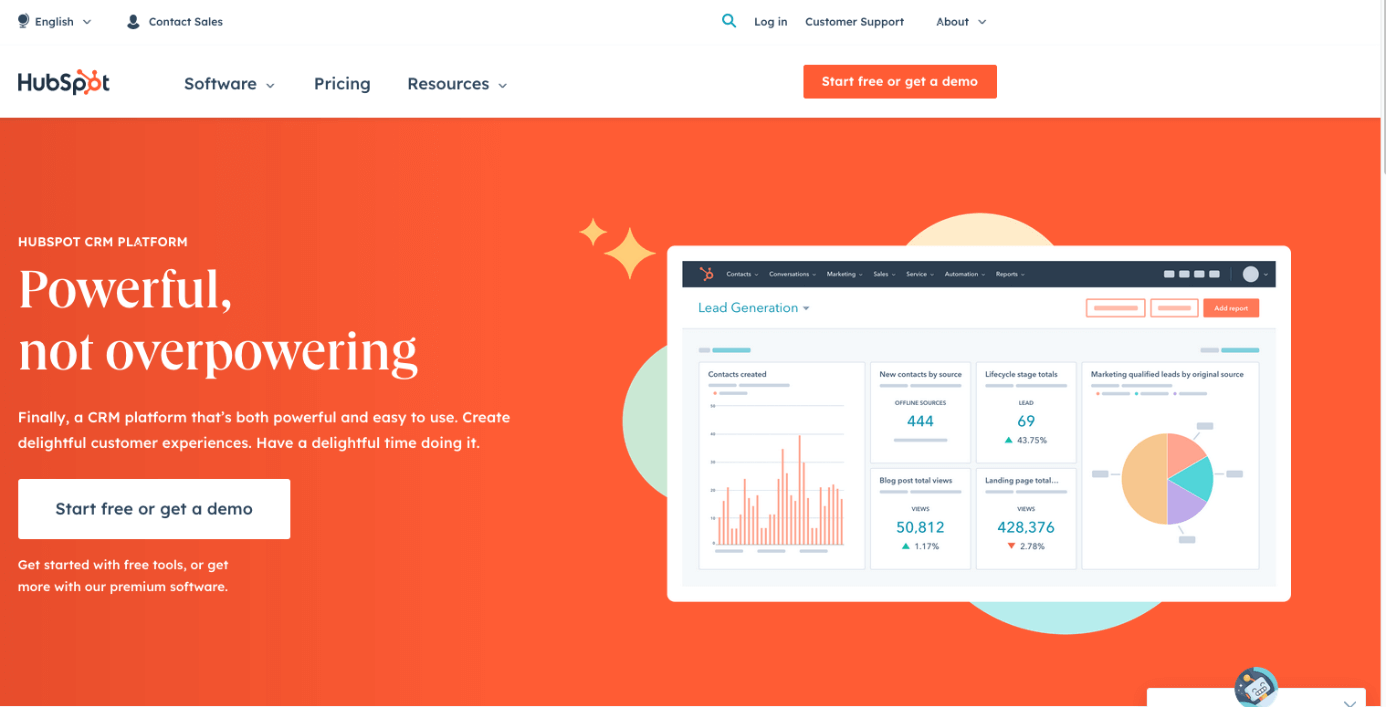
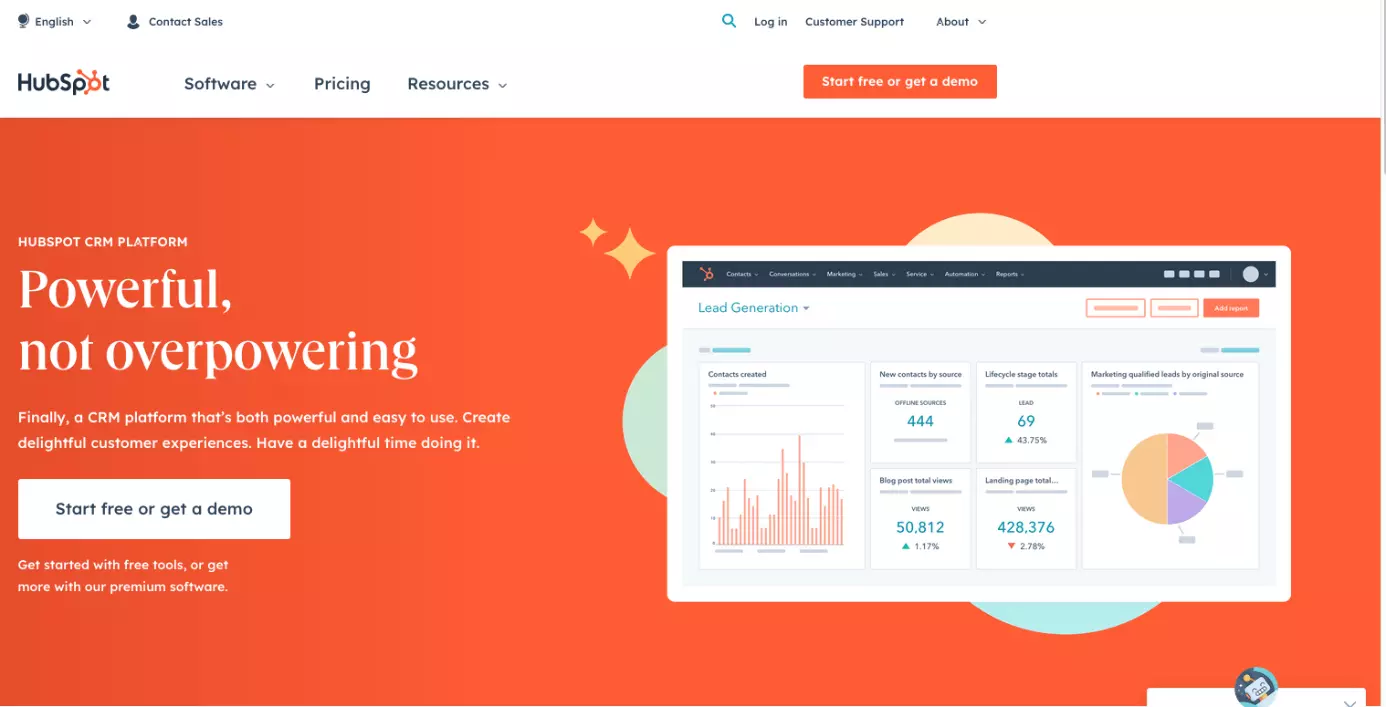
HubSpot is possibly the most comprehensive and user-friendly WordPress CRM plugin. The solution is free and lets you offer comprehensive customer care including direct contact, data collection and monitoring. You can also send automated emails and newsletters. It takes just a few clicks to install the HubSpot CRM plugin. Once set up, the tool manages all interactions between your customers and website. It boasts additional real-time customer support features, email templates, an intuitive drag-and-drop builder, tracking and lead generation, pop-up creation, auto-population of existing data, and numerous extensions. However, some of these can get a little pricey.
| Pros | Cons |
| ✓ User-friendly | ✗ Some important features incur a surcharge |
| ✓ Many features and add-ons | |
| ✓ Single solutions for most use cases | |
| ✓ Free basic planpackage |
Who should use HubSpot?
The HubSpot WordPress CRM plugin is suitable for medium and larger companies looking for an all-rounder to manage their active and heavily trafficked website. Smaller businesses benefit from its useful features, but things could get a little expensive when you’re still in the initial stages of scaling your company.

WordPress CRM Plugin
The basic WordPress CRM Plugin package is available free of charge and worth considering for smaller businesses. The premium package features additional support and tools. Because the plugin can be flexibly scaled it’s an interesting option for a wide variety of purposes. WordPress CRM Plugin is managed from a particularly user-friendly dashboard. It’s available in different languages and covers a wide range of tasks.
| Pros | Cons |
| ✓ Free basic packagelan | ✗ Some add-ons are more expensive |
| ✓ Available in different languages | |
| ✓ User-friendly | |
| ✓ Scalable |
Who should use WordPress CRM Plugin?
Available in different plans packages and with plenty of add-ons to choose from, WordPress CRM Plugin is suitable for businesses of any size. Smaller companies can access a powerful solution free of charge while larger ones are well-served with numerous extensions. It’s a great plugin for brands looking to scale.
Upi CRM
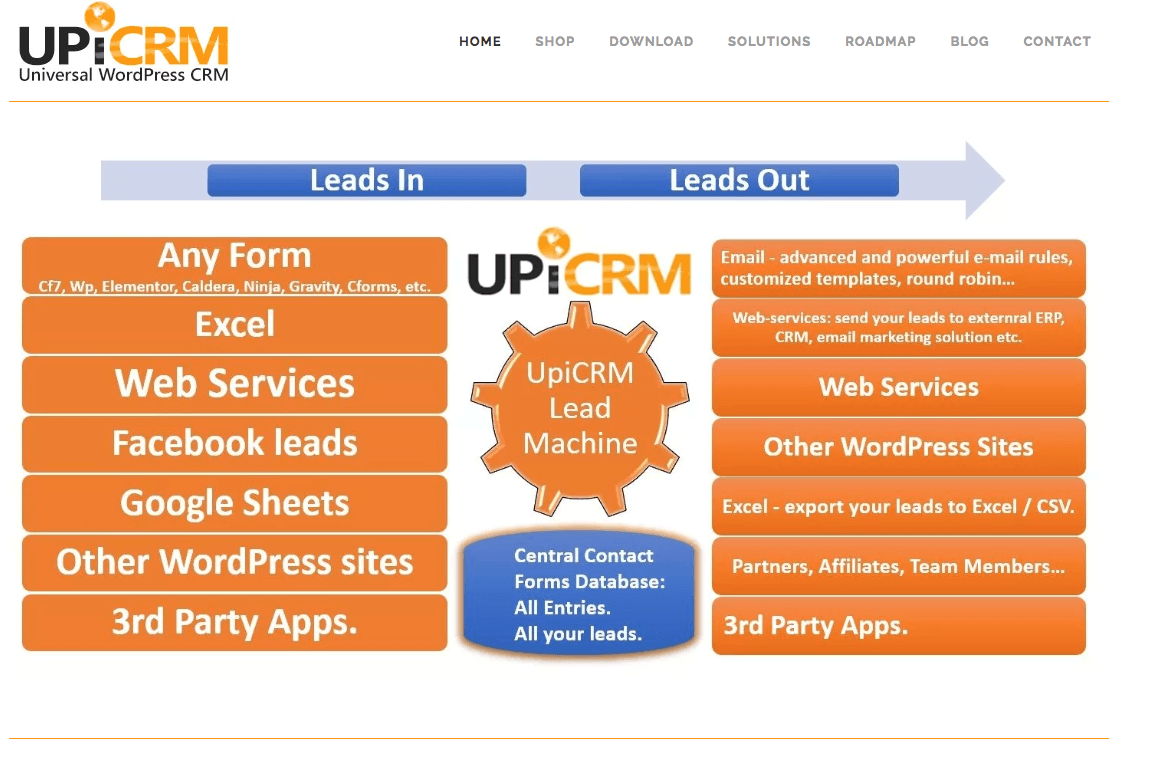
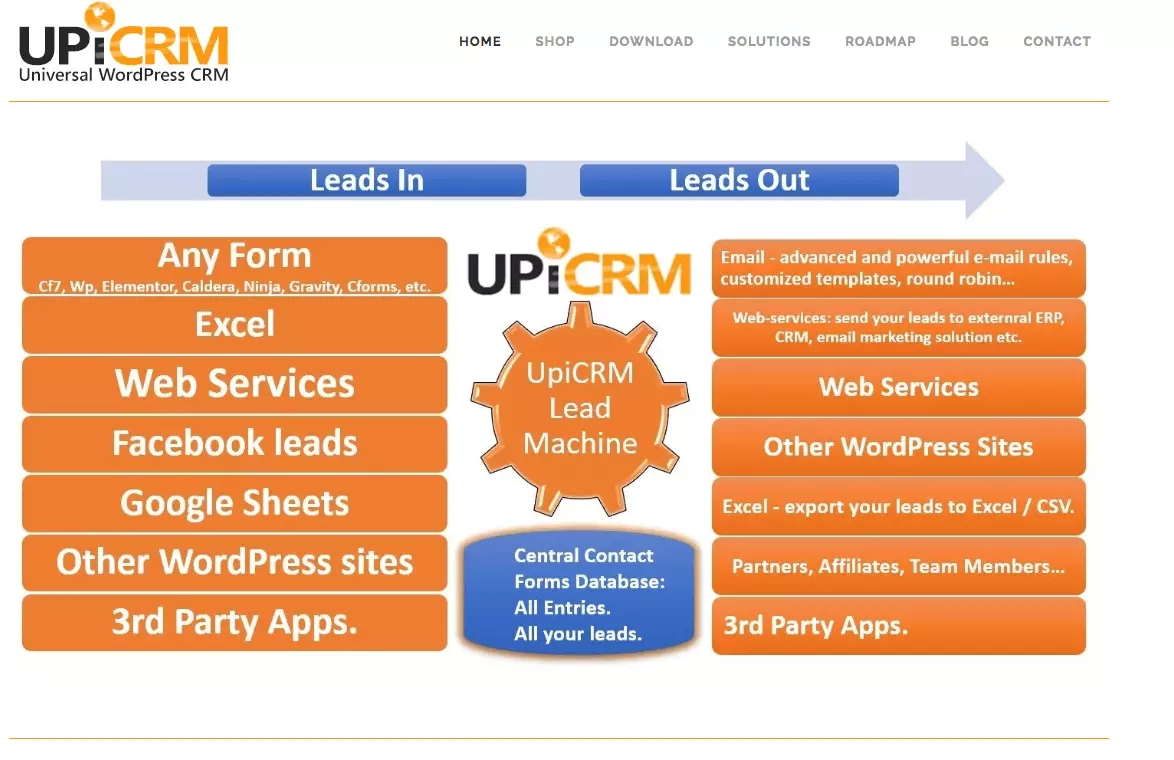
Upi CRM is primarily intended for lead generation and list maintenance. However, it’s also a strong CRM plugin offering extensive analyses and reports for an overview of your business and customer base. The tool is well-designed, user-friendly and suitable for beginners. Upi CRM is free, but lacks many of the features of competing solutions.
| Pros | Cons |
| ✓ Free | ✗ Fewer features |
| ✓ Well-laid out and intuitive | |
| ✓ Many customizsation options |
Who should use Upi CRM?
Those looking for multiple features and a more comprehensive WordPress CRM tool won’t be happy with Upi CRM. However, small businesses looking for a free solution will get plenty of usage from this plugin.
Learn all you need to know about WordPress and extensions in our Digital Guide:
WP ERP
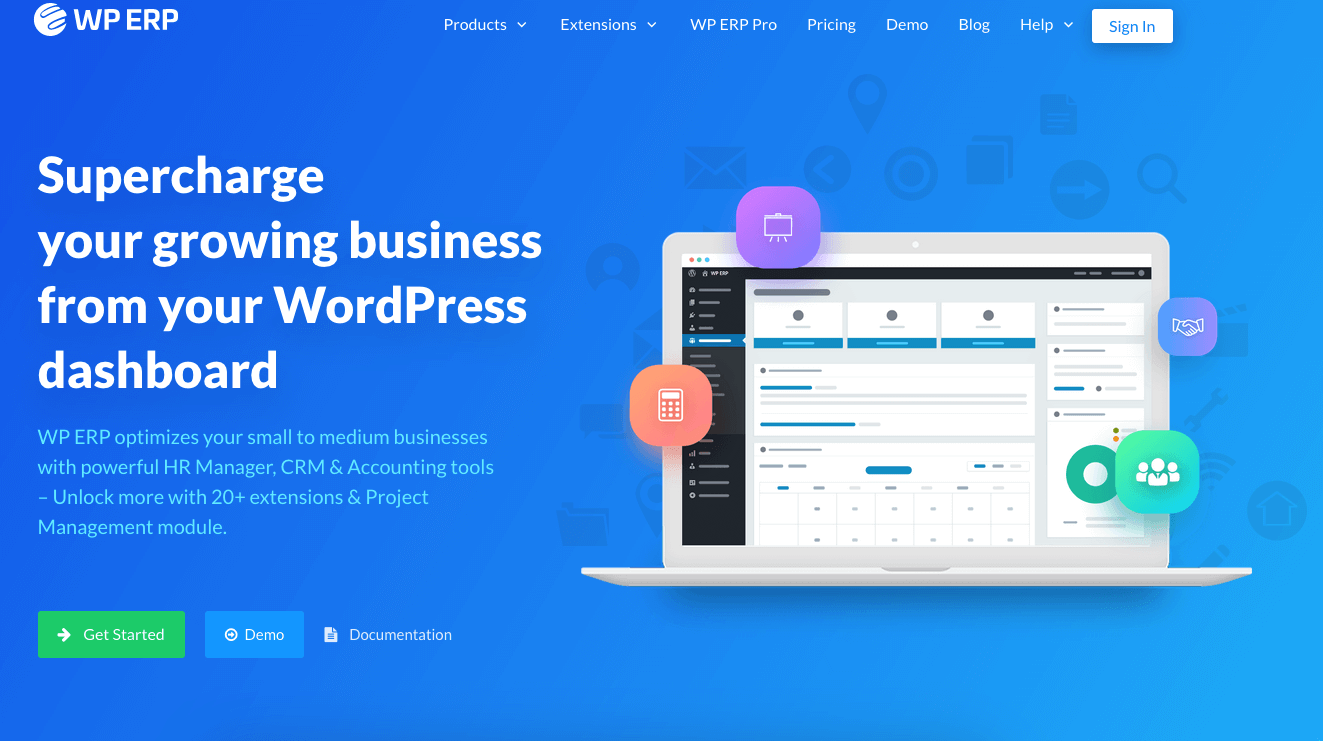
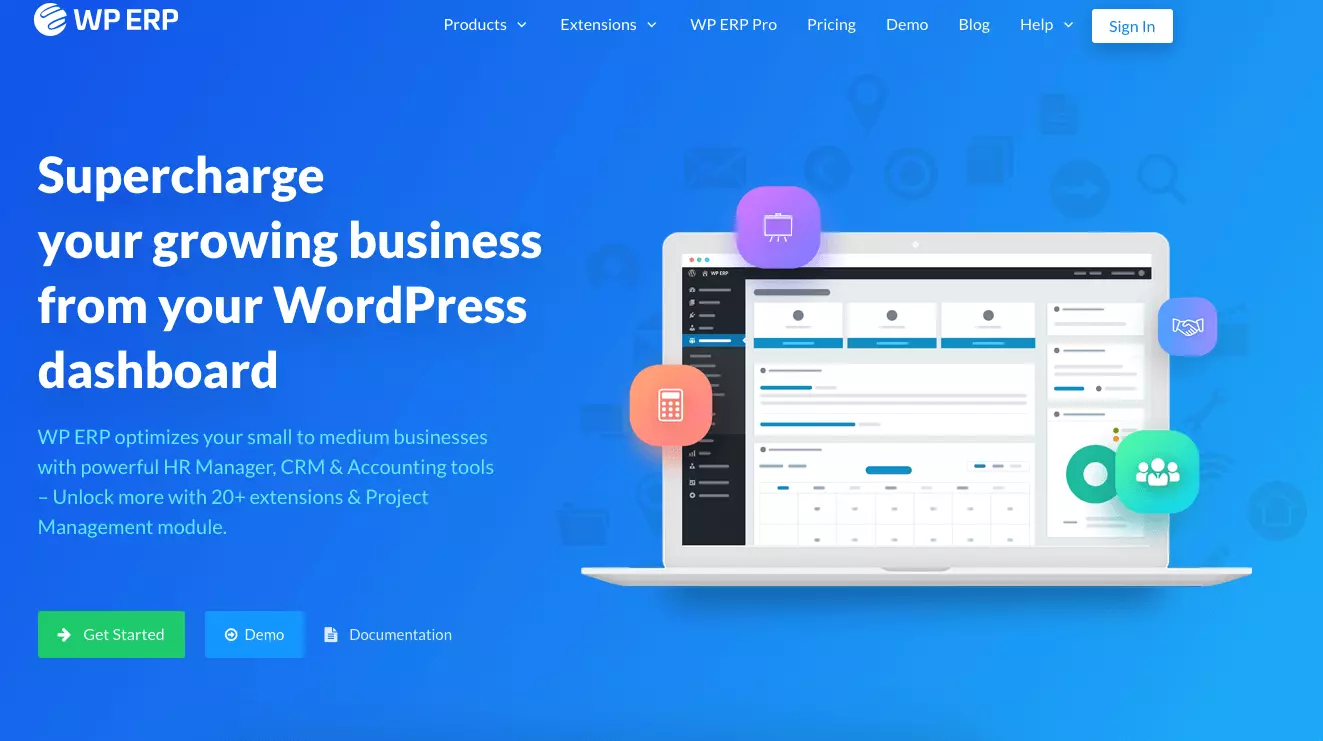
WP ERP is available for free while offering many useful basic features. It’s an excellent WordPress CRM plugin for managing customer data and database creation. The accounting feature is a plus for smaller businesses. Numerous integration options are possible to this end. The tool is a little more complicated if you’re new to plugins. For more features and extensive support, a paid package is available.
| Pros | Cons |
| ✓ Free basic version | ✗ Harder to use for beginners |
| ✓ Good accounting feature | |
| ✓ Integration options | |
| ✓ Plenty of useful features | |
| ✓ Attractive design |
Who should use WP ERP?
WP ERP is a great choice for smaller businesses. The WordPress CRM offers many useful features and you won’t need an additional accounting program. Although some features are lacking in the basic planpackage, it’s still a well-equipped option.
Jetpack CRM
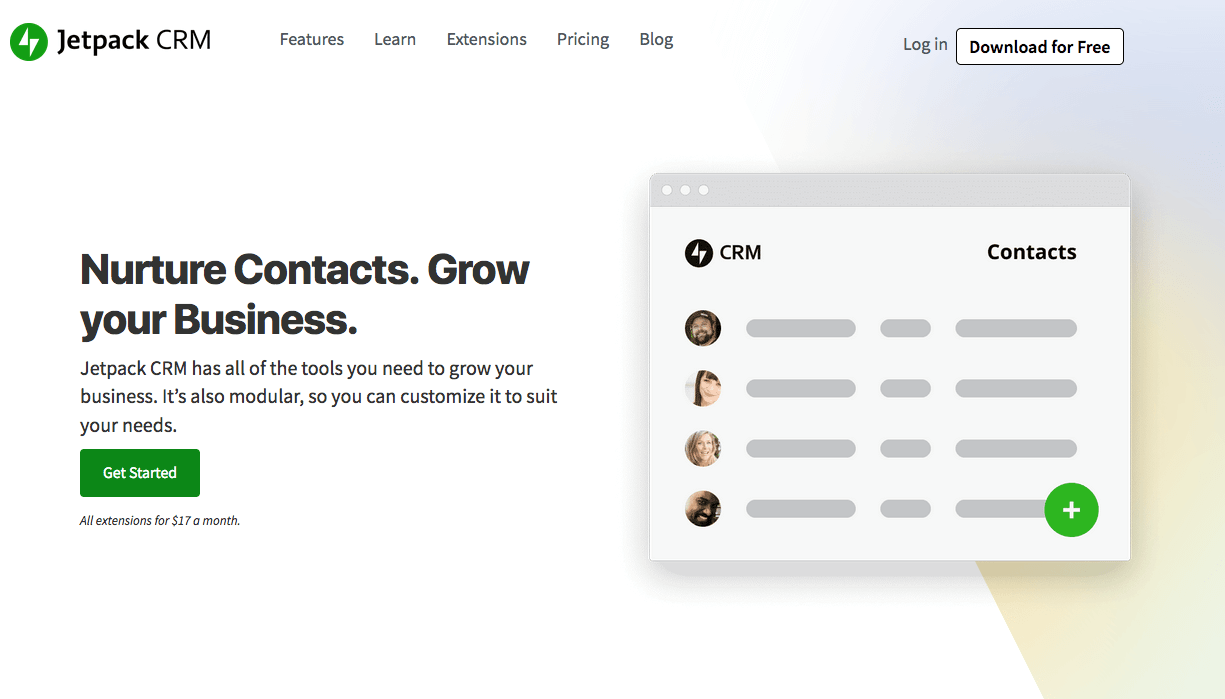
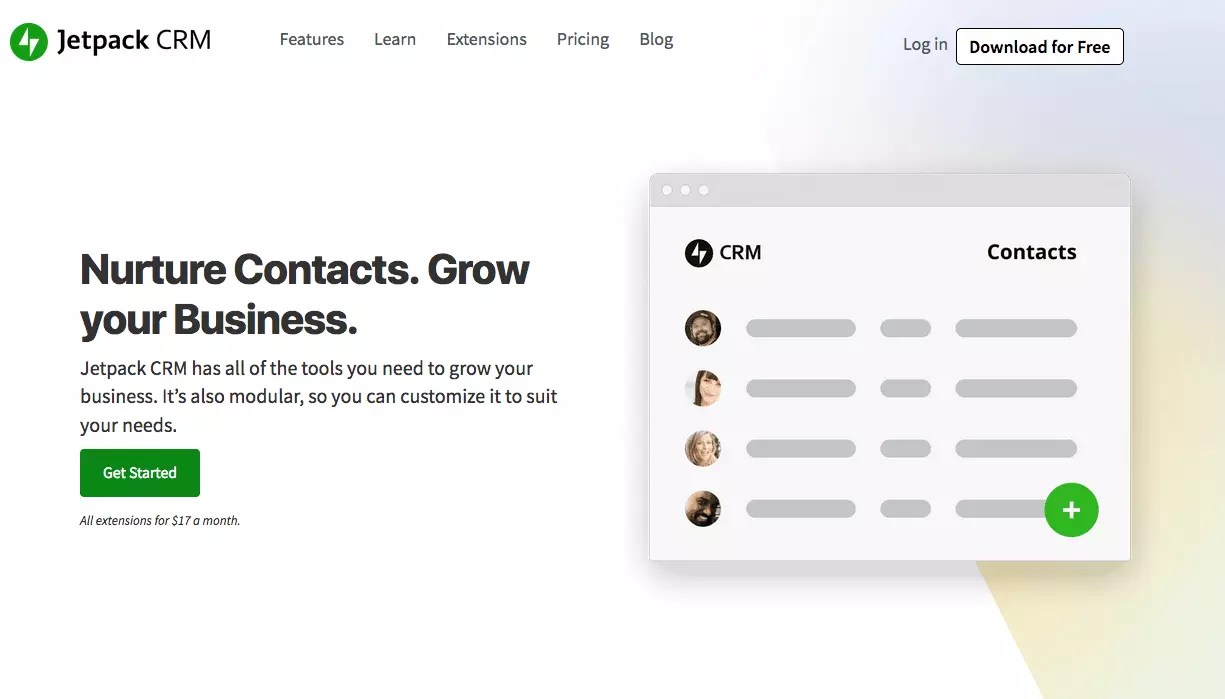
Jetpack CRM used to be known as `Zero BS WordPress CRM´. The name referred to the lack of unnecessary components, emphasising user-friendliness and a slim design. Despite the name change, the tool remains true to its intended purpose. The self-proclaimed `easiest and fastest´ WordPress CRM plugin is well laid-out and can be used without any prior knowledge. Jetpack CRM is available free of charge and can be extended for a fee.
| Pros | Cons |
| ✓ Free basic planpackage | ✗ Some features only available in premium planpackage |
| ✓ User-friendly | ✗ Fewer additional languages |
| ✓ Responsive | |
| ✓ Many features |
Who should use Jetpack CRM?
Jetpack CRM is a good choice for small and medium-sized businesses. All basic features are included, and the tool is free of charge. However, if you need additional features, you’re better off choosing a more comprehensive solution.
Plenty of WordPress CRM solutions exist catering to a wide variety of needs. When choosing the right option, consider costs and functionality. Depending on your needs, one of the top five plugins above will likely be suitable.
Reviewer

Julia Hertler
With over 18 years of experience in content marketing, Julia Hertler has deep expertise in digital communications. For the past 10 years, she has specialised in the areas of domains and hosting at the IONOS Digital Guide, making complex technical topics easy to understand.