

What are the best WordPress Instagram plugins for embedding feeds?

Numerous WordPress Instagram plugins allow you to easily embed an Instagram feed into WordPress with just a few clicks. This enhances your website with high-quality Instagram images without duplicating content creation, and it gives you the chance to have website visitors follow you on Instagram. We present the best Instagram plugins and widgets for WordPress.

The key features of WordPress Instagram plugins
With the Instagram app, you take photos, edit them, and share them – all without needing an additional application. In just a few clicks and without any knowledge of photo editing, professional photo galleries can be created for brands, businesses, and individuals. However, many of your website visitors may not be Instagram followers yet. Therefore, it makes sense to integrate your Instagram feed into WordPress and your web presence. This way, you can use high-quality content from the social network and potentially generate new followers. But the more images you post, the more cumbersome it becomes to maintain them manually across multiple platforms.
Not only your Instagram feed can be integrated into WordPress with plugins. Take a look at our guide articles and explore various other plugins:
With a WordPress Instagram plug-in, this manual work is eliminated: you can integrate your Instagram feed into WordPress, and new photos will be automatically published on your site. However, the selection of Instagram plugins is vast. Simple tools with limited functionality display your Instagram feed 1:1 on your website and are quick to set up. More comprehensive plugins are more complex to integrate initially, but they offer more customisation options. Which plugin is the right choice depends on your personal requirements. The most common features of WordPress Instagram plugins are:
- Automatic updates: Automatically publishing new Instagram photos on your website is a basic feature and is possible with any Instagram plugin.
- Responsive design: This feature is now a must-have for all apps and widgets, as the use of mobile devices continues to rise. Responsive design ensures your content is displayed optimally on devices of all sizes.
- Feed customisation: Free WordPress Instagram plugins allow only limited customization of the feed. Premium tools, on the other hand, allow filtering based on specific criteria like hashtags or specific locations.
- Number of accounts and feeds: More advanced plugins allow synchronisation with multiple Instagram accounts or the display of several feeds on the website.
- Instagram button: If you want your website visitors to follow you on Instagram as well, this is an important feature. The ‘Follow Us’ button directs visitors directly to your Instagram account.
Most Instagram plugins and widgets for WordPress require the latest WordPress version.
The best WordPress Instagram plugins
Below, we present five Instagram plugins and widgets for WordPress in comparison. While all are free to install, most only offer their full functionality in the paid premium version. A compact overview of all the WordPress Instagram plugins presented can be found at the end of this article.
Social Feed Gallery
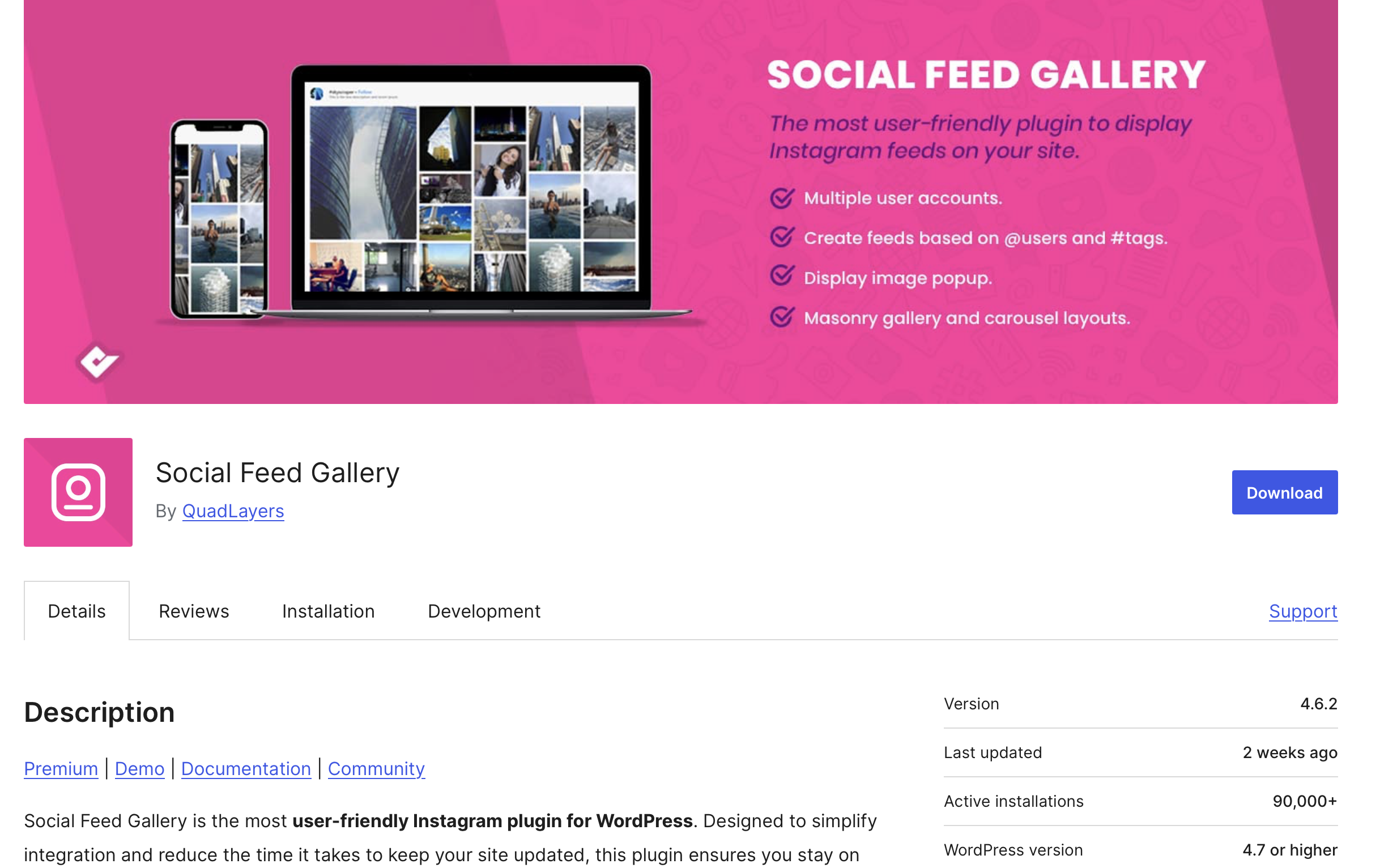
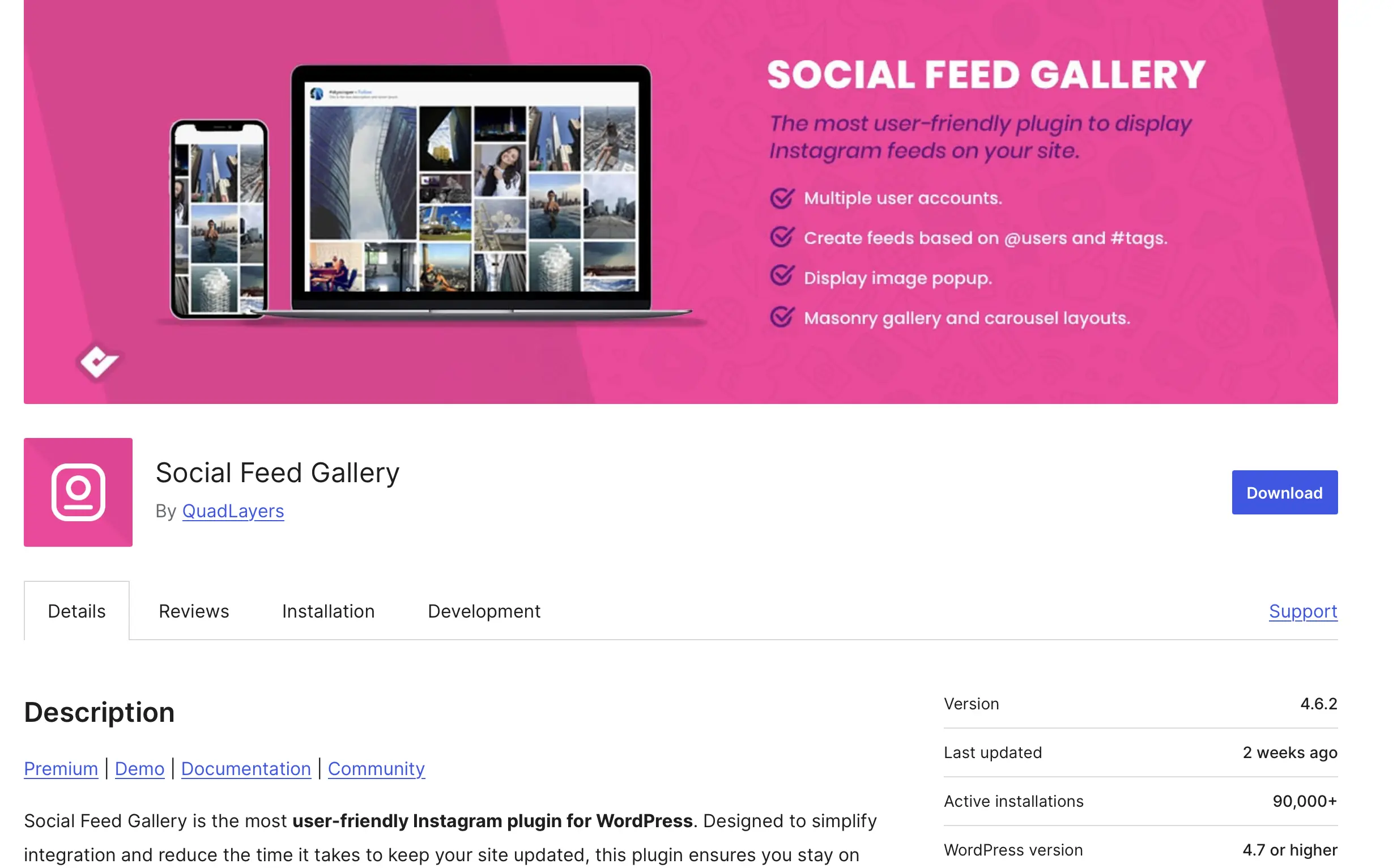
With Social Feed Gallery, you can integrate your Instagram feed into WordPress in various layouts, so it can be embedded anywhere on your website. No authorisation or API key is required; just provide your username. However, without additional authorisation, the Instagram widget for WordPress won’t be fully available to you.
With the free version, you can sort your feed by date, popularity, or randomly; you can also customise size and layout. The Pro version also allows you to display your Instagram feed on WordPress in a masonry layout and use custom colours. Synchronising with multiple Instagram accounts and displaying multiple feeds are only possible with the Pro version.
| Advantages | Disadvantages |
|---|---|
| ✓ Easy to use | ✗ Some design functions only available in the Pro version |
| ✓ Customisable styles | |
| ✓ Pro version available | |
| ✓ Multiple accounts and feeds (Pro version) |
A widget is a box element with custom content that can be integrated at any point on the website. Plugins are essentially small programs and, therefore, usually more extensive in terms of functionality than widgets.
Smash Balloon Social Photo Feed
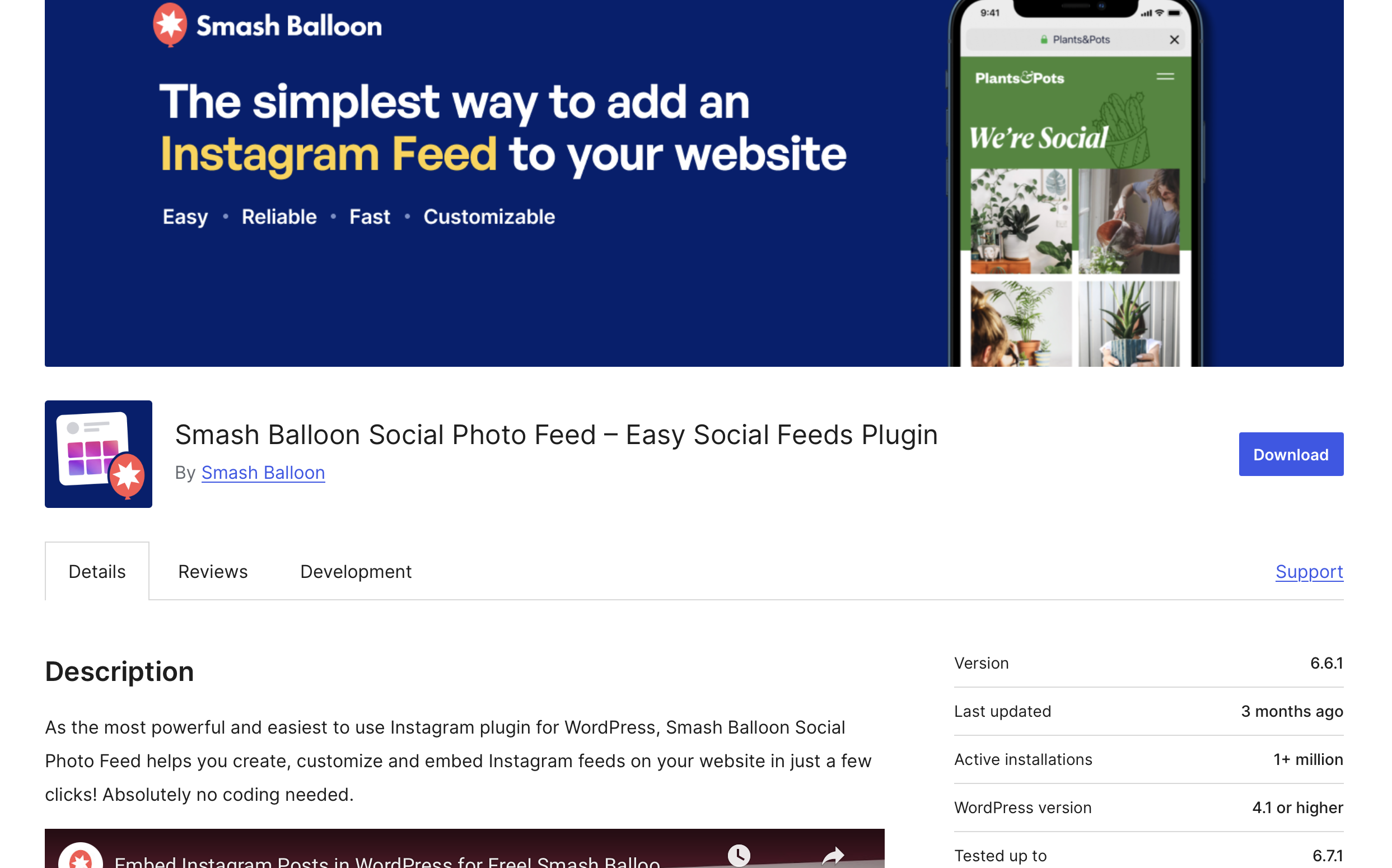
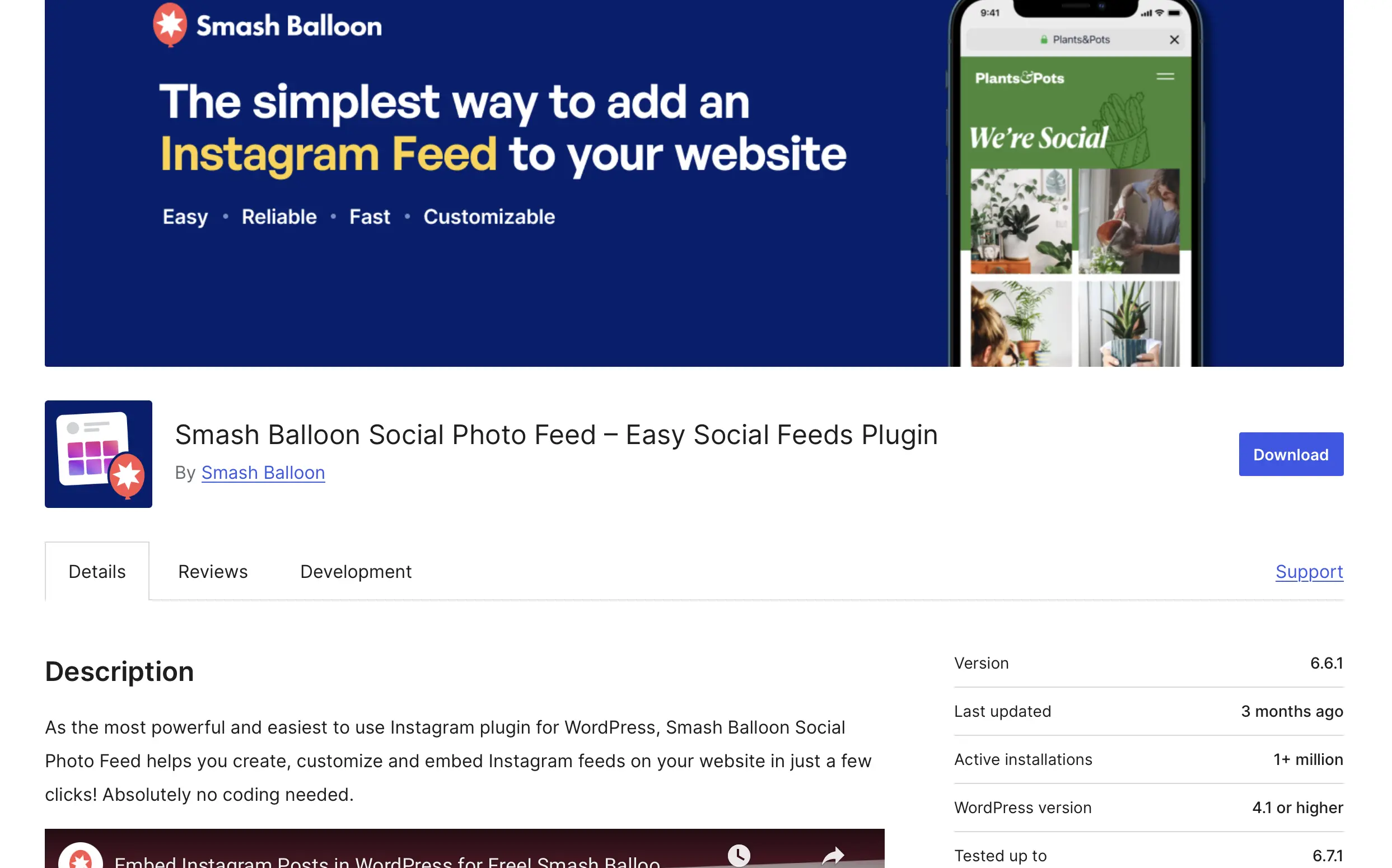
The Instagram plugin Smash Balloon Social Photo Feed may be familiar to you as ‘Instagram Feed’ and offers the same popular features under its new name. Connecting different Instagram accounts and displaying multiple Instagram feeds on WordPress is already possible with the free version. If you don’t set custom settings, the WordPress Instagram plugin automatically uses your theme’s settings, such as fonts, colours, and style, and seamlessly integrates Instagram images into your website.
Add the ‘Follow Us on Instagram’ button to generate new followers. The ‘Load More’ button is especially useful when your Instagram feed has many images that you want to present to your website visitors. The paid Pro version offers additional features such as hashtag feeds, links, and comments.
| Advantages | Disadvantages |
|---|---|
| ✓ Easy to use | ✗ Too comprehensive if you only want to embed the feed |
| ✓ Multiple accounts and feeds | |
| ✓ Extensive free version | |
| ✓ Custom CSS and JavaScript | |
| ✓ Integrated buttons |
Envira Gallery Plugin
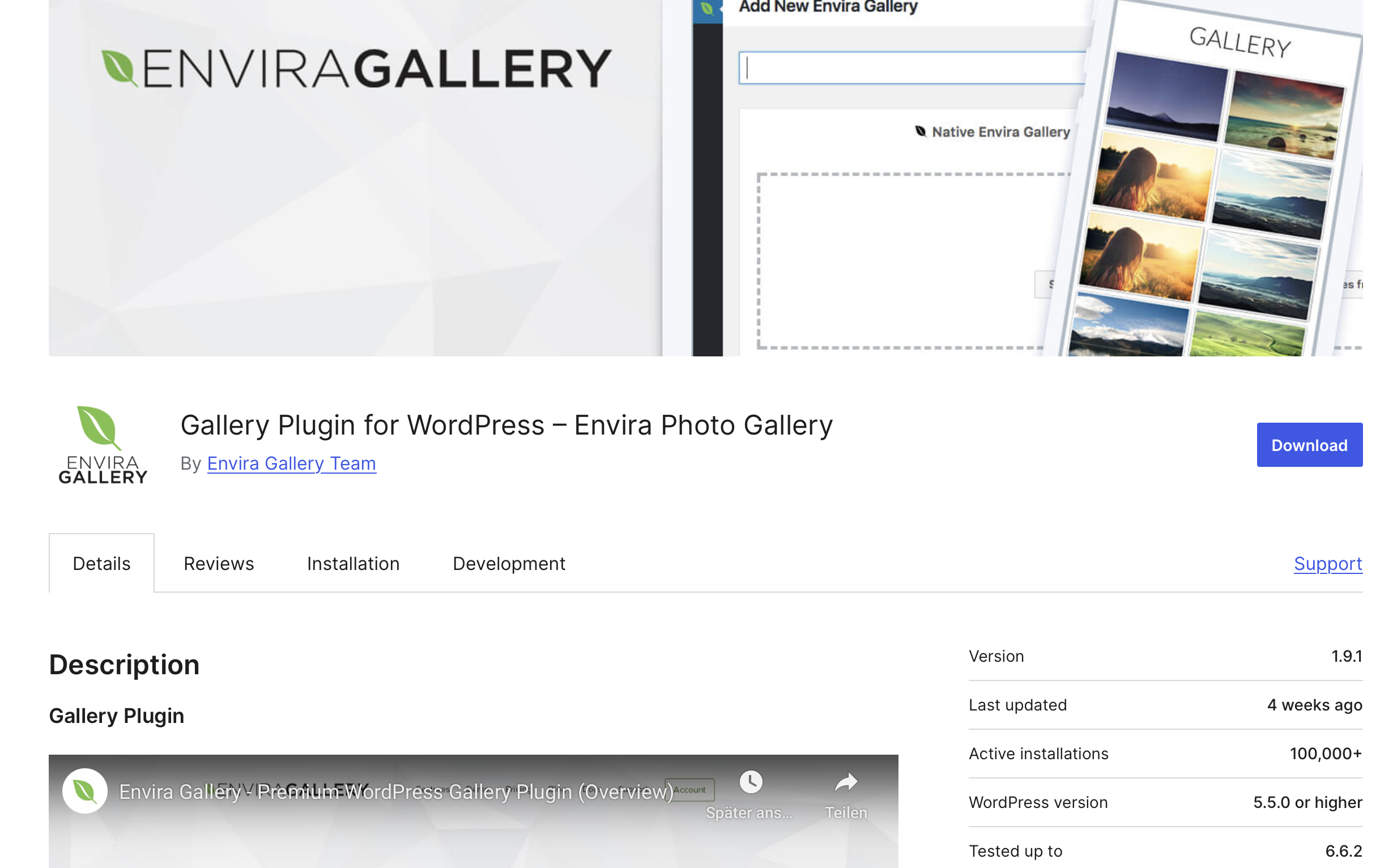
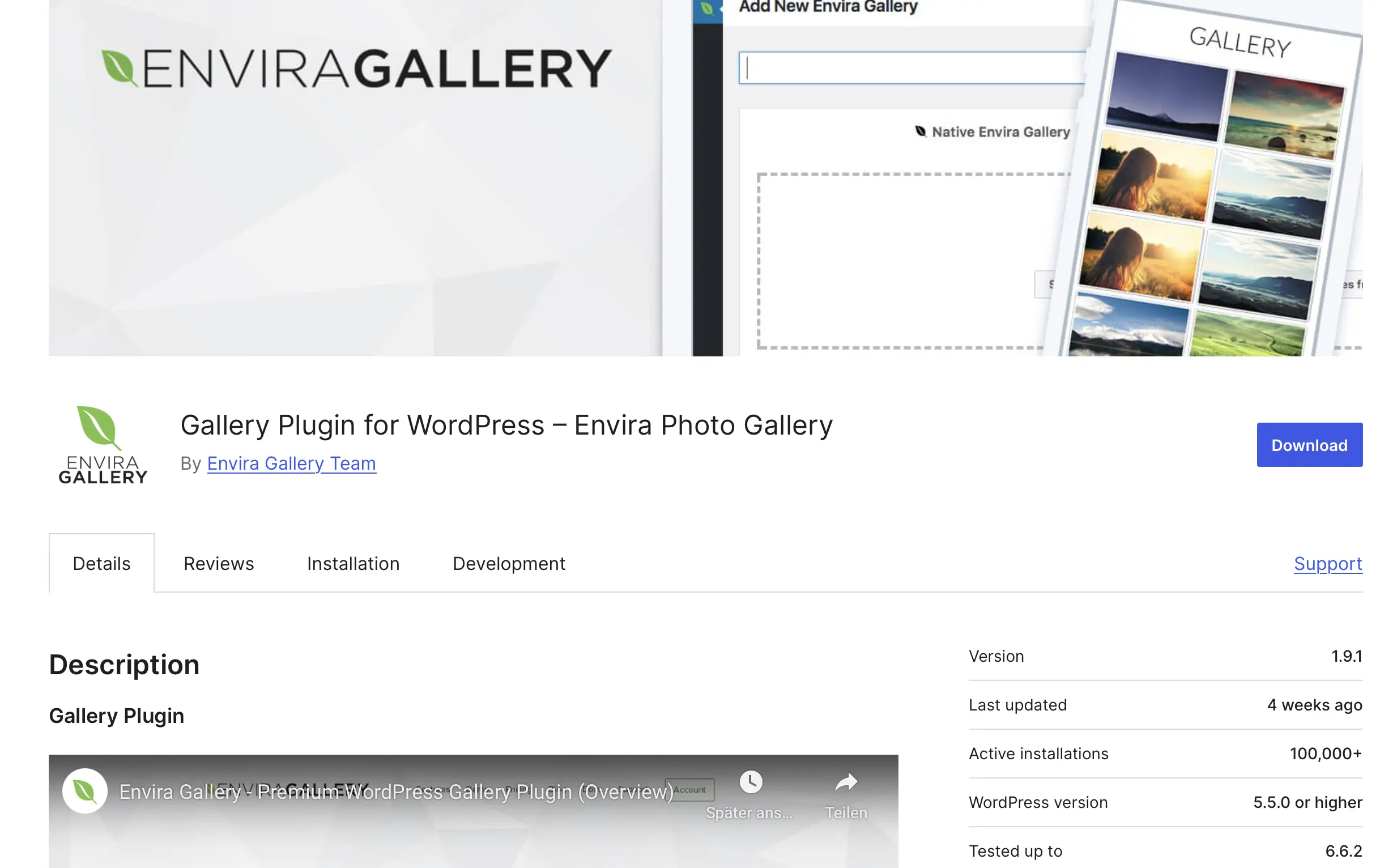
Envira Gallery is a versatile gallery plugin for WordPress that enables the creation of impressive photo and video galleries. With the plugin, which supports major page builders, you can seamlessly integrate your Instagram images into your website. Using the integrated drag-and-drop editor, creating custom galleries is incredibly easy, and a particularly fast setup can be achieved with predefined layouts.
Another feature of the plugin is its SEO and mobile-friendliness. This is a major advantage, especially for modern websites frequently viewed on mobile devices.
| Advantages | Disadvantages |
|---|---|
| ✓ User-friendly builder for easy gallery creation | ✗ Some features require the Pro version |
| ✓ Fast load times and high performance | ✗ The wide range of options may overwhelm beginners |
| ✓ Many customisation options | |
| ✓ Supports various page builders and the block editor |
Spotlight Social Photo Feed


Spotlight is a user-friendly plugin specifically designed for integrating Instagram feeds into WordPress. It focuses on ease of use and attractive design. Notably, it allows you to embed multiple Instagram feeds on your website even in the free version. Not only entire feeds but also individual posts are supported by the WordPress Instagram plugin.
With over 20 customisation options, Spotlight helps you achieve a perfectly tailored look for your WordPress site.
| Advantages | Disadvantages |
|---|---|
| ✓ Easy to use, even for beginners | ✗ Some features only available in the paid version |
| ✓ Multiple feeds supported in the free version | ✗ Setting up multiple accounts can be complex |
| ✓ Extensive customisation options |
WPZOOM Social Feed Widget & Block
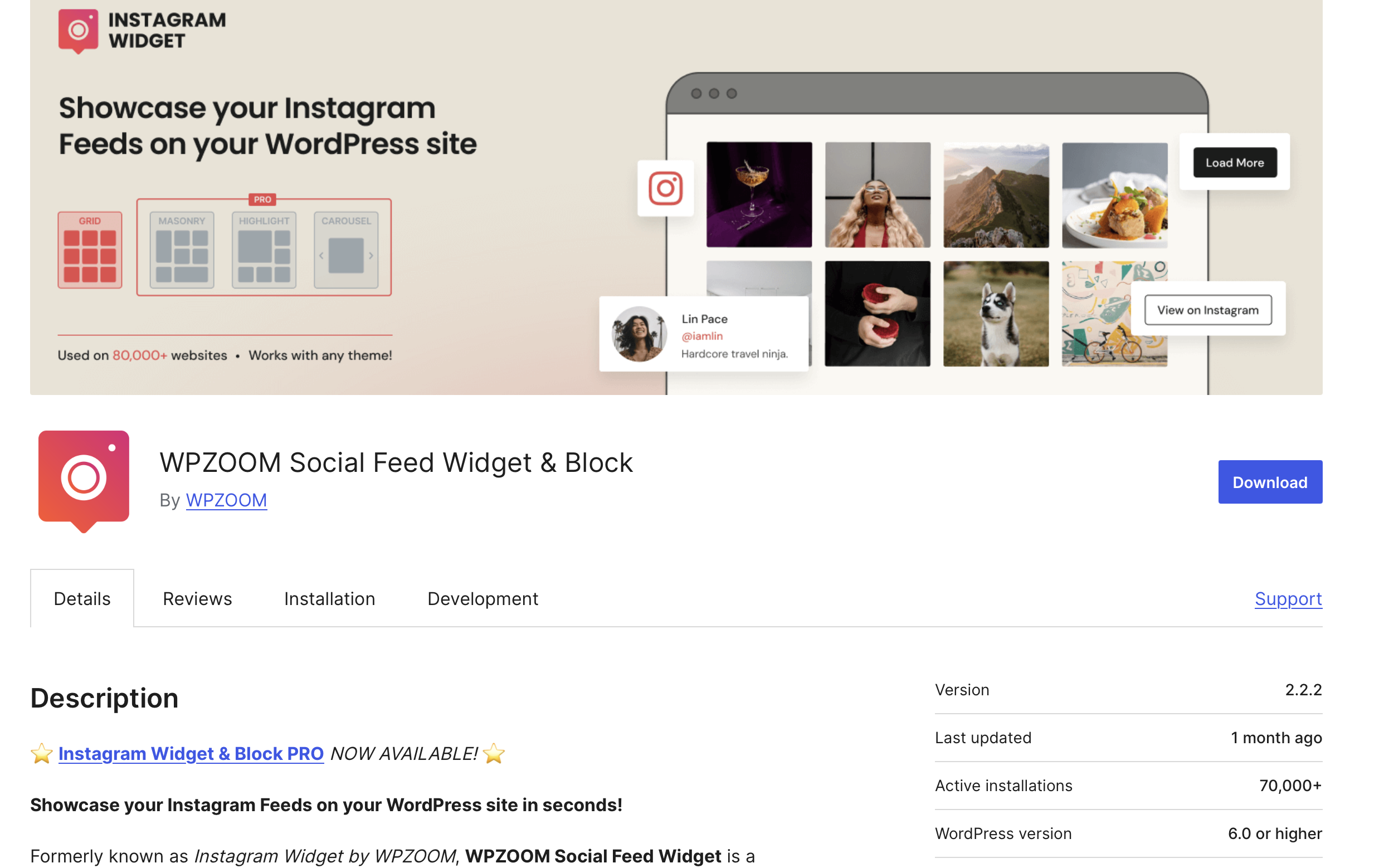
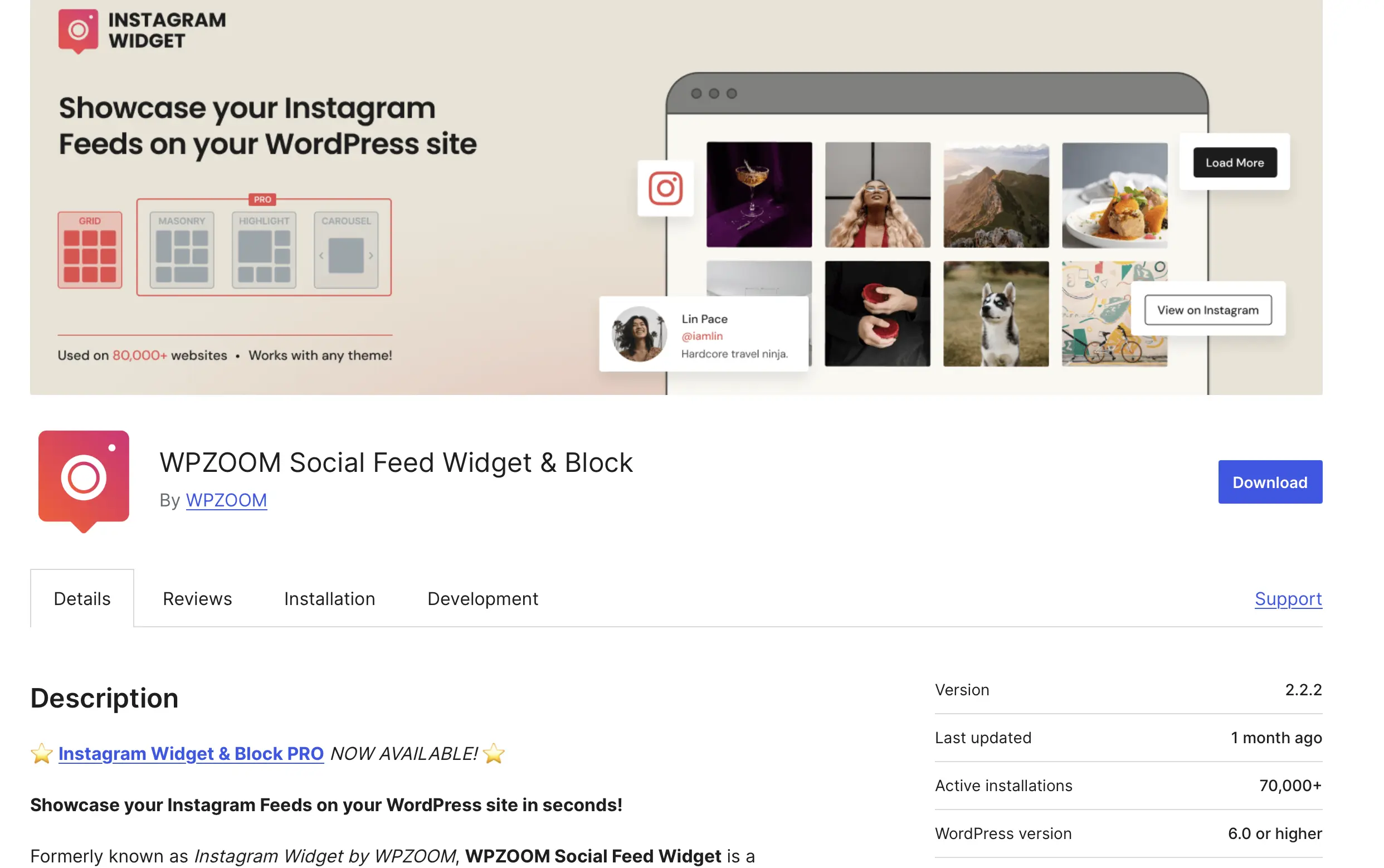
The WPZOOM Social Feed Widget offers an easy way to integrate Instagram feeds into your WordPress website via widgets, Gutenberg blocks, or shortcodes. Its simple integration makes it especially suitable for users seeking an uncomplicated solution.
The display of Instagram photos can be customised in terms of number, size, and layout. With responsive design support, your website always looks great, regardless of the device used.
| Advantages | Disadvantages |
|---|---|
| ✓ Easy and fast setup | ✗ Limited customisation options in the free version |
| ✓ Integrated lightbox feature | |
| ✓ Supports multiple feeds | |
| ✓ Supports the Gutenberg editor |
Overview of all WordPress Instagram plugins
The most important basic function – automatic updates of your Instagram feed on your WordPress website – is available for free with all the presented programs. If you just want to display your feed 1:1 on your website, choosing a simple plugin is recommended. If you value custom settings, you should choose one of the more comprehensive Instagram plugins. Before installation, make sure whether the free version covers all the features you want or if the premium version is necessary. Below, we present all the WordPress Instagram plugins with their pros and cons in a compact overview:
| Instagram Plugin | Advantages | Disadvantages |
|---|---|---|
| Social Feed Gallery | Easy integration, fast load times | Multiple accounts and feeds only with Pro version |
| Smash Balloon Social Photo Feed | Takes theme settings, multiple accounts and feeds, extensive free version | Too comprehensive if only feed embedding is needed |
| Envira Gallery | User-friendly drag-and-drop builder, SEO-friendly | Some features require Pro version, may be complicated for beginners |
| Spotlight Social Photo Feed | Multiple feeds in free version, easy to use | Only available in English |
| WPZOOM Social Feed Widget & Block | Intuitive to use, supports multiple feeds | Multiple accounts only supported in Pro version |
The WordPress Gutenberg editor fundamentally changed working in the CMS and allows you to creatively design websites even without knowledge of CSS and HTML.
- Stress-free, no matter your skill level with easy AI tools
- Full customisation with themes and plugins
- Hassle-free updates and less admin
Reviewers

Melissa Senn
Melissa Senn has been with IONOS since 2016 and focuses on website, e-commerce, social media, and AI in the Digital Guide. As a digital strategist, she uses her extensive SEO and GEO experience to transform complex technological trends into practical content.

Julia Hertler
With over 18 years of experience in content marketing, Julia Hertler has deep expertise in digital communications. For the past 10 years, she has specialised in the areas of domains and hosting at the IONOS Digital Guide, making complex technical topics easy to understand.