

Alternatives for InDesign: 4 free tools

The desktop publishing program Adobe InDesign offers its users artistic quality and a high degree of creative freedom for the realisation of projects. However, it runs users around £25/month. Many freelancers and private users can’t make such an investment (or simply don’t want to). Luckily, there are some good, free InDesign alternatives. We’ll take a look at four different options here.
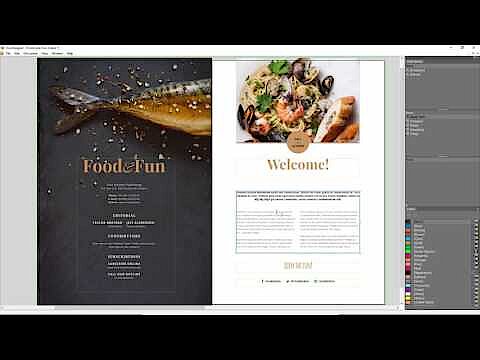
Scribus
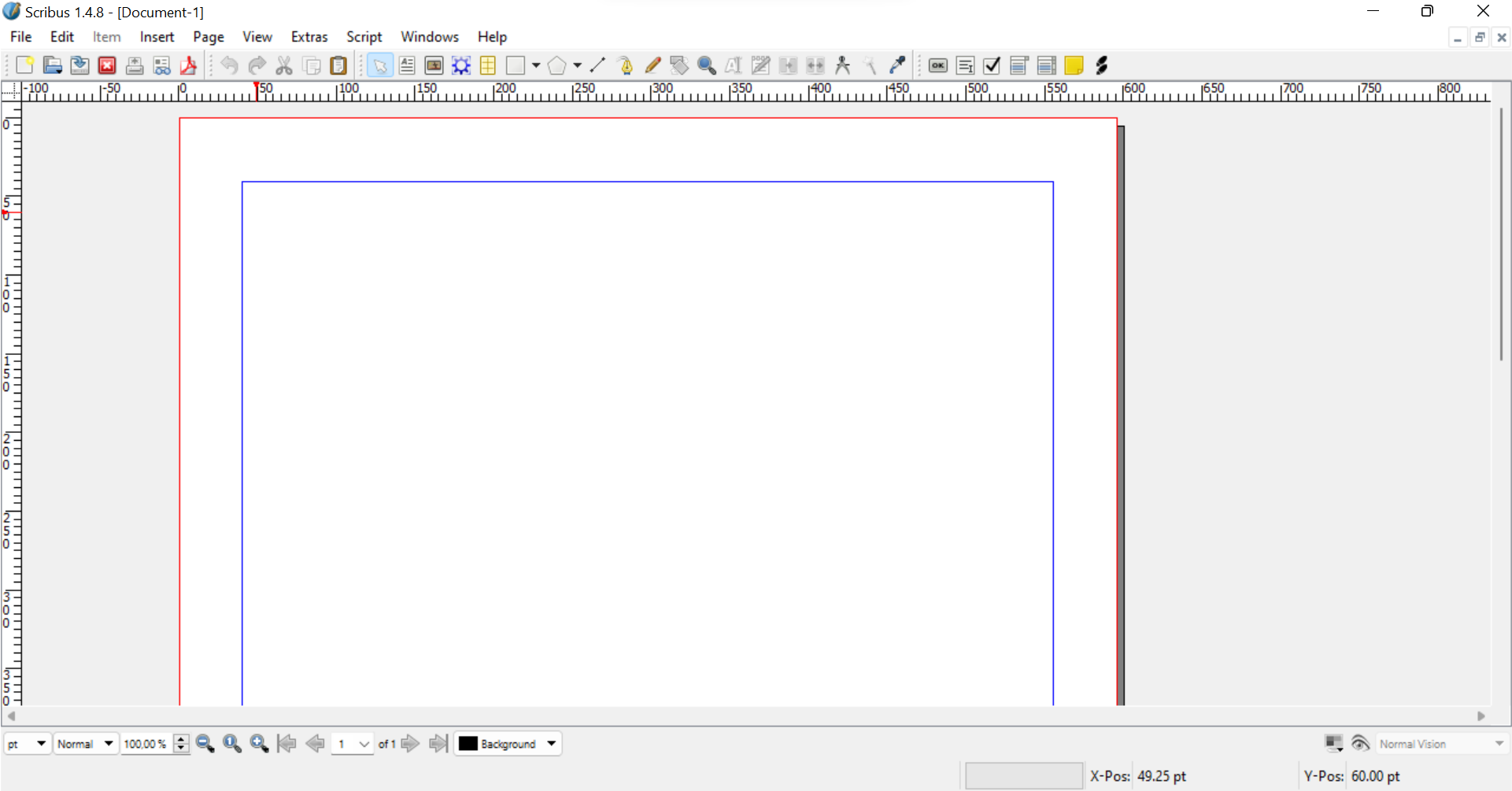
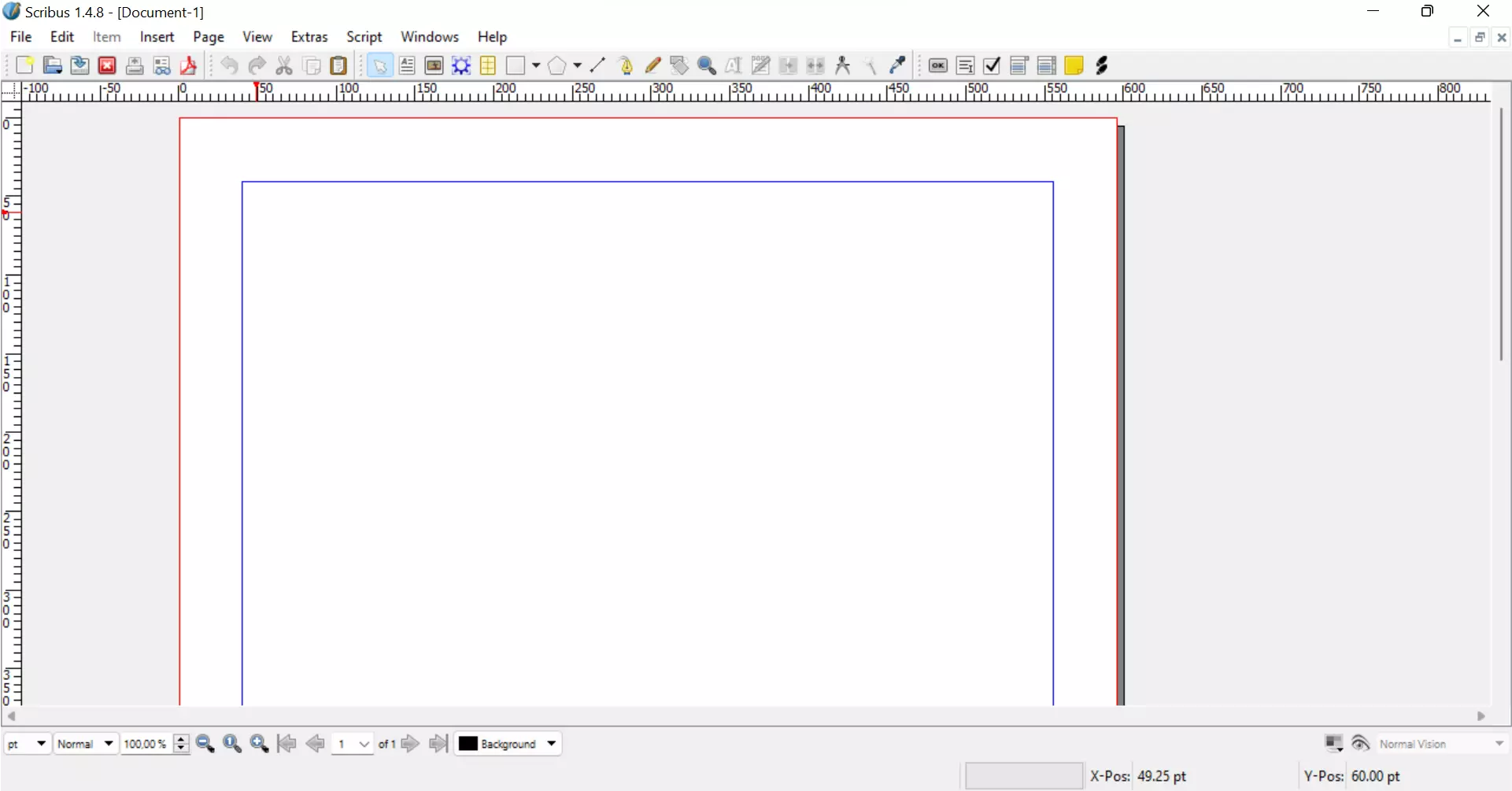
The most well-known and popular free InDesign alternative is Scribus. The extensive layout program is available for Windows, macOS and various GNU/Linux distributions. The project has very reliable development and is continually improved through regular updates. Even though the range of functions isn’t as large as that of the Adobe package, Scribus is a program with many useful features. It can be used for a variety of takes ranging from the composition of simple advertisements to the layout of entire magazines or books. You can also create interactive and animated PDF files and equip them with markers, links and other info panels.
The most important features that make Scribus almost on a par with InDesign are:
The range of page templates is almost as diverse as those offered by InDesign. One drawback of using this program is that the interface isn’t very intuitive. Some of the functions are also difficult to use. This mean that beginners will have to spend a considerable amount of time familiarising themselves with the program.
| Benefits | Drawbacks |
|---|---|
| ✓ Free open-source solution | ✗ Operation and user interface are less intuitive than InDesign |
| ✓ Continuous development and improvement | ✗ Text formation and imports are a bit cumbersome |
New to the world of photo and design software? In our Digital Guide, you can learn useful skills that can help you with projects. For example, you can learn how to remove the background of an image.
Marq (formerly Lucidpress)
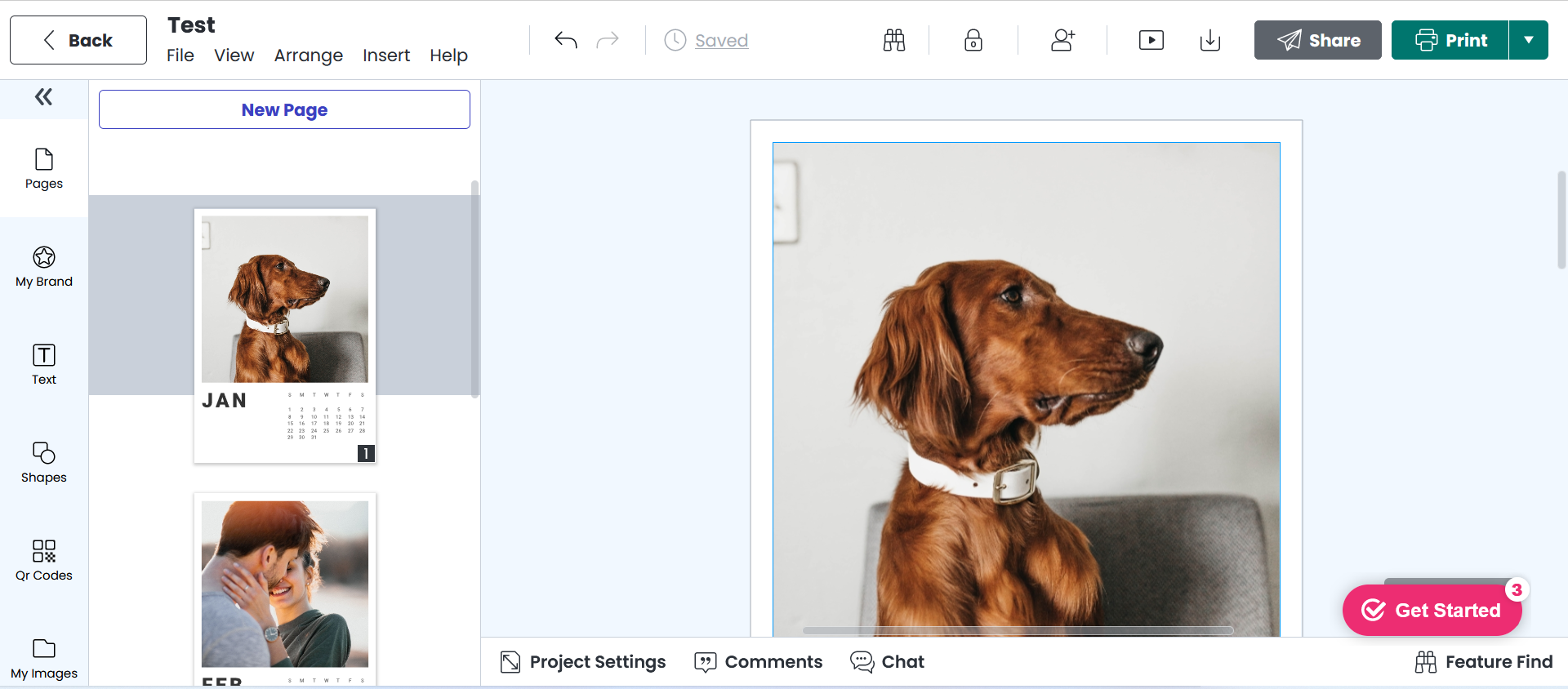
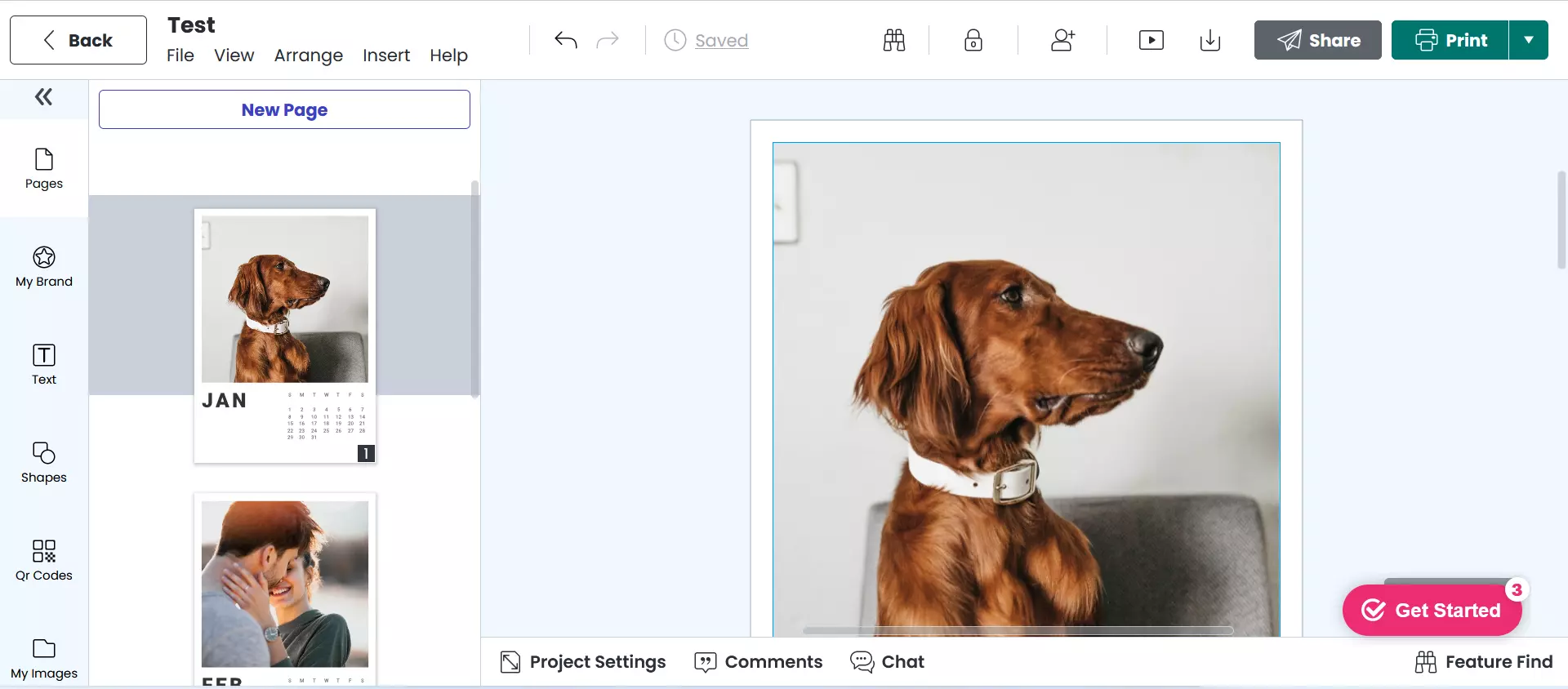
You don’t need to download Marq in order to use the publishing tool. You can simply access it through a browser. The web-based print and publishing application allows for the creation of brochures, newsletters and magazines. In contrast to Scribus, Marq has a much stronger emphasis on digital formats such as slideshows and newsletters.
Users can either choose a design template or create their own templates. A benefit of Marq over other programs like InDesign or Scribus is that it doesn’t take long to get used to. This is due in part to the smaller range of functions. The tool is completely free, but there are significant limitations placed on functionality and flexibility. In the free version, users can only create a up to three pages per document, and saving is capped at 25 MB.
Marq in its free version is not a suitable InDesign alternative for professional users. It is, however, a practical solution for the hobby user, who only needs it for one design task or sporadic small projects. If you want a larger range of functions or more memory, you must pay for Marq. For individual users, the monthly rates are in the low double-digits. Marq is a purely online tool, so data protection can also be problematic for professional users. Protection against idea theft is an important issue among creatives, so applications that are only available online should be used with caution.
- Up to 50 GB Exchange email account
- Outlook Web App and collaboration tools
- Expert support & setup service
| Benefits | Drawbacks |
|---|---|
| ✓ Simple operation, easy to learn | ✗ Free version has very restricted scope of features |
| ✓ Attractive interface | ✗ Privacy concerns related to the use of online applications |
Only need to create a logo for your business or web project? Instead of learning the ins and outs of a design program, you can save yourself time and effort with the logo generator from IONOS.
VivaDesigner
Another free InDesign alternative is the free version of VivaDesigner.
The layout and set program is available in both desktop and web versions. It can be accessed with any browser, and downloads are available for Windows, macOS and Linux. As with the other InDesign alternatives, the free version is easily accessible but operates in a limited capacity. To access the full version, you need to pay a fee.
Various features like spellchecker or Pantone and HKMS colour models are only available in the full version. The import and export function of PDFs is also not available to free users. The good news is the free version can be used for both private and commercial purposes. The interface is clearly structured and easy to use, making it a good option for beginners.
| Benefits | Drawbacks |
|---|---|
| ✓ Cross-platform system | ✗ Range of functions in the free version is extremely limited (no PDF output) |
| ✓ Free version also available to commercial users | |
| ✓ Full version good value for money |
 To display this video, third-party cookies are required. You can access and change your cookie settings here.
 - Up to 50 GB Exchange email account
- Outlook Web App and collaboration tools
- Expert support & setup service
Canva
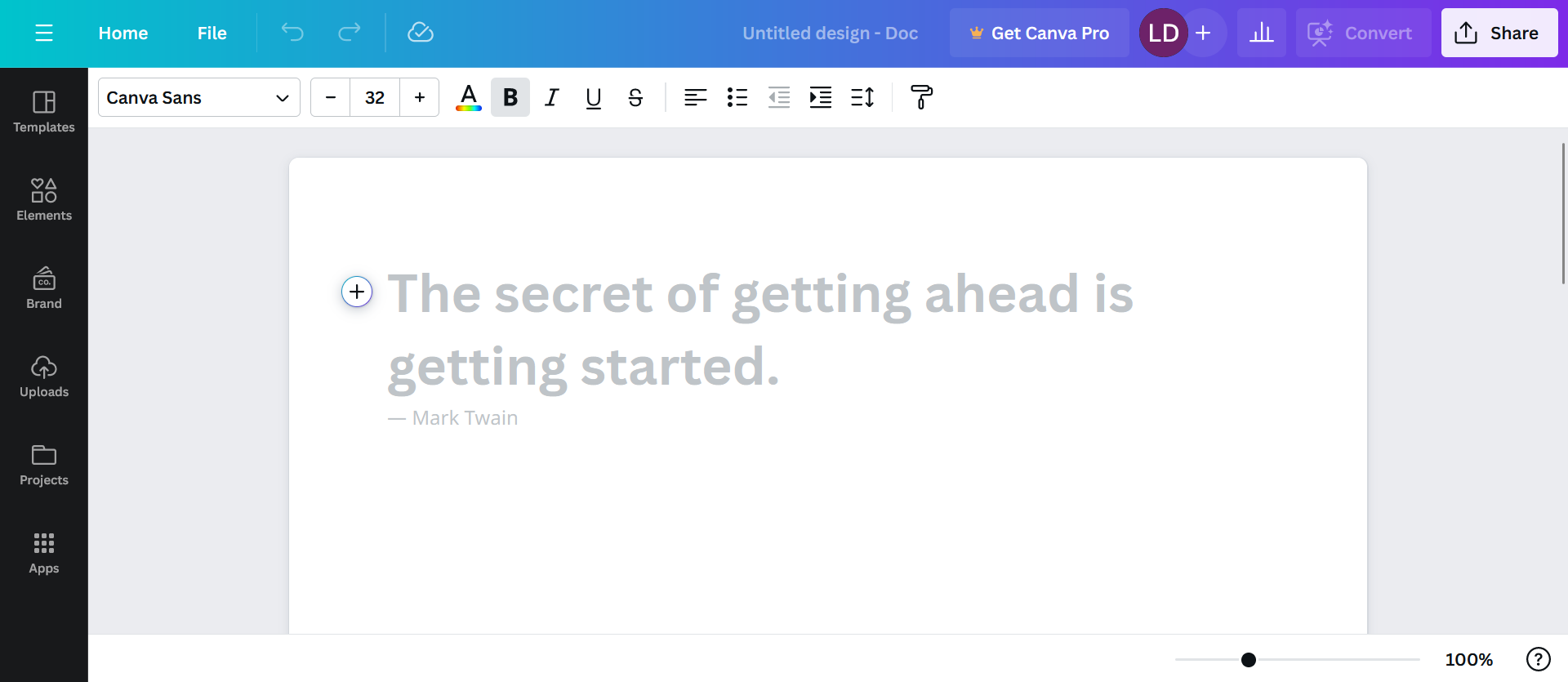
The program Canva is less focused on publishing and is more a tool for designers. Canva helps with the creation of blog graphics, presentations, Facebook cover photos, flyers, posters, invitations and more.
In the basic version, the user receives a free design tool that is easy to use. A free pro account is also available for non-profit organisations. Apart from that, the program’s target groups are marketers, social media contractors and startups who want to quickly and easily create attractive graphic designs. Some Canva templates are even based on standard social media specs like Instagram images sizes and video formats.
Despite the large selection of colours, fonts and free stock photos in Canva’s free version, it is not a full-fledged DTP solution or comprehensive alternative to InDesign. For online marketing, however, Canvas is a small, flexible and cost-effective solution that in most cases is able to do the job.
| Benefits | Drawbacks |
|---|---|
| ✓ Good InDesign alternative for simple graphics and small projects | ✗ Not a full DTP solution |
| ✓ Easy to learn how to use | |
| ✓ Teamwork features available in the free version |
- Store, share and edit data easily
- ISO-certified European data centres
- Highly secure and GDPR compliant
InDesign alternatives compared
| Type | Pricing | Benefits | Drawbacks | |
|---|---|---|---|---|
| Scribus | Open-source solution | Free download | Free alternative to InDesign with comparable functions, continuous development; suitable for professional use | Takes some time to learn, interface not so intuitive, some central functions cumbersome |
| Marq | Web-based application | Free version with restricted features, paid full version | Easy to use, no extensive training necessary, good support available for beginners, clearly structured user interface | Limited range of functions in the free version, less suited to professional use, data security considerations (online storage) |
| VivaDesigner | Desktop and web versions available, cross-platform | Free version, paid full version | Free version also available for commercial users | Full range of functions only for paying users, otherwise severely restricted |
| Canva | Purely web-based application | Freemium model | Simple and intuitive tool | Not a full-fledged alternative to InDesign |
Which InDesign alternative is best for you depends on what you want to use the software for. Users only interested in occasionally designing graphics or working on small web projects don’t need the extensive range of functions that InDesign offers. In this case, it would make more sense to use a free tool like Canva instead of investing in a powerful DTP solution with high licensing costs. On the other hand, if you need the full range of features that a professional DTP program offers, it’s best to go with Scribus, as the free version of VivaDesigner is rather limited in its capabilities.
Looking for free alternatives to other Adobe programs? Explore other options in the following articles: