

What are the best WordPress calendar plugins? An overview

For the popular content management system WordPress, there are special calendar plugins that can be integrated just as easily as, for example, plugins for contact forms, WordPress newsletter plugins, or WordPress gallery plugins.
- Free WordPress with .co.uk
- Free website protection with one Wildcard SSL
- Free Domain Connect for easy DNS setup
What makes a good WordPress calendar plugin?
A WordPress calendar should definitely be responsive. Increasingly, websites are accessed only via mobile devices. Users expect perfect visibility on mobile phones and similar devices. Additionally, the following features are important:
- Customisability: A good WordPress calendar plugin should let you adjust colours and typography so it blends seamlessly with your site’s design.
- Flexible data management: It should allow you to manage recurring details like locations or organising teams as separate data entries.
- Import function: The option to import existing calendar data adds convenience — though support for common calendar or database formats is often limited to premium versions.
- Individual management: Useful extras include setting a custom start day for the week, managing recurring events, storing event locations separately, and linking them to maps.
- Tags and filters: Categories, filters, and the ability to add descriptions, images, and links make your calendar clearer, more interactive, and easier to navigate.
The icing on the cake is the – preferably easy-to-use – interfaces to booking systems or online shops. WordPress chat plugins also fit well with calendar applications like these.
When selecting WordPress plugins for calendars, ensure compatibility with the WordPress version you are using.
A comparison of the main WordPress calendar plugins
Simpler WordPress calendar plugins are usually free, while extensive WordPress calendars with many features and interfaces are premium versions that require payment—either as a one-time fee or a recurring annual charge. Thus, it’s worth assessing your exact needs beforehand to avoid unnecessary expenses. We present solutions for various requirements below — from simple event calendars to full-featured WordPress booking calendar plugins.
| Responsive | Cost | Special feature | |
|---|---|---|---|
| The Events Calendar | ✓ | +++ | Conference tools integration |
| Tockify Events Calendar | ✓ | ++ | Calendar data hosted externally |
| CP Multi View Event Calendar | ✗ | + | Clone function |
| Events Manager | ✗ | ++ | Extensive booking feature |
| My Calendar | ✗ | ++ | Accessible |
| WP Simple Booking Calendar | ✗ | + | Easy integration in editor |


The Events Calendar
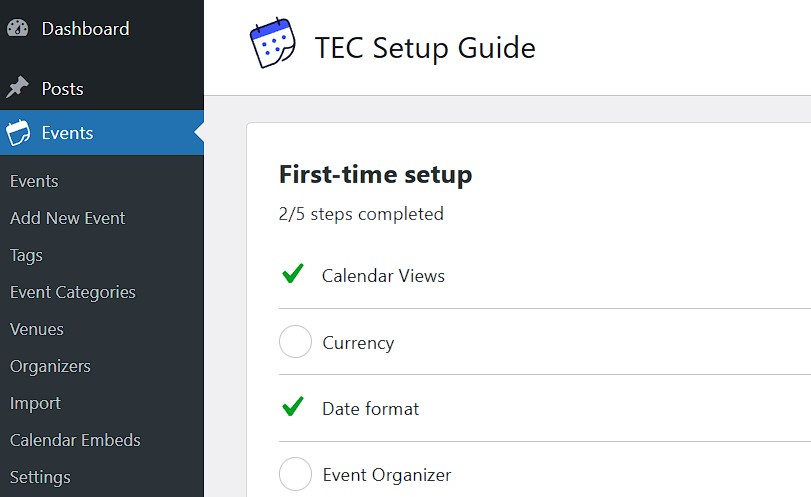
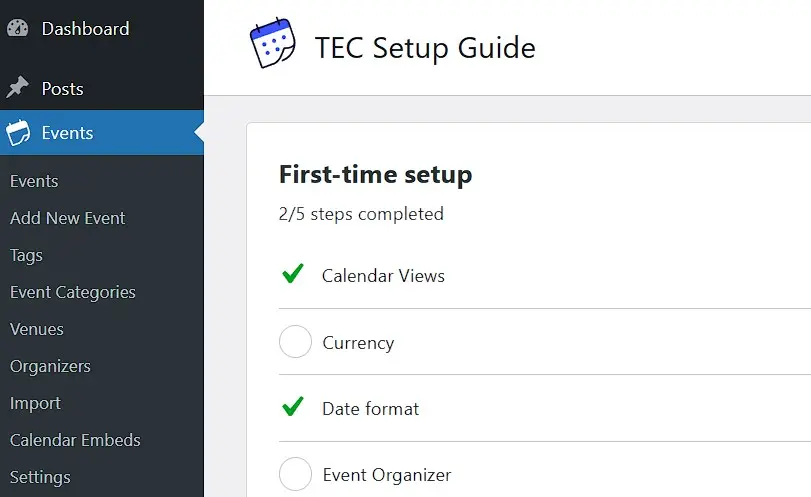
The WordPress calendar plugin The Events Calendar offers numerous features in its free version, which are easy to use – thanks also to good documentation: This includes view options for days, lists, and months. An event list widget, CSV import for events, organisers, and locations are also integrated. The event view allows exporting an event in iCal or Google calendar format.
The premium versions cost several hundred pounds per year (for use on an unlimited number of websites) and offer the following features among others:
- Recurring events
- Shortcodes
- Integration with Zoom, Teams, WebEx, and Google Meet
- Status controls
- Livestreams
| Advantages | Disadvantages |
|---|---|
| ✓ Responsive and easy to use | ✗ Full features are paid |
| ✓ Fully adaptable to the website’s design | ✗ Import function requires meticulous preparation |
| ✓ Free plugin including CSV import | ✗ Setup wizard can be overwhelming for beginners |
Tockify Events Calendar
The Tockify Events Calendar plugin is a calendar tool hosted outside your own WordPress installation and is now available in 28 languages. It is easily inserted via WordPress shortcode at the desired location on a website, either in the standard version (calendar) or in the mini version (mini):
[tockify component="calendar" calendar="name"]
[tockify component="mini" calendar="name"]The plugin is responsive and fully customisable to a website. The admin panel offers a vast array of settings, and various views are already preconfigured.
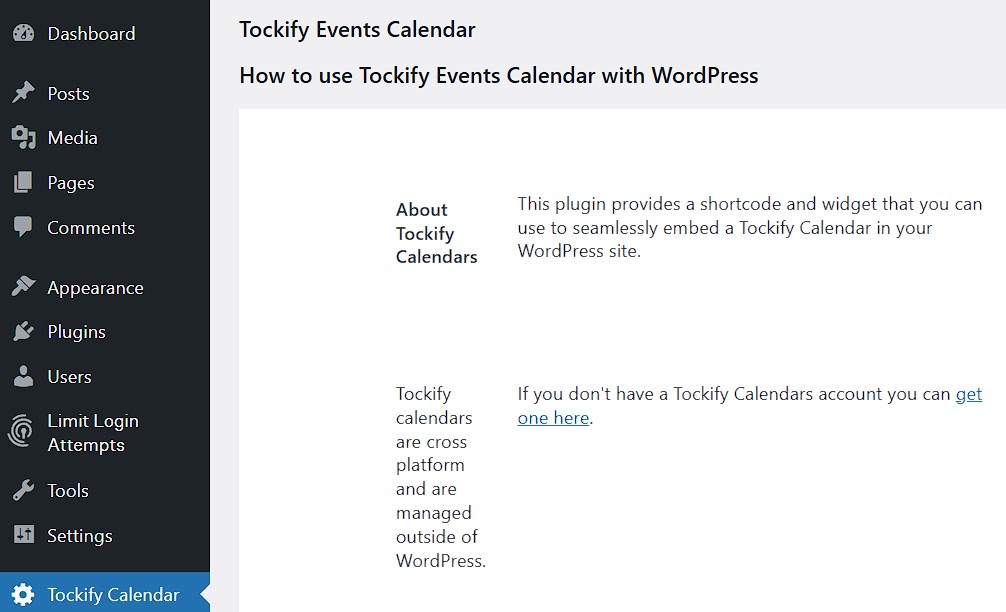
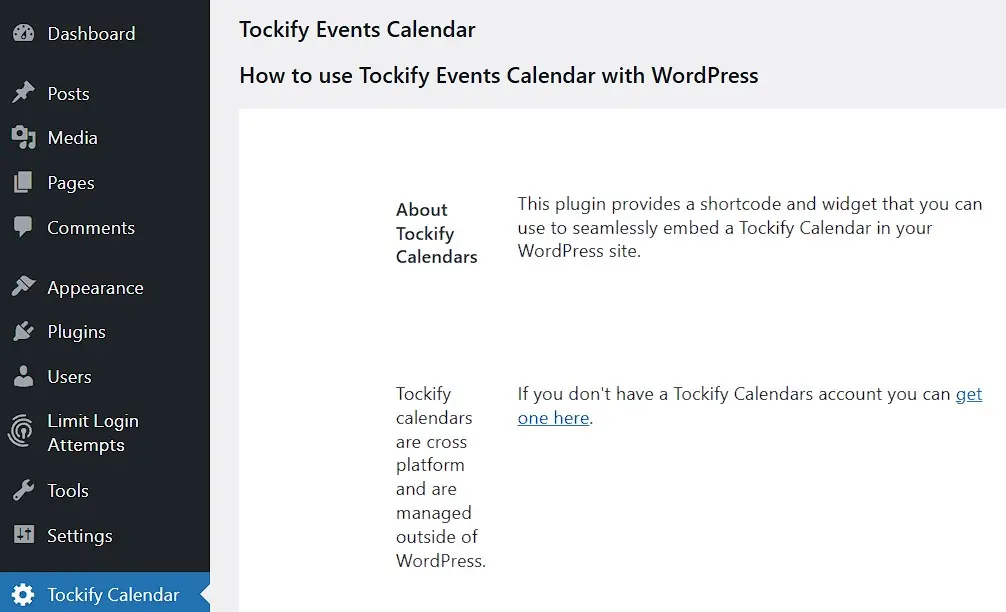
An account is mandatory. Before incurring monthly costs, you have 14 days to try the WordPress calendar plugin.
| Advantages | Disadvantages |
|---|---|
| ✓ Responsive | ✗ Third-party hosted user account required (data is outsourced to third parties) |
| ✓ Easy to use | ✗ Full features only available for a fee |
| ✓ Extensive display options | ✗ Limited customisation options in the free version |
CP Multi View Event Calendar
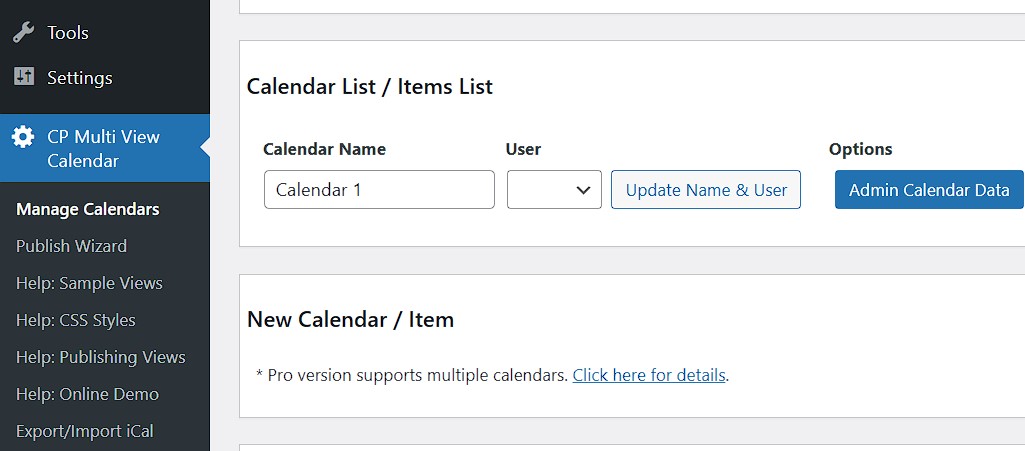
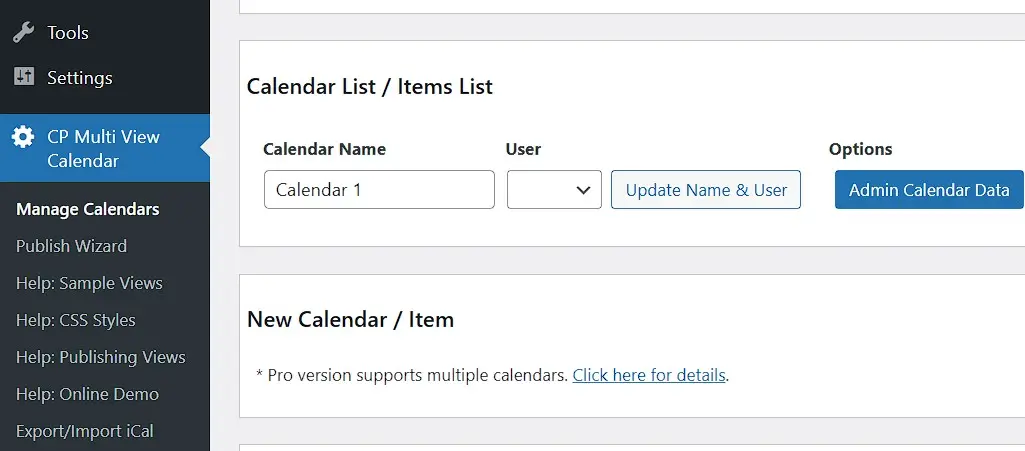
The CP Multi View Event Calendar is a highly customisable calendar plugin for WordPress with multiple visualisation modes and predefined styles. Even in the free version, it offers a classic monthly view, similar to Google Calendar, as well as daily and weekly views and recurring events. All this is available for a single website and in 14 languages.
In the premium version, it is possible to use the calendar as a widget. There are 23 different colour palettes, event reminders, import and export of iCal files, merging data from various calendars, and email notifications for administrators about added, deleted, or updated events. A demo with a real WordPress backend makes it easier to get started with this calendar plugin, which also includes a publishing wizard.
| Advantages | Disadvantages |
|---|---|
| ✓ Clone function | ✗ No truly responsive version |
| ✓ Good functionality in the basic version | ✗ Outdated and cluttered user interface |
| ✓ Affordable full version |
Events Manager
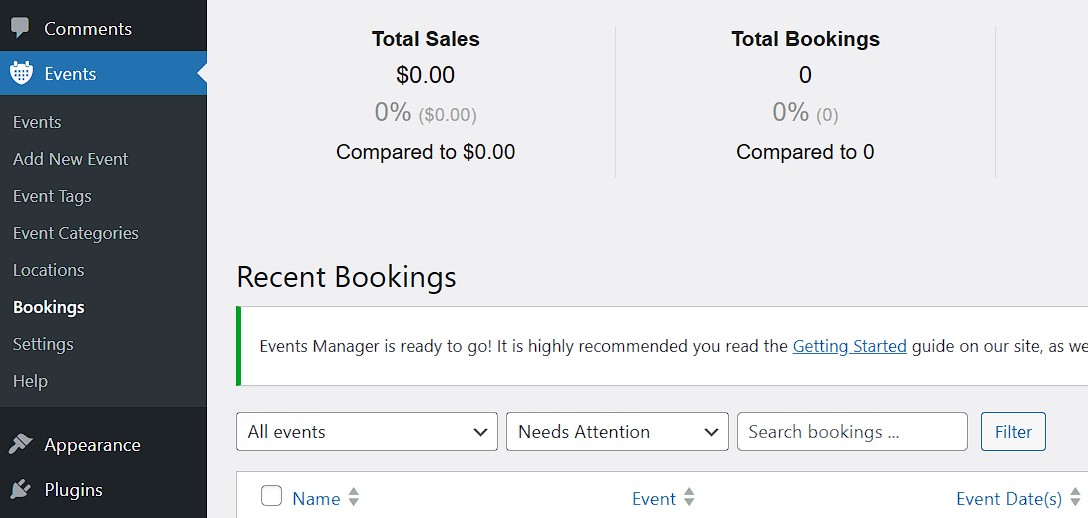
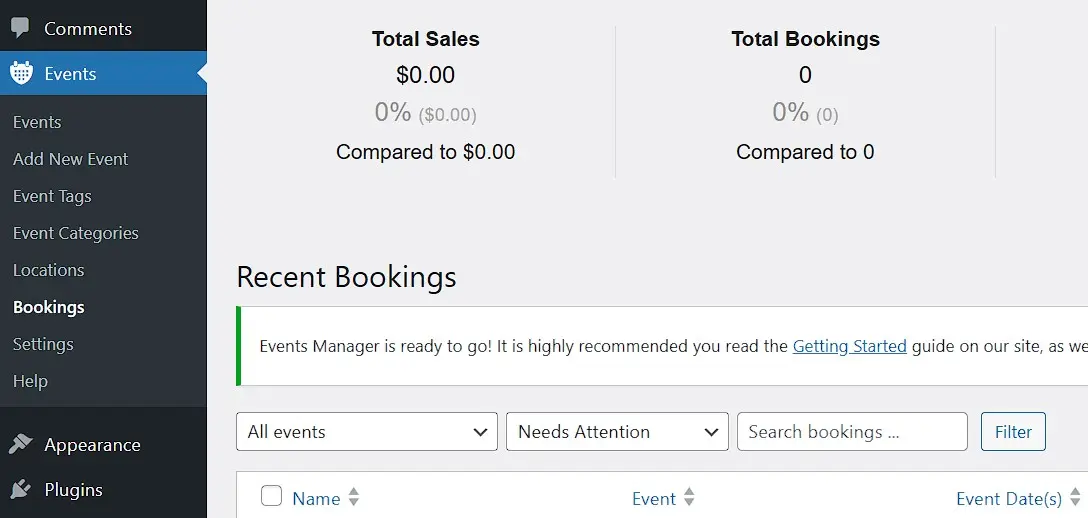
The calendar plugin Events Manager optimises a WordPress website for event management. Even the basic version is feature-rich: recurring and multi-day events, venue management with Google Maps and Zoom meeting integration, and booking management are included. The Pro version allows, among other things, payment processing for events and offering vouchers. Additionally, there’s a configuration tool for a booking form.
| Advantages | Disadvantages |
|---|---|
| ✓ Responsive | ✗ Full features only available with payment |
| ✓ Very good basic features | ✗ Complex setup with many configuration options |
My Calendar
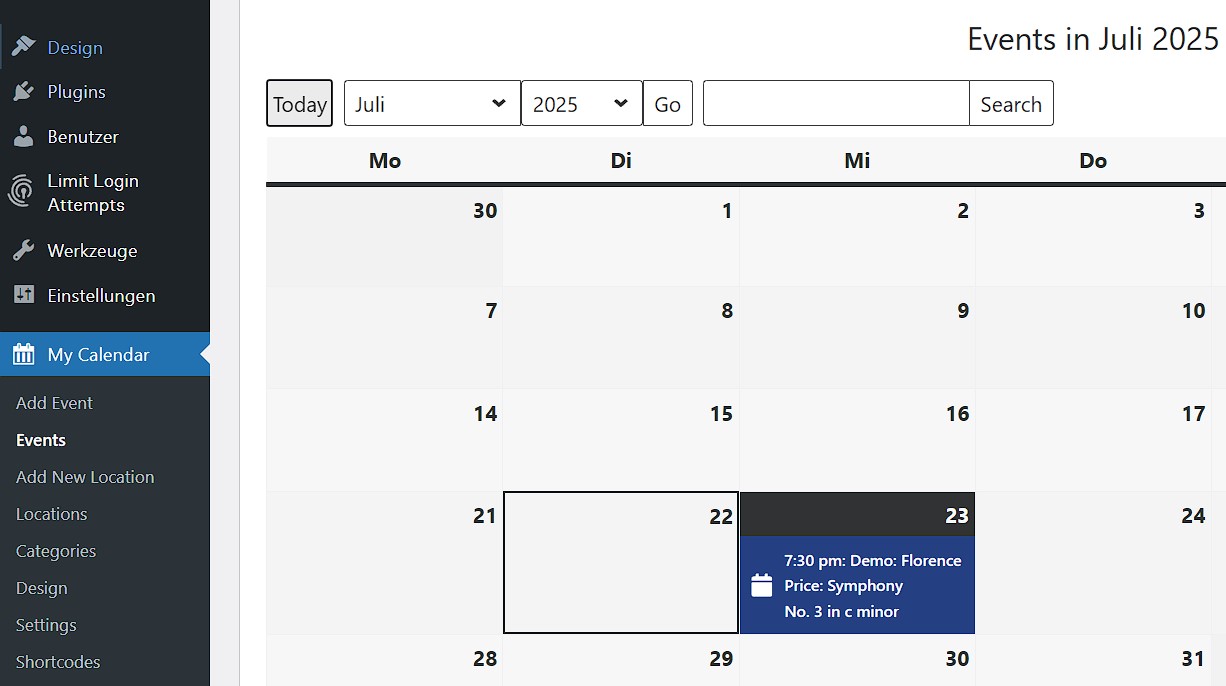
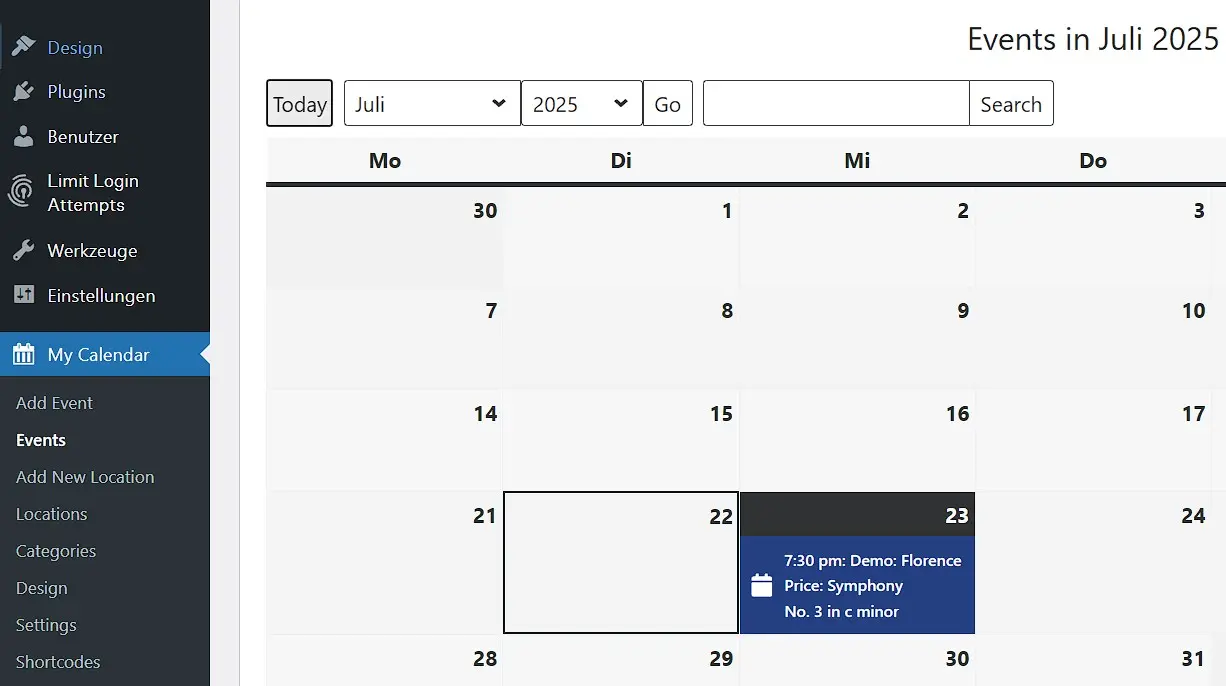
The extension My Calendar is an accessible WordPress plugin for event calendars. It lists events from multiple calendars on pages, posts, or in widgets. Sorting can be done by category, author, location, or simply by a list of upcoming events. The calendar views are complemented by mini-calendars that can also fit in a website’s sidebar. Additionally, integrating data from remote databases is possible - quite unusual. The Pro version allows event editing by previously approved authors. Besides .ics and .csv import, the paid edition offers multilingual support and a REST API to display events on multiple websites.
| Advantages | Disadvantages |
|---|---|
| ✓ Accessible | ✗ Import functions only in the paid Pro version |
| ✓ Extensive features in the basic version | ✗ Dated design compared to newer plugin |
- Free WordPress with .co.uk
- Free website protection with one Wildcard SSL
- Free Domain Connect for easy DNS setup
WP Simple Booking Calendar
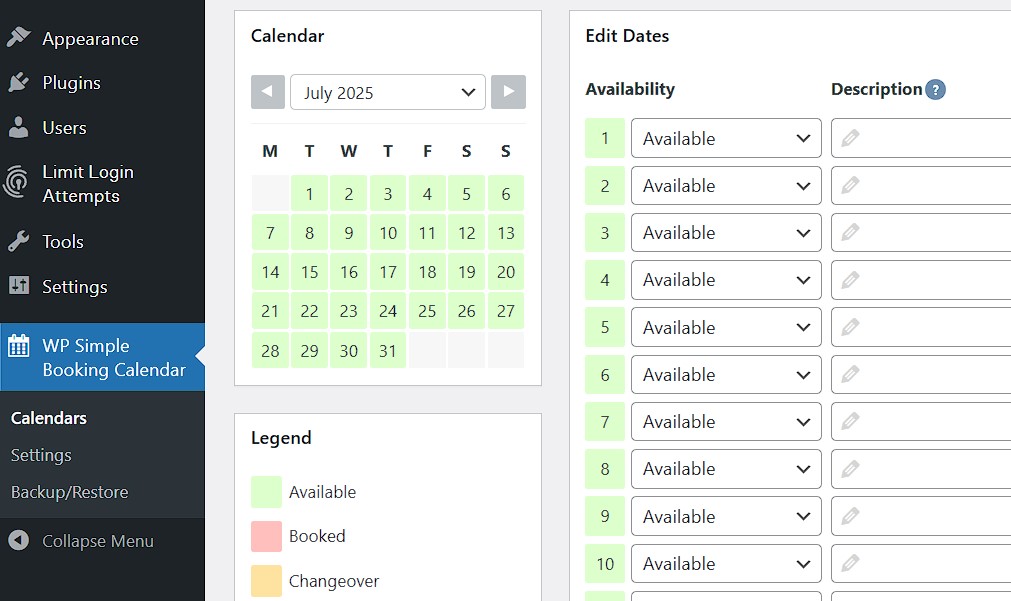
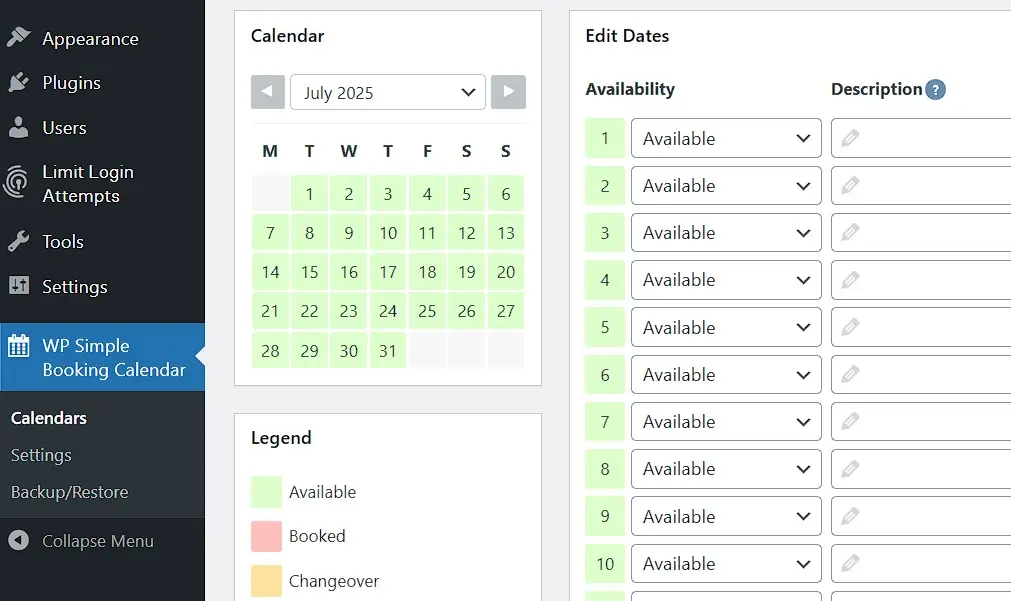
The WP Simple Booking Calendar offers very limited features in its free version but it’s a popular choice if you need a simple WordPress booking calendar. It’s just enough to show daily availability of a location, for instance. However, with the premium version, calendars can be created without limitation. Import and export in iCalendar format is possible, and there are tooltips on hovering over an event, custom legends, and much more. All options are well-structured on the developer team’s demo page. With the additional premium add-on WP Booking System, a complete booking system is even available.
| Advantages | Disadvantages |
|---|---|
| ✓ Responsive | ✗ Very limited functionality in the free version |
| ✓ Easy integration in the editor | ✗ No built-in payment or booking management features |
Delete unnecessary plugins, including all data—this is just one way to speed up WordPress.