

The best alternatives to PayPal at a glance

Numerous studies and statistics show how much e-commerce in the UK is booming and that there are many online payment methods available, one of the most popular payment options for online shoppers is credit card. This is then followed by debit card and in third place is PayPal.
However, PayPal is also being repeatedly criticised for security flaws and questionable company policy that allows accounts to be frozen, for example. But what are the alternatives to PayPal? We take a look at the most popular and best alternatives to PayPal.
PayPal alternatives at a glance
As it turns out, there are numerous alternatives to the online payment service, PayPal. The decisive factor for many customers is often how widespread the service is i.e. how many shops actually offer the respective payment method? PayPal is still unbeaten in this respect, but other providers are ahead when it comes to flexibility and data protection. Here is an overview of all good PayPal alternatives (all information is current as of February 2022):
| Provider | Fees | Payment form | Advantages | Disadvantages |
| Braintree | 1.9% plus 20 pence per transaction | Credit card | No monthly payment fee for processing payments, and multi-currency options |
Long setup times for accounts and not suitable for high-risk industries |
| Click to Pay | Free: no additional fees or charges | Credit/debit card | Completely free PayPal alternative, proven security system, and bonus program | Can only be used at participating merchants |
| Amazon Pay | For merchants 2.7 % plus an additional 30 pence per transaction | Credit card | No need to register additional account with merchant, no transfer or payment information to third parties | Can only be used with an Amazon account, questionable data protection practices |
| Apple Pay | Fees for users not known, for credit card companies: 0.15% per transaction | Credit card | Security, useful for different applications | Exclusively available for apple product |
| Google Pay | None | Credit card | No account necessary, no transfer or sensitive data | Limited use cases and online payment partners |
| Payoneer | 1% for each payment received | Credit card (specifically Mastercard) | Available in over 200 countries; small business-friendly | Somewhat high credit card rates |
| Skrill | None | Credit card/debit card | Manageable budgeting due to prepaid system, no transfer of bank data to merchants | Not as widespread, no cancellations possible, additional services and high security standards are fee based |
| Stripe | 2.9% + 20 pence pay-as-you-go pricing | Credit card/debit card | Small fee for merchants, quick checkout for customers | Not as widespread |
| Square | 1.9% for UK cards and 2.9% for non-UK cards per transaction | Debit card/Bitcoin | Trade with Cryptocurrency | Not as widespread |
Braintree
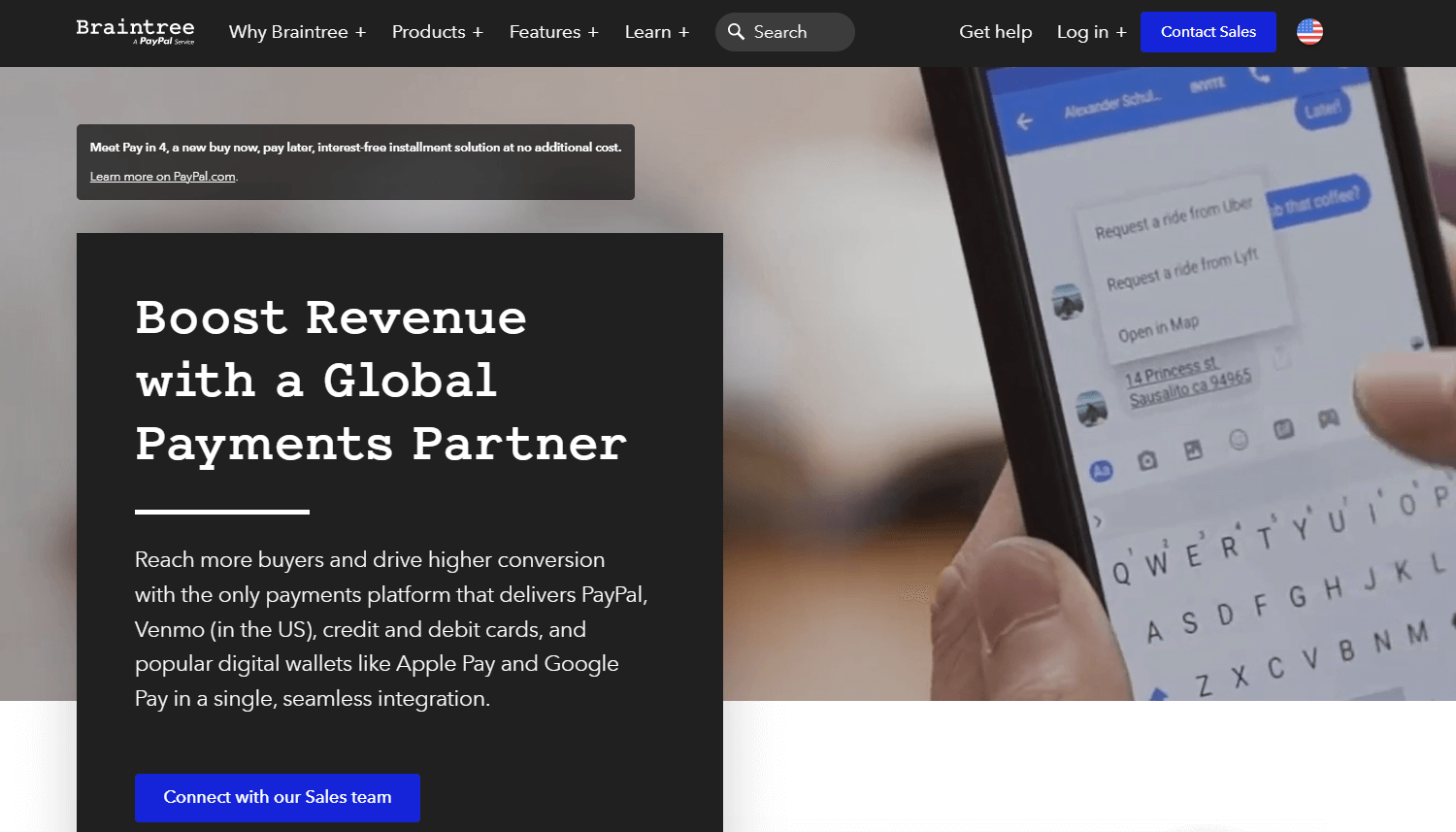
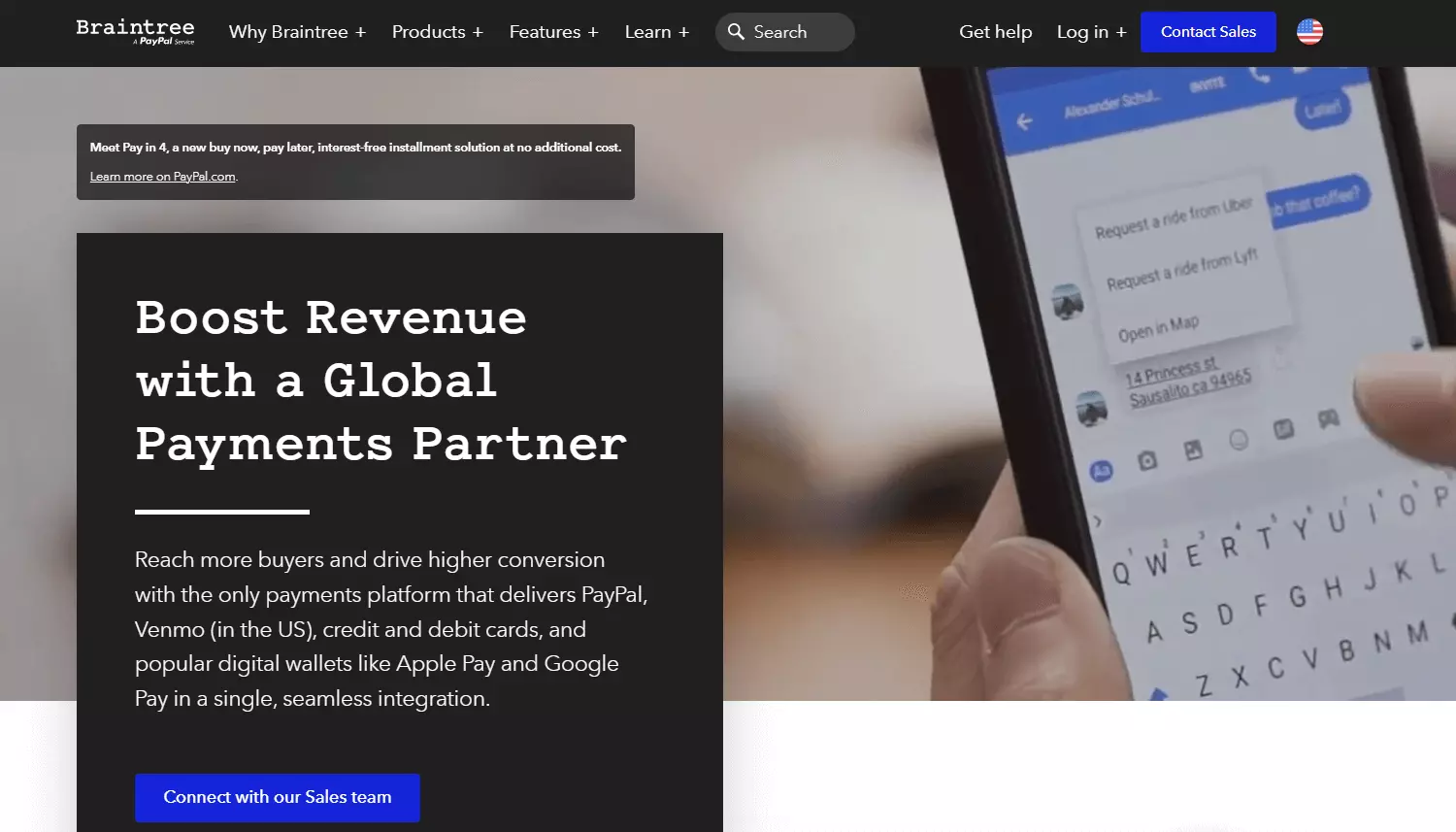
Braintree refers to itself as ‘all-in-one payments partner’ and helps business of all sizes accept and process payments, which help maximise business opportunities and increase revenue growth.
No matter where in the world a company’s buyers are located, the solution offers all the tools needed to help the business reach them and therefore grow internationally. Since it’s a PayPal service, you’re not straying too far from the market giant.
The service replaces the traditional model of sourcing a payment gateway and merchant account from different providers. Braintree is suitable for small businesses that are just starting out, to large fully-fledged companies. Some well-known companies include Airbnb, GitHub, Pinterest, and Uber. Braintree Direct, Braintree Marketplace, Braintree Auth, and Braintree Extend are the different solutions that cater to each business model.
| Advantages | Disadvantages |
|---|---|
| ✓ Solved the problem PayPal had when redirecting user from website to PayPal server | ✗ Long setup times for accounts |
| ✓ No monthly payment fee for processing payments | ✗ Not suitable for high-risk industries |
| ✓ Multi-currency options | |
| ✓ Extensive integrations available |
Click to Pay
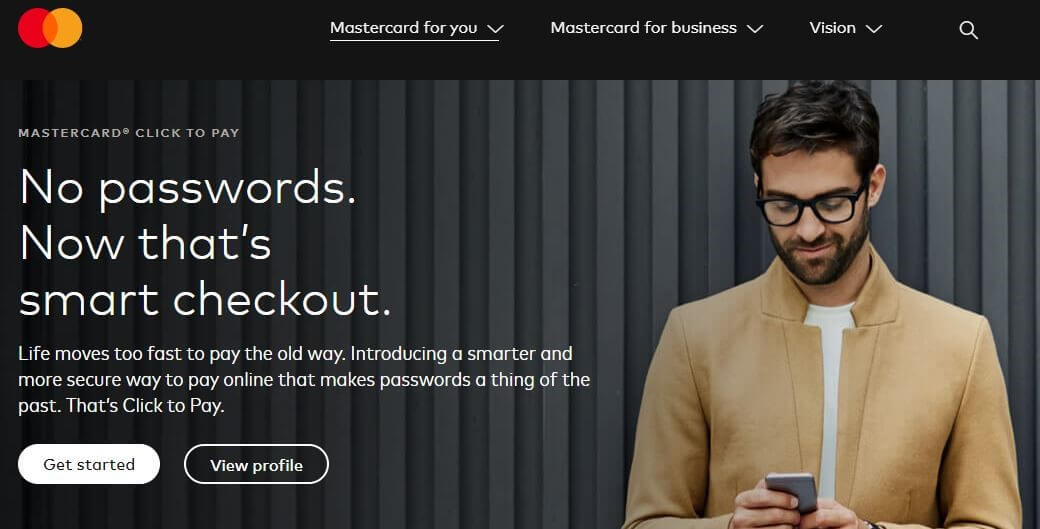
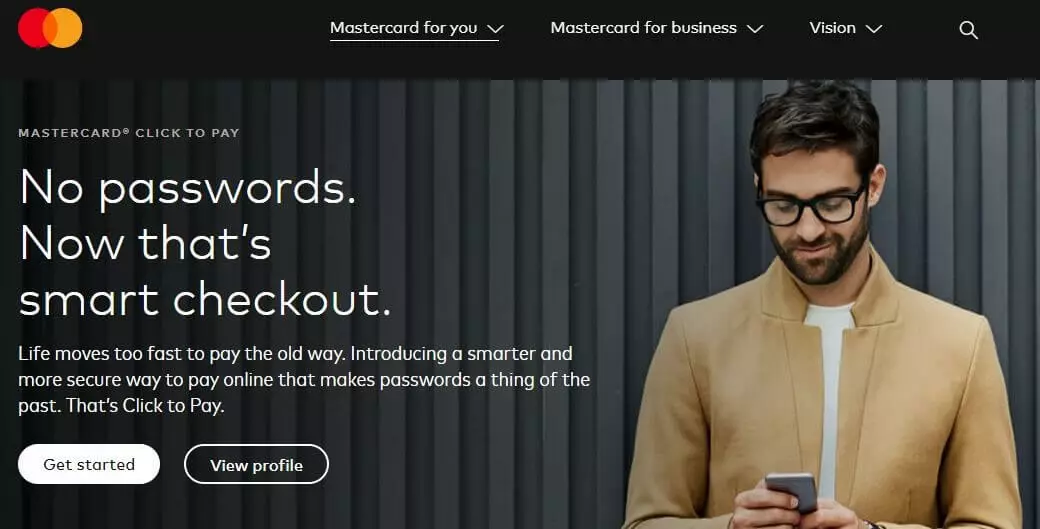
Click to Pay, formerly known as Masterpass, was initially only available as an alternative to PayPal for Mastercard customers, but is now available to all credit card holders.
Similarly to PayPal, you have to create a personal account and enter payment and personal data there. Whenever you want to pay online, you can easily and quickly click ‘Remember me’. This saves you having to repeatedly enter your address and payment information for each individual online shop. A one-time code is sent to your email, which is necessary to complete the payment. Click to Pay uses a multi-level security system, which is also used for payments with credit cards. It can be used in desktop and mobile browsers as well as in native Android and iOS apps.
| Advantages | Disadvantages |
|---|---|
| ✓ Completely free PayPal alternative for customers | ✗ Can only be used at participating merchants |
| ✓ Proven security system | |
| ✓ Bonus program |
Amazon Pay
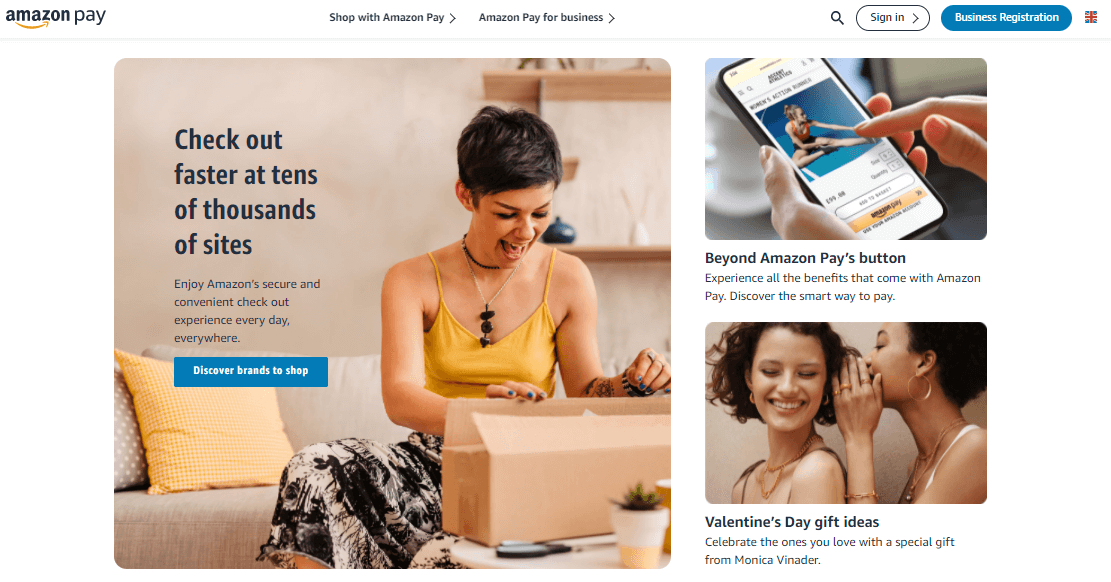
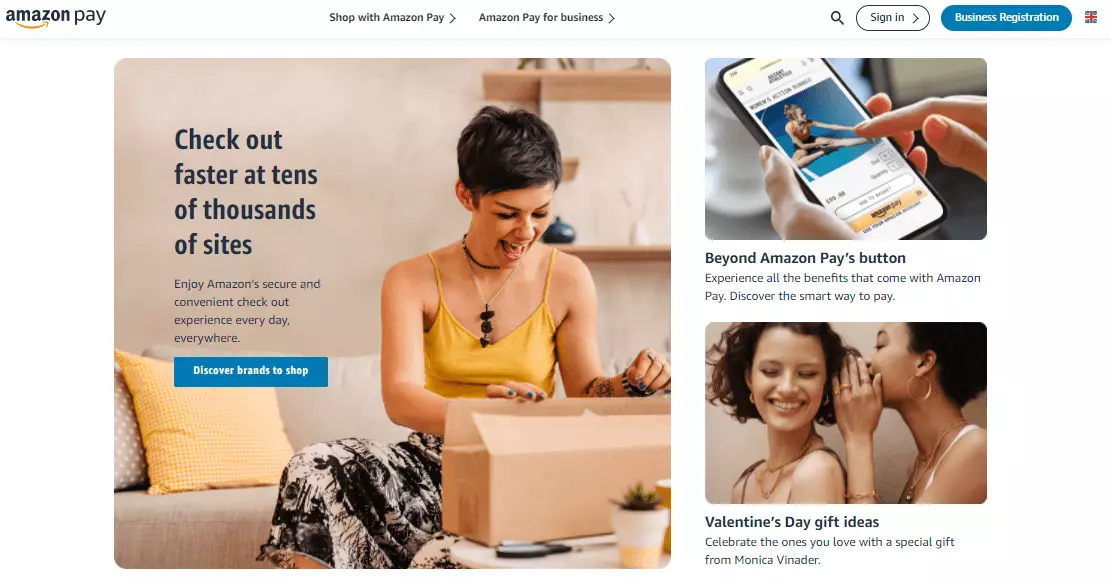
Amazon Pay is the online retail giant’s very own payment service. Amazon Payments profits immensely from its parent company’s notoriety and reputation, which is why many other popular online shops opt for this payment option. This PayPal alternative is not as widespread as the industry leader.
Amazon Pay allows users to process purchases in participating shops with their Amazon account, which only requires an email address and a password to complete a purchase. Here, the provider uses the payment information that’s already been registered with Amazon. All that’s needed is an active Amazon account. The advantage here is that there’s no need to hand over sensitive payment information to third parties. Amazon acts as the intermediary between customer and retailer. The customer shouldn’t expect any additional costs for setting up and using the account. The retailer, on the other hand, should expect to pay 1.9 % of the total purchase price plus an additional 25 pence for each transaction: the same fees as PayPal. Billing is carried out via credit card.
| Advantages | Disadvantage |
|---|---|
| ✓ No separate account required | ✗ Can only be used together with an Amazon account |
| ✓ No billing until goods are sent | ✗ Consumer protection concerns: Amazon has information on the customer’s payment behaviour and consumer history |
Apple Pay
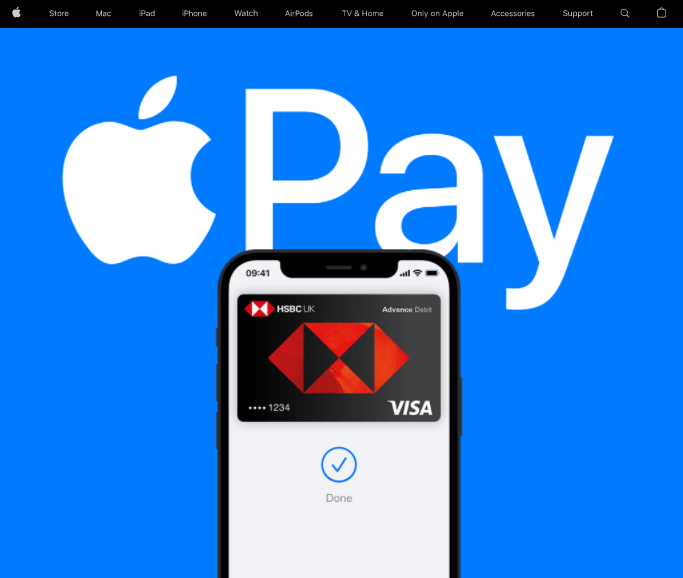
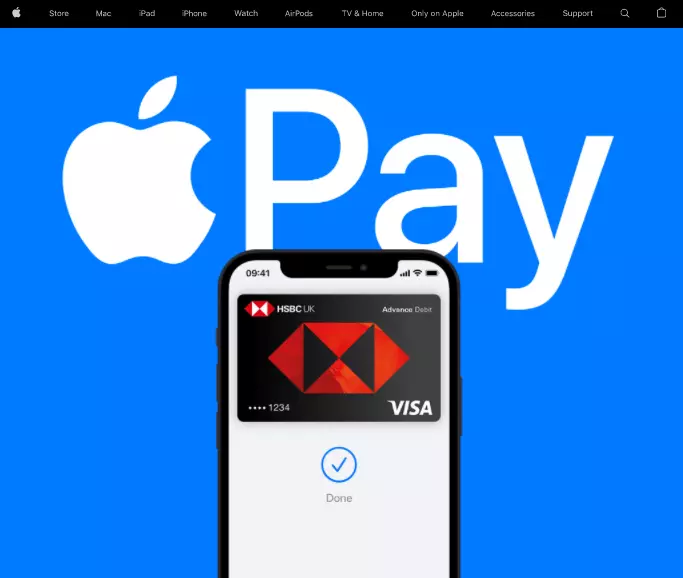
The PayPal alternative is a mobile payment service. Apple Pay is only available for a limited target group that has access to newer Apple products. The payment service acts first and foremost as an NFC-based wallet for the iPhone, allowing Apple Pay to carry out so-called contactless payments at the checkout register. It is also possible to make in-app purchases e.g. from Airbnb, Starbucks, and Kickstarter.
Recently, some online shops have started to support this method of payment. Apple Pay was only available in the United States for a long time; however, it has since expanded its services to France, the United Kingdom, and Switzerland. Due to its immense market power, it’s highly likely that this PayPal alternative will also spread to other countries in coming years.
| Advantages | Disadvantages |
|---|---|
| ✓ Online payment as well as on-site contactless payment possible | ✗ Exclusively available to Apple users |
| ✓ No storage of payment data on the devices | ✗ Not widely available |
| ✓ High security standards |
Google Pay
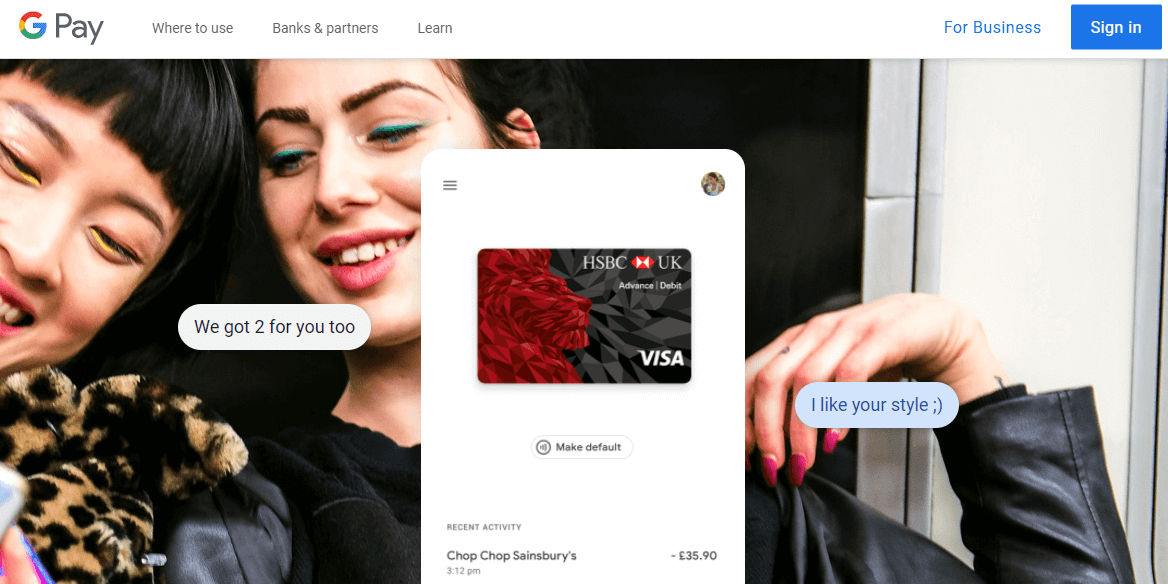
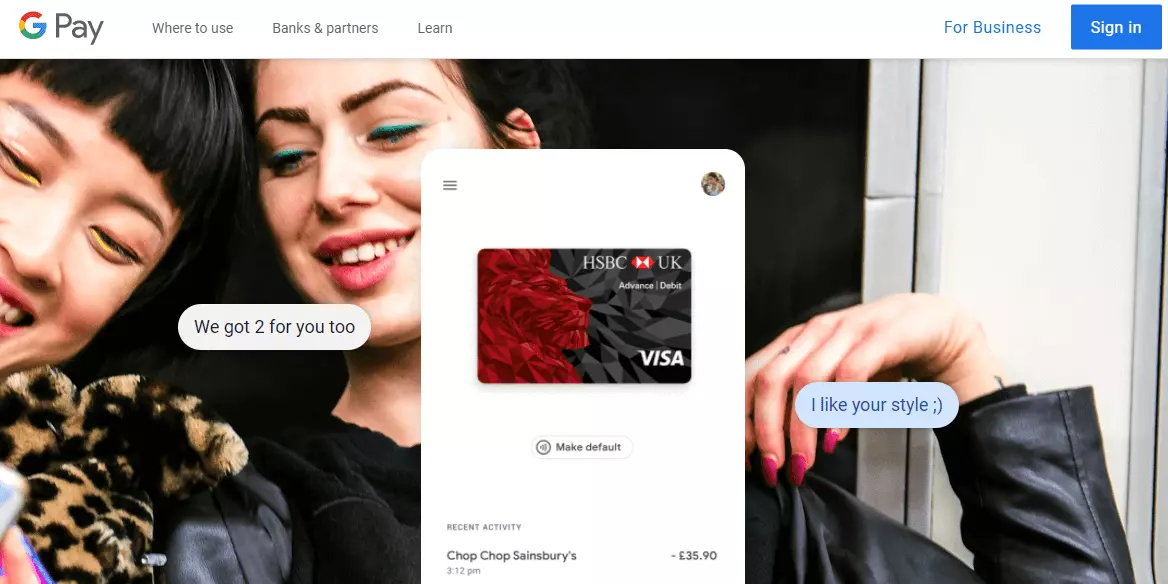
When it comes to mobile payments, it’s essential not to forget the second most important player. With Google Pay (formerly known as Android Pay), Google brought its own payment service onto the market. As the successor of Google Wallet, Google Pay is the internet giant’s second attempt to get a foothold in the payment services industry.
Google Pay is used for in-app payments as well as for transactions at brick-and-mortar retailers. Third-party providers are also able to integrate the function into their online shops. Payment takes place via an app with one click. The idea is similar to that of Apple Pay: credit card information is stored and securely managed, and no payment information is sent to the merchant.
| Advantage | Disadvantage |
|---|---|
| ✓ High security standards | ✗ Limited use cases and online payment partners |
| ✓ Can be used independently of Google as a separate app |
Payoneer
This next option takes a look at PayPal alternatives from the merchant’s perspective. Founded in 2005 by Israeli entrepreneur, Yuval Tal, this money transfer and payment company Payoneer is especially well suited to small and medium sized business as well as freelancers. As a registered Member Service Provider (MSP) of Mastercard, Payoneer is available in over 200 countries. Users can opt to either have funds transferred to a bank account or into a reloadable prepaid debit card, which can then be used to carry out transactions. Low currency conversion fees also make this an attractive option for cross-border wire transfers, which is why it’s a very popular solution for Airbnb hosts as well as freelancers with international clients.
| Advantages | Disadvantages |
|---|---|
| ✓ Available worldwide | ✗ Somewhat high credit card rates |
| ✓ Low currency conversion rates | |
| ✓ Small business/freelancer friendly |
Skrill
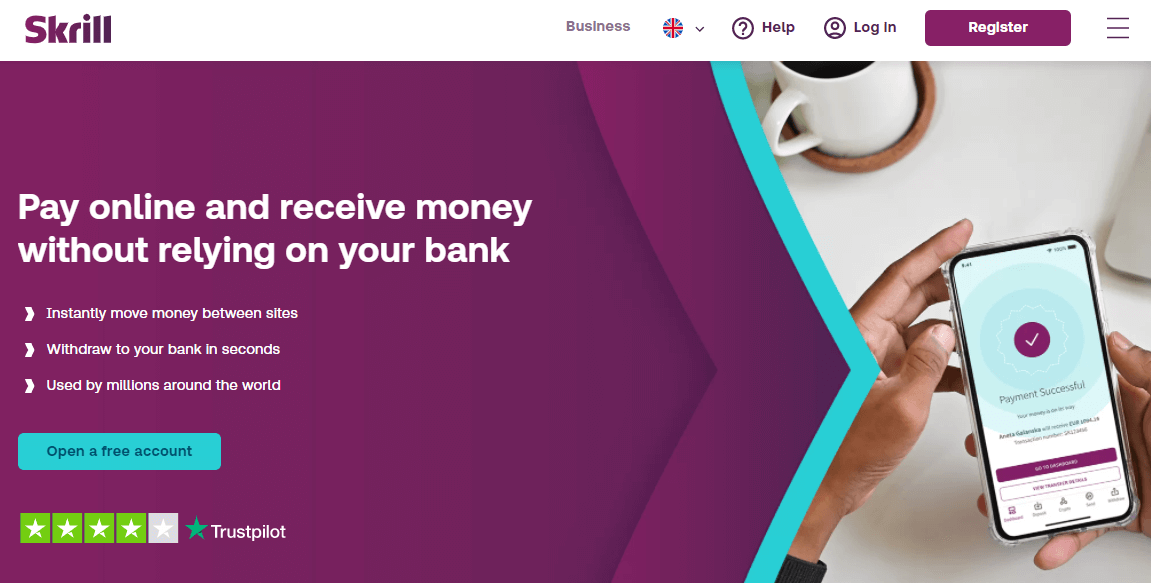
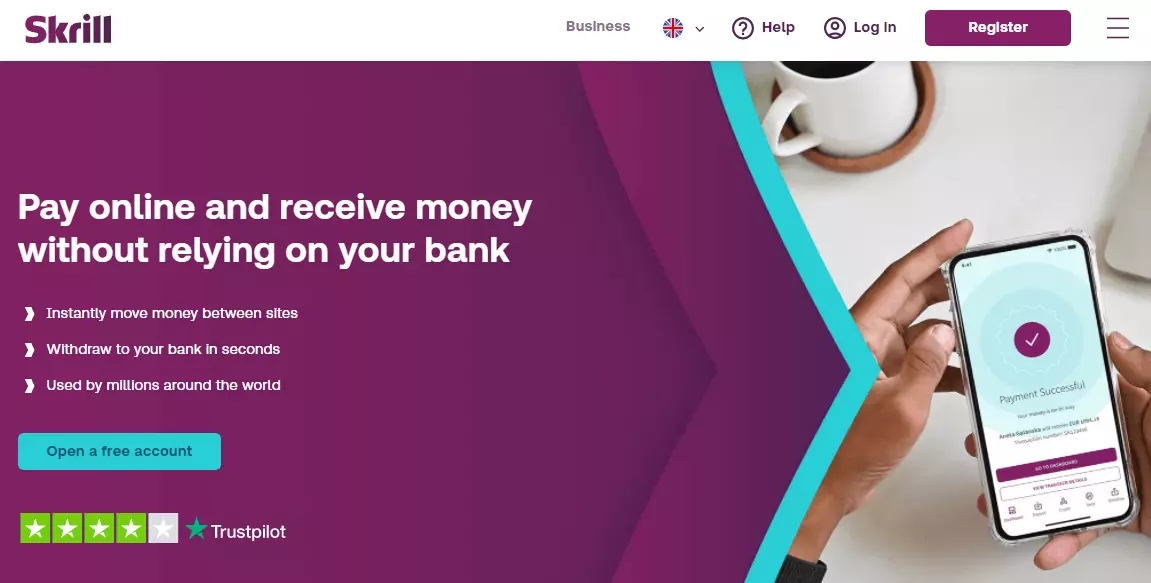
The UK-based payment system Skrill, formerly known as Moneybookers, works on a prepaid basis. Via credit or debit card, users pay into a customer account. The prepaid credit can then be used for later purchases or online orders. Paying via the customer account doesn’t require any bank or credit card information to be transferred to the merchants. The prepaid idea is also valuable for allowing users to set budgets for themselves. But this model is also associated with its own unique risks: Customers have to pay before they’re able to use the service, meaning their accrued credit could be lost (e.g. in instances of bankruptcy).
| Advantages | Disadvantages |
|---|---|
| ✓ No transfer of sensitive data | ✗ No cancellation possible |
| ✓ Complete cost control | ✗ Still not widespread in terms of use |
| ✗ Higher security standards only with verified accounts | |
| ✗ Charges for additional services | |
| ✗ Potentially prone to phishing attacks | |
| ✗ Prepaid model risks |
Stripe
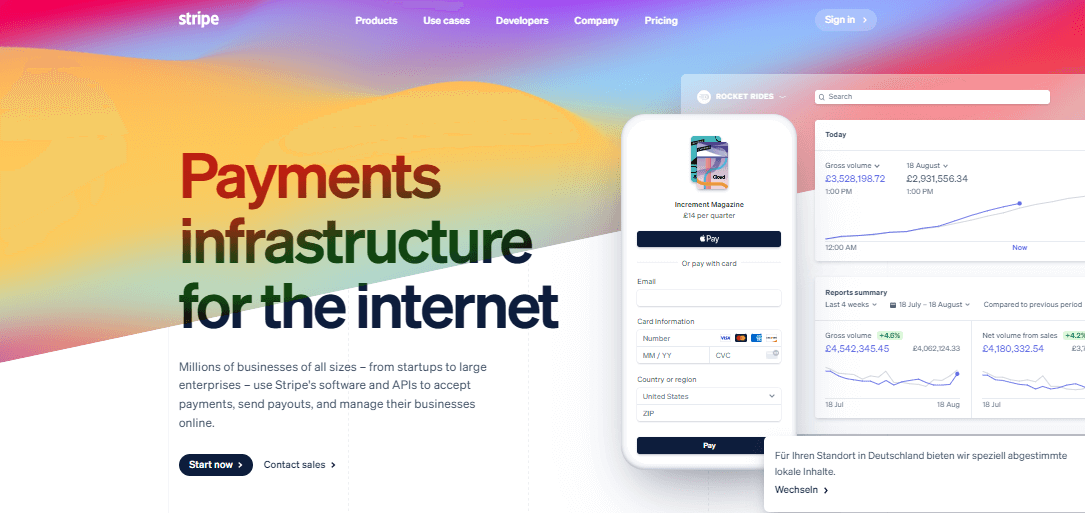
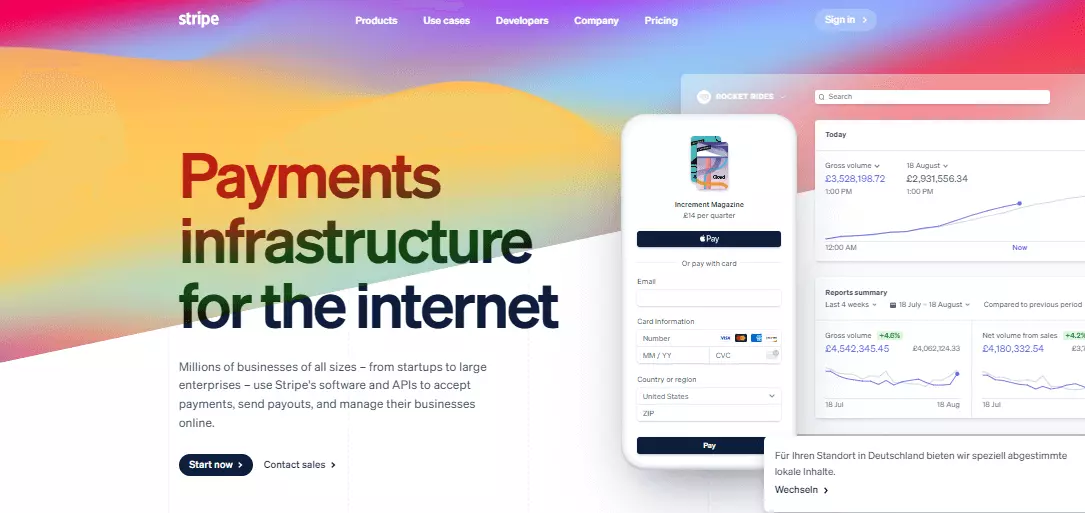
Similar to PayPal, Stripe, a San Francisco company, also offers online payment processing. It’s worth taking a look at Stripe, especially for entrepreneurs, because in general the transaction fees charged by Stripe are lower than those charged by PayPal. Customers who choose to pay with Stripe do not need a separate account, just a valid credit or debit card
A comparison Stripe vs. PayPal shows that payment with Stripe supports a comparatively large number of currencies and is integrated directly into web stores, so customers do not have to additionally register with the payment service provider. This saves some time during checkout.
| Advantages | Disadvantages |
|---|---|
| ✓ No account necessary | ✗ Not as widely used |
| ✓ Fast checkout | |
| ✓ Lower fees for companies |
Square
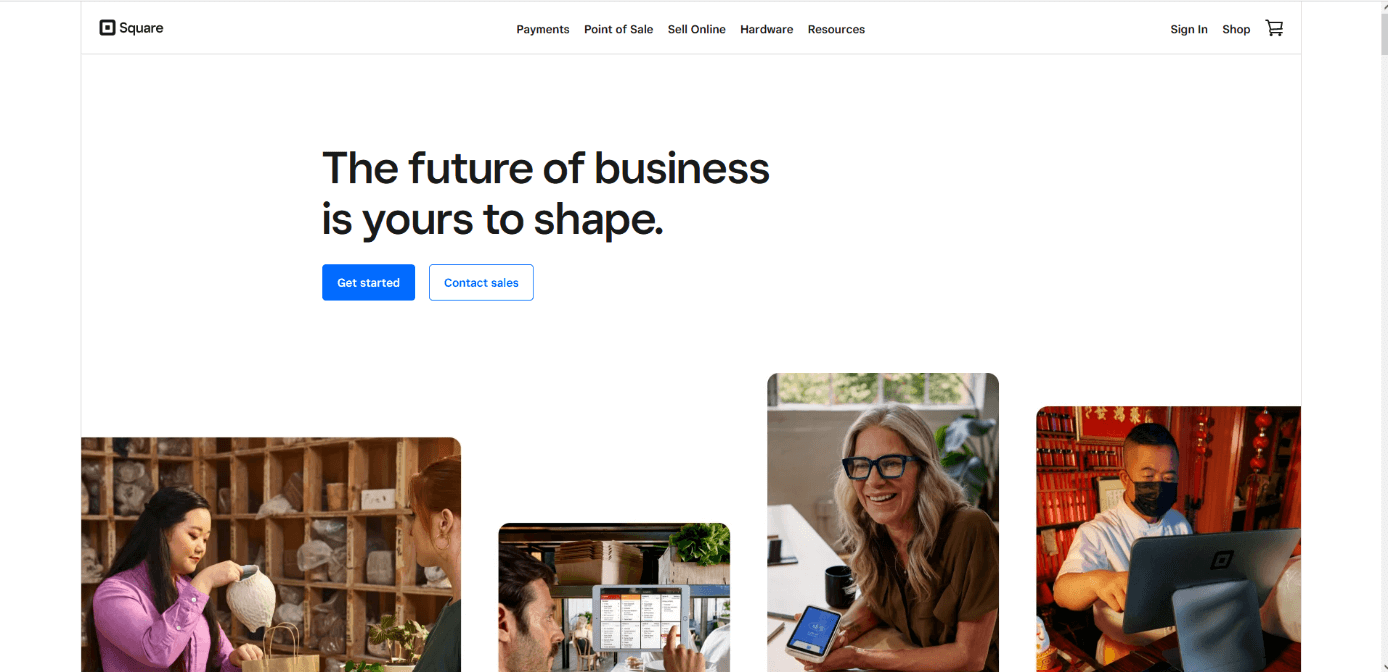
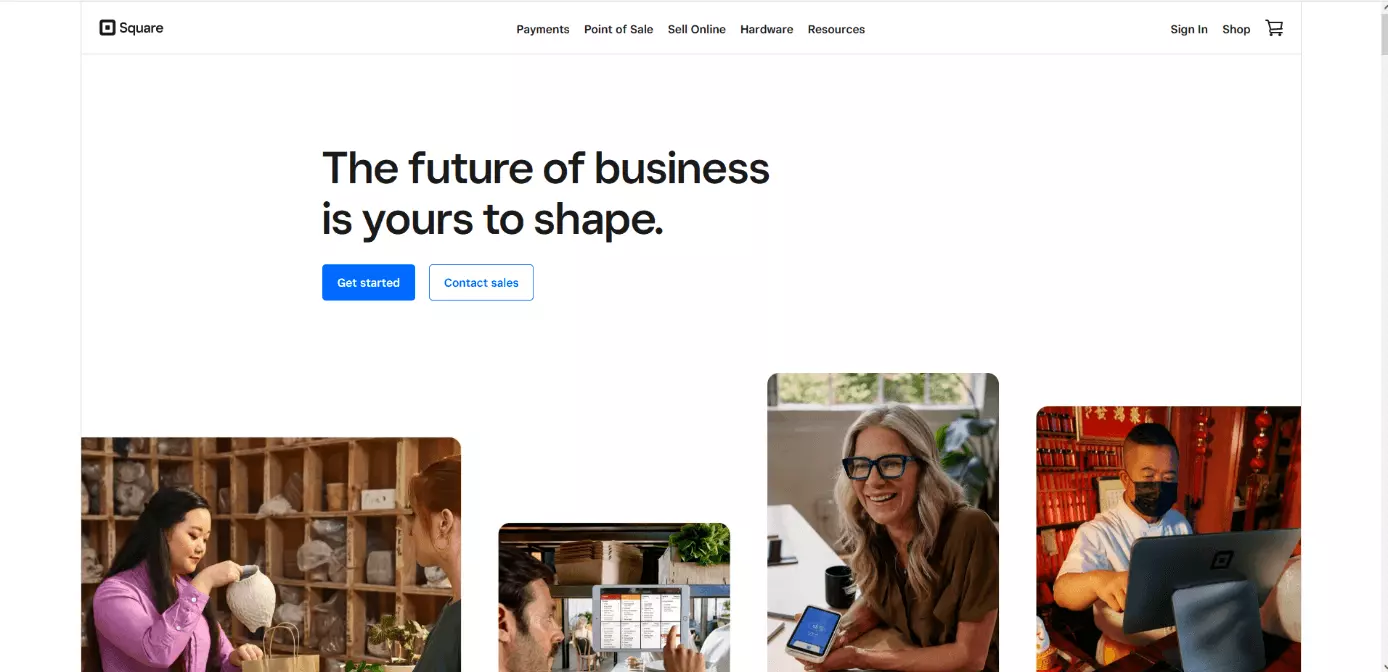
Square is also a financial services provider from San Francisco. With Square small businesses and larger ones can accept and process nearly any type of online payment from clients and customers securely. You can also create loyalty programs for customers and manage payments, business accounts and cash flow easily. The service is already enjoying great success with over 30 million users.
Unlike PayPal, square also supports trading with bitcoin.
| Advantages | Disadvantages |
|---|---|
| ✓ loyalty programs available for customers | ✗ Not widely available outside of the United States |
| ✓ supports trading with Bitcoin | |
| ✓ secure online payment |
Reviewer

Melissa Senn
Melissa Senn has been with IONOS since 2016 and focuses on website, e-commerce, social media, and AI in the Digital Guide. As a digital strategist, she uses her extensive SEO and GEO experience to transform complex technological trends into practical content.