

TikTok profile picture (pfp): An overview

Your profile picture is a key element in presenting yourself to others on TikTok. You can either upload a photo from your smartphone’s gallery or create a new photo directly in the app. Changing or deleting a TikTok pfp is also very simple.
- Free WordPress with .co.uk
- Free website protection with one Wildcard SSL
- Free Domain Connect for easy DNS setup
Quick guide on how to create and change your TikTok pfp
- Click on your profile in the TikTok app.
- Go to ‘Edit profile’.
- After clicking ‘Change photo’, select a new picture to change to your profile picture.
Set TikTok pfp
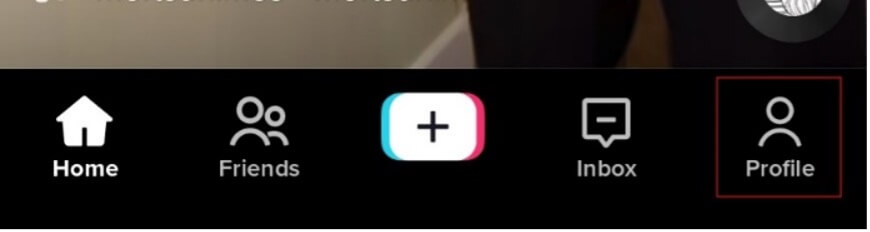
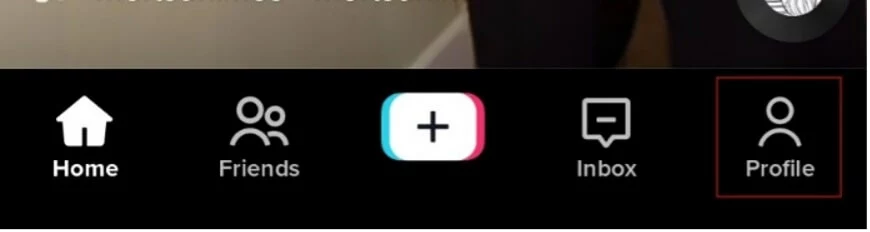
Step 1: Open the TikTok app and click on your profile.
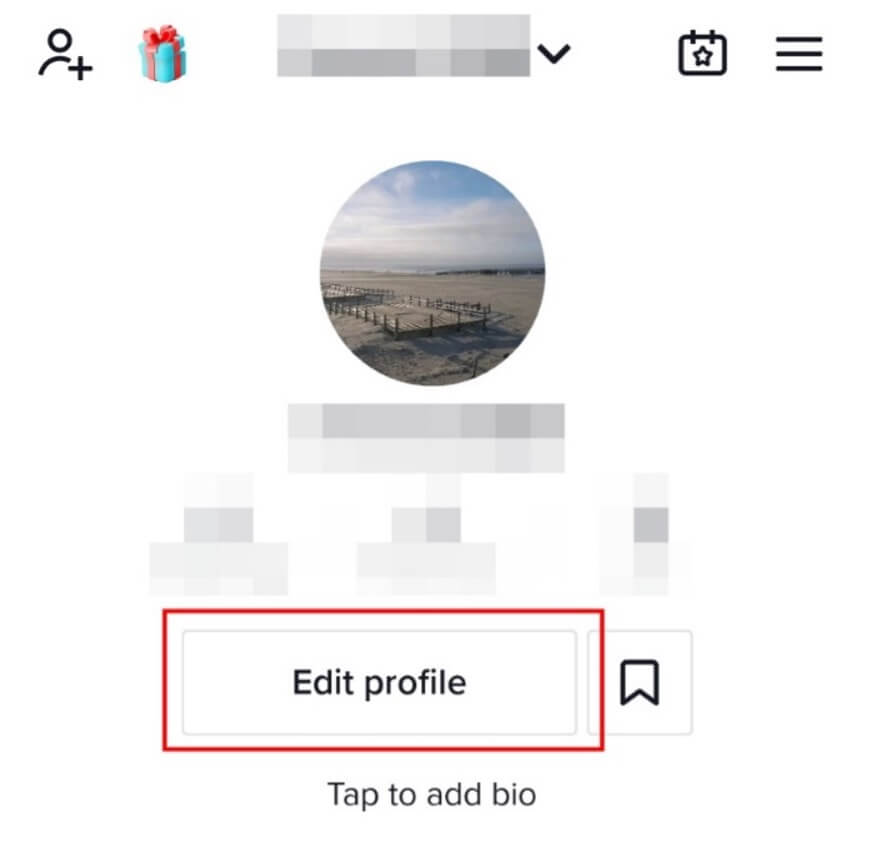
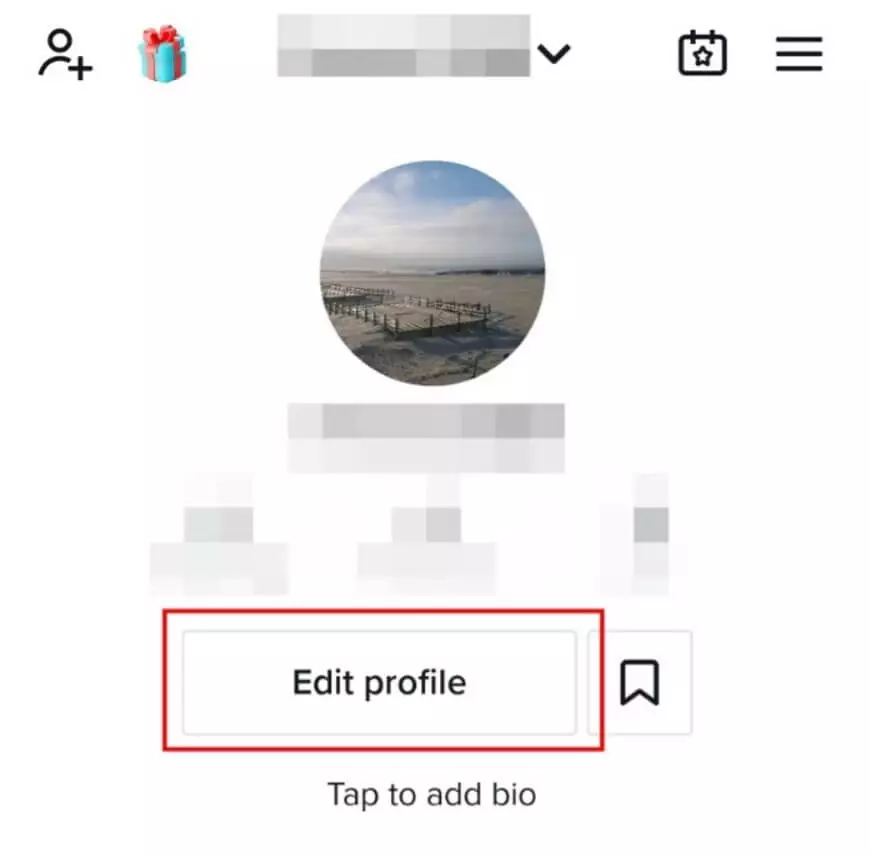
Step 2: Click on ‘Edit profile’.
Step 3: Click on ‘Change photo’.
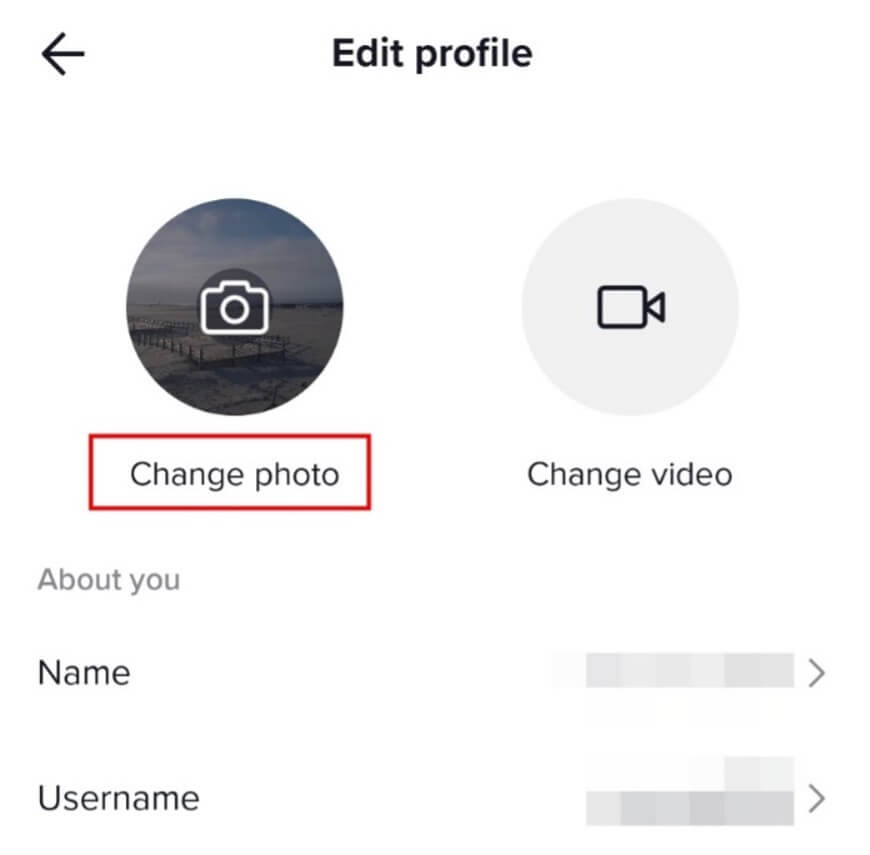
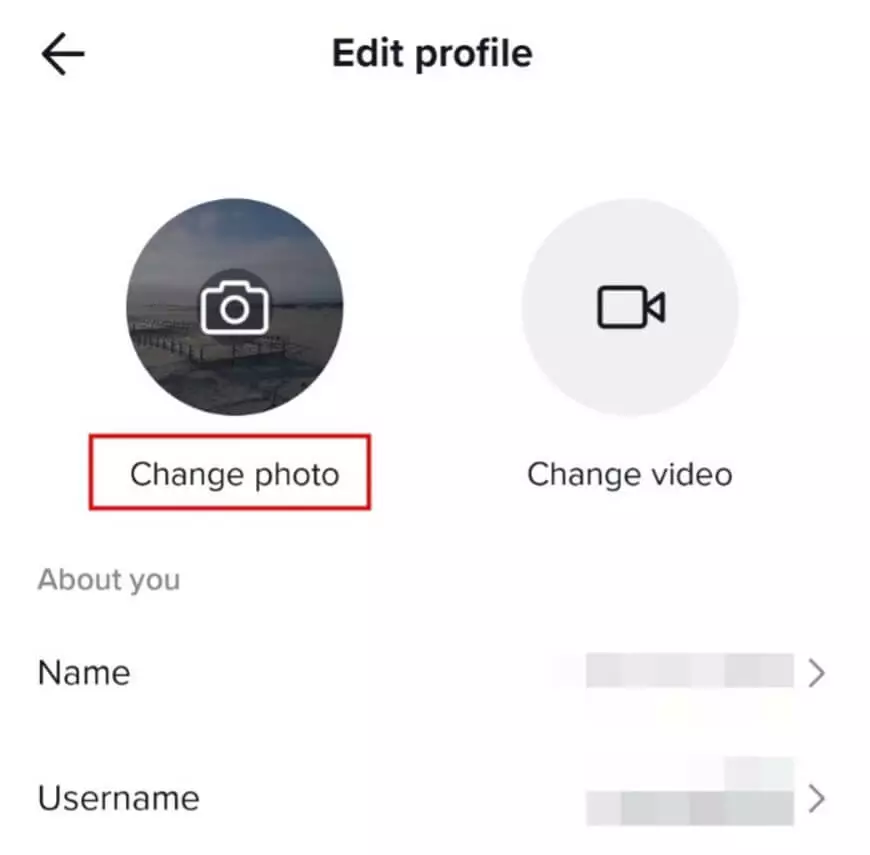
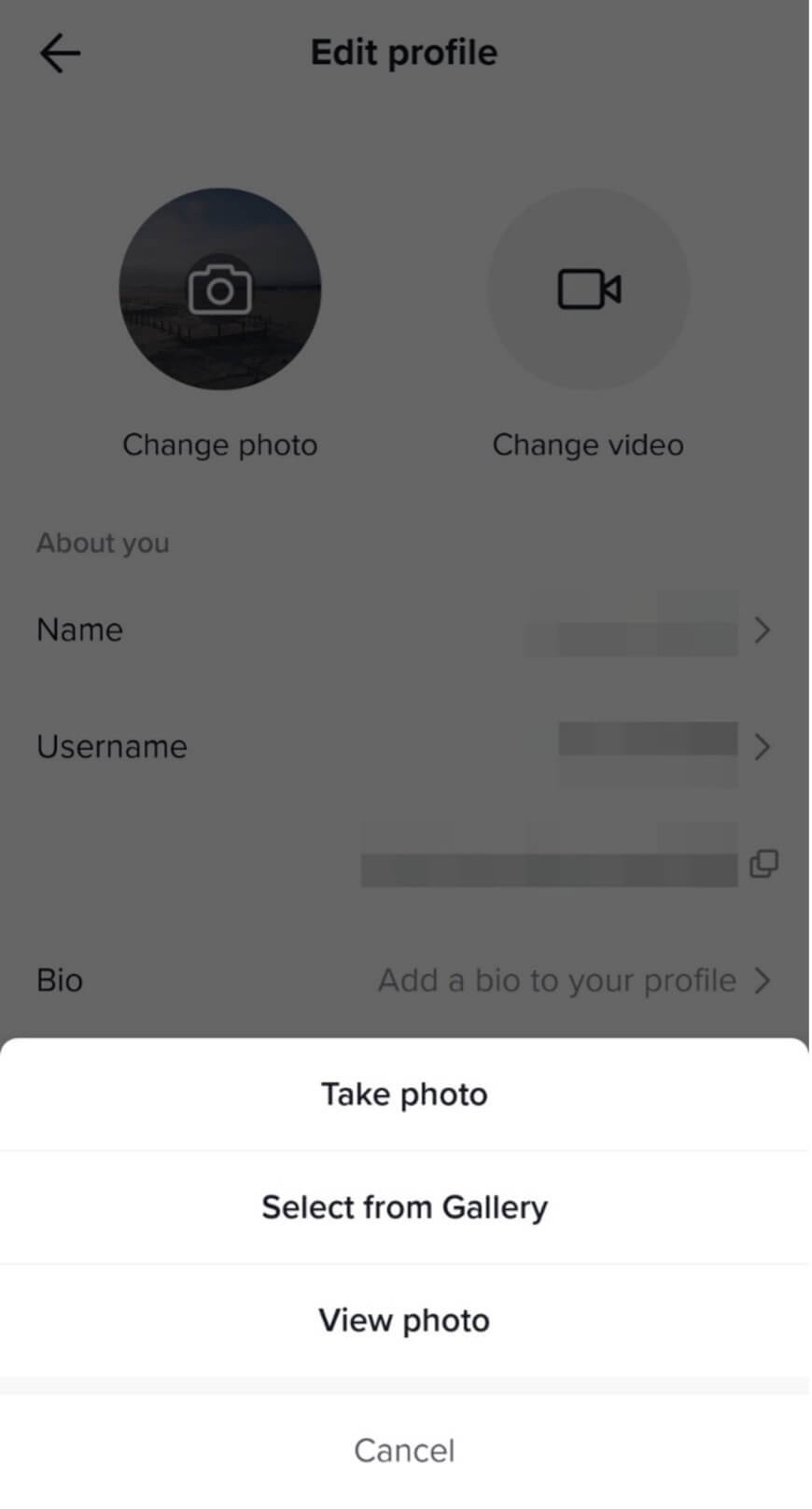
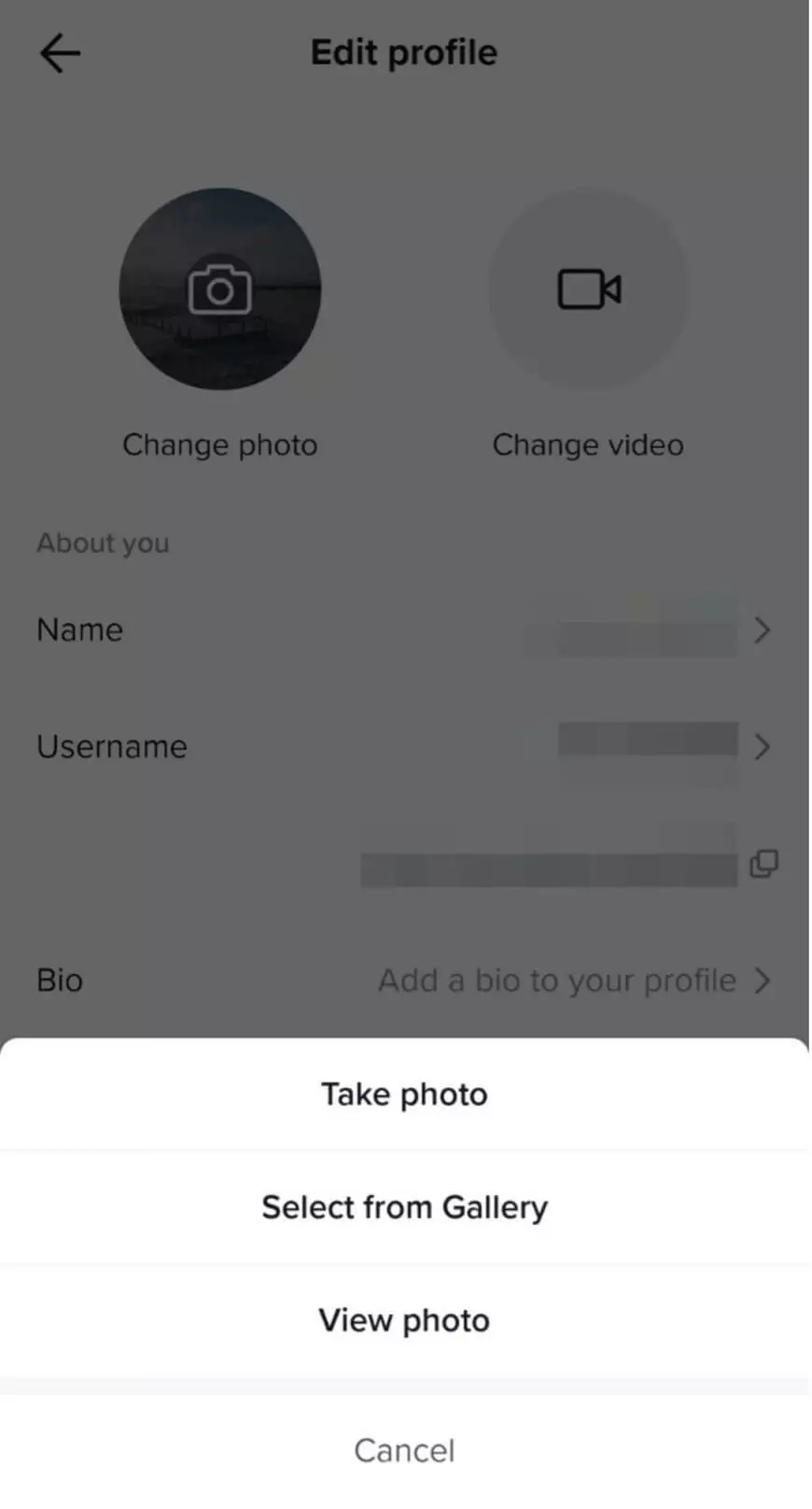
Step 4: Choose your pfp for Tiktok: You can take a photo or upload a gallery photo from your smartphone.
Step 5: You can change the format after you have selected a photo. Your TikTok pfp is always displayed as a circle. Click ‘Save’ to confirm your choice.
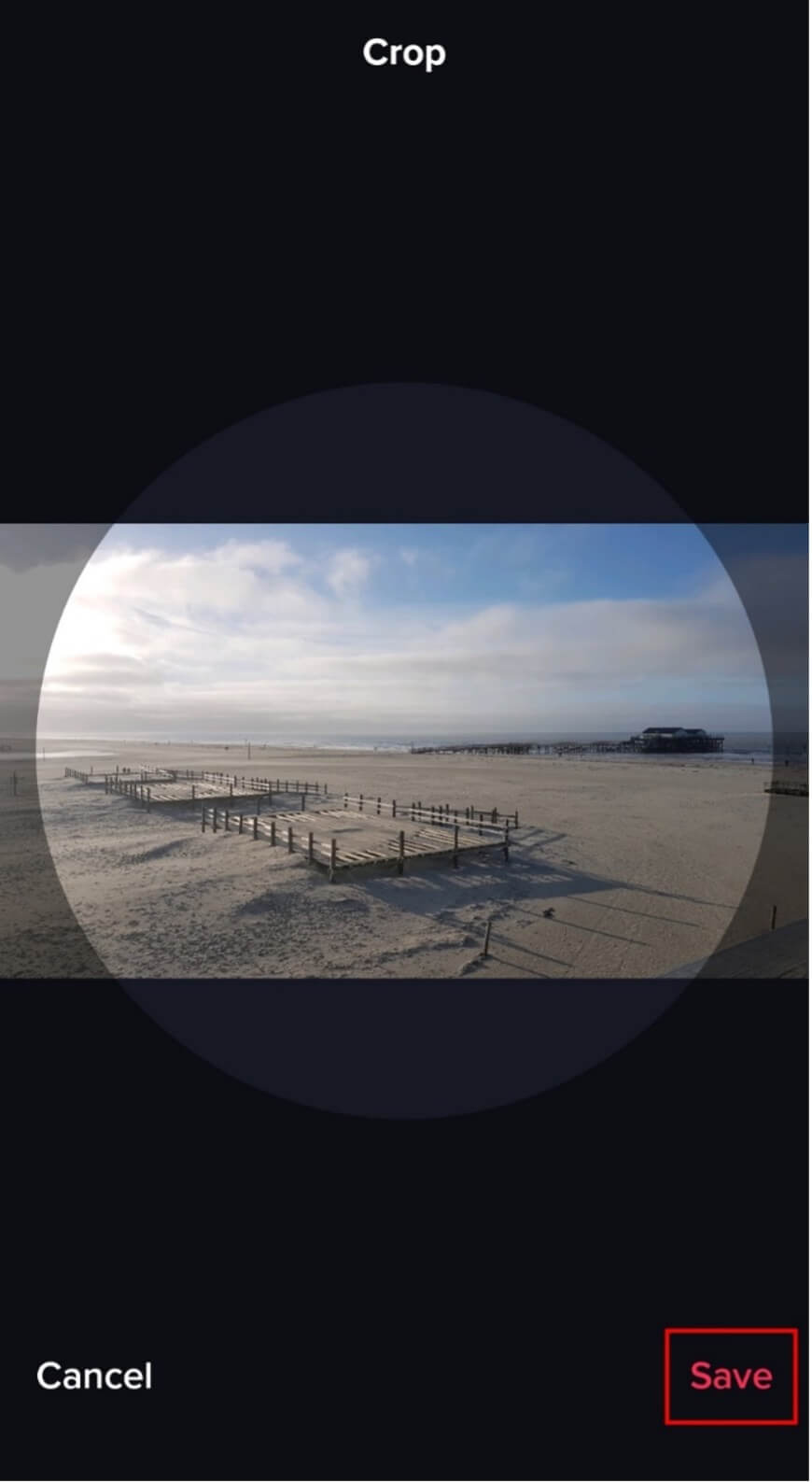
TikTok pfp: Important specifications
The ideal TikTok profile picture is a 1:1 format size with a resolution of at least 96 dpi. TikTok requires a minimum size of 20 x 20 pixels, which is quite small. The image should be sufficiently sharp, but with a small file size. There is also the option to crop the image after uploading it if you want to use a photo in a different graphic format. Suitable file types are JPG or PNG.
How to create a TikTok pfp with a transparent background
A profile picture with a transparent background stands out from the crowd. This creates the impression that your photo has an individual shape, rather than being circular. You need to crop the image in the image editor on your PC or smartphone if you want to have this effect.
This means the background will be removed so, for example, only your head, an animal, or some other object, is left on a blank surface. Then save the image as a PNG with a transparent background. Follow the steps outlined above to upload the image to your TikTok profile.
You do not have to use the market leader in editing, Adobe, to edit images. You can also edit your photos professionally with photoshop alternatives.
Changing your TikTok pfp
A TikTok pfp cannot be deleted completely, but it can be replaced with another picture. Follow the steps described above to change your current TikTok pfp.
Looking for alternative video apps? We compare a selection of TikTok alternatives in a further article.