Who is the best cloud storage provider? A comparison of 9 providers

The advantages of secure cloud storage mean that cloud storage providers are equally attractive for both private users and companies. In order to find out what’s important when choosing the best cloud service and which providers offer the best cloud package, check out the following cloud storage comparison.
Overview comparison of the best cloud storage services
| Provider | Free Storage | Price | Server Location | Special Features |
|---|---|---|---|---|
| Box | 10 GB | around £15 (min. 3 users, unlimited) | Worldwide | Box Zones help comply with regional data privacy regulations |
| Dropbox | Up to 20 GB | £7.99 | Unknown | Free storage can be expanded |
| iCloud Drive | 5 GB | £8.99 | Unknown | Pre-installed on Apple devices |
| Google Drive | 15 GB | £7.99 | Unknown | Integration with other Google services |
| HiDrive | – | £20.00 | North America and Europe | ISO 27001 certified |
| luckycloud | – | around £50 | Germany | Storage capacity freely configurable |
| pCloud | Up to 10 GB | £9.99 (minimum 12 months) | Luxembourg, among others | Optional client-side encryption |
| Tresorit | – | around £20 (4 TB) | Worldwide | End-to-end encryption |
| SecureCloud | – | Not available (max. 100 GB) | Germany | Version control included in all editions |
Information accurate as of July 2025

What makes the best online storage service?
The cost aspect is often what people take into account when choosing a provider. This is an important factor, but by no means the only one you should pay attention to. As with other web services, factors such as usability, or the security of your own data also play an important role. It may also be useful for companies to find out how well each cloud storage provider works when it comes to teamwork. Finally, you should also take a close look at the reliability of the various providers and the support they offer.
In detail, the criteria mentioned for the cloud storage comparison focus on the following features:
- Costs: Even the best cloud storage shouldn’t cost more than your budget allows. It is advisable to estimate how much storage space you need in advance and which features are essential. This will help you compare the different providers more effectively.
- Usability: You should be able to upload and download your files intuitively, regardless of which device you are currently working with. This also applies to all collaboration features provided by the service. If sharing cloud storage is very important to you, features such as a change log and cross-device synchronisation are essential.
- Security: Modern data centres and sophisticated firewall and backup strategies are just as much a part of a cloud provider’s desirable security measures as the encryption of the stored data and the data transfer itself. If data protection plays a major role for you, it is also essential to know where the server is located.
- Reliability and support: It is important that you have access to your files at all times if possible and that you are informed in good time about new features, technical problems or changes. A service’s high availability (online time) is just as important as a high level of stability.
What are the various cloud storage providers available?
The perfect cloud storage should have a high level of security, simple and intuitive operation as well as low offline times. Ideally, you’d also get a large amount of storage space for a low price. Depending on the intended use of cloud storage, and the user’s know-how and financial situation, there are various solutions that meet these requirements. We introduce you to some of the best cloud storage solutions.
HiDrive
The domain and hosting provider IONOS offers HiDrive, a cloud storage solution that, unlike many competitors, is not available in a free version but instead offers a variety of affordable subscription packages. For example, you can get 100 GB of storage for just £1.50 per month for a single user. Business packages for up to 10 users with up to 2 TB of storage (priced at £20 per month) make the cloud service appealing to small businesses as well. IONOS stores all data — transferred exclusively with 256-bit encryption — in ISO 27001-certified data centres, which are among the most secure in the world.
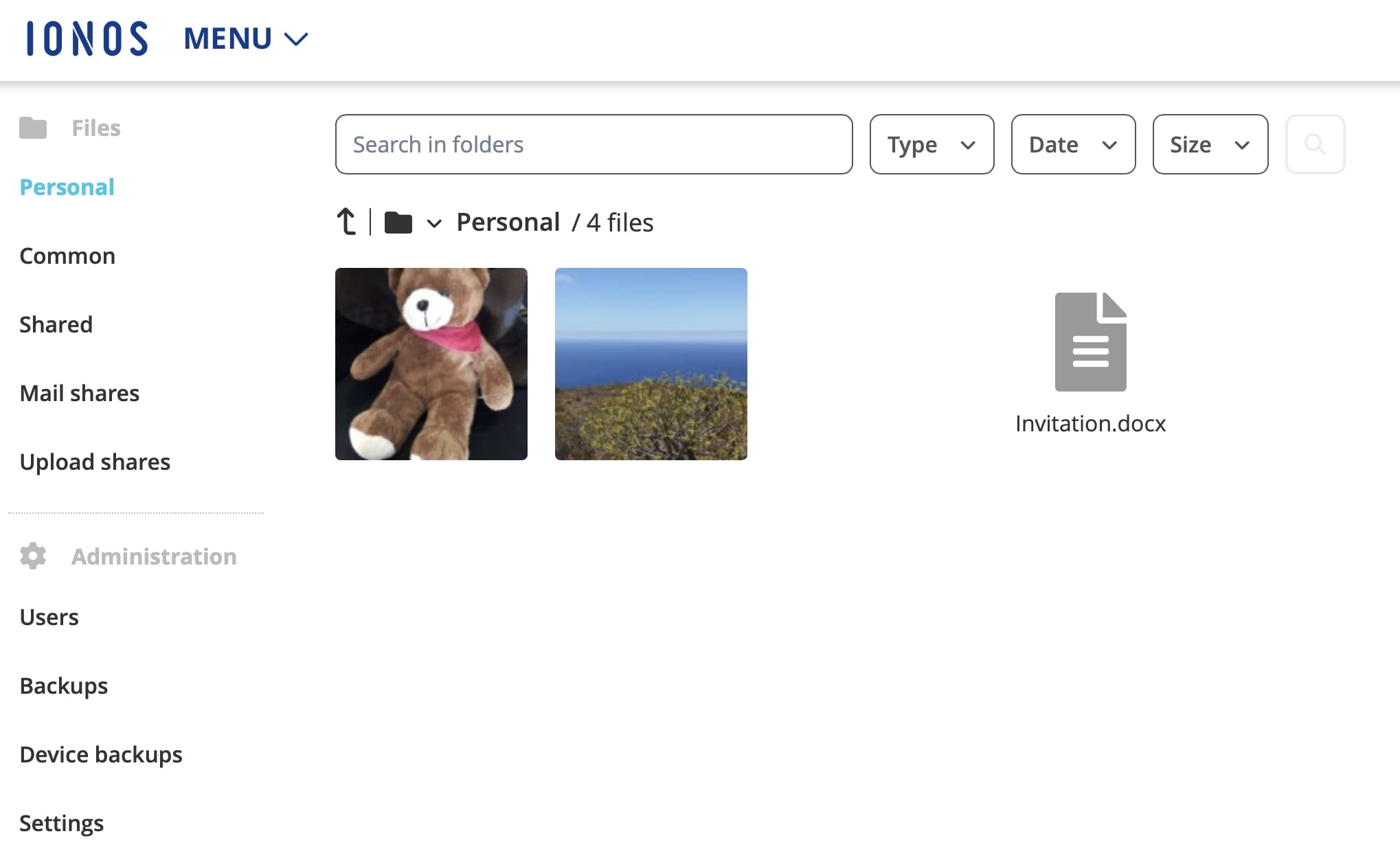
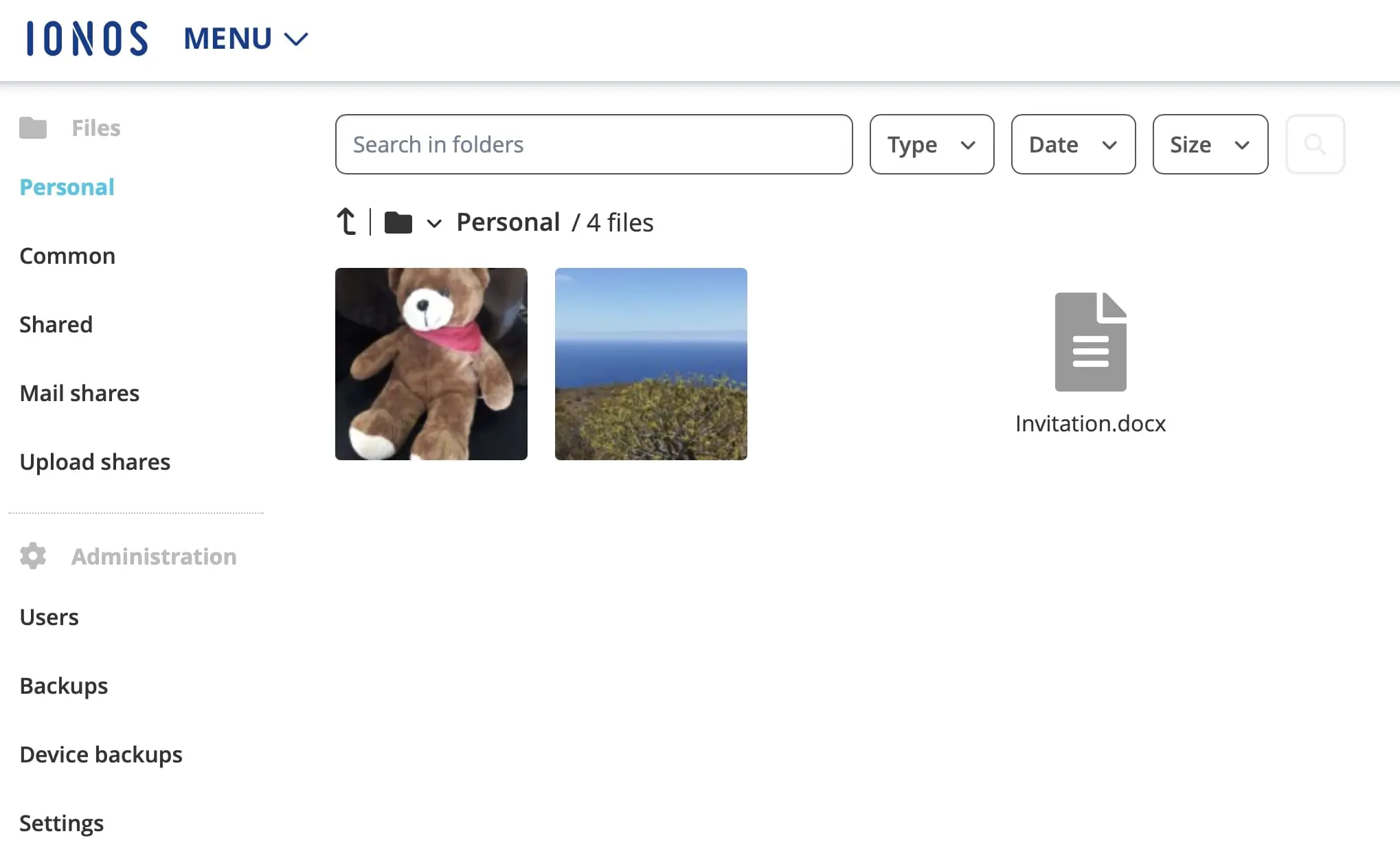
HiDrive can be accessed via the web application or using the desktop or mobile apps for iOS, Android, Windows, and macOS. When you’re using one of these apps, you can also access your data offline according to the last time you synchronised. You can also easily share files saved in HiDrive with friends and acquaintances via a share link.
| Advantages | Disadvantages |
|---|---|
| ✓ Affordable packages for every need, whether private or professional | ✗ No free version available |
| ✓ All packages can be adapted at any time | - |
| ✓ 256-bit AES encryption | - |
| ✓ Automatic text detection of smartphone pictures | - |
- Store, share and edit data easily
- ISO-certified European data centres
- Highly secure and GDPR compliant
pCloud
pCloud is a Swiss cloud storage provider that puts the security and protection of your data first. SSL/TLS encryption ensures secure transmission, while the server location being Luxembourg (selectable during registration) ensures that data protection complies with the GDPR. Optionally, an additional security level can be added with pCloud encryption. This would mean that your data is additionally encrypted and password-protected. This is done on the client side so that nobody but you has the necessary keys for decoding.
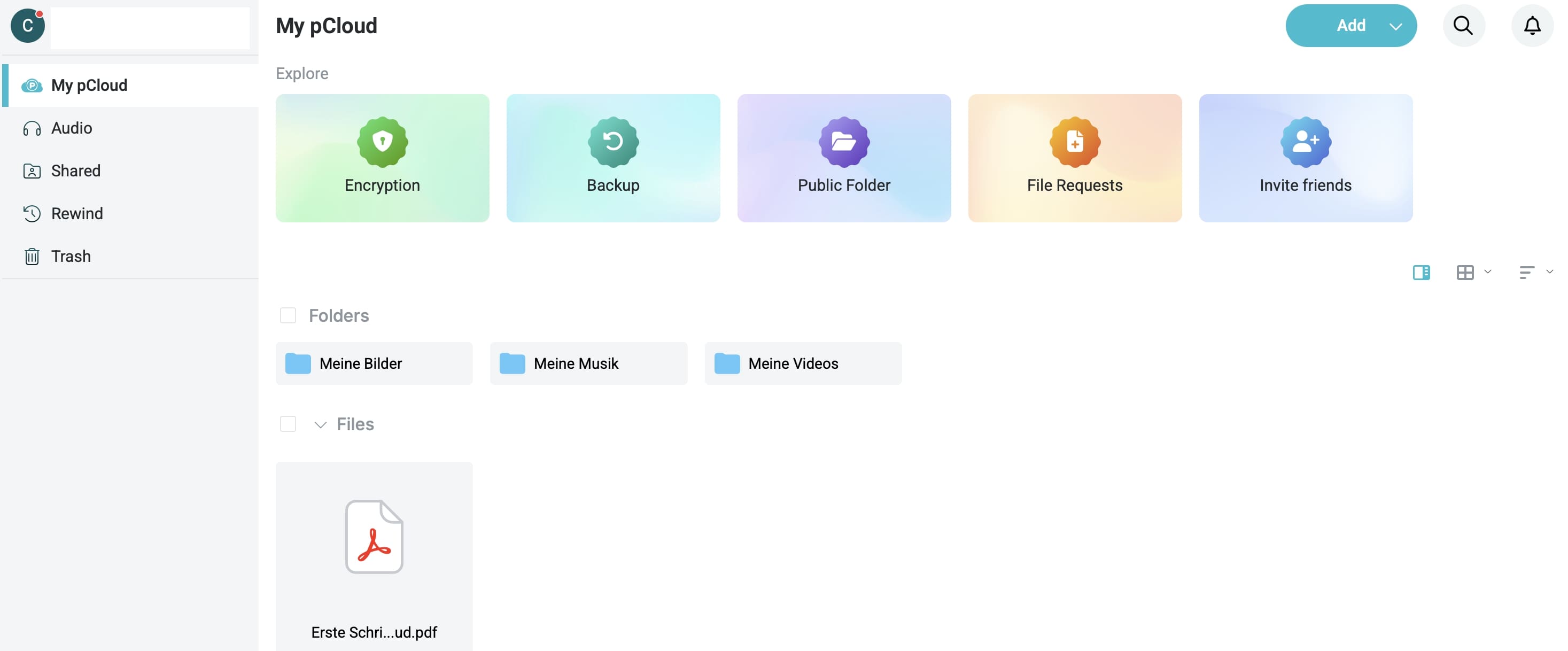
pCloud offers several file sharing options. You can share large files or entire folders with other users via a share link, for example. It doesn’t matter whether these people use this particular cloud storage or not. You can optionally secure the share with a password, which you give to the others so they can upload files to your cloud. If you opt for a business package for three or more users, cloud storage is enhanced with various collaboration features such as teams and access levels, a comment function or an activity log.
You can use the basic version of pCloud completely free of charge. Here you have access to 4 GB of storage space as standard, which can be upgraded to up to 10 GB depending on how you use the app or by inviting additional users to use it. If you need more storage space, you will need to pay for a different package. This is where the cloud storage differs compared to other solutions because you have the choice between monthly/yearly and lifetime subscriptions. For example, 500 GB costs just over £4.00 per month or a one-off £160.00 (approx.) for a lifetime subscription. 2 TB is available for £9.99 per month or around £330.00 (Lifetime). Business packages start at around £8.50 per month per user.
| Advantages | Disadvantages |
|---|---|
| ✓ Highest data protection standards guaranteed | ✗ File encryption costs extra |
| ✓ First-class safety measures | - |
Google Drive
In order to use Google Drive, the search engine giant’s official cloud storage, you need an active Google account, which you also require for other services such as Gmail or Google Photos. These are also directly connected to the cloud thanks to corresponding interfaces. To get you started, you get free access to 15 GB of storage space. You can increase the capacity by taking out a paid subscription (100 GB for £1.59, 2 TB for £7.99 per month).
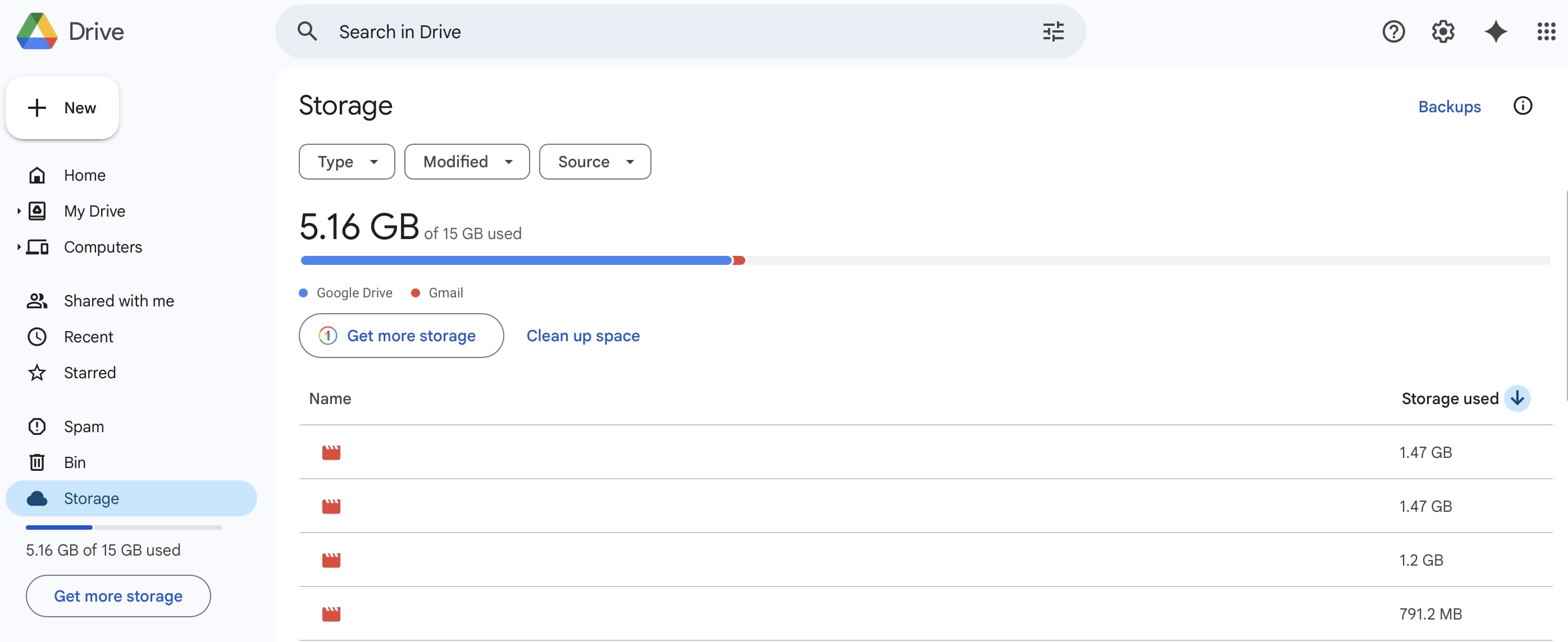
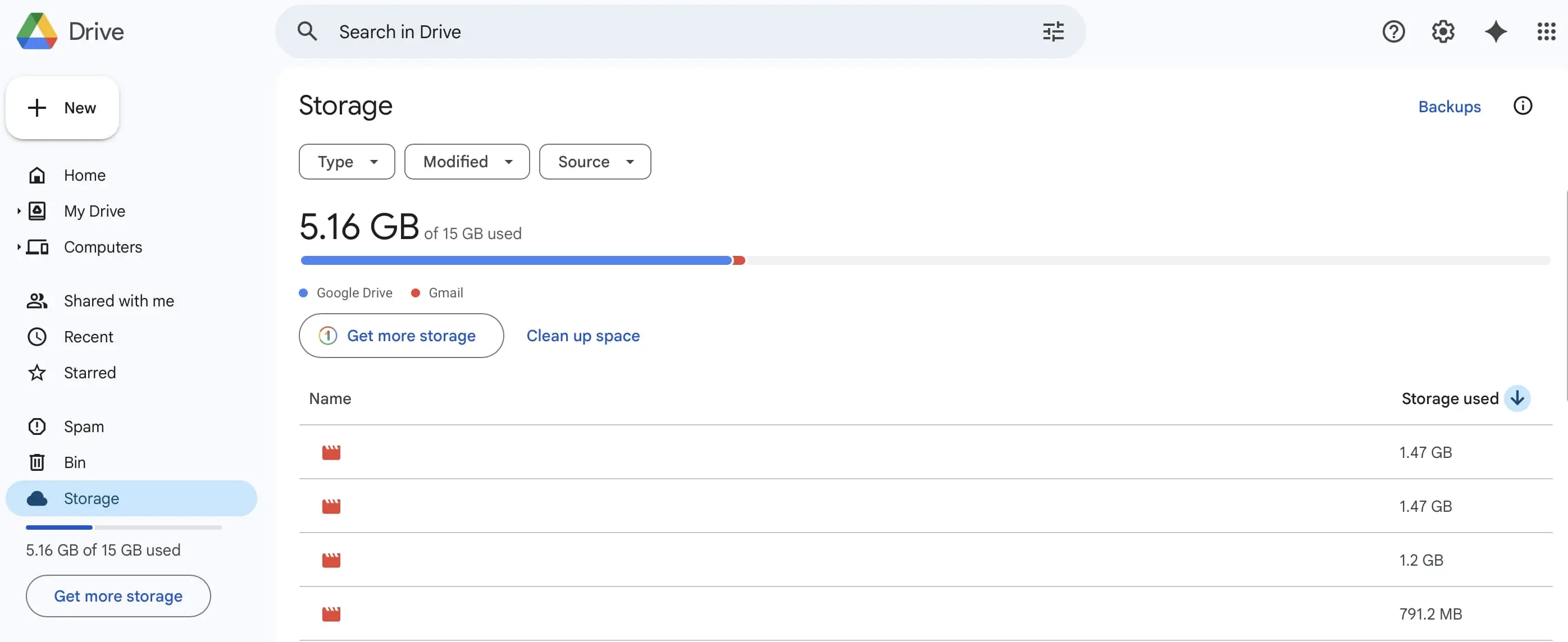
A glance into the main menu shows why Google’s program is one of the best cloud storages for cooperative working, management and file or document editing of all kinds. With one click, you can upload or download data and access the popular apps from Google Workspace. You can also link to hundreds of third-party apps. Google Drive automatically synchronises the stored data on all devices you use to access the cloud. For this purpose, applications for Windows, macOS, iOS and Android are available for free download if you do not want to use the web application.
| Advantages | Disadvantages |
|---|---|
| ✓ Links to numerous Google services and third-party apps (optional) | ✗ Storage on Google servers (without specific information about locations) |
| ✓ Up to 15 GB of storage is available free of charge | - |
- Familiar Google tools all in one place
- Using Gmail with your domain from IONOS
- Configure business Gmail for your domain
luckycloud
luckycloud is a cloud storage solution from Germany, which comes with a special pricing strategy. Instead of fixed subscriptions, you use the cloud configurator to determine how much storage space you have in your cloud and how many user profiles you want to create. You can choose between 3 GB and 500 TB that you can then rent for 1-24 months. The maximum number of accounts is 10,000, meaning that the enterprise sector is also well catered for.
luckycloud offers a secure cloud. Data centres in Germany with backup infrastructure not only ensure the necessary data protection, but also a high level of reliability. Your data is encrypted (AES-256) during the entire transfer. luckycloud also provides reliable protection against ransomware, as files can be restored to their original state at any time with just a few clicks. In the team and business packages, you can enjoy a wide range of features for collaboration including upload and download links and collaborative work on documents to user sharing and versioning. If required, you can even commission a customised cloud solution with your own branding from luckycloud.
As already mentioned, unlike other services, cloud storage does not rely on fixed service packages. You decide individually how much storage you need and how much it should cost. For example, you can get 100 GB as an individual user from around £5.00 per month. 2 TB costs individual customers around £50.00 per month. The more people you add, the cheaper the cloud storage solution becomes. You can test the service free of charge for up to 14 days.
| Advantages | Disadvantages |
|---|---|
| ✓ Server location Germany therefore compliance with GDPR | ✗ No free edition available |
| ✓ Excellent security system | ✗ Very expensive for private users |
Box
Box is a cloud storage service from the American company of the same name. In its business packages, the development team focused on features to make the shared use of Box as a collaboration tool easier. For example, you can use bookmarks (favourites) to easily exchange links, create tasks (to-do lists), or take notes on the files and tasks of your choice in real time. All changes are recorded in the action history so that you always know which user made them (including time stamp). Determining which user is allowed to access which cloud area can be individually regulated by giving different access authorisation.
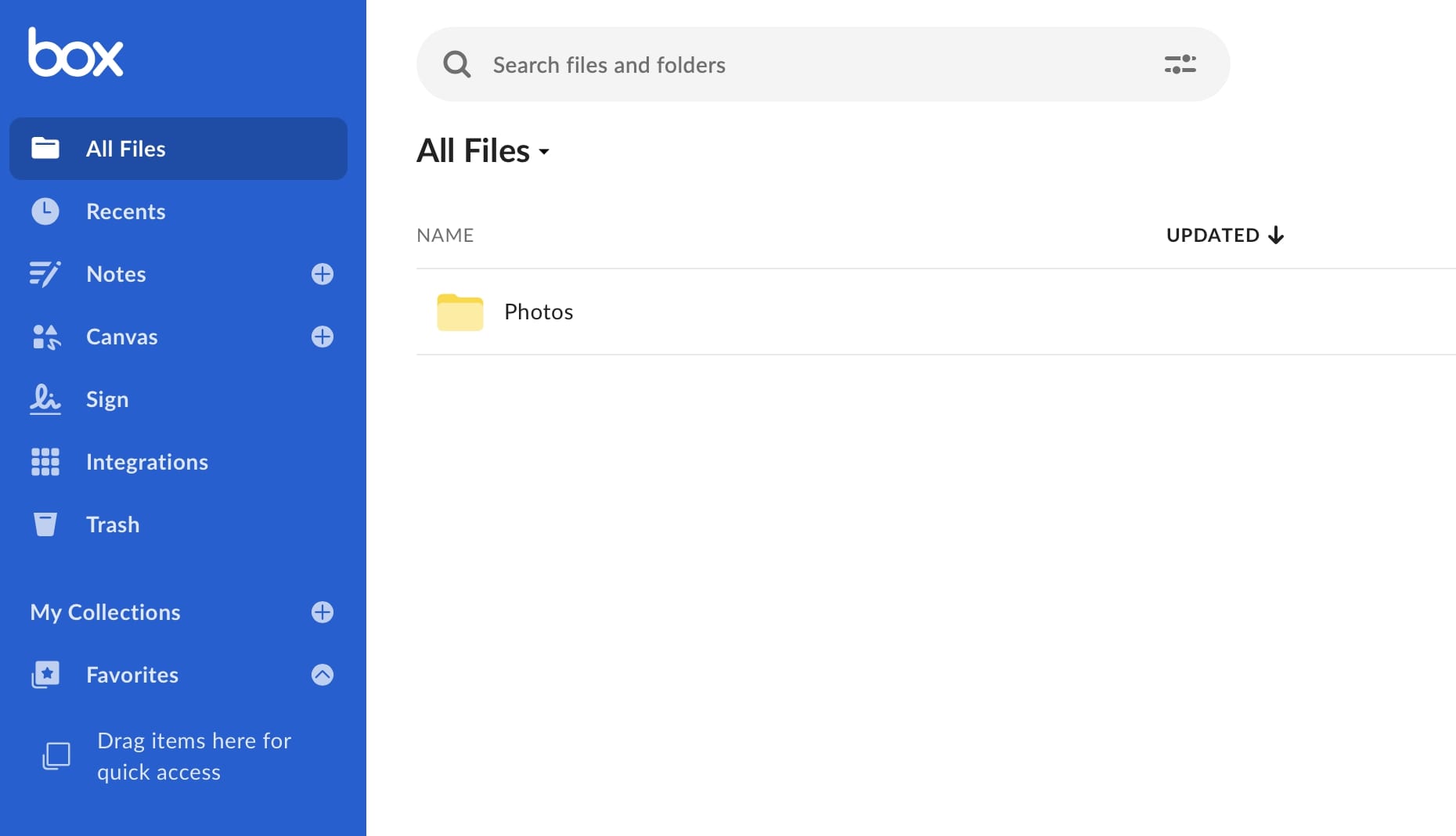
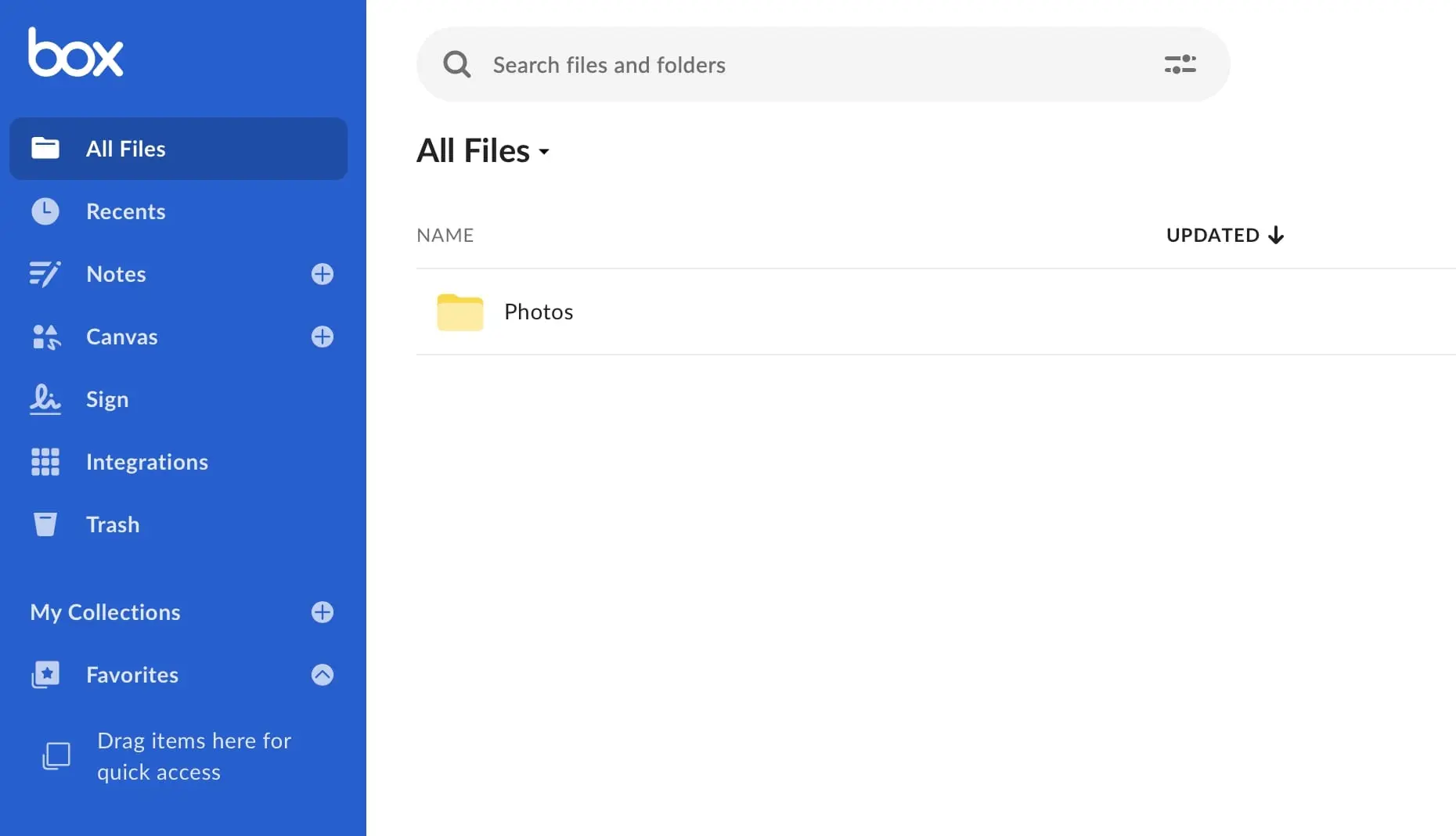
Box also does well in terms of security and data protection. The cloud service supports customer-managed file encryption using the AWS (Amazon Web Services) key management service. Companies even have the option of backing up necessary encryption keys themselves by using an optional hardware security module (HSM). In order to comply with regional data protection guidelines, the cloud provider uses data centres of international partners (e.g., in Germany, Ireland, Japan and Australia).
Like many other cloud storage systems in this comparison, Box offers desktop clients for macOS and Windows as well as mobile apps for iOS and Android with which you can access your cloud storage (Box Drive) or create notes (Box Notes) from the device of your choice. Box provides up to 10 GB of storage space free of charge for its users (upload size limited to 250 MB per file). Private users can upgrade to 100 GB for around £11.00 per month. Business packages start at around £12.00 per user per month.
| Advantages | Disadvantages |
|---|---|
| ✓ First-class storage sharing features (previously in the business subscription) | ✗ Restricted functionality for home user accounts |
| ✓ Box Zones help companies comply with regional data protection regulations | ✗ Comparatively expensive |
Tresorit
Tresorit is a service from the Swiss cloud provider of the same name. Thanks to end-to-end encryption, your files are already encrypted before transfer and as secure in the Tresorit cloud as in a vault – the word ‘tresor’ is cognate of the English treasure, and the German word Tresor literally means vault. Thanks to encryption, password-protected file and folder links (up to 20 GB file size), definable expiration dates and differentiable user rights, file sharing is more secure than with almost any other provider in the cloud. It makes no difference whether access is via the Tresorit browser application, the desktop application (Windows, macOS, Linux) or the mobile app (iOS, Android) – the security package applies to all clients.
One of Tresorit’s greatest strengths is its comprehensive and yet clearly arranged admin centre. Here, you get the perfect overview of your storage space and the users or devices accessing it. You can also manage individual user accounts and define security policies, such as blocking access to certain devices or IP addresses, or enabling two-factor authentication.
The certified data centres (ISO-27001) used by Tresorit are located in the US, Ireland, Germany, and the Netherlands. Compliance with European data protection guidelines is therefore not a problem if you choose one of the latter options. Private users receive 1 TB of storage for around £8.00 per month (upgradeable to up to 4 TB for around £20.00 per month). The price for teams starts at around £10.50 per user per month (1 TB per user). As with many cloud storage systems, there is also a free basic version in comparison. However, Tresorit offers a free service to securely send large files (up to 3 GB).
| Advantages | Disadvantages | |
|---|---|---|
| ✓ End-to-end encryption for browser application and apps | ✗ Few features for working with saved files | |
| ✓ First-class security measures | ✗ No free version availabl |
iCloud Drive
Apple users should be familiar with the iCloud Drive storage service. This cloud solution is part of the standard software package of iOS and macOS, which is why it is automatically installed and ready to use. However, Windows users with a valid Apple ID can also access iCloud Drive via the web interface or using the desktop application. iCloud is aimed exclusively at private users, who receive 5 GB of free storage** as standard. This can be upgraded to 50 GB (£0.99 per month), 200 GB (£2.99 per month) or 2TB (£8.99 per month).
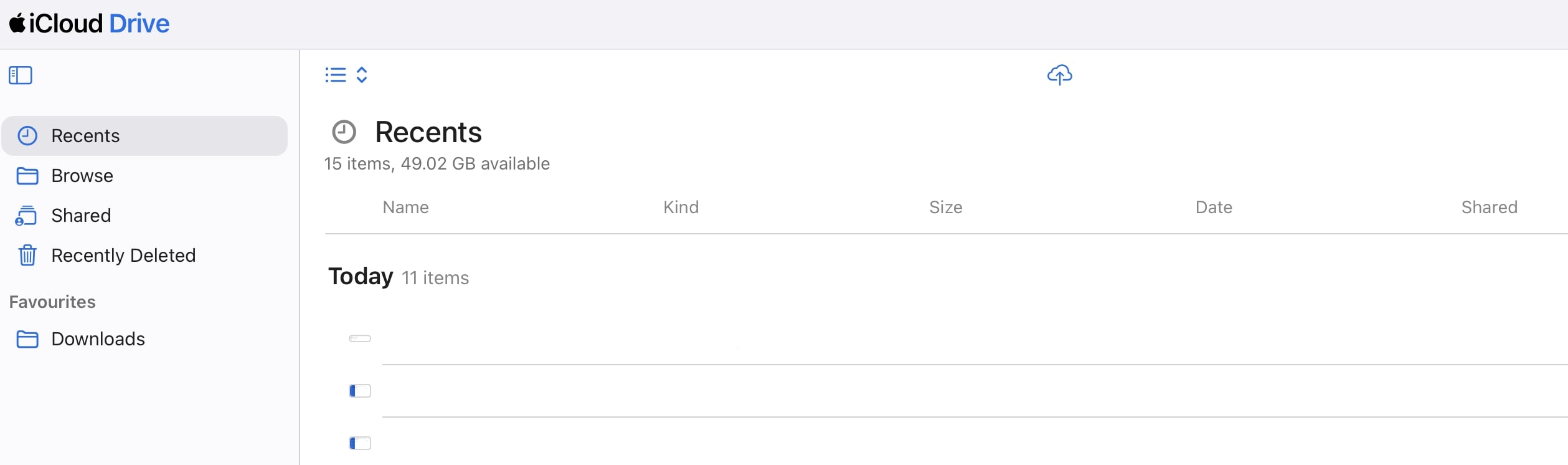
Compared to other solutions, the cloud storage cannot be shared (except in the family editions). To-do lists, schedules, presentations, etc. can be easily shared with other users, provided they also have an Apple ID. All your data is encrypted by Apple both during transmission and on the server (minimum 128-bit AES). Additional protection is provided by optional two-factor authentication, which links your cloud password with a six-digit verification code.
| Advantages | Disadvantages |
|---|---|
| ✓ Already integrated on Apple devices | ✗ Storage on Apple servers (uncertainty where the data will be stored) |
| ✓ Inexpensive option for private users | - |
SecureCloud
With SecureCloud, the Nuremberg-based cloud provider targets business customers. Those who choose one of the business packages gain access to user management and, in higher-tier packages, advanced permission settings—two features that make it easy to perfectly manage your available cloud storage compared to similar services. The ability to collaboratively edit documents online is available in all packages, regardless of which one you choose.
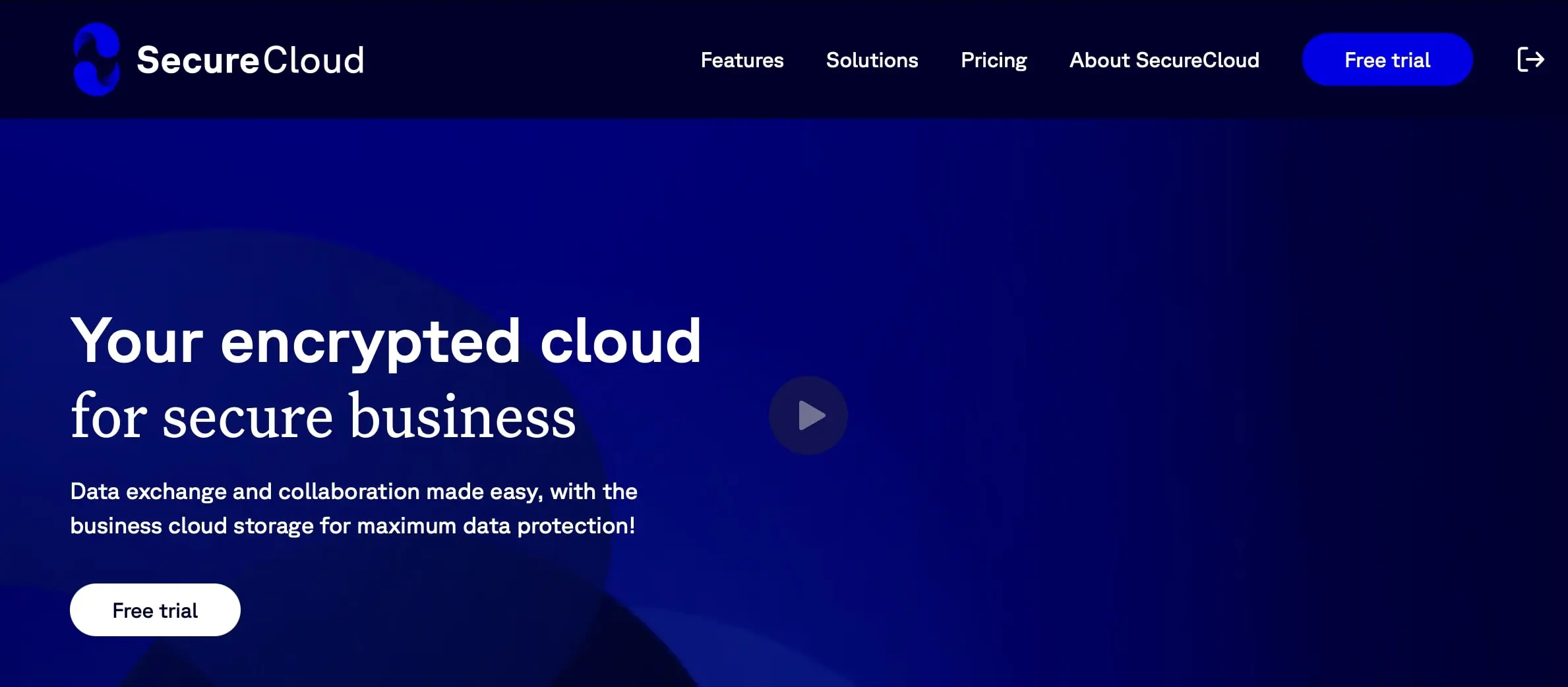
SecureCloud also has extensive features for team collaboration in all versions. You can share folders in your personal cloud with colleagues. Activity histories show which files have been changed and you can restore older versions at any time if required. Thanks to the integrated cloud office, you can easily open Microsoft or OpenOffice documents. A comment and chat feature is also provided. All files are transmitted in encrypted form (AES-256) and stored in certified data centres in Germany.
After a two-week trial period, you can choose between three different packages: The Business package costs around £4.00 per user per month. Starting with the Advanced package at around £7.50 per user per month, features such as custom cloud storage branding are also available.
| Advantages | Disadvantages |
|---|---|
| ✓ Server location Germany therefore compliance with GDPR | ✗ No free edition |
| ✓ Version management in all packages | ✗ Not suitable for private users |
Dropbox
Dropbox has been one of the most popular and best cloud services for years. The standard 5 GB storage space of the free Basic Edition can be expanded to up to 20 GB through various actions such as inviting additional users. If you need more storage, you will find suitable solutions with the paid packages such as ‘Plus’ (2 TB for around £9.00 per month) or ‘Professional’ (3 TB for around £15.00 per month when billed yearly).
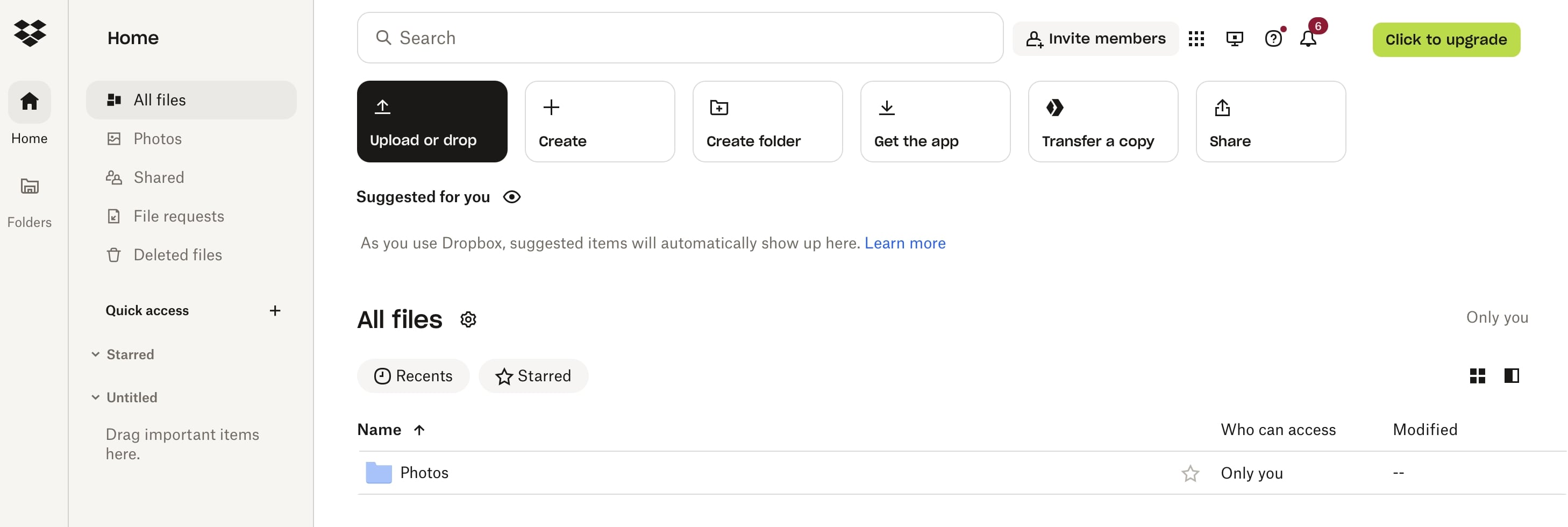
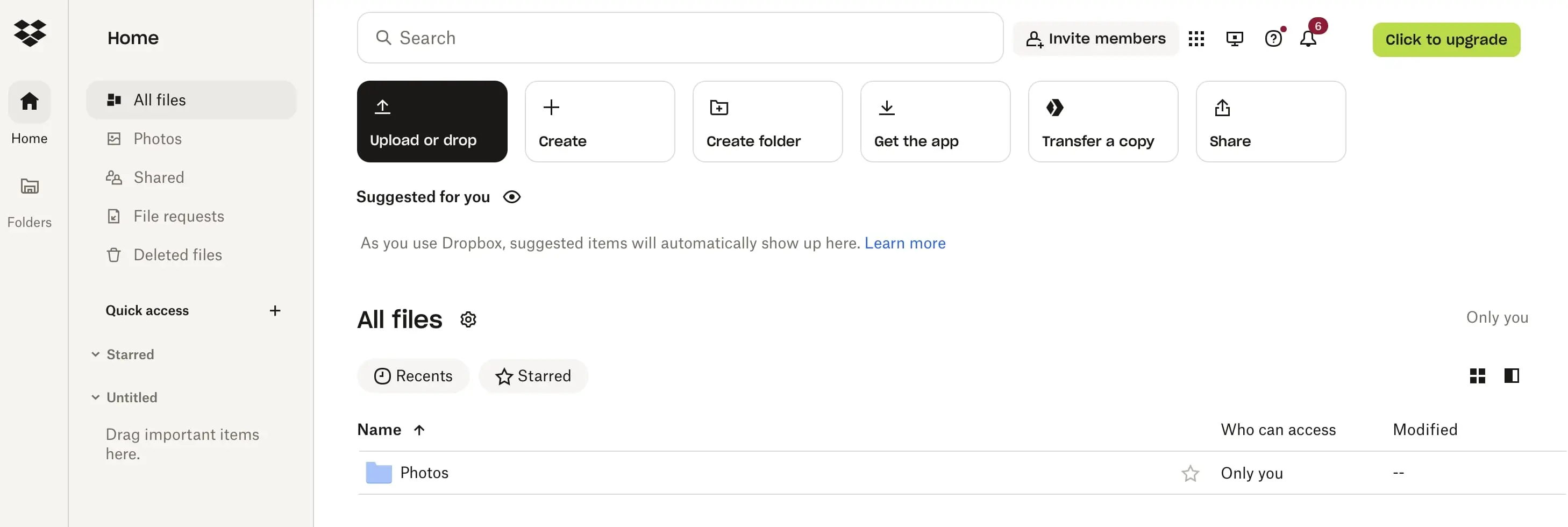
‘Standard’ and ‘Advanced’ are tailored to companies and grant access to additional administration and collaboration tools. For example, you can create user lists and define the access options for individual users. Activity reports tell you who shares, accesses, or deletes which files, and you can also see the space each person is using. For joint idea development and task management, Dropbox connects to the Microsoft Office suite, and has also integrated its own document tool ‘Paper’. Your files are encrypted by the cloud provider both during transmission (128-bit TLS) and on the server (256-bit AES). The data is stored on servers worldwide, making it virtually impossible to control security standards.
| Advantages | Disadvantages |
|---|---|
| ✓ Free storage can be expanded up to 20 GB | ✗ Data is stored, processed, and transmitted at locations around the world |
| ✓ Business packagess with powerful administration features available | - |
Do you want to run your own personal cloud storage to maintain full data sovereignty but avoid the hassle of administration? Then Managed Nextcloud Hosting from IONOS is the perfect solution!
Cloud storage plus online backup for the perfect partnership
With cloud storage, you always have your important data on hand. The services are also ideal for sharing documents or images. However, they only offer limited protection if your system is threatened by malware or hardware errors. In this case, an online backup is the right choice. Your data is backed up automatically and regularly in the cloud, making it the perfect extension to your online storage.
Below we present two interesting backup solutions that perfectly complement the tools offered by cloud providers.
MyDefender
If you want to store all your data automatically in state-of-the-art, ISO-certified data centres in Europe, MyDefender from IONOS is the right solution for you. The security solution allows you to plan your data storage with precise timing, regardless of whether you want to back up your computer, cell phone or smartphone. You determine the time of the backup so you can ensure you’re connected to WiFi and won’t use any mobile data for the upload. You can easily access the files later at any time by logging into the central user interface.
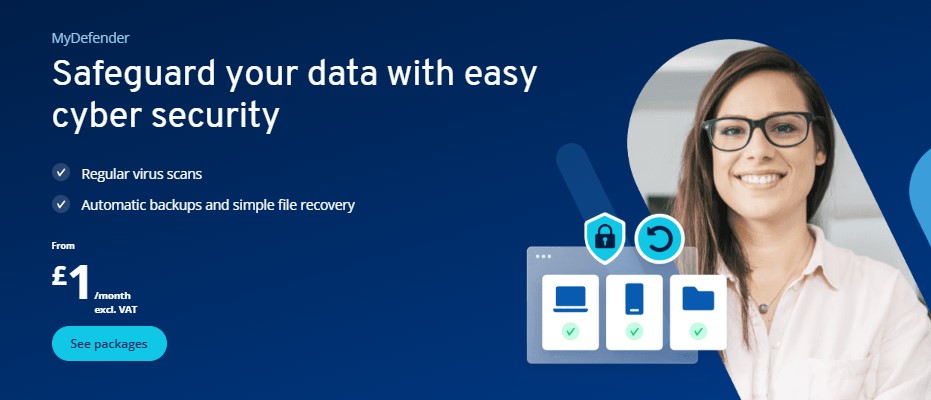
As already mentioned, the data centres that MyDefender uses to store your data are known for having very high security standards and the hardware for having a high level of reliability. The European server location and security procedures such as ransomware protection and AES 256-bit encryption when uploading the secured data ensure the necessary data security as well as compliance with the strict data protection guidelines.
The cheapest package, which provides a backup volume of 100 GB, costs just £2.50 per month (one backup per device type). If you want to back up an unlimited number of devices, you can do so from a monthly price of £15.00 (1 TB storage). Incidentally, MyDefender works on any operating system so the service can be used with Windows computers as well as macOS, Android and iOS devices.
| Advantages | Disadvantages |
|---|---|
| ✓ AES-256 encryption when uploading backup files | ✗ No free version available |
| ✓ Cloud backup |
- Regular virus scans
- Automatic backups and simple file recovery
Cloud Backup
With Cloud Backup, IONOS focuses specifically on cloud infrastructures. Whether virtual machines (VMs), file servers, Exchange servers, or workstations, the backup solution makes securing and protecting company data child’s play and guarantees continuous productivity of businesses. Backups can be managed and controlled centrally, so that you can easily leave administration in the hands of the IT department if necessary. Thanks to preconfigured backup agents, the effort is minimal – even complex server backups can be set up in a few minutes, and you choose when and how often backups are created.
In an emergency, IONOS Cloud Backup gets your company back on track within just a few minutes. The flexible recovery mode and version management enable rollback to older files or and if necessary complete data transfer to a new hardware. The secured data, which is always transmitted via SSL/TLS connection, is always 256-bit AES encrypted, to ensure the best possible protection against unauthorised access. You can also compress your backup files, if necessary, to make the most of the available storage space.
If you want to use the cloud backup from IONOS, you have two different subscription options to choose from. The standard package is a fixed monthly fee that provides a certain storage quota in return. For £6.00 a month you have 100 GB of storage space available for your backups and for £90.00 per month, you have 2 TB at your disposal. with the Flex package (£0.06 per GB/month) you pay for what you actually use. Regardless of the package you choose, IONOS will provide you with a personal customer advisor who will support you with the setup and remains available as a central point of contact if you have any problems.
| Advantages | Disadvantages |
|---|---|
| ✓ Backups of entire cloud infrastructures possible | ✗ No free storage solution available |
| ✓ Easy setup thanks to pre-configured backup agents | - |
- Automatic backup and easy recovery
- Intuitive scheduling and management
- AI-based threat protection