CMS comparison 2023: The most popular content management systems

If you want to attract the maximum number of visitors to your website and keep them around, then you need attractive content: Texts, pictures, videos, and graphics don’t just add value for the reader and user, they’re also positively registered by search engines. But maintaining good content means constantly revising it; publishing, updating, and managing content in an engaging way. Maintaining bigger websites is a mammoth task that would hardly be feasible without the use of a content management system (CMS). This guide offers an overview of the most important demands on a CMS as well as a comparison of the most popular open source solutions.
A content management system is software that allows users without programming knowledge to create, edit, and publish web content, such as text or multimedia elements, collectively via a graphical user interface.
Making the right CMS choice
It’s a jungle out there when looking for the perfect CMS, and it’s easy to get lost in the number of choices when looking for the right one. There are between 250 and 350 different programs currently available on the market. From simple building tools to expansive enterprise systems, the possibilities are endless. The question you must ask yourself is what CMS requirements you will need to optimally support your planned online project.
Overview of application types
There are essentially three central application types for content management systems. When selecting a software solution for a new online project, your decision should be based on which area is the most important to your project’s development. The common division is between web content management, blog publishing/news, and social publishing/communities.
To find the best CMS for your project and to benefit from its advantages, a clear understanding of content as well as of your project’s goals is necessary.
Web content management
With classic web content management, the main emphasis is on creating and managing online content. It’s usually necessary that multiple editors can have access to the backend, which in turn requires complex sharing methods. It’s important that the system provides optimised processing for a website with multimedia content. Other important factors include the management of user rights, full text search capabilities, an efficient news management system, and the ability to present necessary content in more than one language.
Blog publishing/news
This type of application, as the name suggests, is mainly focused on blogging. Preparation of content, complex links, and sensible categorisation, as well as the ability to link to social media platforms and other web 2.0 functions, are particularly important. The abilities to interact with the reader and control the timing of publication entries can also be important features to consider. Quickly and easily creating content is equally, if not more important – ideally also being able to do so directly onto a mobile device.
Social publishing/communities
Developing online communities and making them available to a larger audience requires a much larger range of functions than by a simple blog. This is mostly because online communities target active user groups instead of passive readers. Ideally, content is created not only by the site’s operator, but by the members as well (user-generated content). The basic system of social publishing solutions is usually modular in design and can be extended by certain web 2.0 functions if necessary.
No matter which field you choose, every online project starts with a suitable domain. To check whether your domain of choice is available, you can easily use our Domain Checker to run a domain name search.
Proprietary software vs. open source
Numerous content management solutions by major project communities are available open source. These are referred to as open source software. With open source CMS, the system and the program code are freely accessible, and the source code can, in principle, be viewed by anyone. Users are allowed to make changes, improvements, and extensions, and to adapt the CMS to individual requirements.
The opposite of open source software is proprietary software. Here, the CMS is developed by a particular company and distributed as a commercial project. The use of proprietary management systems is usually associated with the acquisition of a paid license. The source code is not available to users.
Open source software, on the other hand, is often available without licensing costs. Such solutions are therefore particularly attractive for companies from an economic standpoint. In terms of technological developments, established open source CMS systems are no worse than the proprietary solutions. High-level developer communities are behind some of the most famous projects, such as WordPress or TYPO3. Extensive documentation and a transparent development process also ensure that software errors and security gaps are resolved promptly.
But how high is the share of open source applications in the global market in comparison to proprietary solutions for website operation?
Software solutions for website operation in global comparison
The most popular solution by far to publish content quickly and cost-effectively is WordPress. According to BuiltWith W3Techs, who analyze CMS usage, over 40% of websites worldwide use the open CMS. Other open source projects in the top ten most popular software solutions for website operation are Joomla! and Drupal.
Open source content management systems, available to users in free community versions, can even compete with established HTML editors like Adobe Dreamweaver.
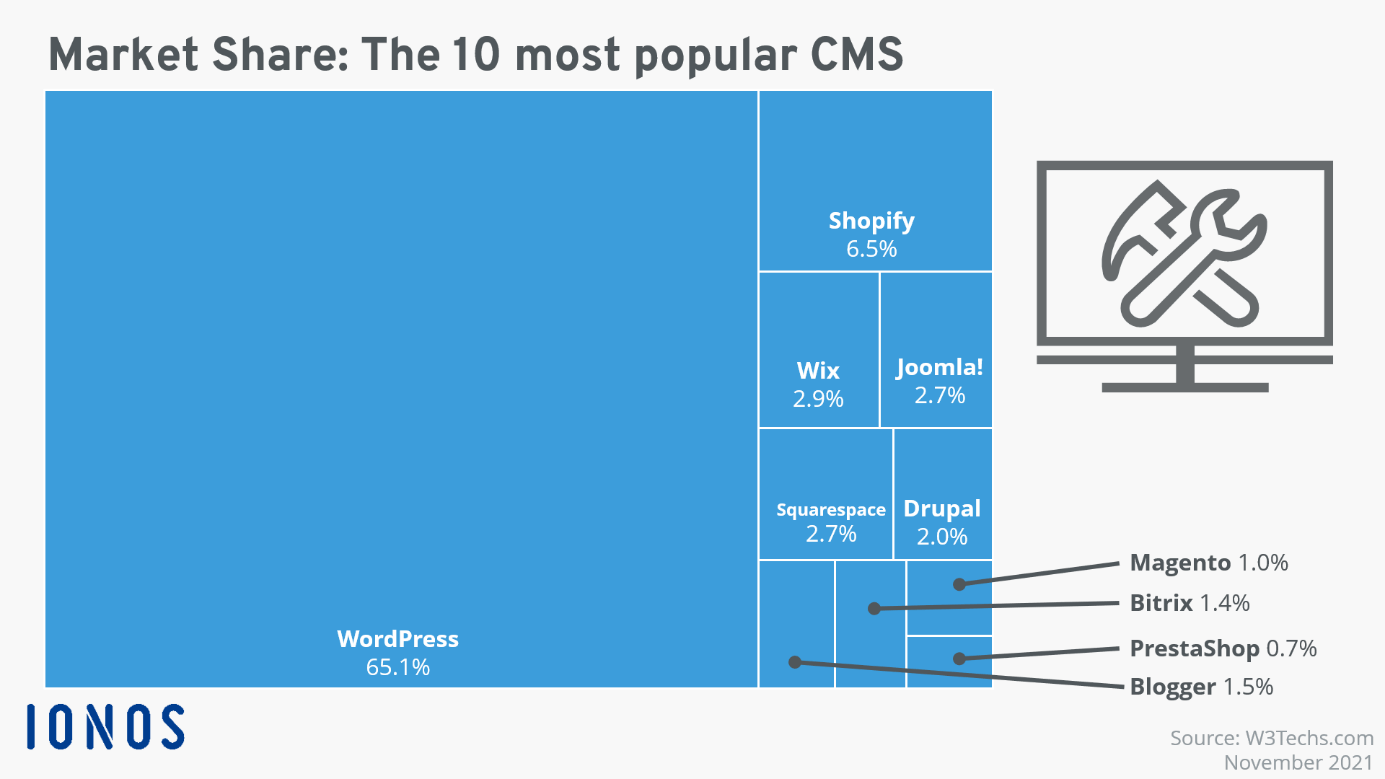
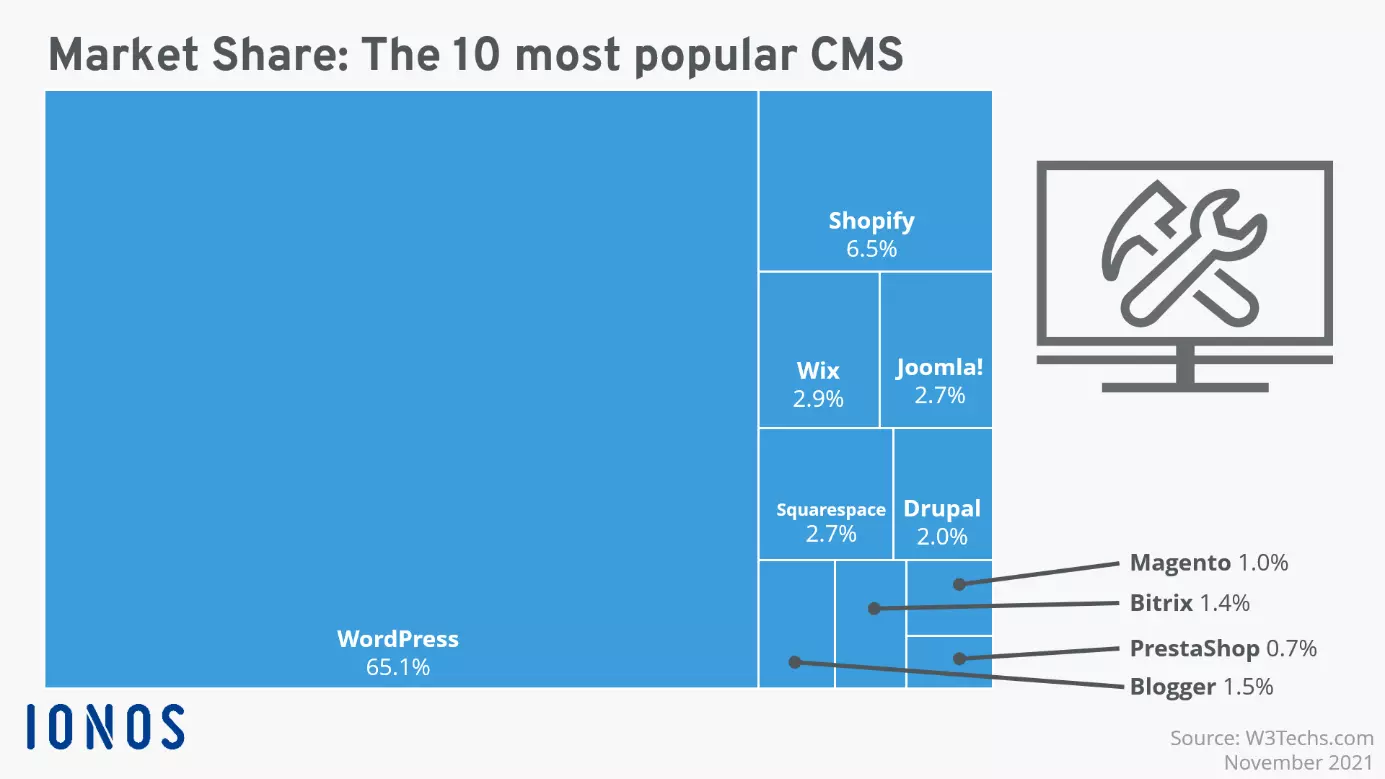
Market coverage of different content management systems:
| CMS | Market share |
| WordPress | 65.1% |
| Shopify | 6.5 % |
| Wix | 2.9 % |
| Squarespace | 2.7 % |
| Joomla! | 2.7 % |
| Drupal | 2.0 % |
| Blogger | 1.5 % |
| Bitrix | 1.4 % |
| Magento | 1.0 % |
| OpenCart | 0.9 % |
| PrestaShop | 0.7 % |
| Weebly | 0.5 % |
| TYPO3 | 0.4 % |
| Bigcommerce | 0.4 % |
| Adobe Dreamweaver | 0.3 % |
As of November 2021
Open source solutions are also popular worldwide, according to statistics. Many online shops put their trust in the e-commerce platform Magento, Shopify’s system, or the French online shop software PrestaShop. The success of these systems shows that open source products can hold their own against standard solutions when it comes to commercial website operation. Website builders from commercial providers are in some cases, also greatly popular.
We have taken the success of open source software projects as an opportunity to introduce you to the most popular open source CMS solutions and compare their essential functions. MyWebsite Now and Dreamweaver round out the comparison as two proprietary solutions. A detailed description of systems and their functions will be shown in a tabular comparison covering these areas:
- Installation and configuration
- User management
- Operation and content creation
- Search engine optimisation and responsive design
- Security and service
The most popular content management systems in detail
The open source systems like WordPress, TYPO3, Joomla!, Drupal, Contao, and Neos are currently the most popular standard solutions for professional website operation. But every system is of course not equally suited to every individual purpose. Here, we put together the main functions, application types, and system requirements of different content management systems. Our pro and con tables should help you make your decision.
WordPress
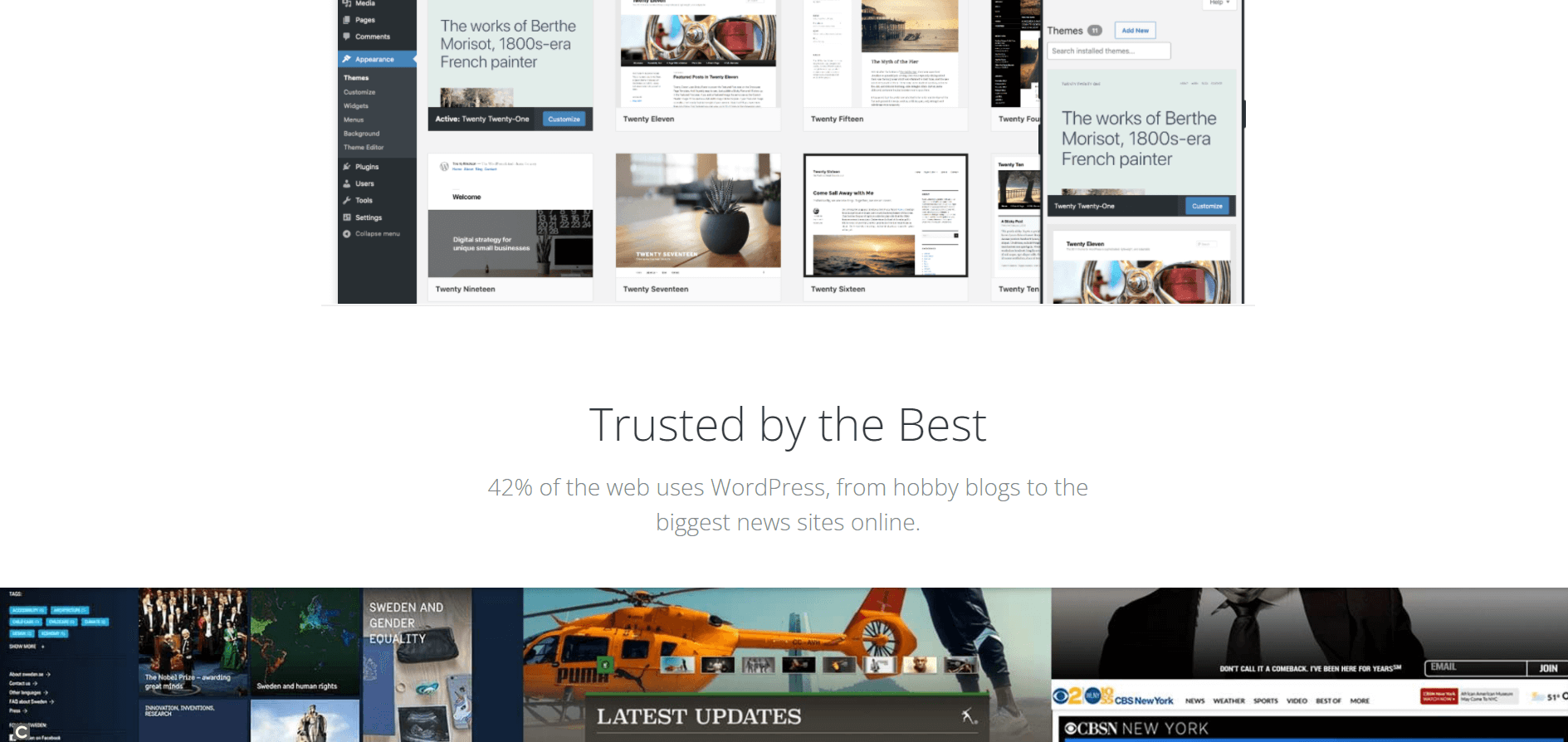
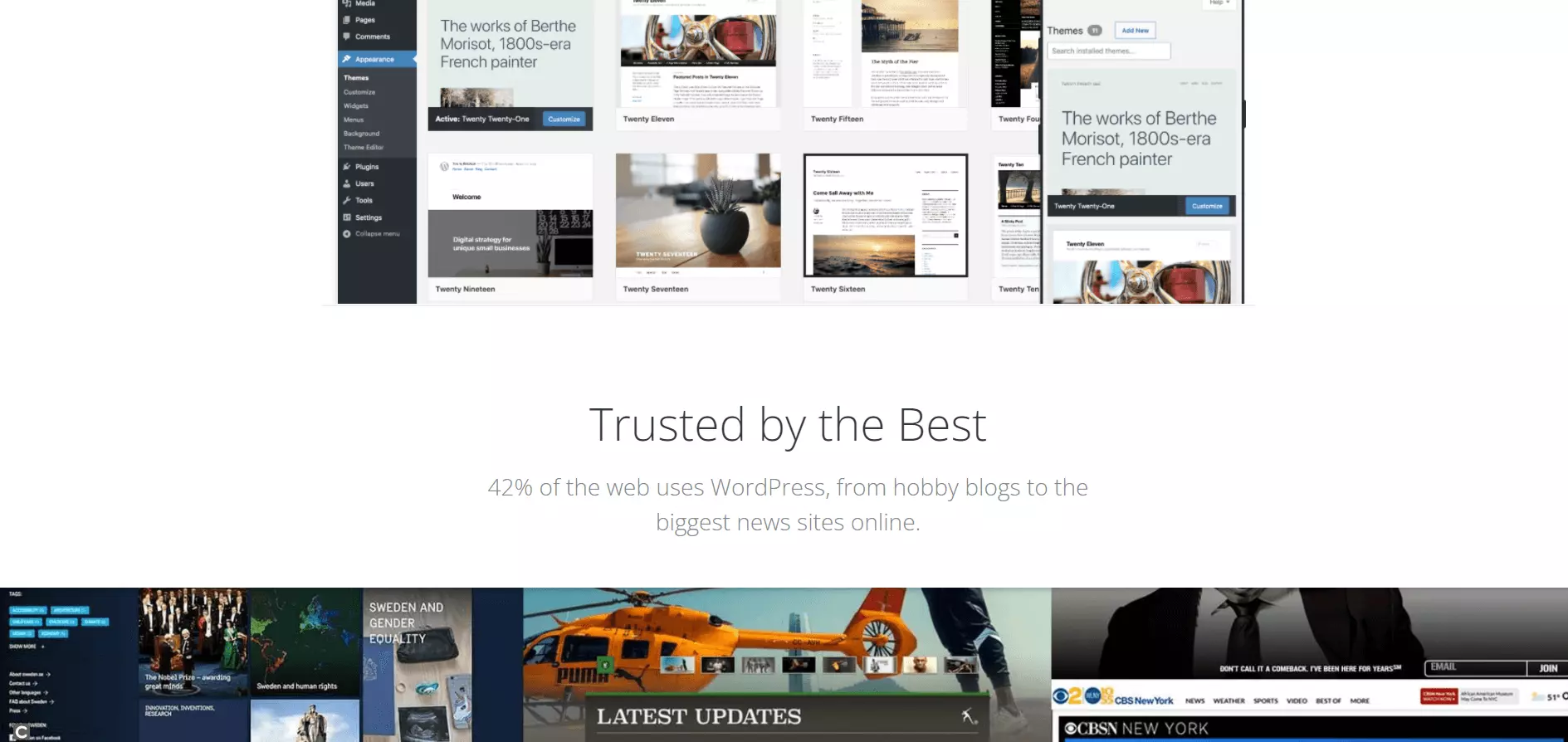
With around 18 million installations, WordPress is the most-used open source CMS worldwide. Originally conceived as a blog system, several extensions are now available for the basic installation, making it possible to upgrade the software to a fully functional content management system.
- Stress-free, no matter your skill level with easy AI tools
- Full customisation with themes and plugins
- Hassle-free updates and less admin
Facts
- More than 58,000 extensions and a huge range of free design templates
- ‘Five-minute installation’ via Wizard
- Search engine friendly URLs
- Publishing and management tools for mobile solutions
System requirements for WordPress 5.6
- Webserver: Every server with PHP and MySQL/MariaDB support (recommended: Apache or NGINX)
- Middleware: PHP 7.4 or higher
- Database: MySQL 5.6 or higher, MariaDB 10.1 or higher
- Other recommendations: HTTPS support
The software’s large user community benefits from an enormous selection of themes, plugins, and widgets. But critics say that the system is not only too complex, but also confusing and awkward to use. WordPress shares the same problems as all successful software developments: Due to its high circulation, it’s a popular target for hackers. Because of that, users have to update their WordPress software fairly regularly with security updates. These updates come out quickly after security incidents but aren’t always compatible with all the extensions that are required for effective use of the software. As a result, software updates can be associated with considerable administrative effort, especially in the case of large projects.
Because of its low-effort, basic installation, WordPress is good for small and simply structured websites. Especially for bloggers, who want to provide their visitors with frequently changing content in attractive layouts, WordPress is an effective CMS with an intuitive web interface. As the complexity of the online project increases, though, the user-friendliness of the software significantly decreases. Large enterprise projects can theoretically be implemented too, but in such a case, the greater number of functions is inevitably accompanied by an increase in administrative effort.
If you’re striving for stable website operation, WordPress places high demands on the server as your visitor traffic increases. Users who are trying to develop complex multi-domain projects with a multilingual focus should choose a CMS like TYPO3 instead of WordPress for their purpose.
| Pros | Cons |
| Large community | CMS functions require additional extensions |
| Minimal effort for installation and setup | Plugins often have security gaps |
| Intuitive user interface | Limited stability and performance capability with high traffic |
| Simple integration of plugins and other extensions | More frequent security updates lead to additional administrative effort |
.
For WordPress beginners, the 1-click installation is part of a managed Hosting for WordPress package. By choosing this option, the website operators pass all technical and server-side administration duties to the vendor and can fully focus on their content.
Interested in the leading CMS program? You can find further information on the popular blogging software in our WordPress basics article.
Joomla!
With a near 3% market coverage, Joomla! is another favorite in the CMS market. The software is aimed at both beginners and advanced users, but is more challenging to use than WordPress. Unlike the market leader, comprehensive CMS functionalities are included without installing extensions. A bonus for non-experts without a professional IT background is good documentation in the form of community-supported online handbooks and active user forums.
Facts
- Currently over 6,000 available extensions
- Object-based content management
- Community support through forums
System requirements for Joomla! 3.x
- Webserver: Apache HTTP Server 2.0 (2.4 recommended) with mod_mysql, mod_xml, and mod_zlib, NGINX 1.0 (1.8 or higher is recommended), MS IIS 7
- Middleware: PHP 5.3.10 (7.3 or higher recommended)
- Database: MySQl 5.1 with InnoDB support (5.5.3 or higher recommended), MS SQL server 10.50.1600.1 (10.50.1600.1 or higher recommended), PostgreSQL 8.3.18 (9.1 or higher recommended)
Joomla! is the development of the open source CMS Mambo. The system is particularly popular in the USA, and is characterised by a completely object-oriented software design based on a stand-alone MVC framework. This allows Joomla! users to write their own extensions and share these with the community, if they want to, using the Joomla! extensions directory, where extensions can easily be installed via the backend. Templates can be created with Joomla! modules, by combining predefined content elements.
Joomla! divides extensions into plugins, components, modules, templates and languages. These can be used in the backend as well as the frontend, which is sometimes irritating to users. The rights management and approval processes are occasionally seen as lacking for larger projects. Extensions help – but are not always available for free.
| Pros | Cons |
| Comparably simpler installations and configuration effort | Inadequate rights management |
| Large pool of extensions and designs | Advanced extensions can be pricey |
| User-friendly template creation | Extensions often require manual implementation |
Because of its complexity, it’s advisable to use Joomla! through a hosting provider. The technical infrastructure and regular updates are given directly by the provider with Joomla! hosting, which makes the management of the CMS much easier.
Deeper insight into the function spectrum of the user-friendly open source CMS is provided by our Joomla! basics article.
Drupal
The modular CMS Drupal was originally developed as a student community solution but is now available as a full-fledge open source CMS. The software comes with an extremely lean basic installation, which can be extended quite a bit by modules. Today, the project’s strength lies in its community. Already, the basic module has numerous web 2.0 and community functions like weblogs, forums, and tag clouds.
Facts
- Very flexible, modular layout
- Slim basic installation with more than 46,000 extension modules
- Focus on social publishing and community projects
- More than 1100 distributions as a complete solution for typical applications
System requirements for Drupal 9
- Webserver: Apache 2.4.7 or higher, NGINX 0.7.x or higher, MS IIS, or any other webserver with PHP support
- Middleware: PHP 7.3 or higher
- Database: MySQL 5.7.8 or higher, MariaDB 10.3.7, Percona server 5.7.8 or higher, PostgreSQL 10 or higher (with PDO), SQLite 3.26 or higher
The CMS Drupal offers extensive opportunities for customisation with its modular layout. Users who know exactly what they need can spare themselves the manual compilation of software components. For many scenarios, pre-configured distributions based on the Drupal framework are available.
With its focus on social publishing, Drupal is particularly suited for small and medium-sized community projects. The large spectrum of extensions makes it possible to implement company portals with complex multi-domain structures. But the administration of a CMS core with comprehensive extensions requires expertise and instinct. If the basic functions of the software aren’t sufficient, then additional modules will have to be installed manually via FTP. This can be a complex process. Updating extensions is sometimes difficult, as these are not always compatible with the backend.
The central application of Drupal is the layout of social publishing and community platforms. The CMS boasts a flexible, modular system for highly dynamic platforms based on user-generated content.
| Pros | Cons |
| Compact software core | Complex configuration due to poor backend compatibility |
| Large selection of extension modules and pre-defined Drupal distributions | Slim basic installation requires lots of extra installations |
| Supports multi-domain management | Installation of additional modules only possible via FTP |
Particularly when Drupal is used as a community platform for users, data security takes the highest priority. The Drupal hosting from IONOS helps to increase this and also provides independent access to the CMS.
See our basics of Drupal basics article for more information and tips.
TYPO3
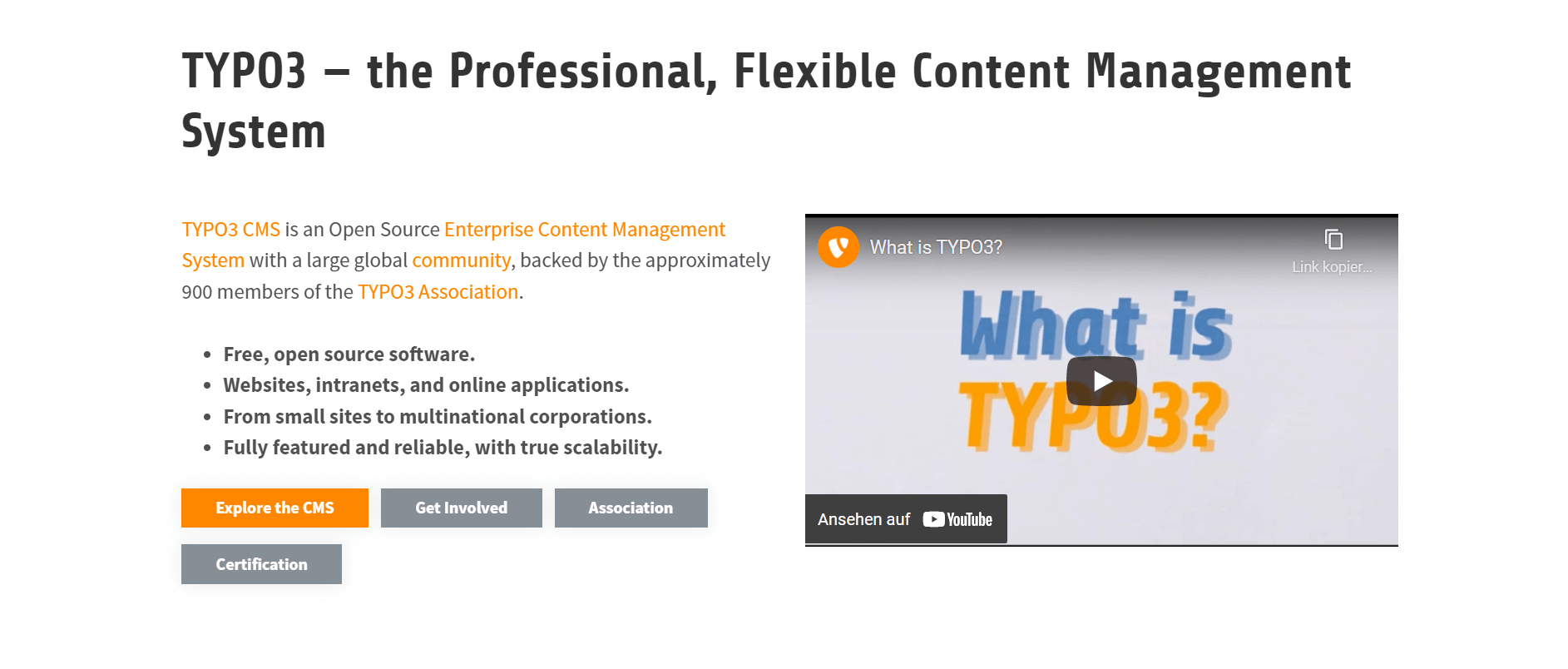
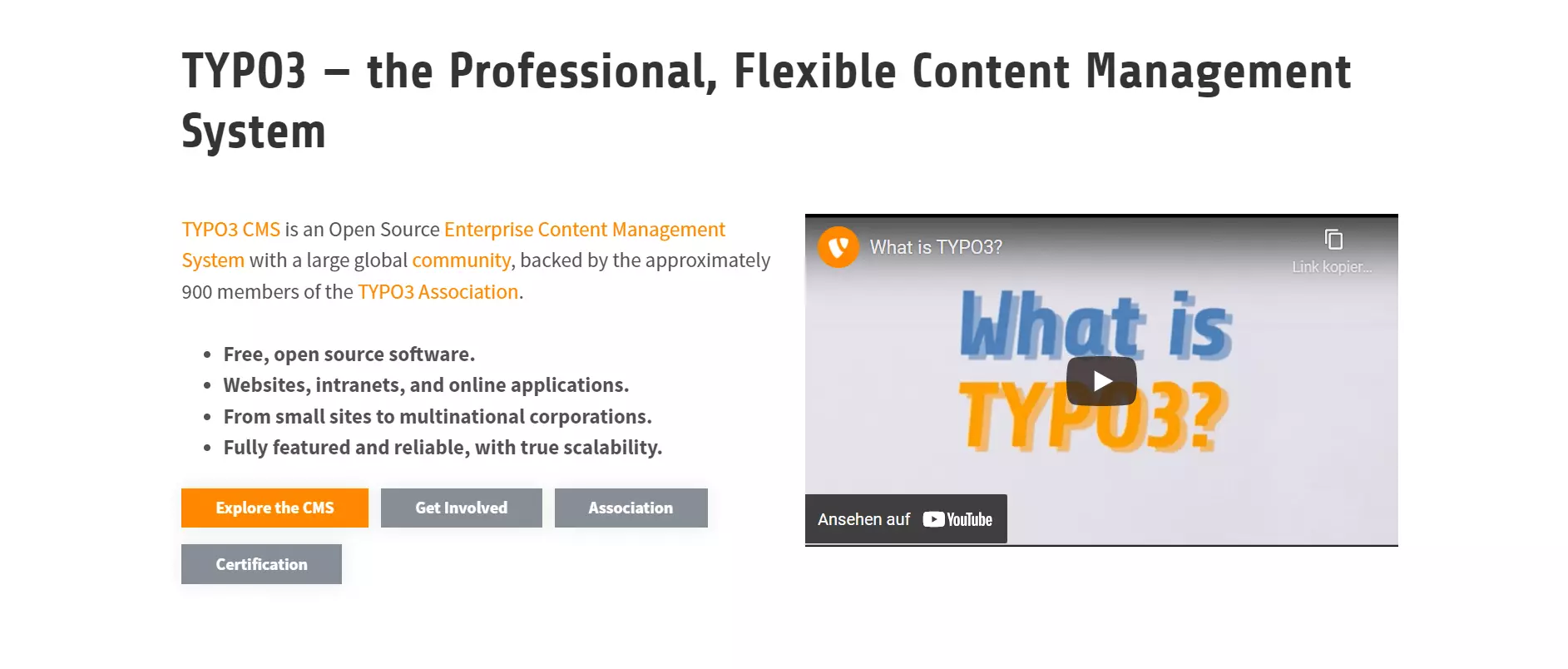
Next to WordPress, TYPO3 is among the most popular open source CMS. The software project is an enterprise management system and is constantly updated and kept technically current by a team of experienced developers. TYPO3 is a great solution for large corporate portals and e-commerce platforms.
Facts
- Enterprise content management system
- Huge range of functions
- Extensive integrated rights management
- Simple integration of other systems such as CRM or ERP solutions
System requirements for TYPO3 CMS 10 LTS
- Webserver: Apache (recommended), MS IIS, NGINX, Caddy Server
- Middleware: PHP 7.2 or higher
- Database: MySQL 5.5 or higher, MariaDB 10.2, MS SQL Server, PostgreSQL, SQLite
- Hardware: At least 256 MB RAM
- Other recommendations: GraphicsMagick or ImageMagick; GDlib; Freetype; ylib; If using an Apache server: mod_gzip, mod_deflate, mod_rewrite; PHP cache (for example APCu, PHP accelerator, OPcache, or Zend Accelerator); individual extensions may require additional software
TYPO3 offers a large community, which provides quick and easy help for beginners with technical problems or questions. There are also numerous professional providers who specialise in TYPO3 support and provide agency services to business users.
Professional use of the high-performance CMS requires expert knowledge. With this, even complex site structures with multilingual content can be soundly implemented. The considerable range of functions ensures professional rights management at the enterprise level and provides interfaces for classic business applications, such as CRM and ERP systems. On the other hand, critics point to the long training period required and comparatively high administration effort.
The giant spectrum of functions offered by TYPO3 makes it possible to implement any kind of online project. But this comes at a considerable expense for installation, configuration, and maintenance. The prominence and good reputation of the software contribute to its use by comparatively small websites. In this case, users are usually expending much more effort than they need to. If the entire spectrum of functions offered by the enterprise CMS isn’t required, then website operators would generally be better served by a modular software with slim basic installation. For complex projects run by experienced IT specialists, though, TYPO3 is the optimal foundation for a successful online presence.
| Pros | Cons |
| Widely distributed CMS with a large community (including numerous experts) | Implementation, configuration, and administration require expertise |
| High variety of functions, flexibility, and extensibility | Large functional spectrum means higher demands on hosting than with comparable systems |
| Extensive rights management at the enterprise level | Training for non-experts is comparatively high |
If TYPO3 is used for large and complex projects, the installation should take place within the framework of a hosting package. Find further information about TYPO3, as well as a detailed description of the considerable range of functions, in our basics of TYPO3 article.
Contao
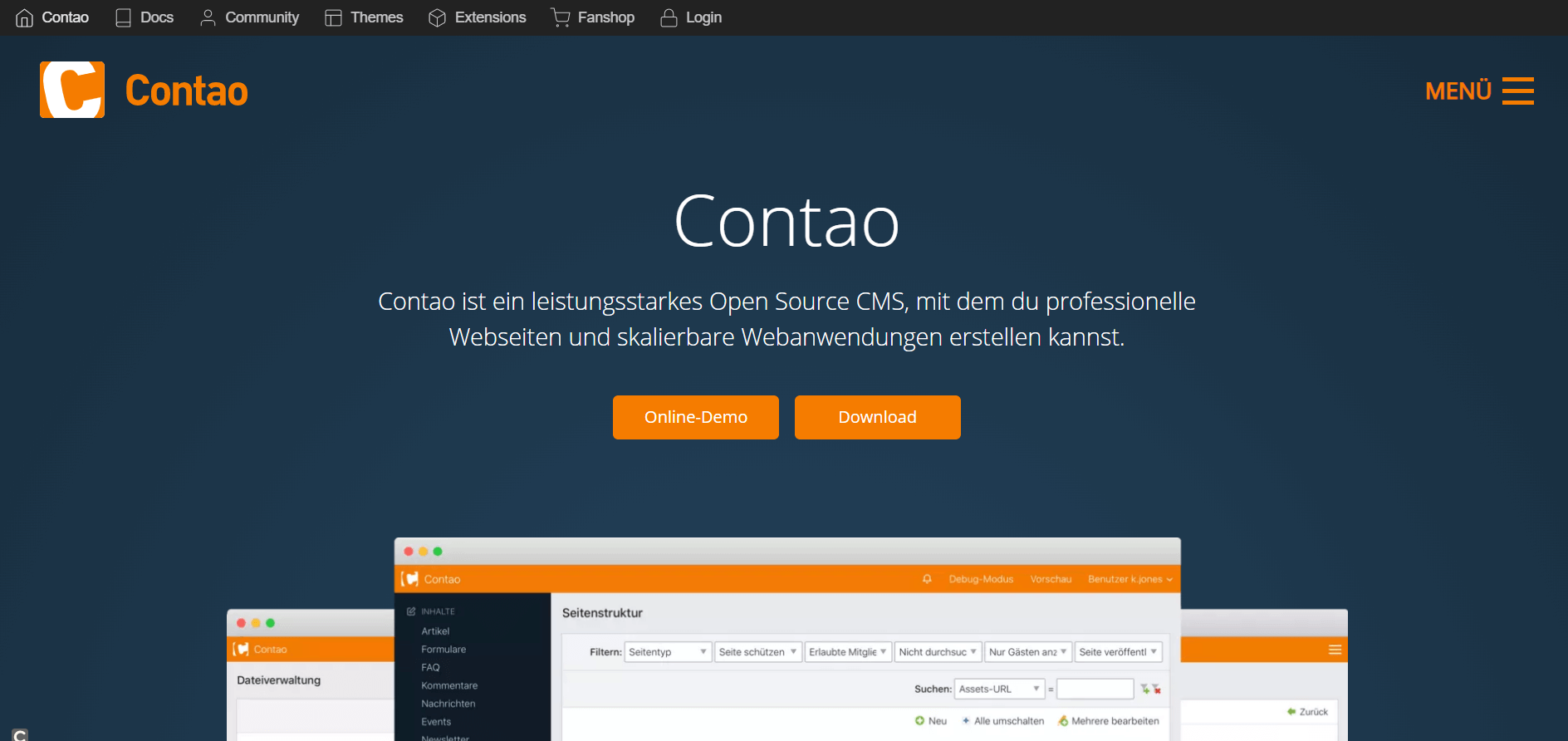
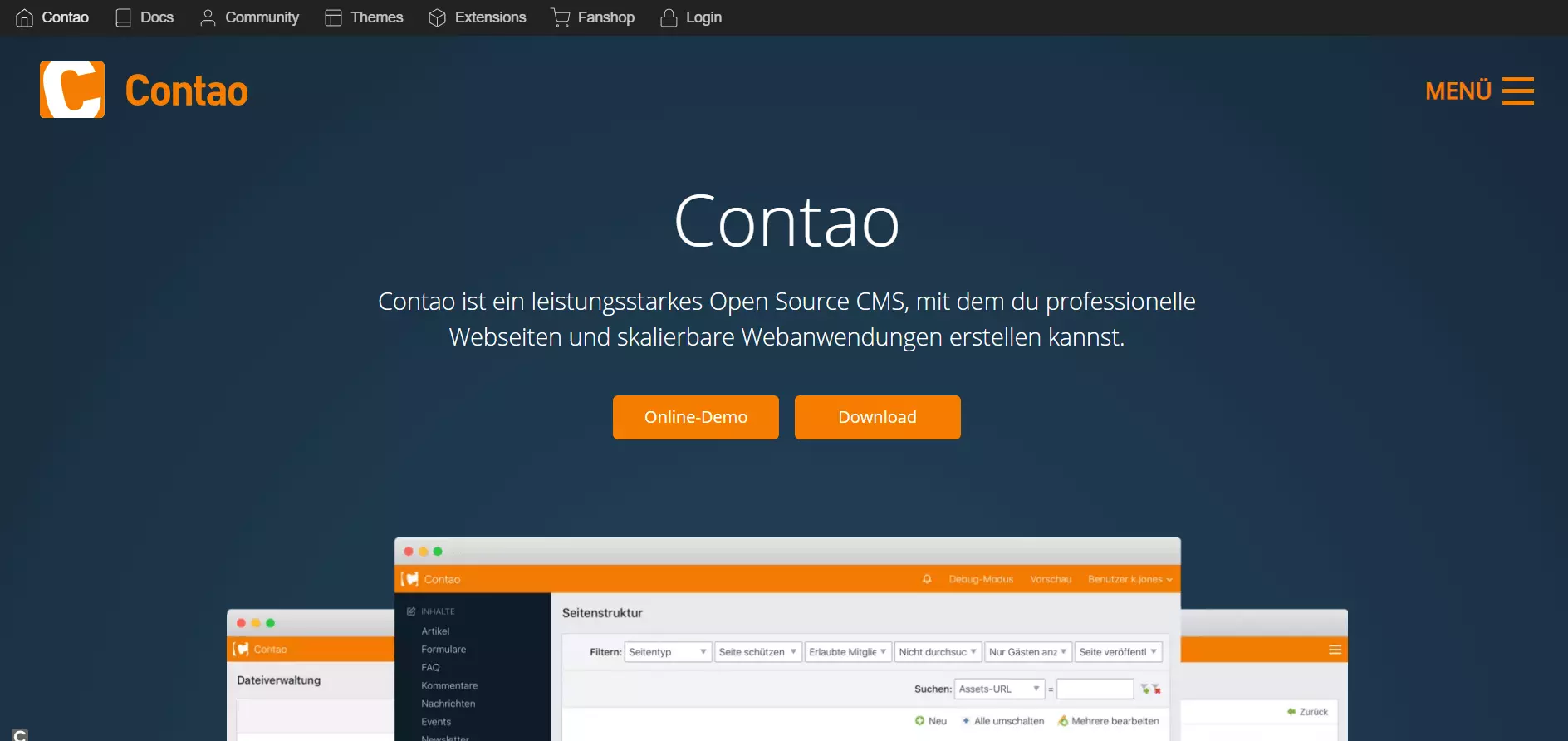
The CMS Contao is a clear and user-friendly content management solution. The system features an intuitive, multilingual backend and a clearly structured administrative layer. The software project pays particular attention to compatibility with web standards, providing barrier-free online content in HTML 5.
- Loading 3x faster for happier customers
- Rock-solid 99.99% uptime and advanced protection
- Only at IONOS: up to 500 GB included
Facts
- User-friendly CMS with large range of functions
- More than 1,400 available extensions
- Multilingual backend
- Online demo
- 2-factor authentication (from Contao 4.6)
System requirements for Contao 4.9 Long Term Support (LTS)
- Webserver: Apache, NGINX or IIS with PHP and MySQL support
- Middleware: PHP 7.4 or higher
- Database: MySQL 8.0 or higher
- Other recommendations: To benefit from a full range of functions, the following PHP extensions are necessary: DOM, PCRE, Intl, PDO, ZLIB, JSON, Curl, Mbstring, GD
The software’s basic configuration already has a comprehensive range of functions that can be flexibly adapted to individual needs with more than 1,900 available extensions. The CMS system also offers an integrated theme manager. This makes it possible to individually configure the design and layout of a website based on Contao with the help of pre-designed modules. In addition, website owners are offered professional themes for various application types and industries via the Contao website. These themes must usually be purchased, though.
The software is known for its high-security standards. The LTS version of the CMS comes with a four-year guarantee. During this period, the LTS version receives error corrections and security updates, but no new features. The LTS version is stable and recommended for active websites.
In addition, there is a developing version, provided with bug fixes and security updates for half a year and contains new features that are not included in the LTS version and will only be included in the next LTS version. This version is recommended for everyone who wants to test new features.
An online demo, as well as extensive documentation material, enable a quick introduction to website creation. Server compatibility can be ensured by Contao Check.
The flexible CMS is suitable for websites of all sizes. The software provides users with a powerful system architecture, which can be adapted to the various requirements of the professional website operation using extensions. Intranet solutions, e-commerce platforms, corporate portals, or microsites, for example, can all be put into action and no wish is left unanswered – even when it comes to search engine optimisation and web analysis.
Only multi-level workflows can’t be implemented with Contao in the standard configuration.
| Pros | Cons |
| High performance and extendable system architecture | Multi-level workflows are not supported in the basic system, but made possible by extensions |
| User-friendly installation, management, and actualisation of extensions | Comparatively small, but active community |
| Good security balance | |
| Easy updates |
With a hosting package from IONOS, you can quickly and easily install Contao with just one click.
Further information and a detailed description of the underlying page structure of the CMS is provided in our Contao basics article.
Neos
Neos is, next to TYPO3, a true open source enterprise content management system, with a special focus on editors and developers. The highlight is that editors can create content in a real WYSIWYG (What You See Is What You Get) editor, and that developers get a state-of-the-art system with planned extensibility, living style guides, and atomic design. Neos is the ideal system for linking content with third-party systems (ERP, CRM, shops, etc.).
Facts
-
- Open source enterprise content management system
- True WYSIWYG editor (inline editing)
- Search engine friendly URLs
- Publishing and management tools for mobile solutions
- Planned expandability to connect other systems such as shop, CRM, or ERP solutions
System requirements Neos CMS 7.x:
- Web server: Apache, NGINX#
- Middleware: PHP >= 7.3.0 (PHP CLI must have the same version for development)
- PHP modules: mbstring, tokenizer, xml, pdo_mysql, imagick, or gmagick
- PHP functions: exec(), shell_exec(), escapeshellcmd() and escapeshellarg()
- Database: Officially supported: MySQL > 5.7.7, MariaDB > 10.2.2 and PostgreSQL > 9.4
- Optional: Oracle, Microsoft SQL Server, SAP Sybase SQL Anywhere, SQLite, Drizzle
- Hardware: at least 256 MB RAM
- Further recommendations: Individual extensions may require additional software
‘Content’s first choice’ is not only the motto, but what Neos strives to achieve in their day to day. Right from the start, Neos was designed to be especially user-friendly. The focus is on so-called inline editing: a real WYSIWYG editor. In contrast to other, classic content management systems, editors no longer have to fill out dozens of form fields for headings, titles, etc. to get a rough preview of the new content via the preview button. Instead, they edit the content directly in the layout of the later page.
The same applies to different display formats such as a tablet, smartphone, or the display of Google search results. Users can easily switch back and forth between views without having to leave the page. This allows content to be quickly and easily optimised for different channels.
Another special feature is the so-called ‘Content Dimensions’. The highlight here is that editors can create any number of versions of content for different target groups. The content is not only available in different languages, but also for different target groups (gender, culture, country, region, etc.) Marketing campaigns can thus be controlled in a targeted manner. The maintenance of large quantities of multi-sites in a Neos system is also part of the standard repertoire.
New content in companies often goes through several review and approval processes from creation to publication. Using user and group workspaces, supported by flexible rights management, Neos easily integrates into existing processes.
Despite its focus on content, Neos is not ‘just’ a CMS. Neos was developed for integration and extensibility. It is a powerful CMS that comes with an equally powerful PHP framework called Flow. Developers can design Neos the way they need to use it. The community calls Neos a ‘Content Application Platform’. This should make it clear that the strengths of the CMS are in addition to classic websites, by allowing the user to create complex projects. The integration of third-party software, connection to external systems (ERP, CRM, etc.), shop integrations, and so on are all achievable with Neos. Existing extensions can be easily installed via Composer (e.g., Google Analytics, IBM Watson, Elasticsearch, etc.).
Nothing stands in the way of individual extensions either. Neos 4.0 introduced the Assets API. This enabled direct access to external media resources (Google Drive, Dropbox, OwnCloud, etc.). You can also effortlessly use photo services such as Fotolia or Unsplash to edit your images, without having to leave the page.
There are hardly any limits to the expandability of Neos. For example, the ‘Neos Award 2018’ went to a project that exports a publisher’s online content directly from Neos to a printable InDesign template - including special markups for prepress. This eliminates the need to enter and check content twice.
After the recently completed revision of the user interface in React, the developers are currently working on the integration of machine learning or the reimplementation of the Neos Content Repository with CQRS and EventSourcing. The latter makes Neos particularly interesting for banks, insurance companies, and public authorities, as it saves various content revisions safely from later changes.
| Pros | Cons |
| True WYSIWYG editor (inline editing) that displays the content as it will later be displayed when writing, without the user having to click a preview button. | Setup for smaller projects usually quite challenging |
| No PHP knowledge required to build complex pages | Getting used to the platform takes a while for newcomers |
| Helpful community with over 2,000 users in official Neos Slack | A range of Neos functions may require professional-level hosting |
| Linking of CMS and PHP framework facilitates the extension of Neos considerably | |
| Supports two-stack CMS architecture for large projects with maximum scalability, resilience, and security |
Dreamweaver: The Creative Cloud’s web design software
Looking at the statistics from W3Tech, one alternative to source-based content management systems stands out: Many website owners prefer to build their own website from scratch using the Dreamweaver HTML editor. The web design software, originally developed by Macromedia and now distributed by Adobe Systems, is available to users from the Creative Cloud (CC) as a proprietary product for macOS and Windows.
For graphic editing of website and mobile content, Dreamweaver combines a WYSIWYG editor with a high-performance coding engine. This makes diverse functions like syntax highlighting, automatic code integration, validation, and a browser preview in real time available to developers. In addition to HTML 5 and CSS, the software supports web standards like PHP, Java, JavaScript, ASP, or XML, as well as the CSS preprocessors SASS, Less, and SCSS. A modern, responsive web design can be implemented using the integrated CSS framework Bootstrap.
Due to the extensive range of functions and comparatively high cost for a user license, the high-performance software is primarily directed toward professional users and agents. More information as well as a description of the attractive alternative to CMS can be found in our article on the topic.
A comparison of newcomer content management systems
In addition to the big, well-known CMS, systems have been developed in recent years that aren’t as widespread, but still have an active community behind them. For some projects or approaches, these CMS can be exactly the right thing - even if they’re not interesting to most users. In addition, the presented CMS provides important features from which even the big competition can profit.
Craft
The content management system Craft was developed in 2012, but still leads a niche existence. This could be due to two reasons: The first is the fact that it’s fundamentally difficult for new products to establish themselves in the highly competitive market. The second reason is not necessarily a disadvantage: Where WordPress focuses on ease of use and allows even novice users to bring an appealing blog online in just a few minutes, Craft appeals much more strongly to professional developers.
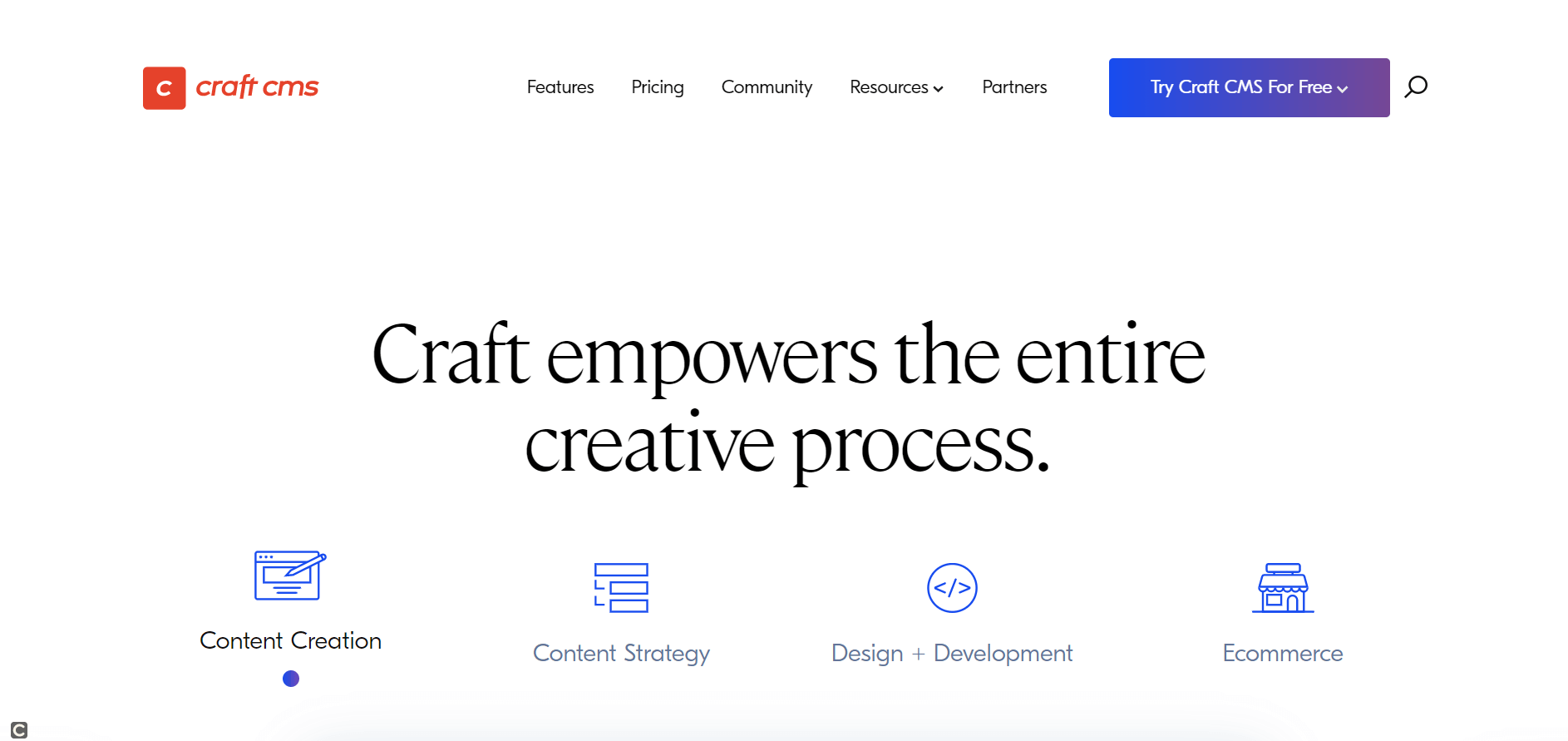
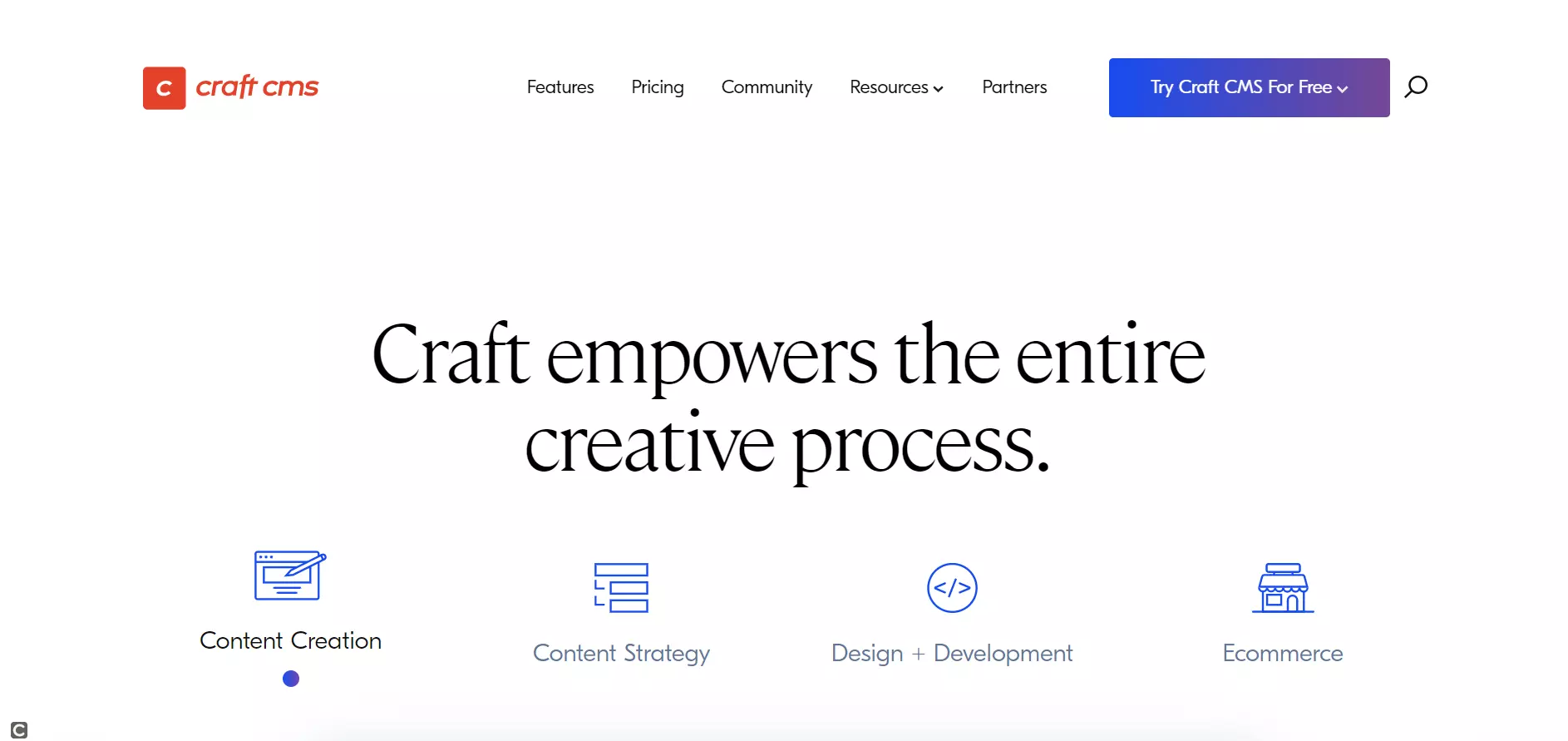
While other CMS rely on premade themes to make the design as easy as possible for beginners, Craft assumes that professionals would rather write their HTML and CSS code themselves. This approach means that the entire system is very tidy. The code of the website stays neat and the structure of the stored files is also logically organised: Instead of using chronologically ordered folders, Craft users specify rules for which file type belongs in which directory.
Craft also has a clear backend where content editors can easily find their way around and get new articles online. There have also been individual plugins developed for the sleek CMS that extend its range of functions. That the CMS was developed for professional developers is reflected in the pricing: If you’re only creating a website for yourself, you can get a free license. But if you want to develop websites for other users, you’ll have to purchase a license.
| Pros | Cons |
| Tidy code | Only suitable for professional develops |
| Good support of content creation and content strategies | High licensing costs for full functionality |
Grav
Content management systems are generally based on databases. If users visit a website, then the corresponding entry in the database is accessed. Nowadays, a few CMS break with this tradition and get by without a database. Instead, these systems save all important information in files and then save these in a corresponding directory structure. One such CMS without a database is Grav, for which you only need a web server with sufficient storage space and at least PHP 7.3.6.
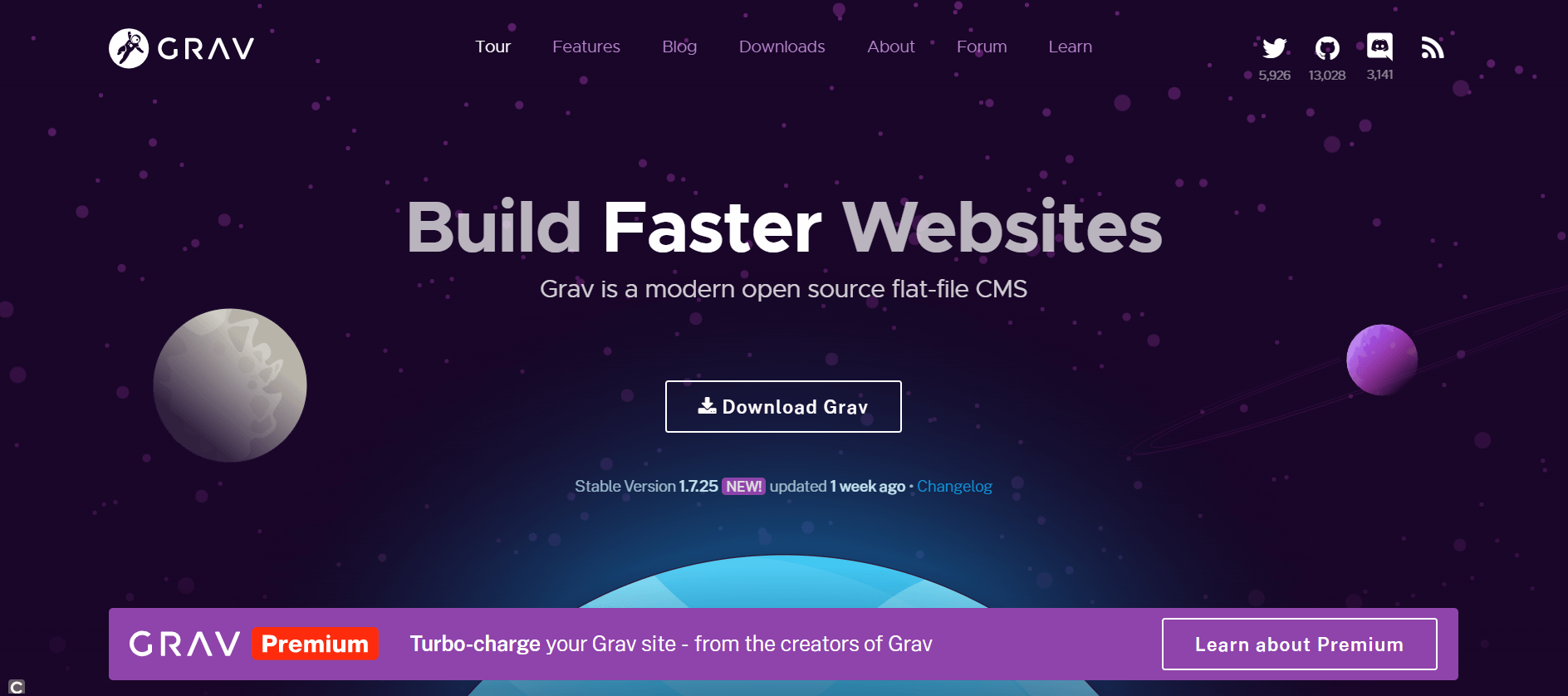
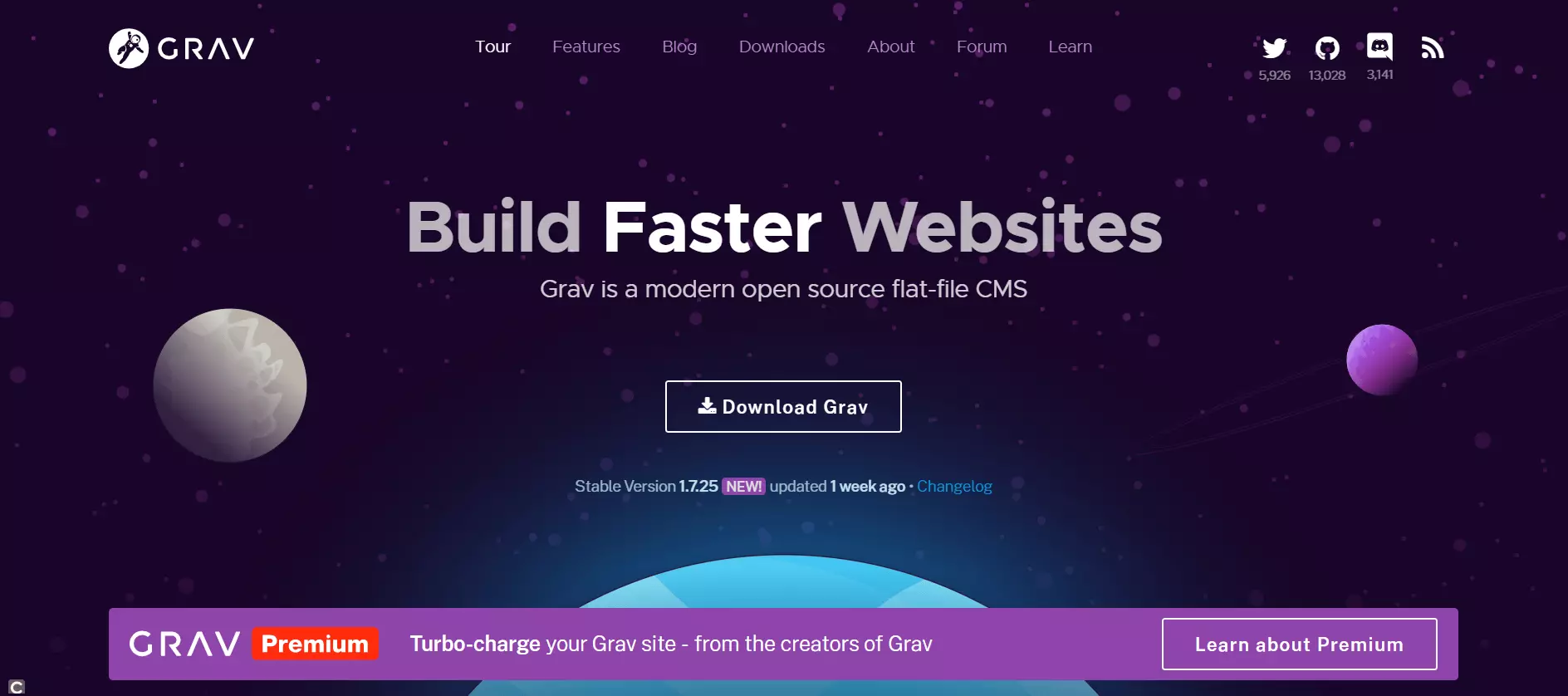
Grav places a high value on speed, but doesn’t disregard the aesthetic aspect. On the official website, you can find both the installation data (a small ZIP archive) as well as over 100 themes that can be used to customise the design. You can also extend the functionality with more than 350 plugins, with which you can set up the backend for administration work, for example. If you don’t want to assemble all settings and extensions yourself, you can also use a skeleton: A preconfigured package that already contains sample websites.
| Pros | Cons |
| Fast and effective | More suitable for smaller projects |
| Can be extended with themes and plugins | |
| Skeleton (preconfigured installation packages) | |
| Open source with MIT license | |
| Functions without database management system |
Kirby
Flat file CMS, like Kirby from Germany, also more or less dispose of databases. For this reason, CMS without databases and flat file CMS are often mentioned in the same breath, so the differentiation between different products isn’t clearly defined. Flat file CMS consists primarily of flat files. This means that there’s no complex and relational database management system like MySQL or MariaDB running in the background. Instead, this CMS style relies on a folder structure that only stores so-called flat files, which have no references to one another. In this form, even flat databases can be integrated.
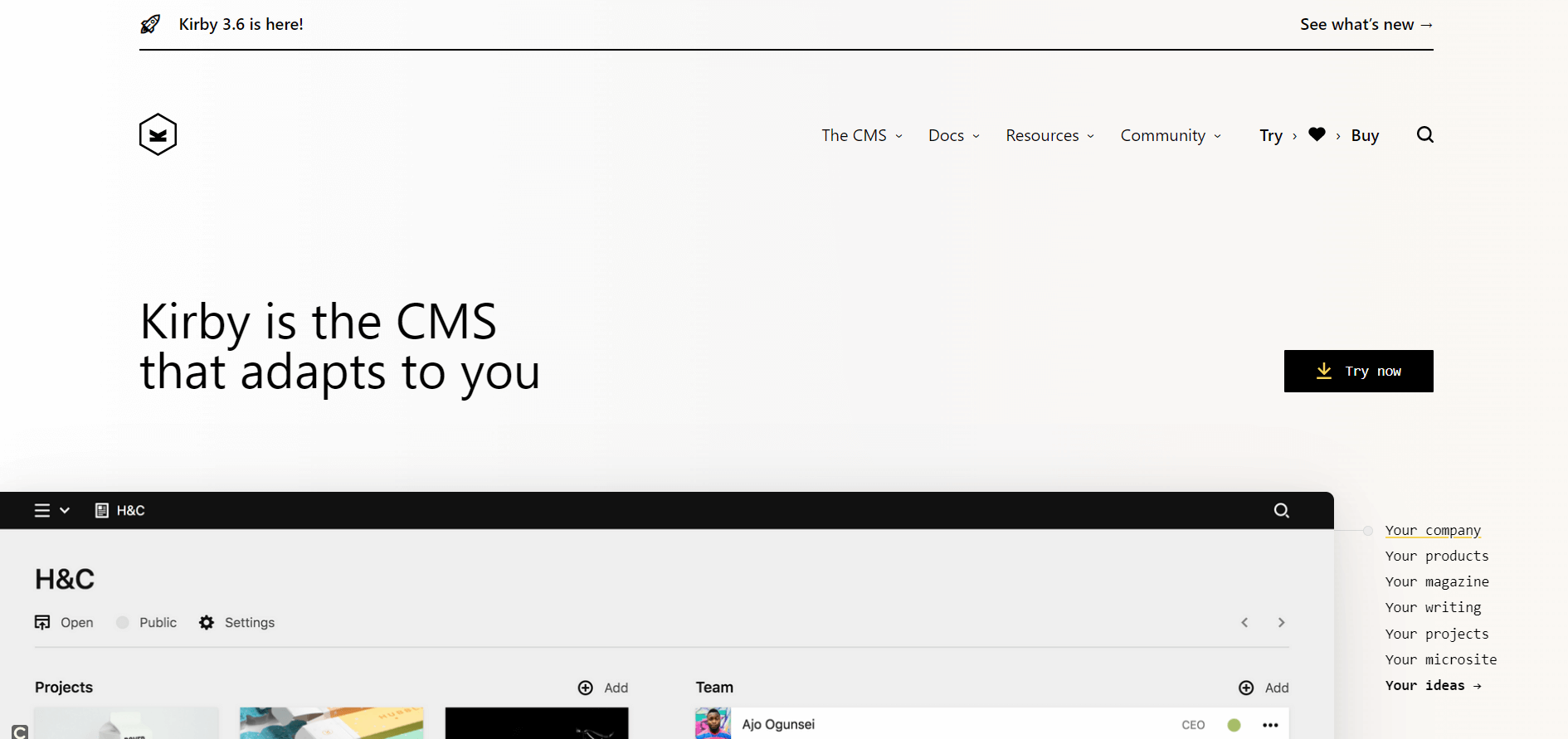
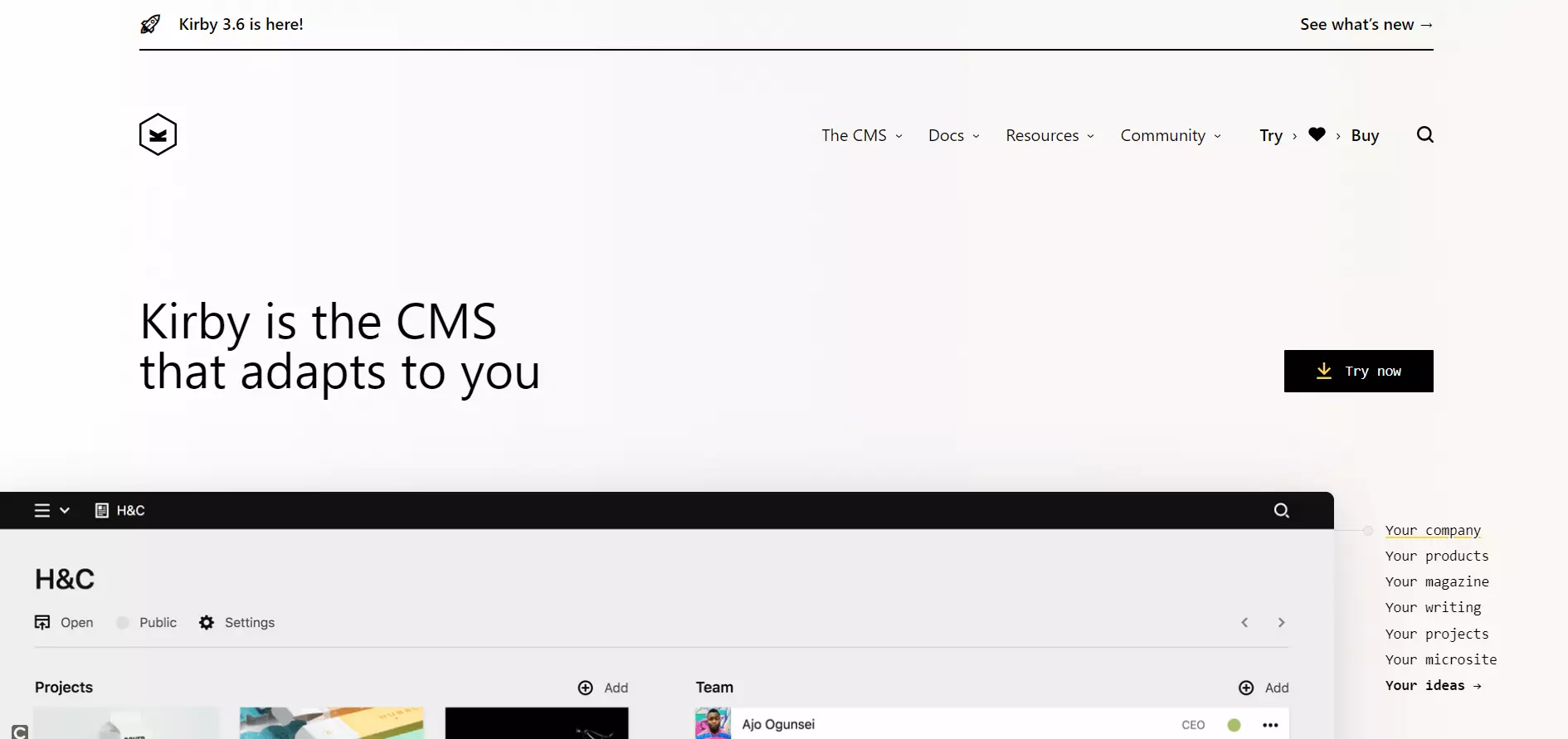
Like with Grav, for Kirby it’s sufficient that users only upload the few files of the starter kit to the server (Apache 2, NGINX, LiteSpeed, Caddy). Only PHP needs to be available for this. In principle, it’s also not necessary to have an admin interface with a WYSIWYG editor. You can simply create the content with a text editor and then load it to the server in the correct folder, or use the Kirby panel – a simple, clear backend.
| Pros | Cons |
| Fast and effective | Fee-based |
| Can be extended with themes and plugins | |
| Functions without database management system |
Pico
Another flat file system that’s particularly popular among fans of puristical solutions is called Pico. The CMS focuses clearly on simplicity and speed - and does so not only without a database, but even completely without a comfortable backend. Pages are created with markdown files, which in turn are sorted into the directory structure on the server. Markdown is a simple markup language with which text can be formatted. Therefore, a page for Pico can be written relatively easily in a text editor and modified with the markup elements.
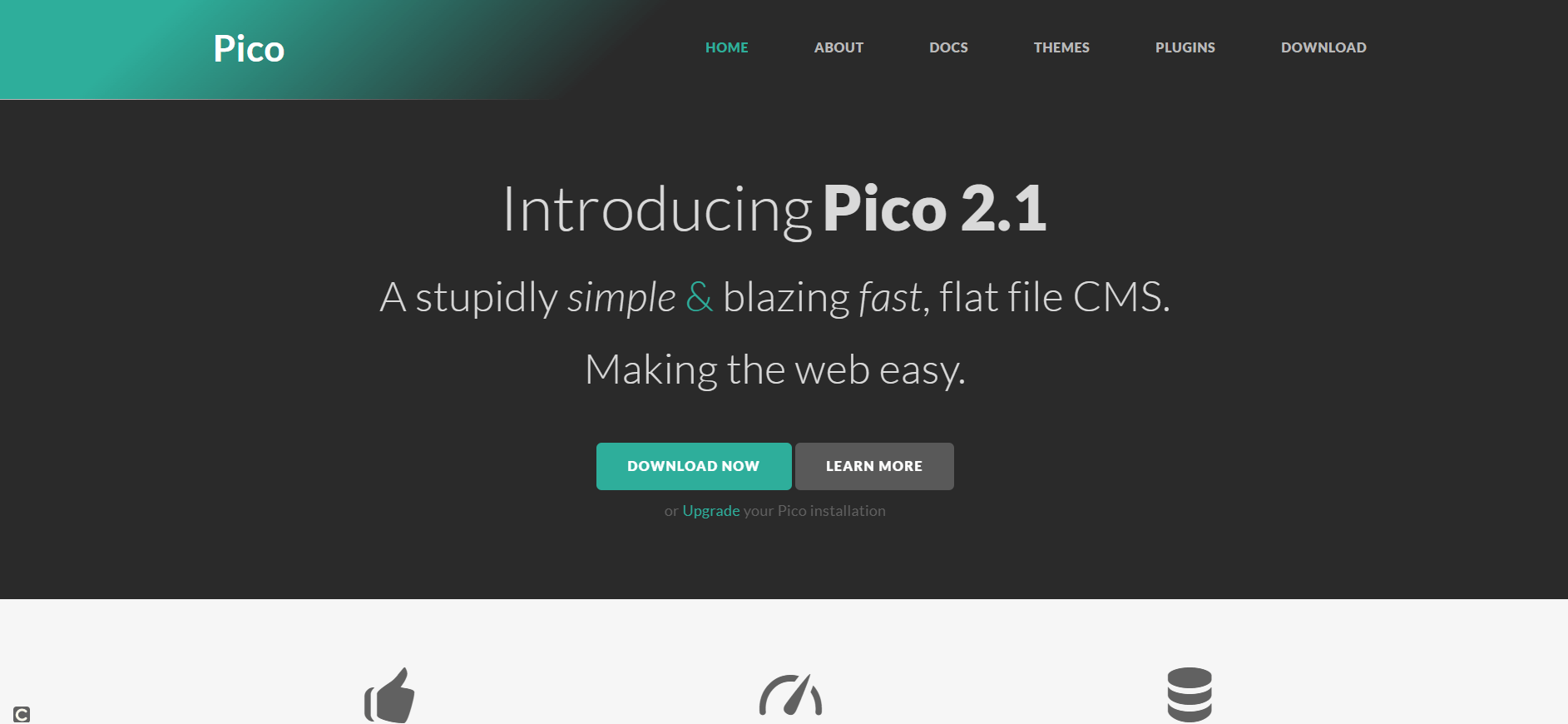
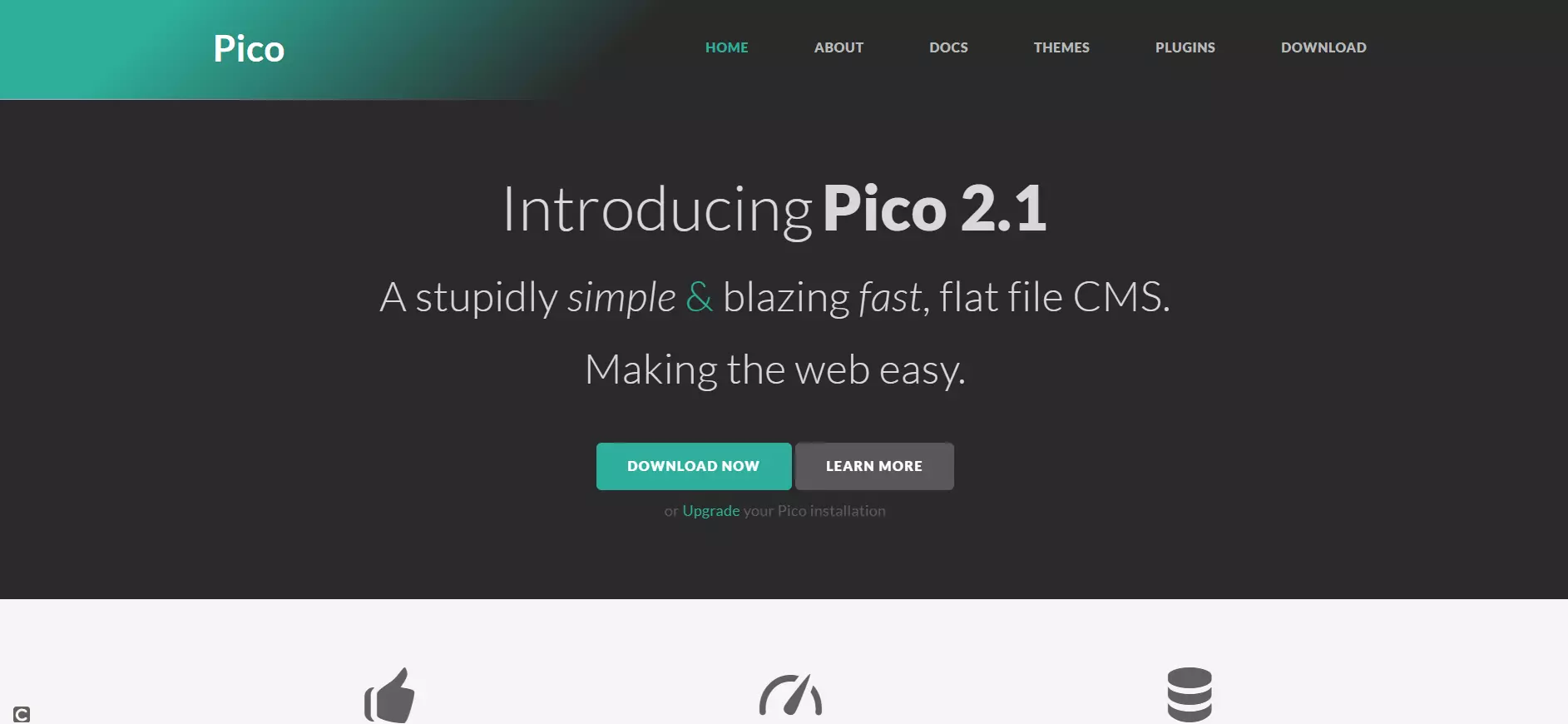
Since the CMS does without a backend, and therefore also without a corresponding WYSIWYG editor, Pico isn’t suitable for handing over content creation to an editorial team. Developers, on the other hand, will find the work much easier since there aren’t any settings hidden away in complex databases. All configurations are in their own text file. This makes the flat file CMS very suitable for small projects. Pico and its range of functions can also be extended with various available themes and plugins.
| Pros | Cons |
| Very fast | More suitable for smaller projects |
| Simply designed | Not managed via backend |
| Extendable with themes and plugins | Not suitable for work with editorial teams |
| Open source with MIT license |
Bolt
Another lightweight among CMS is Bolt. The developer’s approach was to build a fast system that’s very tidy and only offers as much as users need. But that doesn’t mean that you only get to use a scant range of functions with Bolt. With the necessary know-how and the use of extensions, more comprehensive online projects can also be realised.
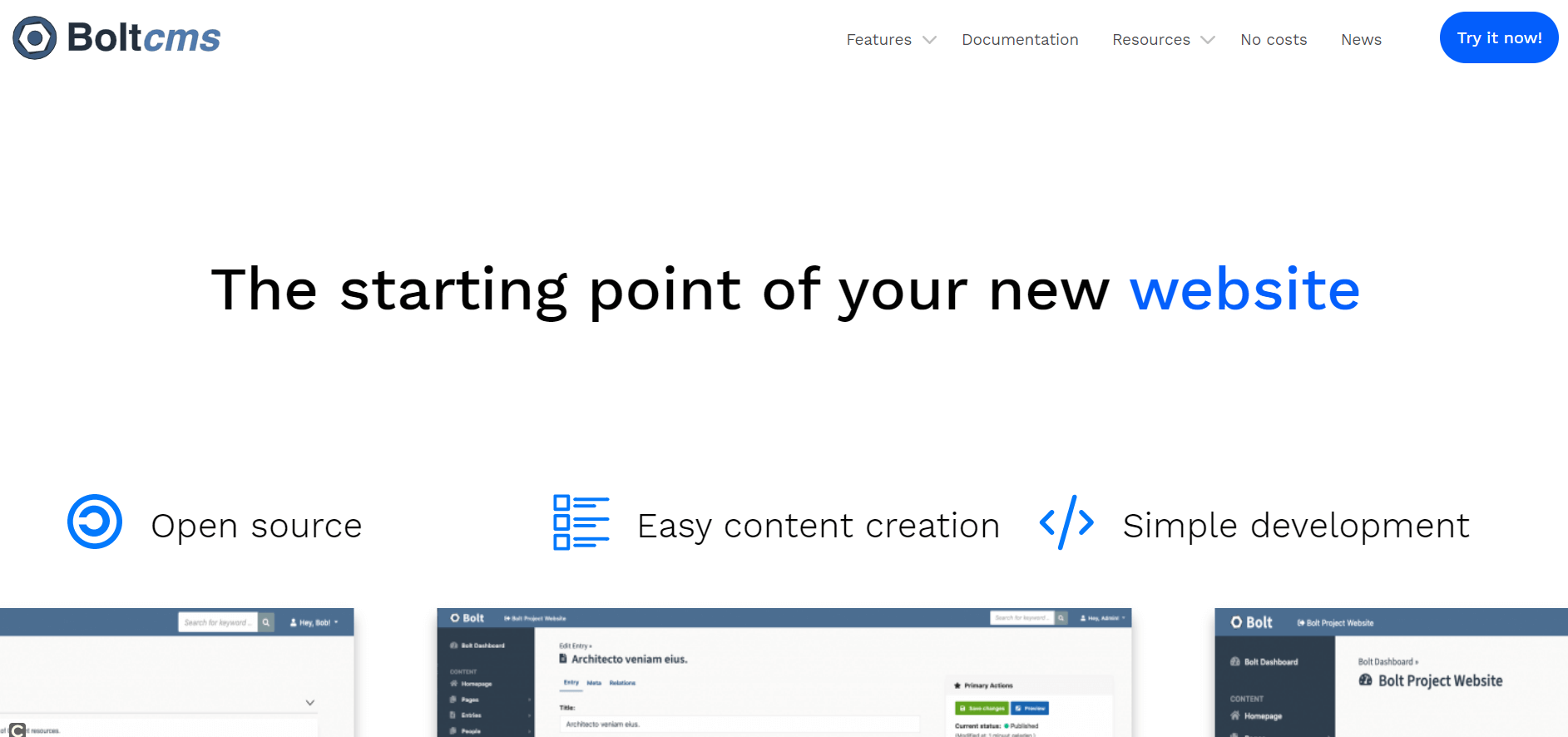
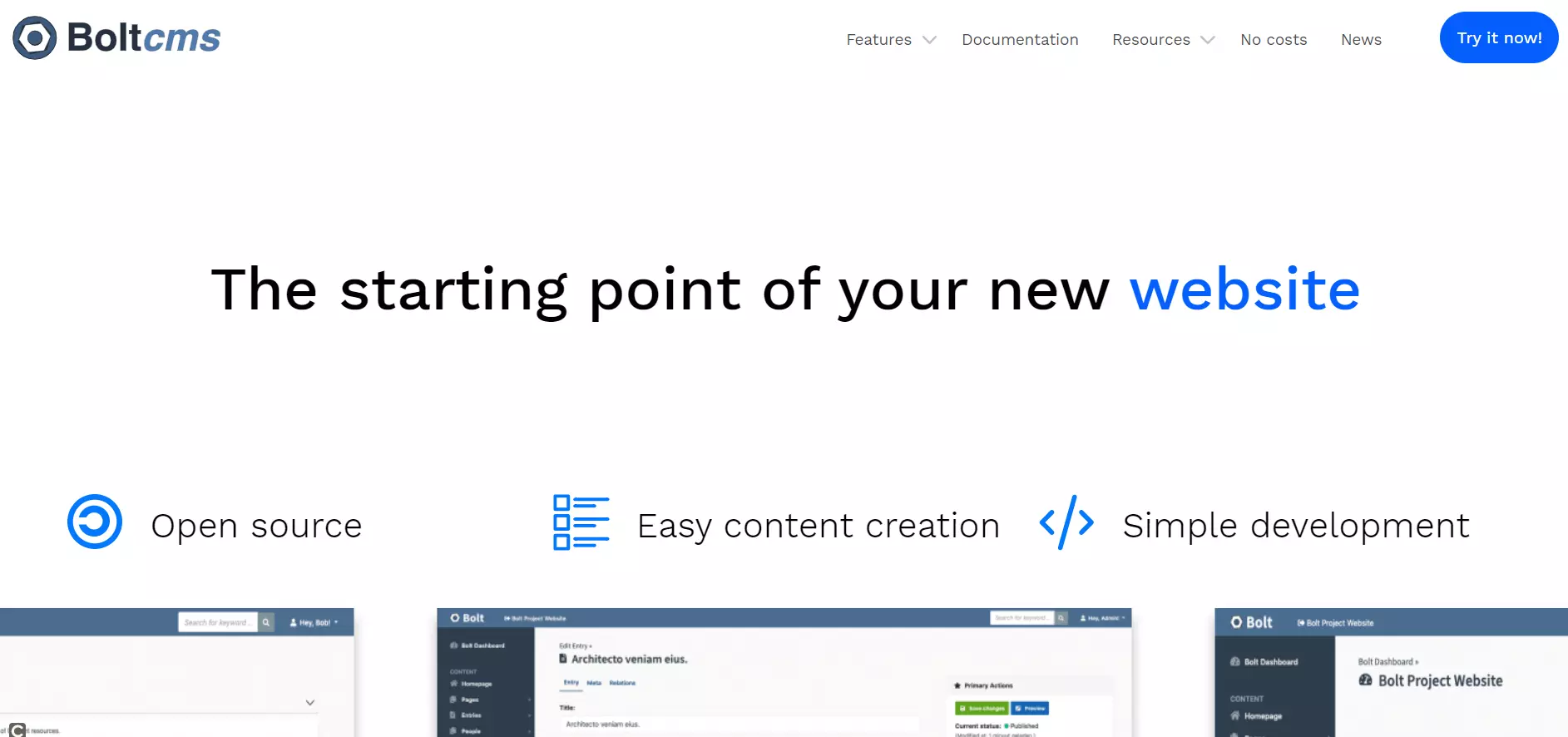
The original development started with a Dutch marketing company that created a CMS with Bolt for creating websites for their customers. By now, the open source project is also supported by others. But Bolt is still aimed at web developers – both for the initial creation of the website as well as the additional configuration. Bolt does have a clear backend in which editors can create content. But work with the CMS is not as intuitive and simplified as to be expected from WordPress, for example.
| Pros | Cons |
| With good performance and lightweight | Requires extensive knowledge in web development |
| Open source with MIT license |
Expectations and requirements for a CMS
Before you decide on one of the many content management systems available, it’s important to first define the goal of your planned online project. Ask yourself the following questions:
- What type of content should be offered?
- Who provides the content?
- What is the target group?
- What resources are available for the operation of the website?
It’s also important to estimate how many people should be working on the CMS at the same time and which workflows will be used. Is it directed to a single blogger in the online community, or is the creation of content taken over by a whole editorial team or even by the visitors of the website itself?
Your priorities in relation to installation and configuration efforts, use, management, and functionality, must be considered for the planned project. While usability or a simple connection to other systems is important to some, others focus on search engine optimisation, barrier-free access to online content, or enterprise level security.
To choose an appropriate CMS system, you should ensure that the enormous spread of different functions is in line with your individual requirements. As these differ from user to user, only a direct comparison is helpful. Use comparison tables to find out which application types best suit the solutions presented, and which system resources you need to provide for a smooth operation.
Implementation, installation, and configuration
The first obstacle on the way to implementing a CMS-supported online project is the installation of the chosen software solution. The more complex the system, the more costly the installation and upkeep. Joomla! and WordPress compensate by using a wizard, which drastically reduces the time required for installation. Small web projects can be put online in a matter of minutes. Drupal also offers users a slim basic installation process. But many functions require additional modules, which can only be installed with difficulty via FTP.
The installation of the self-contained enterprise content management system TYPO3 is also complex. It’s primarily intended for users who want to implement large online projects, such as company portals or e-commerce platforms. Website operators should have an established knowledge of the software installation, configuration, and administration.
All open source solutions in our CMS comparison are based on the PHP programing language. TYPO3 users should also have knowledge of the database language SQL and the client script language JavaScript. Website operators who want to create or customise their own templates will need PHP knowledge to use Joomla!, WordPress, Drupal, and Contao. Users of TYPO3 will have to learn its own template language, TypoScript.
Expandability through extensions, plugins, widgets, or modules is available in all content management systems presented here. Multiple functions can only be used based on extensions. The comparison table shows which features are supported natively and which require additional installation.
| WordPress | TYPO3 | Joomla! | Drupal | Contao | Neos | |
| Category | Weblog software | Enterprise CMS | Web CMS | Web CMS | Web CMS | Enterprise Content Management System |
| License | GNU GPLv2+ | GNU GPLv2+ | GNU GPLv2+ | GNU GPLv2+ | GNU LGPLv3 | GNU GPL v3+ |
| Operating system | Cross-platform | Cross-platform | Cross-platform | Cross-platform | Cross-platform | Cross platform |
| Supported web servers | Web server with PHP and MySQL support | Apache, NGINX, MS IIS, Caddy Server | Apache, NGINX, MS IIS | Web server with PHP support | Web server with PHP and MySQL support | Apache & NGINXginx preferred |
| Supported databases | MySQL, MariaDB | MySQL, MariaDB, PostgreSQL, Oracle, Firebird, MS SQL Server, SQLite | MySQL, MS SQL Server, PostgreSQL | MySQL, MariaDB, Percona Server, PostgreSQL, SQLite | MySQL | MySQL, MariaDB, PostgreSQL, Oracle, Microsoft SQL Server, SAP Sybase SQL Anywhere, SQLite, Drizzle |
| Middleware | PHP | PHP, SQL, JavaScript | PHP | PHP | PHP | PHP |
| Template language | PHP | TypoScript | PHP | PHP | PHP | Fluid, AFX |
| Extension modules | ✓ | ✓ | ✓ | ✓ | ✓ | ✓ |
| Browser-based backend | ✓ | ✓ | ✓ | ✓ | ✓ | ✓ |
| Reporting functions (i.e., for data mining) | Only with extension | Only with extension | ✓ | ✓ | Only with extension | Only with extension |
| Integration of own scripts | ✓ | ✓ | Only with extension | ✓ | ✓ | Only with extension |
| Consideration of current web standards | ✓ | ✓ | ✓ | ✓ | ✓ | ✓ |
| Craft | Grav | Kirby | Pico | Bolt | |
| Category | Mini CMS | CMS without database | Flat file CMS | Flat file CMS | Mini CMS |
| License | Proprietary | MIT | Proprietary | MIT | MIT |
| Operating system | Cross-platform | Cross-platform | Cross-platform | Cross-platform | Cross-platform |
| Supported web servers | Apache, Nginx, MS IIS | Apache, Nginx, MS IIS, LiteSpeed, Lightly, etc. | Apache, Nginx | Web server with PHP support | Apache, Nginx |
| Supported databases | MySQL | ✗ | SQLite, MySQL | ✗ | SQLite, MySQL, PostgreSQL |
| Middleware | PHP | PHP | PHP | PHP | PHP |
| Template language | Twig | Twig | PHP/HTML | Twig | Twig |
| Extension modules | ✓ | ✓ | ✓ | ✓ | ✓ |
| Browser-based backend | ✓ | ✓ | ✓ | Only with extension | ✓ |
| Reporting functions (i.e., for data mining) | Only with extension | ✓ | Only with extension | Only with extension | ✓ |
| Integration of own scripts | ✓ | ✓ | ✓ | ✓ | ✓ |
| Consideration of current web standards | ✓ | ✓ | ✓ | ✓ | ✓ |
User management
All open source solutions in our CMS comparison can be used as a multiple user system. These types of systems inevitably raise the question: Who is allowed to do what? Which functionalities of the CMS should be available for user management should be a central selection criteria when a website is shared by several users at the same time. The following table shows that almost all systems in our CMS comparison natively support the essential functions within the user management. Multi-level workflows is the only area where the CMS Contao requires an extension, as it’s primarily intended for medium-sized companies.
| WordPress | TYPO3 | Joomla! | Drupal | Contao | Neos | |
| Multi-client capability | ✓ | ✓ | ✓ | ✓ | ✓ | ✓ |
| User groups | ✓ | ✓ | ✓ | ✓ | ✓ | ✓ |
| Inheritance of user rights | ✓ | ✓ | ✓ | ✓ | ✓ | ✓ |
| Restriction of user rights | ✓ | ✓ | ✓ | ✓ | ✓ | ✓ |
| Multi-level release control | ✓ | ✓ | ✓ | ✓ | ✓ | ✓ |
| Multi-level workflows | ✓ | ✓ | ✓ | ✓ | Only with extension | ✓ |
| Craft | Grav | Kirby | Pico | Bolt | |
| Multi-client capability | ✗ | ✗ | ✗ | ✗ | ✗ |
| User groups | ✓ | ✓ | ✓ | Only with extension | ✓ |
| Inheritance of user rights | ✓ | ✓ | ✓ | Only with extension | ✓ |
| Restriction of user rights | ✓ | ✓ | ✓ | Only with extension | ✓ |
| Multi-level release control | ✓ | ✗ | ✓ | ✗ | ✓ |
| Multi-level workflows | ✓ | ✗ | ✓ | ✗ | ✓ |
Operation and content creation
Website operators rely on CMS systems to facilitate the creation and publication of online content. A good CMS offers functionalities that enable their users to create and manage website content without programming knowledge. Central selection criteria include an intuitive WYSIWYG editor with preview functions and spellchecker, import capabilities for non-textual elements like videos, interactive flash animations, audio content, as well as a search function with full-text search.
To provide website visitors with navigation to relevant content, the CMS should also have an available tagging system with which the content can be organised according to meaningful keywords.
If news publishing is the focus, the CMS should support blogging functionalities that enable the promotion of new content over web feeds and provide available reader feedback channels, such as a guestbook or comment function. Users who want to implement international projects should ensure that content can be made available in several languages.
| WordPress | TYPO3 | Joomla! | Drupal | Contao | Neos | |
| WYSIWYG editor | ✓ | ✓ | ✓ | ✓ | ✓ | ✓ |
| Multimedia elements (videos, audio content, or flash animations) | ✓ | ✓ | Only with extension | ✓ | ✓ | ✓ |
| Blog system | ✓ | Only with extension | Only with extension | ✓ | Only with extension | ✓ |
| Spellchecker | ✓ | Only with extension | Only with extension | ✓ | ✓ | ✓ |
| Preview function | ✓ | ✓ | ✓ | ✓ | ✓ | ✓ |
| Multiple languages | Only with extension | ✓ | Only with extension | ✓ | ✓ | ✓ |
| Search function | ✓ | Only with extension | Only with extension | ✓ | ✓ | Only with extension |
| Tagging | ✓ | ✓ | ✓ | Only with extension | Only with extension | ✓ |
| Craft | Grav | Kirby | Pico | Bolt | |
| WYSIWYG editor | ✓ | ✓ | ✓ | Only with extension | ✓ |
| Multimedia elements (videos, audio content, or flash animations) | Only with extension | ✓ | ✓ | ✓ | ✓ |
| Blog system | ✓ | Only with extension | ✓ | Only with extension | ✓ |
| Spellchecker | ✗ | ✗ | ✗ | Only with extension | ✗ |
| Preview function | ✓ | ✗ | ✓ | ✗ | ✓ |
| Multiple languages | ✓ | ✓ | ✓ | Only with extension | Only with extension |
| Search function | ✓ | Only with extension | ✓ | Only with extension | ✓ |
| Tagging | ✓ | ✓ | ✓ | Only with extension | ✓ |
Search engine optimisation and responsive design
High-value content is key to a successful website. Here, search engine optimization plays an increasingly important role. Website operators who want to conquer a top spot in the search engine rankings also need to fulfill certain technical requirements. These concern the URL structure of an online project, the design of meta-information, and the orientation of the layout on mobile devices.
All of the open source solutions in our CMS comparison offer users the possibility to rewrite parameterized URLs in a “talking” URL scheme that can be interpreted by both human users and search engines. Not every CMS natively supports this function without extensions.
An essential influence on search engine rankings is meta-information, like the title and description of a webpage. These are displayed to users together with the URL as a snippet in the search result and serve as a teaser animating the user to click. All presented open source systems offer users the opportunity to manually create individual meta-information for the subpage of online projects.
The rising number of mobile views has changed the demands that users put on internet presentations. Operators who still base the layout of their website exclusively on desktop users lose potential visitors and will find a decline in search engine rankings. The implementation of new online projects should make the issue of mobile-friendly presentation a priority. In principle, CMS systems counteract users by strictly separating content and presentation. For all presented solutions, you’ll find templates which automatically adjust the display size to different user devices in the scope of responsive designs. But be warned: They’re not all available for free.
| WordPress | TYPO3 | Joomla! | Drupal | Contao | Neos | |
| Search engine friendly URLs | ✓ | ✓ | ✓ | ✓ | ✓ | ✓ |
| Manual entry of meta-info such as title, description, and keywords | ✓ | ✓ | ✓ | ✓ | ✓ | ✓ |
| Responsive web design possible | ✓ | ✓ | ✓ | ✓ | ✓ | ✓ |
| Craft | Grav | Kirby | Pico | Bolt | |
| Search engine friendly URLs | ✓ | ✓ | ✓ | ✓ | Only with extension |
| Manual entry of meta-info such as title, description, and keywords | Only with extension | ✓ | ✓ | ✓ | Only with extension |
| Responsive web design possible | ✓ | ✓ | ✓ | Only with extension | ✓ |
Security & Service
Service and support are deciding factors for the selection of a CMS. Small and medium-sized enterprises can’t afford to pay for the services of professional agencies in the conception, implementation, and maintenance of the web presence.
Crucial for safe operation is whether or not the open source CMS has the necessary information available, as well as resources in the form of themes, plugins, and regular updates. In our CMS comparison, we concentrate exclusively on systems that have a large user and developer community and provide users with all necessary information for secure deployment in a detailed project documentation. All projects offer public release plans, regular software updates, and a transparent security protocol.
| WordPress | TYPO3 | Joomla! | Drupal | Contao | Neos | |
| Documentation | ✓ | ✓ | ✓ | ✓ | ✓ | ✓ |
| Tutorials | ✓ | ✓ | ✓ | ✓ | ✓ | ✓ |
| Community | ✓ | ✓ | ✓ | ✓ | ✓ | ✓ |
| Craft | Grav | Kirby | Pico | Bolt | |
| Documentation | ✓ | ✓ | ✓ | ✓ | ✓ |
| Tutorials | ✓ | ✓ | ✓ | ✓ | ✓ |
| Community | ✓ | ✓ | ✓ | ✓ | ✓ |
An overview of the most important CMS compared
Our CMS comparison shows that every solution presented is based on the objectives of the software development in question, which have a decisive influence on the orientation of the project. Finding the perfect content management system that equally satisfies all website operation requirements is a futile search. Our conclusion presents no clear winner, but instead outlines the benefits and drawbacks of the different systems regarding individual projects and their requirements.
While WordPress is primarily intended for bloggers and needs to be upgrade with extensions before use as a CMS, a system like TYPO3 offers an extensive spectrum of functions with the basic installation – though for smaller online projects, this is rarely required.
The modular CMS Drupal came from a community project, but still offers today’s users a wide range of web 2.0 functions. If you don’t require these for your project, then you should choose a different CMS option – for example, Joomla!. This system also offers users a large selection of extensions, to adapt the system to respective circumstances.
If user-friendly operation and barrier-free access to online content is the focus, then Contao is a good solution. As this is the smallest of the projects presented here, users will have to accept that it also comes with the smallest manageable community. Compared to the other projects, it doesn’t offer as many extensions, and users are provided a smaller selection of professional themes.
Here, we provide you with a final comparison of the discussed solutions regarding essential selection criteria:
| WordPress | TYPO3 | Joomla! | Drupal | Contao | Neos | |
| Installation and configuration | ↑ | → | ↗ | → | ↗ | ↗ |
| User-friendly operation (editors) | ↑ | ↗ | ↗ | ↗ | ↑ | ↑ |
| User-friendly operation (admin) | ↑ | ↗ | ↗ | ↗ | ↑ | ↑ |
| Cost for extensions/additional service and support | ↗ | → | → | ↗ | ↗ | ↑ |
| Expandability/customisability | ↑ | ↗ | ↗ | ↗ | → | ↑ |
| Craft | Grav | Kirby | Pico | Bolt | |
| Installation and configuration | → | → | → | → | → |
| User-friendly operation (editors) | ↗ | → | → | → | → |
| User-friendly operation (admin) | ↑ | ↑ | ↑ | ↑ | ↑ |
| Cost for extensions/additional service and support | ↗ | ↑ | ↑ | ↑ | ↑ |
| Expandability/customisability | ↗ | ↗ | ↗ | ↗ | ↗ |
| Community | ↑ | ↑ | ↑ | ↑ | ↑ |
| Security | ↗ | ↑ | ↑ | ↑ | ↑ |
Reviewers

Sven Ignor
Sven Ignor is a TYPO3 web developer with over 15 years of experience and specialises in bespoke solutions based on TYPO3. He is happy to share his knowledge and is committed to TYPO3 and the community

Melissa Senn
Melissa Senn has been with IONOS since 2016 and focuses on website, e-commerce, social media, and AI in the Digital Guide. As a digital strategist, she uses her extensive SEO and GEO experience to transform complex technological trends into practical content.

Julia Hertler
With over 18 years of experience in content marketing, Julia Hertler has deep expertise in digital communications. For the past 10 years, she has specialised in the areas of domains and hosting at the IONOS Digital Guide, making complex technical topics easy to understand.