
WordPress Facebook plugins compared

Facebook plugins for WordPress simplify embedding the social media platform on your website. Read on to find out more about the most frequently used WordPress Facebook plugins.
- Free website protection with SSL Wildcard included
- Free private registration for greater privacy
- Free Domain Connect for easy DNS setup
Why should you embed Facebook with WordPress using plugins?
Facebook makes it easy for website operators to combine their social media activities and reach their visitors to boost communication and engagement or even sell via Facebook. To add your Facebook interactions to your WordPress website, you can use a dedicated Facebook plugin. These save time and provide consistent results. Best of all, you don’t need any or only minimal programming know-how to get going. Just check your WordPress version to ensure compatibility with your chosen plugin.
With the help of Facebook social signals, your website could boost engagement and relevance for website visitors. Moreover, WordPress Facebook plugins ensure that Facebook content is displayed in the style of your WordPress website, fully supporting your design ideas.
Facebook is part of US parent Meta which, among other things, collects user data protected by the scope of the European General Data Protection Regulation. Caution is advised when interacting with Facebook pages and components to avoid privacy issues. Find out more in our dedicated guides on the Data Protection Regulation and on WordPress cookie plugins.
Overview of WordPress Facebook plugins
| WordPress Facebook plugin | Developer | Functions | Price | Installations |
| Widget for Social Page Feeds | Milap Patel | Integrates Facebook on website | Free plugin Support: £ | >100,000 |
| Smash Balloon Social Post Feed | Smash Balloon | Integrates Facebook on website | Free basic version Pro version: ££ | >200,000 |
| Easy Social Feed | Easy Social Feed | Customizable integration of Facebook feed on a web page | Free basic version Pro version: £ | >70,000 |
| WordPress Social Sharing Plugin Social Warfare | Warfare Plugins | Places social media buttons for sharing the content of a web page | Free basic version Pro version: £ | >50,000 |
| Nextend Social Login and Register | Nextendweb | Registration on a website with a social media account | Free basic version Pro version: ££ | >300,000 |
| Live Chat with Messenger Customer Chat | Zotabox | Adds live chat feature with Facebook Messenger on a web page | £££ | >10,000 |
| WP2Social Auto Publish | xyzscripts.com | Generates automated Facebook posts from website content | Free | >20,000 |
| Facebook Page Plugin | Meta | Integrates Facebook on a web page | Free | unknown |
Updated: May 2022
We’ve added the names of the WordPress Facebook plugins developers to make searching for them easier.
Unsure how to connect your WordPress website to other social media platforms? Check out our how-to guides:
Widget for Social Page Feeds
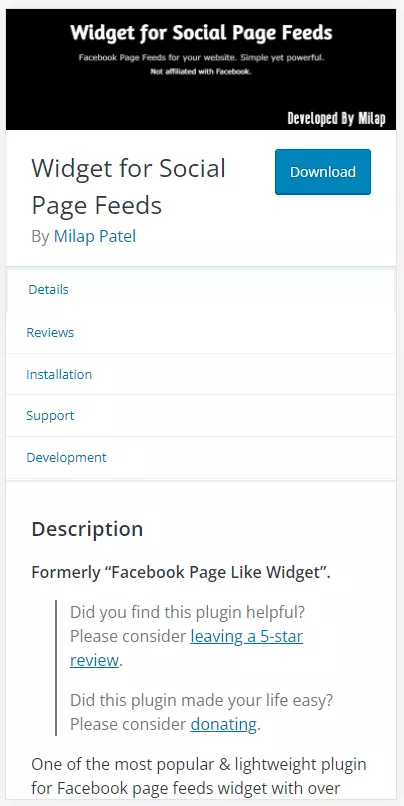
The Widget for Social Page Feeds is currently not listed among the top plugins in the WordPress directory. That’s because it appears under its former name `Facebook Page Like Widget´. Once installed, a new Facebook widget carrying the plugin’s name will be available in the backend of the WordPress website. The selected Facebook page is customisable and can be added anywhere on a website using shortcode.
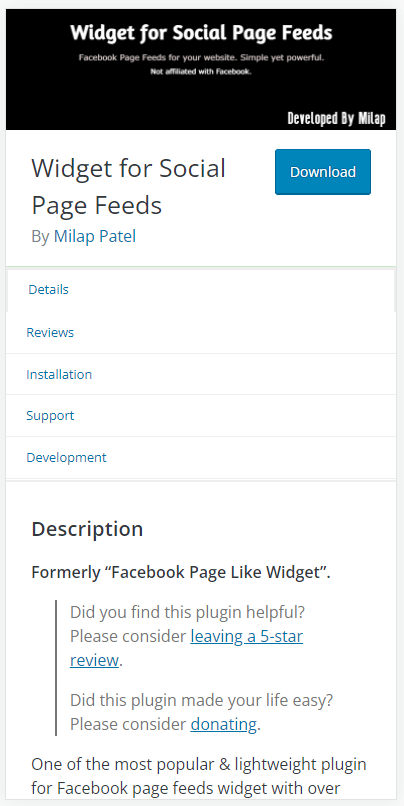
Important features and functions of Widget for Social Page Feeds:
- Slim code
- Supports shortcodes
- User-defined CSS possible
| Advantages | Disadvantages |
| ✓ simple configuration | ✗ only paid support |
| ✓ no user tracking | |
| ✓ does not place cookies | |
| ✓ no sharing of user data |
Get the most from the popular content management system with IONOS and Hosting for WordPress.
Smash Balloon Social Post Feed
The praised Smash Balloon Social Post Feed WordPress Facebook plugin creates a Facebook Feed entry in the WordPress dashboard. Select the Facebook account to display from the settings by logging into your account. The registration process ensures the plugin provider can only process data the administrator agrees to share.
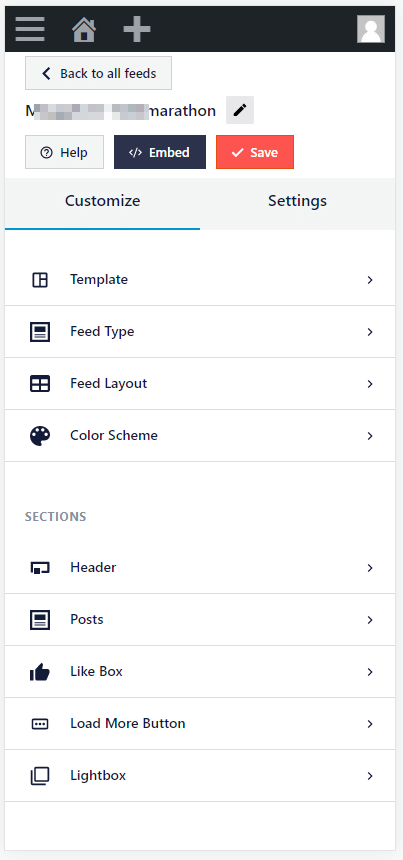
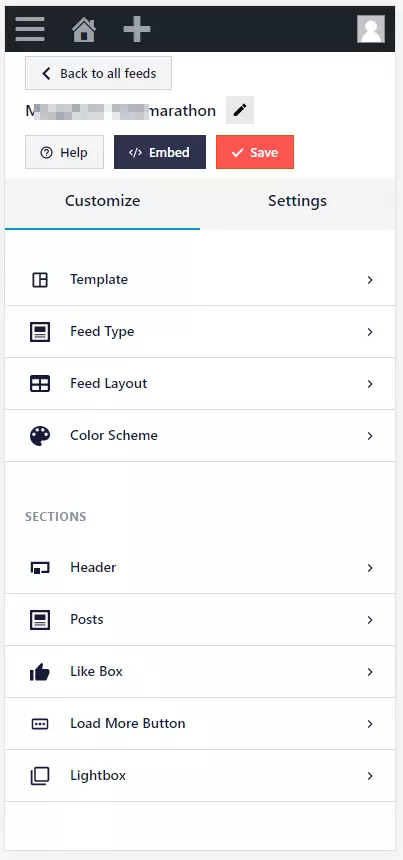
Important features and functions of Smash Balloon Social Post Feed:
- Simple and secure administration
- Fast reaction
- Fully customisable
- GDPR-compliant
| Advantages | Disadvantages |
| ✓ good instructions on how to integrate Facebook pages | ✗ Photos, videos, likes, shares, reactions, comments and more only available in the Pro version |
| ✓ preview for different devices | |
| ✓ unlimited number of feeds | |
| ✓ regular updates |
Let your brand do the talking and register your personalized domain instantly.
Easy Social Feed
The WordPress Facebook plugin Easy Social Feed – previously known as Facebook Like Box – supports a customisable display of a Facebook feed on a website by using the WordPress theme’s Customizer in the backend. This means you can visually adapt to the `look and feel´ of the existing website. The plugin supports all types of posts including images, videos, status updates, and links.
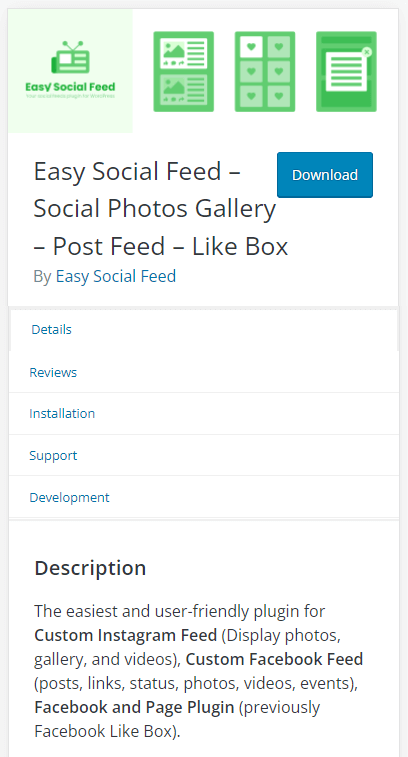
Important features and functions of Easy Social Feed:
- works as Facebook page plugin for WordPress
- displays customisable Facebook and Instagram feeds
- control via widget, shortcode, or as Auto PopUp (separate plugin)
| Advantages | Disadvantages |
| ✓ many layouts | ✗ chargeable Pro version |
| ✓ fully responsive | |
| ✓ very fast due to internal caching | |
| ✓ extensive documentation |
WordPress Social Sharing Plugin – Social Warfare
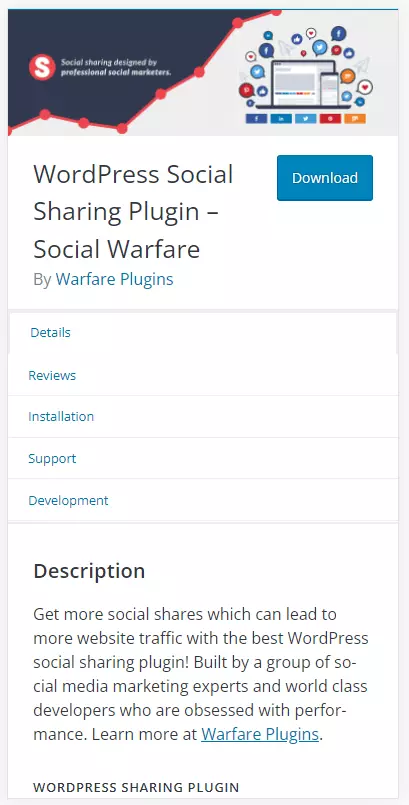
This WordPress plugin is easier to find by searching for the last half of its name Social Warfare. The plugin embeds buttons of the selected social media channels. Page visitors can then share website content and generate more traffic. It is a multipurpose tool that serves Facebook, Twitter, Google, Pinterest, LinkedIn, and a mix of these social channels.
The Premium version adds nine additional social media channels, including Tumblr and WhatsApp.
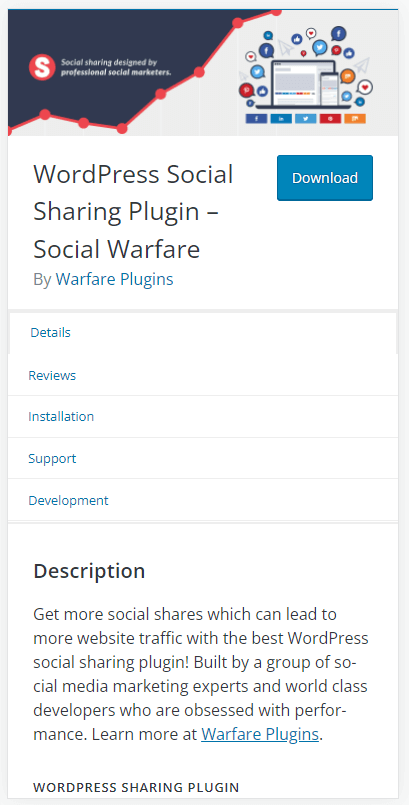
Important features and functions of Social Warfare:
- website visitors can share content to their own social channels
- boosts visitors
| Advantages | Disadvantages |
| ✓ shortcodes for automated or manual placement of share buttons | ✗ pro version only as annual subscription |
| ✓ slim programming code |

Nextend Social Login and Register
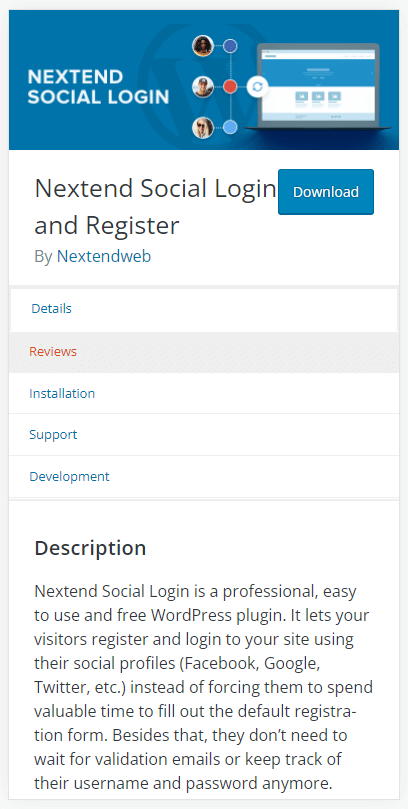
If you run a website with a members’ area, the Nextend Social Login and Register plugin lets visitors register using their social media account, for example, a Facebook account. The basic version is available for free. Once you’ve installed the plugin, a button such as `Continue with Facebook´ will appear under the standard registration form on the designated web page. Website visitors then won’t need to fill out a registration form or wait for a confirmation email but can instantly proceed to the members’ area.
(Placeholder for WordPress e-book for beginners)
The plugin can be added via shortcodes or as a widget. Social network buttons will be visible in the WordPress backend. You can change the language settings and customise the design of the website.
Important features and functions of Nextend Social Login and Register:
- Registration on a website with the login data of social network profiles
- Login with Facebook, Google, or Twitter possible
| Advantages | Disadvantages |
| ✓ simple configuration | ✗ additional login accounts and WooCommerce support only in the Pro version |
| ✓ compatible with existing WordPress login/registration form | |
| ✓ users save time | |
| ✓ GDPR-compliant |
Live Chat with Messenger Customer Chat
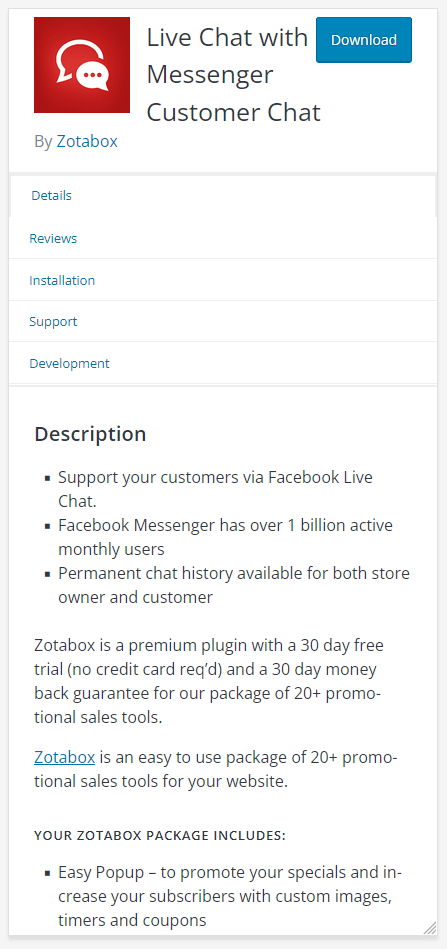
Direct communication is a great way to attract website customers and keep them engaged. The WordPress plugin Live Chat uses Facebook Messenger in connection with your Facebook business page. The plugin can only be set up via the provider’s website – Zotabox. Once installed, the application will be visible as an embedded chat on your website. After the free trial period, the feature does incur charges. However, it boasts plenty of useful functions including a chat, additional marketing tools for social reviews, testimonials, email marketing, and promotions. There is a 30-day money-back guarantee if sales do not increase.
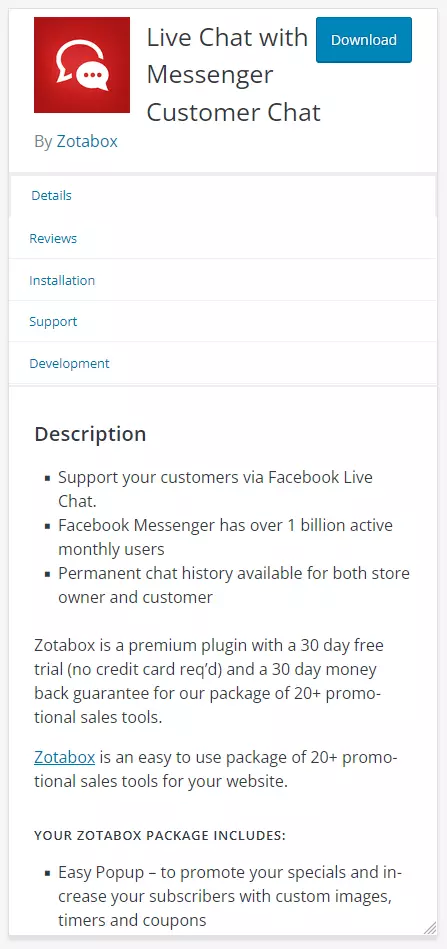
Important features and functions of Live Chat with Messenger Customer Chat:
- Integration of chat function to your website
- Design of chat window customisable to size, colors, icons, and buttons
- Integration of other social media activities possible
- Additional marketing tools included for email marketing, promos, etc.
- Push notifications available
| Advantages | Disadvantages |
| ✓ clear configuration | ✗ chargeable after 30-day trial period |
| ✓ many chat languages | ✗ price increases with number of messages |
| ✓ chat progress is saved |
WP2Social Auto Publish
With WP2Social Auto Publish it’s the opposite way around. The WordPress plugin publishes posts from the website automatically to Facebook. Different formats and filters can be selected by post type or category. Using the built-in filters, post components can be included or excluded for any given Facebook post.
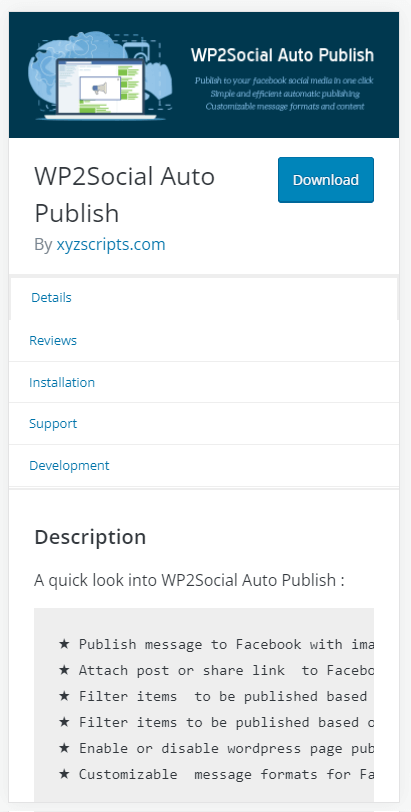
Important features and functions of WP2Social Auto Publish:
- Creates Facebook posts from web page content as plain text with or without an image
- Sharing of links with posts
- Posting to Facebook pages
- Protocol function
| Advantages | Disadvantages |
| ✓ publish defined blog posts of a WordPress website to Facebook | ✗ only tested up to WordPress version 5.7.6 |
| ✓ simple installation | |
| ✓ extensive FAQs |
- Stress-free, no matter your skill level with easy AI tools
- Full customisation with themes and plugins
- Hassle-free updates and less admin
Facebook Page Plugin for WordPress
Meta provides its own interface to embed a public Facebook page on a web page. The feature works for all Facebook pages that are not access-restricted.
To add it, navigate to the Developer Page and enter the address of the desired Facebook page in the corresponding field. If you are already logged in to your Facebook page, the URL will be auto-inserted. After adjusting further settings, click on Get Code.
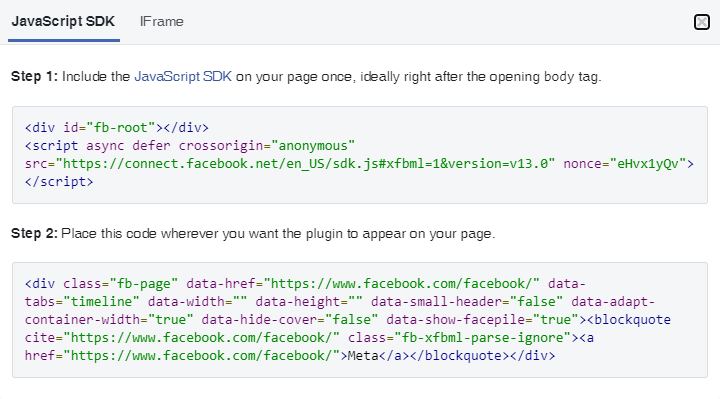
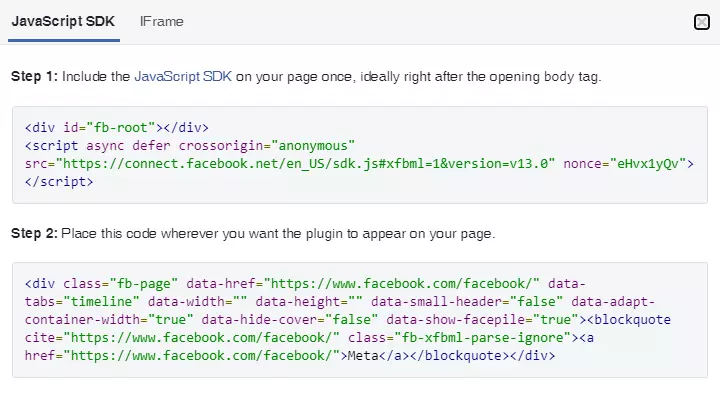
The top code snippet (step 1) is inserted after the opening <body> tag</body> of the web page. The tag can be viewed in the WordPress dashboard under Design > Theme File Editor > Theme Header (header.php; in the rightmost bar) so long as you hold administrator privileges.
<div id=`fb-root´></div>
<script async defer crossorigin=`anonymous´ src=`https://connect.facebook.net/sdk.js#xfbml=1&version=v13.0´ nonce=`6EqKyz4I´></script>Comment on changes in WordPress core with before and with after the deployed code. This will make it easier for you or other administrators to continue working on the website.
Subsequently, the below plugin code (step 2) is inserted at the position of the WordPress web page where you want the Facebook window to appear:
<div class="fb-page" data-href="https://www.facebook.com/facebook" data-tabs="timeline" data-width="" data-height="" data-small-header="false" data-adapt-container-width="true" data-hide-cover="false" data-show-facepile="true">
<blockquote cite="https://www.facebook.com/facebook" class="fb-xfbml-parse-ignore">
<a href="https://www.facebook.com/facebook">Meta</a>
</blockquote>
</div>
Important features and functions of Facebook interface:
- configurable integration of Facebook posts with/without image
- additional tags to personalise display
| Advantages | Disadvantages |
| ✓ slim solution and not version dependent | ✗ deeper programming know-how needed to edit WordPress core files |
| ✓ no impairment of the loading times | ✗ HTML knowledge needed |
| ✓ good support documentation |
Meta’s Facebook plugin can be used on a page (Page) in a post (Post) or in any widget (for example, the Sidebar) of the respective WordPress theme. You may need to test the settings that generate the code (width, height, etc.) until they fit your WordPress page design.
When experimenting, you should backup your WordPress website in advance. Check out suitable WordPress backup plugins in our Digital Guide. If your WordPress website may be slowing down because of a plugin, take a look at our tips on how to speed up WordPress.
Check out an overview of popular WordPress plugins for a wide range of purposes.
Reviewer

Julia Hertler
With over 18 years of experience in content marketing, Julia Hertler has deep expertise in digital communications. For the past 10 years, she has specialised in the areas of domains and hosting at the IONOS Digital Guide, making complex technical topics easy to understand.