VPS Hosting
VPS at an unbeatable price – and better than ever
- NEW: 1-click app installation
- Unlimited traffic and >99.99% availability
- 24/7 expert support and your own personal consultant
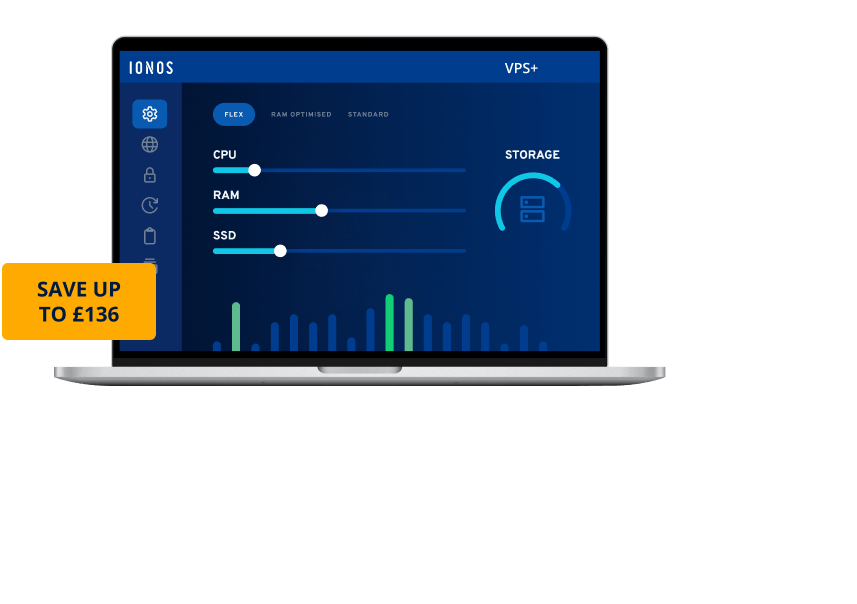

VPS power at the best price
All prices exclude VAT charged at 20%. VAT may be subject to change depending on your country of residence. Terms and conditions apply.
NEW
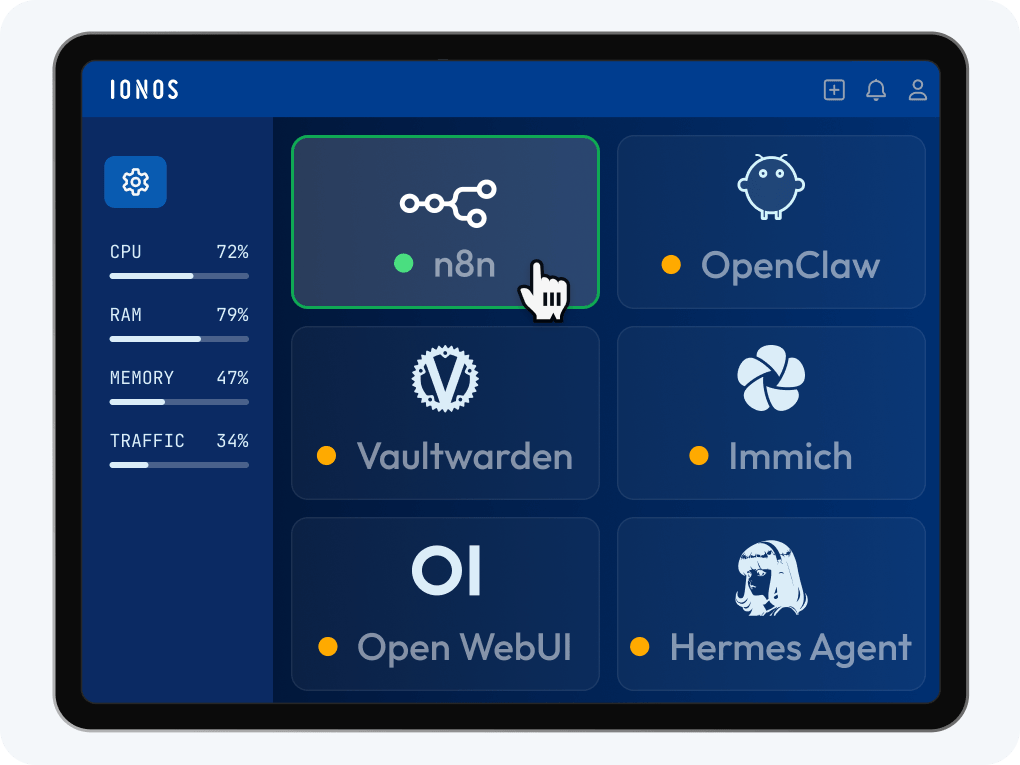
Install your favourite free apps with one click
Set up applications like OpenClaw, Hermes, or proven dev stacks and databases with just one click. The application catalogue delivers pre-configured, free apps that are available directly on your VPS. Install one or more apps – straight after purchase or at any time later.
Peak VPS performance
1-click installation

VM cloning

Additional VMs

Load balancer

Private network

Block storage

Object storage

Enterprise-grade

Over 99.99% uptime

Unlimited traffic

Active DDoS protection

Full root access

High-Speed Images

Customisable firewall

IPv4 & IPv6 dual stack
All VPS+ features
24/7 AI Assistant | |
Choice of data centre location | United Kingdom, Germany, Spain, United States
|
Availability | 99.99%
|
SSD NVMe storage system | |
Unlimited traffic | |
Bandwidth | External server connection up to 1 Gbit/s
|
1-click installation | Easy installation of numerous free apps
|
24/7 expert support | More info: Scope of Support for Server Products |
VM Cloning | |
Load Balancer | |
Private Network | |
Additional VMs (optional, pay-as-you-go) | |
Block Storage (optional, pay-as-you-go) | |
Object Storage (optional, pay-as-you-go) |
Wildcard SSL certificate | |
High-performance data centres
| ISO 27001 certified
|
Firewall management | |
IPS/IDS | |
Cloud Backup (optional) | From £0.045 per GB/month excl. VAT
|
DDoS protection |
Linux | Latest versions of AlmaLinux, Debian, Rocky Linux, and Ubuntu.
|
Windows | Windows Server® 2022 or 2025
|
KVM console | |
Cloud Panel | |
Full root access | |
Administration tool Plesk Obsidian | £5/month
|
Control panel | |
Encrypted remote access |
Number of email addresses | 2
|
2 GB storage capacity per inbox | |
Webmail 2.0 | |
Anti-spam | |
Domains (optional) | Optional add-on
|
1x IPv4 address per server included | |
Additional IPv4 addresses (optional) | £5 excl. VAT per IPv4 address
|
1x IPv6/80 network included | |
Unlimited external domains | |
DNS management |
A powerful environment for AI tools and workloads
Whether you're using n8n optimisations or open source AI – with IONOS VPS, you can combine additional virtual machines, load balancers, and monitoring for your projects.Growing together with our customers

Cliff Wootton
web developer
Whatever you're building, we've got you covered
Rely on the market leader IONOS


your number 1 in Germany and Europe
 Europe's first and largest hostTrusted for 30+ years by around 7 million customers.
 The first providerSuccessful for 30 years.
 Award-winning supportRecognised for engagement and customer insight.
 Leading the way in hostingThe only provider listed on the Frankfurt Stock Exchange.
 State-of-the-art data centresGet ultra-reliable Tier IV uptime, powered by 100% green energy.
 100% GDPR-compliantWe guarantee top data protection in line with EU regulations.
 24/7 expert supportOnly at IONOS: premium support round the clock, plus a personal consultant.
 Fair & transparentEnjoy 1 month free trials and no hidden fees.
Our premium hardware partners for VPS


IONOS – The leading European hosting provider, certified and trusted
31 data centres worldwide
Multi-certified security


Only at IONOS
Your personal consultant
With IONOS, you benefit from the latest AI. Once you've placed your order, your personal consultant is also on hand, someone who knows you and gives expert advice whenever you need it.
24/7 expert support
Technical questions? Our award-winning experts are always available to help by phone, chat or email.
VPS hosting – FAQ
Yes, each customer can add up to 5 additional VMs in Cloud Panel.
When ordering your VPS, you can install popular applications like n8n, OpenClaw, or Vaultwarden right away – no manual setup required. In the ordering process, simply click the ‘Applications’ tab, select one or more apps, and your server is automatically set up with everything you need. Docker, the web interface, and all dependencies are ready to use straight away.
VPS+ significantly expands your possibilities. Alongside the performance you're used to, you now have additional virtual machines, VM cloning, load balancers, and a private network at your disposal. You can also flexibly integrate Block Storage and IONOS S3 Object Storage.
A Load Balancer automatically distributes website traffic across two or more virtual machines (VMs). You benefit from this if you want to ensure maximum availability – your web project remains online even if one computing instance is undergoing maintenance or fails. Furthermore, it is ideal for handling traffic spikes during periods of high website visitors. Please note: the Load Balancer is an optional service that is billed in addition to your VPS+ package.
Image cloning creates an exact copy of your current server, including all programmes, settings, and data. This is ideal for quickly creating identical dev environments or providing new computing instances for load balancing. If you need a new, preconfigured server, you can simply add it as an additional virtual machine (VM). While your chosen basic package continues to be billed conveniently via prepaid, you use our flexible pay-as-you-go principle for all further resources. This allows you to benefit from immediate scaling and a clear separation of costs for each of your web projects.
These are two specialised storage solutions: Block Storage acts like a fast, external hard drive connected directly to your virtual machine (VM). It is the best choice for actively used data and for expanding your system storage space. Object Storage is optimised for archiving large datasets. It offers a cost-efficient solution for huge amounts of static data such as log files or media files and is an essential building block for your long-term online storage strategy. Both services are billed separately based on actual usage via the pay-as-you-go principle.
When your server is set up and ready, you can dive into your Cloud Panel to take control:https://login.ionos.co.uk/.
Key Resources For a Smooth Start: Find straightforward guides and tips to navigate your initial setup and make the most of your server:https://www.ionos.co.uk/help/server-cloud-infrastructure/.
Comprehensive Support at Your Fingertips: Our commitment is to your server's reliable operation and your peace of mind. From server hardware to software essentials, we’ve got you covered. Explore our Scope of Support for detailed insights and assistance options, including:
Self-Service: Access, firewall configuration, and best practices for backups.
Expert Premium Assistance: You can find our contact details here for support on services beyond the standard scope, including custom setups and advanced configurations.
Proactive Steps to Protect Your Data:
Backups: Leverage our Cloud Backup for comprehensive data protection. Check our help centre for setup guidance.
Health Monitoring: Regular checks of HDD/SSD health are crucial, especially for dedicated servers. Early detection can prevent data loss and ensure uninterrupted service.
Have questions or need further assistance? Our team is just a call away: Find our contact details here.
If you decide on one of our VPS+ packages, you'll have access to an operating environment that is tailored to your application or software needs. You'll be able to install any apps yourself in no time, via root access. Typical use cases include:
- Web server
- Mail server
- Shop server
- Development server
An IONOS VPS+ is suitable for private and professional use.
Having your own web server gives you the opportunity to realise a wide range of web-based projects, big and small. Which operating system suits you best is a question of personal preference.
If an intuitive user interface for your server is important to you, we recommend the Windows server operating system. The popular operating system’s familiar design ensures an effortless server setup.
If you're looking for a more affordable option, a Linux VPS package is a good alternative. It's an open-source operating system, so there are no licensing fees. Linux is also considered to be a secure operating system with a comparatively small attack surface. Additionally, Linux forms part of the widely used LAMP stack (Linux Apache, MySQL, PHP), which underpins countless web applications.
Virtual servers and cloud servers are similar in that they both have a virtualised infrastructure. However, there are differences in their technology and functionality. Virtual servers are typically physical servers that house CPU, RAM, and storage drives, while cloud infrastructures consist of compute and storage nodes, which are separate, individual components that have been cloudified. IONOS virtual servers use the same technological platform as the IONOS CLOUD, but they have a slightly reduced feature set.
A virtualised server combines physical hardware that is broken down into separate systems with the help of software. These servers can then be used and shared by several users. In fact, the resources available in the actual server (CPU, RAM, and memory) are divided.
A dedicated server is yours alone to use. Comparable to a laptop or a home PC, the installed resources / components / hardware (CPU cores, RAM, memory, network access, etc.) are used exclusively by one person.
You can see all details of the scope of support in this Help Centre article.
It usually only takes a few minutes to set up a server. However, larger servers (equipped with memory-intensive operating systems) may take longer to install.
Access is provided …
- ... for Linux vServer: via an encrypted connection using SSH.
- ... for virtual servers with Windows: via remote desktop connection.
If a problem occurs with the firewall or network resources, a KVM console is also available in the Cloud Panel to ensure remote access.
Yes, after server setup you'll have access to the central administration panel (Cloud Panel), where you can easily manage your server's settings and features.
With root access to your server included in your administrative rights, you'll have total control over your systems, services and network.
It acts as your on-demand server assistant. You can use it to perform basic tasks like restarting your server or reinstalling the OS, as well as advanced tasks like configuring firewalls and troubleshooting performance issues.
 Root server
 SQL server hosting
 Game server hosting
 Servers
 Secure FTP hosting
 Free VPS
 Free cloud server
 Free server hosting
 Free Domain Name
 Free SSL
 Free Website Hosting
 Extended validation certificate
 Cheap websites
 Managed Kubernetes
 Private Cloud powered by VMware
 AI email writer