Security

Image: How do you convert a website to HTTPS (SSL)?Bakhtiar ZeinShut­ter­stock

How do you convert a website to HTTPS (SSL)?

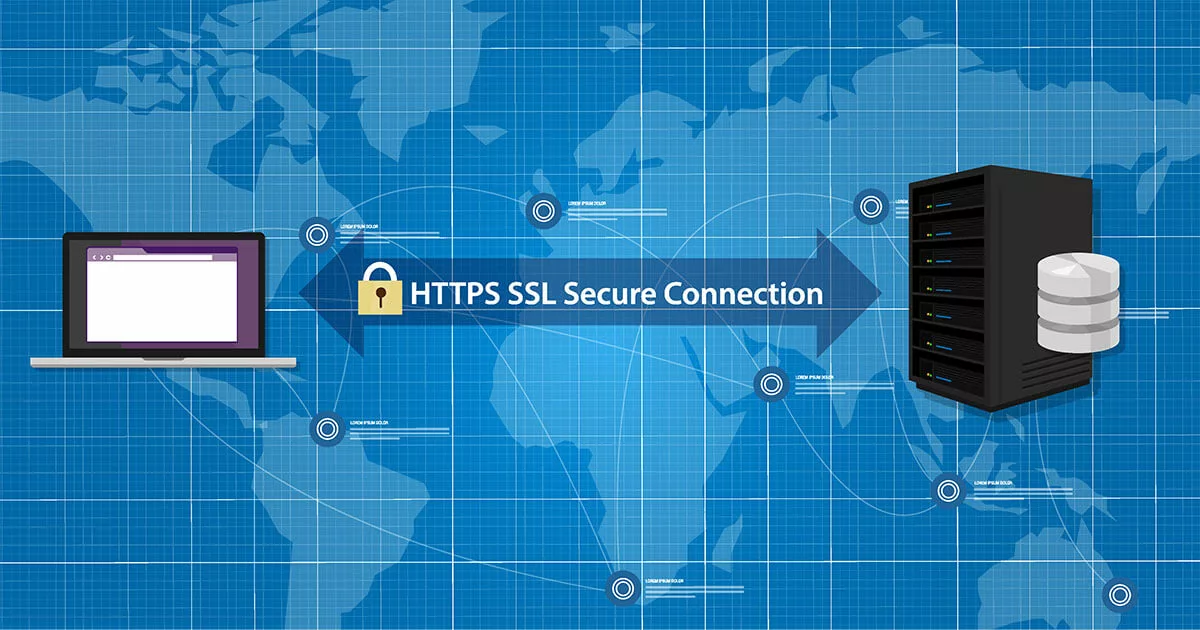
Data security is more important than ever. If your site still uses HTTP, it’s time to switch to HTTPS. This guide explains how to safely and ef­fi­ciently migrate your website to HTTPS, step-by-step, suc­cess­fully switch to SSL en­cryp­tion, and ul­ti­mately create a secure website to…

Read more
Image: How to encrypt and sign your emails with S/MIMEVictor MoussaShut­ter­stock

How to encrypt and sign your emails with S/MIME

Sending an email without extra security is akin to sending a postcard: If everything goes as expected, the message arrives intact and unread by anyone else. But if the postcard or email is in­ter­cep­ted during transit, the content can be read or altered freely. Discover how the…

Read more
Image: How to use two-factor authentication to protect your accountji­jo­math­aidesign­ersshut­ter­stock

How to use two-factor au­then­tic­a­tion to protect your account

With two-factor au­then­tic­a­tion, accounts can be ef­fect­ively protected against hacking or phishing attacks. Since more than just a password is needed for login, internet criminals can’t do much with in­ter­cep­ted login details. In our guide, we explain how two-factor au­then­tic­a­tion…

Read more
Image: How to encypt your emails with SSL/TLSTierneyMJShut­ter­stock

How to encypt your emails with SSL/TLS

Are the emails that you send and receive encrypted? If not, it’s about time you started. Only by en­crypt­ing the trans­mis­sion and content of emails can you ensure that your data is secure while being sent. Otherwise, un­au­thor­ised persons can read your email traffic easily and…

Read more
Image: How to reset MySQL/MariaDB root passwordREDPIXEL.PLshut­ter­stock

How to reset MySQL/MariaDB root password

For­get­ting the root password in MySQL or MariaDB doesn’t need to become a serious issue. By following the right steps, you can reset a MySQL/MariaDB root password quickly and easily at any time. This dedicated guide walks you step by step through both methods and points out what…

Read more
Image: What is reverse domain hijacking? Definition and protective measuresPayless Images, Inc.Shut­ter­stock

What is reverse domain hijacking? Defin­i­tion and pro­tect­ive measures

The rights to domain names are often hotly contested. While companies defend them­selves against cy­ber­squat­ting, there’s also the opposite case, known as reverse domain hijacking. This is when trademark owners attempt to mis­ap­pro­pri­ate domains, often using legal tricks and…

Read more
Image: What is StartTLS? How it works, uses, and security risksMarkus MainkaShut­ter­stock

What is StartTLS? How it works, uses, and security risks

StartTLS initiates the en­cryp­tion of an email using the TLS protocol and is con­veni­ent because, if the method is accepted, the en­cryp­tion occurs auto­mat­ic­ally. There’s no need to contact a dedicated port; StartTLS can be easily in­teg­rated into normal op­er­a­tions. However, this…

Read more
Image: How to set up the Outlook spam filter and customise itRawpixel.comShut­ter­stock

How to set up the Outlook spam filter and customise it

The Outlook spam filter moves unwanted and po­ten­tially malicious spam emails to the Junk folder. Even pro­mo­tion­al emails that don’t meet typical spam criteria can be kept out of your inbox with the right settings. If le­git­im­ate messages are mis­takenly flagged, the Outlook Junk…

Read more
Image: How to change your Outlook password step by stepRawpixel.comShut­ter­stock

How to change your Outlook password step by step

Outlook makes it easy to manage email accounts from various providers within a single interface. All it needs are the correct mail server settings and your login cre­den­tials. If you change your password, you simply need to update it in the client’s settings. But how exactly do…

Read more
Image: What is a reverse proxy? Core components in security architecturewatcharashut­ter­stock

What is a reverse proxy? Core com­pon­ents in security ar­chi­tec­ture

Servers offering online services and requiring a con­tinu­ous internet con­nec­tion are prime targets for cy­ber­crim­in­als. These can be better protected by using a network component po­si­tioned in front—the reverse proxy. It collects incoming requests, adding an extra layer of…

Read more